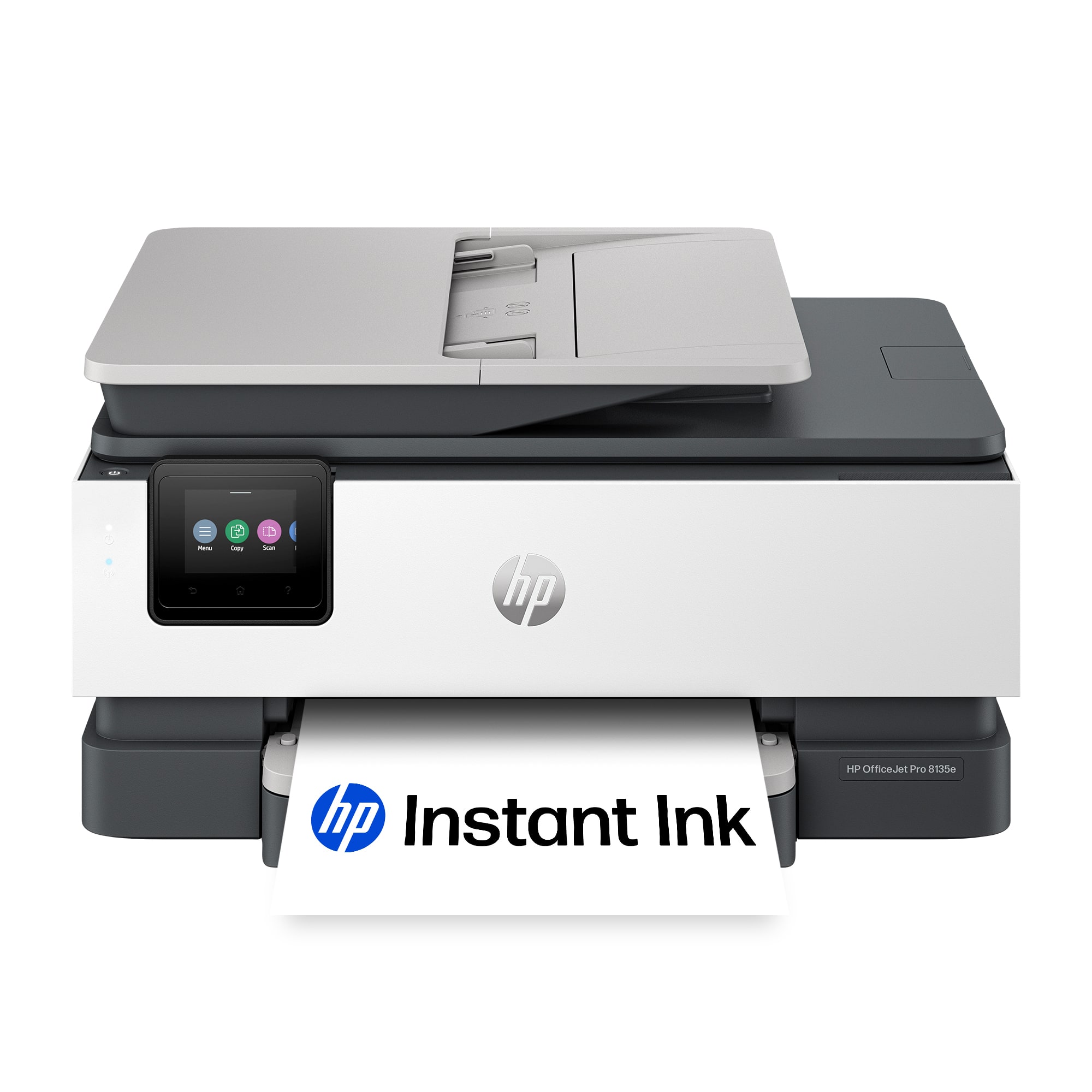
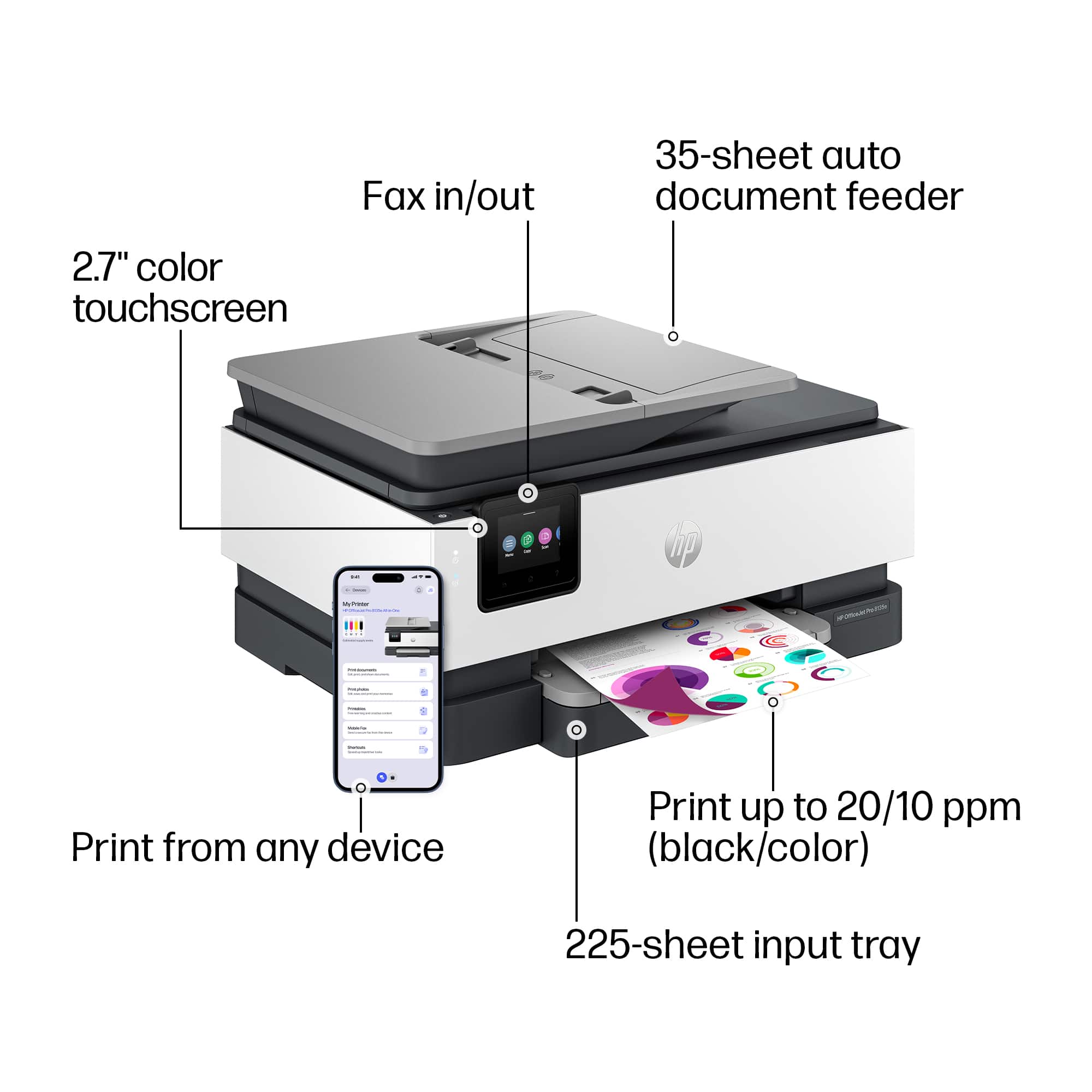
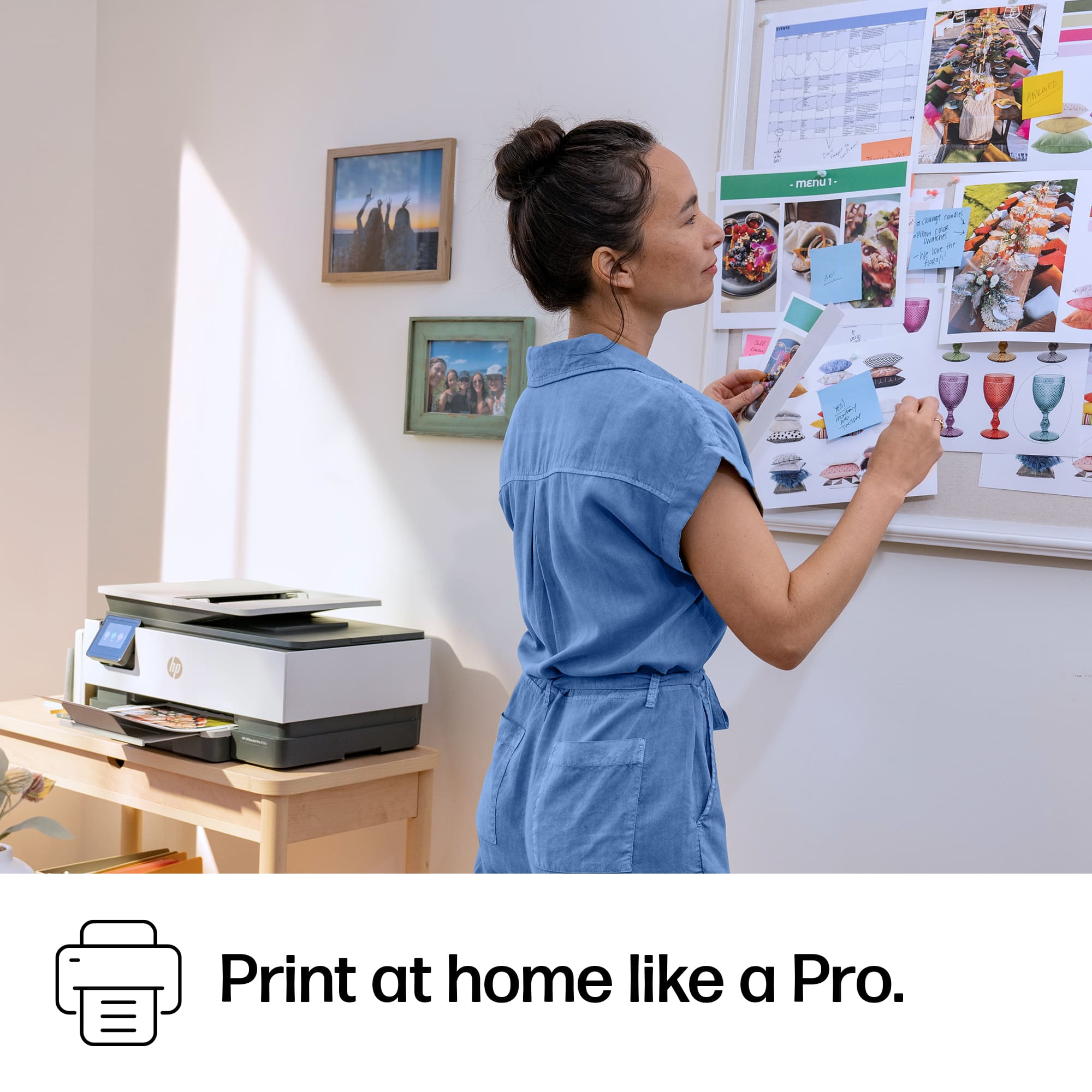
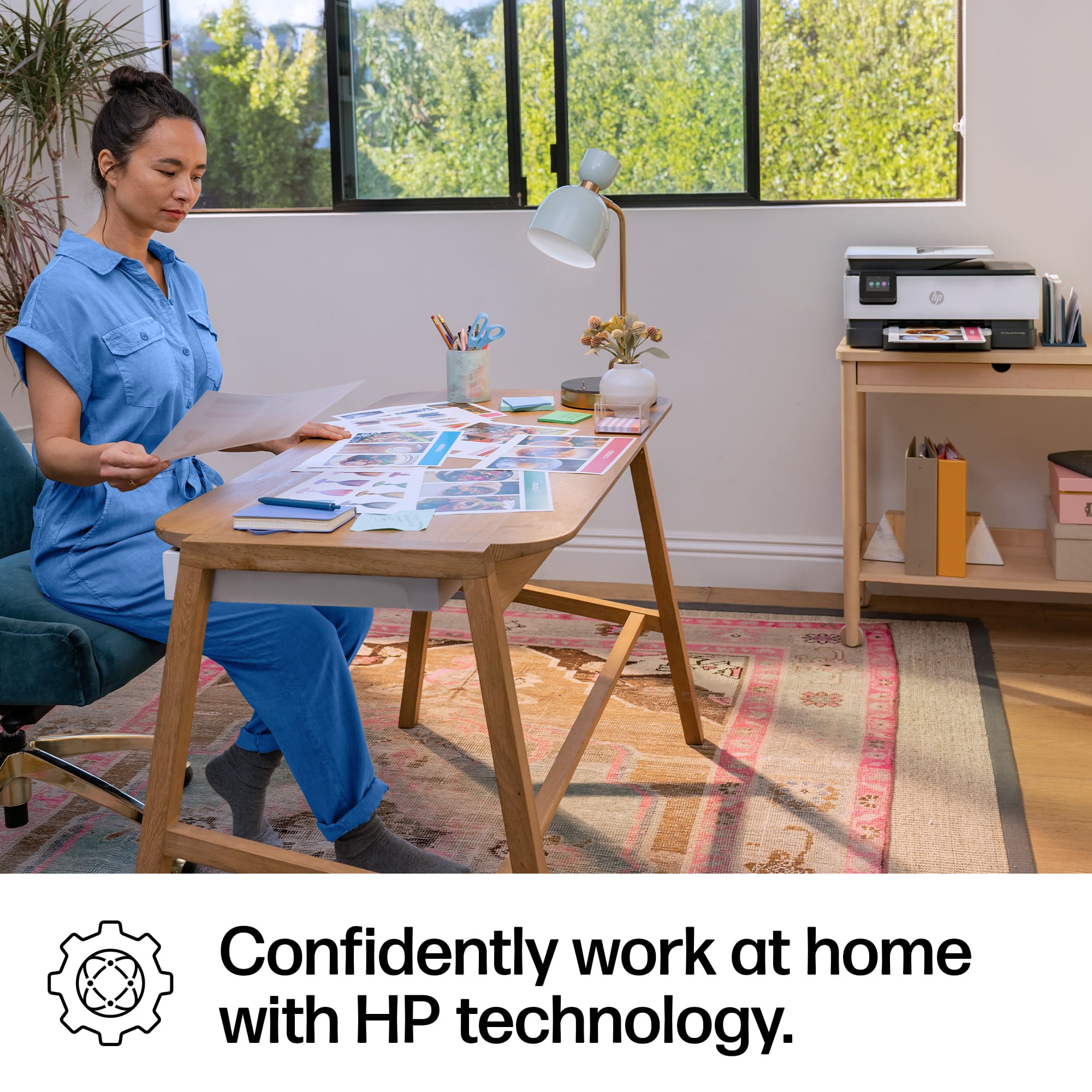
A:AnswerTom, thank you for your question about this HP OfficeJet Pro printer! Yes it is a good printer for crafting, even using the Cricut! Make sure the media you use works in inkjet printers.
A:AnswerThank you for your question. Yes, the OfficeJet Pro 8135e can print on A10 envelopes. It supports printing on various envelope sizes, including A10, Monarch and 5.5 bar. .
A:AnswerThank you for your question about this HP printer! I am sorry to hear about this issue with the paper. It sounds like there is something stuck in the printer's memory. To clear the memory, you unplug the printer, wait a minute, then plug it back in. Make sure that no one joins the wi-fi network during this. If this does not clear the error, then you can contact Geek Squad or HP Support.
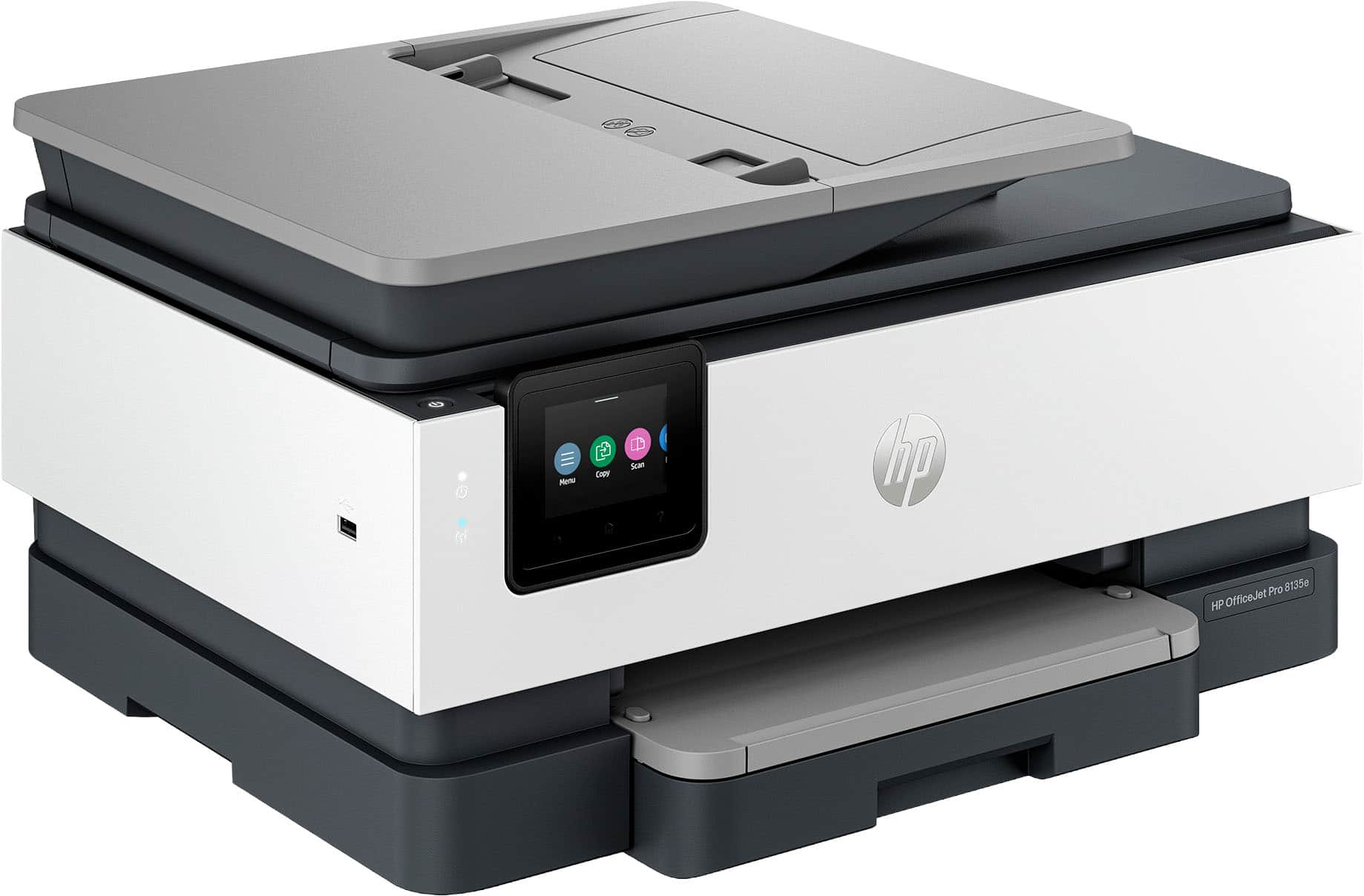
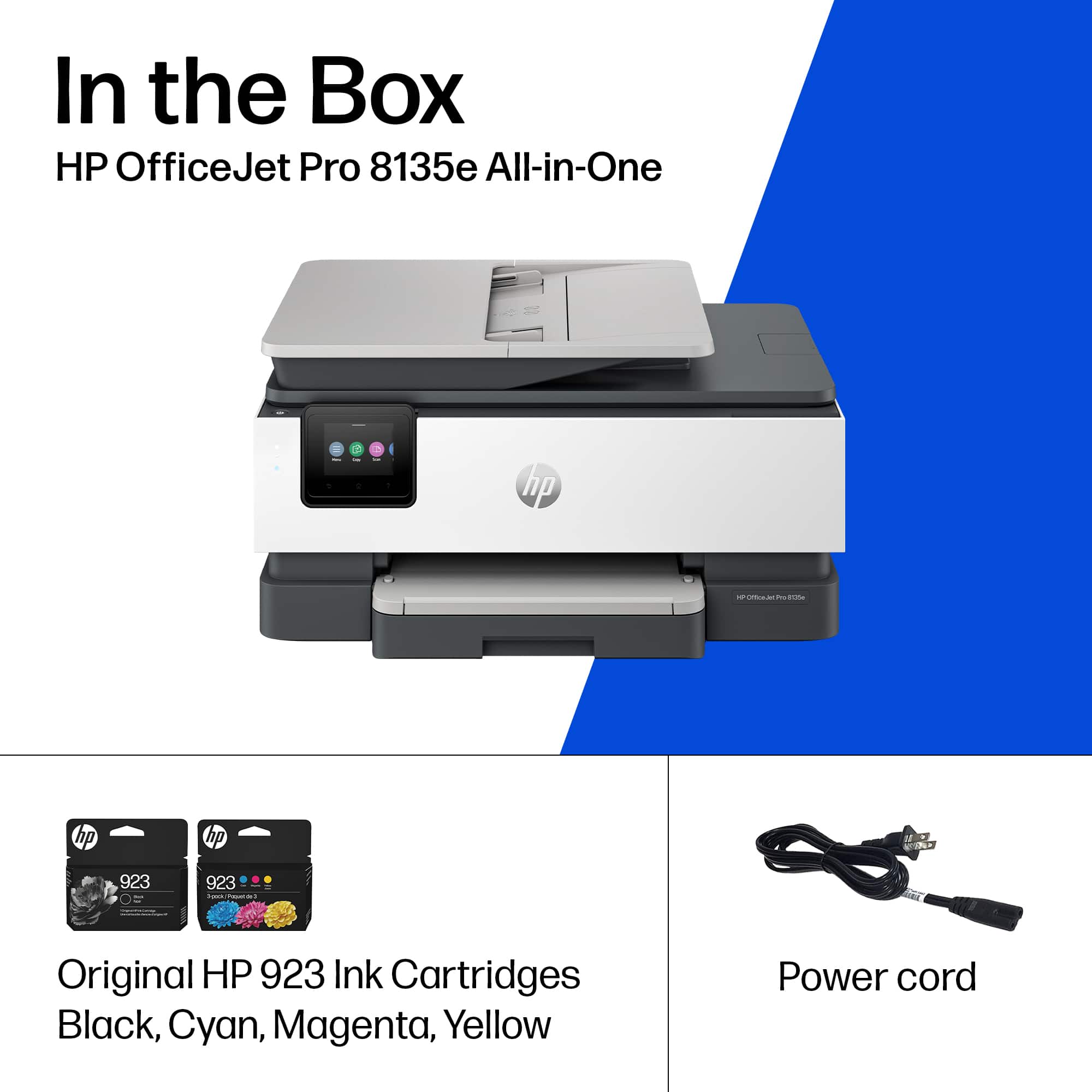
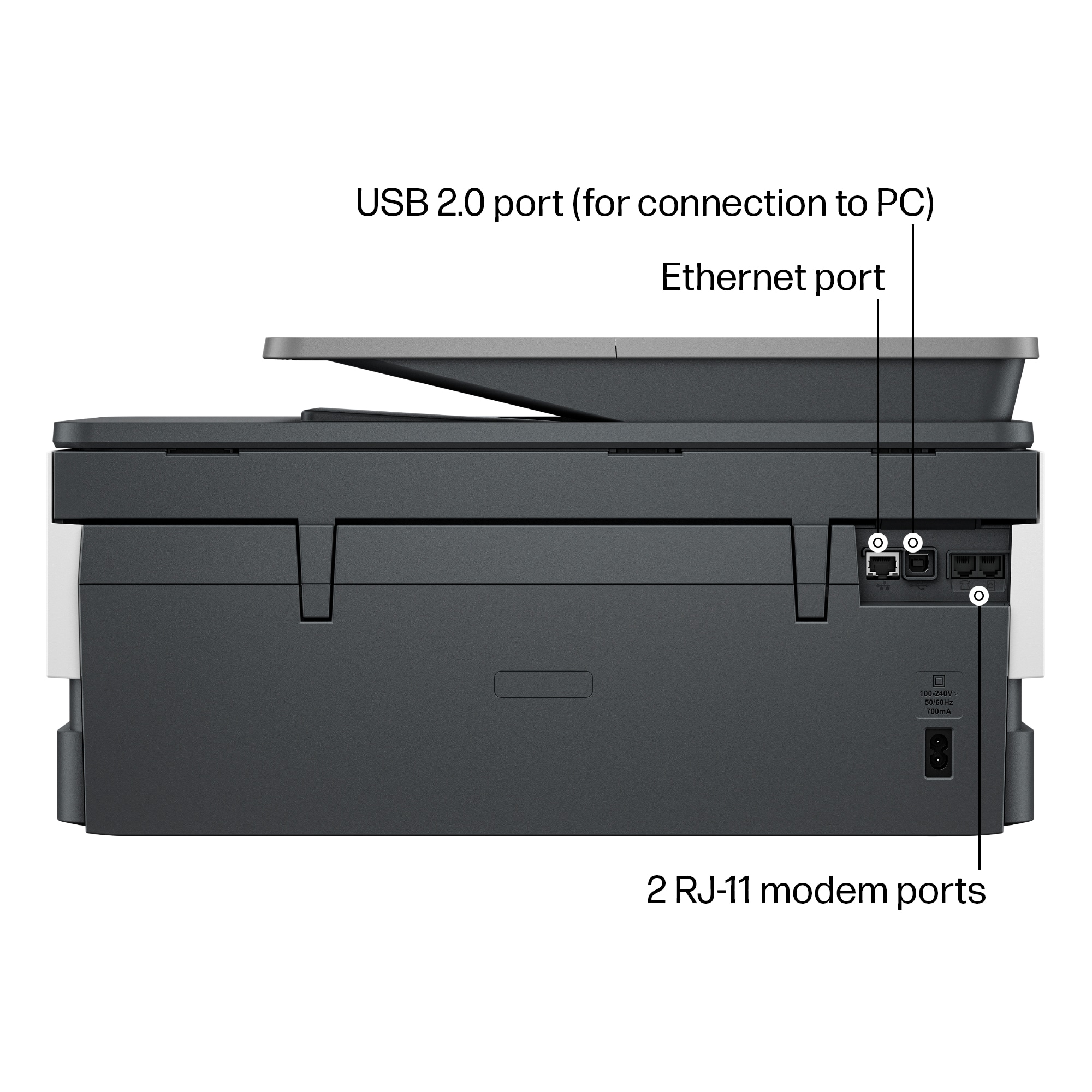
A:AnswerNo assembly except for installing cartridges. To set up with your computer I would recommend contacting HP and they will set it up for you for no charge.
A:AnswerHello and thank you for asking. I am unable to assist you with this. Please contact HP Support. They can give you expert help with your question.
A:AnswerYes it will however I have not had it scan front and back thru the feeder but I believe it will. I would contact HP and contact a tech to make sure.
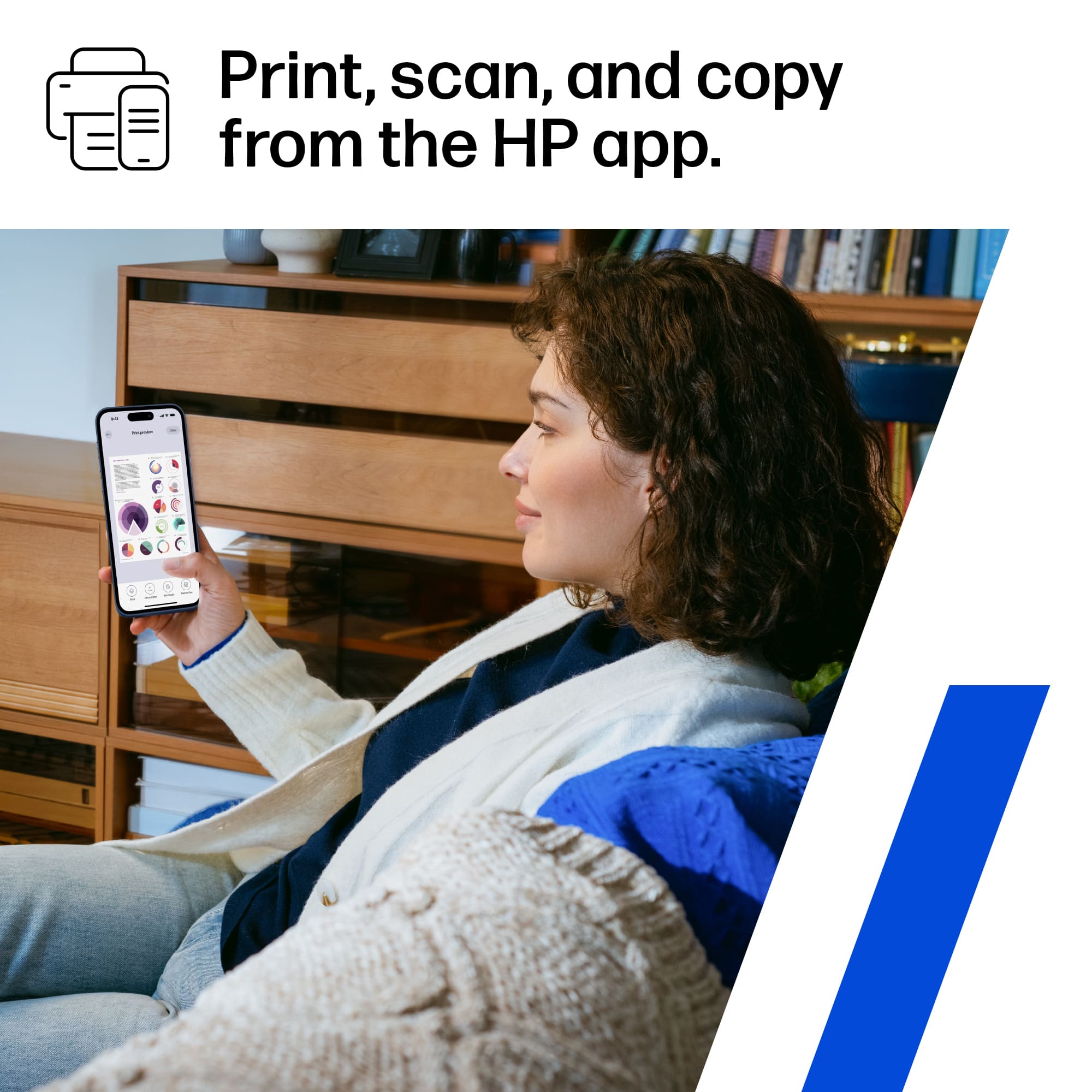
A:AnswerI would think so. I already had HP Smart on my old printer and was happy it auto setup and has many new features. I have win 10 so I don't know about win 7. Check HP Support web site for possible answer. Good luck.
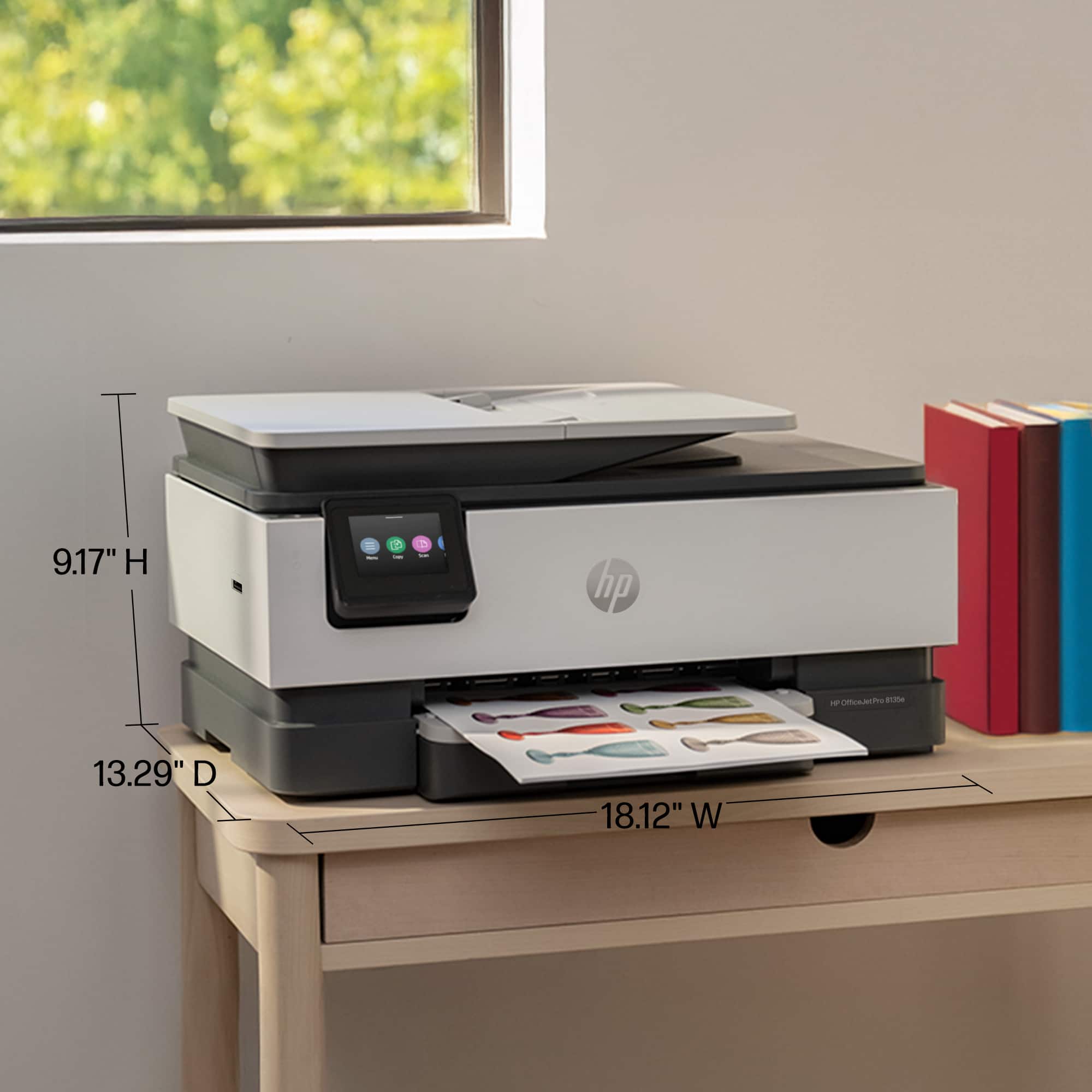
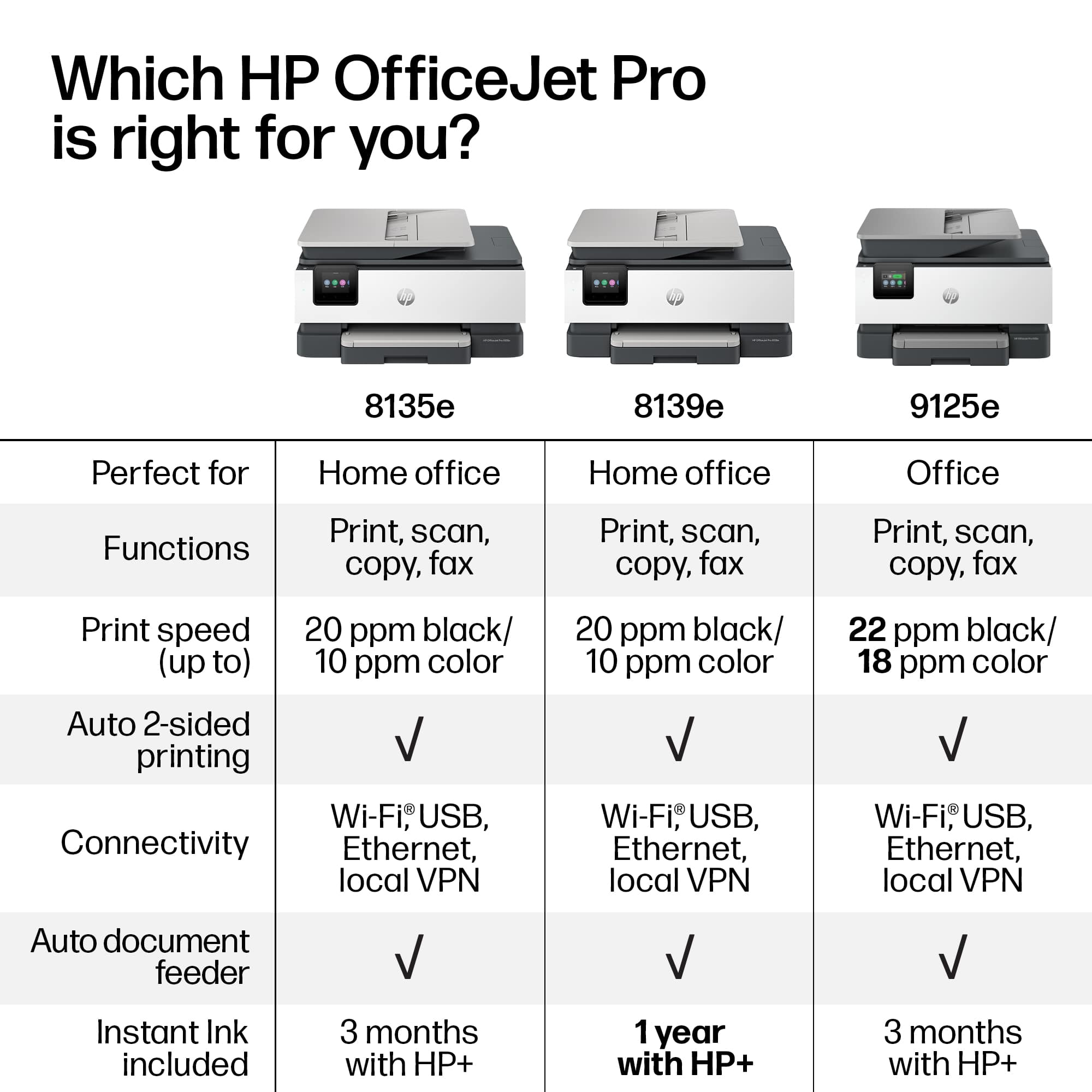
A:AnswerThank you for your question. The OfficeJet Pro 8135e All-in-One Printer has the following dimensions: Width: 18.12 inches, Depth: 13.29 inches and Height: 9.17 inches.
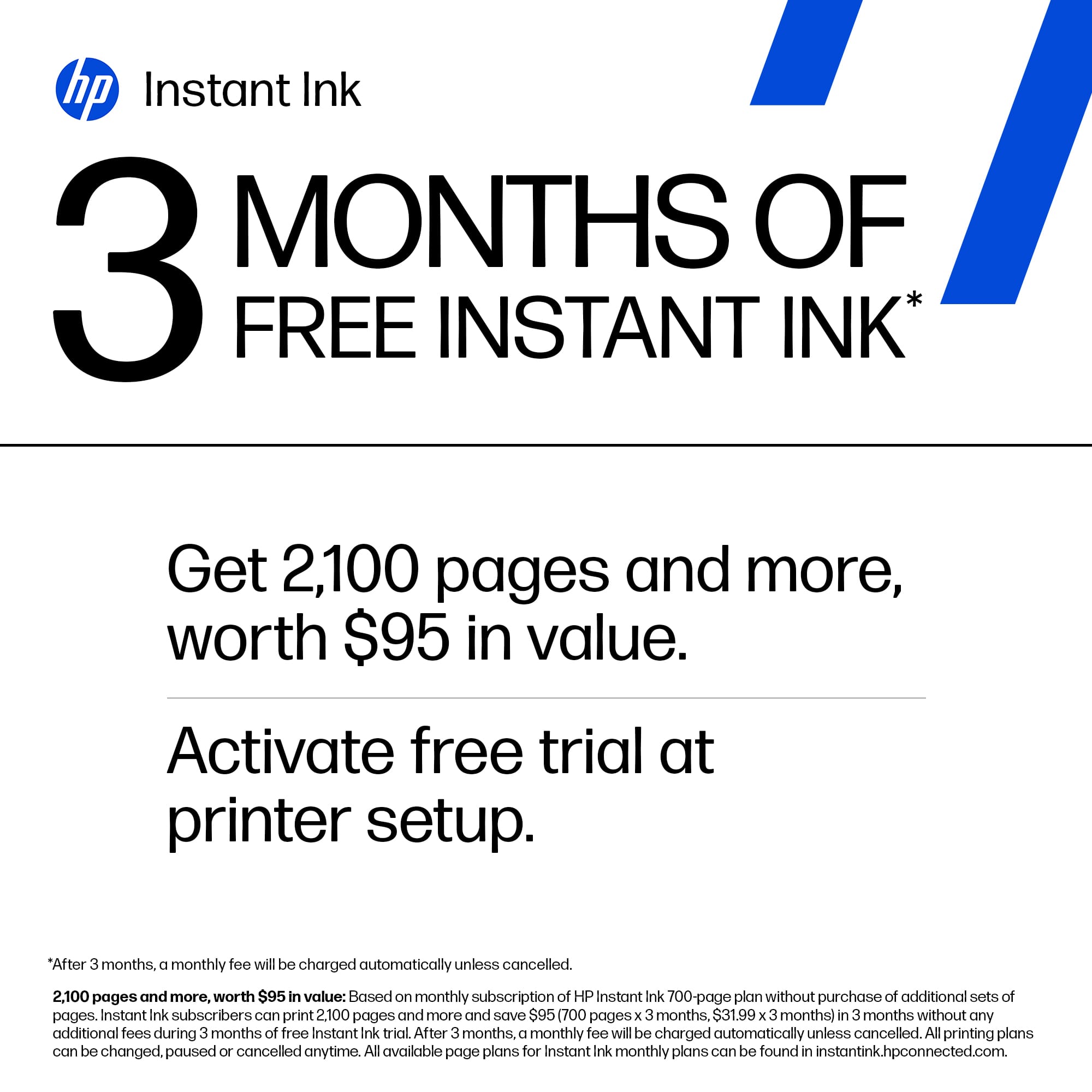
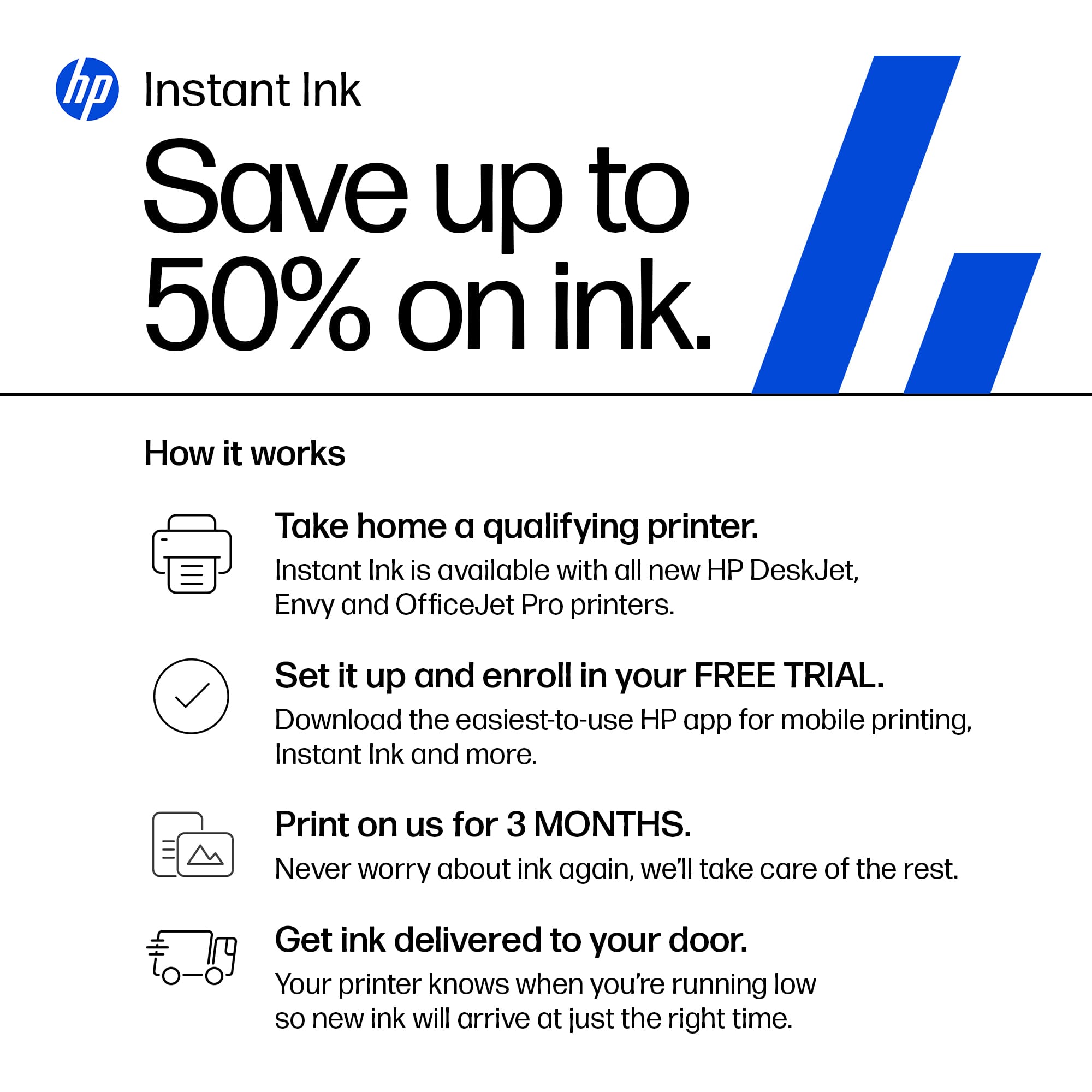
A:AnswerThank you for the question. Instant Ink plans are for cartridges only. Bottled ink used in the Smart Tank printers are not a part of the service.