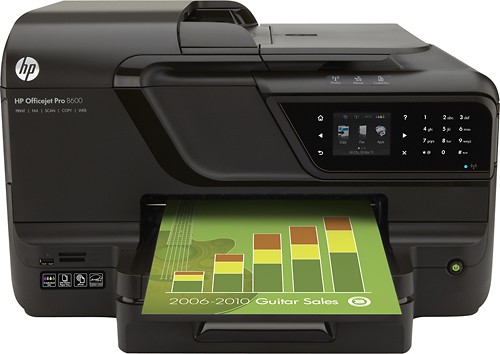
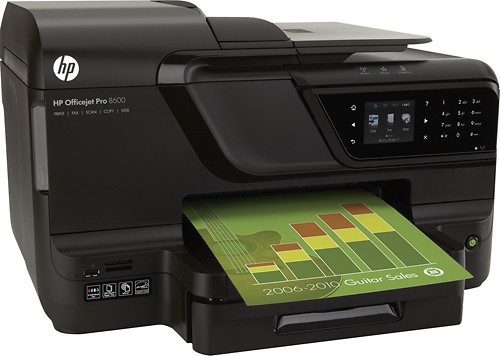
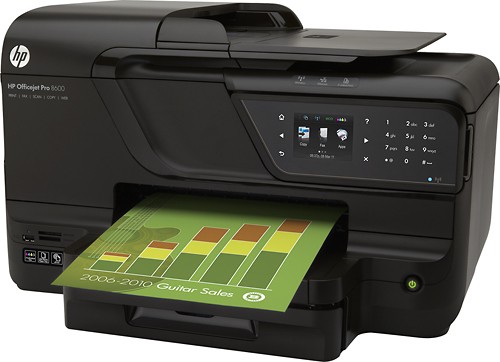
A:AnswerThis printer measures 19.4" wide by 25.4" deep by 11.8" high with all trays open and extended and 19.4" by 18.1" deep by 11.8" high with all trays closed.
A:AnswerThe fax feature of this printer requires an analog phone line connected to a wall phone jack in order to send and receive faxes. It will not fax wirelessly.
A:AnswerThis printer is compatible with PCs running Windows 7, Vista, or XP. As long as your Toshiba is using one of those operating systems it will be compatible. Since HP does not test or support third-party products, I am unable to provide more specific information.
A:AnswerYES IT DOES, YOU ONLY NEED A WIFI CONNECTION. NO COMPUTER NEEDED. YOU GIVE IT A EMAIL ADDRESS AND JUST SEND DOCUMENT TO THAT EMAIL AND IT PRINTS.
A:AnswerVery easy to set up and does a wonderful job on envelopes and anything else you could think of using a printer to complete your world. I really love this one, it will almost do all things for you.
A:AnswerThis 8600 series printer, fax, scanner, copier is one of the best. For us it is top of the live. It prints at home in Iowa, wireless, all the way from California and is waiting on me when I get home. How cool is that! No wires to forget, lose or tear up.....:-)
A:AnswerI recommend to buy the Geek Squad support package at Best Buy. They will come to your house and set everything up for you. This support package is good for 1 year. Good luck!
A:Answertry checking what is in the print queue, delete what is ever in there. Try uninstalling and reinstalling the driver. If you have the disc still that will be the easiest way to install it, but if not you will have to do to HP website make sure that you download the driver for the right OS and bit.