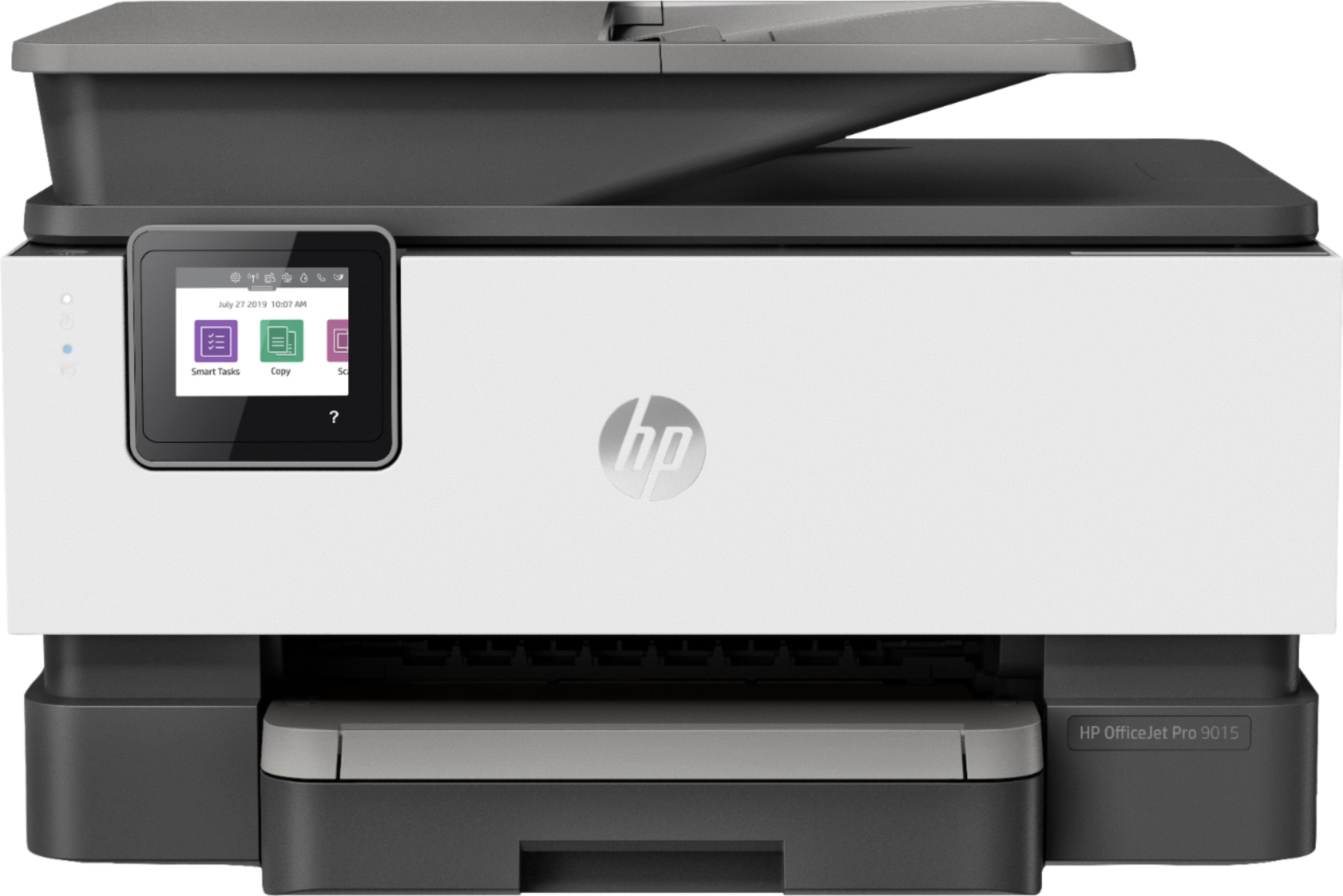
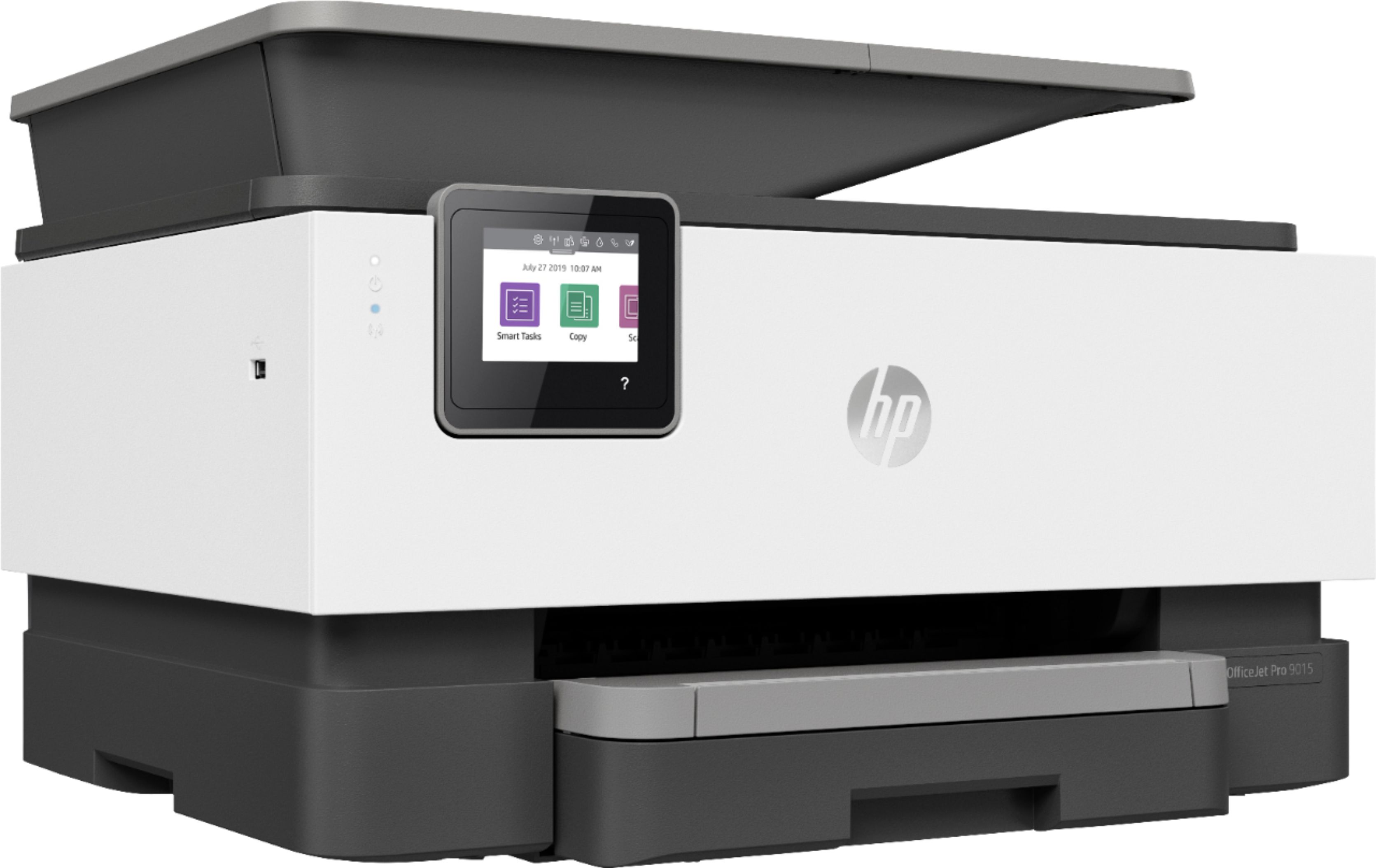
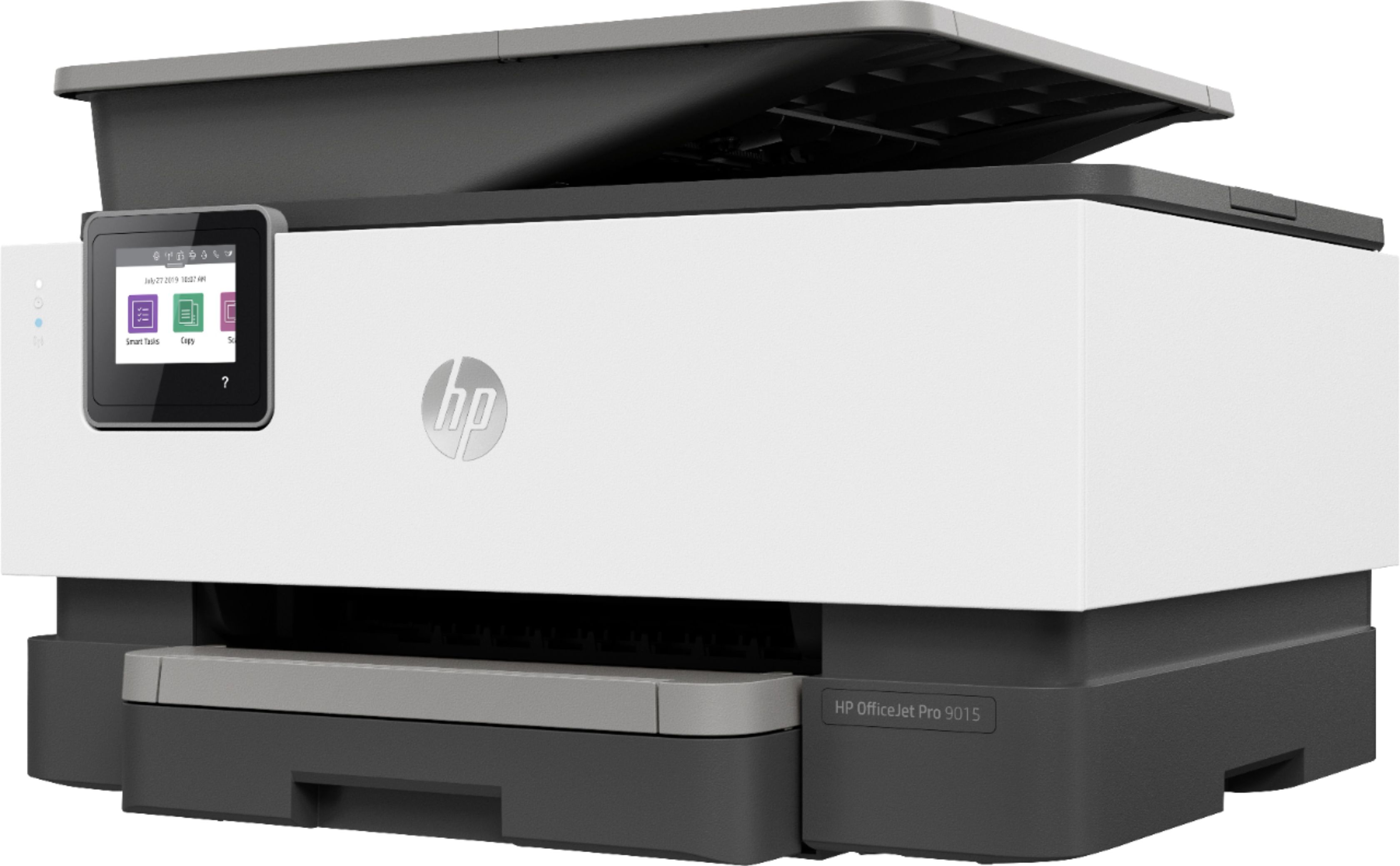
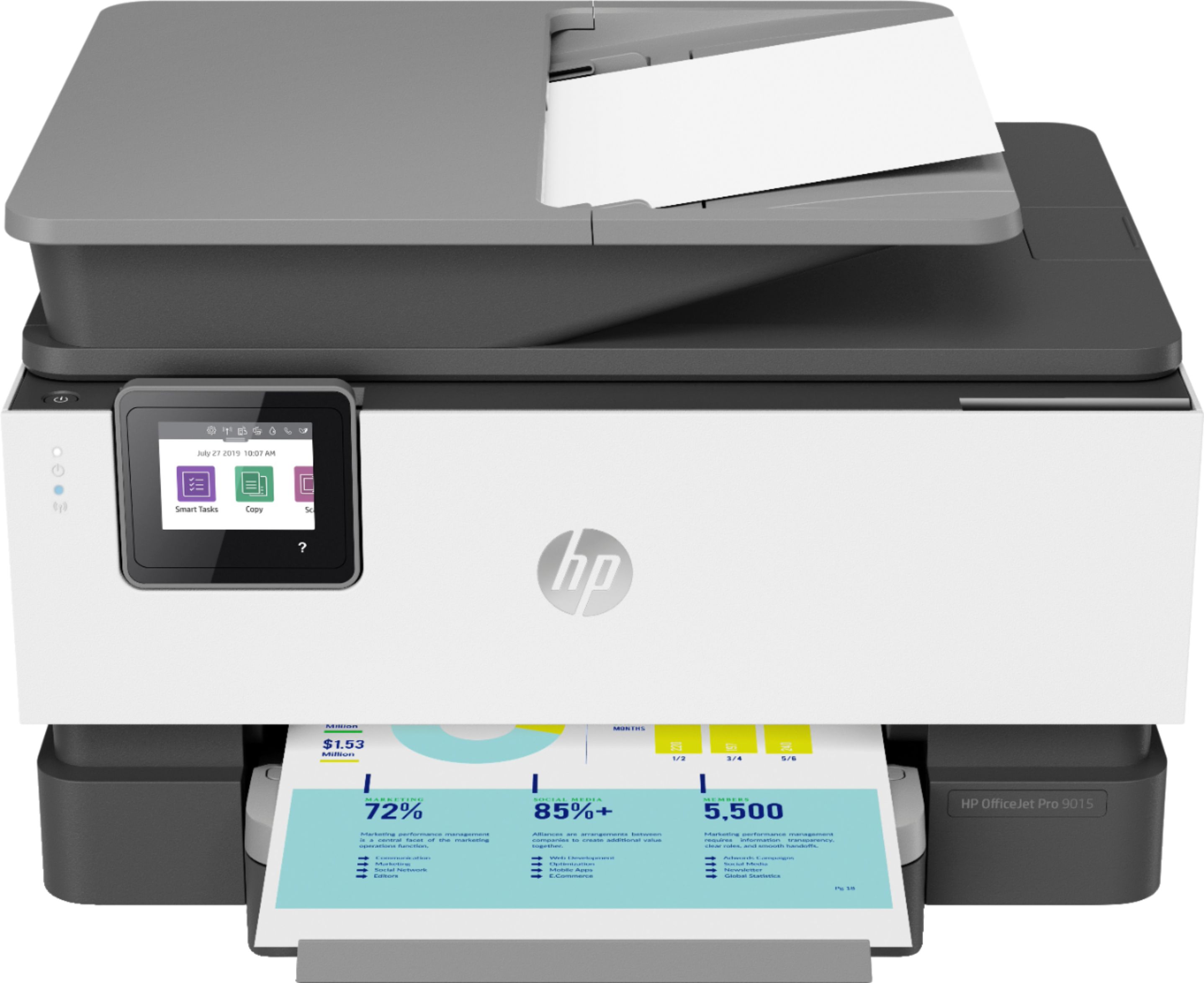
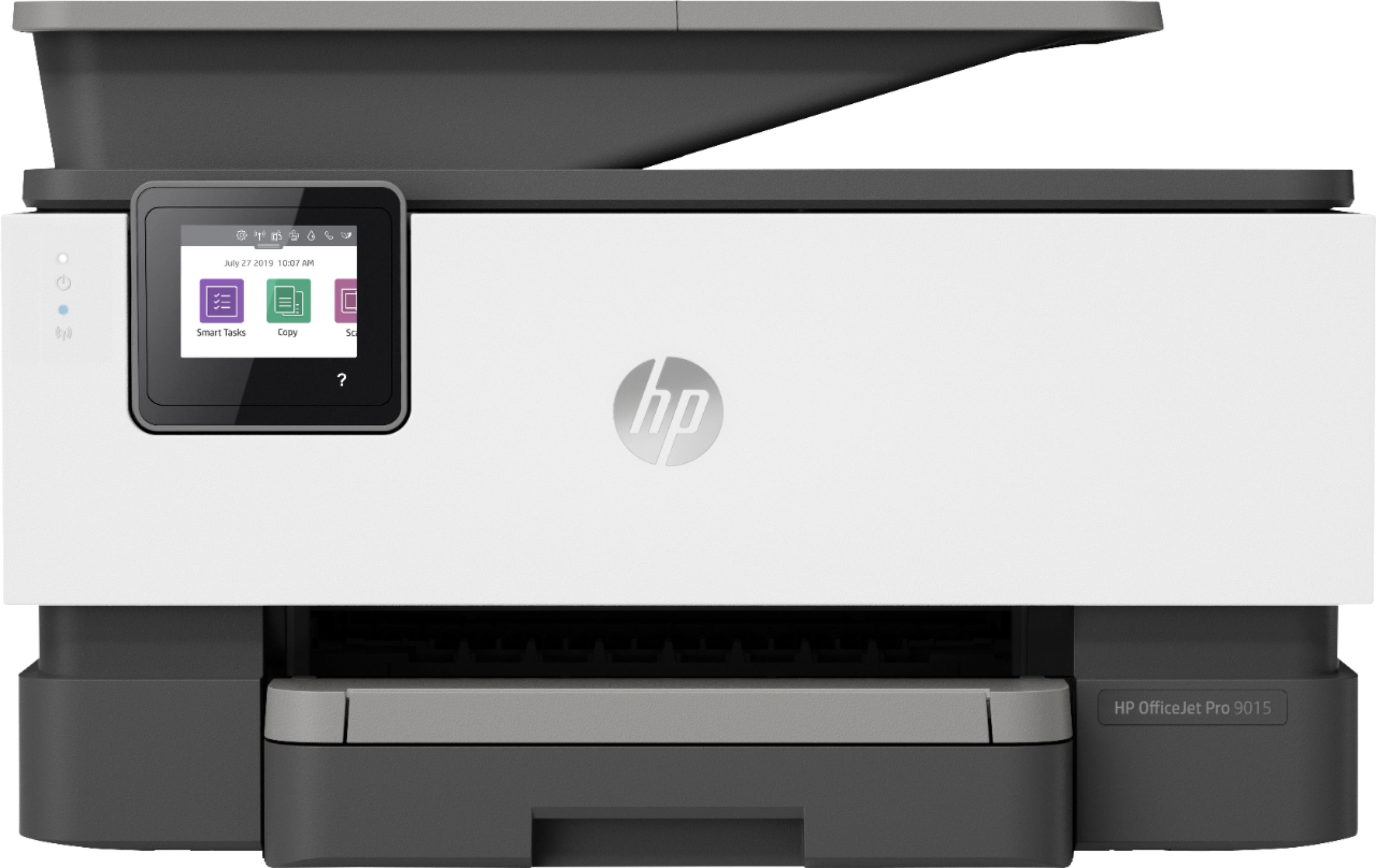
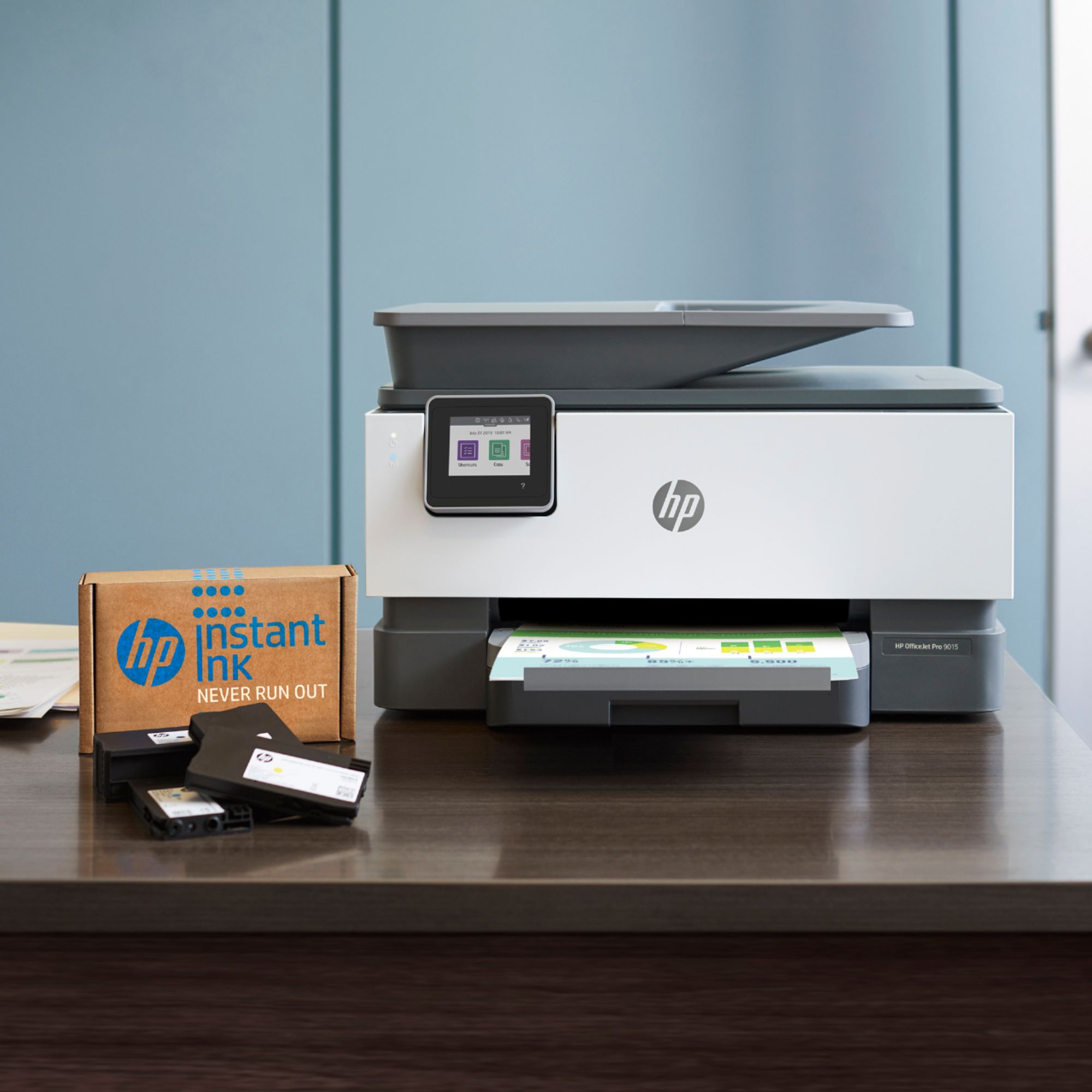
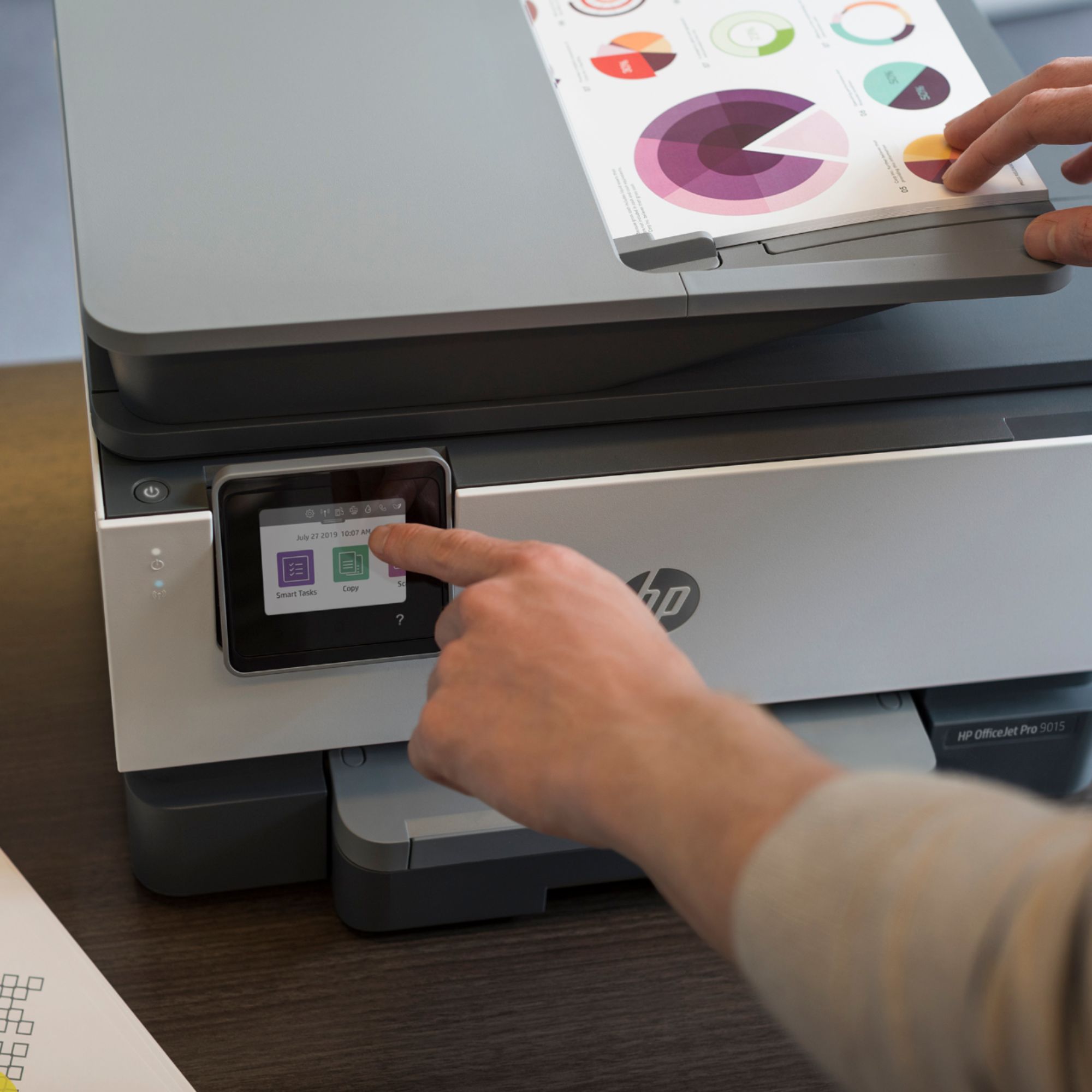
A:AnswerThe HP Officejet 9015, 9016 and 9015e are the same printer. They all use the same ink series, HP 962 or 962XL. The only difference are the benefits that come with the printers. The HP Officejet Pro 9016 printer come with 8 months of free printing with the HP Instant Ink plan. The HP Officejet Pro 9015e printer comes with 6 months of free printing and a 2 year warranty from HP. Currently, HP is offering a 4 month trial of HP Instant Ink and 3 months of Canva Pro with the purchase of the HP Officejet Pro 9015 printer. This promotion ends March 31. 2021. Here is more info on that promotion: https://www.hp.com/canvapro
A:AnswerYes, you can print from your Google Pixel Slate. There is a different setup process. Here are some instructions on how to set up the printer on the Chromebook: https://support.hp.com/us-en/document/c04122530 and a YouTube video: https://youtu.be/Mf6LUKTMw9c
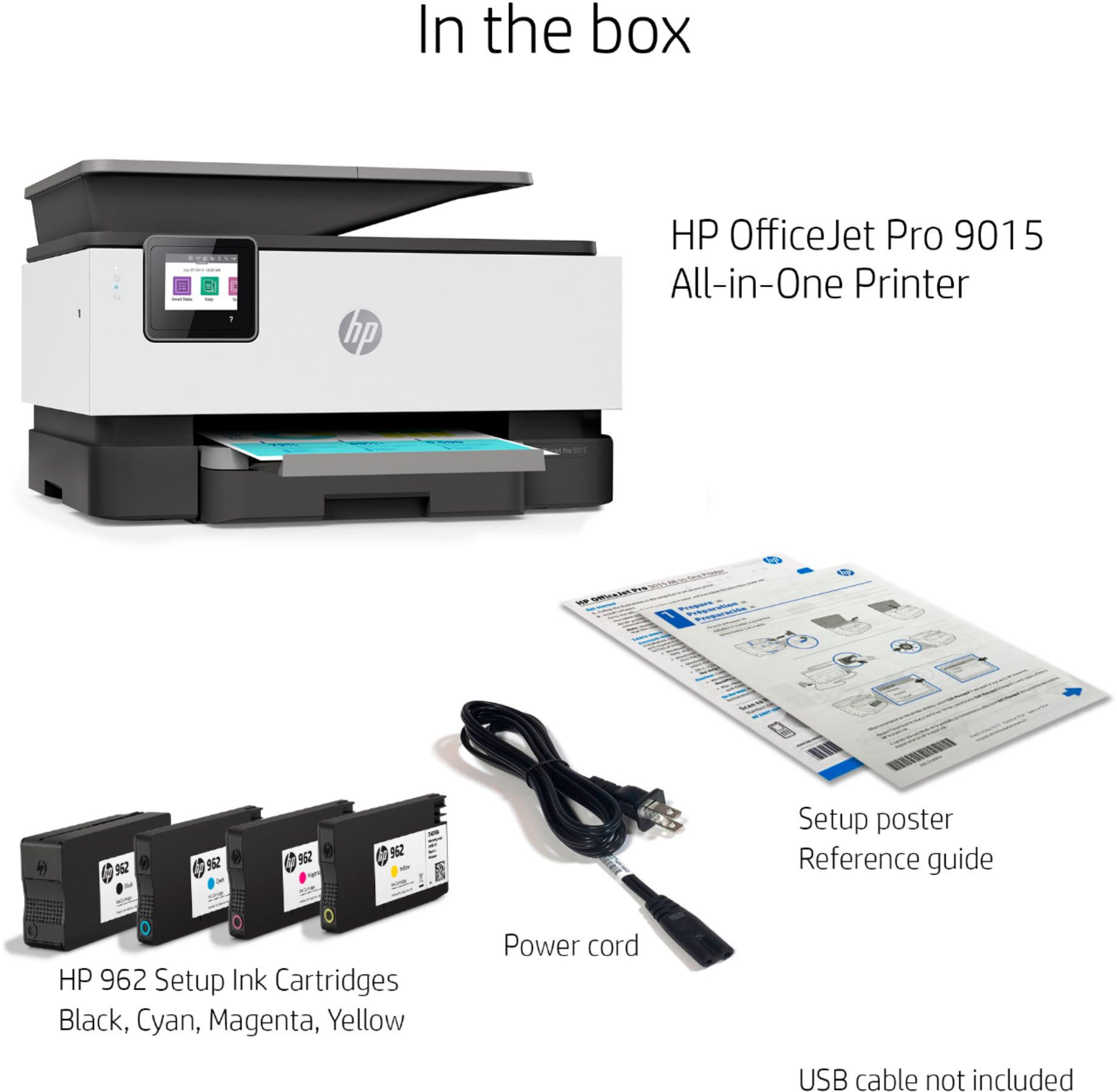
A:AnswerI just bought this printer (2.9.23) and it also did not come with a power cord. HP said they would ship one out 1-2 weeks wait. They said if I wanted to go back to Best Buy - that's on me.
SMH... how does a printer not come with its power cord? Not cool HP.
They did say that all HP power cords are universal and if I had a previous HP printer I could use that. Still ridiculous in my opinion.
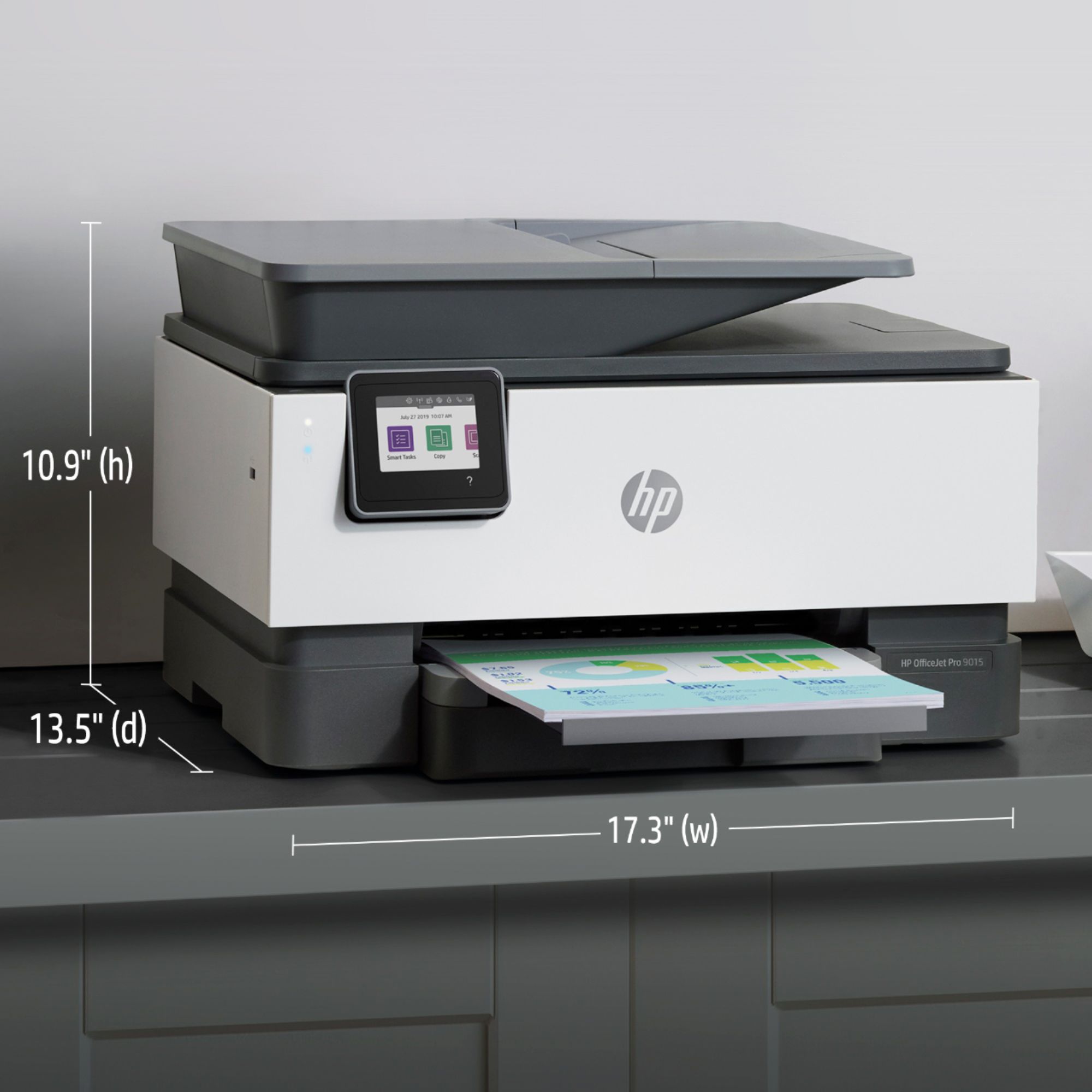
A:AnswerThe depth of the printer at the base is approximately 13 1/4" plus another 1-1/12" extension for the paper tray. Hopefully this is helpful for you.
A:AnswerYes, this printer will print from a Chromebook. Here are some instructions on how to set up the printer on the Chromebook: https://support.hp.com/us-en/document/c04122530 and a YouTube video: https://youtu.be/Mf6LUKTMw9c
A:AnswerI just bought this model from Best Buy Dec 1st. It was out of stock, but they got it for me from another location. The instant ink subscription was offered.