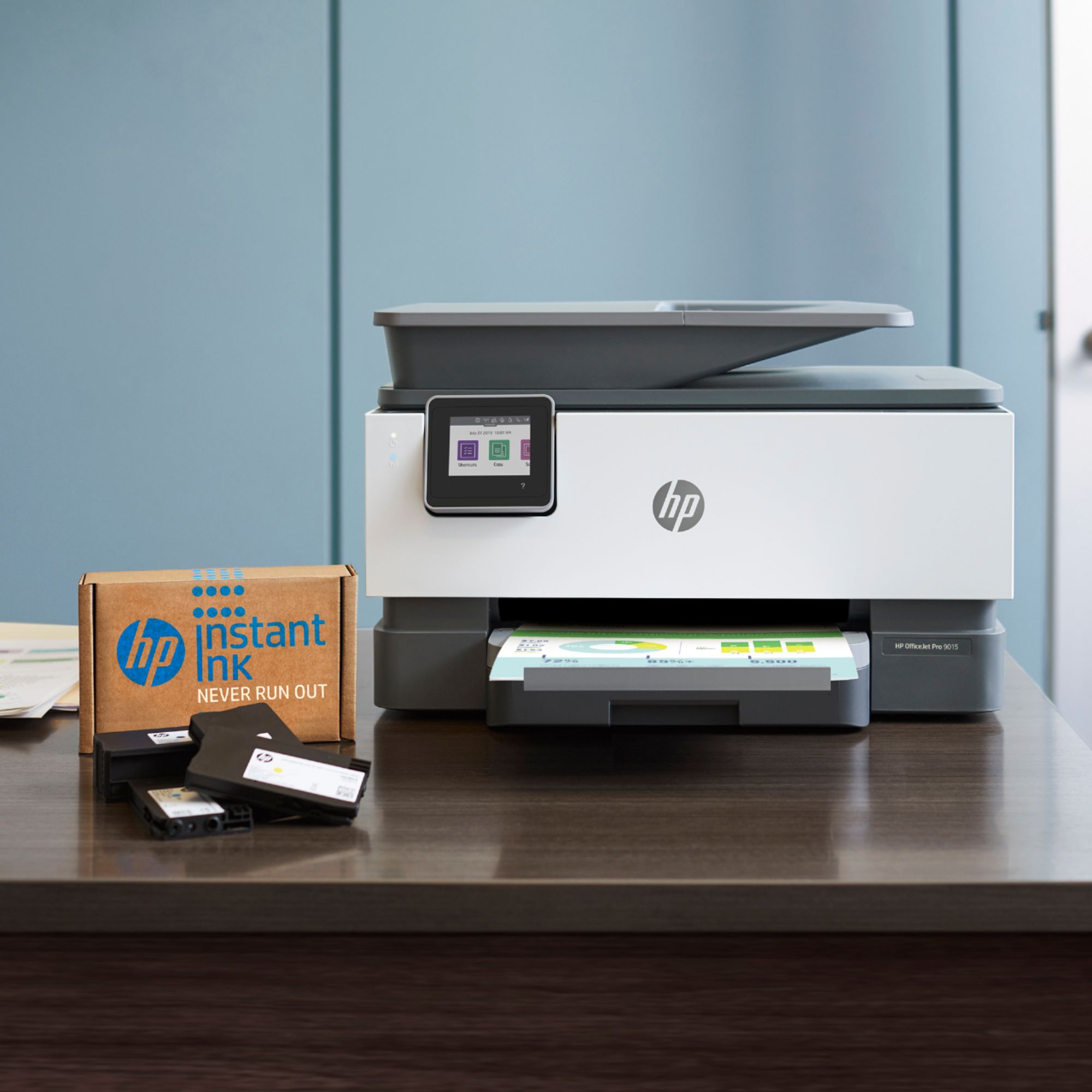
A:AnswerYes, this printer is wireless. The most cost-effective way to buy ink for this printer is the HP Instant Ink service. HP Instant Ink is where you are paying the number of pages you print. Not the ink. So, for example, you choose the 300-page plan for $9.99 a month. If you wanted to, you could print 300 full color 8.5" x 11" photos. You will find that it is a lot cheaper than a set of ink. And you will never be without ink. HP will send you ink before you need it. Remember the key is a page is a page. It doesn't matter what you print. The 3 paid plans that are available are the: 50 pages for $2.99, 100 pages for $4.99 and 300 pages for $9.99. And you can rollover up to two months’ worth of pages. The ink and shipping are included in the monthly payment. Here are more details about the HP Instant Ink service: https://www.bestbuy.com/site/hp/hp-instant-ink/pcmcat1474927211435.c?id=pcmcat1474927211435 Toners will be more expensive for the HP laser printers. But between the HP Instant Ink service and the cost per page with for example the HP Laserjet M479fdw printer is pretty comparable.
A:AnswerNo, it does not! The ink will be kept best if you turn off the printer only using the button on the printer (not unplugging it or turning off a power strip). This allows the printer to park the cartridges and cap them to prevent drying out.
A:AnswerWe have only had the updated version a short while and have been completely satisfied with the quality of the product to-date. The 9015 we had earlier successfully met the criteria: we lived overseas but each time we came back, it successfully picked up from when we had used it previously (months earlier)...
A:AnswerThank you for your question! An internet connection is required to take advantage of the optional HP+ features including the extended warranty and Instant Ink printing plans. If you do not enroll in these features, you can use the printer with or without internet and with genuine HP cartridges rather than Instant Ink cartridges. If you are enrolled and your internet cuts out, it may temporarily suspend printing, but will resume once the connection is re-established.
A:Answeryes it is, just make sure you register the printer on HP's website before trying to add the printer as a device in the Alexa app
There are several voice commands that can be used with it. You can print a reference of what can be said after adding the device and skill.
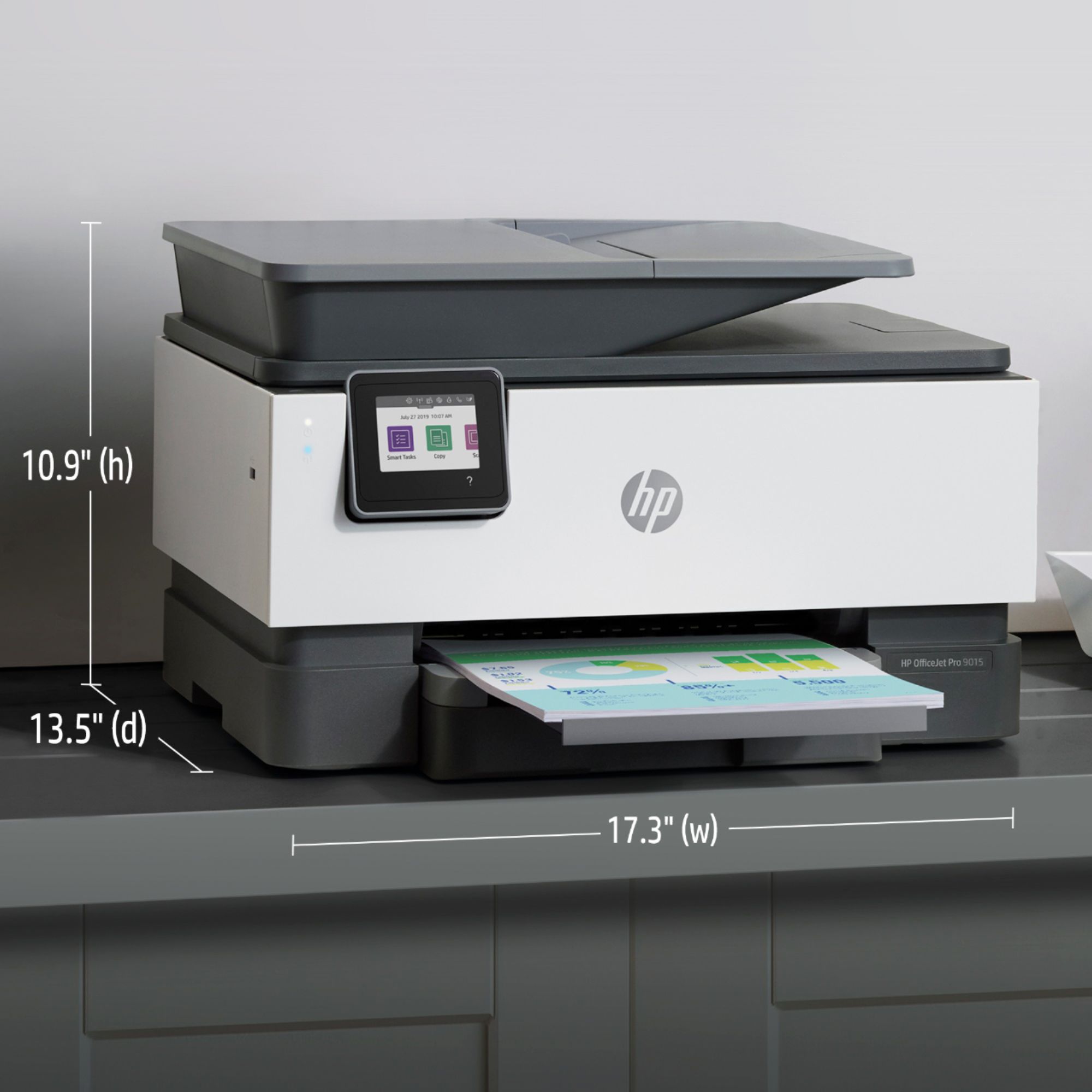
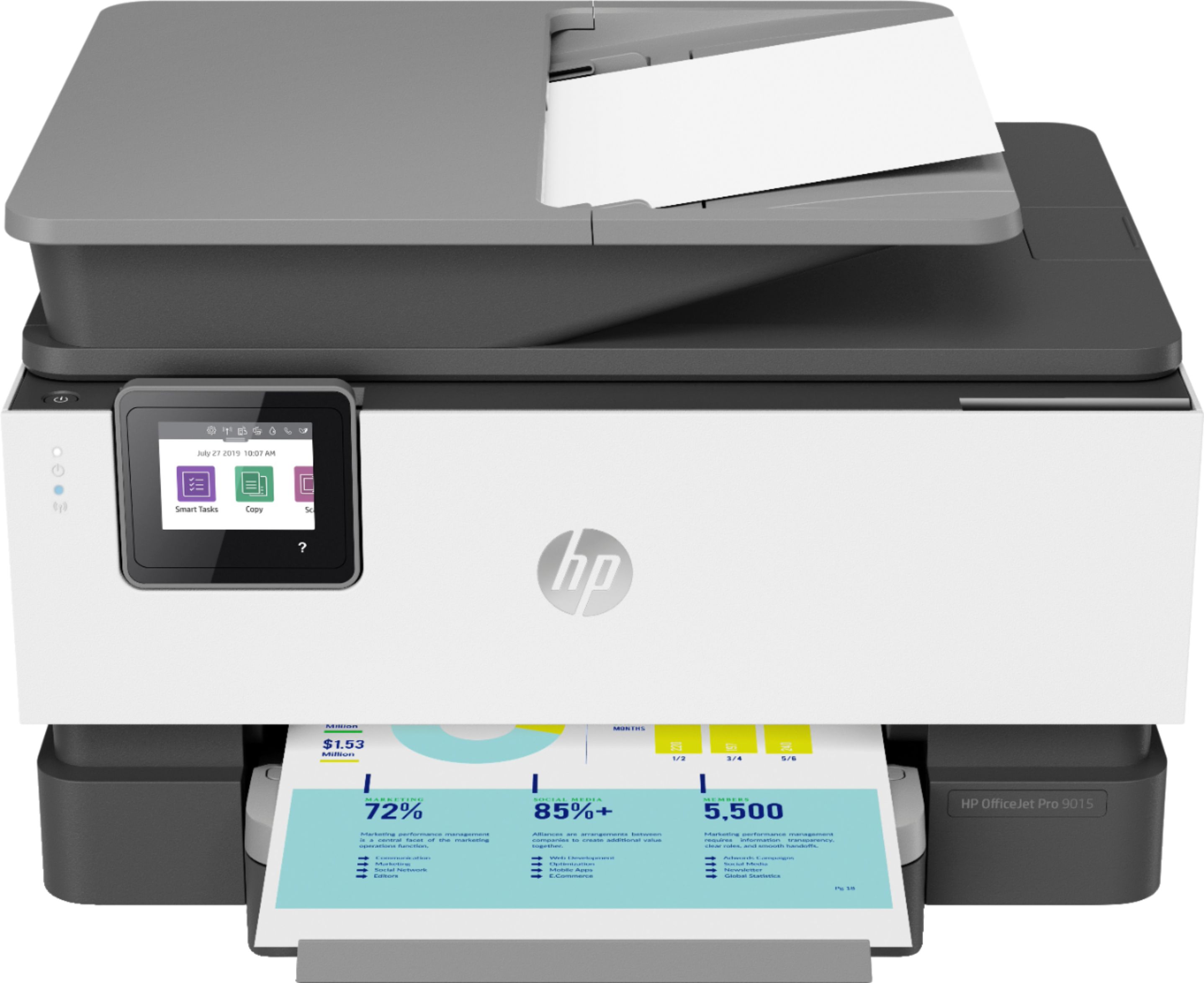
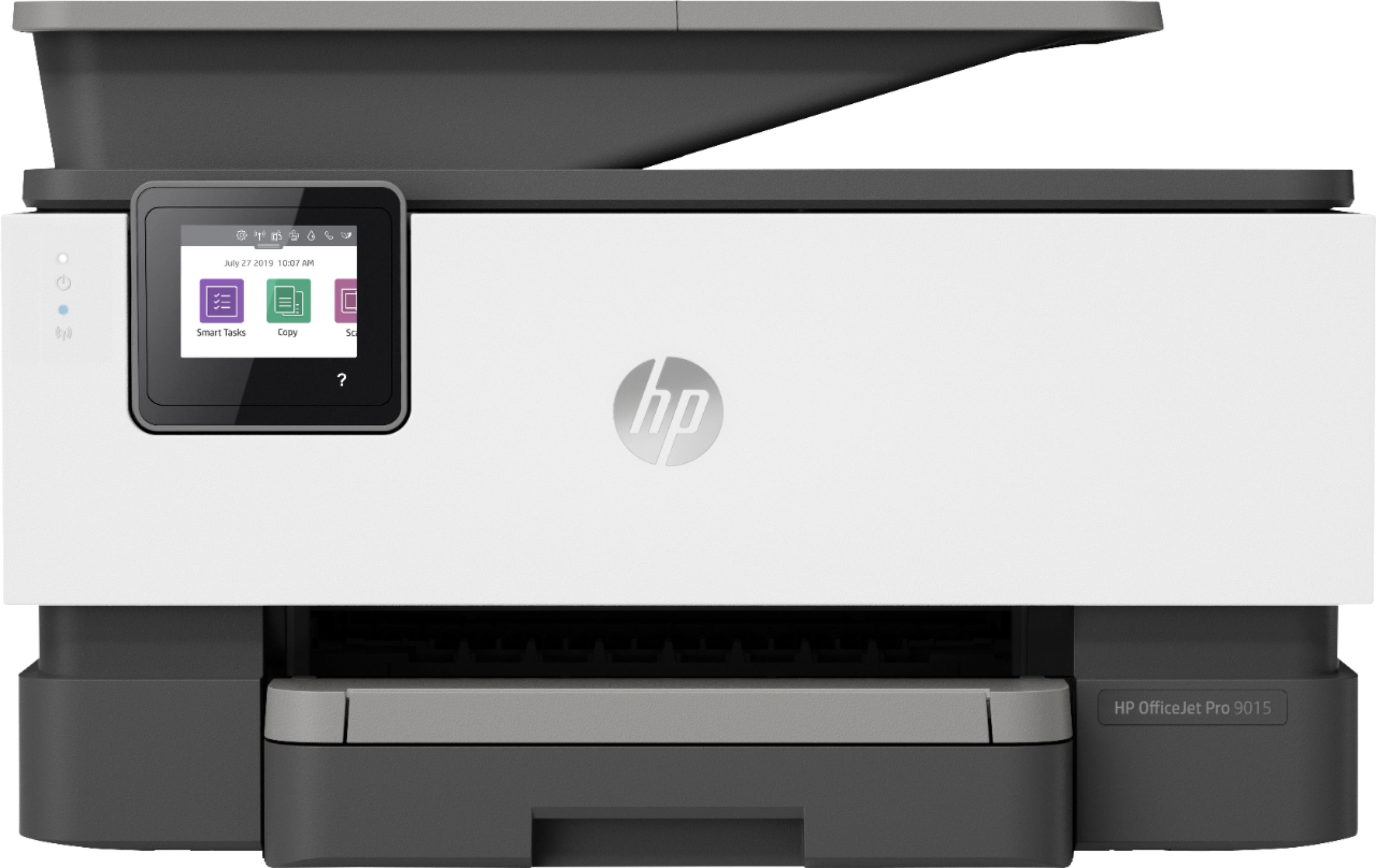
A:AnswerHello! The HP OfficeJet Pro 9025 and the HP OfficeJet Pro 9015 offer the majority of the same features and performance. The height of the 9025 is 12.6" vs. the 9015 being 10.9". Weight increases by almost 1lb on the 9025 due to the additional paper tray. The OJ 9015 yields a small amount more of black pages. The OJ 9025 prints a little more of the color pages, and prints a little faster. The biggest difference is that Officejet 9025 has two paper trays, giving double the paper holding capacity. Thank you for being an HP customer!
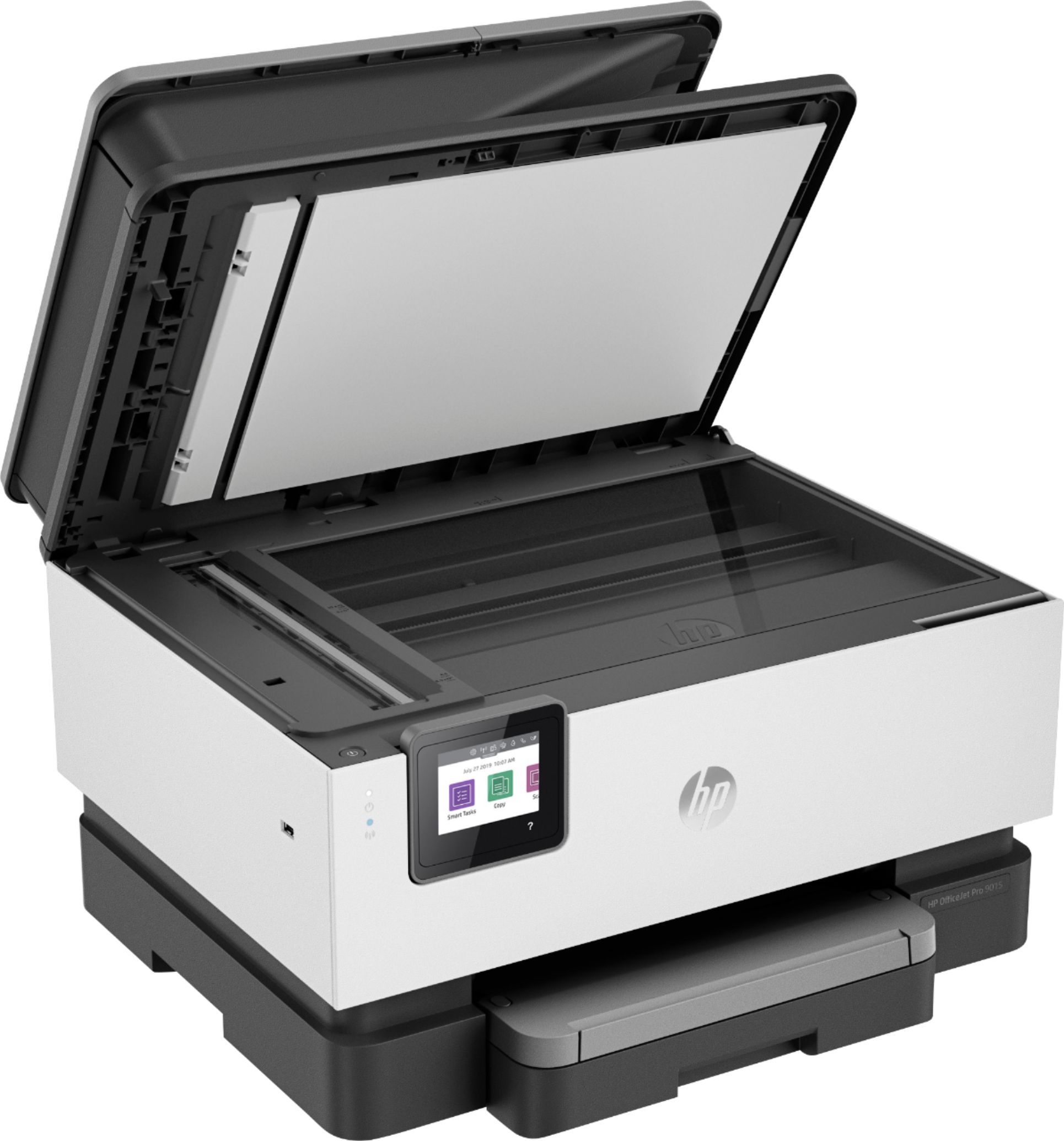
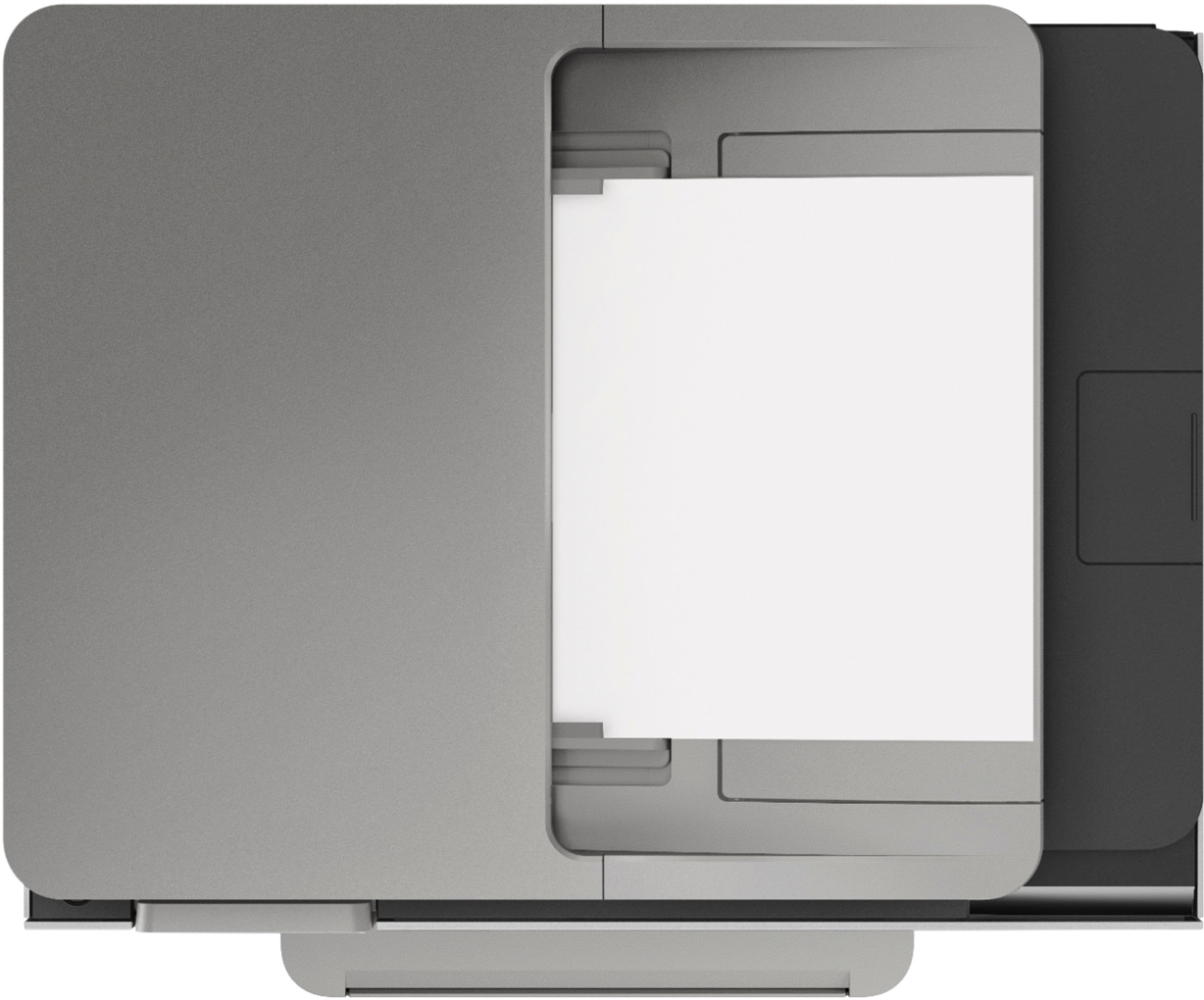
A:AnswerThe HP Officejet Pro 9015 or 9025 would be the printers that would replace the Officejet 7410 printer. You can scan the legal size documents through the auto document feeder on both of these printers. There are only a few differences between the two 9000 series printers. The 9025 can scan in a single pass double-sided on the auto document feeder. There are 2 trays that hold 250 sheets in each tray. It has a front USB drive so you can print photos or scan to a USB flash drive. And the 9025 can print a few pages. a minute faster and it does have an option for a larger black ink cartridge, the 966xl black.
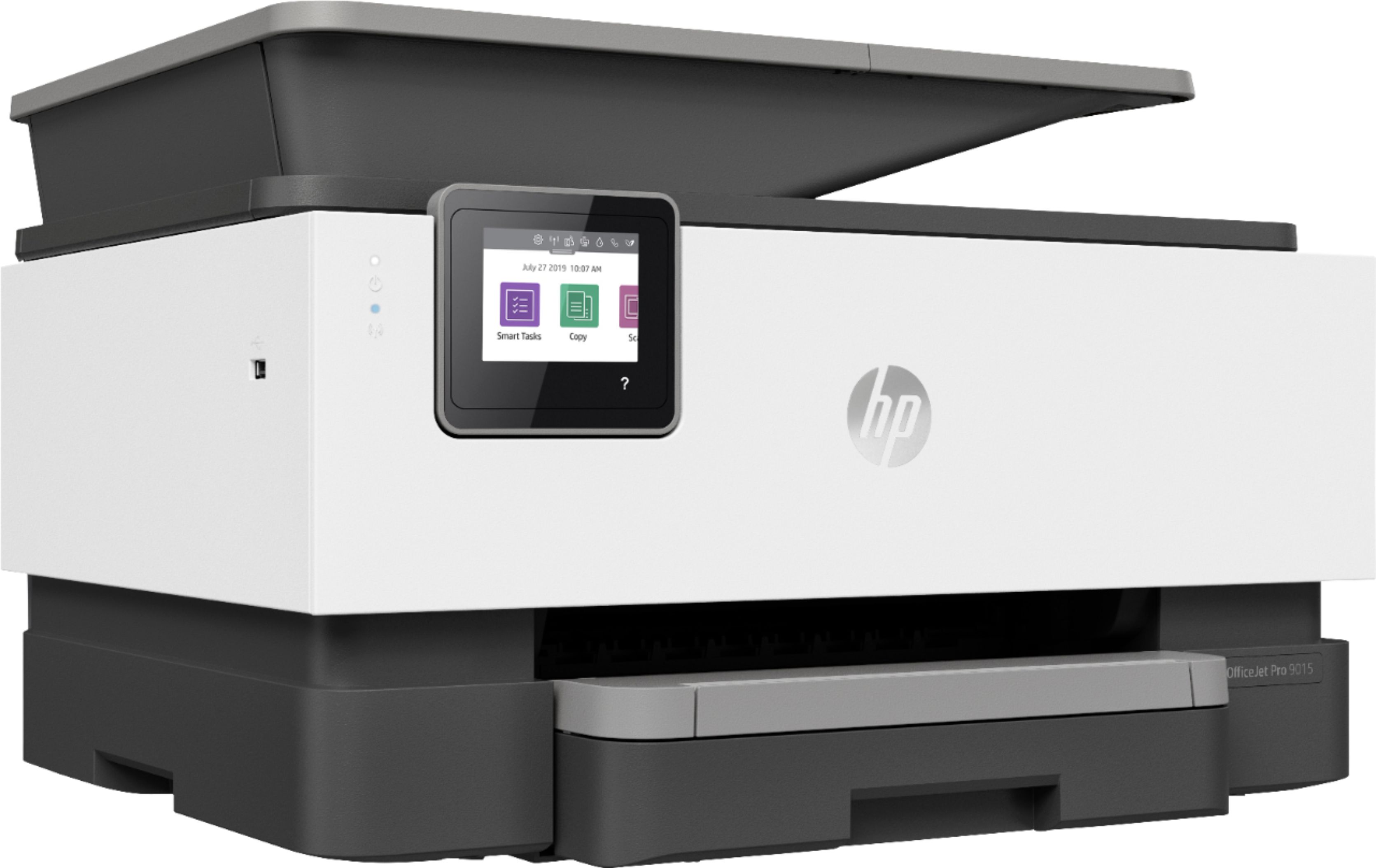
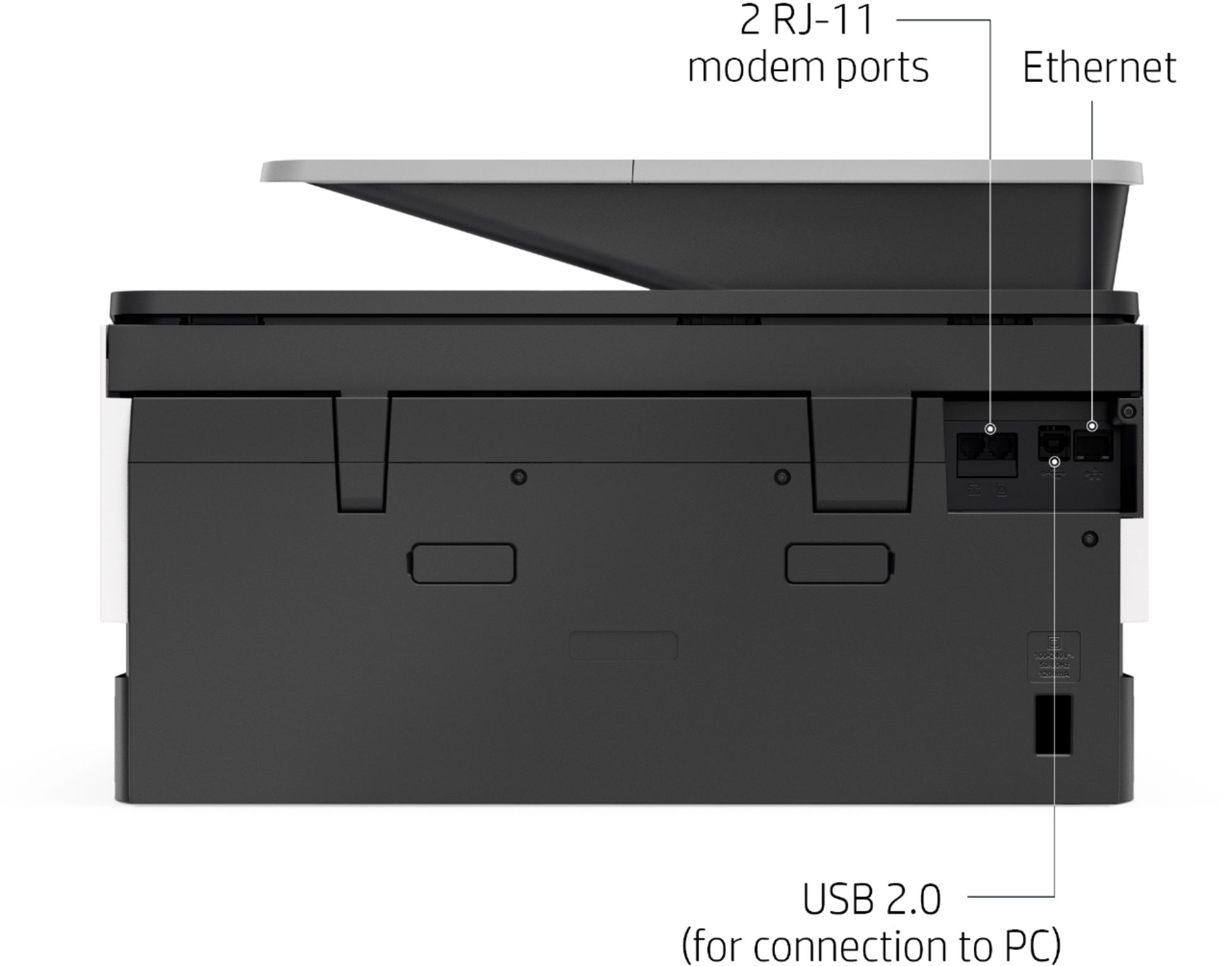
A:AnswerIt doesnt have an SD card slot but it does have a usb slot on the side behind a little door (push). You should be able with able to use and adapter.
A:AnswerIt does not. However, you can use photo paper in the regular paper tray, making sure you adjust the paper guides to hold the paper snugly and properly positioned.
A:AnswerYes because you don't need that outdated software, you don't have that printer anymore and it will give you extra room on your hard drive for you new software.
A:AnswerHello Barb! Thank you for your question! Yes, the HP OfficeJet Pro would be wonderful for all of these needs. It even has a USB port on the left side of the printer near the front of it so you could plug in a flash drive to scan photos directly into the drive. I recommend using the free HP Smart app to help connect the printer initially for the wireless connection.
A:AnswerHello, Monica. Thanks for your question. This HP OfficeJet Pro 9015e printer does have the capability to send and receive faxes. A landline is required. If you don't have a landline, you can use Mobile Fax. Mobile fax is where you can send faxes through the HP Smart app on your smartphone, tablet or computer. If you need to send or receive faxes, you can use a service like eFax. Here are more details about the mobile fax: https://www.hpsmart.com/us/en/mobile-fax Here is a video: https://www.youtube.com/watch?v=NvDAYa1nZzw
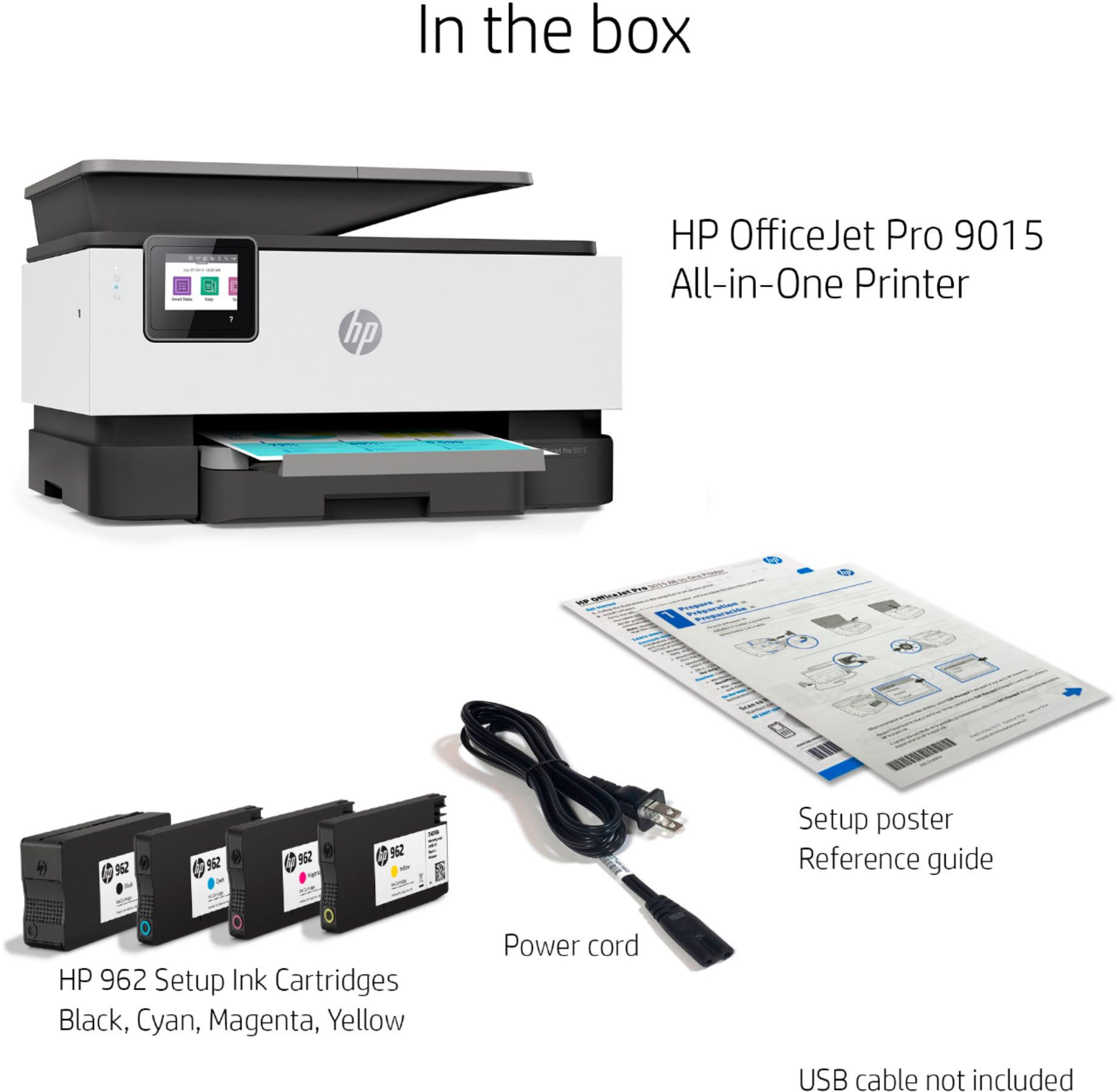
A:AnswerThank you for asking. No. The OfficeJet Pro 9015e accepts HP 962 and 962XL cartridges. (902 cartridges are used in the OfficeJet Pro 6968 and 6978 models unfortunately, these models have been discontinued.)