A:AnswerI haven't read that far into the instructions that come with the printer see if it is or isn't compatible other brands of ink. Would need to confirm that with HPs site.
A:AnswerTo crop and scan multiple photo files, you can scan several photos on the flatbed scanner. But then, you would need to crop and save each individual photo.
A:AnswerThe biggest differences between the two printers are that the HP Officejet Pro 8035 printer comes with 8 months of HP Instant Ink based on the $4.99 plan and it has a walk-up USB port for a USB flash drive for printing photos or scanning to.
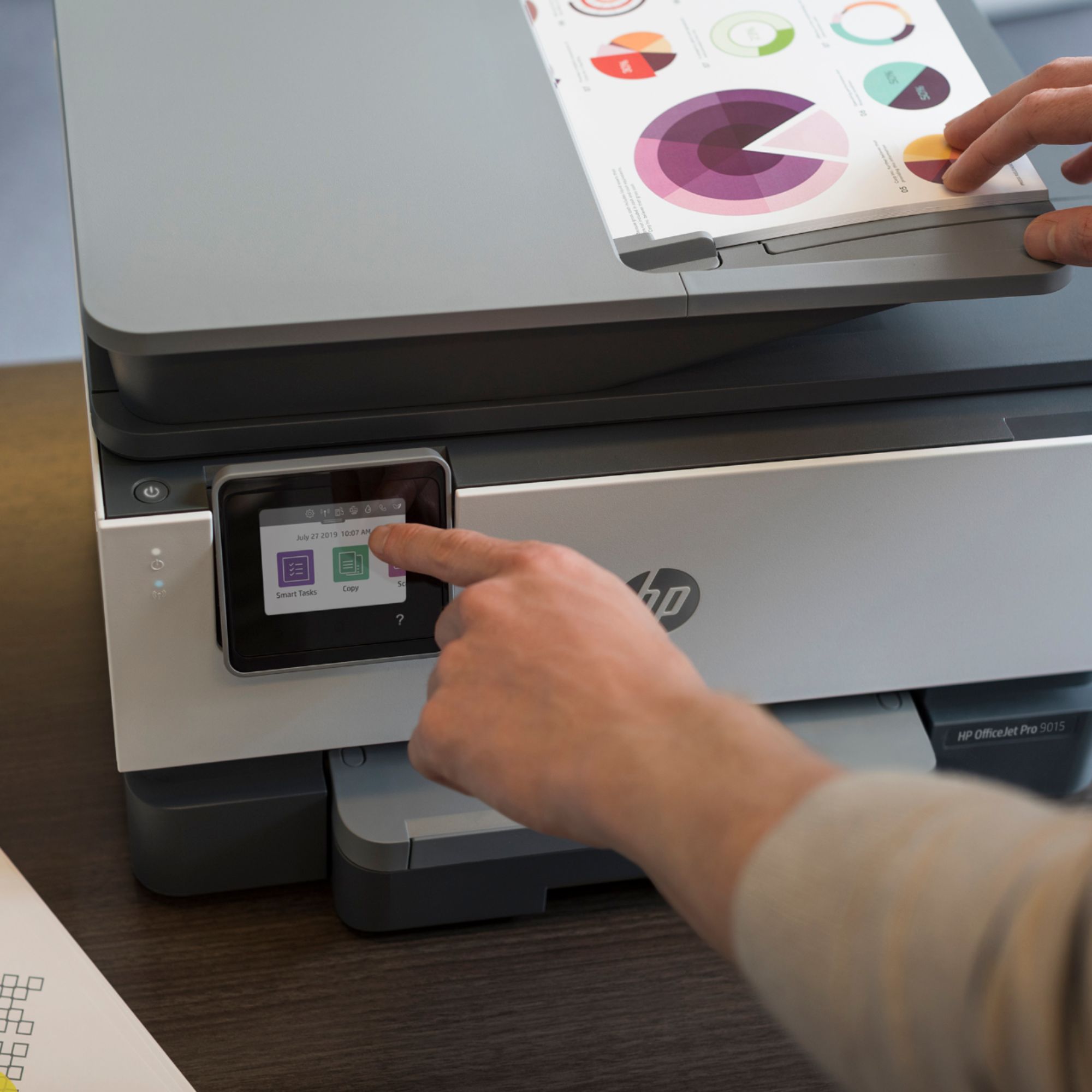
A:AnswerYes, it works very well with the HP Smart app, including creating and using Smart Tasks to streamline your work flow. When you set up the printer, you can have it create it's own email address. And you can use the Smart app to turn your phone into a scanner.
A:AnswerI would recommend contacting HP Support for further assistance. Here's the link for HP Support: https://support.hp.com/us-en/contact-hp . Alternatively, you can reach them by phone at 1-800-474-6836.
A:AnswerYes, the OfficeJet Pro 9015 can print on 4x6 photo paper. It functions just fine without a secondary tray, though if you are anticipating high volumes of printing, or switching frequently between paper sizes, we would recommend the 9025 model instead. Print quality is 4800x1200 dpi.
A:AnswerI asked virtually the same question to the HP rep who was at Best Buy. He told me that the best machine to do this would be another HP printer as the main focus of this machine is printed text, text. However, I've printed color photos that I've pasted into MS Word and the results were great. Suggest you either contact HP or Google this question.