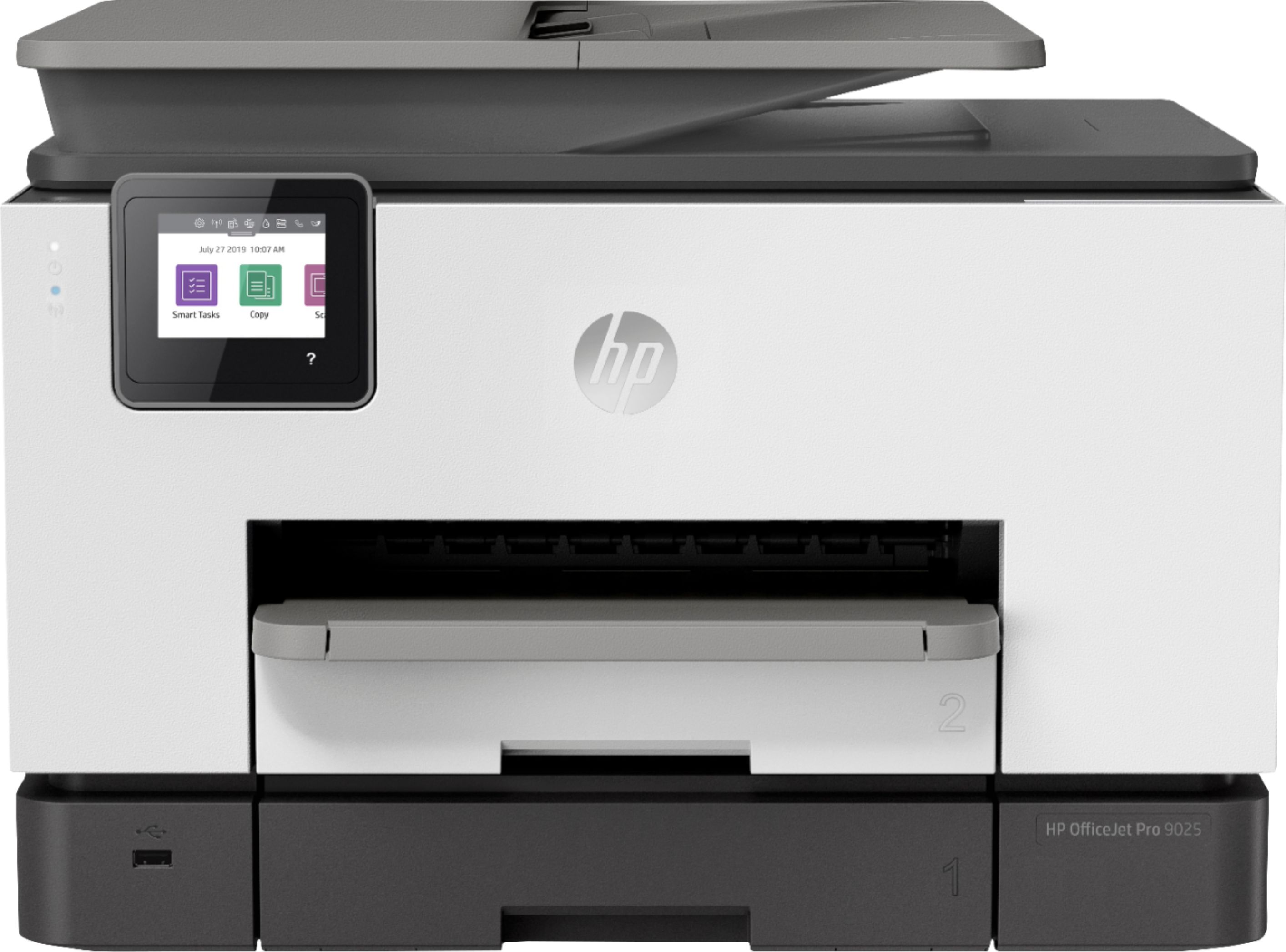
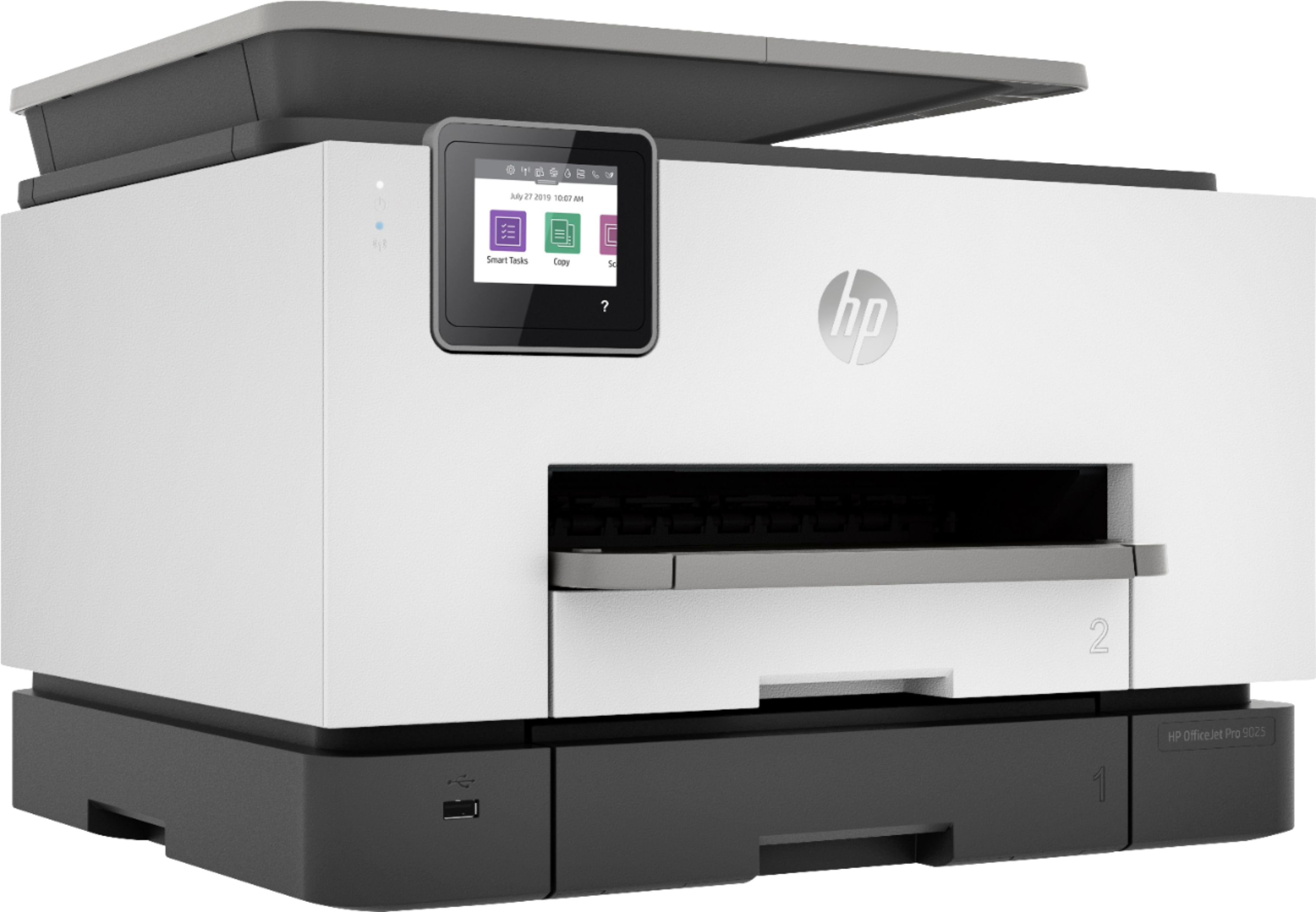
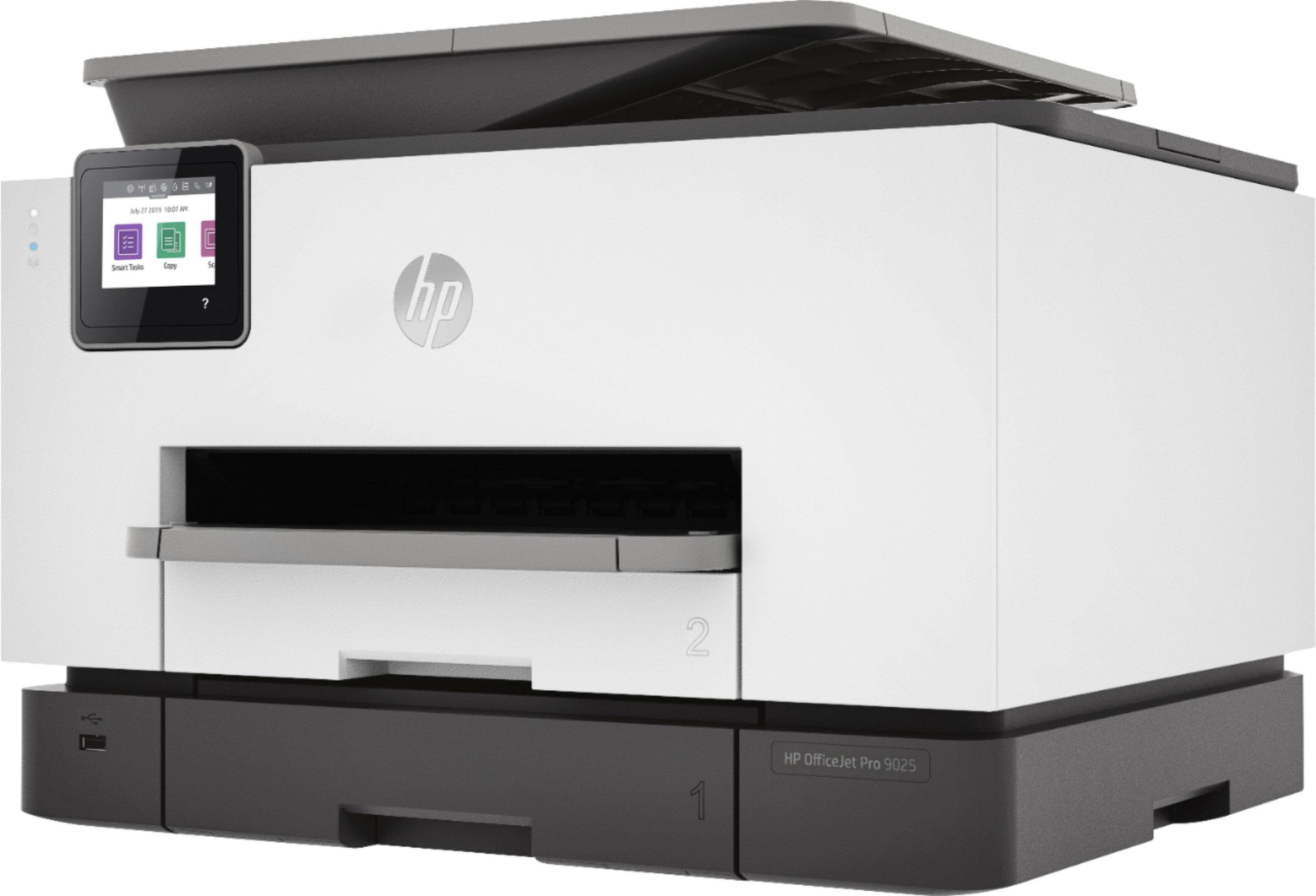
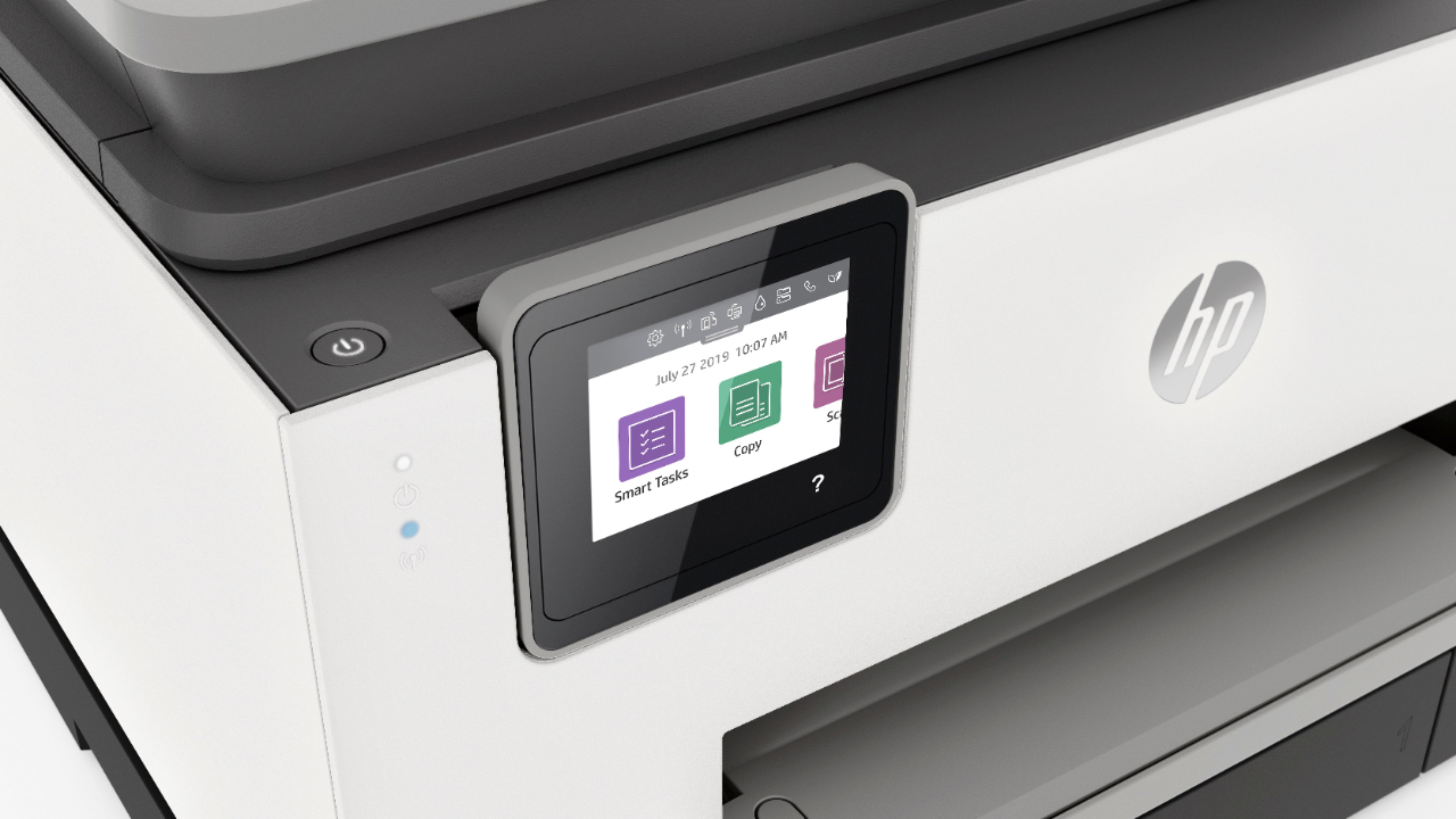
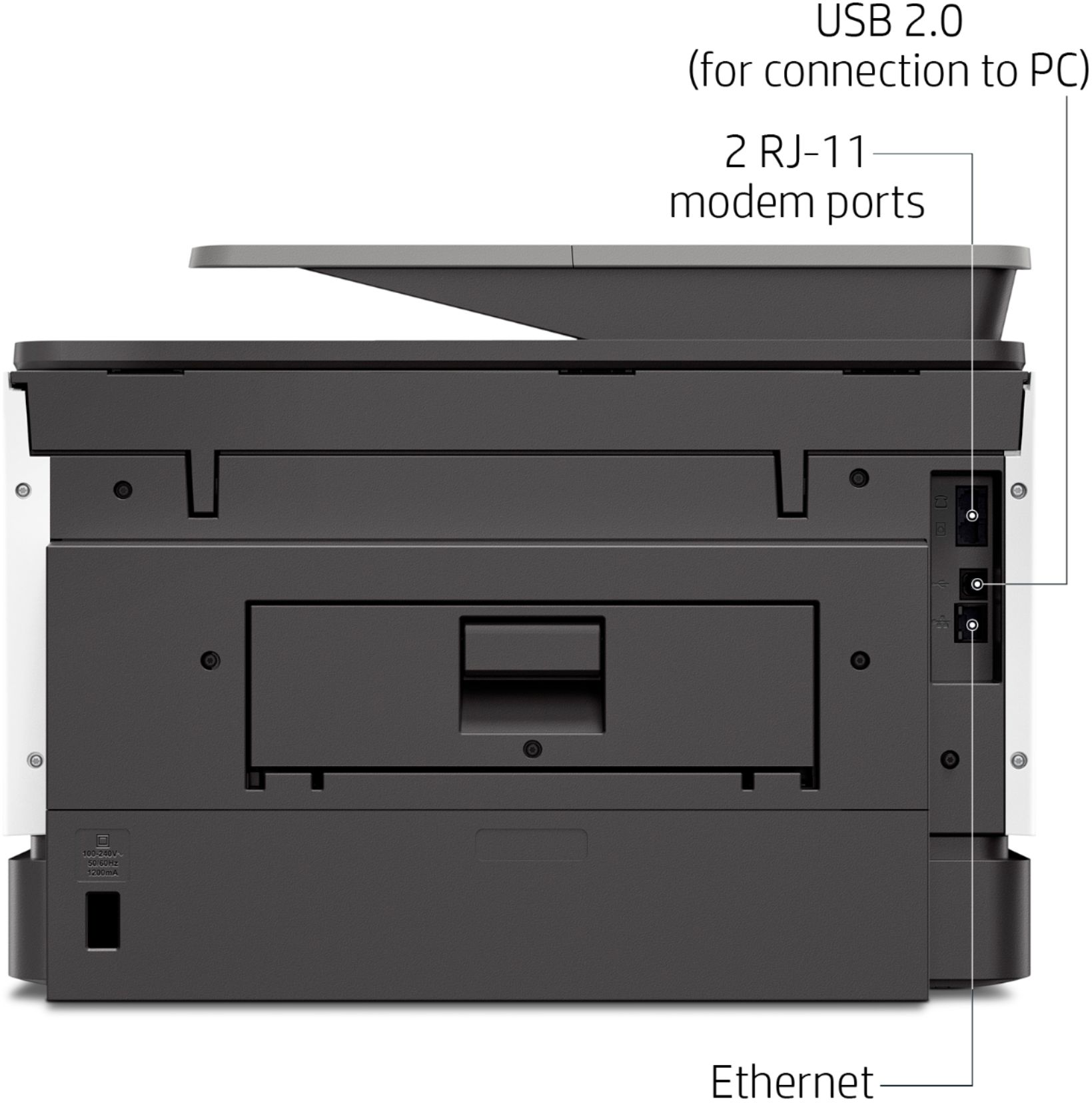
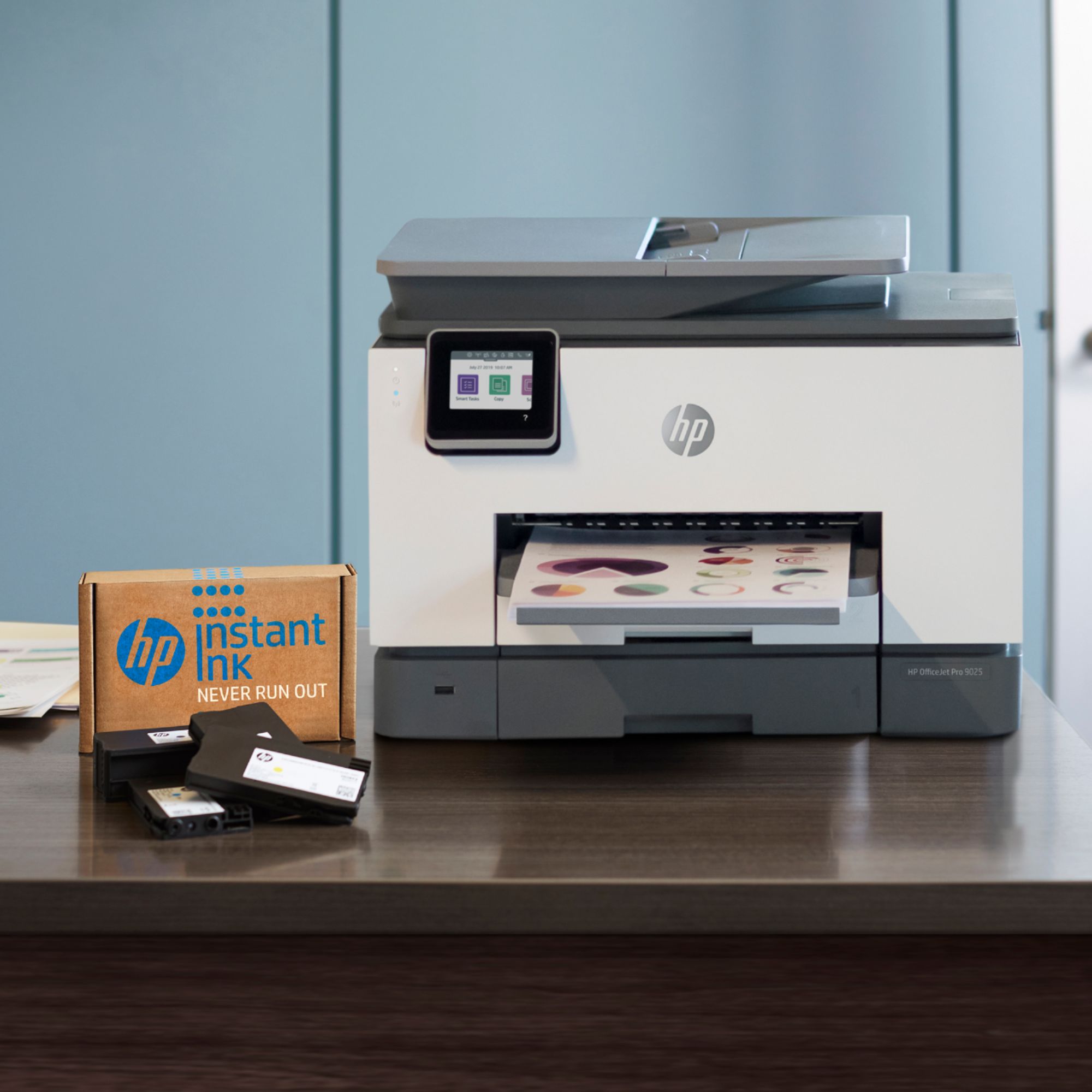
A:AnswerYes, I just got my HP OfficeJet 9025 and I am very happy. My printer is Ethernet on my network and work perfectly. It also prints from my laptop via wifi. THE ONLY BAD PARTS OF THIS PRINTERS IS THE HP CUSTOMER SUPPORT. I CALLED FOR HELP ON INSTALLING THE TWAIN DRIVE AND I FIX IT WHILE I WAS WAITING FOR THE TECH TO RESEARCH. GOOD LUCK WITH THEM.
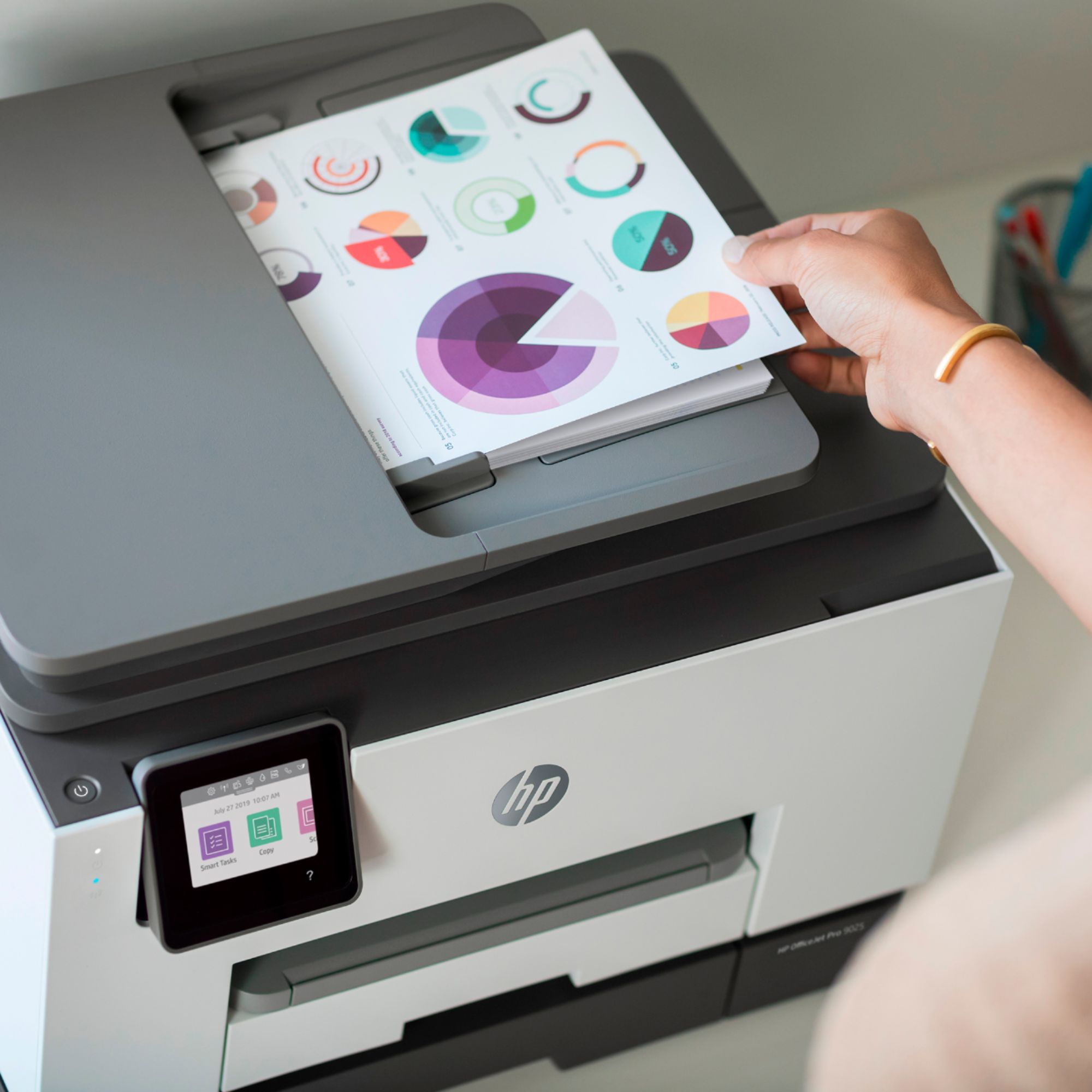
A:AnswerYes, you can edit a scanned document with this printer. You can save your PDF document as editable text (OCR) with this printer. You can use the HP Smart App. Here are more details under "Step 4: Enable scan to text (OCR, HP OfficeJet Pro 9010, 9020 printers)" : https://support.hp.com/ca-en/document/c06211157 It is also mentioned in the User Guide on page 61: http://h10032.www1.hp.com/ctg/Manual/c06220009
A:AnswerHere are some troubleshooting steps you can try: https://support.hp.com/us-en/product/hp-officejet-pro-9020-all-in-one-printer-series/23918456/model/23918457/document/c00297388 If you need further assistance, visit https://support.hp.com or the Geek Squad at Best Buy.
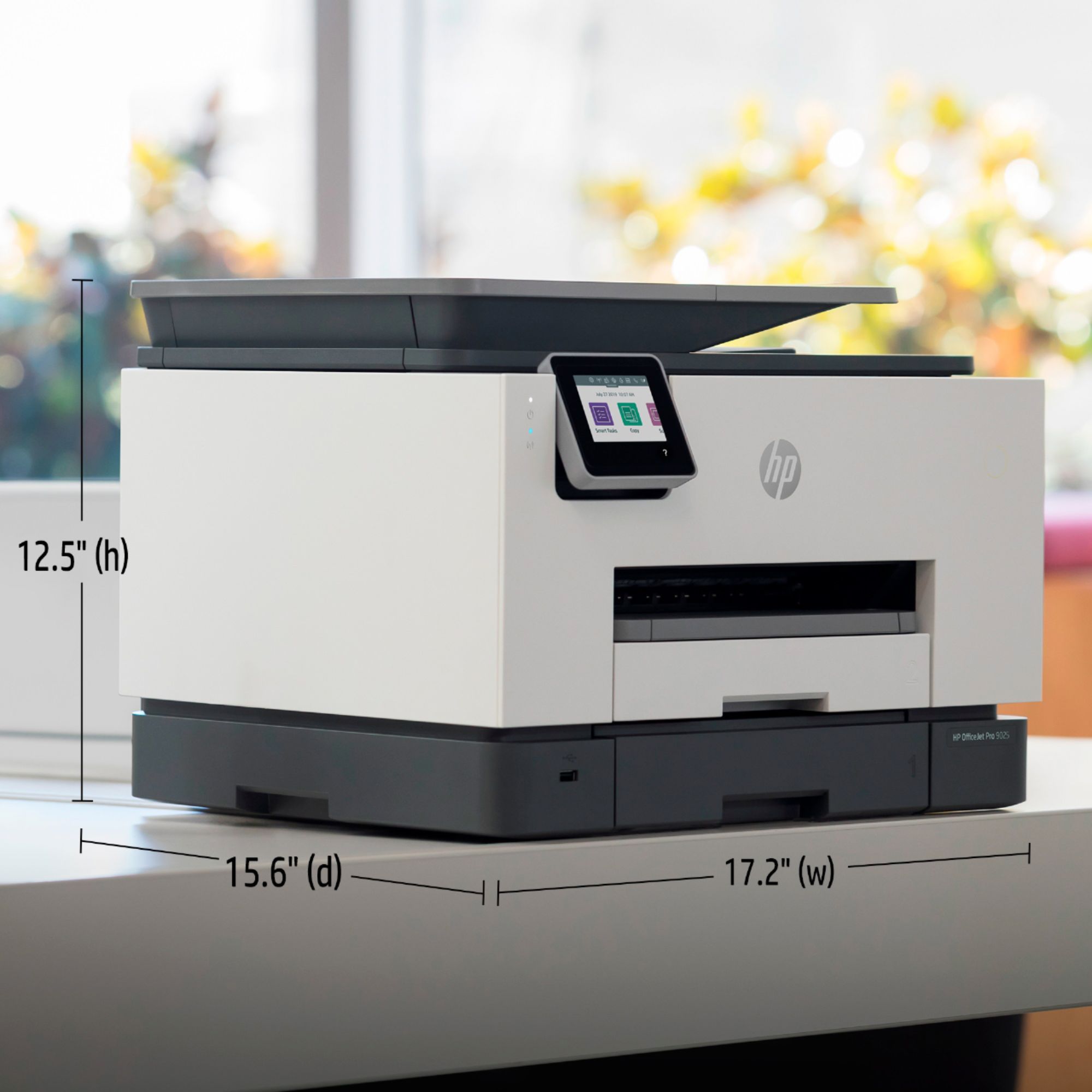
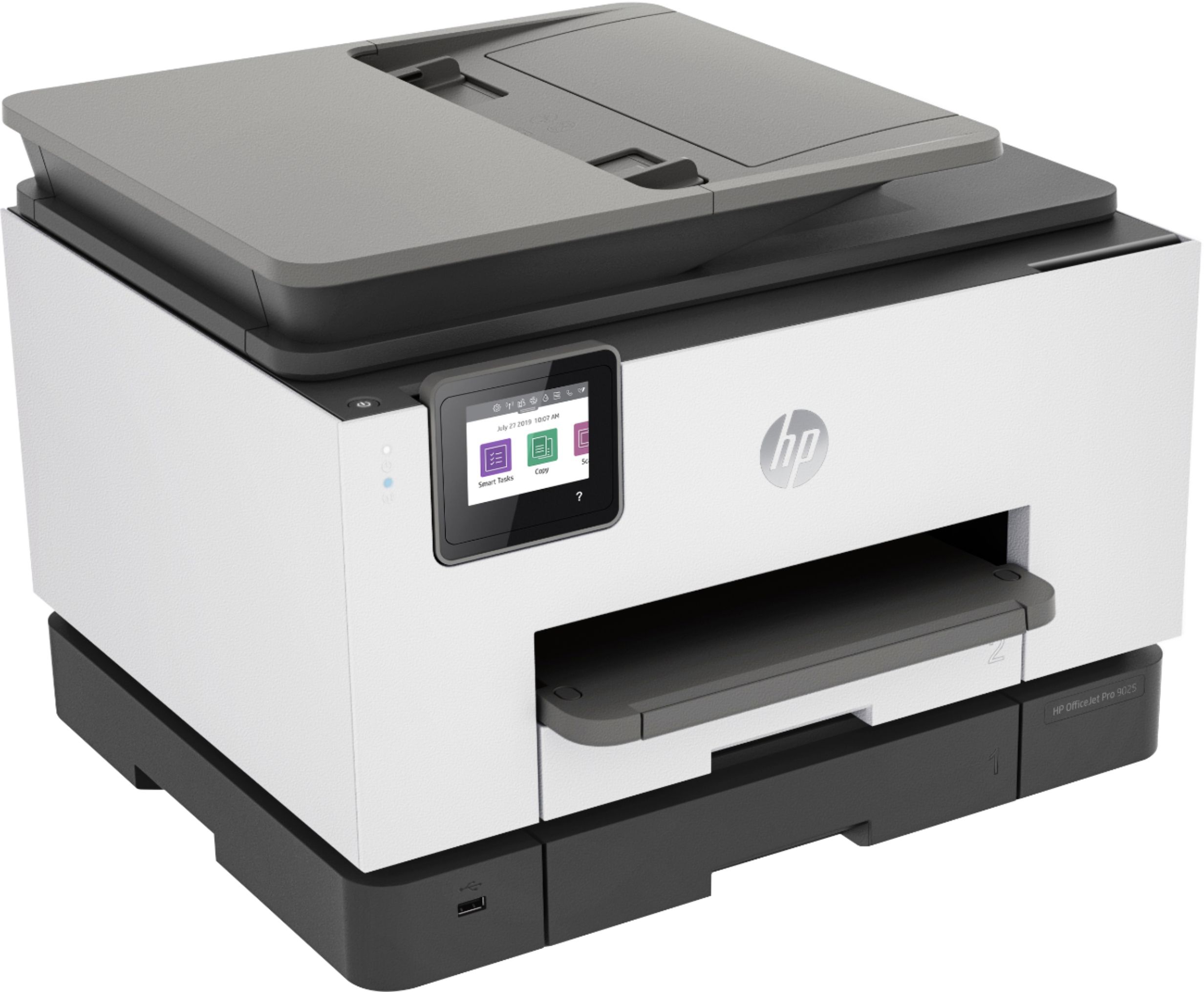
A:AnswerThe maximum dimensions (W x D x H, U.S. standard) 17.20 x 21.54 x 12.53 in. The 21.54" depth includes a retractable paper output tray that can remain recessed until you are printing.