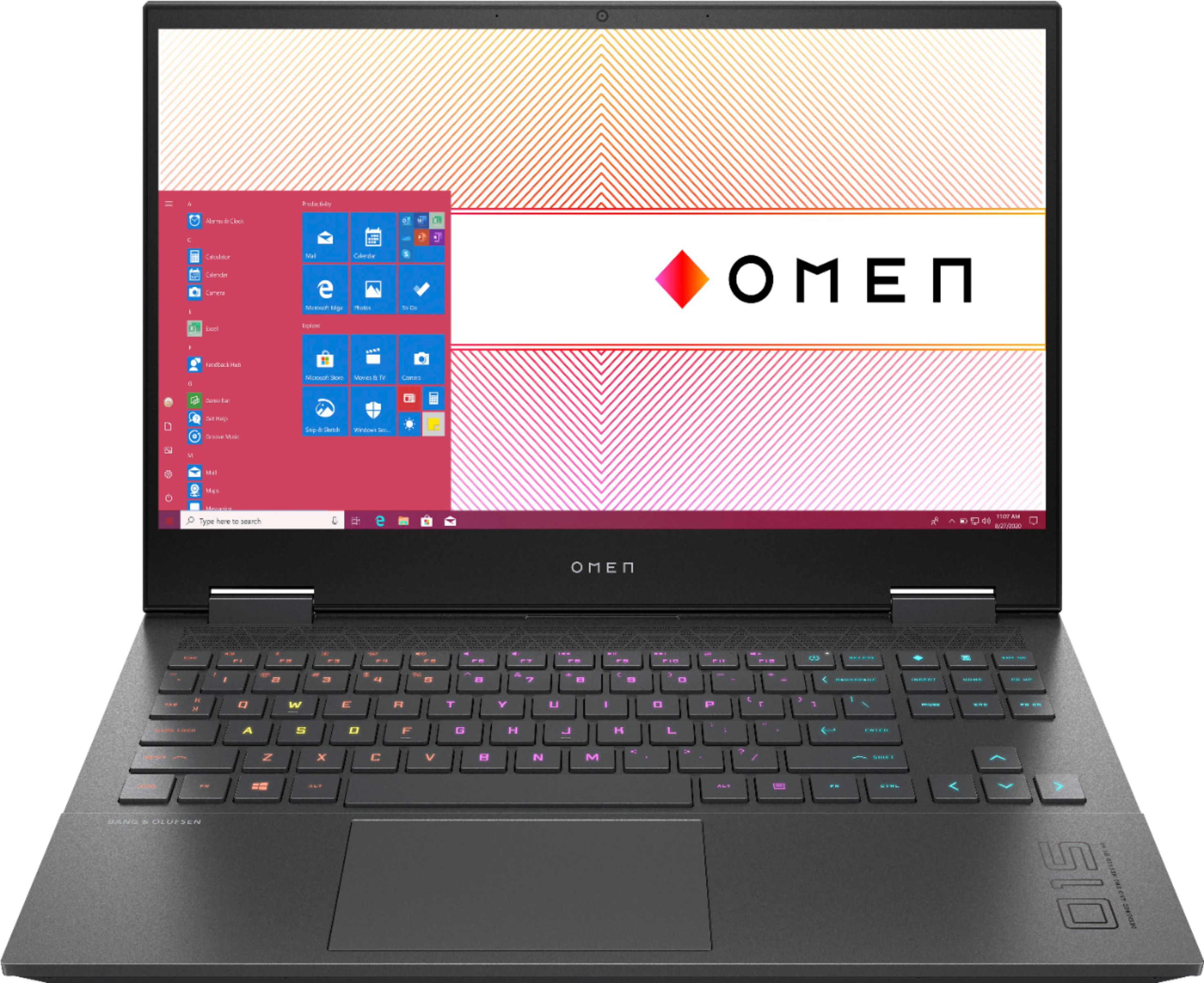
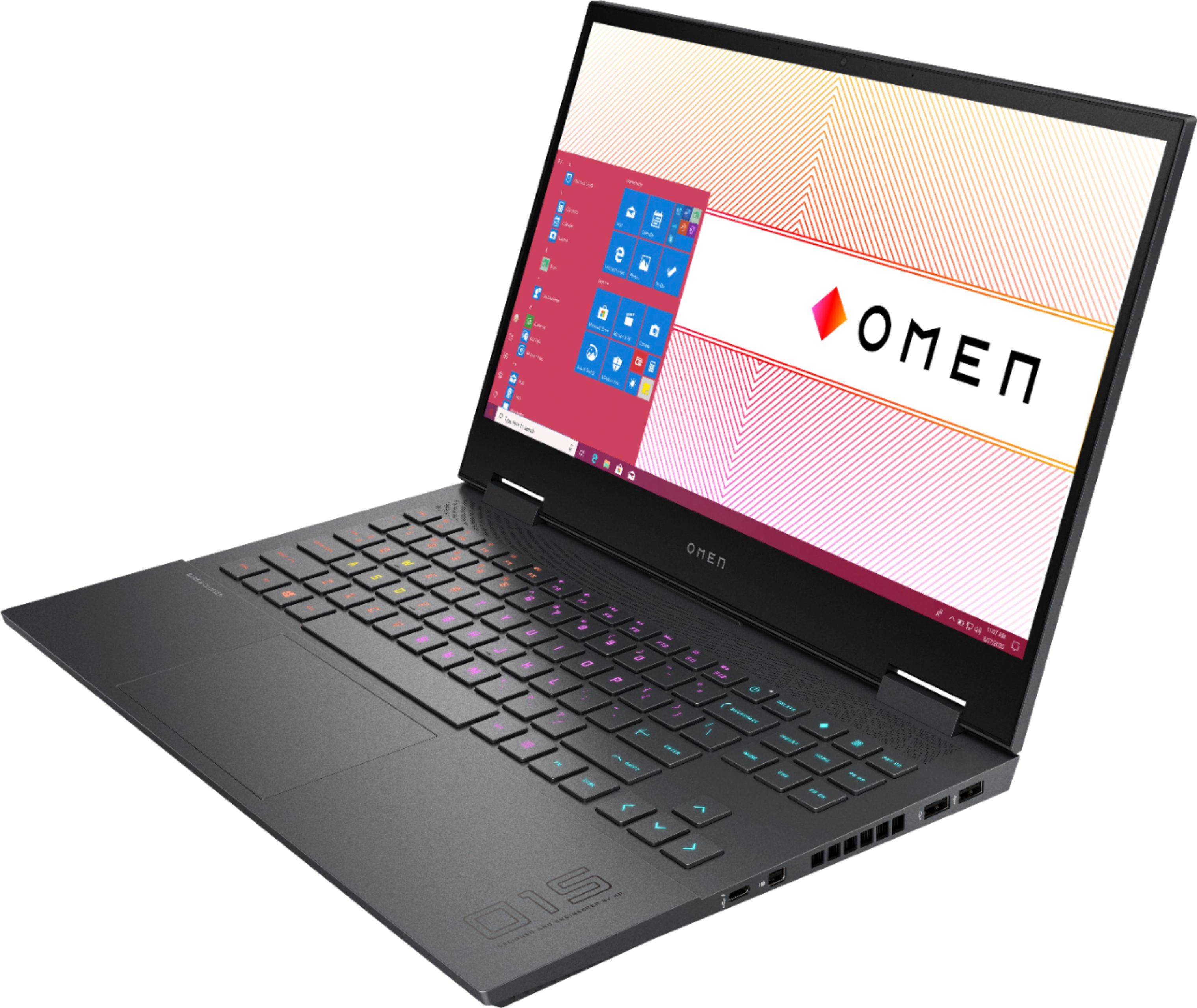
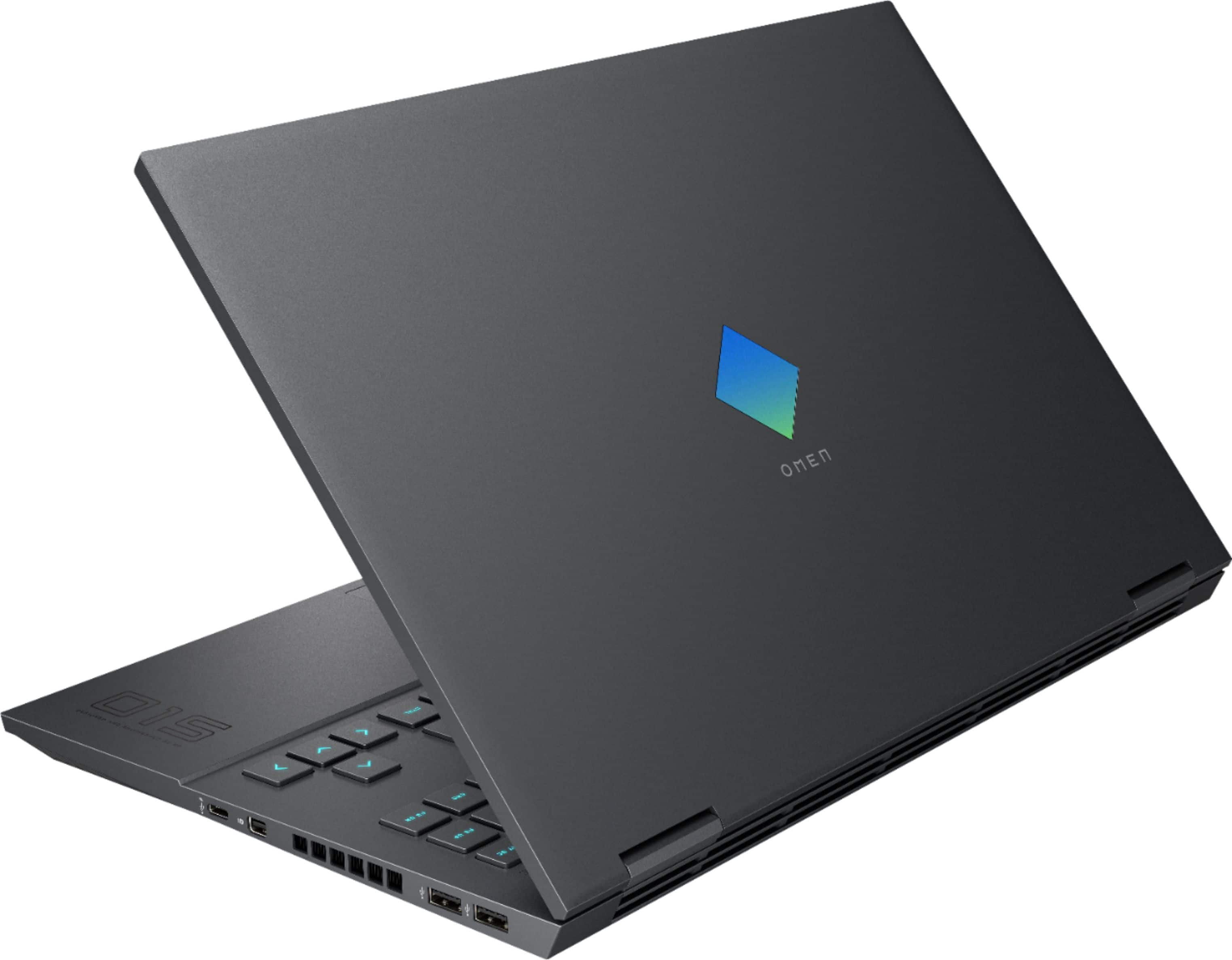
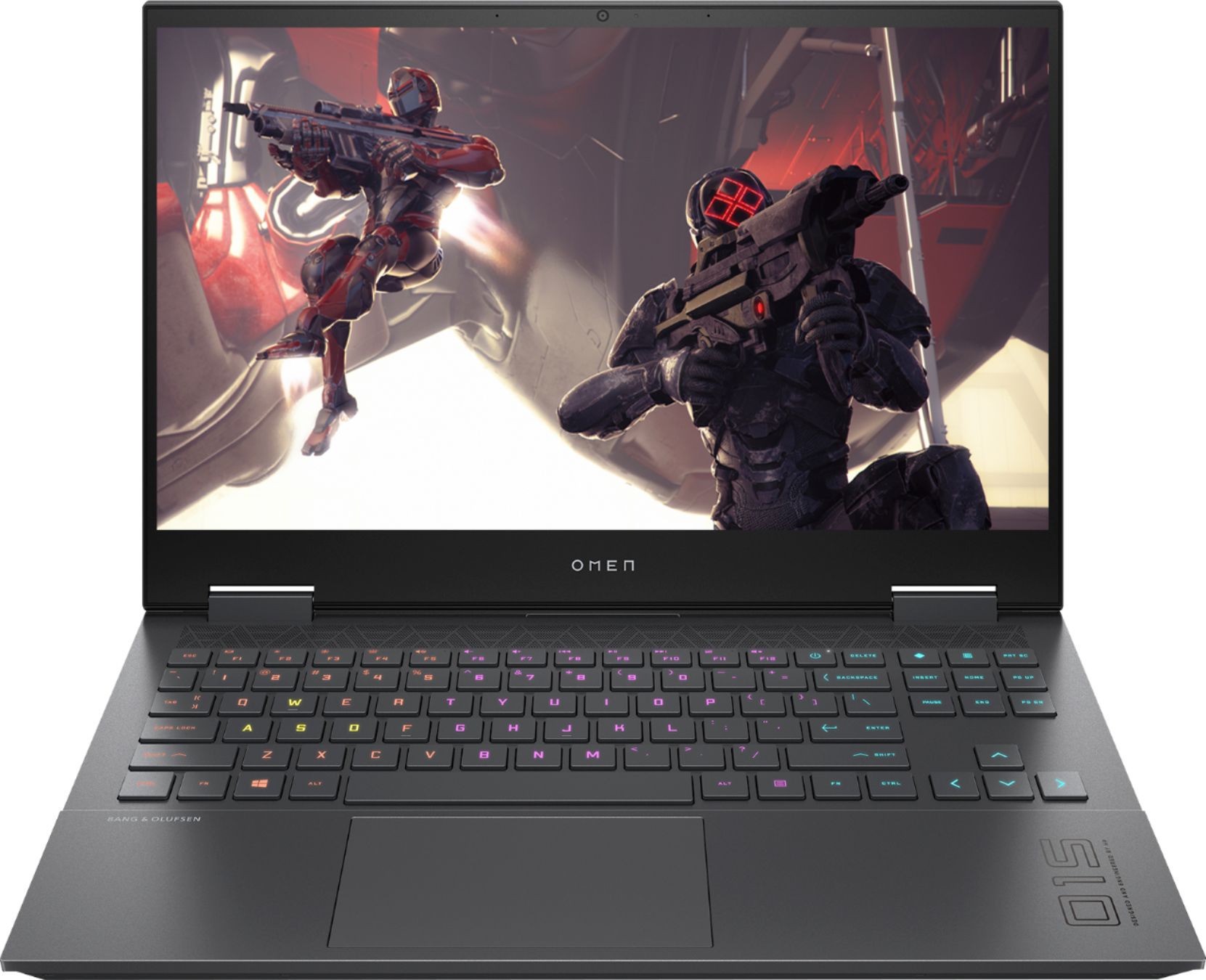
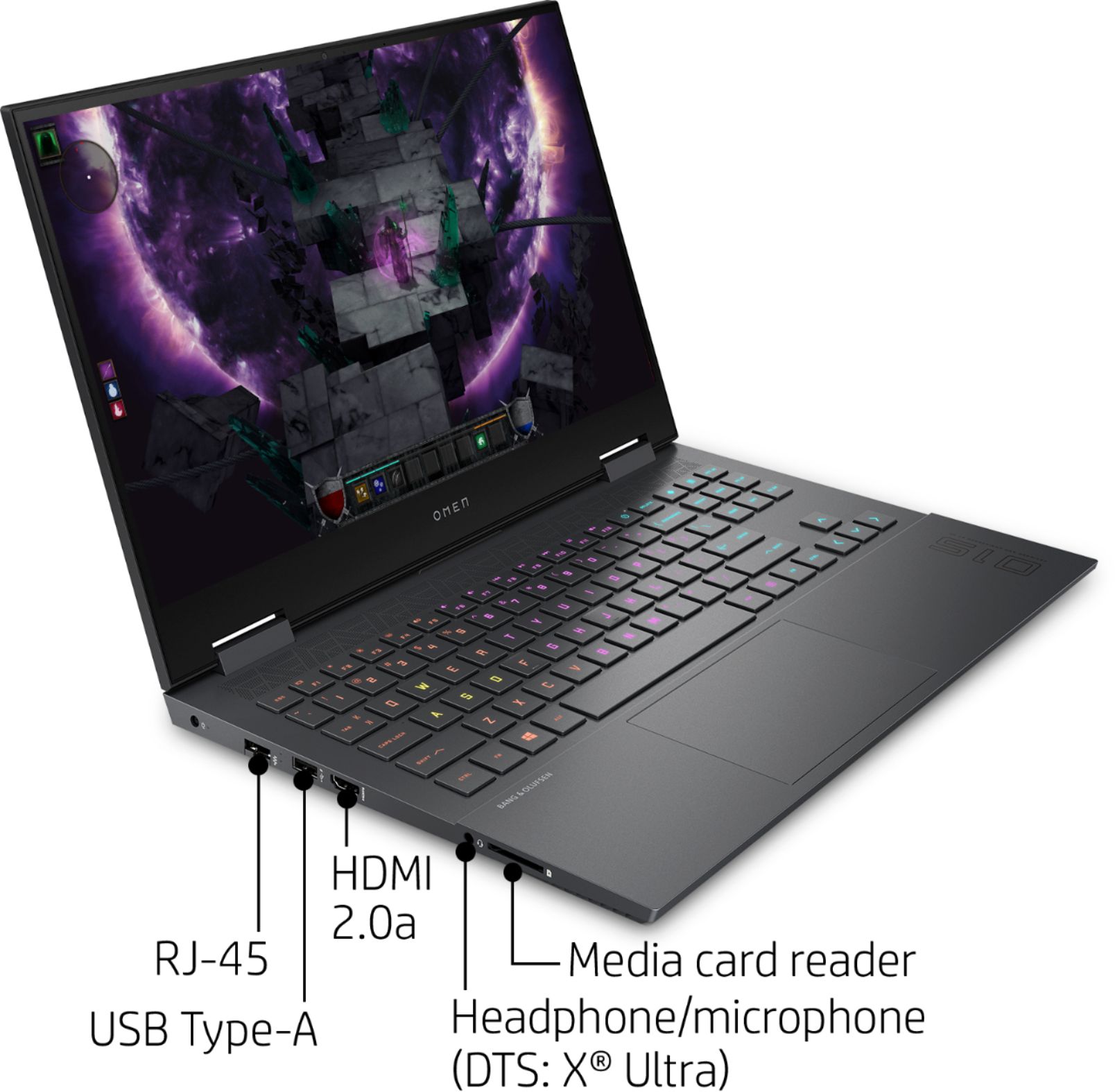
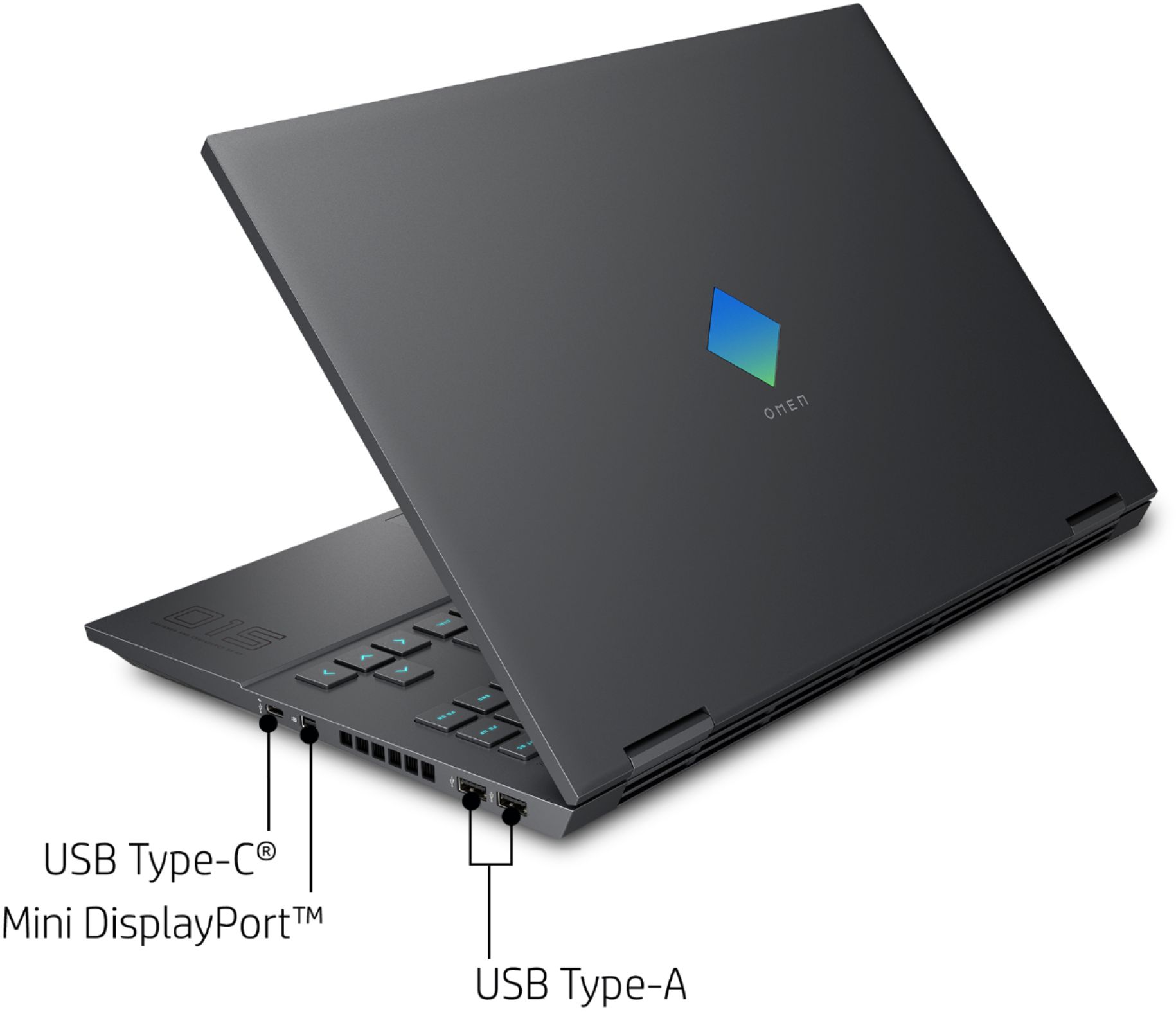
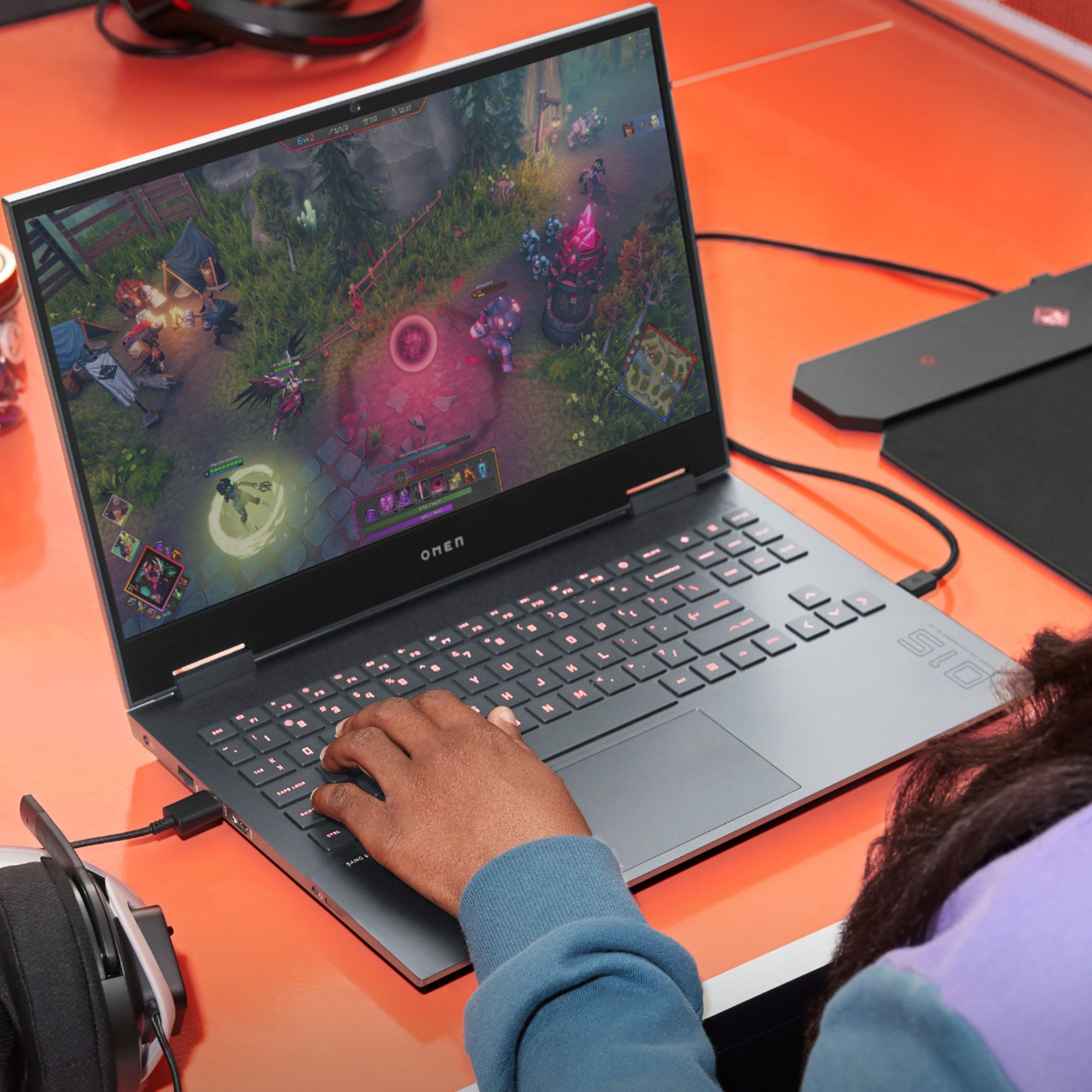
A:AnswerThere already is an RTX model but it comes with an Intel CPU. I bought this one because of the Ryzen 7 CPU which is quite a bit more powerful than the Intel model.
A:AnswerYes there is. Here is the storage potential for this laptop:
Multiple storage options:
Up to 1 TB PCIe® NVMe™ TLC M.2 SSD or
512GB Intel® SSD + 32 GB Intel® Optane™ memory or
Two 512 GB PCIe® NVMe™ TLC M.2 SSD with RAID 0 configured
A:AnswerAs others mentioned, April leaks pointed at a release date in July. Looking at benchmark testing, the 1660ti is only about 10% slower than the rtx 2060 but quite a bit cheaper. Thermals are also better on the 1660ti, which may be part of the reason this laptop wasn't released with the 2060 initially. As long as you don't care about ray tracing, I prefer the 1660ti for its thermals and price point.
A:AnswerYes the lid can flex a little if you open it with one hand. That’s something that a few people have said they don’t like but honestly it hasn’t caused any issues for me. The screen itself is very nice too. IPS panel with a good color range.
A:AnswerThe GTX1650 is only 4gb but the 1660TI on this laptop is 6gb. Also personally i would not get a 1650 the 1660ti is 65% faster and only cost a little more the 1650. The 1650 will have a hard time getting 60fps @1080P on modern games were as the 1660ti can push 100+ fps on modern games @1080P.
A:AnswerIt just depends on what tasks you have running in the background that are CPU/GPU task heavy. The fan kicks to to keep the system cool, the same way a radiator fan in a vehicle works.
A:Answer10 out of 10 sturdy. It really feels professional. The lid is able to be opened with one hand. The keyboard is super slick. The screen is firm. There is a LITTLE wiggle as you type but its no big deal. The unit itself feels really nice.
A:AnswerThe above answer concerns the screens brightness which is 300 nits, good for a gaming laptop.
The refresh rate is 144Hz and response time is somewhere between 3 and 7ms. It's the best screen I've ever seen on a gaming laptop in this price range.
A:AnswerThis is not a Gsync monitor. At least I cannot find any information online or in the system drivers that tell me otherwise.
You can connect the laptop to a Gsync monitor and take advantage of all the features of Gsync with that monitor.
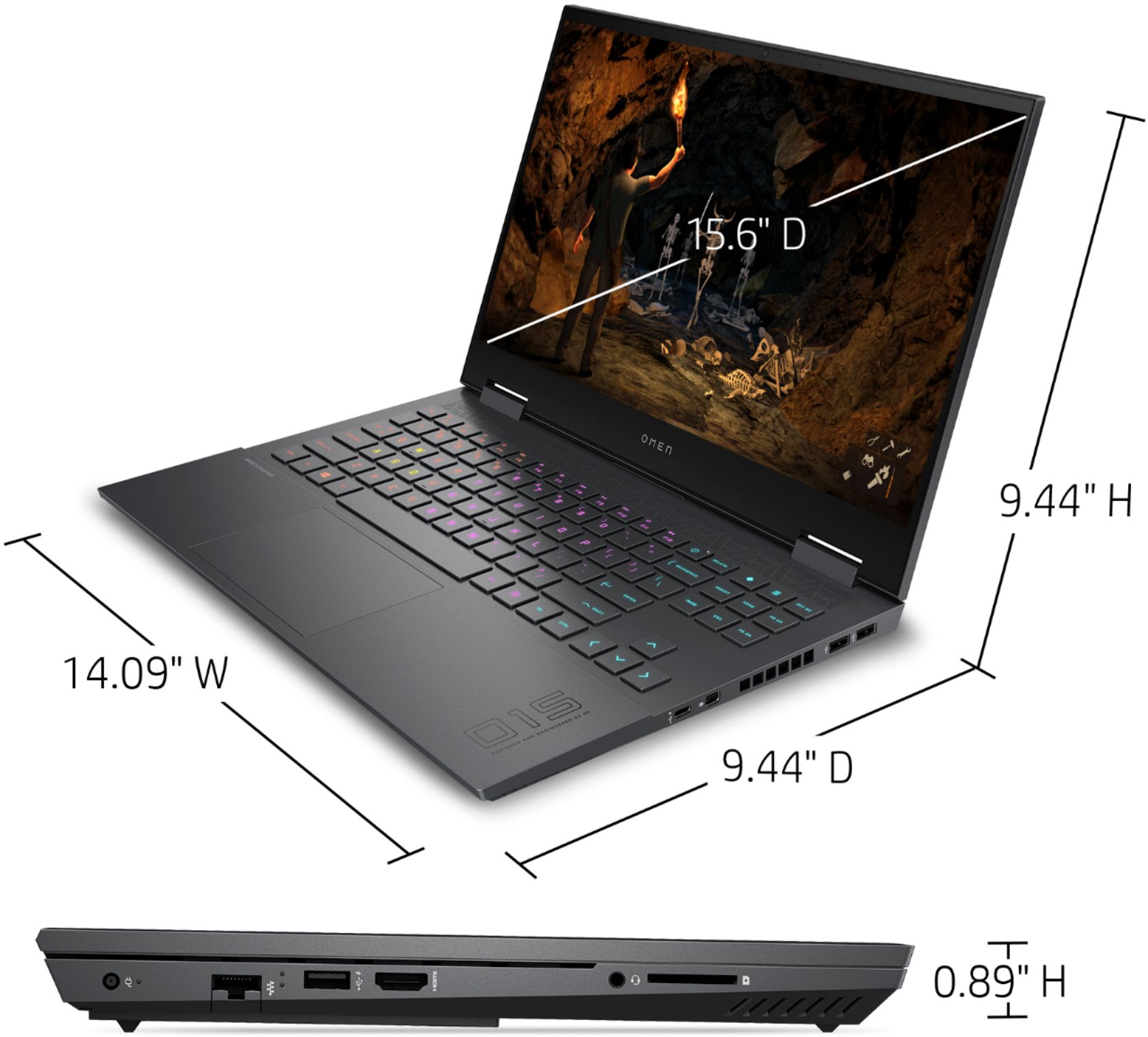
A:AnswerYes it is. Here are the specs for this laptop's display:
Display15.6" diagonal FHD, 144 Hz, IPS, anti-glare, micro-edge, WLED-backlit, 300 nits, 72% NTSC (1920 x 1080)