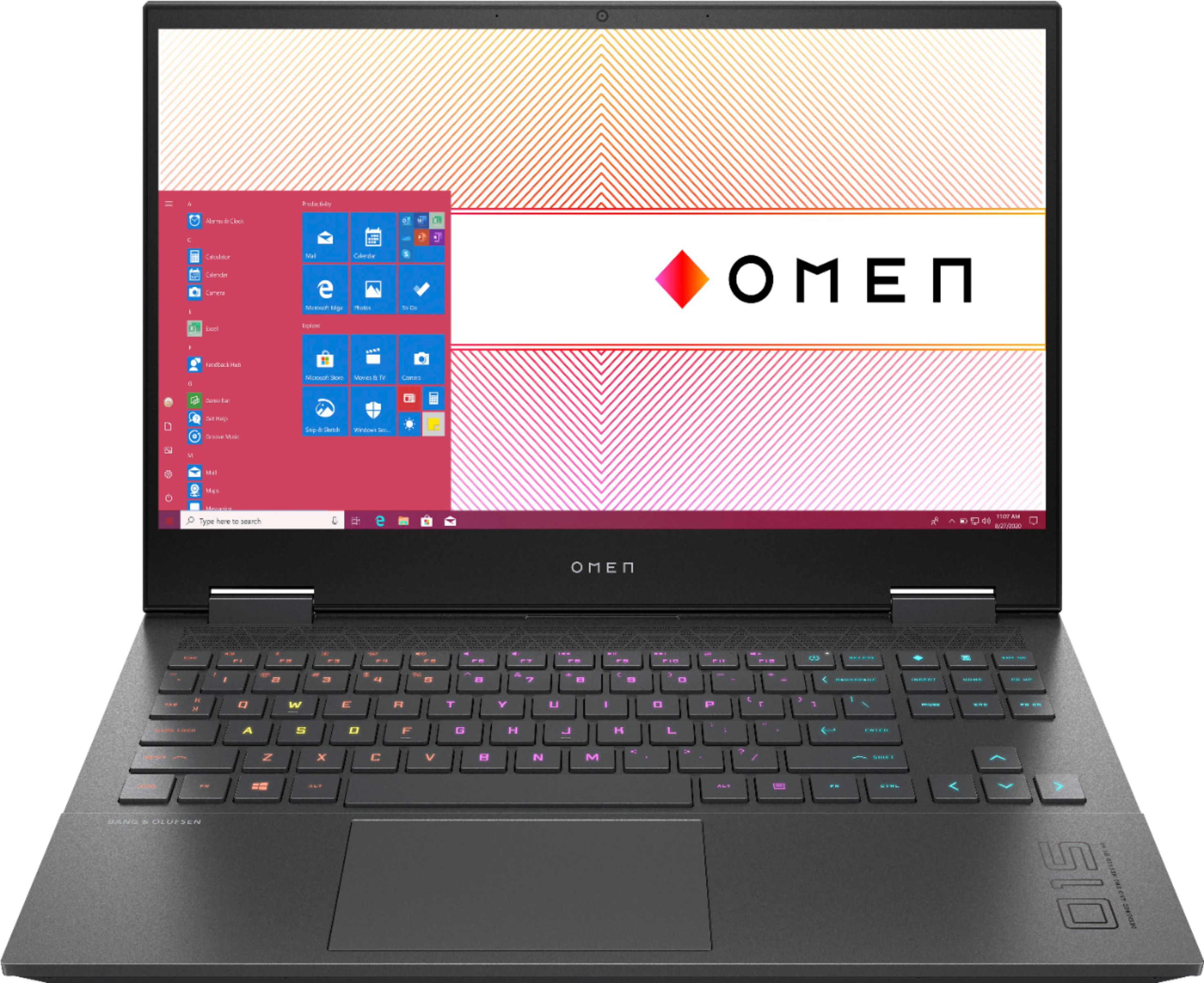
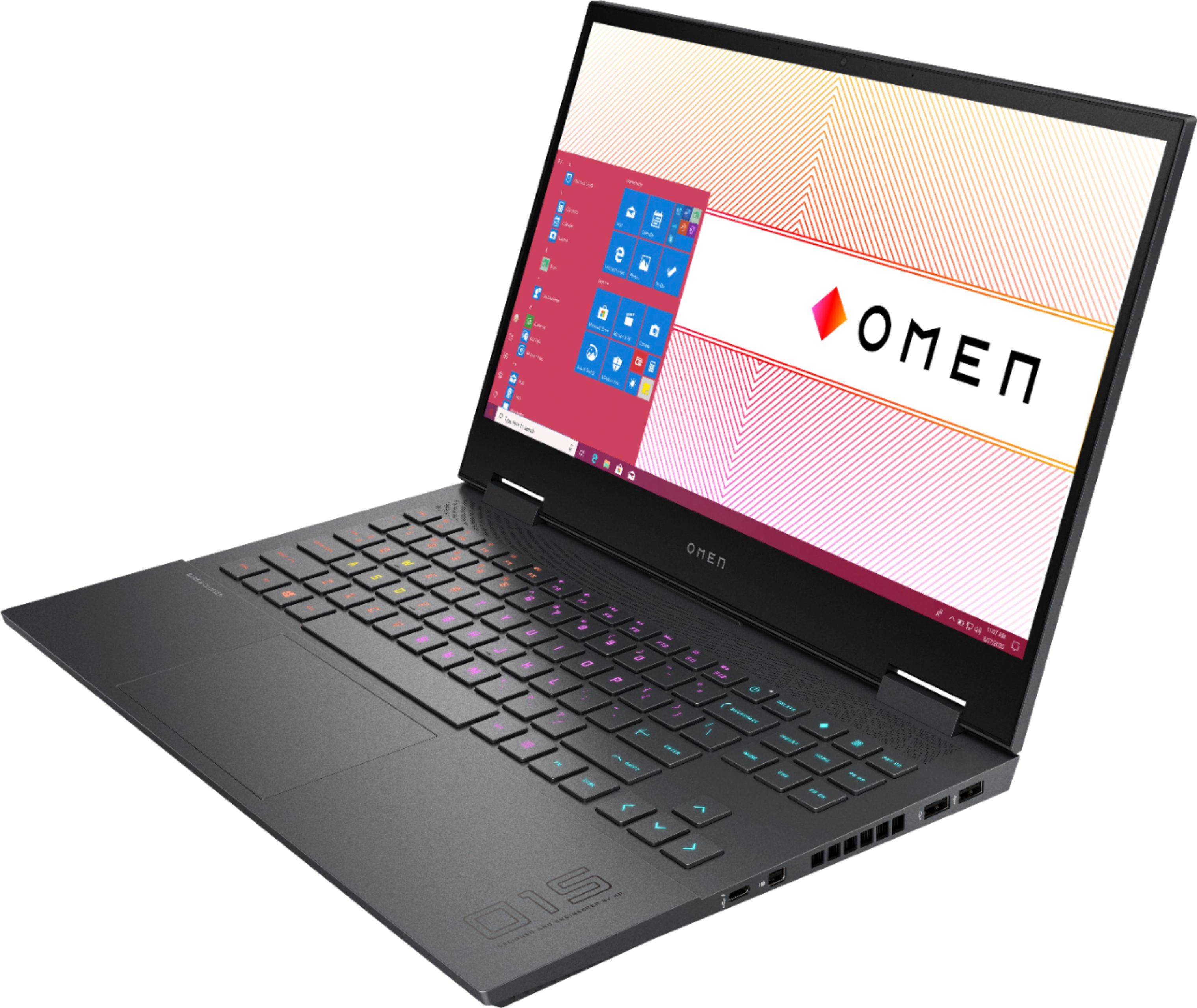
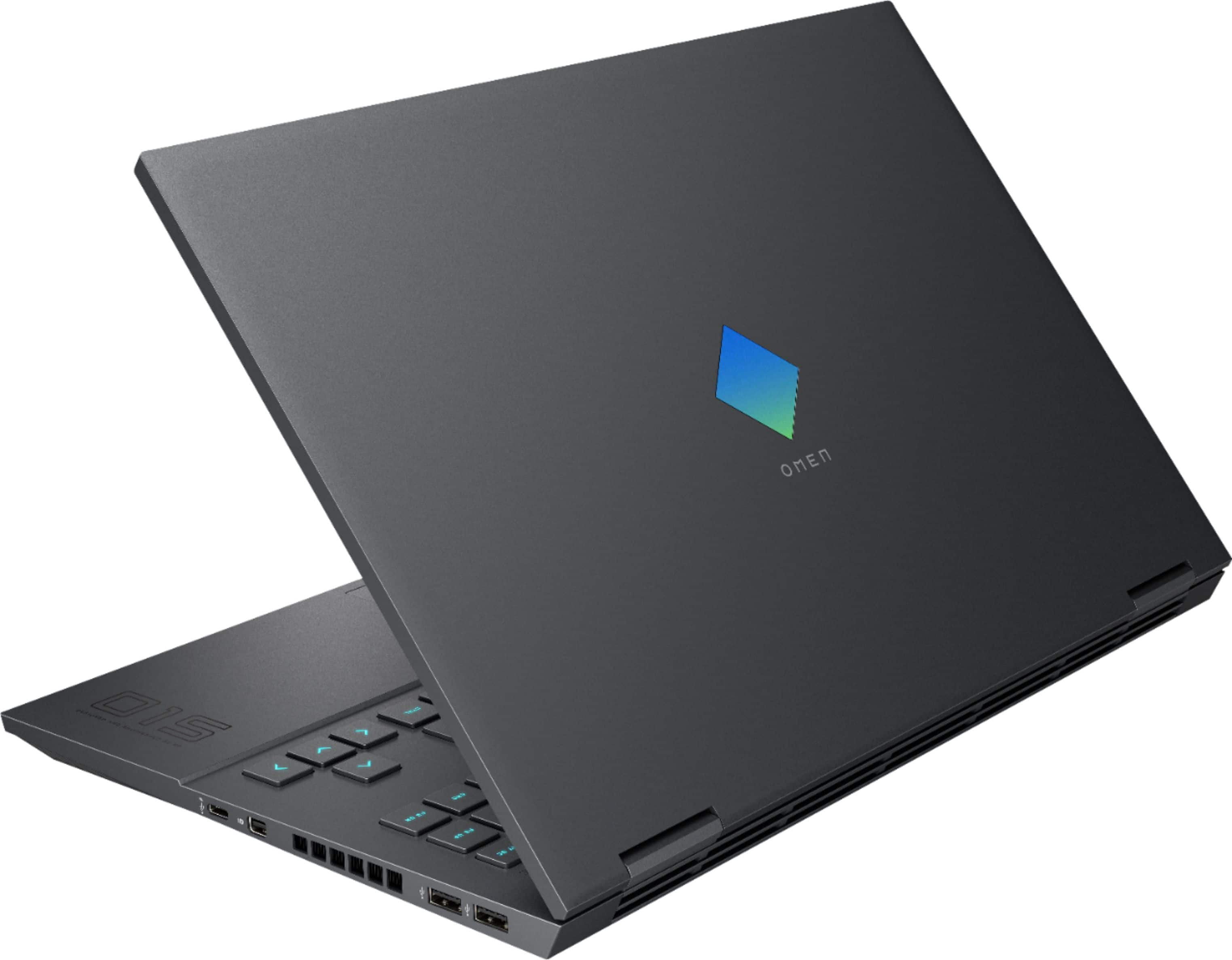
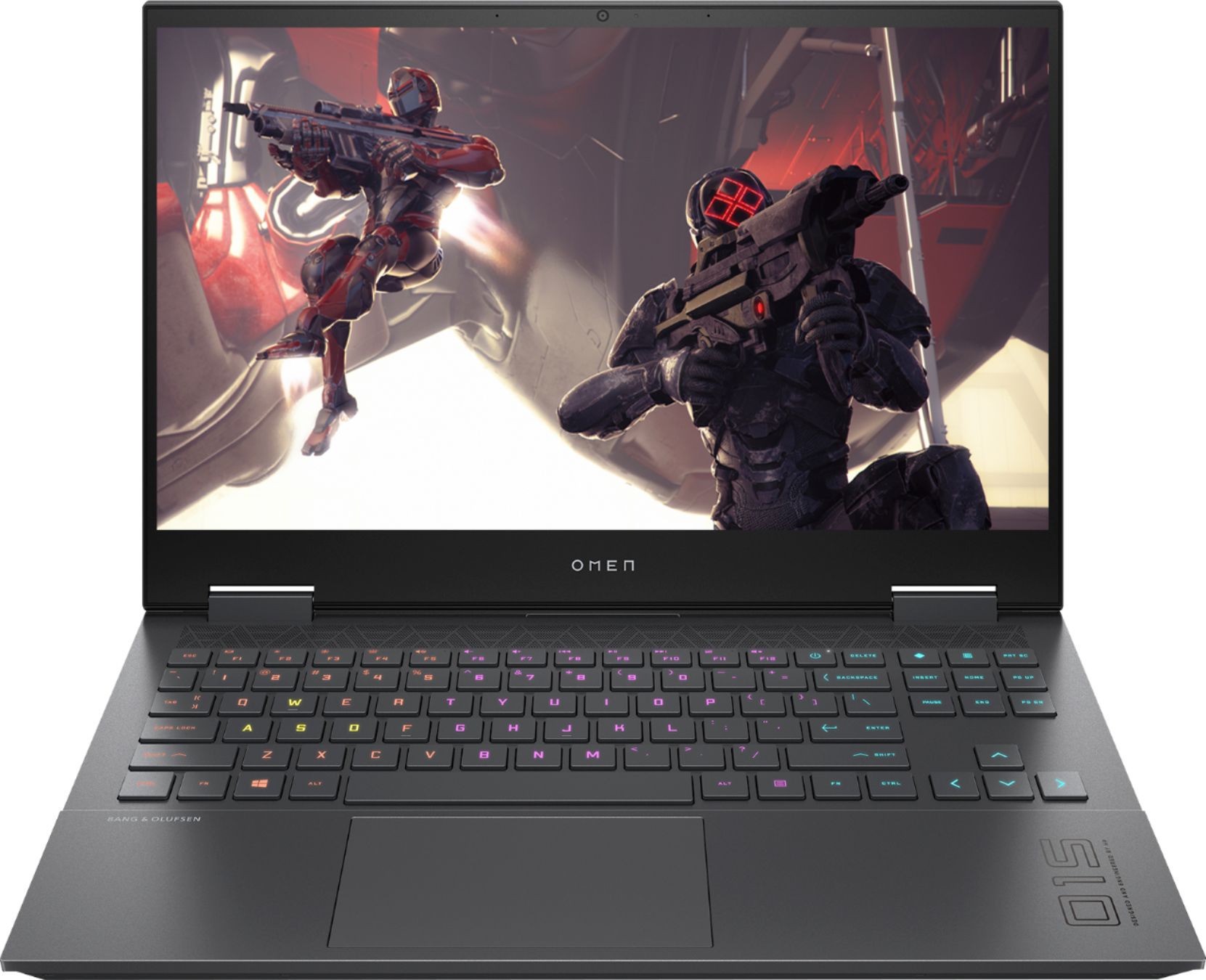
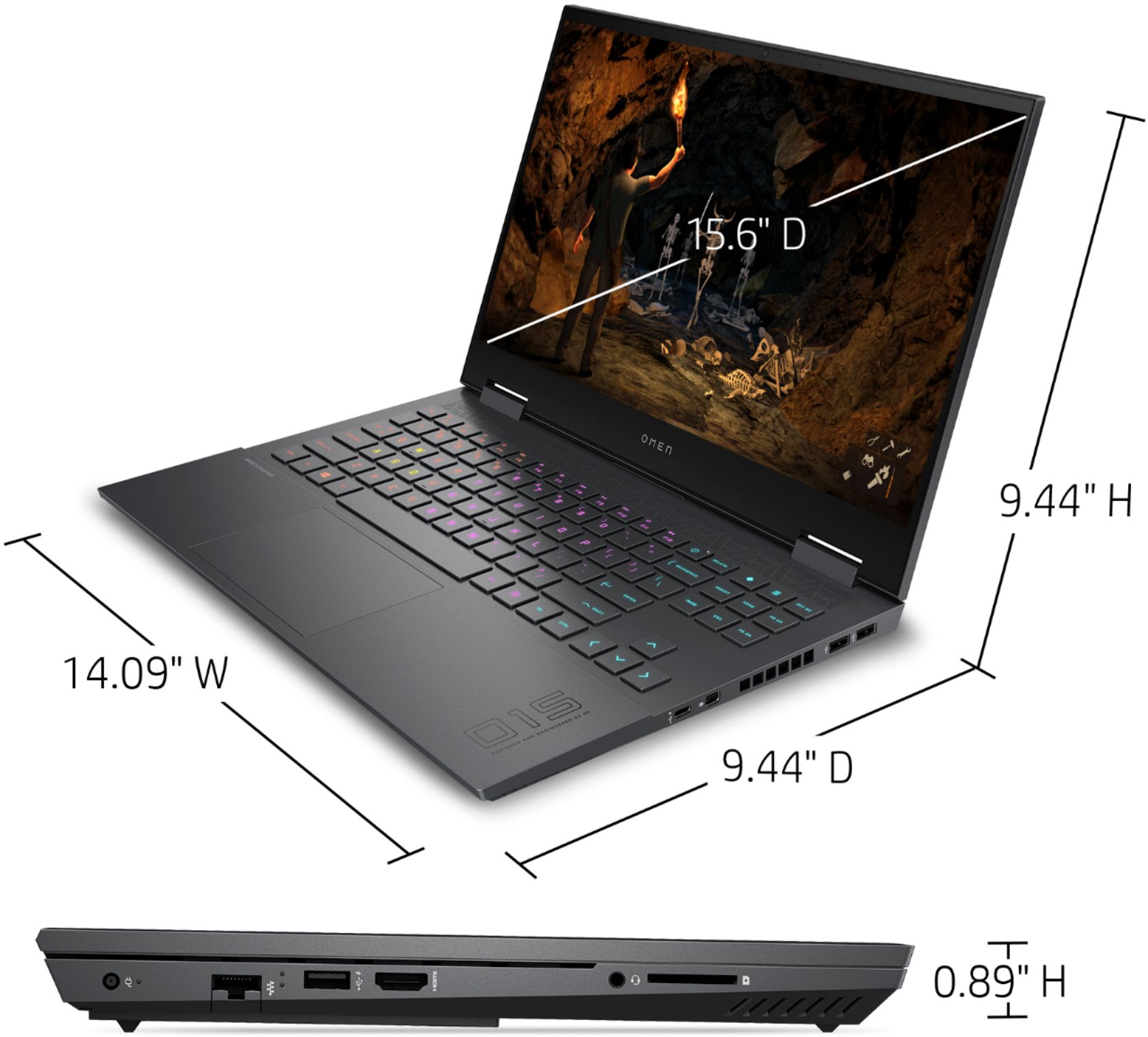
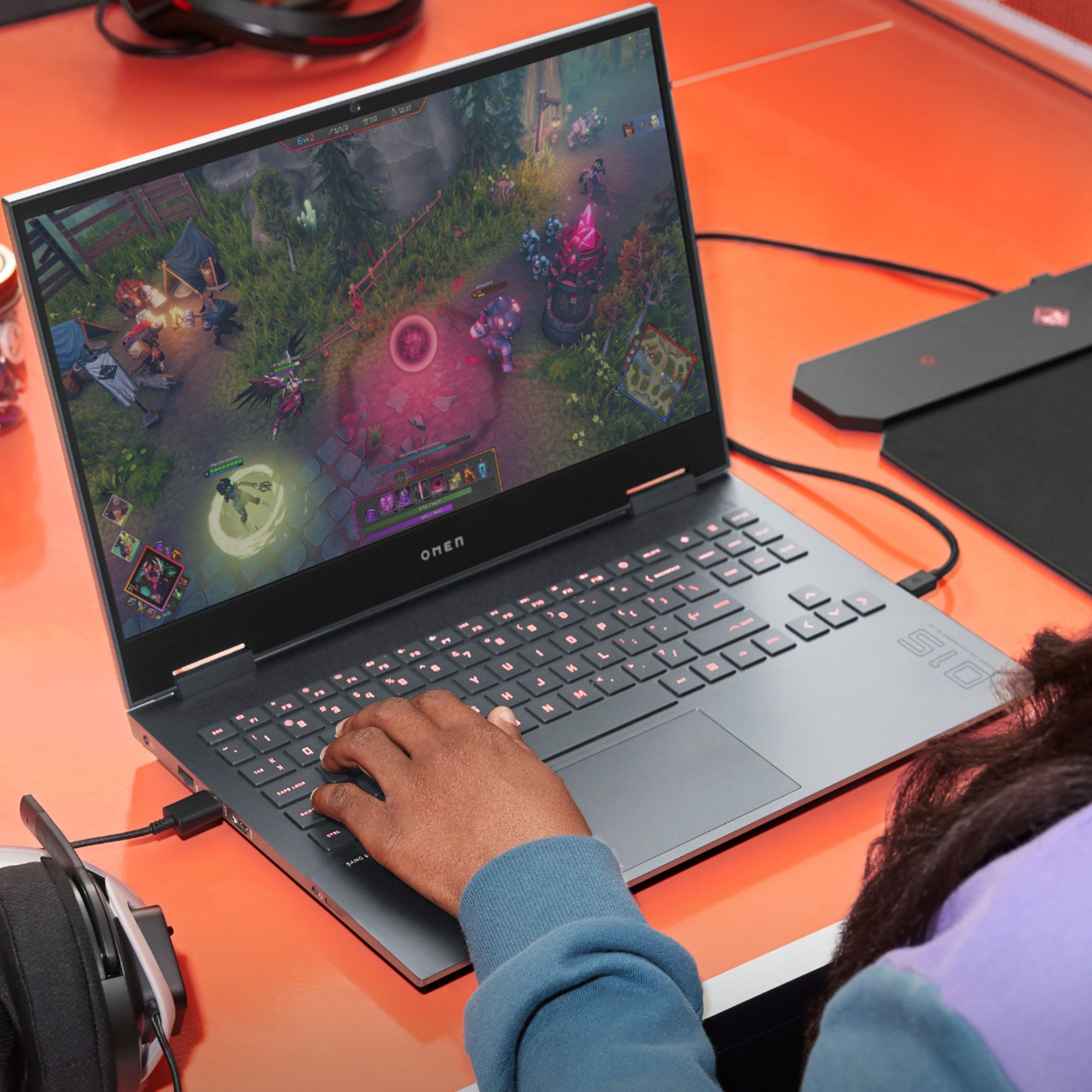
A:AnswerThe top half is plastic so the screen can bend and avoid getting cracked and the bottom is all aluminum. It is very strong and has a nice build quality.
A:AnswerNot sure what contrast ratio means. There is no num pad. My temps have never gone above 100C even over hours of gameplay on maxed out settings.
A:AnswerDepending on the game, it's on the high end of normal. Make sure that when you're gaming that you don't have any of the air vents (either intake or exhaust) obstructed. If it continues, contact the HP support team to see if they have suggestions for lowering the temperature.
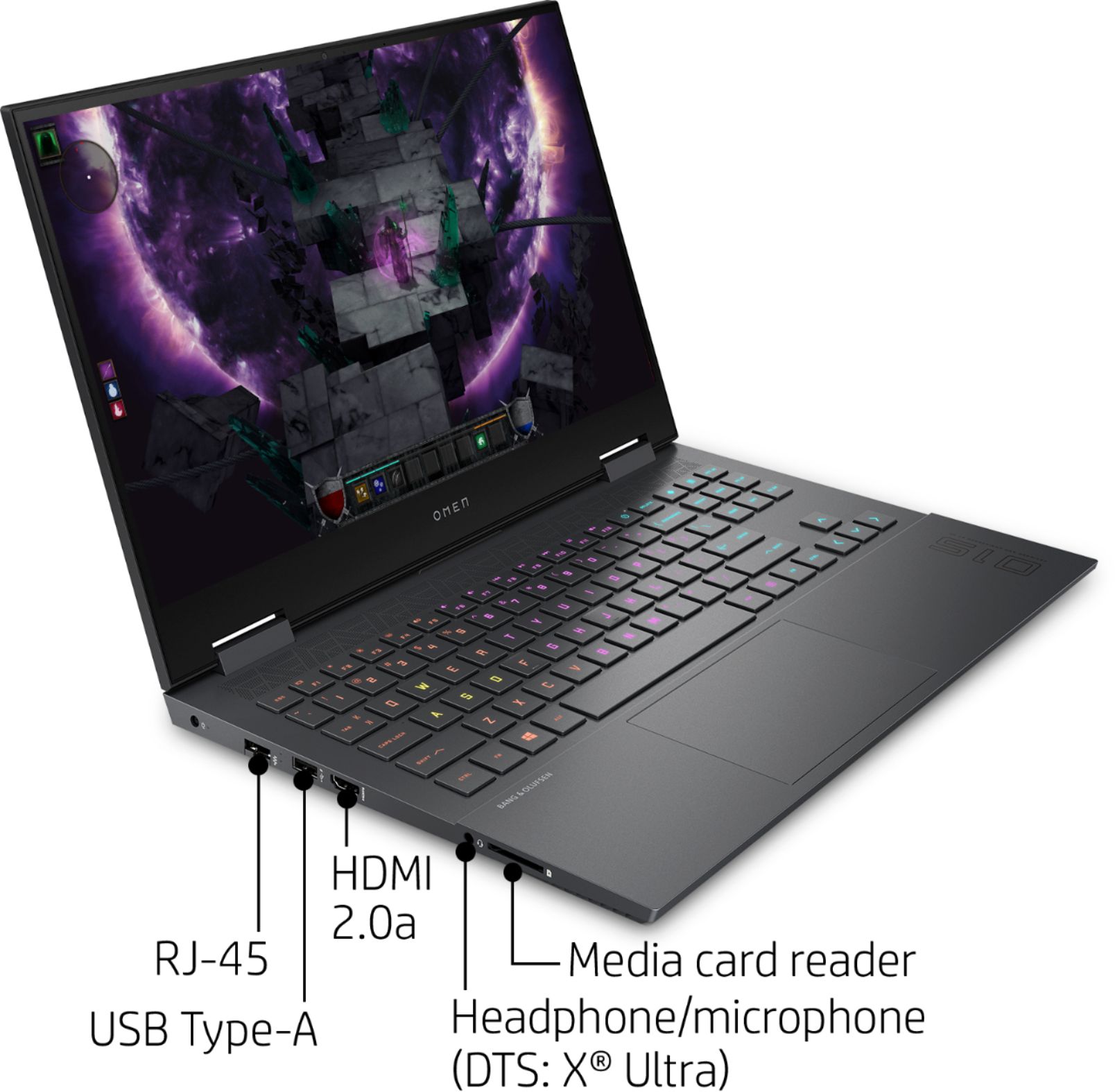
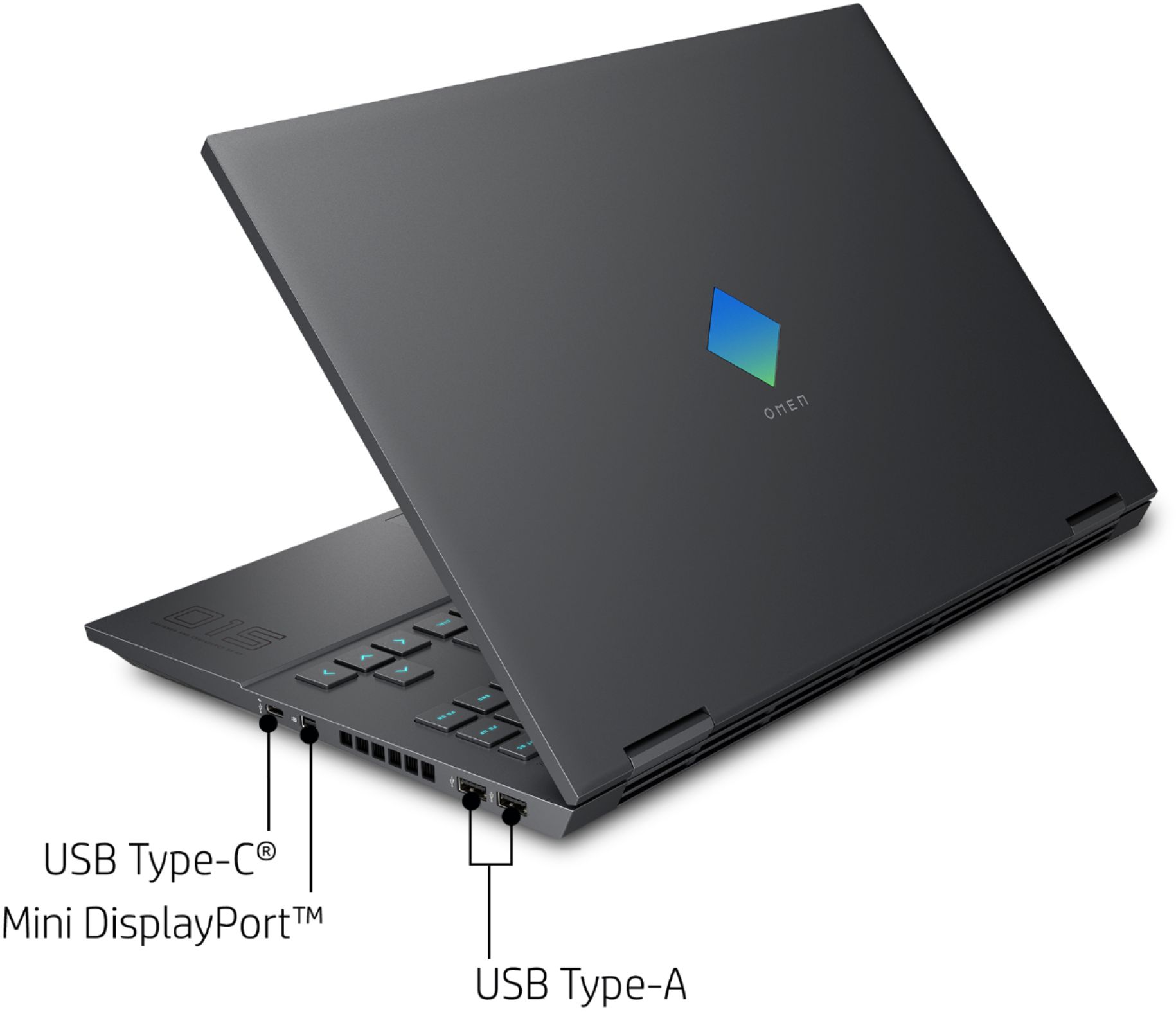
A:AnswerI don't think you can. Most eGPUs require a Thunderbolt 3 port on the laptop to connect to the external graphics dock. Here is a link with some more information about that:
https://store.hp.com/us/en/tech-takes/how-to-set-up-external-gpu#:~:text=An%20external%20GPU%2C%20otherwise%20known,connecting%20an%20external%20hardware%20dock.&text=Not%20all%20laptops%20are%20compatible,both%20the%20computer%20and%20dock.
A:AnswerNot that I know of. These are designed to mainly place games using the special programmable Keyboard and the option to use the special mouse designed to work in connection with the Laptop.
A:AnswerThat depends on the deal's location and store. I'm not sure if that deal is at all stores or Just on HP website. This laptop works with whatever game you throw at it. I would recommend increasing the memory to 32Gb. The video memory is dedicated to only video so all the standard memory are is for the game core.