A:AnswerYour best bet would be to contact the HP support team directly to make sure that the problem isn't caused by a part on the motherboard that may have gone bad.
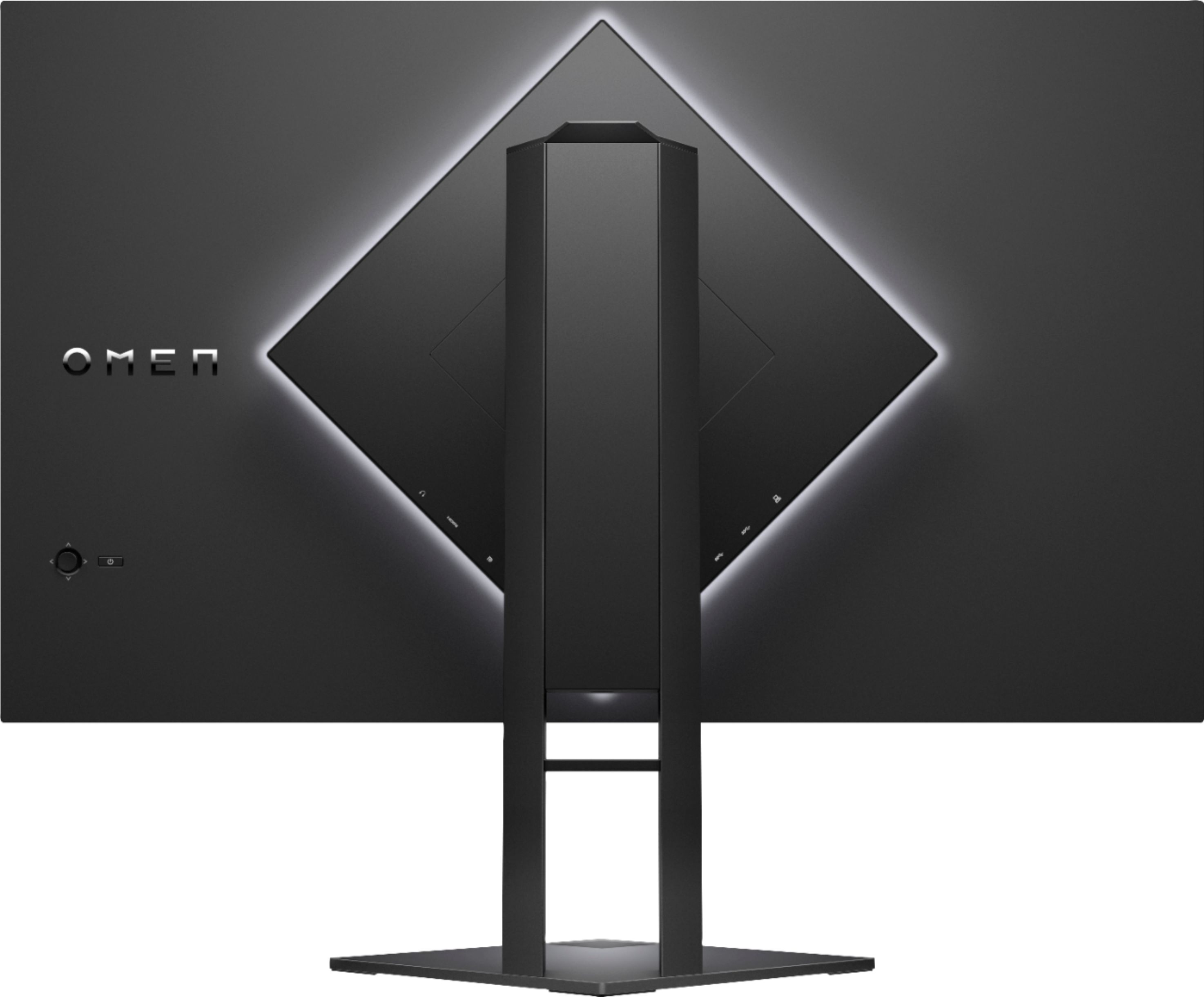
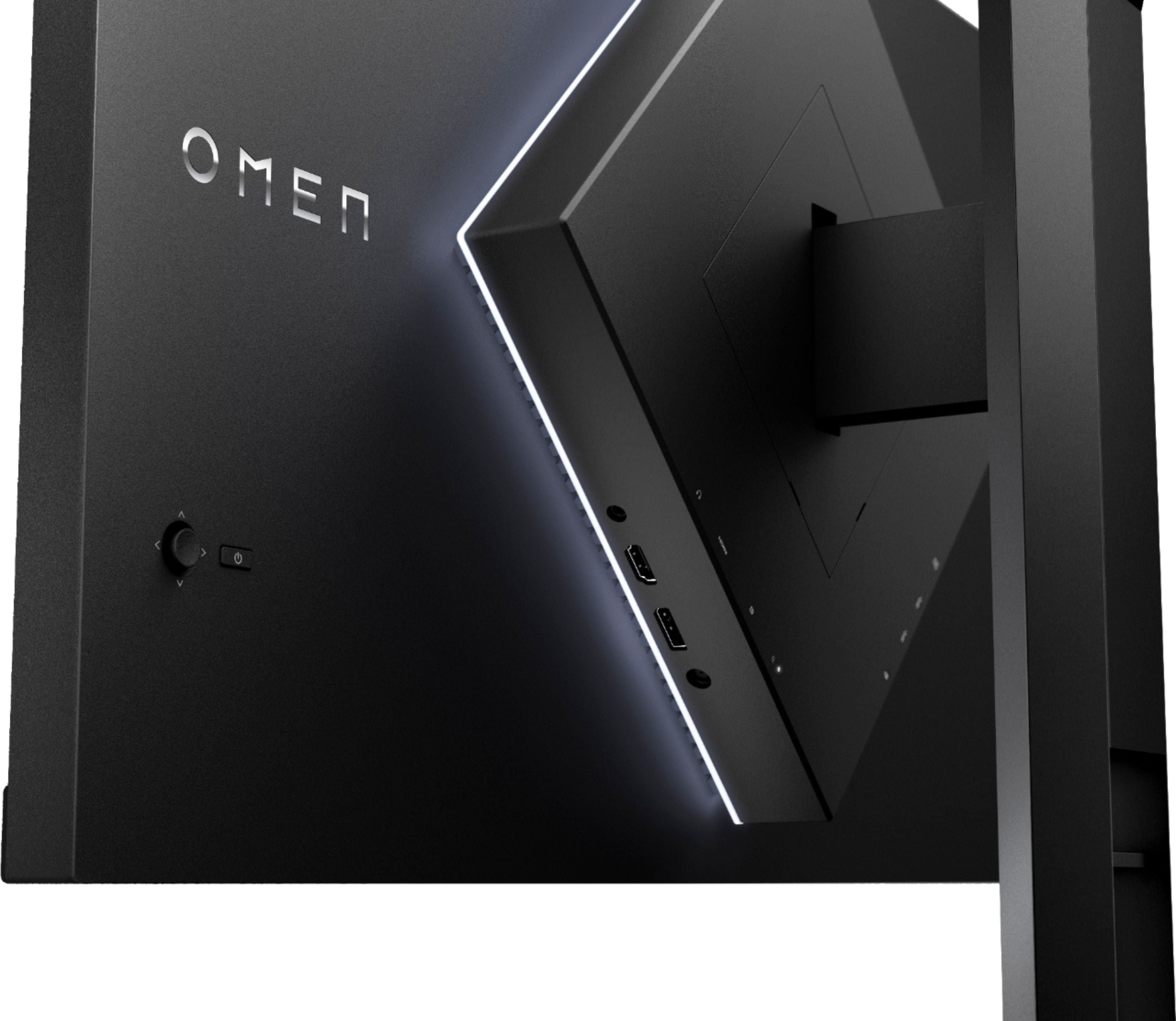
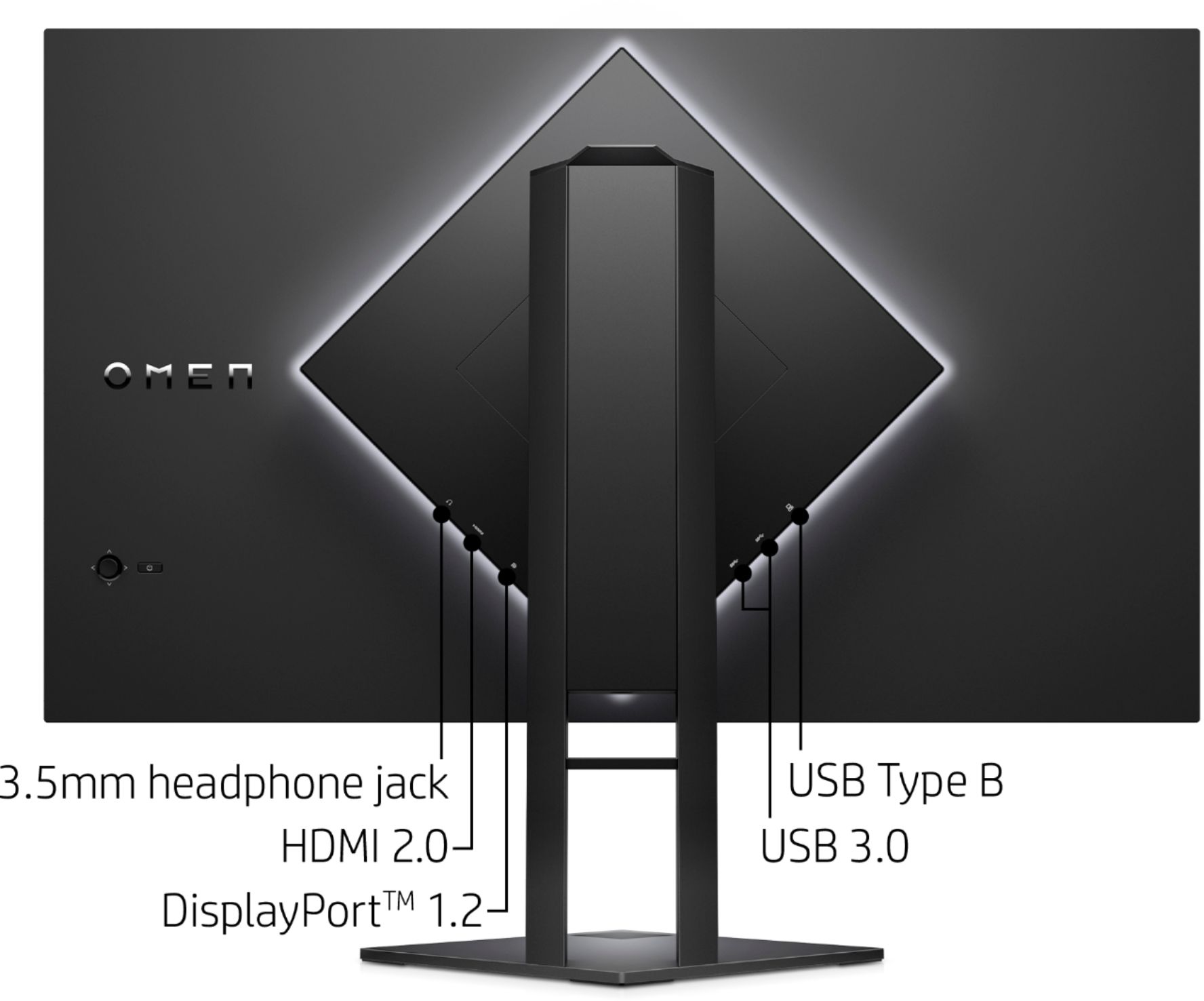
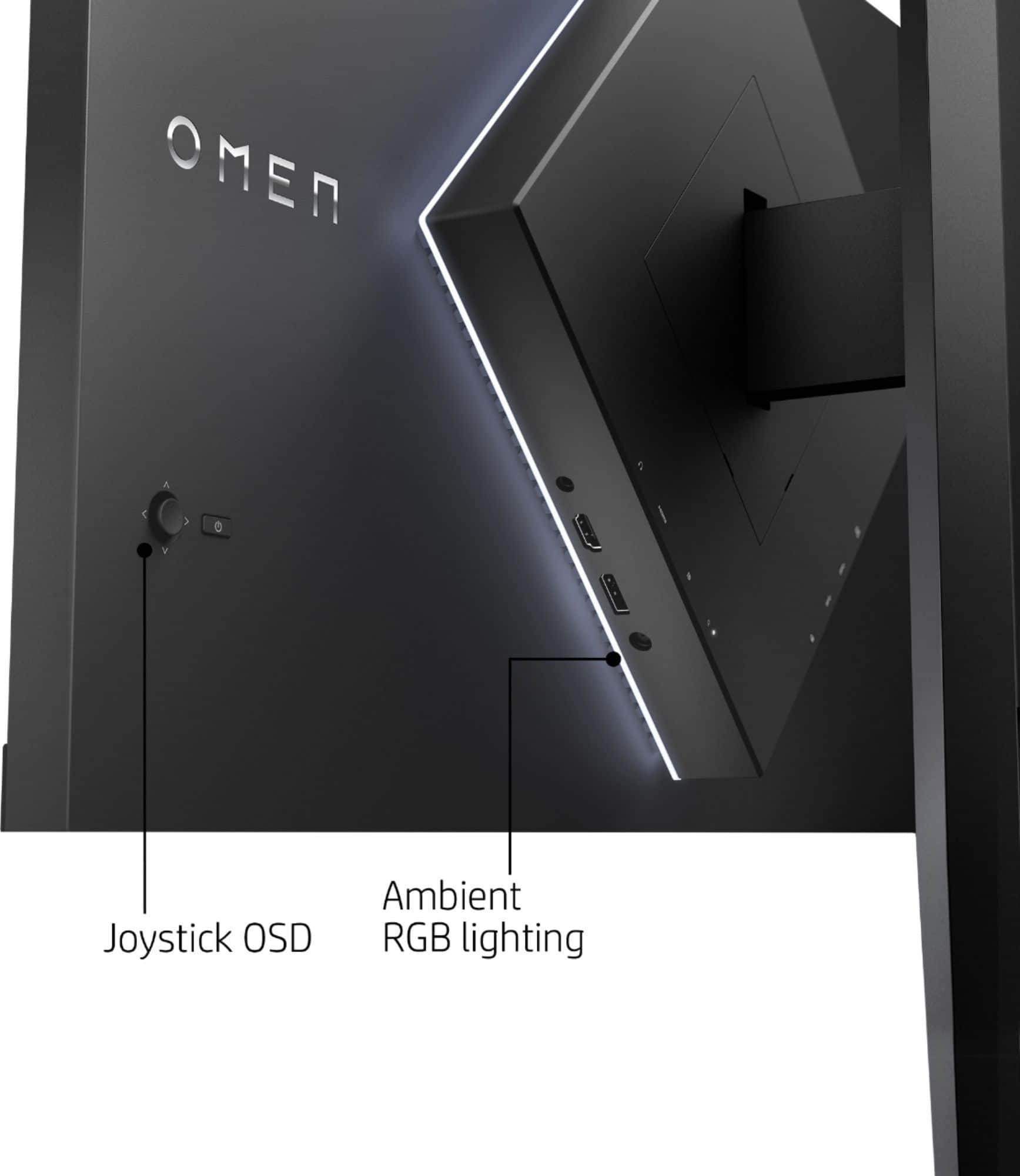
A:AnswerYou can connect your Xbox via the HDMI and then run a 3.5mm aux cord from the monitors audio out port to the aux input on your soundbar assuming it has one.
A:AnswerDepends on the use, I enjoy quality sound with all things possible so I would recommend Bose speakers or headphones. This monitor does not have a camera either and so far that has not been a problem, you can purchase external video cam from endless possibilities.
A:AnswerThis OMEN Gaming Monitor, with a higher resolution (greater than 1080p), the HDMI cannot deliver 165Hz. At 1080p resolution, up to 144Hz is supported. The DisplayPort port on this monitor will support up to 165Hz at 1440p.
A:AnswerHello,
Yes, the monitor is compatible with any GPU, such as your 2060. The only limiting factor is the 165 Hz. If your setup can push more than 165Hz you might want to consider another monitor. For instance, I have a 3060Ti GPU with an intel i710k and on 1080p I can surpass 165 FPS on some games but this monitor is only limited to 165 and won’t go beyond.
As far as connecting more than one monitor that again depends on whether or not your PC can support that.