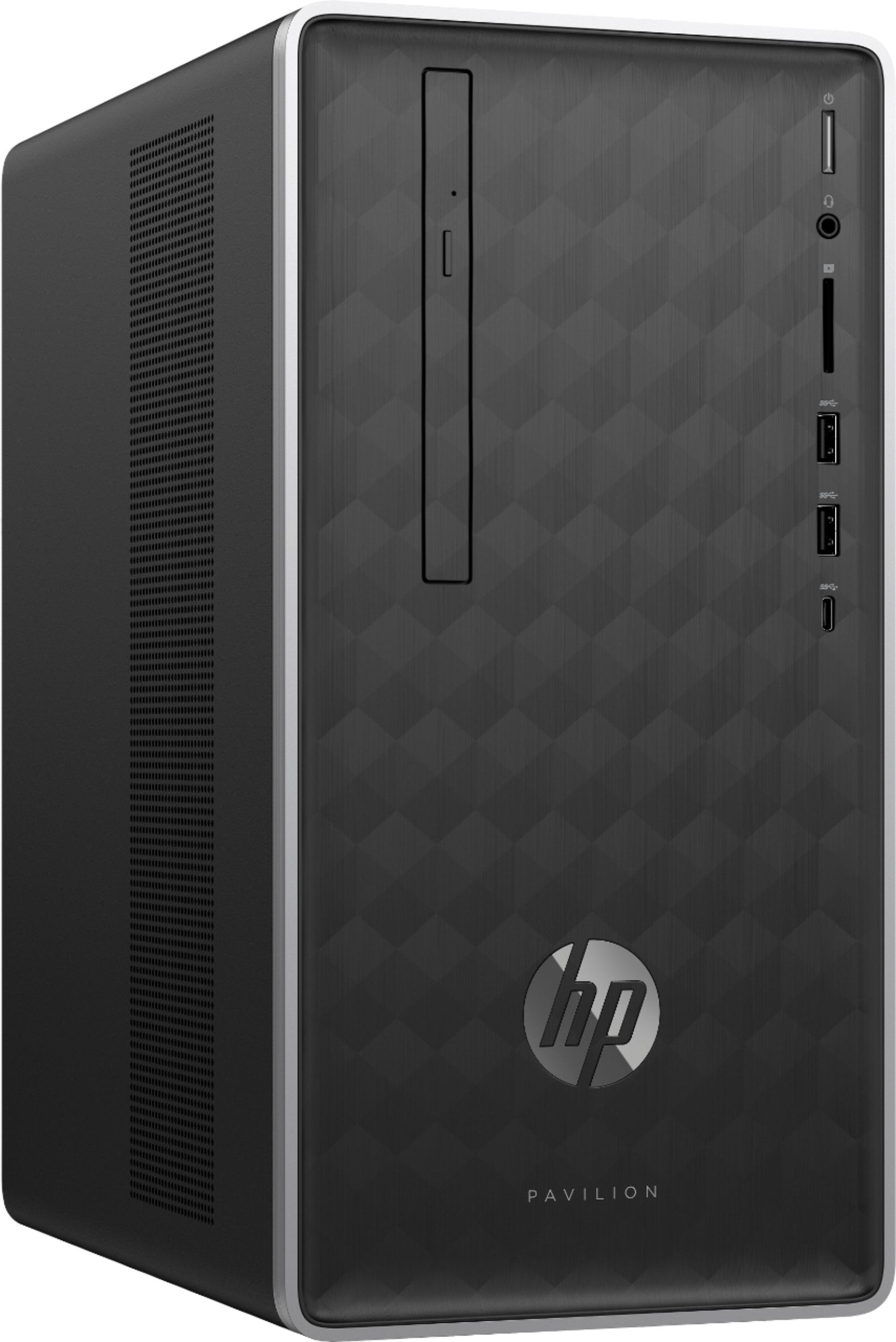
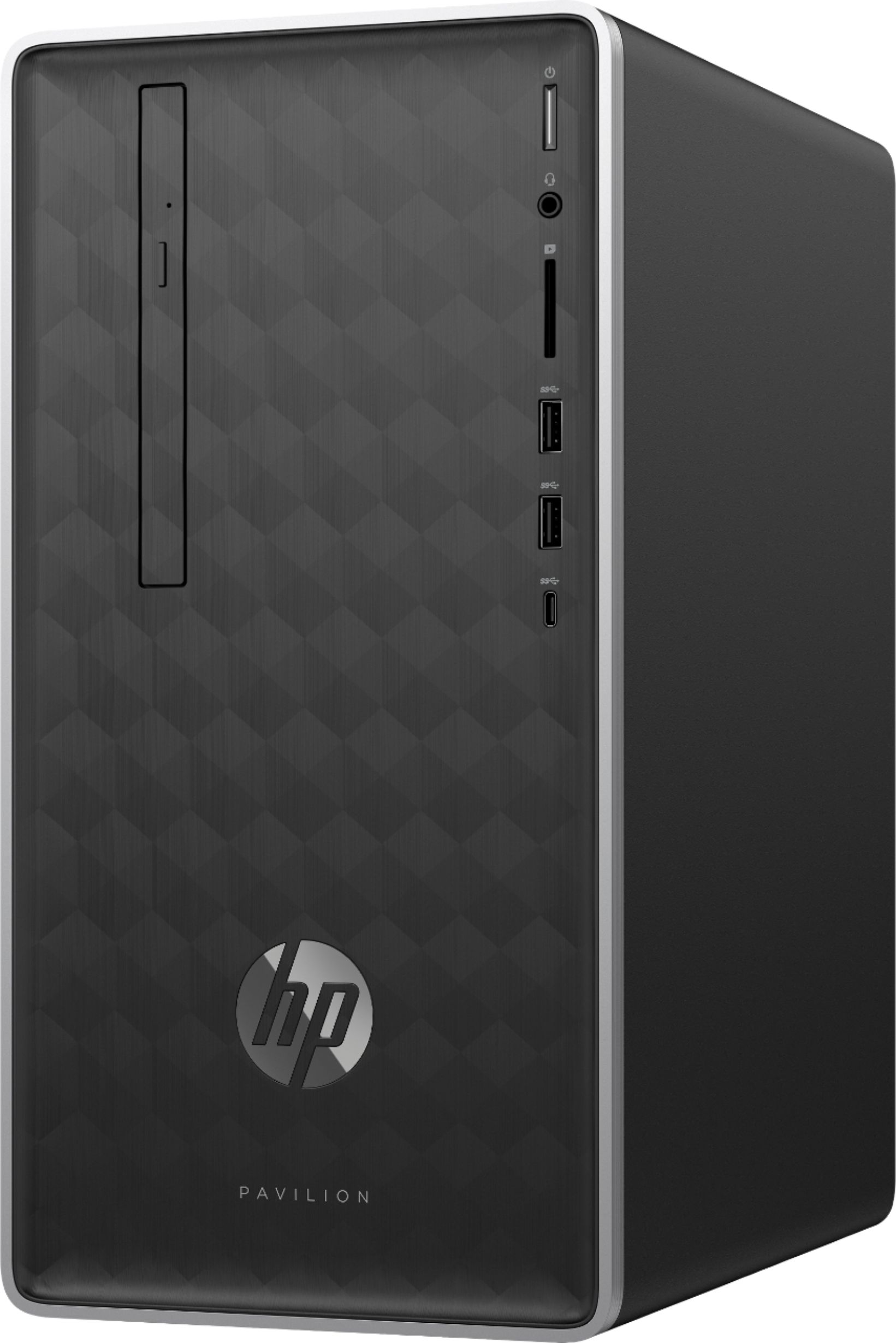
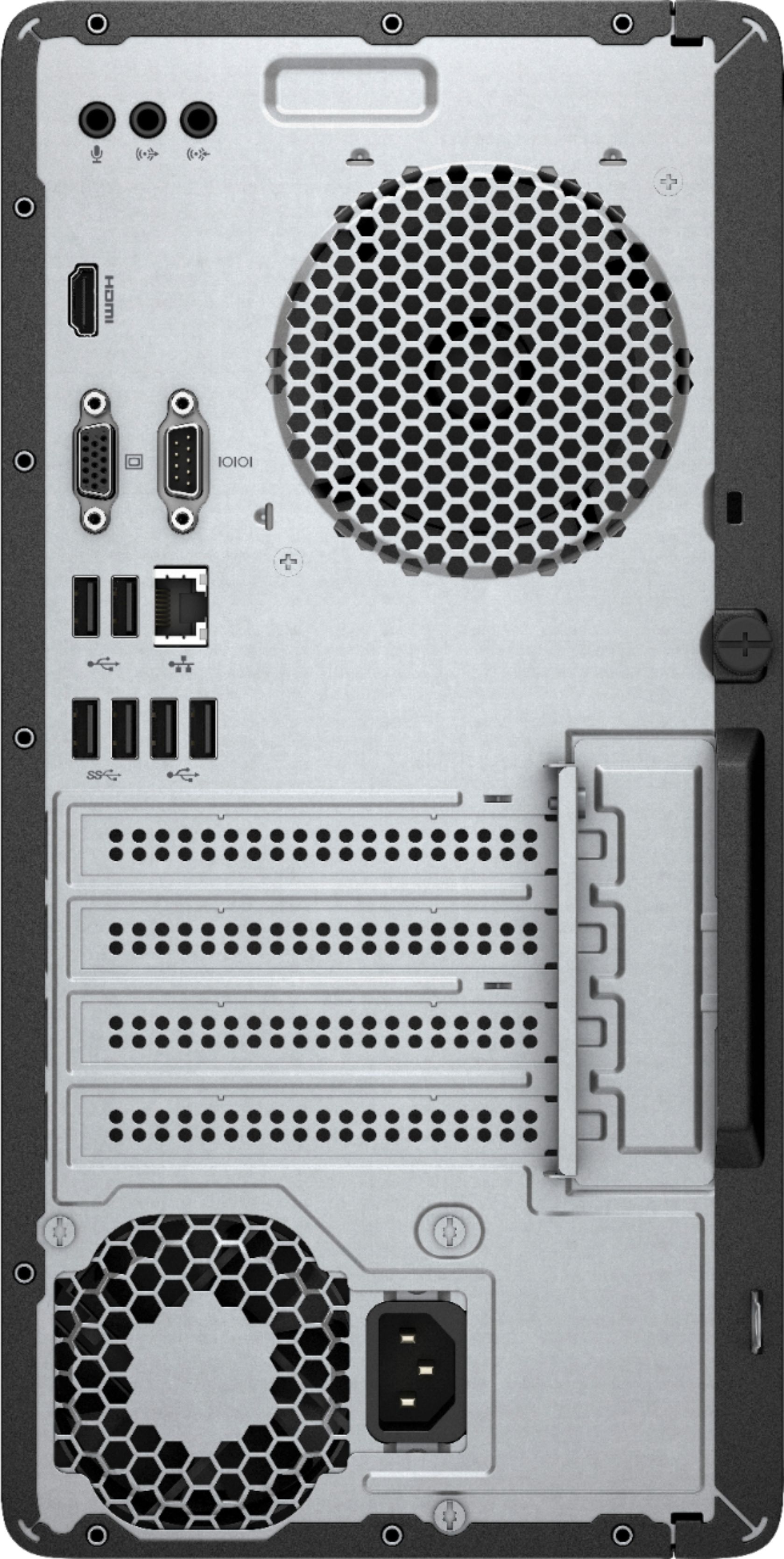
A:AnswerYes, this desktop has a HDMI port that can be plugged into the w2207h monitor. Try this: Turn off the "powersaver" feature on your monitor by pressing <menu> then <management>then <powersaver> select off. I would also suggest checking the power settings on the computer. If you have more issues, please reach out to Best Buy's Geek Squad or HP Support.
A:AnswerThat sounds unusual, most external hard drives have USB connection, not HDMI. If it is a USB hard drive, you can connect it to any of the USB ports on this computer.
A:AnswerI would suggest perhaps taking the power supply that you took out with you to the store and show a blue shirt or Geek Squad member to help you find the right power supply.
A:AnswerThis computer has an HDMI and a VGA connection. Most monitors will have one of those two connections, but you may not have the cable. Check your monitor's other connectors, then choose an appropriate cable.
A:AnswerYou would have to replace the internal drive. I would recommend instead using an M.2 NVMe SSD so you can keep the SATA drive for other storage.
A:AnswerIt comes with a wired mouse and keyboard.
I purchased a complete set of wireless mouse, keyboard and the little USB wireless adaptor and they work fine, no problems.
A:AnswerThis computer has AMD Radeon Vega 8 graphics. It is an integrated graphics processor, so it does not have a discrete graphics card and memory specifically used for graphics. This might not be enough graphics support for many games.
A:AnswerI think the only answer for you is to purchase a new graphics card that will run 2 screens in the mode you want. Usually they are not difficult to install.
take the cover off and insert into the correct slot (check to make sure you will not invalidate any warranty).
A:AnswerI believe it can. HP lists multiple slots and then adds the caveat that these may already be occupied. 3 slots are listed, 2 are occupied. Because of the multiple USB slots, an external drive could also be added.