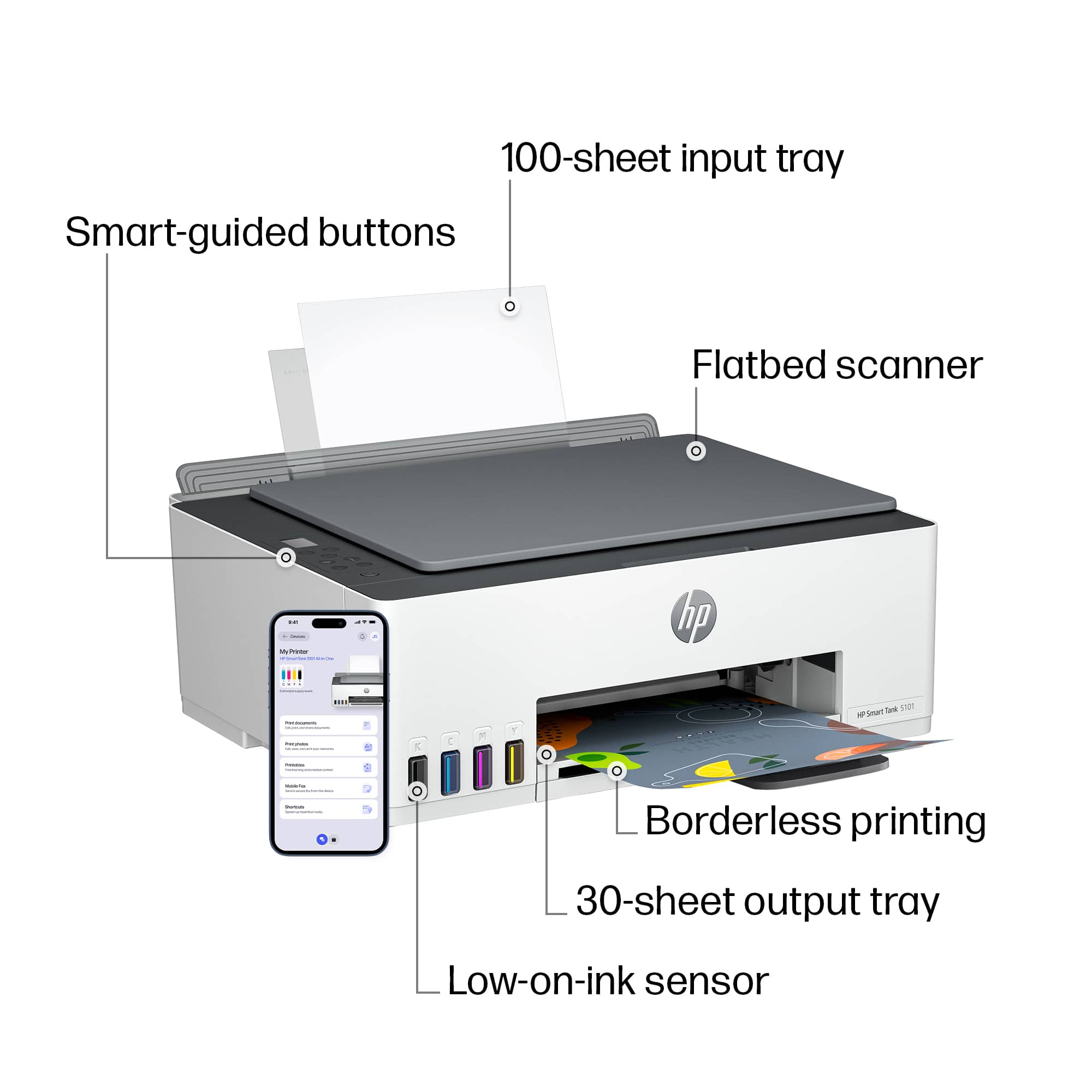
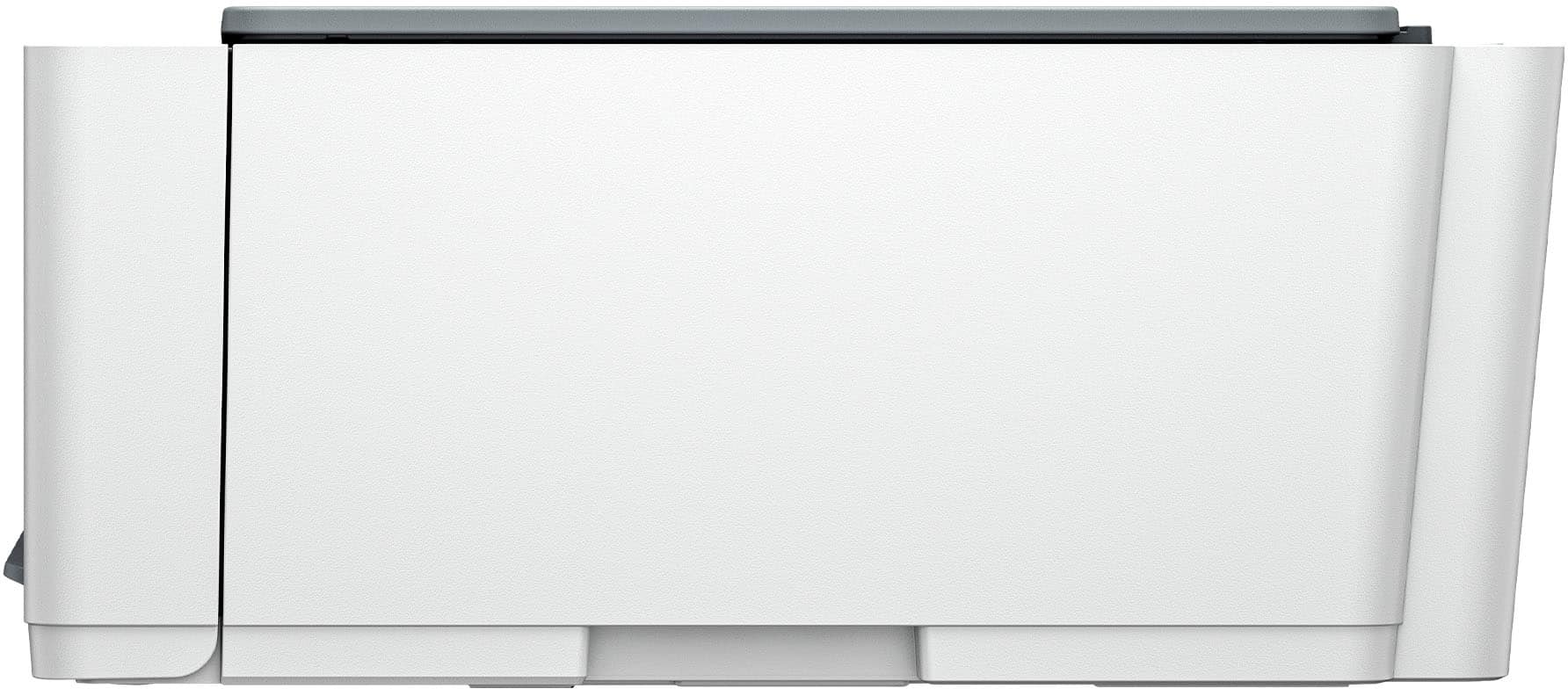
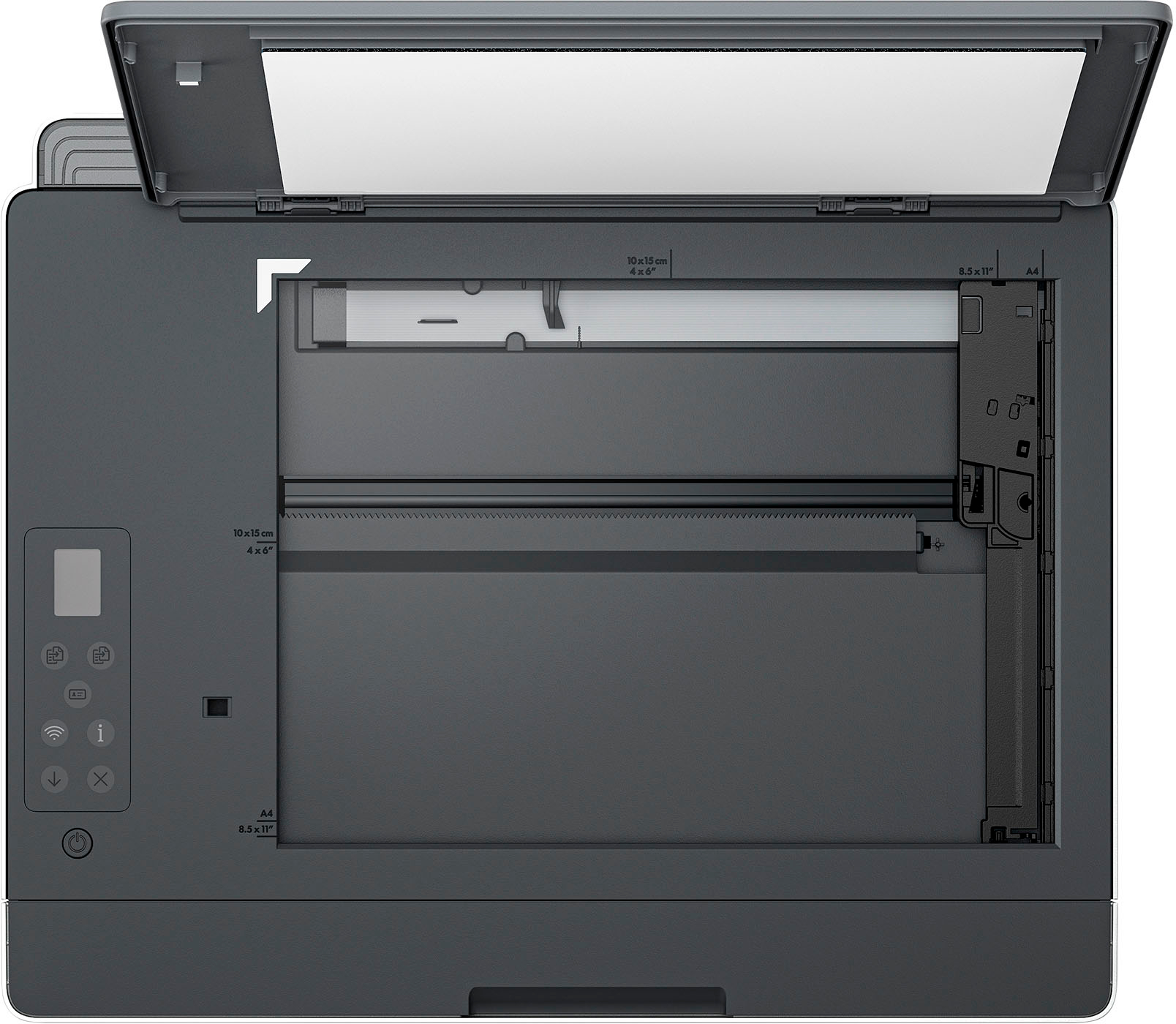
A:AnswerErika, thank you for your question on this HP Smart Tank printer! This will handle up to 200gsm paper, which converts to 110lb index card stock (not cover stock).
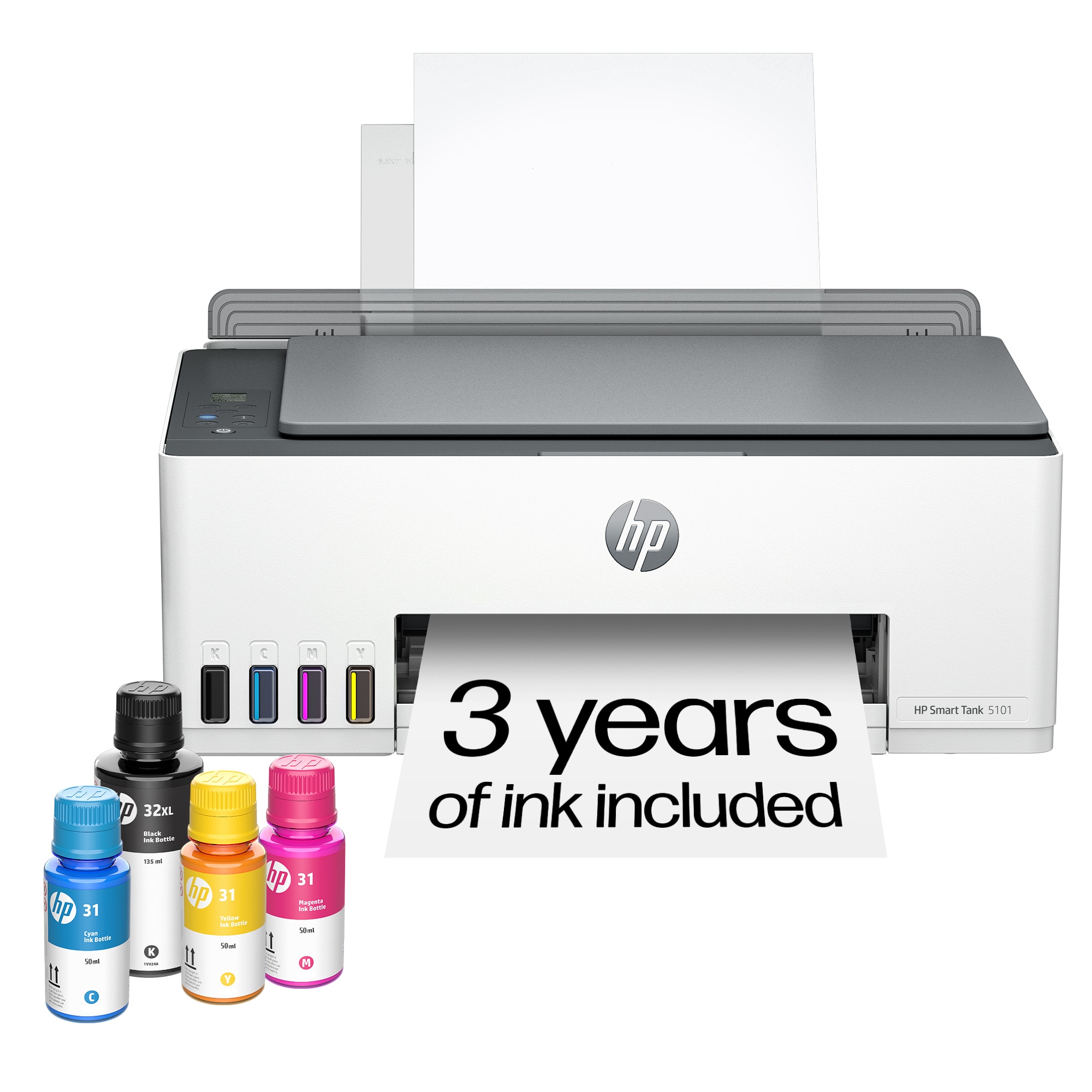
A:AnswerThank you for your interest in this HP Smart Tank 5101! The Smart Tank printer, along with the HP Smart app, do not require a license key to use.
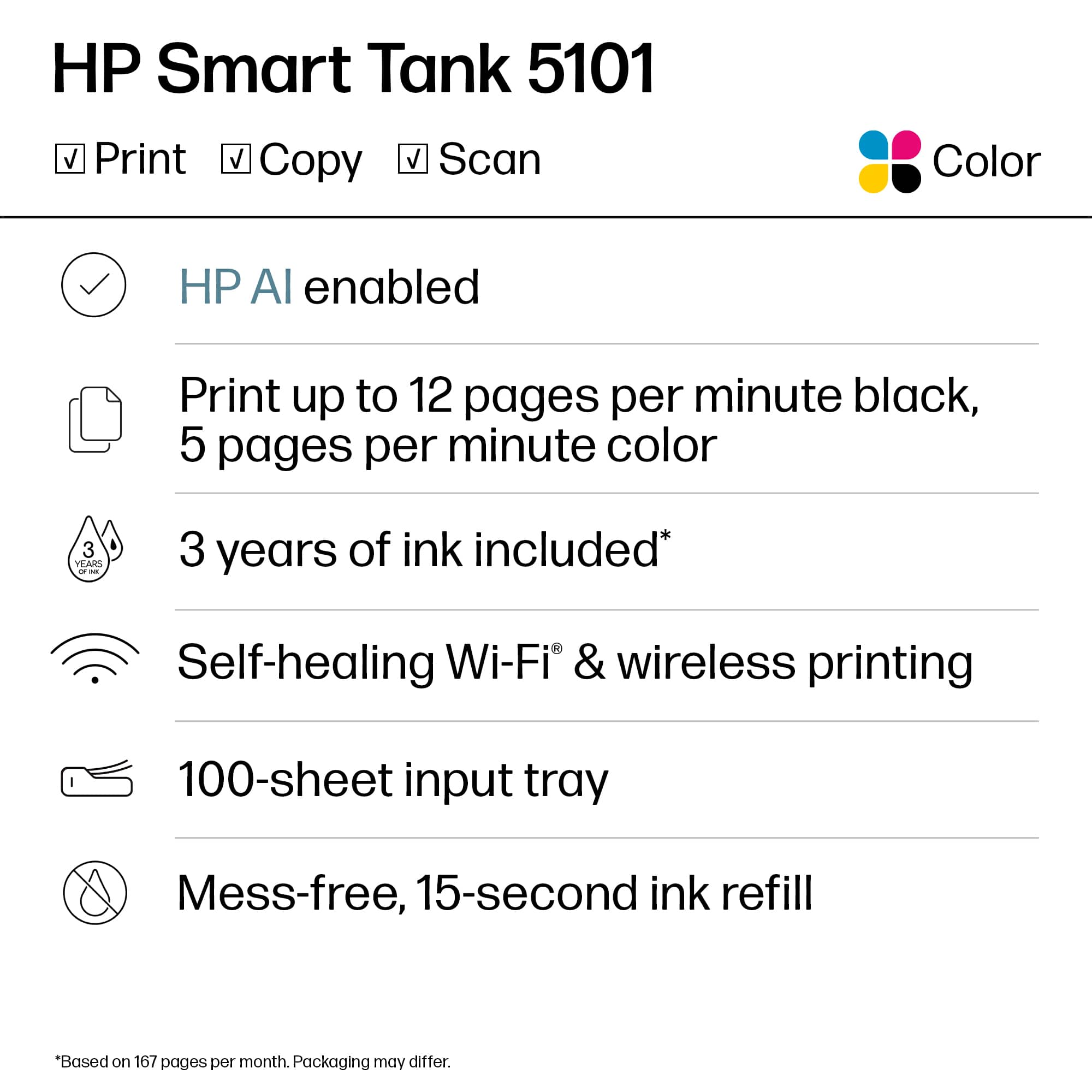
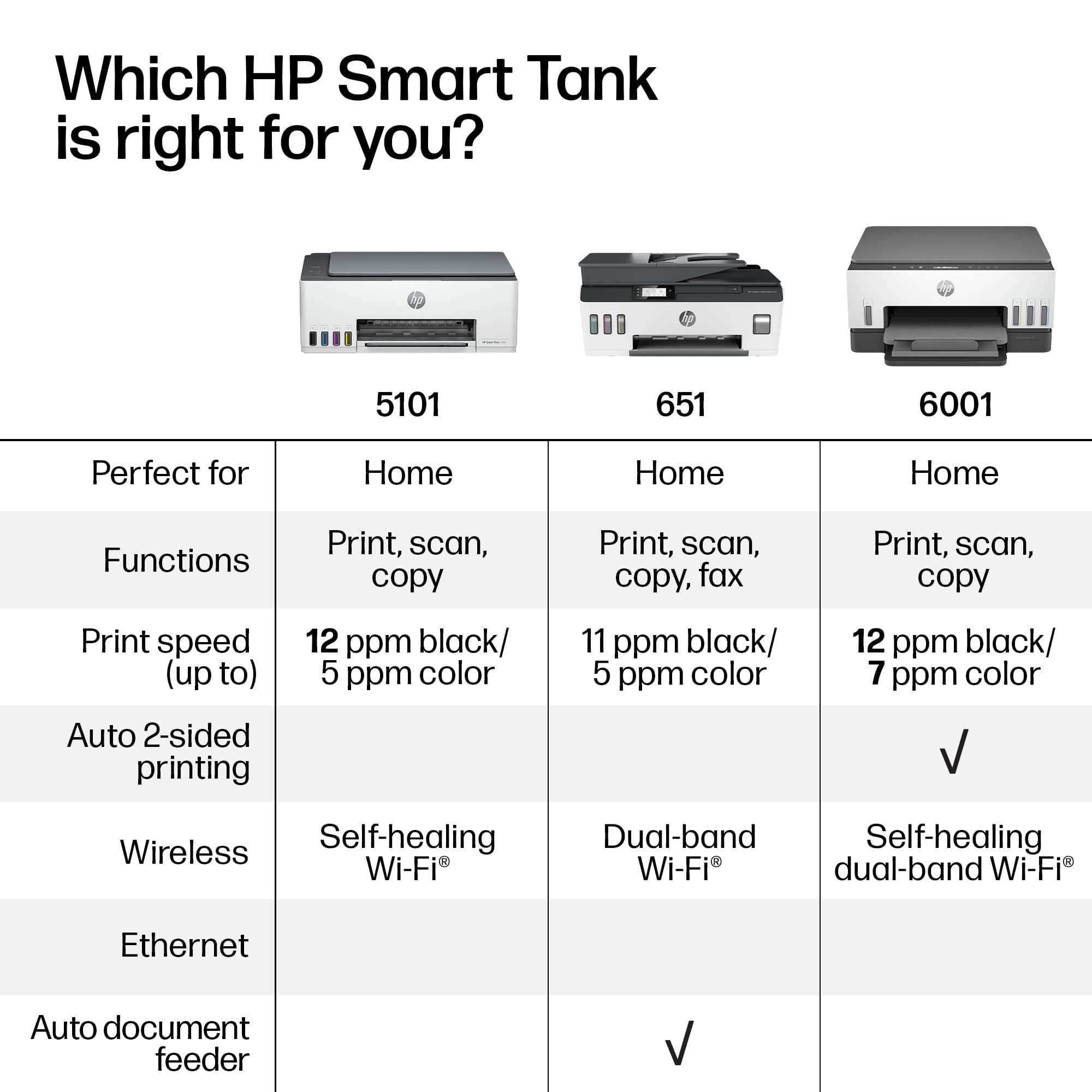
A:AnswerHi Bob! The Smart Tank 5101 does not perform automatic 2-sided printing, but it can be done manually, pausing printing to allow you to reverse the paper to print on the second side.
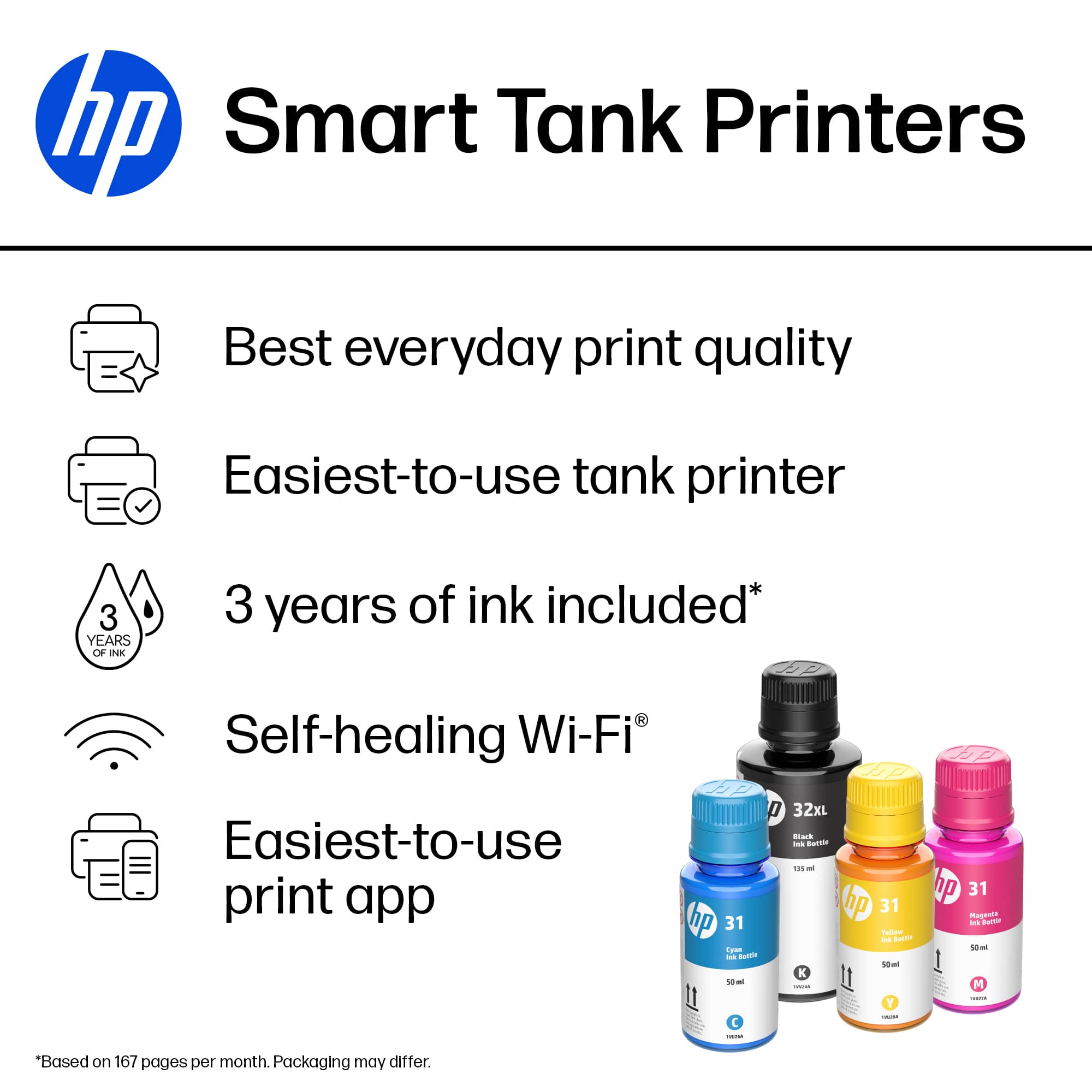
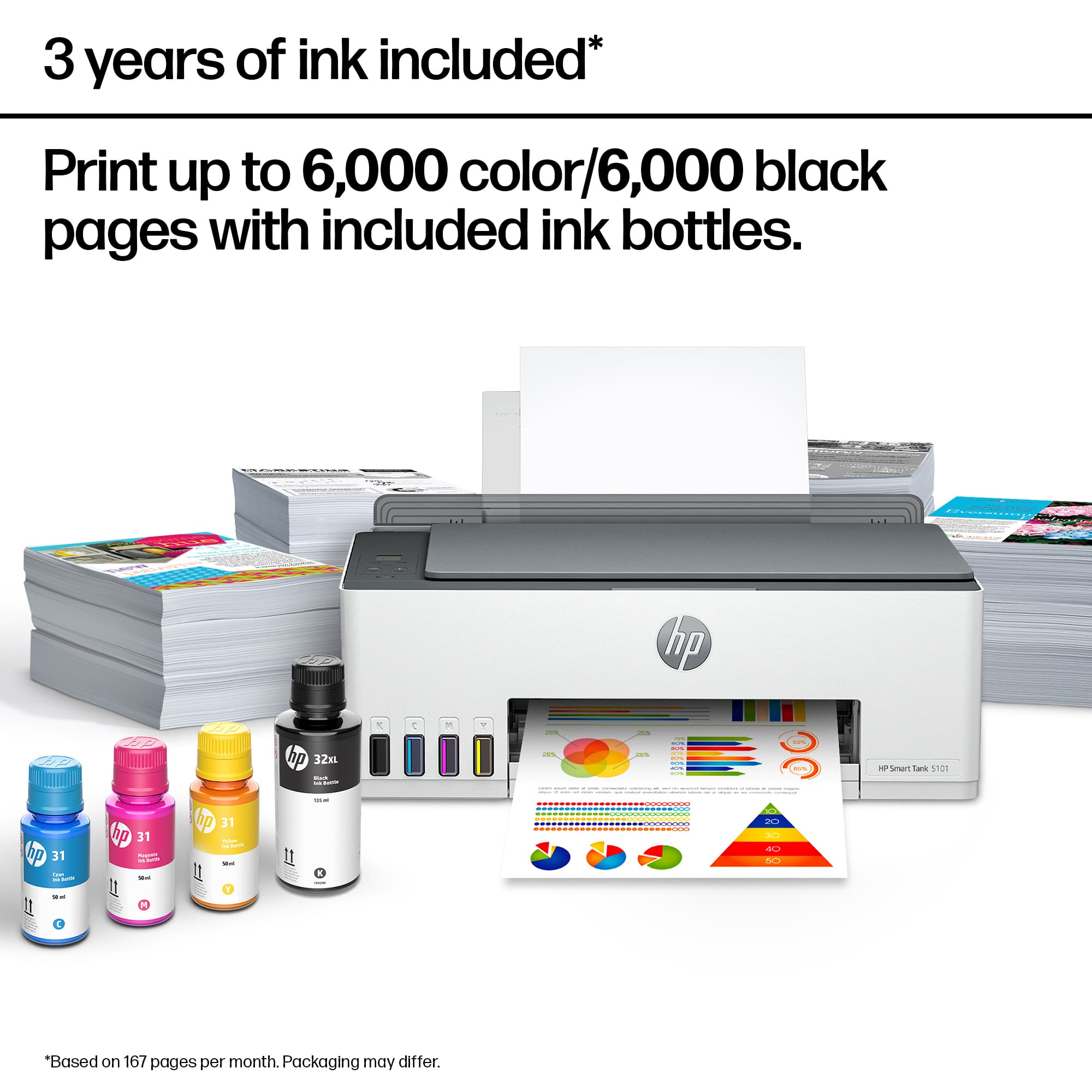
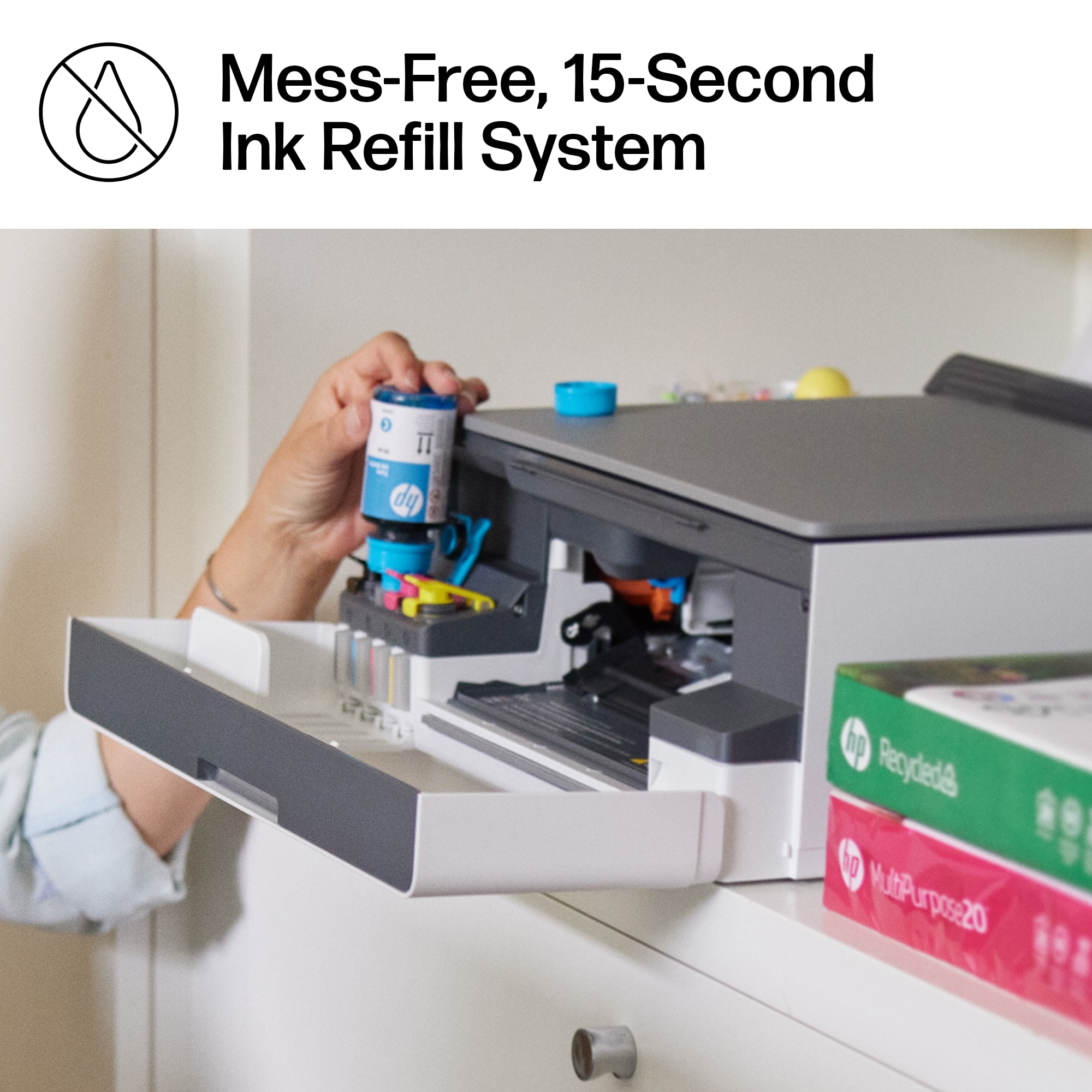
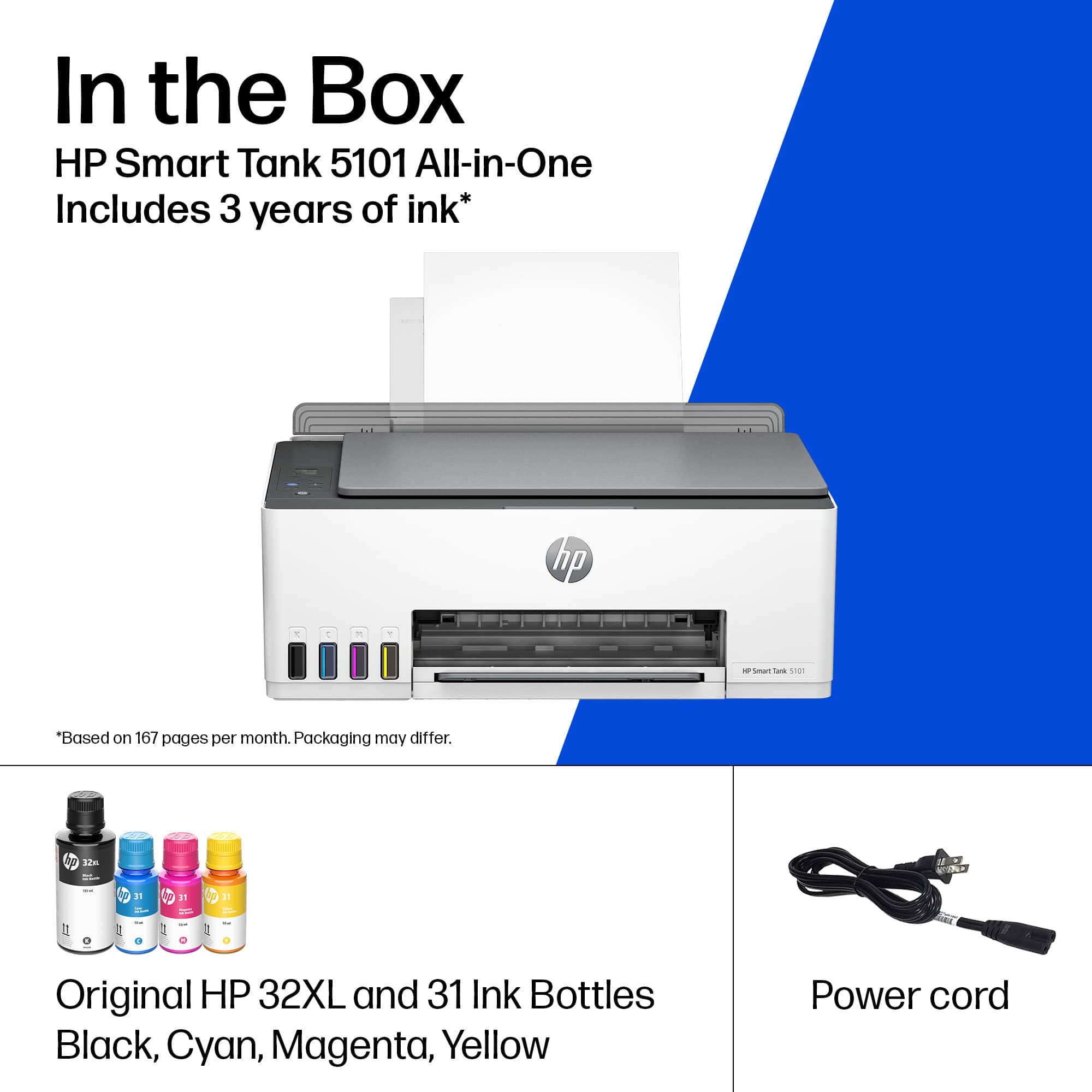
A:AnswerMy understanding is that you get enough ink so that if you are a person who makes an "average" number of copies a day, the ink will last 2 year.
I make about 20 copies a day/on average/ related to work, school and just life. What I can tell you is...the printer comes with fairly good size bottles of ink and replacement colors are reasonably priced.
The salesperson at the store said we didn't need to buy replacement ink right now because we probably will not need it right away....he wasn't wrong.
This printer is worth the money...and I am NOT rich.
A:AnswerHola, en teoria si son lo mismo, lo que hace la diferencia son las tintas que se utilizan, por ello si deseas usarla para sublimación lo recomendado sería que antes de colocar la tinta que trae las sustituyas por tintas para sublimación