A:AnswerI printed out slides for a Bio class and the packet was around 46 pages and it handled that pretty well. Another long job ot stopped right in the middle though. And I had to resume printing after deleting the current print job from the queue and starting over. The second attempt on that job went through okay though
A:AnswerJH, thank you for your question about this HP Smart Tank printer! Yes, you can print on labels: Make sure that the labels are made for inkjet printers.
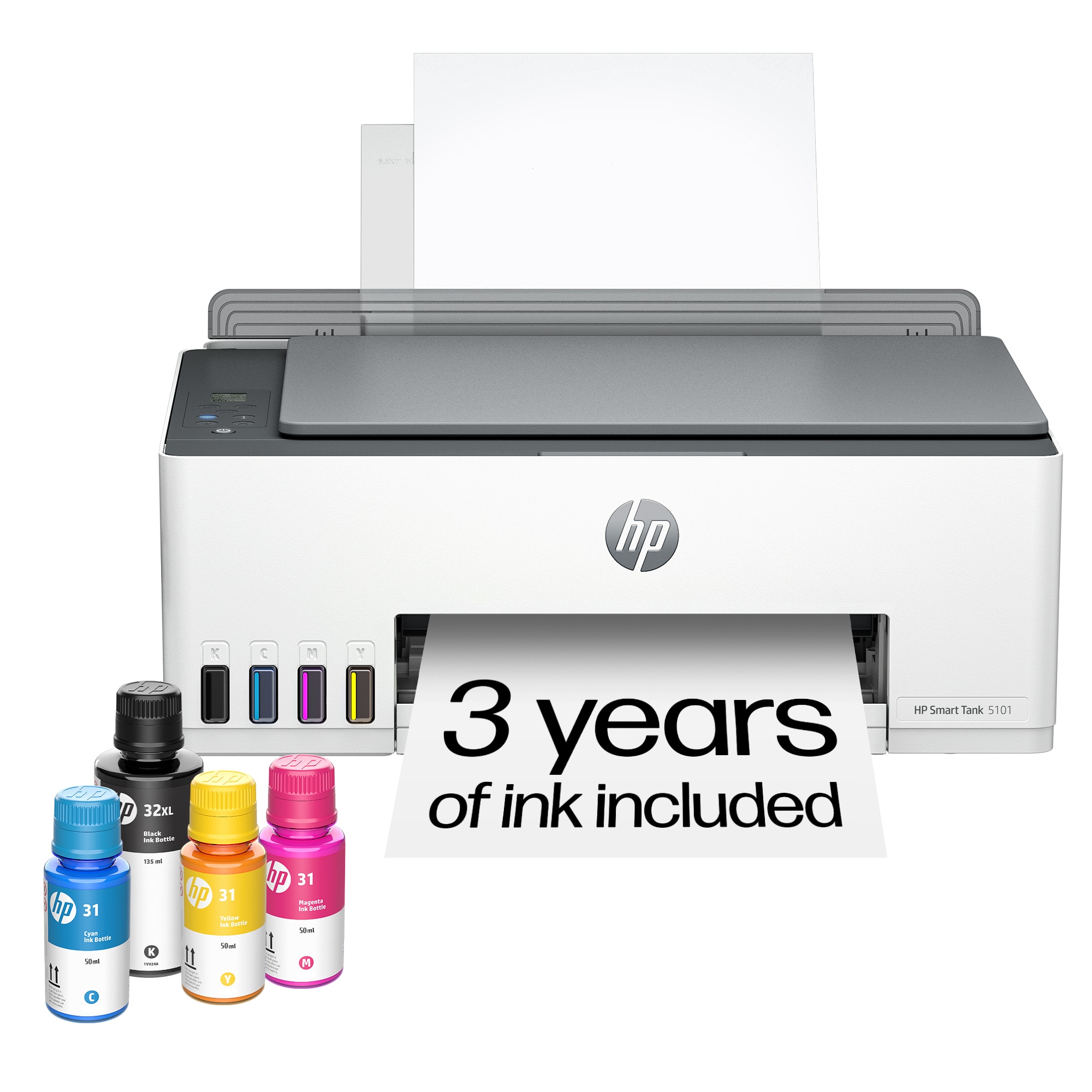
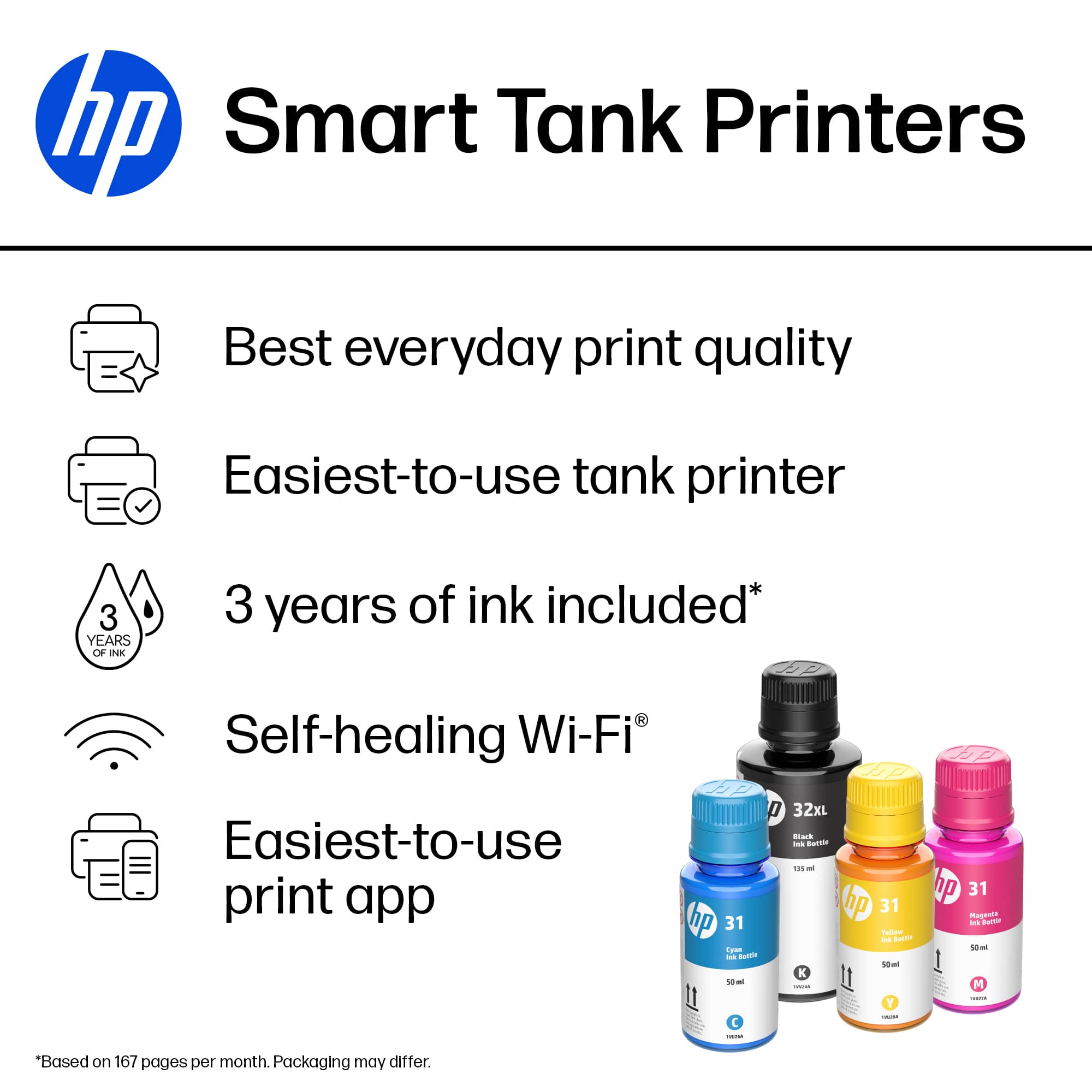
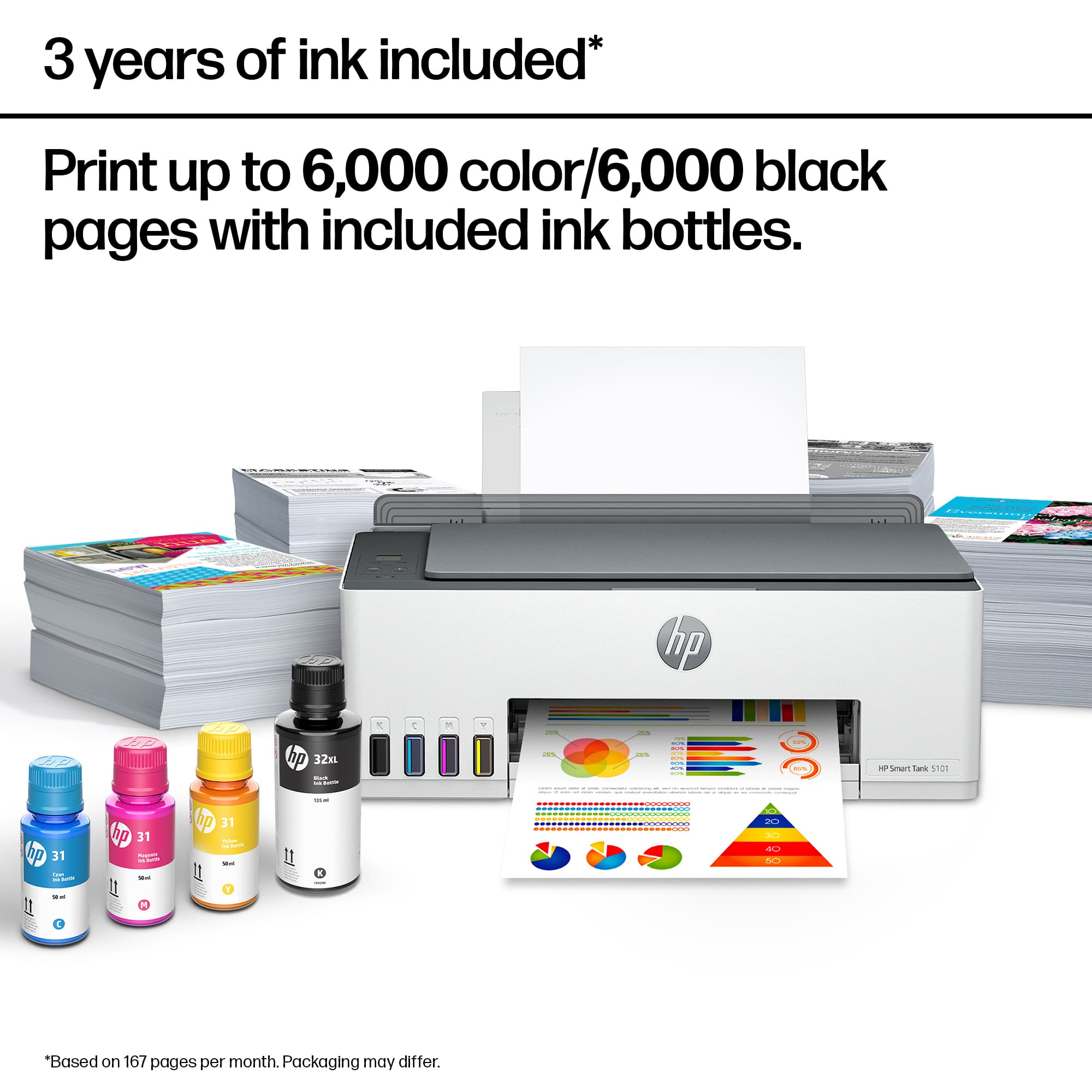
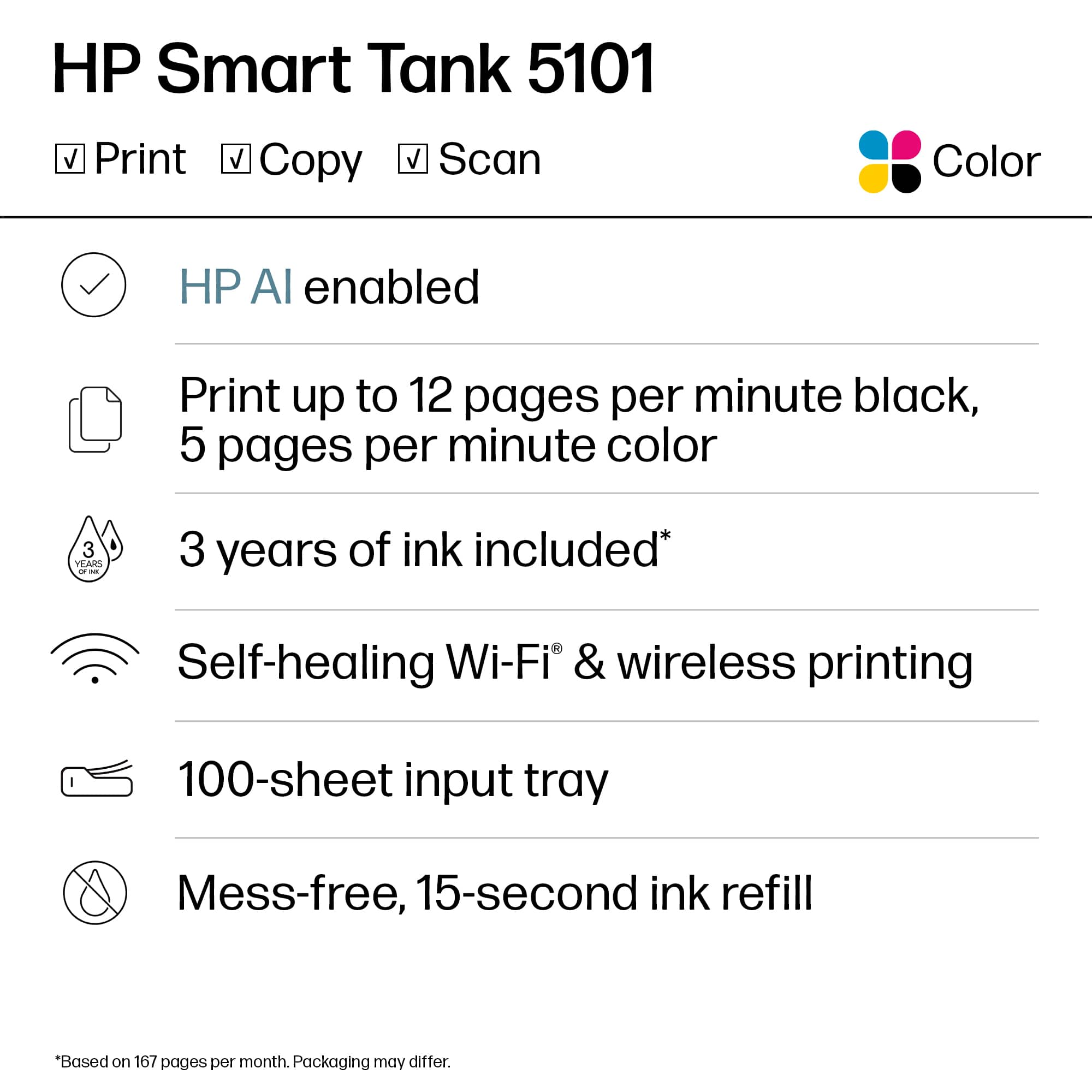
A:AnswerWell it say 'Two years' but be reasonable, if you're printing alot every day, of course you'll probably need to get their ink replacement deal.