A:AnswerThank you for your question. Yes, you will need to use the HP Smart app (which is free and accessible with a mobile device or computer) to clean printhead contacts and improve any print quality issues. Open the HP Smart app, and then click the image of your printer to open the settings and management tools. 1) Under Tools, click Alignment & Maintenance. 2) If the Alignment & Maintenance is not available, click Advanced Settings to open the printer Embedded Web Server (EWS), and then click Tools. Click Utilities, and then click Print Quality Toolbox. 3) Under Clean Up, click Clean Smear or Clean Ink Smear. A Rib Smear cleaning in progress message displays, and the printer feeds one page slowly. The printer might make some noise for a minute before it is done.
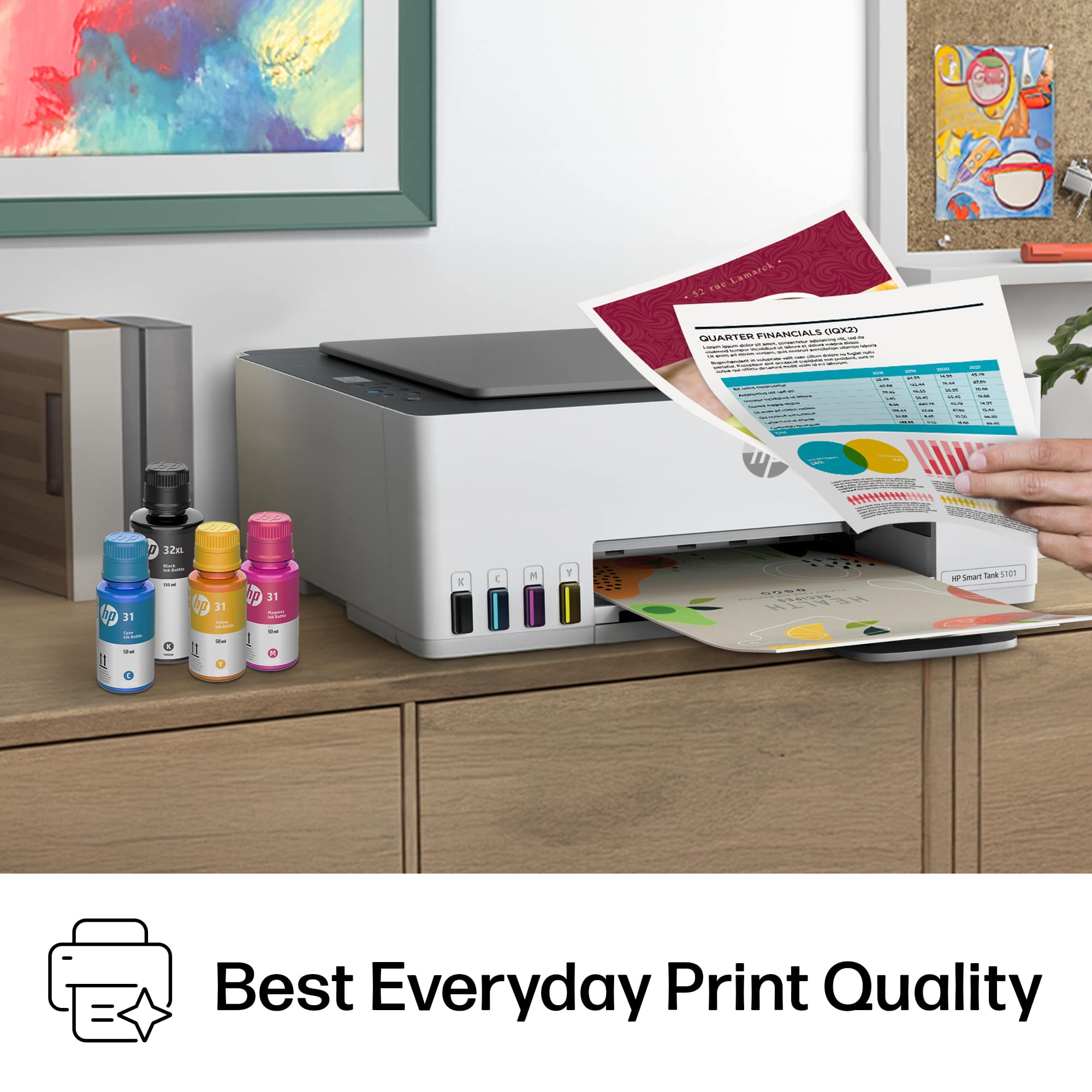
A:AnswerIn normal print mide, you will see the "bands", but in "Best" mode, the bands disappear. Prints exceptionally well on glossy photo paper un Best mode, too.
A:AnswerThank you for the question. This is not a sublimation printer. The Smart Tank's included ink is dye and pigment-based ink. Sublimation ink atomizes at a different rate, viscosity, and temperature rate than typical inkjet inks. Therefore, we do not recommend using sublimation ink in HP inkjet printers.
A:AnswerThank you for the question. HP printers are engineered to work with our pigment black and dye color inks at the proper viscosity., atomizing rate, temperature, and color mapping. The Smart Tank 5101 prints on waterslide and heat transfer papers.
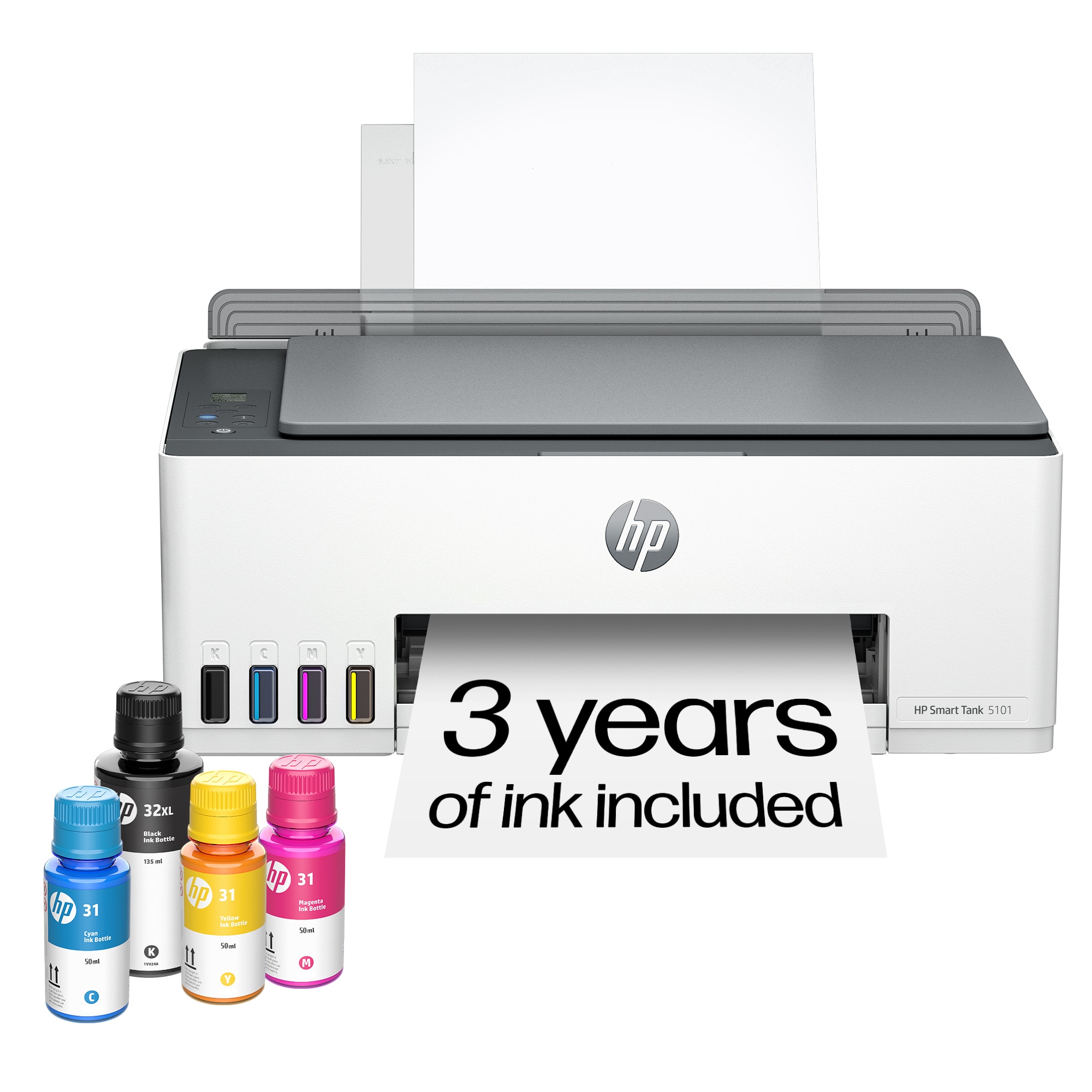
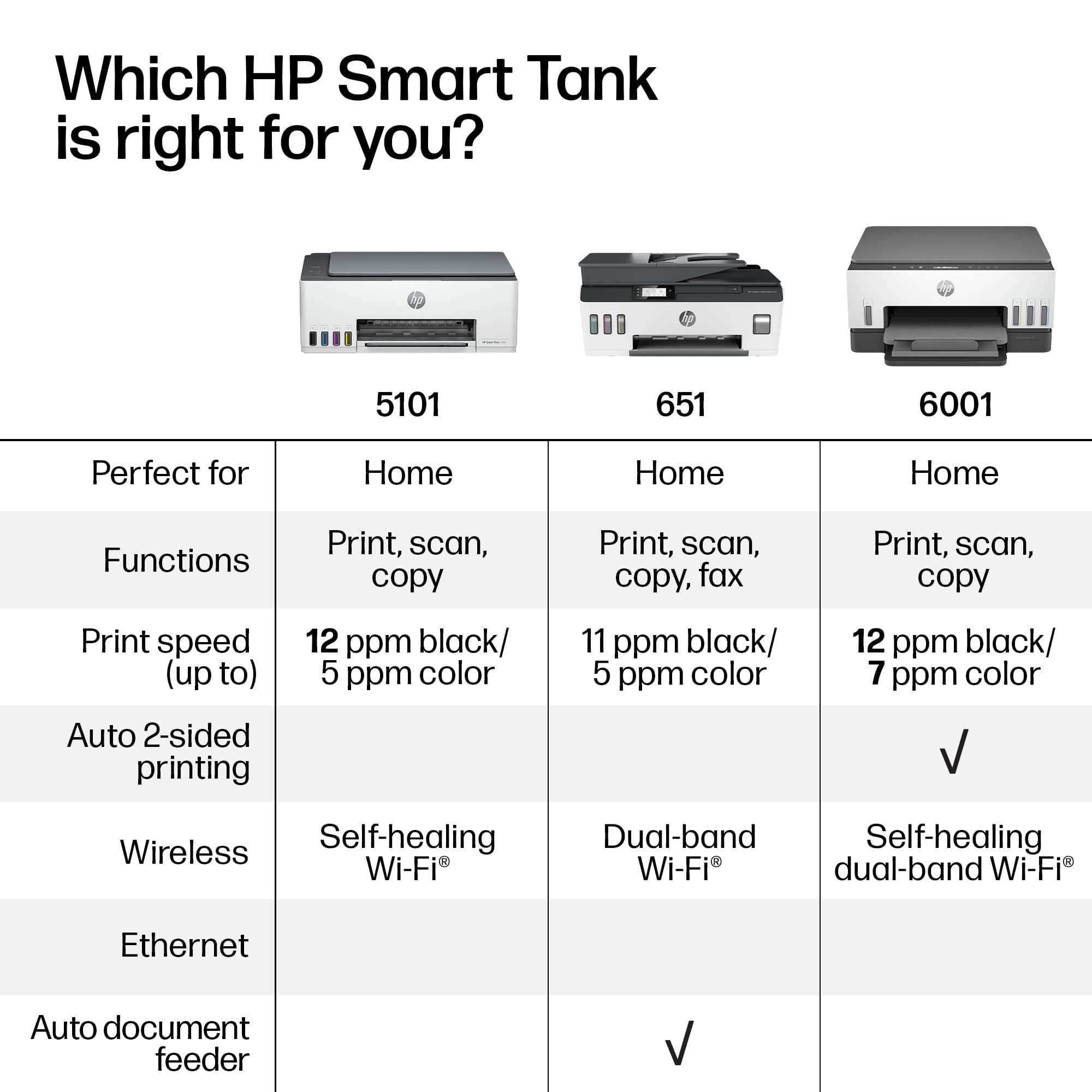
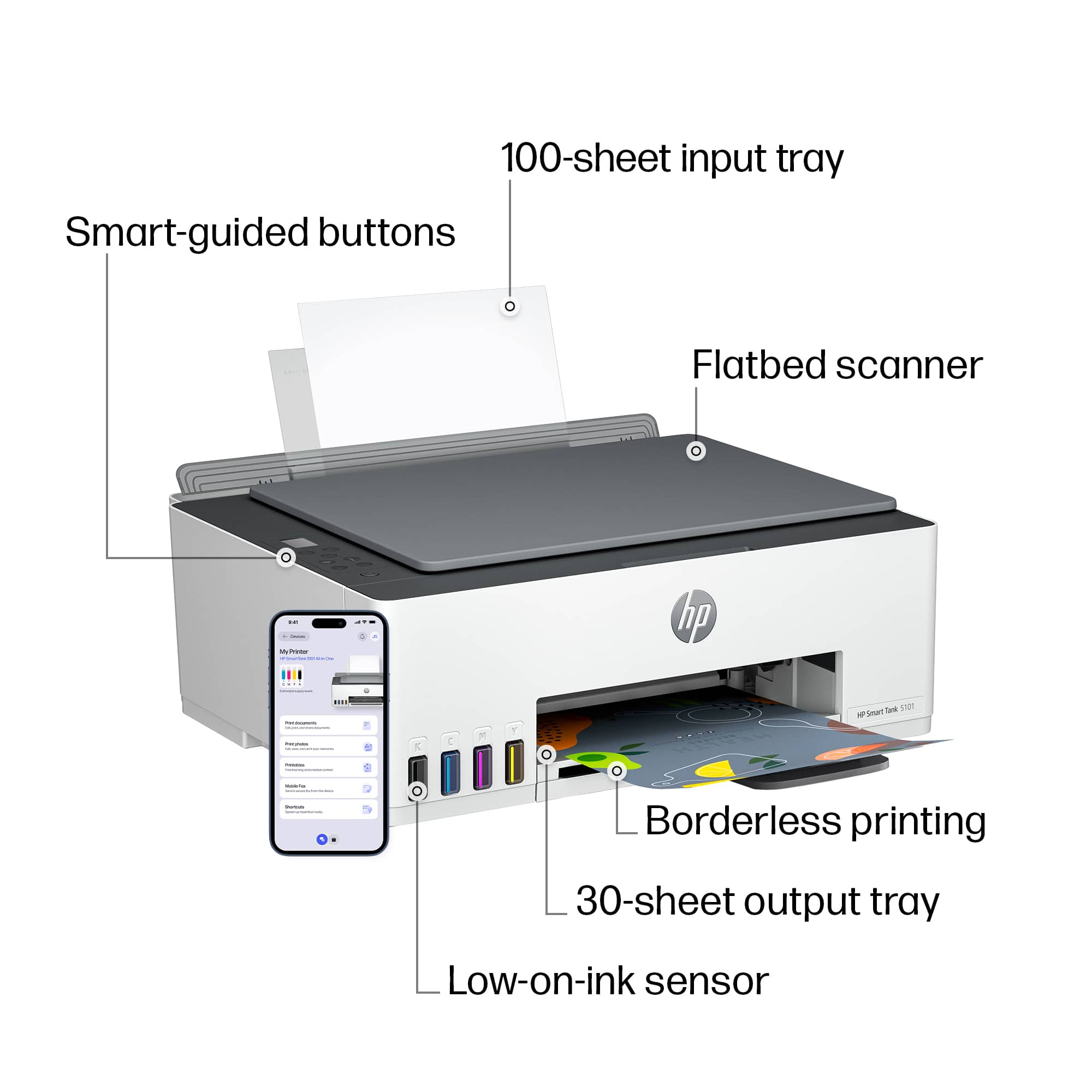
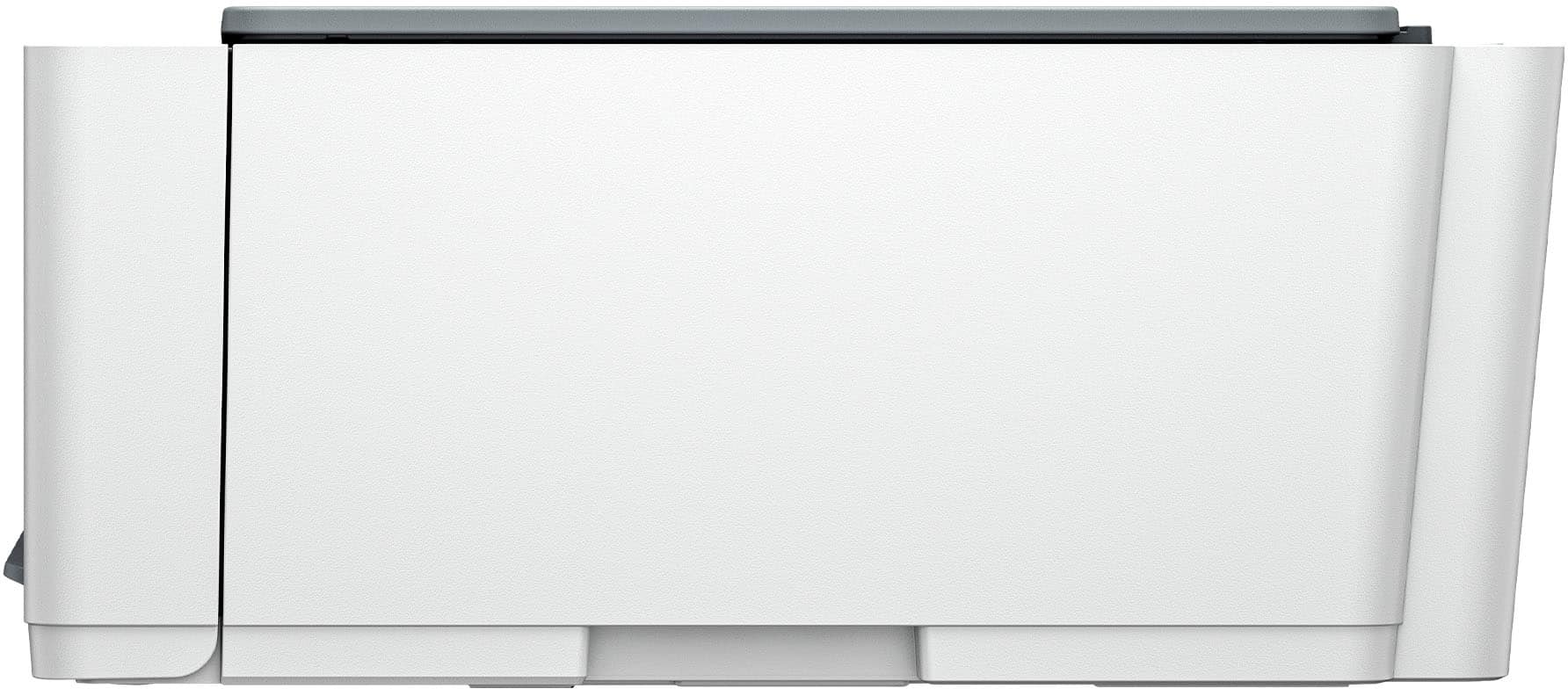
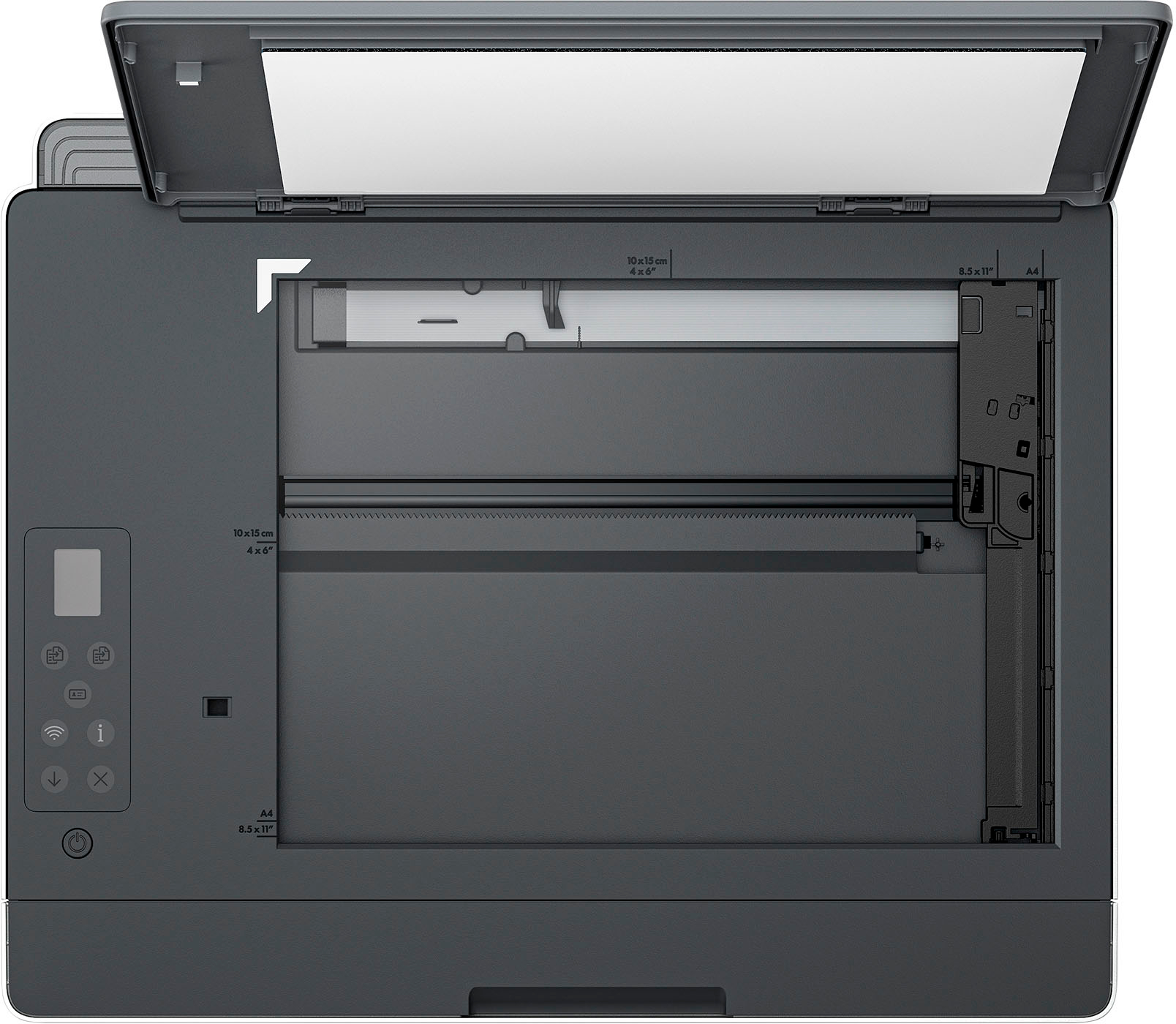
A:AnswerNo, the Smart Tank 5101 printer does not have an auto document feeder, however it idoes have a flatbed scanglass to copy/scan one page at a time.
A:AnswerYes- it helps to find a template from an online source. Look for the style # of your label and do an online search with the brand name and style #. This will bring up a fillable template for you to add your info.
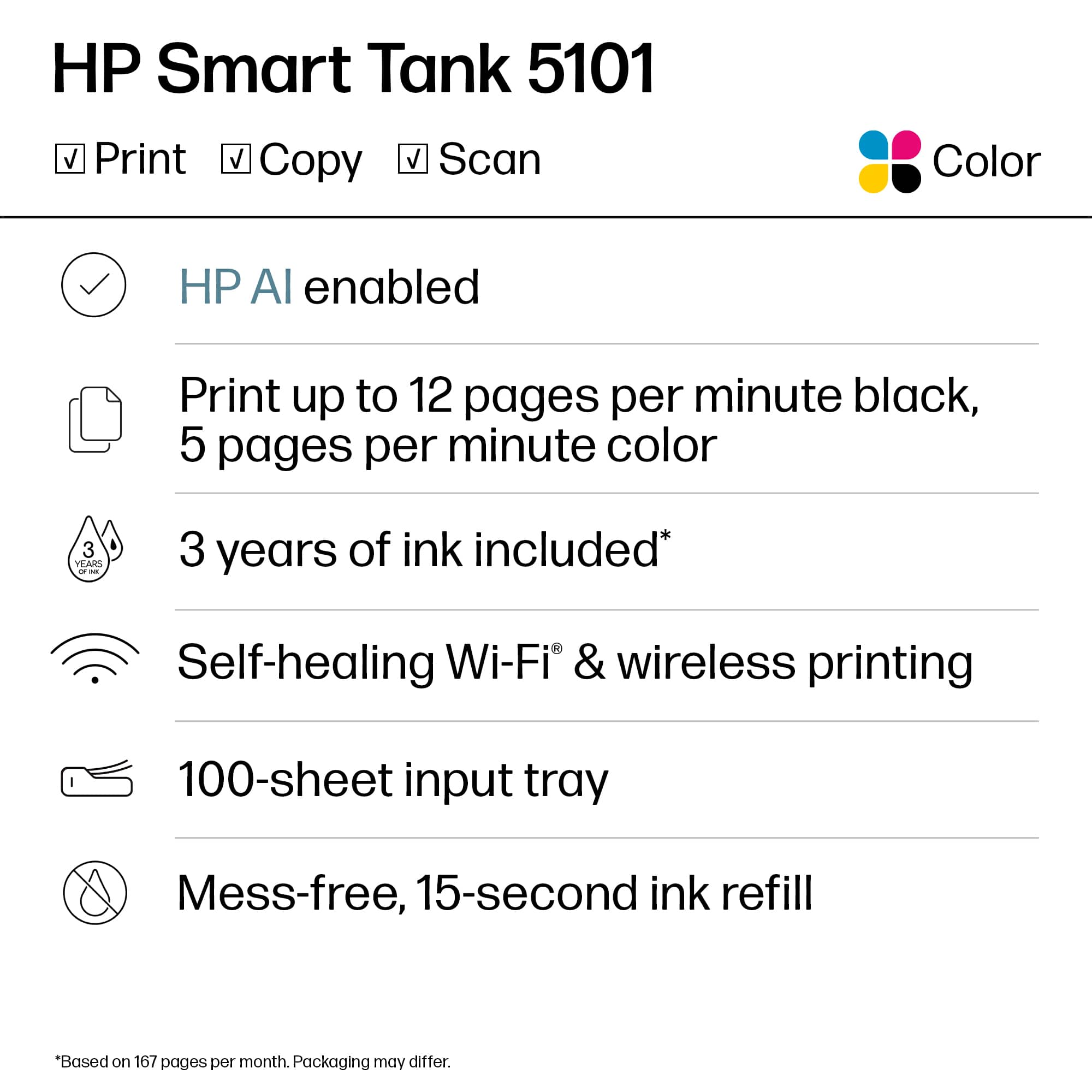
A:AnswerHello cuznbill and thank you for asking, The HP Smart Tank 5101 can print, scan, and copy regardless of whether it has an internet connection or not.
A:AnswerThank you for the question. To avoid clogging of printheads due to sustained inactivity, it's good to leave the printer on 24/7 (it will go into sleep mode, no strong power draw) to let it go through its cleaning cycles, and print one page every week or so to keep the ink at the proper viscosity and the printer properly primed. You can do this using the HP Smart App to print when you're away from home. Having said that, the Smart Tank printers have user-replaceable printheads; if you don't heed the foregoing warnings and find the printheads in disrepair, you can replace them easily.