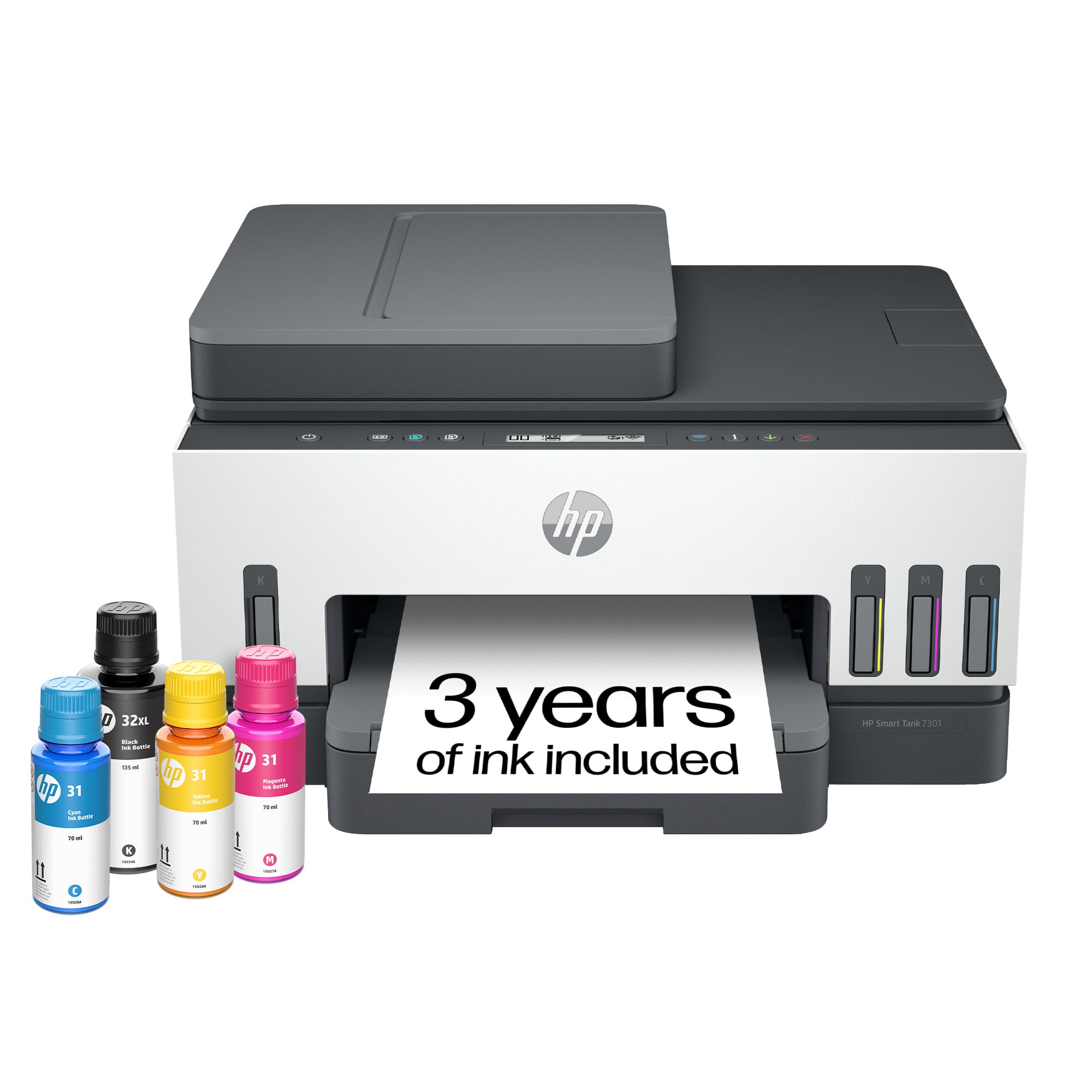
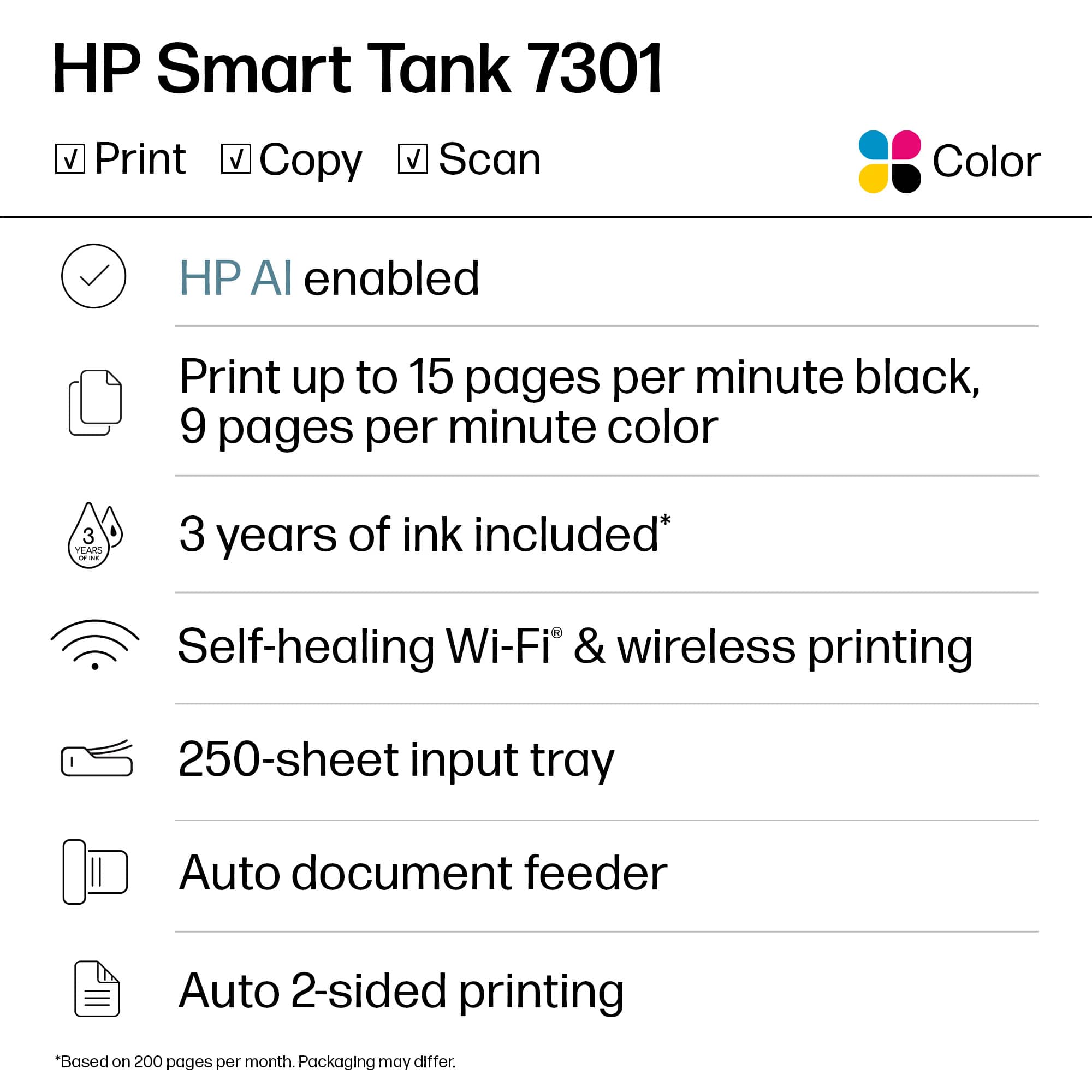
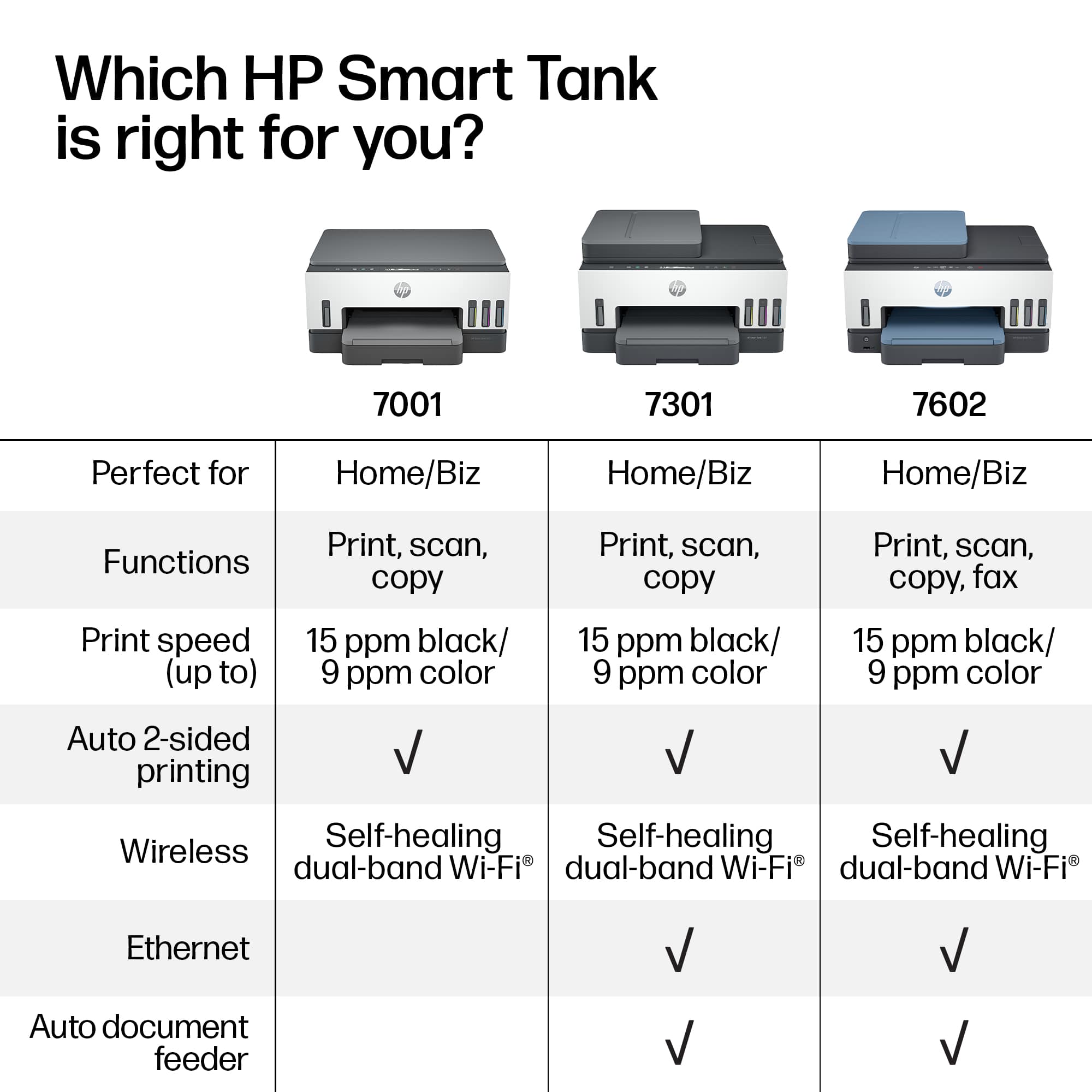
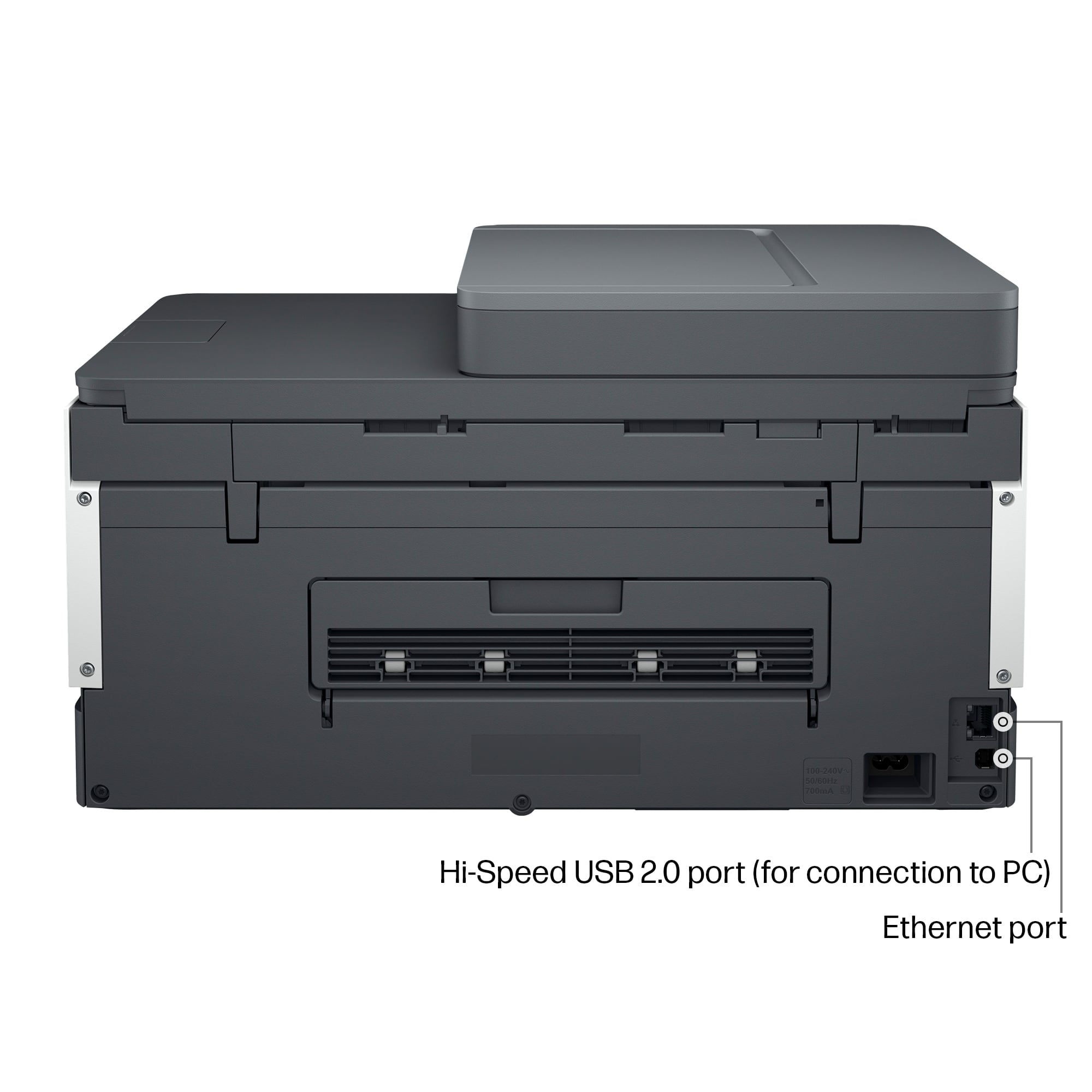
A:AnswerThe machine doesn't even have a phone line jack because it has no hardware based fax function whatsoever. You have to use mobile fax feature in HP Smart that uses your smartphone to fax documents from your printer or a 3rd party software fax plugin.
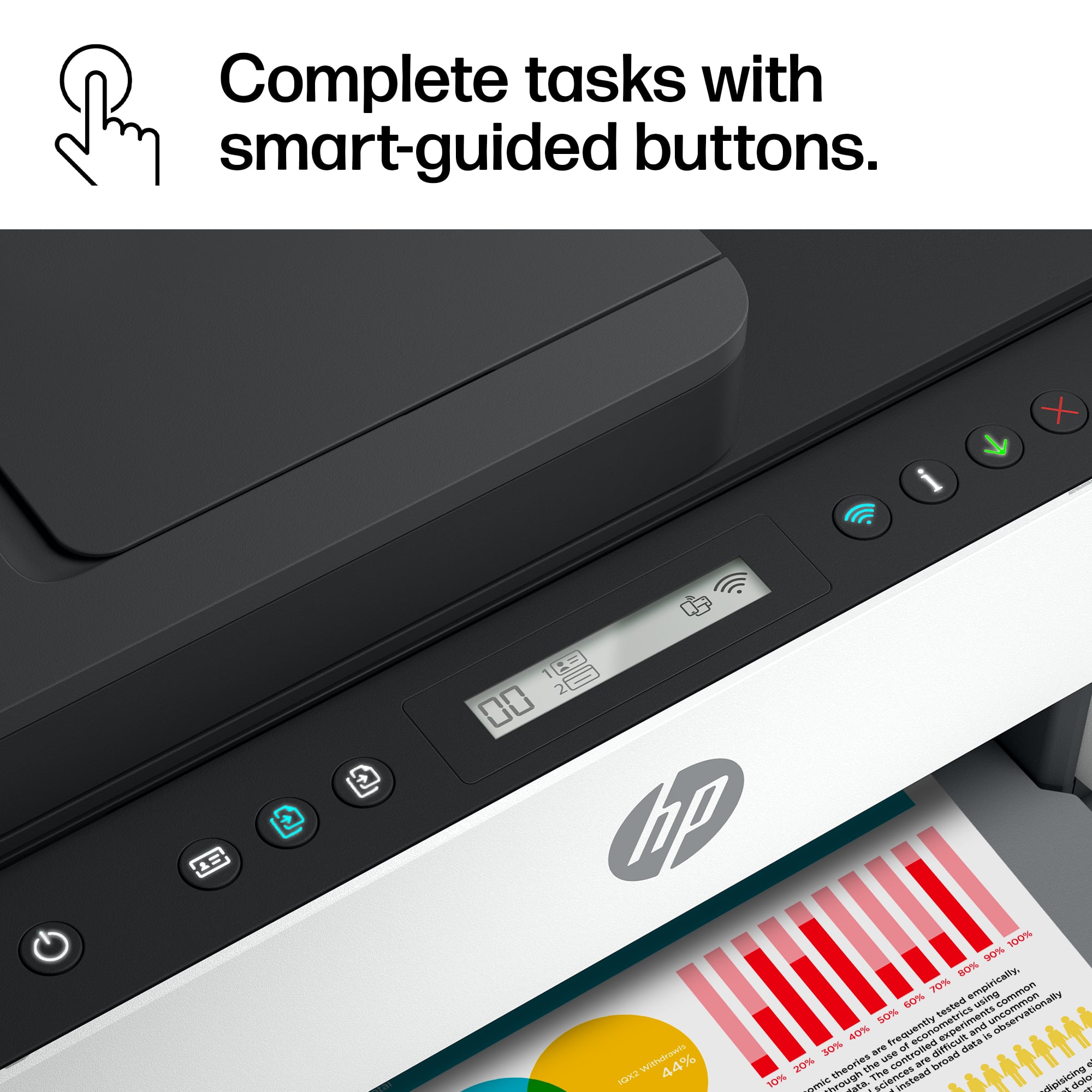
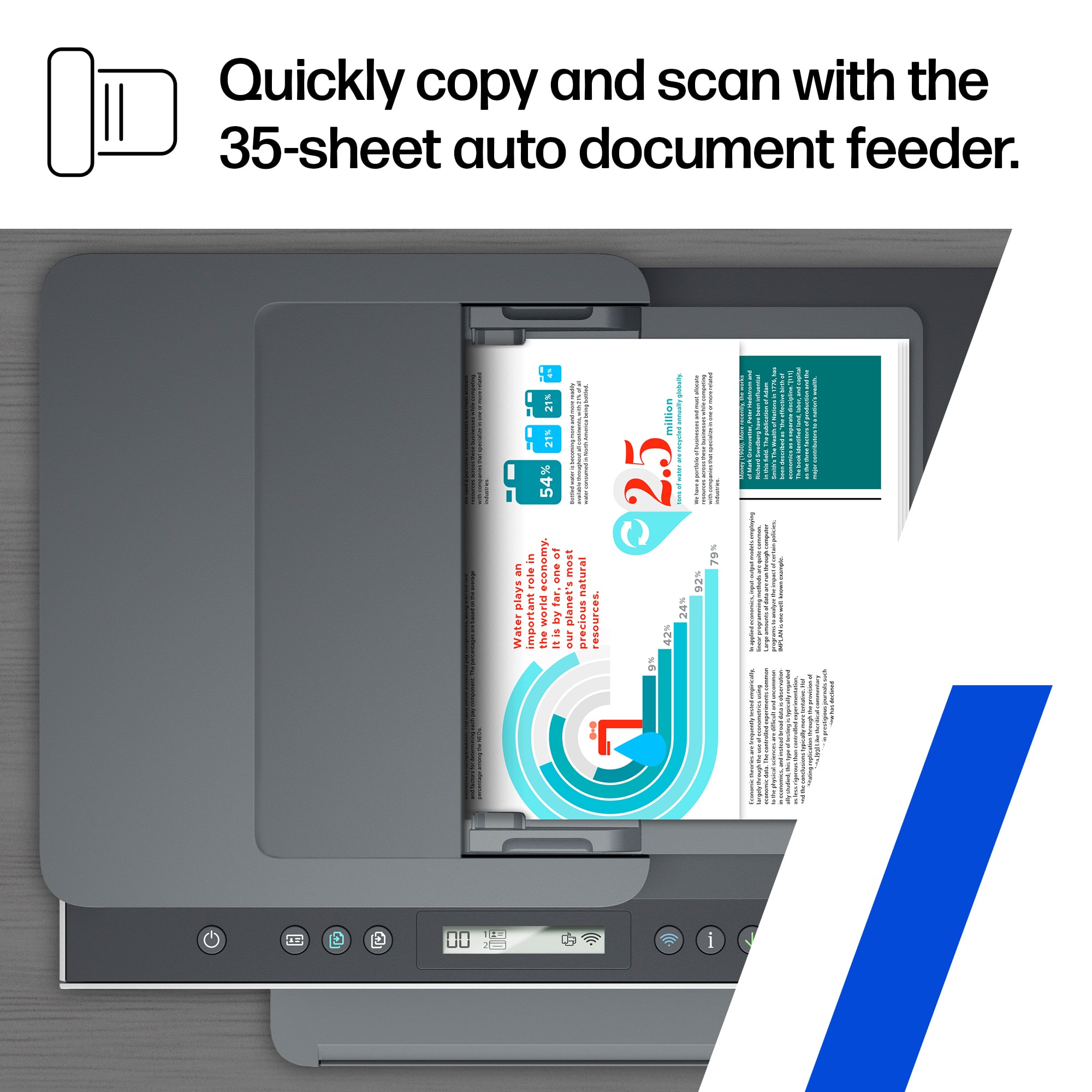
A:AnswerThank you for reaching out. Place your original print side up in the feeder (or print side down on the glass). From the printer control panel, press the BLACK COPY or COLOR COPY button to start copying. To increase the number of copies, press and hold the button or press it multiple times.
Copying starts 2 seconds after the last button press. See page 38 of your User Manual, here: http://h10032.www1.hp.com/ctg/Manual/c07762999.pdf
A:AnswerHello. Thanks for your question. The HP Smart Tank 7301 All-in-One printer has a scan resolution of: Hardware: Up to 1200 x 1200 dpi; and Optical: Up to 1200 dpi. DPI is Dots Per Inch.
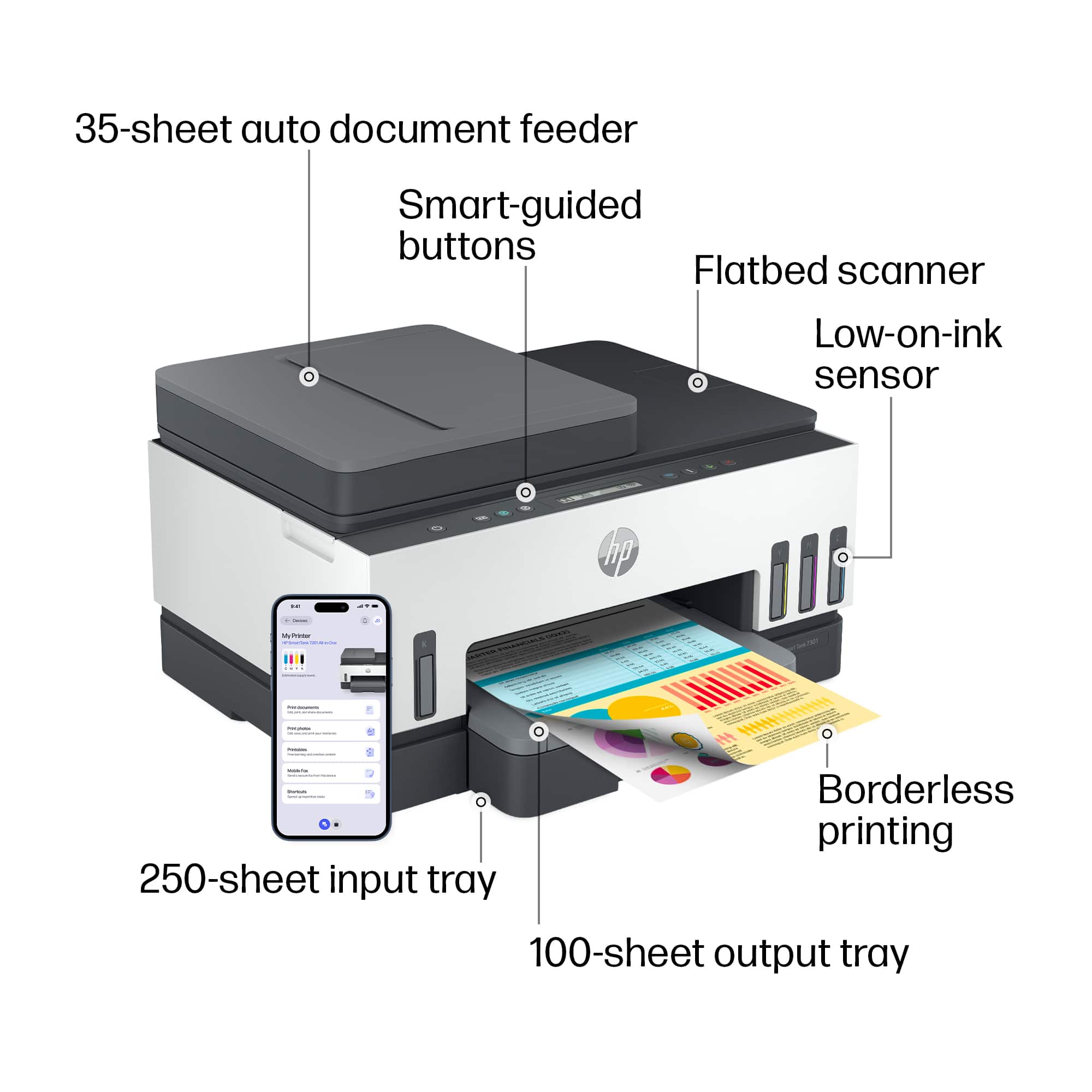
A:AnswerThe scanner is rated at 8 ipm. While images per minute (ipm) is more accurate, there's not a direct correlation to pages per minute, but it should be close to 8 pages per minute. The document feeder can hold up to 35 sheets to scan at one time.