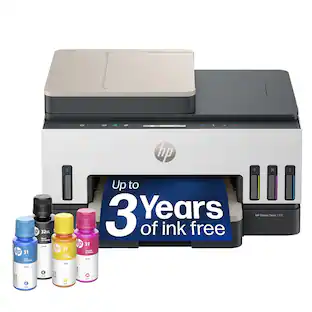
HP - Smart Tank 7301 Wireless AI-Enabled All-in-One Cartridge-Free Supertank Inkjet Printer with 3 Years of Ink Included¹ - White & Slate
Customers are saying
Customers are impressed with the outstanding print quality and the overall ease of use that this printer provides. Users also appreciate the quick setup process and the compact size, which makes it a great fit for small office environments. While the performance is generally well-regarded, some users have noted challenges regarding the reliability of the Wi-Fi connectivity and the design of the paper tray. Additionally, a few customers have expressed concerns about the functionality of the scanning feed and the clarity of the LCD display.
Features
From America's most trusted printer brand¹
The Smart Tank 7301 is perfect for families and small businesses printing a variety of color documents in high volumes. Print up to 15 pages per minute black and 9 pages per minute color.
Reliable printing you can count on
Set it up once and print with confidence; no complicated maintenance, just easy, reliable printing you can count on
Optimize print formatting with HP AI³
Print web pages and emails with precision—no wasted pages or awkward layouts; HP AI easily removes unwanted content, so your prints are just the way you want
Keeps printing well after competitors have quit
No complex maintenance, sharper text, richer colors—only with HP Smart Tank
Innovation you can trust
Cartridge-free printing that keeps you printing longer with fewer interruptions, powered by the trusted HP innovation you rely on today
Refillable, cartridge-free
Enjoy years of refillable, cartridge-free printing
Mess-free refill
Replenish ink with HP's easy-access, mess-free refill system; simply plug the ink bottles into this cartridge-free ink tank and let them drain—no squeezing, no spilling
Fully loaded with savings
Best for low-cost, high-volume printing—3 years of Original HP Ink included¹; get up to 8,000 color pages or 6,000 black pages right out of the box⁴.
Key features
Print, copy and scan, plus automatic 2-sided printing, 35-page automatic document feeder, borderless prints, mobile and wireless printing.
Specifications
- NetworkingWireless, WiredENERGY STAR CertifiedYesPrinter TypeAll In OneISO Color Print Speed9 pages per minuteOutput Tray Capacity100Touch ScreenNo
Reviews
Rating 4.2 out of 5 stars with 686 reviews
- Print Quality (306)
- Ease of use (141)
- Overall Performance (57)
- Setup (36)
- Size (15)
- Connectivity (18)
- Paper Tray (11)
- Scanning (9)
- LCD Display (8)
Customer Images
The vast majority of our reviews come from verified purchases. Reviews from customers may include My Best Buy members, employees, and Tech Insider Network members (as tagged). Select reviewers may receive discounted products, promotional considerations or entries into drawings for honest, helpful reviews.
Questions & Answers
What are the differences between the HP - Smart Tank 7301 and the 6001 models? Will the 6001 model scan legal size paper?
Answered by HP TeamThank you for the question. The Smart Tank 7301 has an automatic document feeder for scanning multiple pages (the 6001 has no document feeder - you would scan single pages on the flatbed). The 7301 has a higher recommended duty cycle of 5000 pages monthly (vs. 3000 pages monthly with the 6001). The 7301 has a 250-sheet paper tray (the 6001 has a 150-sheet tray) and will accept up to 30 envelopes at a time (vs.10 envelopes with the 6001). The 7301 has a slightly faster print speed - 15 pages per minute (vs. 12 pages per minute with the 6001.

Will the HP7301 printer print on cardstock, and if so, what weights of cardstock?
Answered by HP TeamHello. Thanks for your question. The HP Smart Tank 7301 printer can handle up to 110 pound paper.
What is the monthly duty cycle of this HP printer?
The monthly duty cycle for this printer is up to 5,000 pages.
This question and answer was generated by AI based on customer and product data.How many pages can I print in black and color with the included ink?
With the included ink, you can print up to 8,000 color pages or 6,000 black pages.
This question and answer was generated by AI based on customer and product data.What is the resolution for scanning documents with this HP printer?
The scanner resolution is up to 1200 x 1200 dpi for hardware and up to 1200 dpi for optical.
This question and answer was generated by AI based on customer and product data.

Customers often buy these together
Ink Cartridges
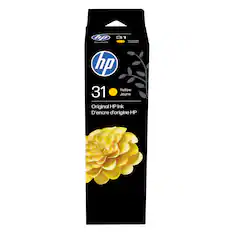
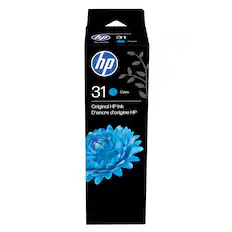
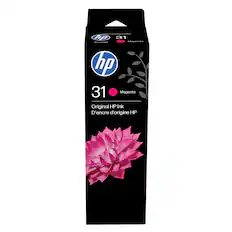
HP - 31 Original Ink Bottle - Yellow
$21.99The price was $25.10
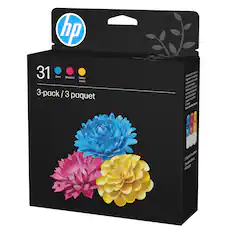
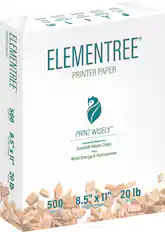
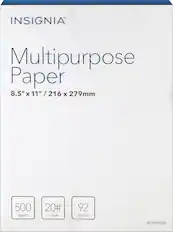
Copy and Multipurpose Paper
More recommended items
 Ink Bags and Bottles
 Printer Paper
More to consider
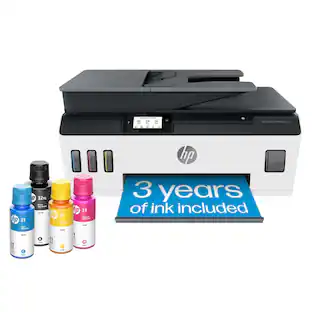
HP Smart Tank Plus 651 Wireless All-in-One Cartridge-Free Supertank Inkjet Printer with 3 Years of Ink Included¹
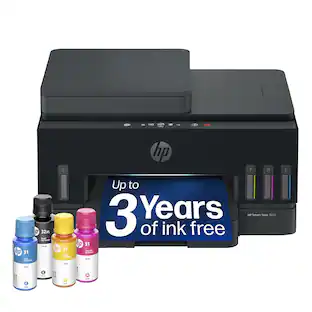
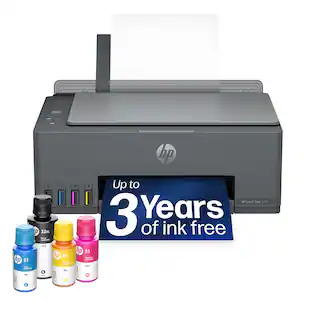
$249.89The price was $329.89HP Smart Tank 7001 Wireless AI-Enabled All-In-One Supertank Inkjet Printer with 3 Years of Ink Included¹
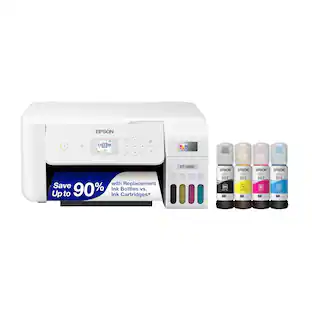
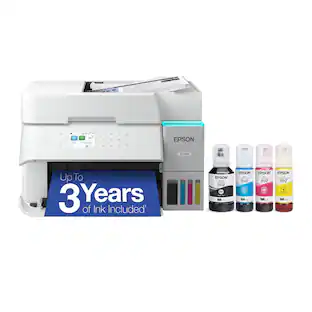
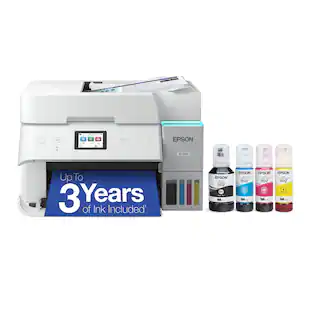
$269.99The price was $429.99Epson EcoTank ET-4950 Wireless All-in-One Color Supertank Inkjet Printer
$469.99The price was $499.99
Explore tech essentials Sponsored
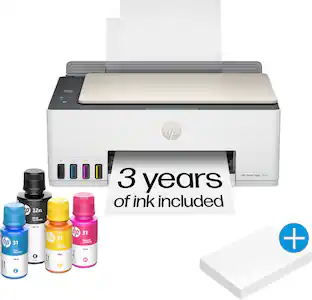
HP Smart Tank Plus 651 Wireless All-in-One Cartridge-Free Supertank Inkjet Printer with 3 Years of Ink Included¹
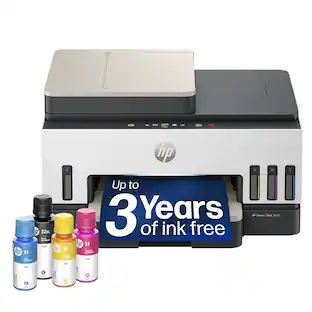
$249.89The price was $329.89HP Smart Tank 7001 Wireless AI-Enabled All-In-One Supertank Inkjet Printer with 3 Years of Ink Included¹
$269.99The price was $429.99
Discover related products
Acer USB C Docking Station With 2 HDMI, 9-IN-1 Docking Hub with USB A&C 3.0, SD/Micro SD, 100W Charging
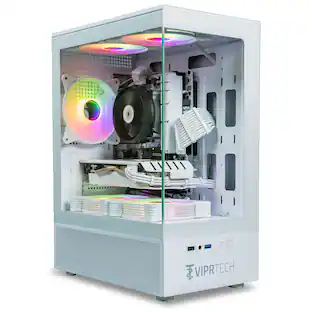
Holiday Deal$36.99The price was $47.99ViprTech Stryker Gaming PC - AMD Ryzen 7 (4.1GHz), AMD RX 580 8GB, 16GB DDR4, 500GB SSD, Desktop Computer
Holiday Deal$599.99The price was $799.99Acer USB C to HDMI Cable for Home Office 6.6FT (4K@60Hz), High-Speed Type C to HDMI 2.0 Braided Cord
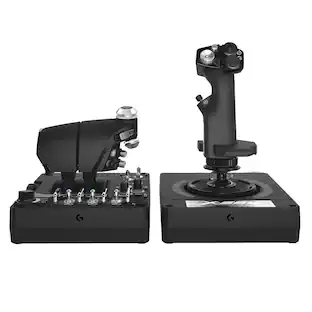
$12.99The price was $13.99Logitech X56 HOTAS Microsoft Flight Simulator RGB Dual-Throttle and Joystick
$249.99The price was $275.00






Keep exploring
xTool Apparel Printer Plus, One Click DTF Printer, Effortless Customization for Business.
$4,999.00The price was $5,399.00Brother INKvestment MFC-J4355DW Wireless All-in-One Inkjet Printer + 26 Month Protection Warranty & Cable Bundle
$289.99The price was $299.99Epson EcoTank Photo ET-8550 Special Edition All-in-One Supertank Printer, Copy/Print/Scan (EPSC11CJ21201C)
$844.99The price was $859.99