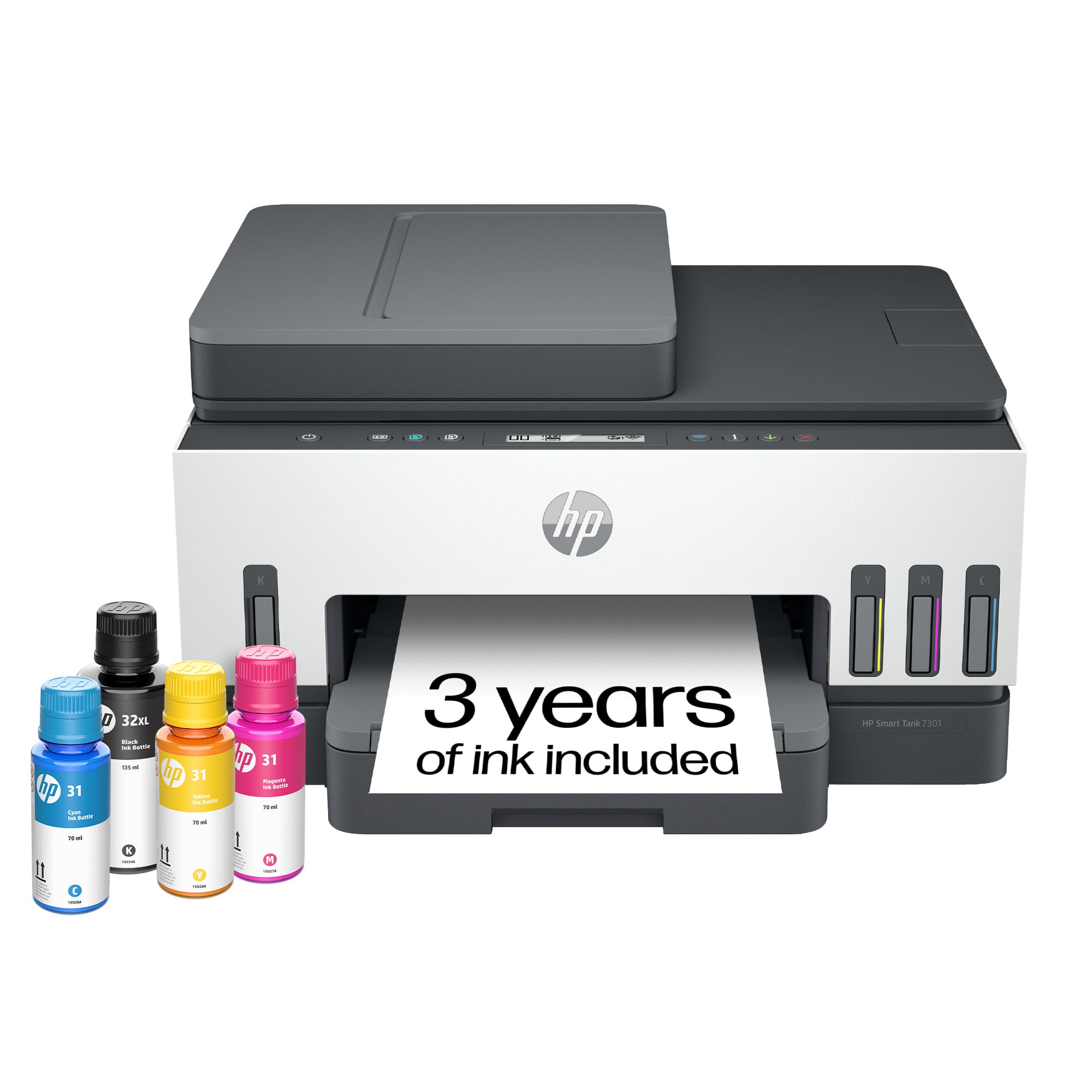
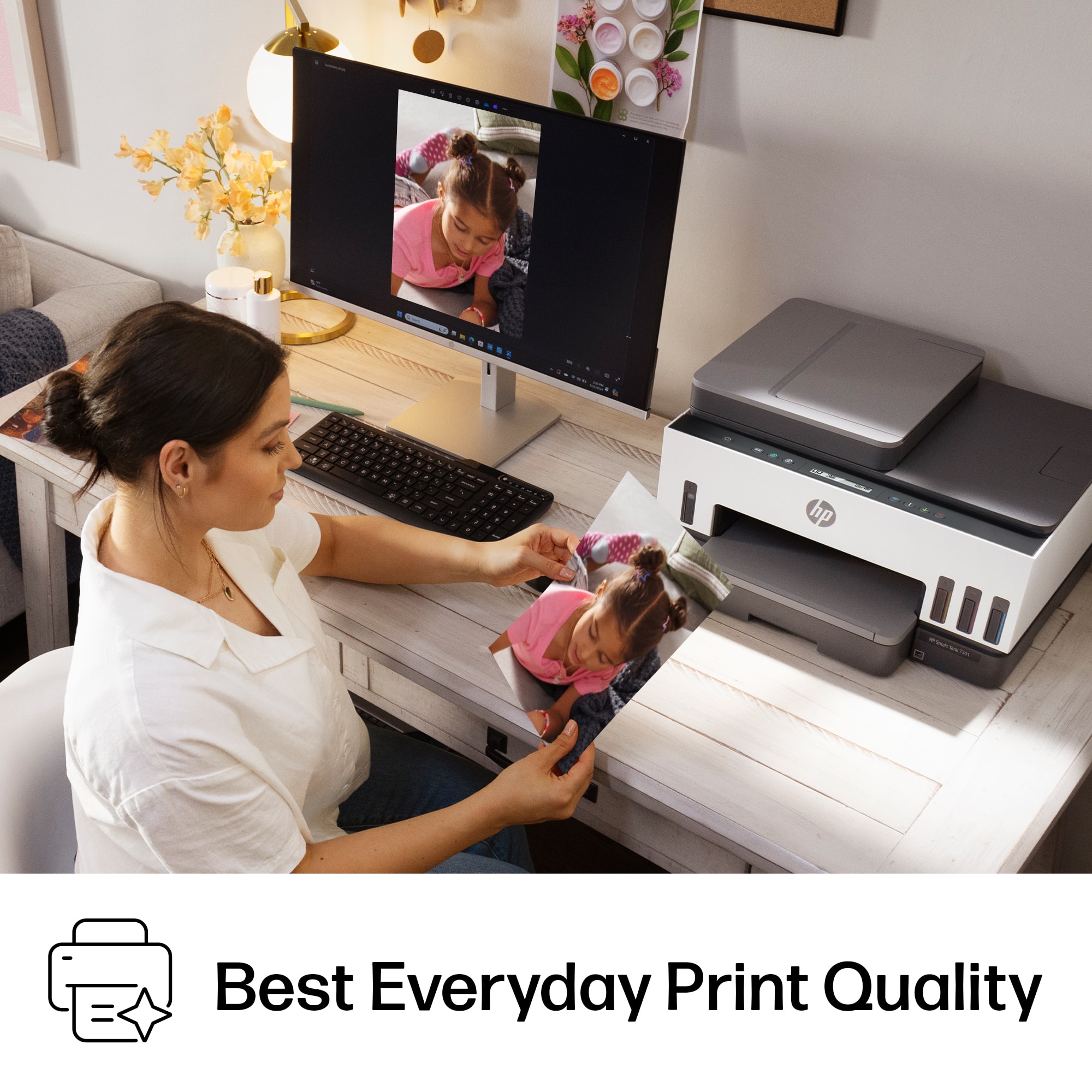
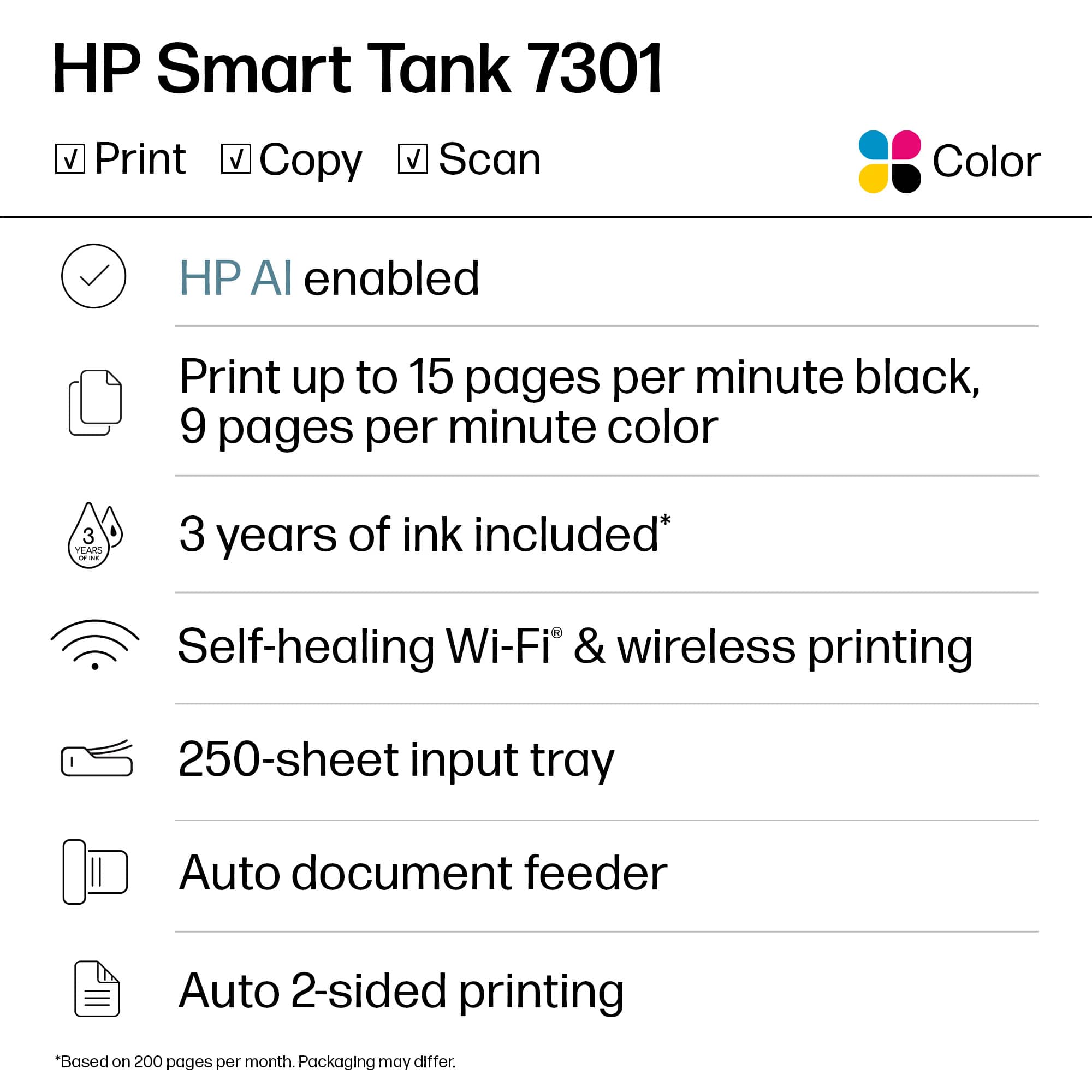
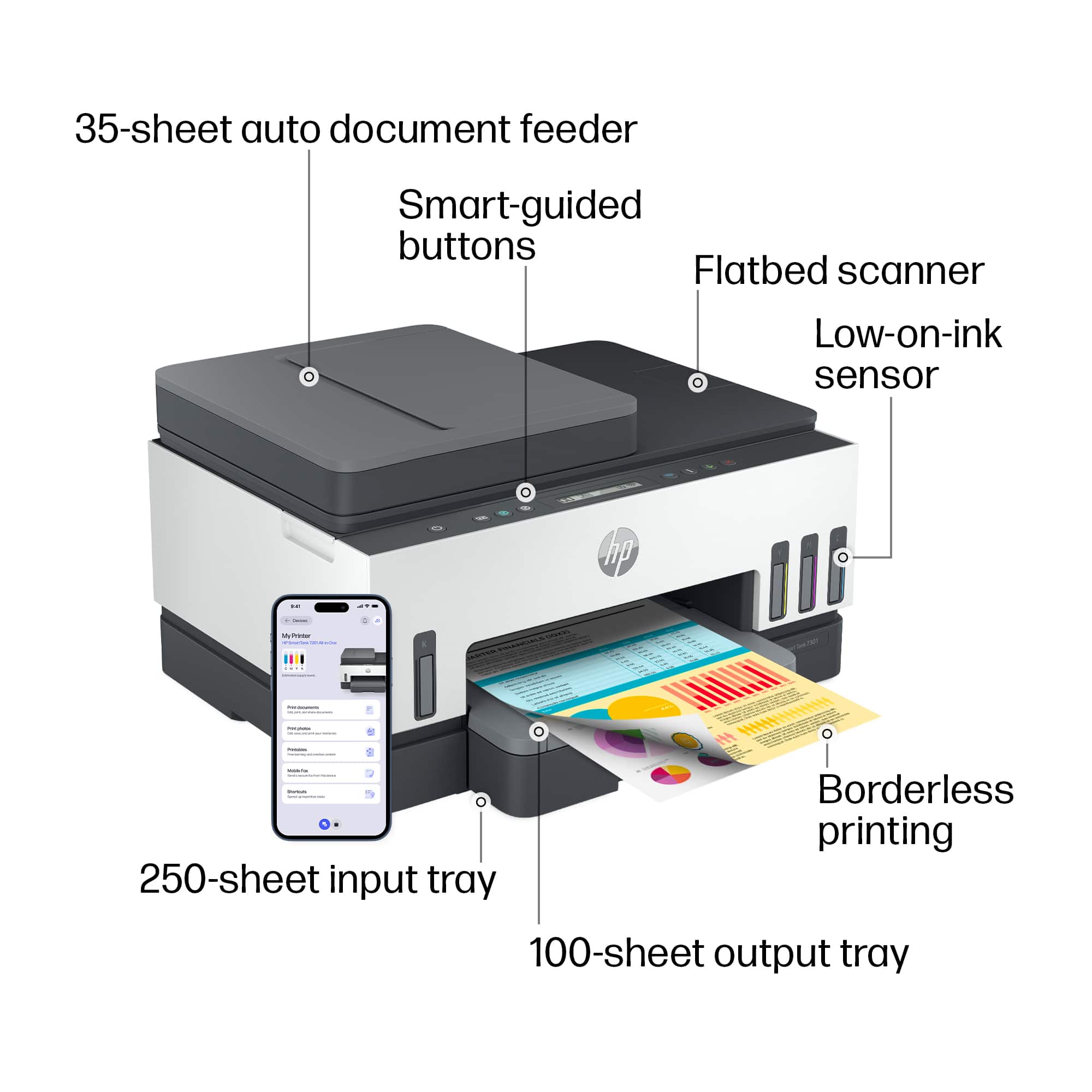
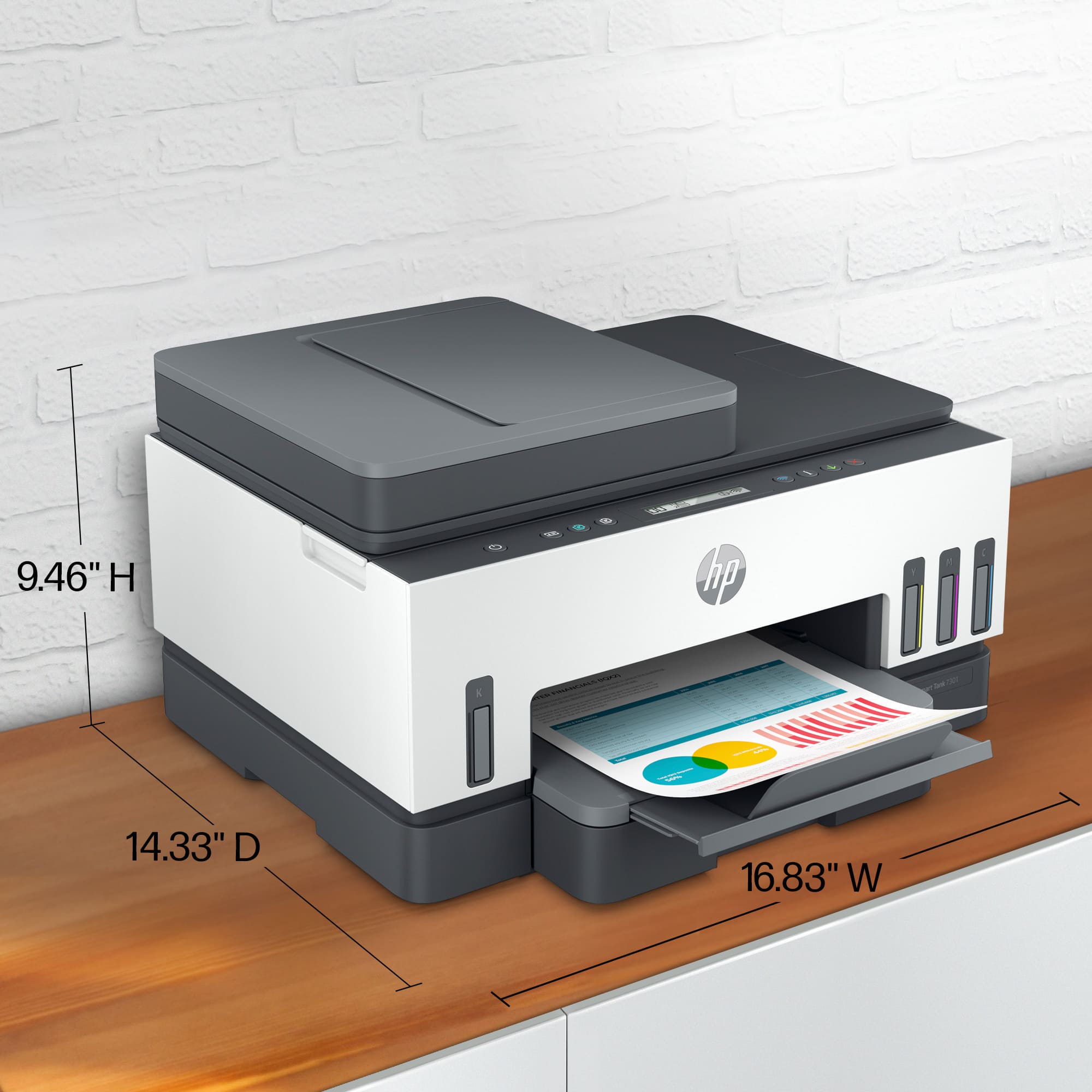
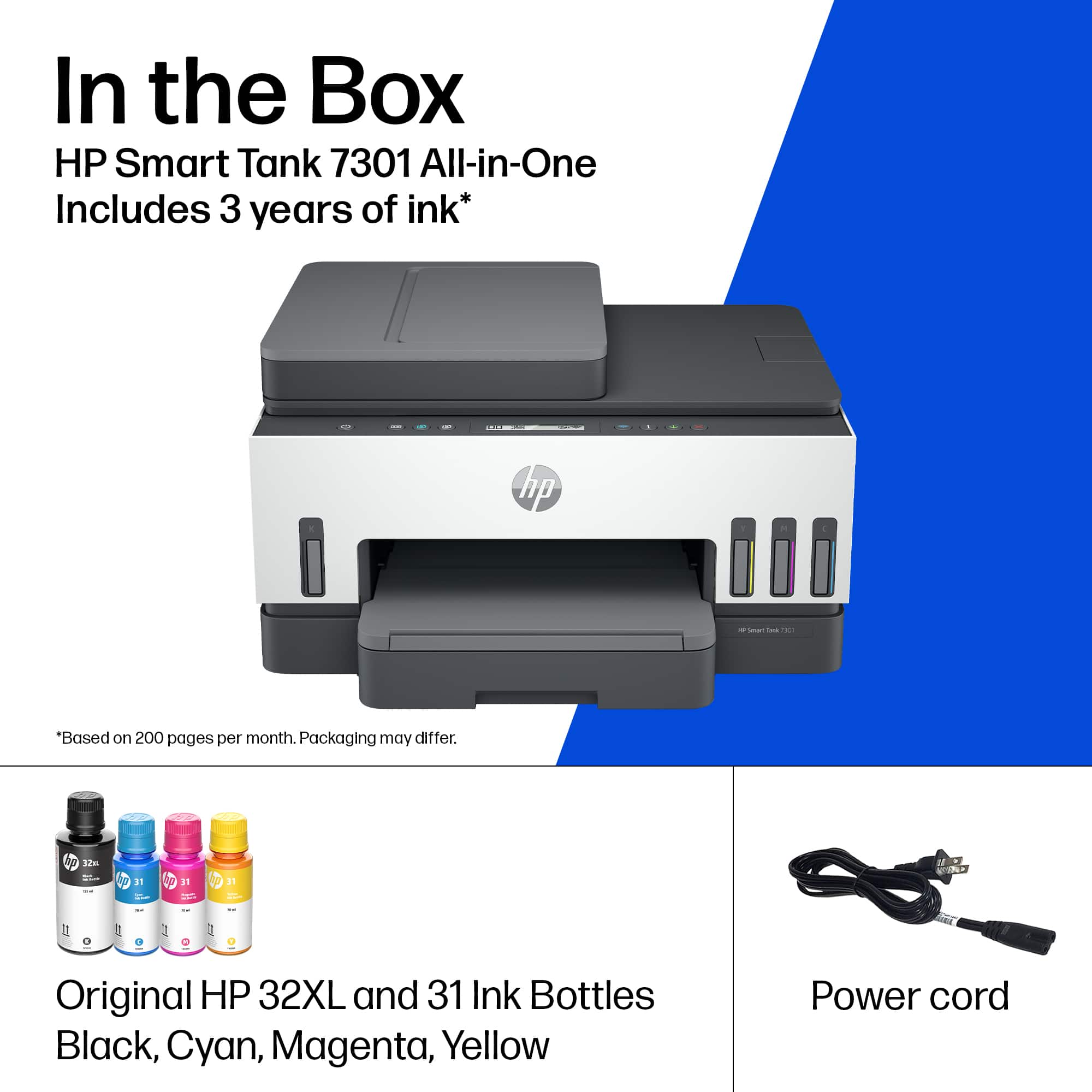
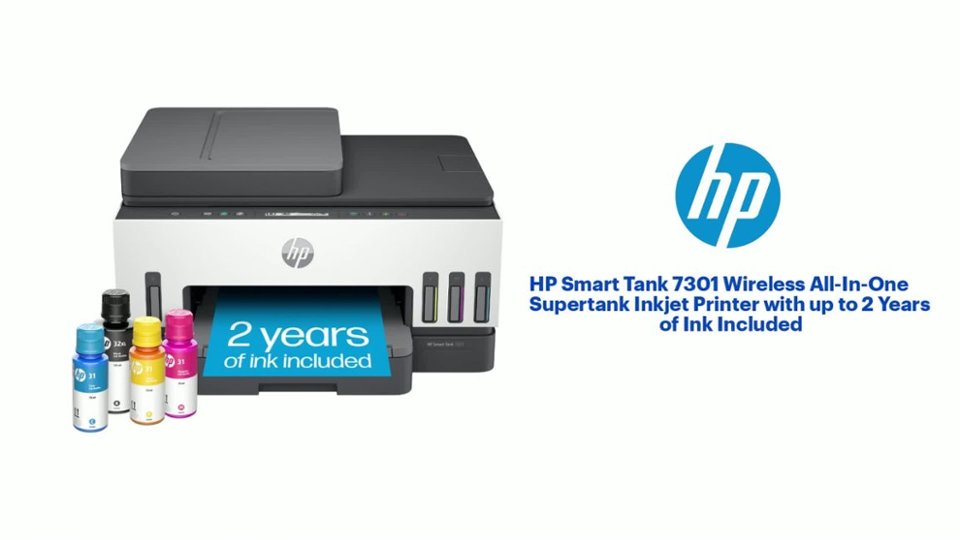
A:AnswerHello. Thanks for your question. No, this HP Smart Tank 7301 printer does not have a dedicated photo tray. You would need to switch out the paper in the main paper tray, then insert the photo paper.
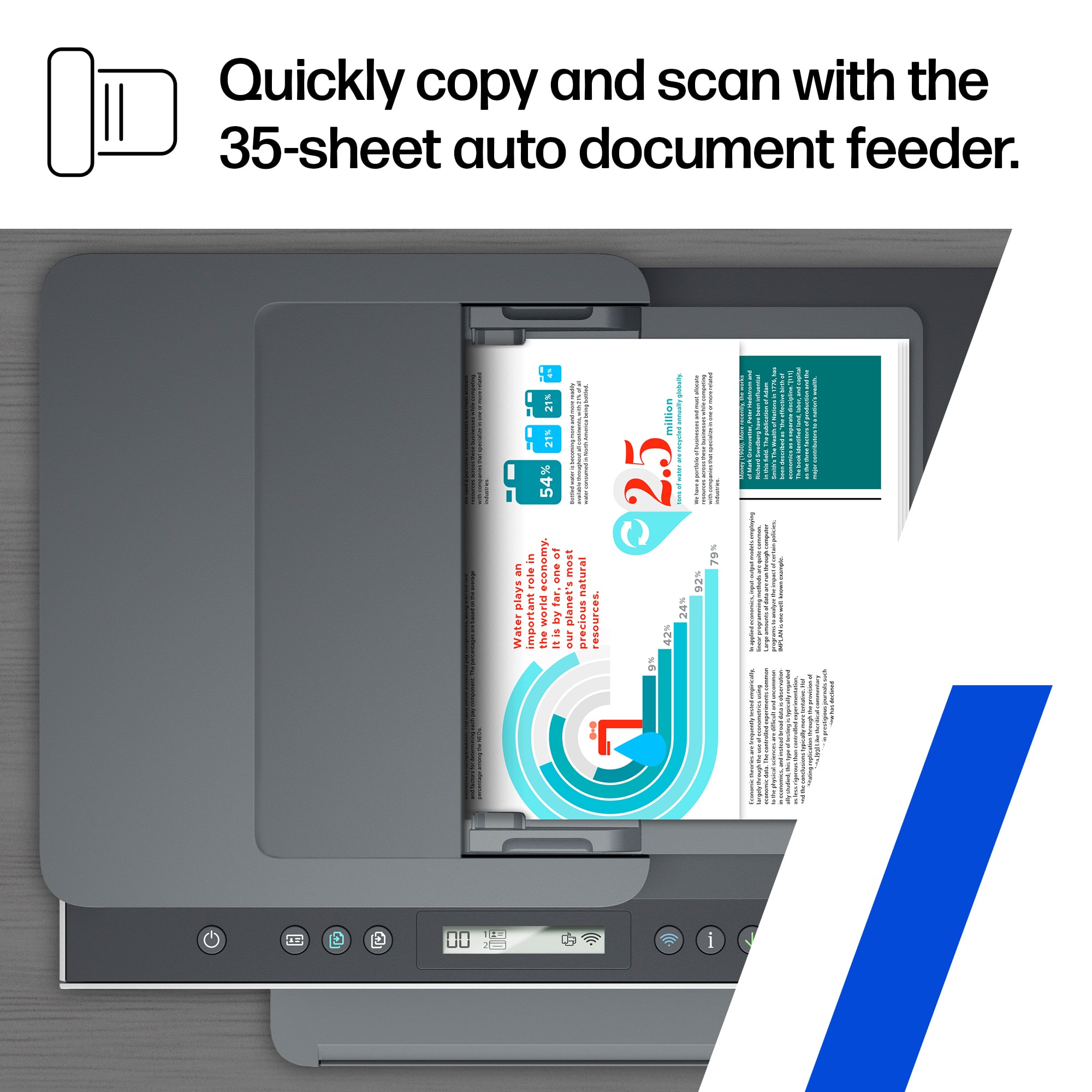
A:AnswerApologies for what your experiencing. The Smart Tank 7301 can indeed reduce or enlarge an original from 25% to 400%. To make a large copy of a small original, scan the original into the computer, resize the image in the scanning software, and then print a copy of the enlarged image. You can learn more in the User Manual, here: http://h10032.www1.hp.com/ctg/Manual/c07762999.pdf
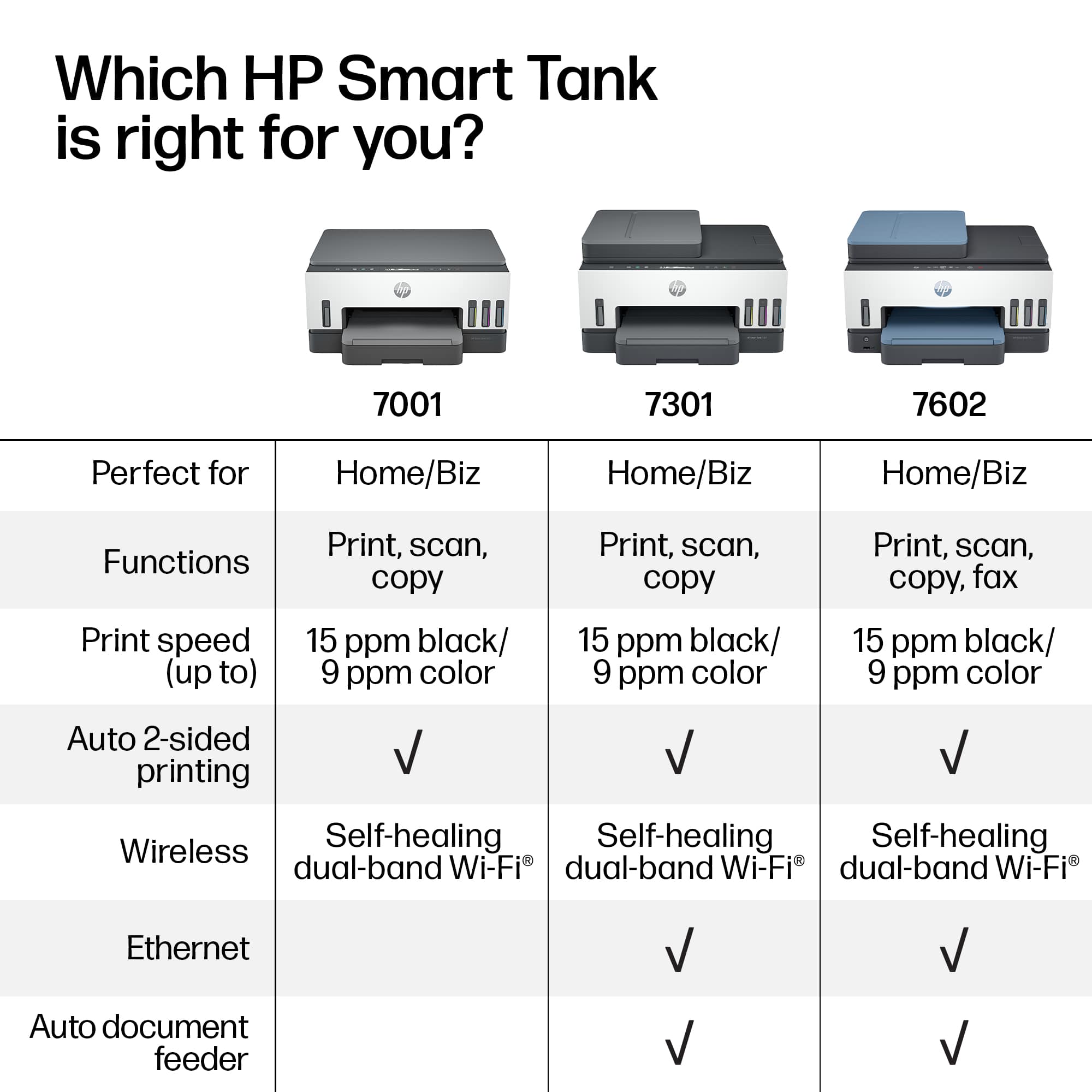
A:AnswerUnfortuantely, no. The largest size it can print adn scan is 8.5x14. If you want one that will do 11x17, you'd need the OfficeJet Pro 7740 Wide Format.