A:AnswerI hate to say this, but I am thankful someone else has the same problem I do. I just wrote a review on this printer that I've had for over a year and I continually have connection problems. If it's not too late, if I were you, I would return it.
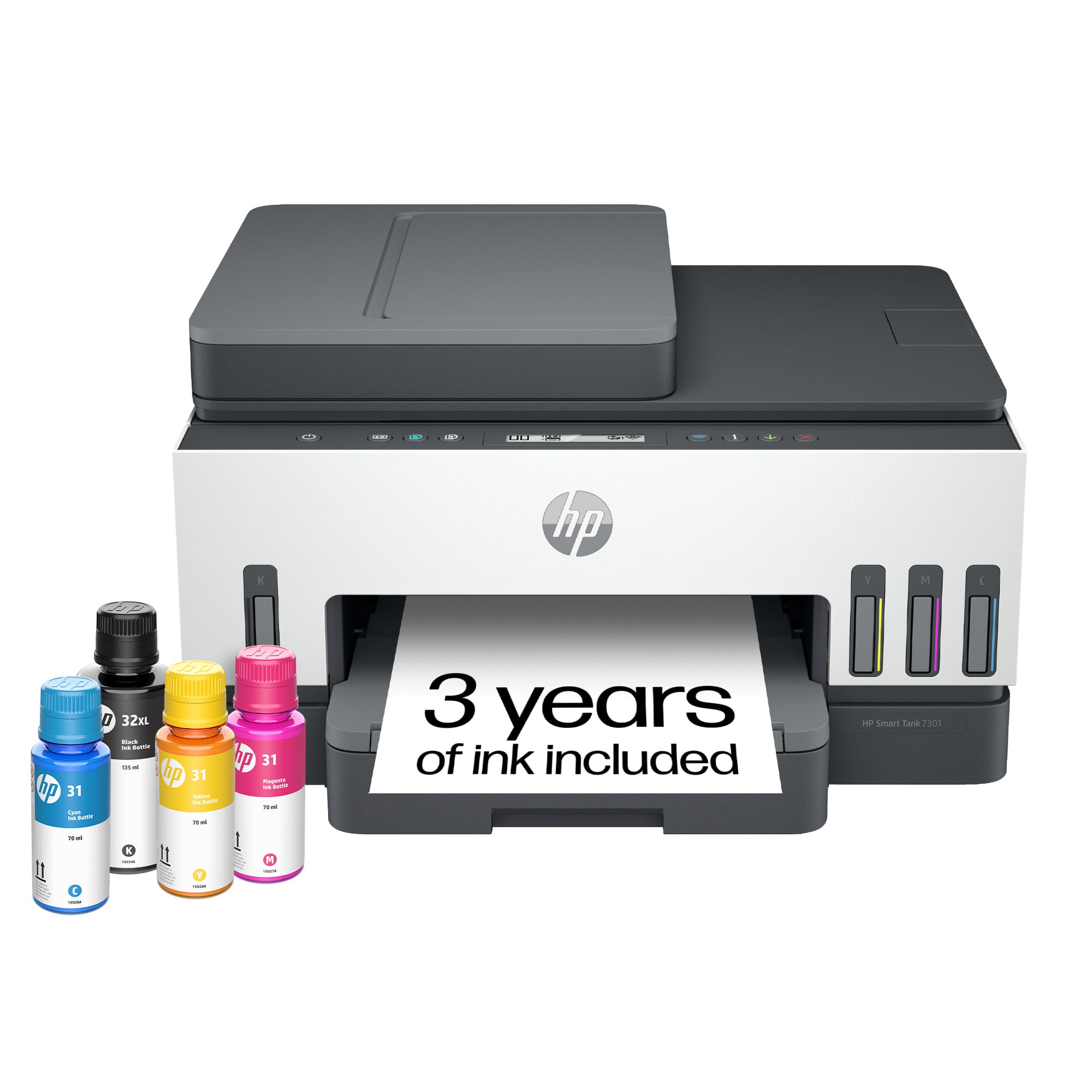
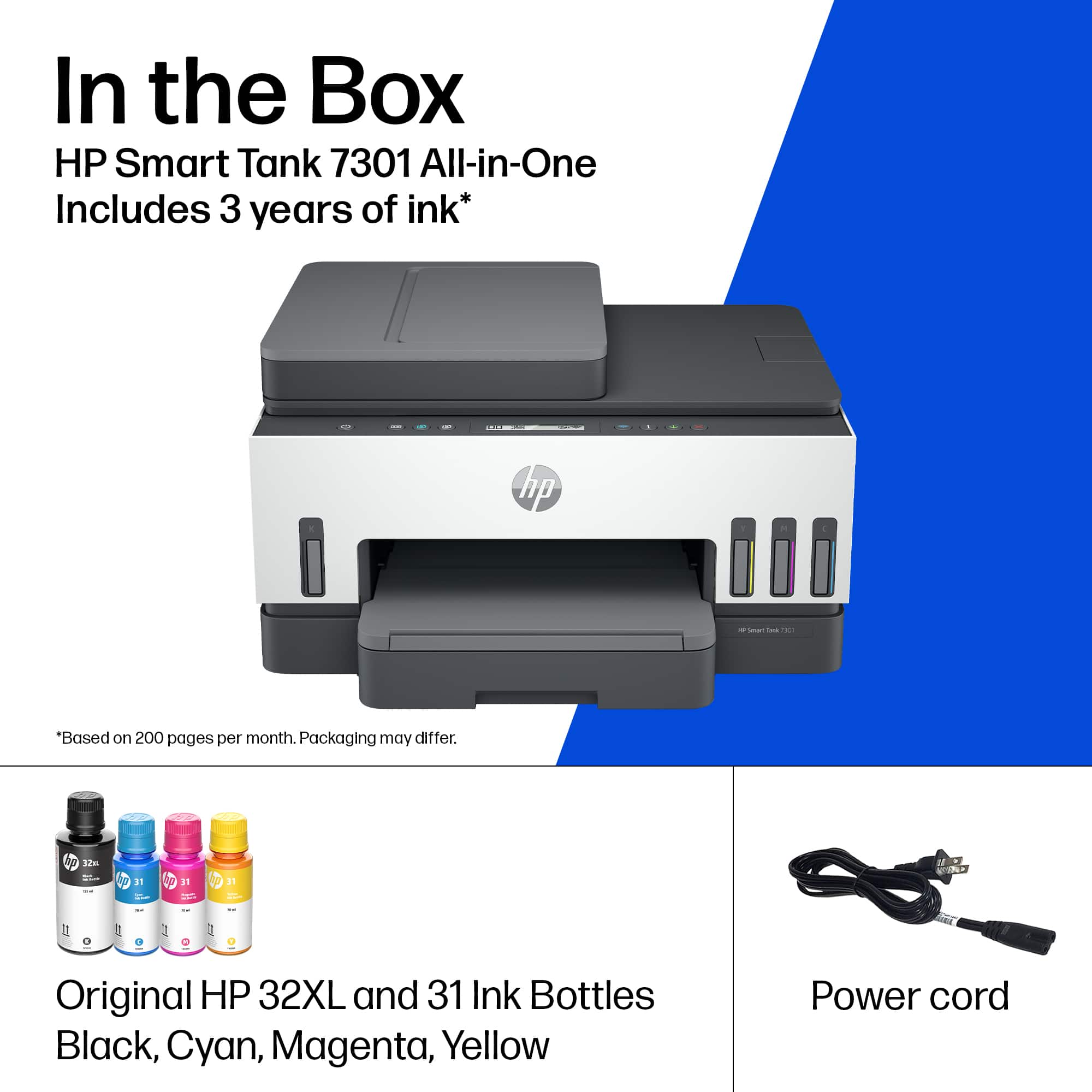
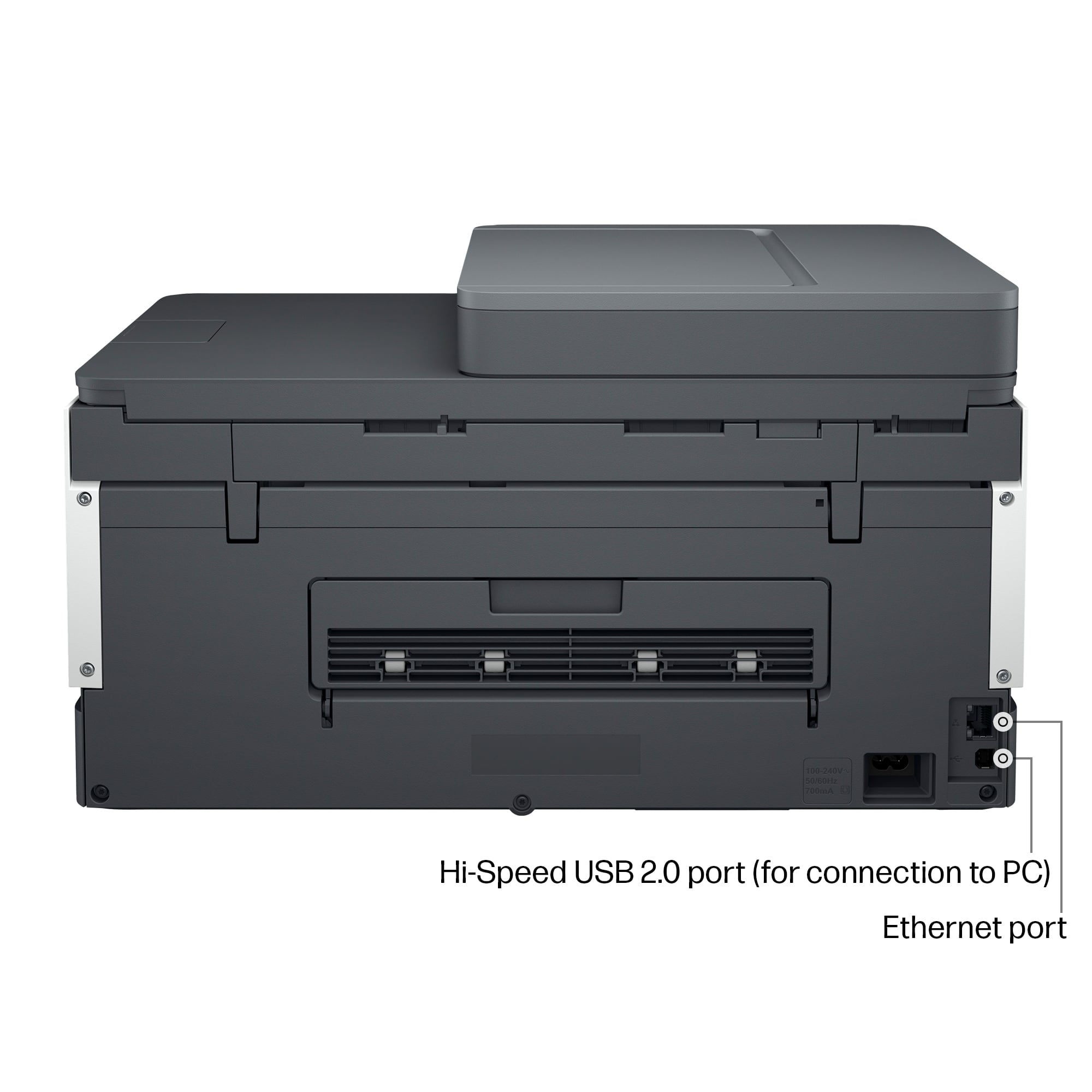
A:AnswerThank you for your question about this HP Smart Tank printer! HP made the choice not to include a printer cable with this model, which has been a very common practice with printer manufacturers for decades. This uses a standard USB printer cable, which is sold in Best Buy stores.
A:AnswerThank you for the question. To find the email address of your HP Smart Tank printer, access the printer's control panel, navigate to "Web Services Setup" or "Network Settings", and look for the "ePrint" section where your printer's unique email address will be displayed; you can also find it through your HP account on the HP Smart app by selecting your printer and checking the ePrint details.
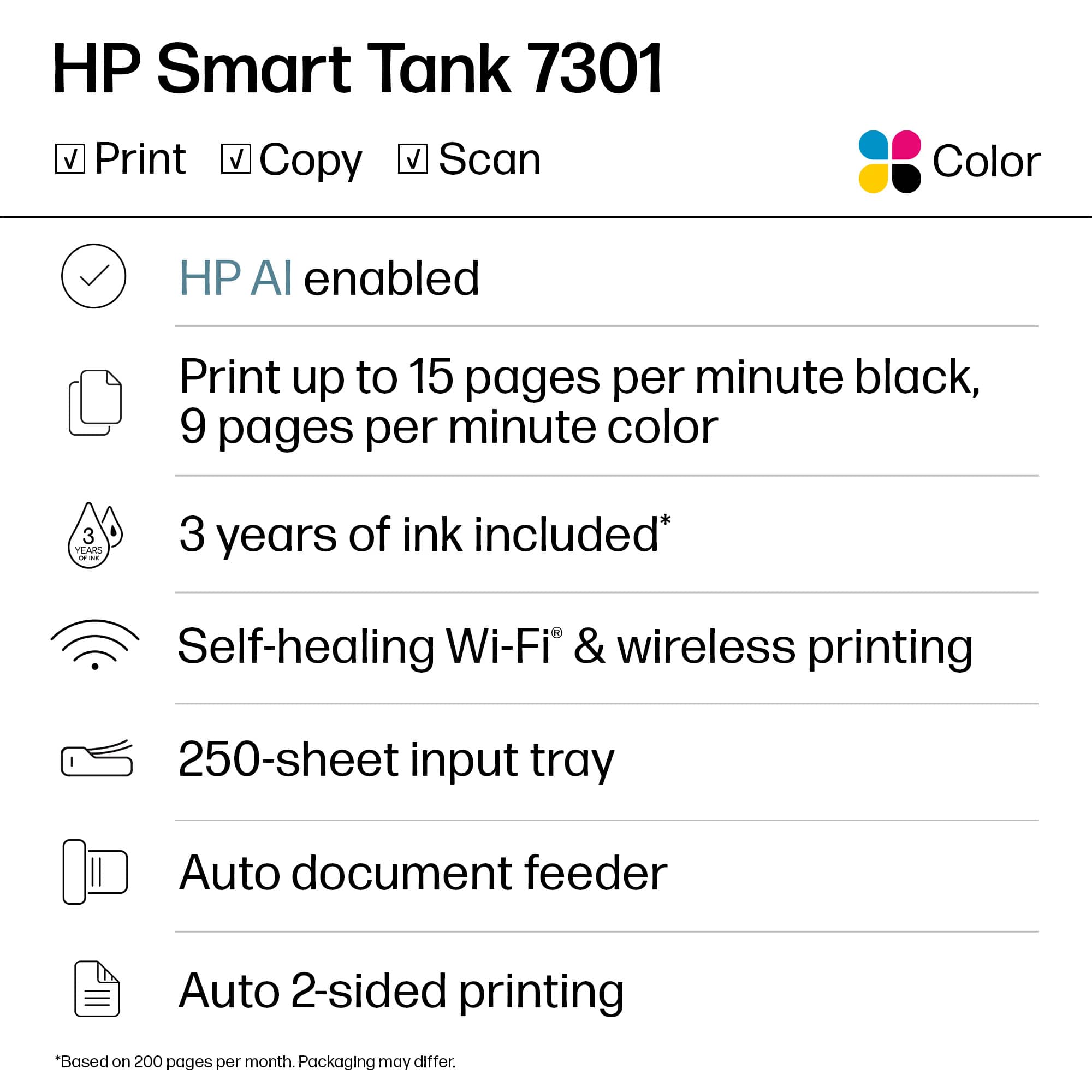
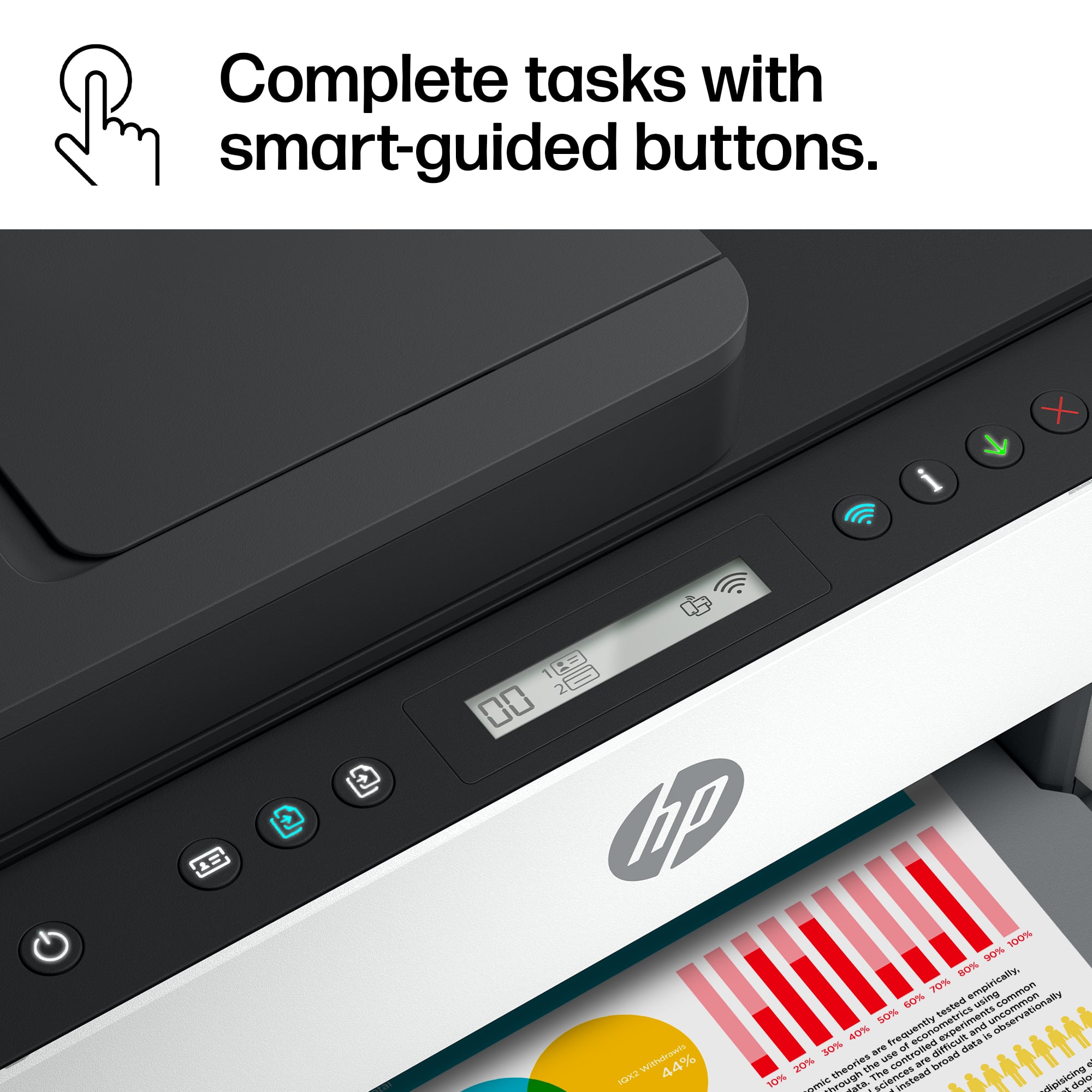
A:AnswerThank you for your purchase of this HP Smart Tank! I am sorry that your experience has not been positive. Yes, this printer will copy in color. You can contact Best Buy Geek Squad Support or HP Support and they will help you print back in color.
A:AnswerHonestly don’t know yet. I can tell you I print about 150 pages a week since I purchased over a year ago and haven’t had any issue with the print heads so far.
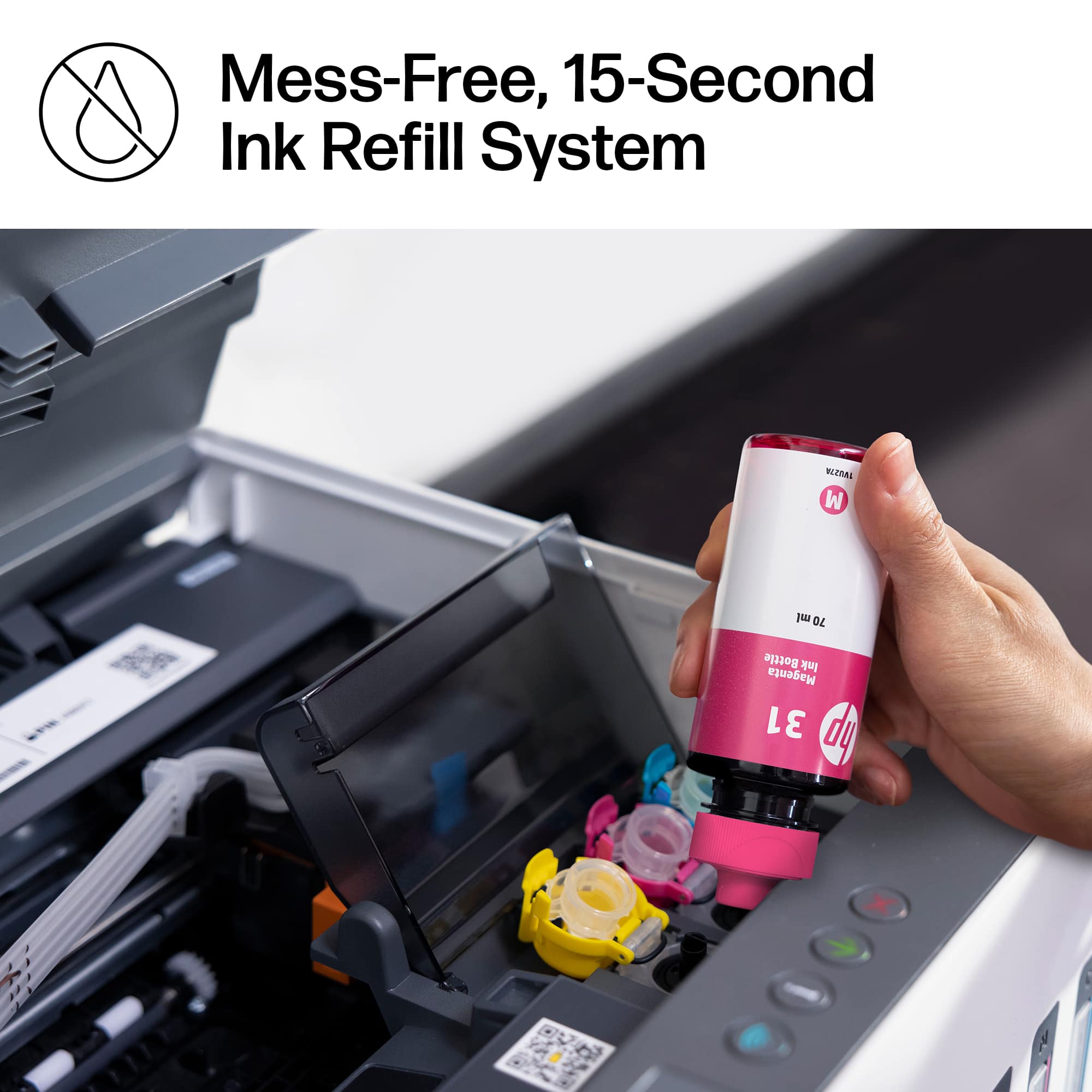
A:AnswerHi, Babe, and thank you for asking the question. I'm not seeing any reference to "ink pads" or other devices to hold excess in that needs to be changed, so no it doesn't appear that it does.