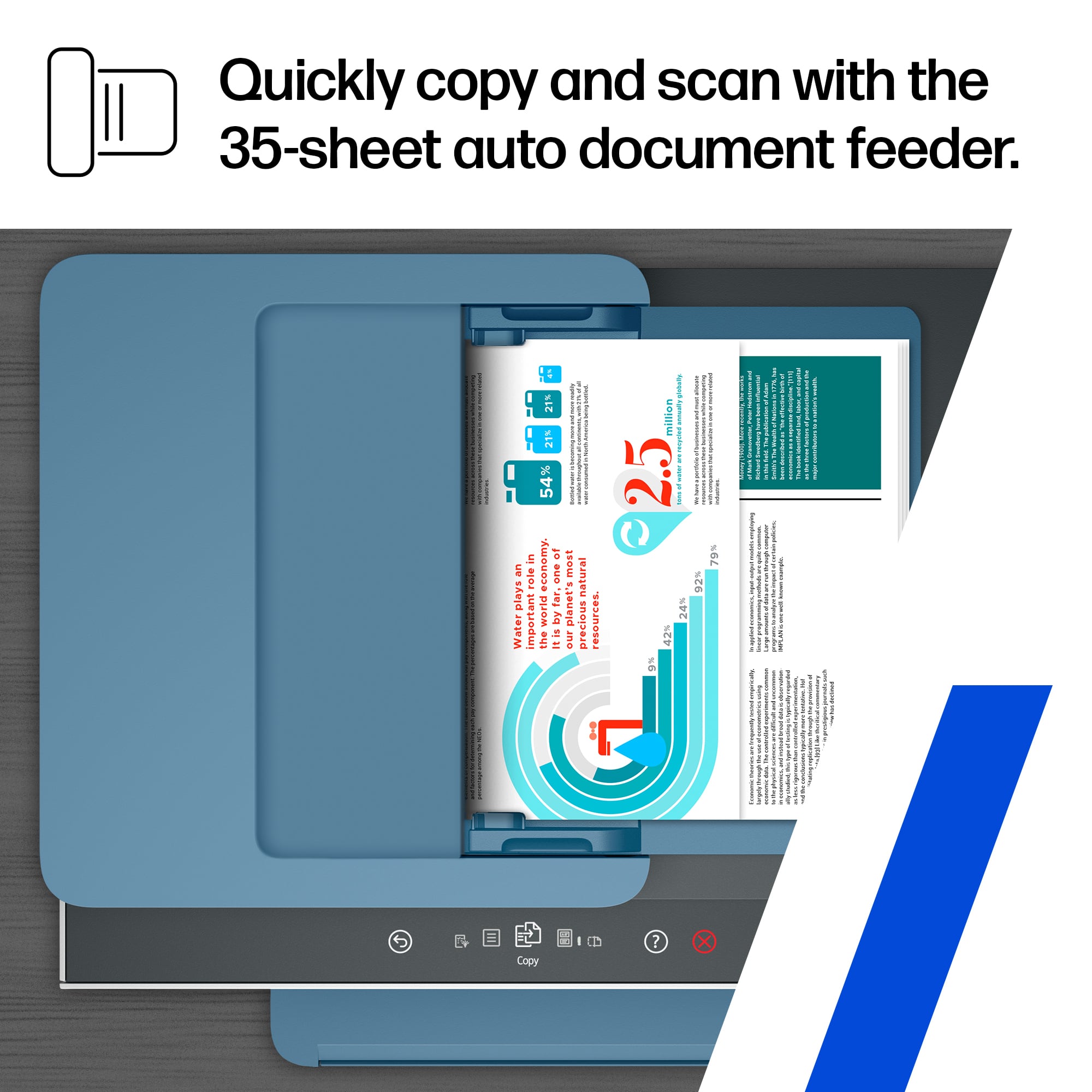
A:AnswerUsing the software it is possible to scan multiple documents into one file. The files can be added to an email and forwarded to your intended recipient.
A:AnswerHi Frank, that's a common question. You can print in grayscale as a temporary measure when you are out of color inks. The ink doesn't just print, it cools and lubricates the print heads as they slide across the paper. With no color ink in the printer, the color printheads would quickly become damaged. The printer comes with enough ink to print thousands of pages, and replacements are very affordable.
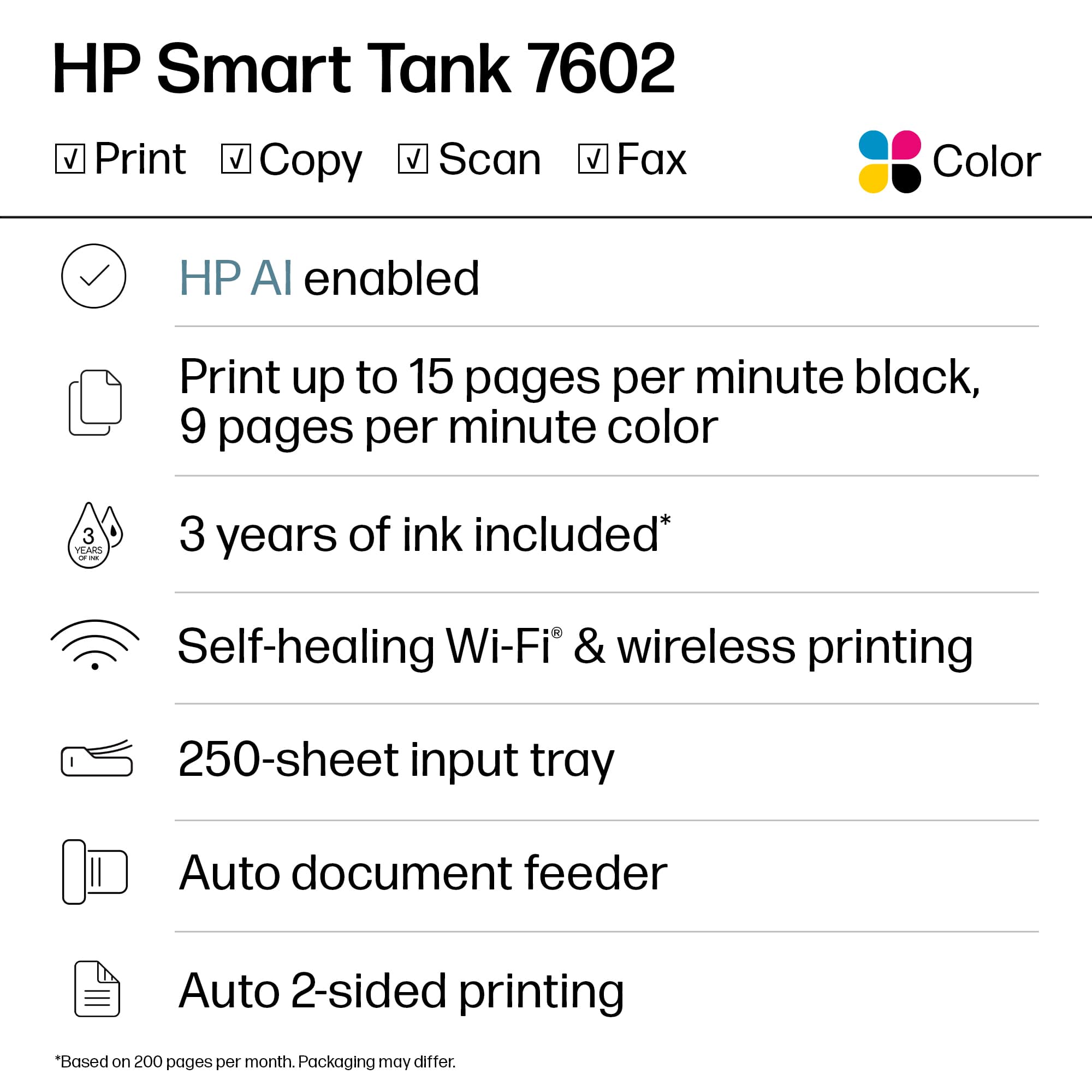
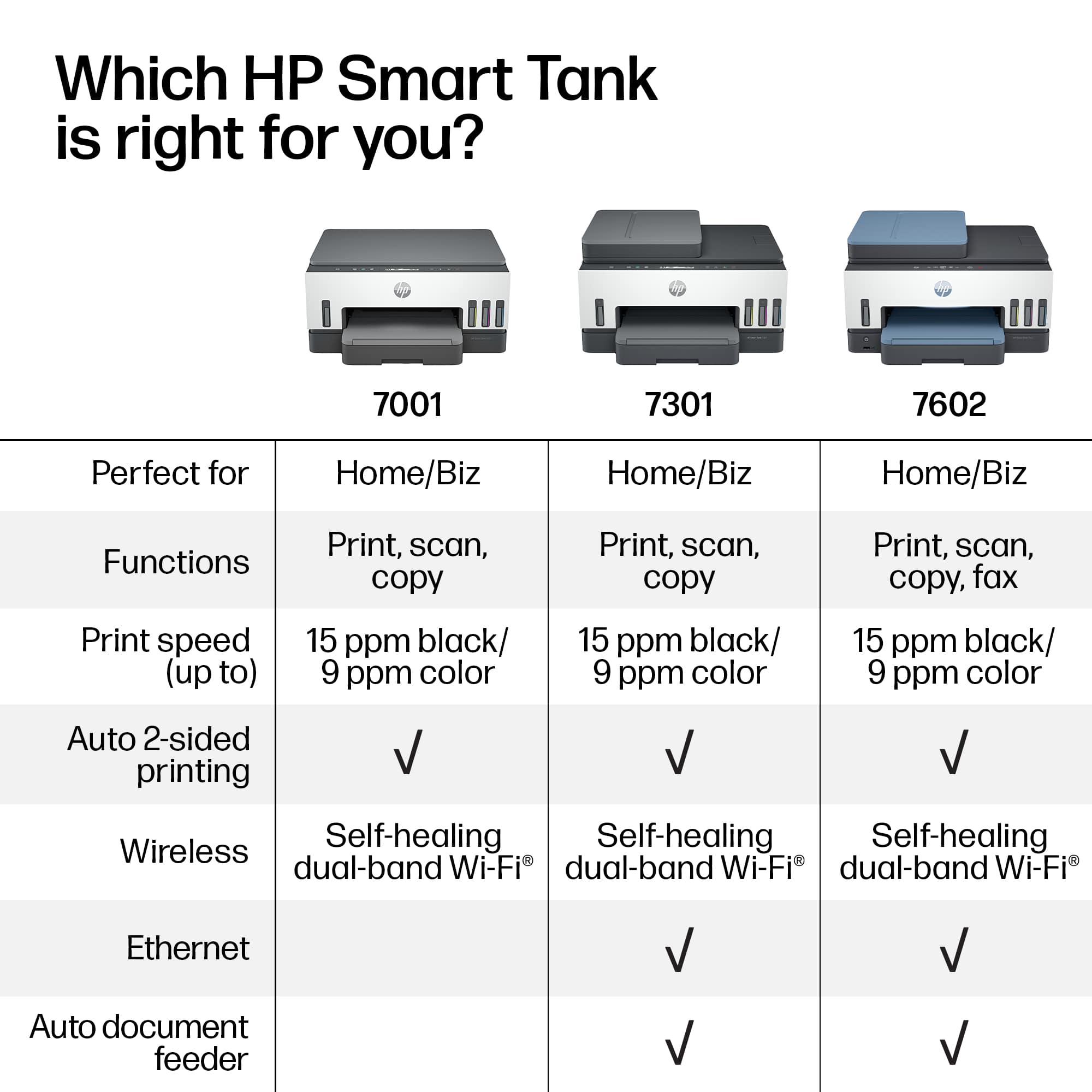
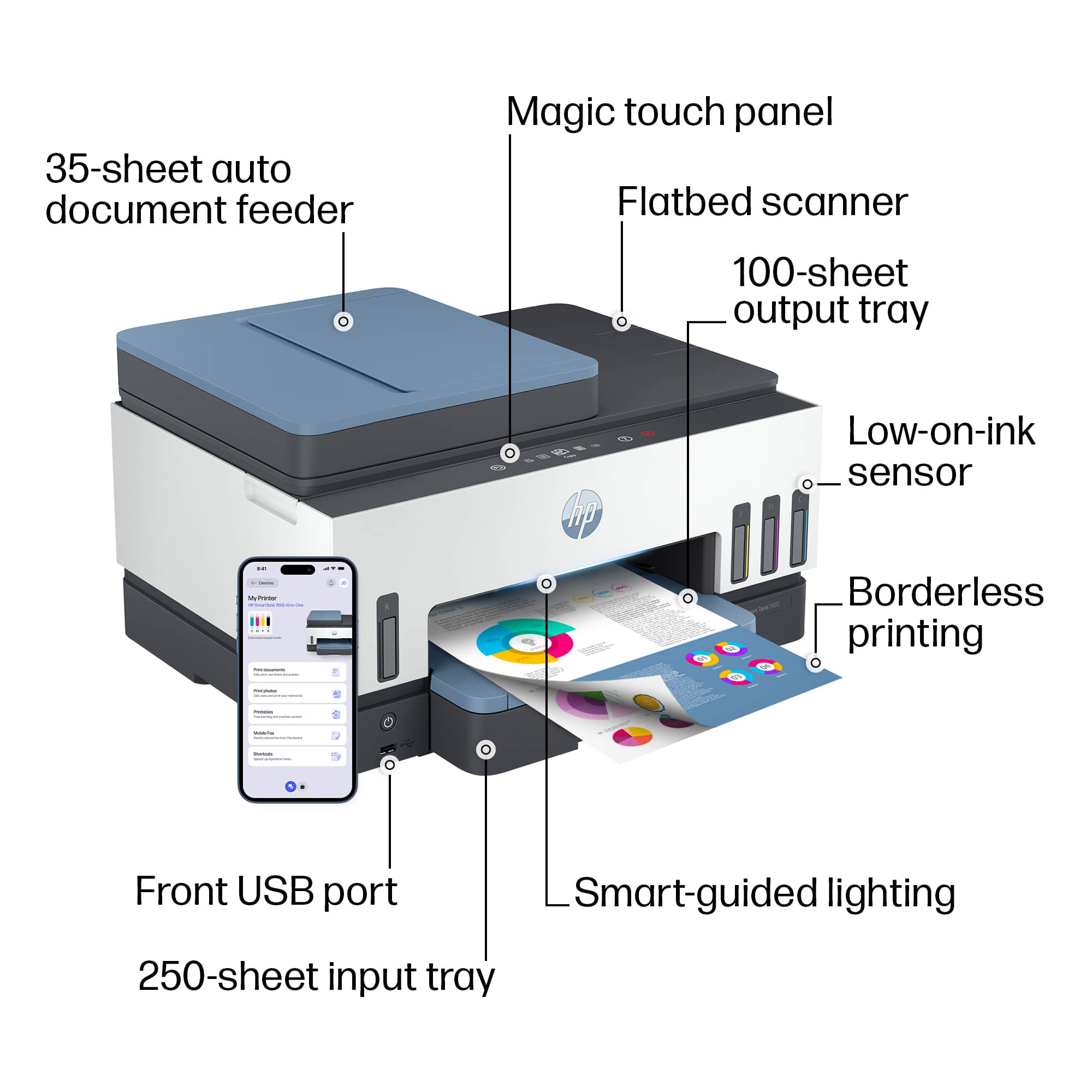
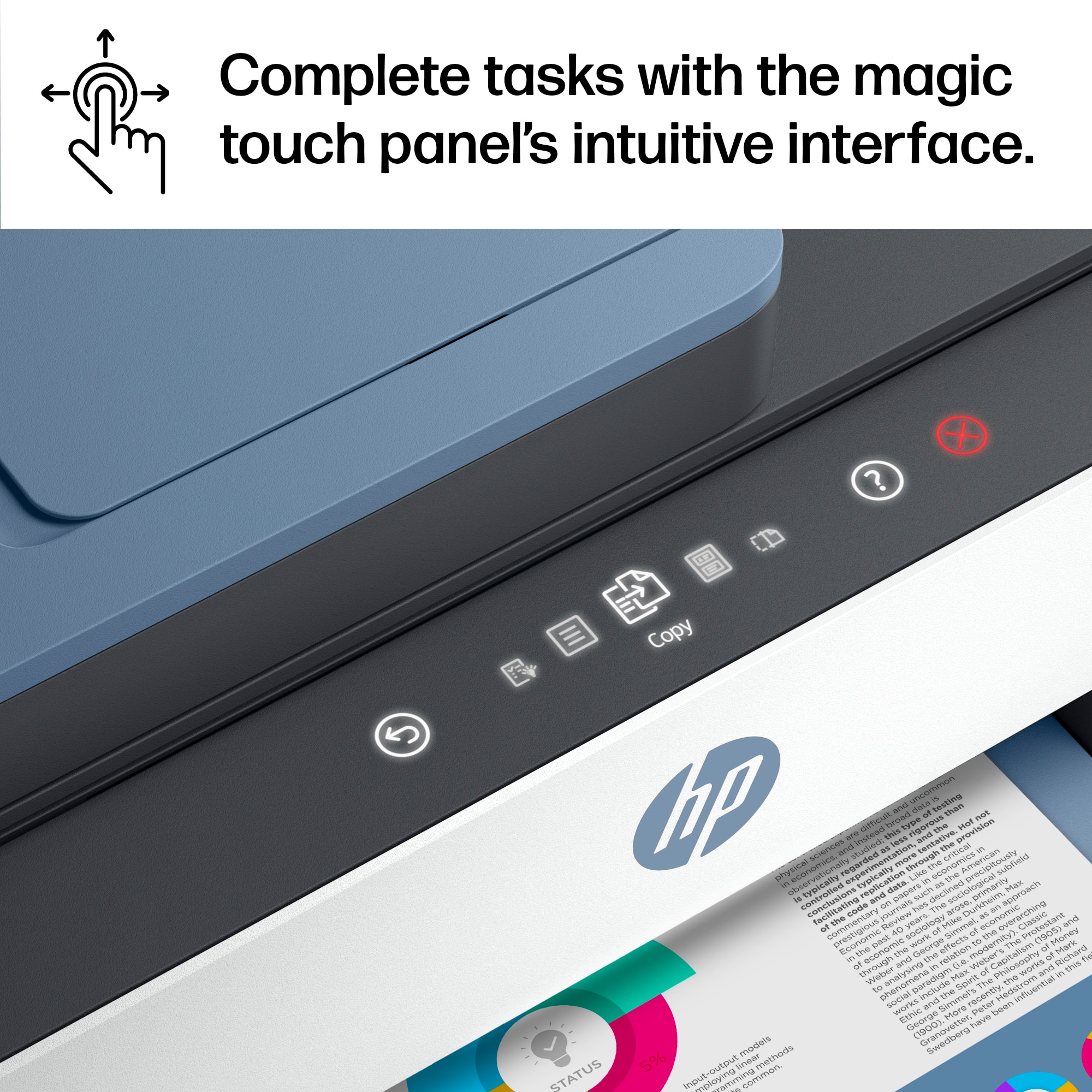
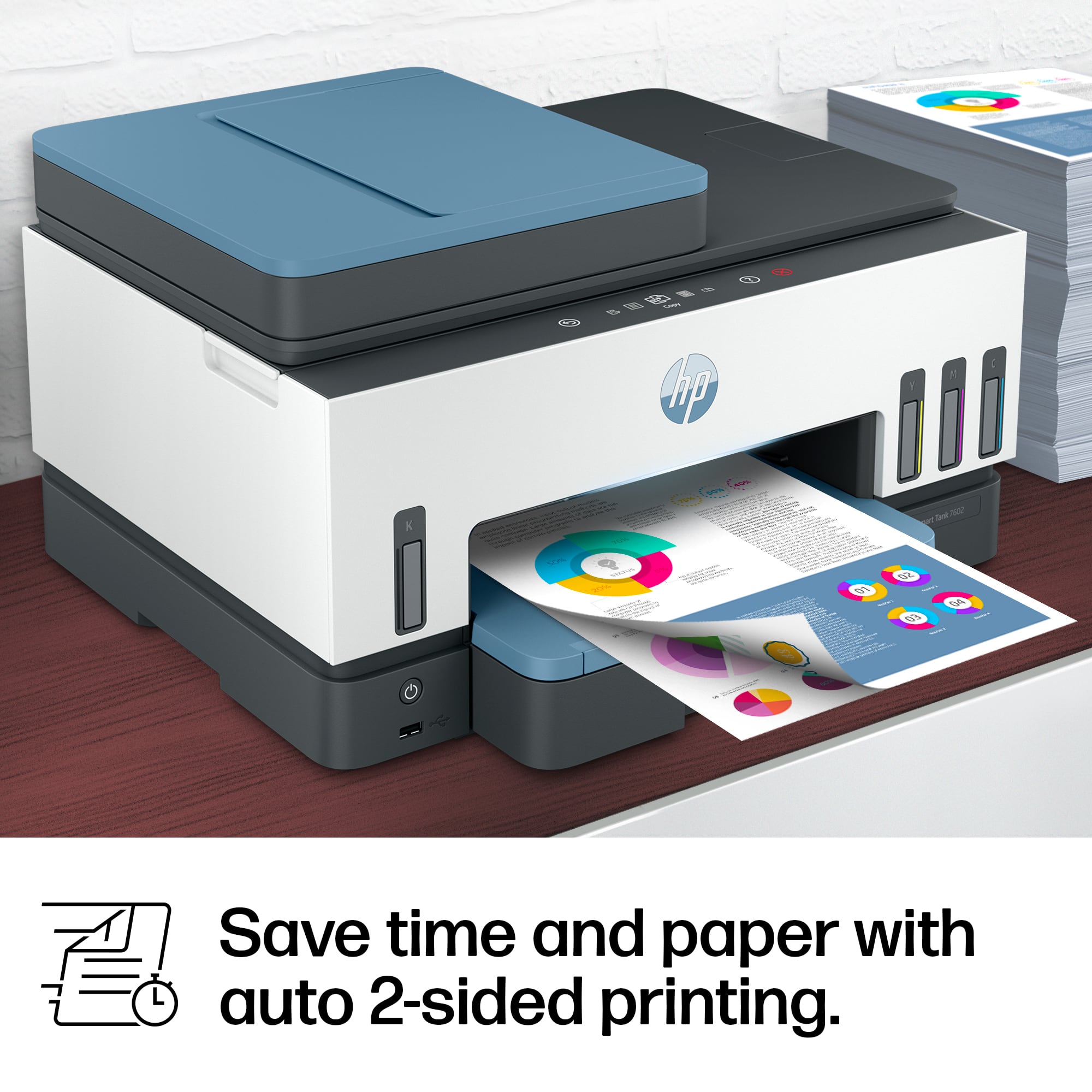
A:AnswerHello Pat and thank you for asking. The HP Smart Tank 7602 has several features not available on the HP Smart Tank 7301. The 7602 has a better front panel display, can send and receive faxes, and has a front USB port for a USB flash drive that allows you to either print photos from the flash drive or scan items to the flash drive.
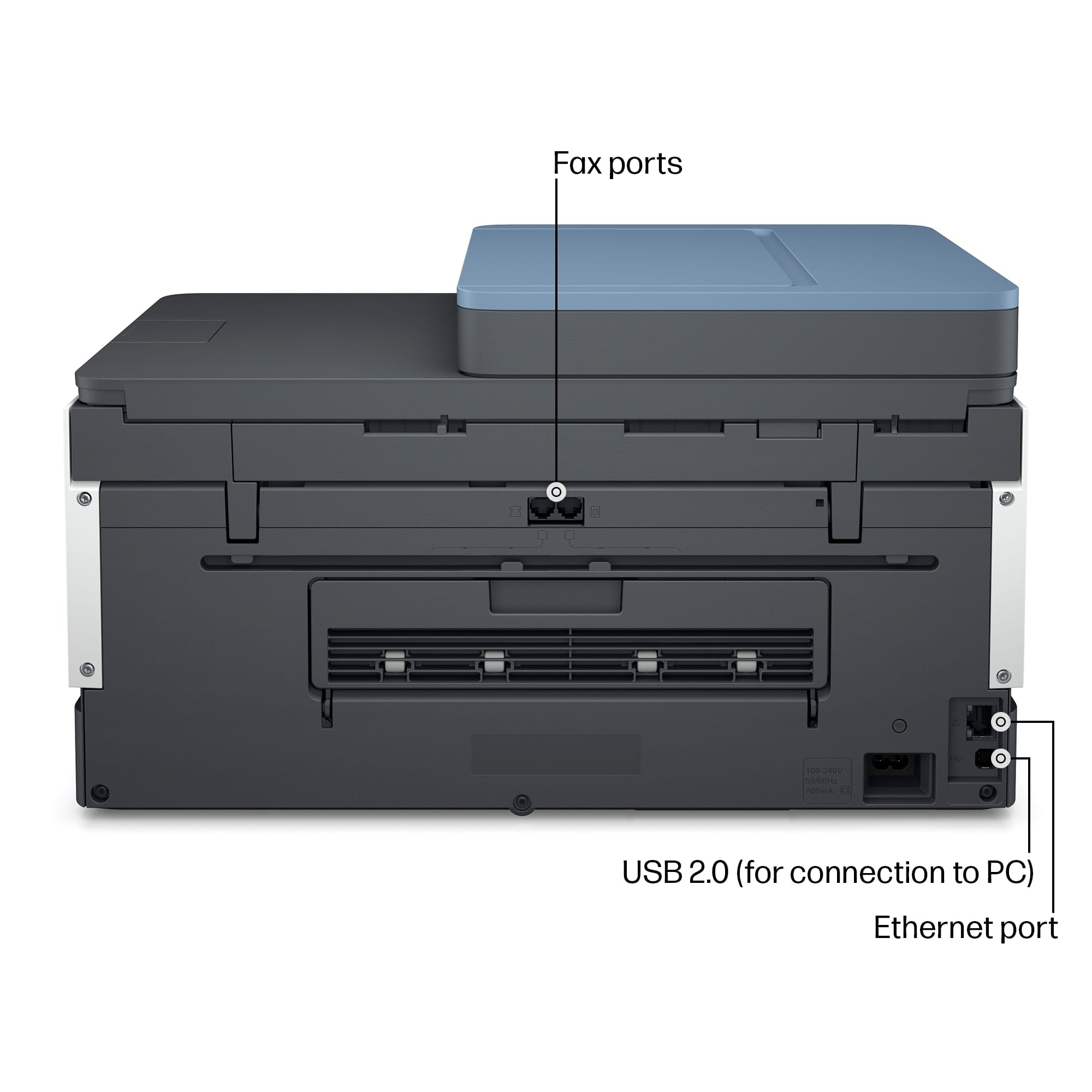
A:AnswerWell that’s just great. I ordered one today after the person on the chat told me I could fax over ethernet. If this is wrong, then I’m sending the stupid thing back.
A:AnswerThank you for your question. The Smart Tank 7602 can print on the following media types: Plain Paper, HP Photo Papers, HP Matte Brochure or Professional Paper, HP Matte, Presentation Paper, HP Glossy Brochure or Professional Paper, Other Photo Inkjet Papers, Other Matte Inkjet Papers, Other Glossy Inkjet Papers, Light/Recycled. It cannot print on magnet paper.
A:AnswerWhen you’re going to print something look at the print preview, if you can. I have tried to print some things that you don’t get what you think your going print. So far I haven’t had problems with my iPhone.
A:AnswerThe scan function on the printer menu can scan something and output it as a pdf file on a USB drive, or a network location, or send as an email. To do emails or network locations requires some additional setup, but nothing extra is needed to put the pdf file on a USB drive you have plugged into it.