A:AnswerThank you for the question. The Smart Tank Plus 551 accepts media from 3.5" to 8.5 x 14". Media types include plain paper, matte and glossy brochure papers, photo papers, envelopes, and other specialty inkjet papers, including cards up to 110#.
A:AnswerThanks for your question! The HP SmartTank 551 Printer can print on media with up to 110lb paper weight. Please check the weight of your sticker paper to determine compatibility.
A:AnswerThank you for the question. Apologies, the Smart Tank Plus 551 does not handle media larger than 8.5 x 14 (legal). For 11 x 17 printing, please see the OfficeJet Pro 7740.
A:AnswerHi Jim and thanks for your question! While it is not necessary to use the HP Smart app with this printer, the Smart app does help greatly in the installation.
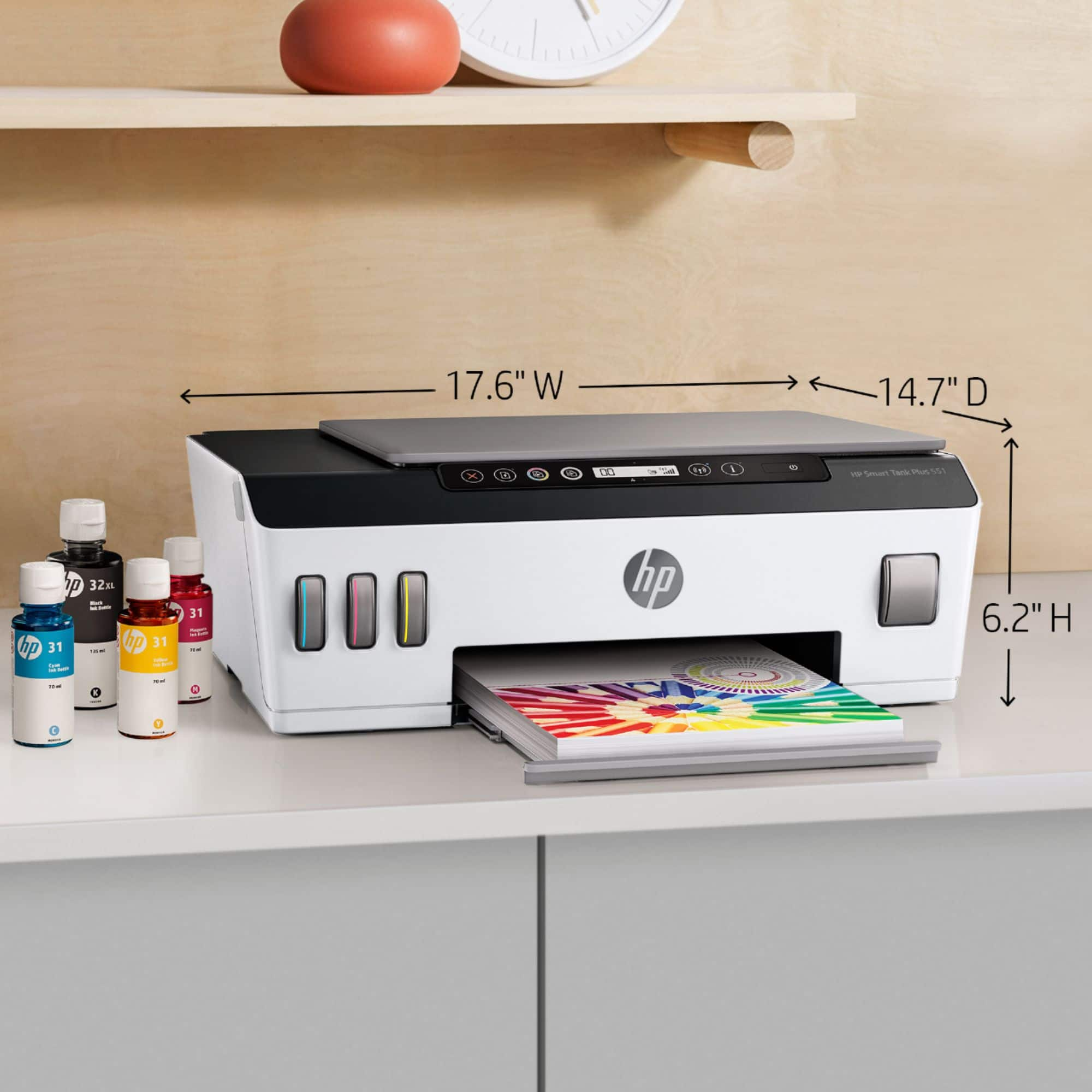
A:AnswerHello. Thanks for your question. The HP Smart Tank Plus 551 Wireless All-in-One printer has a depth of 14.7 inches without the paper tray extended. When the paper tray is extended, the depth is 23.8 inches.
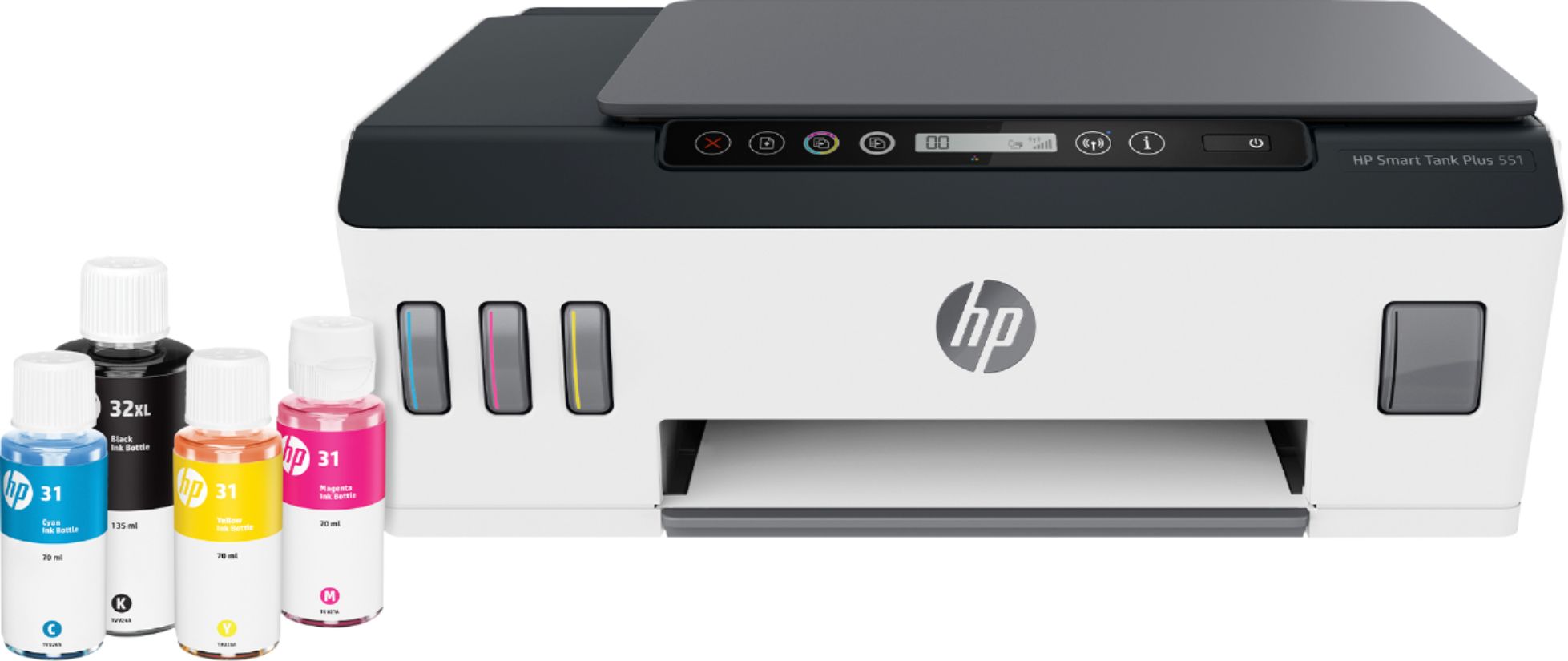
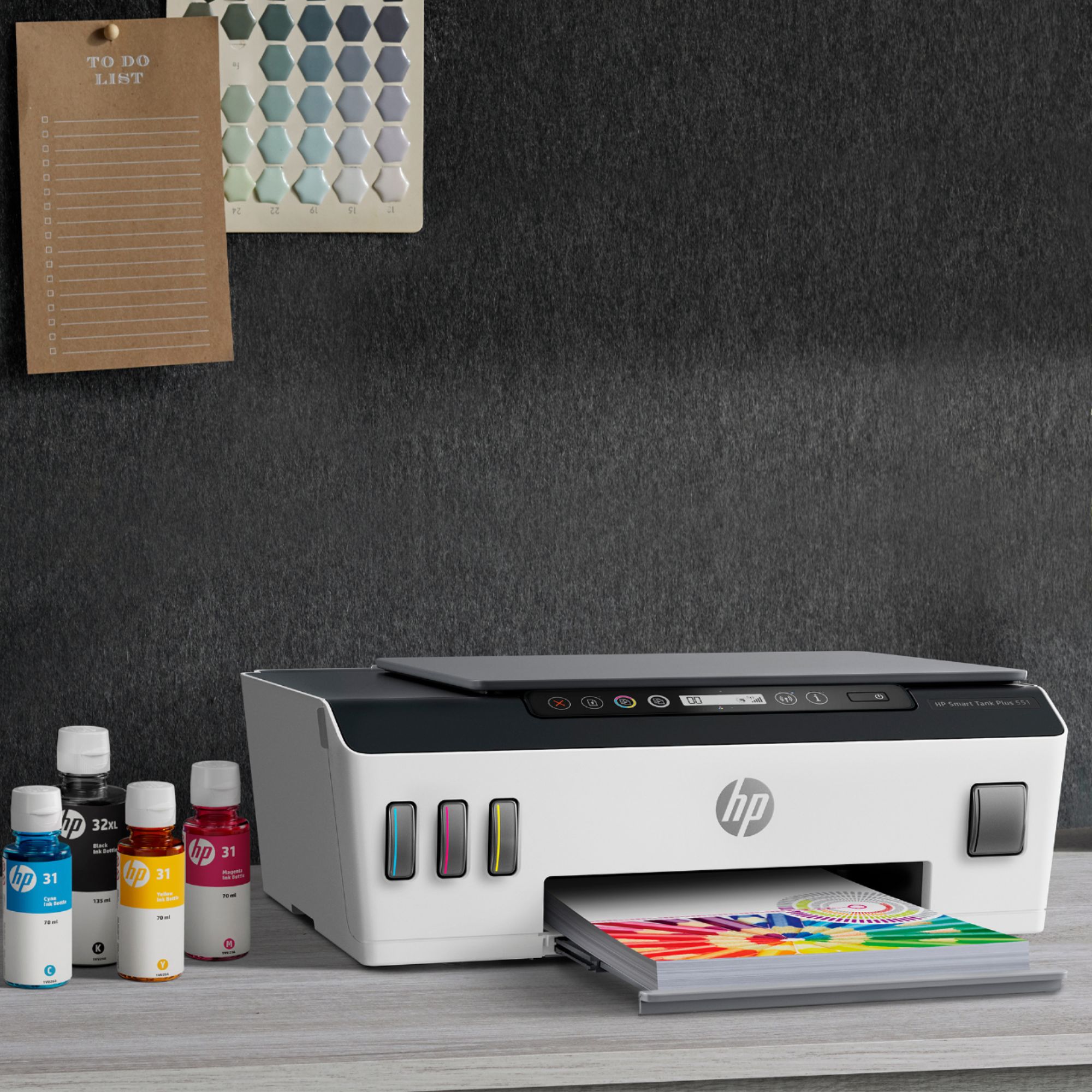
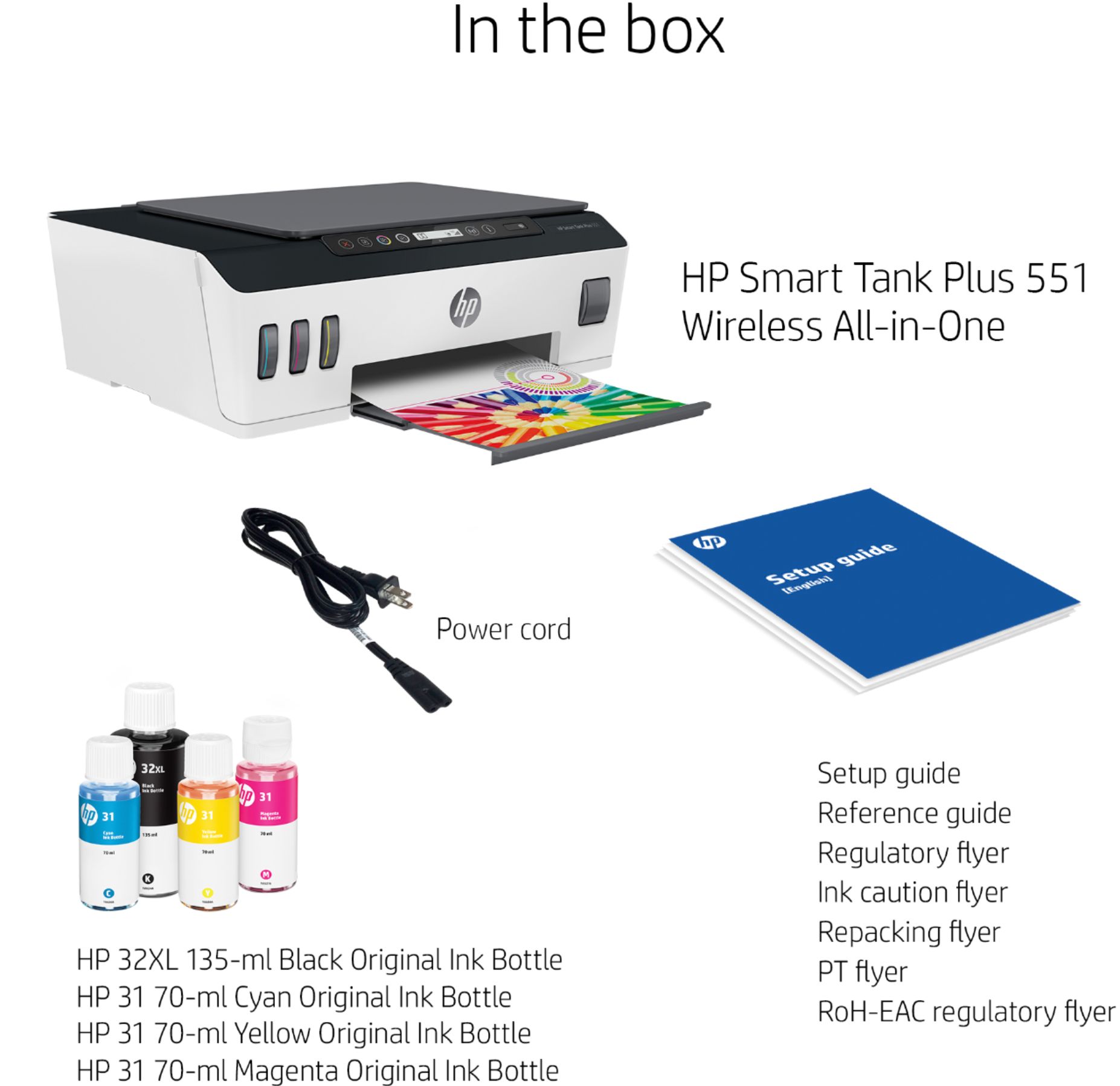
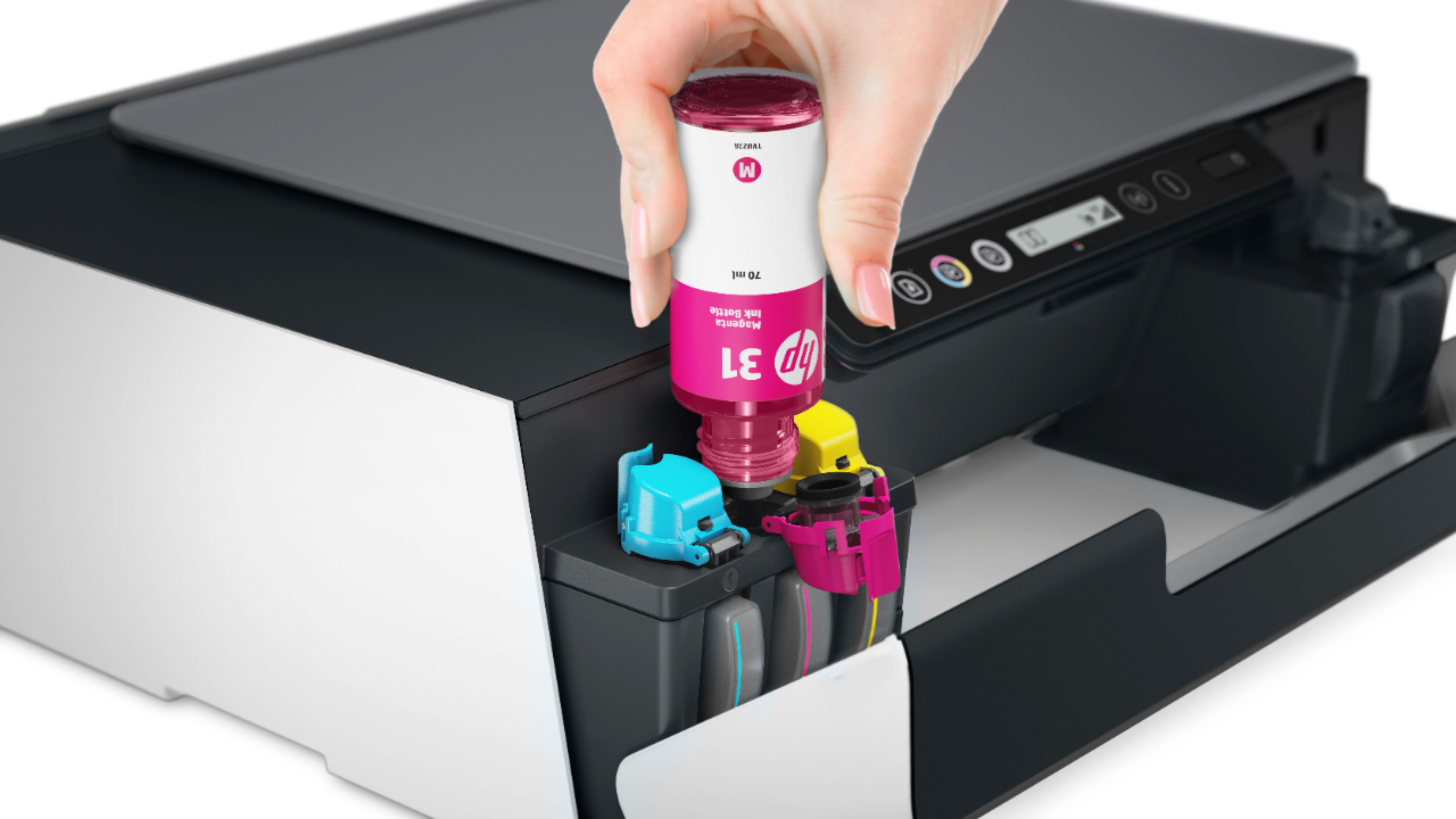
A:AnswerHello, Gabe! I'm happy to confirm that the HP Smart Tank Plus 551 comes with full Black, Cyan, Magenta, and Yellow ink bottles in the box. Thank you for your question and have a great day!
A:AnswerSupported media weight for the Smart Tank Plus 551 is:
Plain paper: 16 to 24 lb; Envelopes: 20 to 24 lb; Cards: up to 110 lb; Photo paper: up to 80 lb
A:AnswerThanks for your question! Here are the printer's media handling specifications:
Media types supported Plain paper, Matte Brochure Papers, Glossy Brochure Papers, Photo papers, Envelopes, Other
specialty inkjet papers
Media weight supported Plain paper: 16 to 24 lb; Envelopes: 20 to 24 lb; Cards: up to 110 lb; Photo paper: up to 80 lb
Media sizes supported Letter; legal; 4 x 6 in; 5 x 7 in; 8 x 10 in; No. 10 envelopes
Media Sizes Custom 3 x 5 in to 8.5 x 14 in