A:Answerno this pc is under powered roblox requires atleast an i3 processor even tho it says axion 5 it is either a single or dual processor. and a core i3 processor is still a tad under powered.
A:AnswerAbsolutely. I am in college and it's perfect for schoolwork. I also check my social media on it. I do research on the internet for school projects and it is really durable. It is small so it fits into backpacks easily and easy to setup and use. I would suggest getting the 3 year warranty with Geek Squad. I love my laptop. I haven't had any issues with it and I have had it since October.
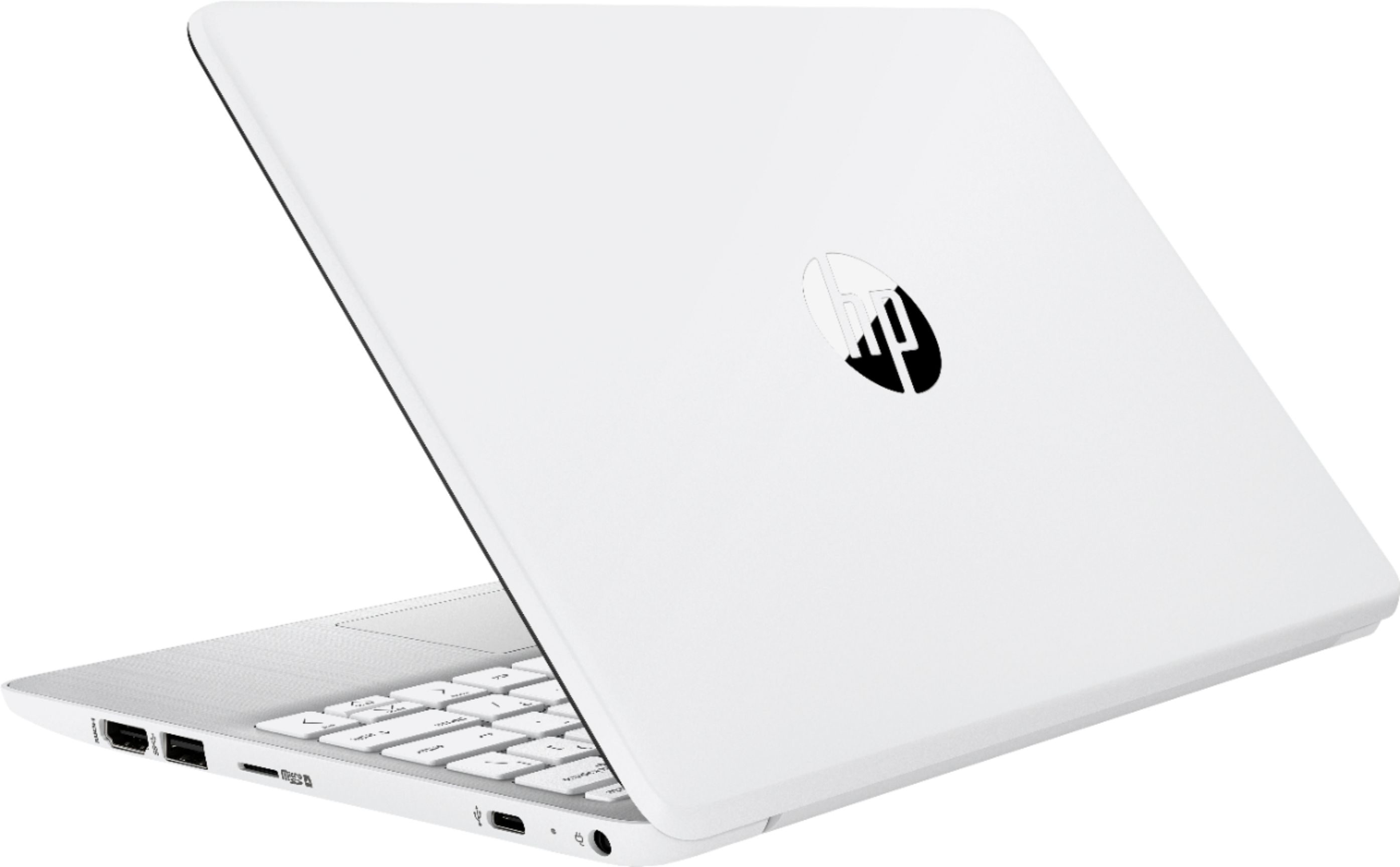
A:Answeryes, they can search the internet, no problem saving the information. Some schools require the test or homework be put on a USB drive, there are 2 ports ,
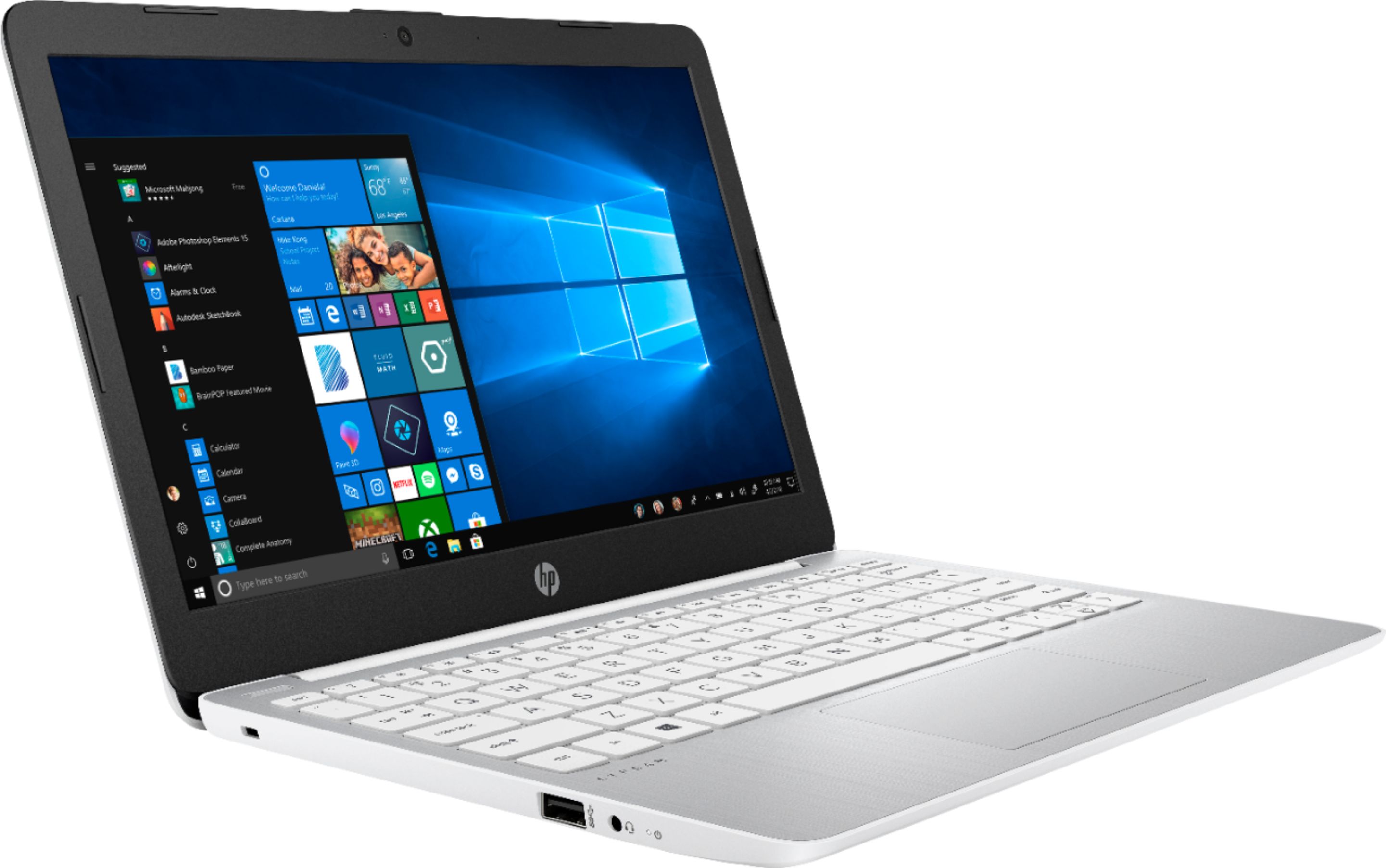
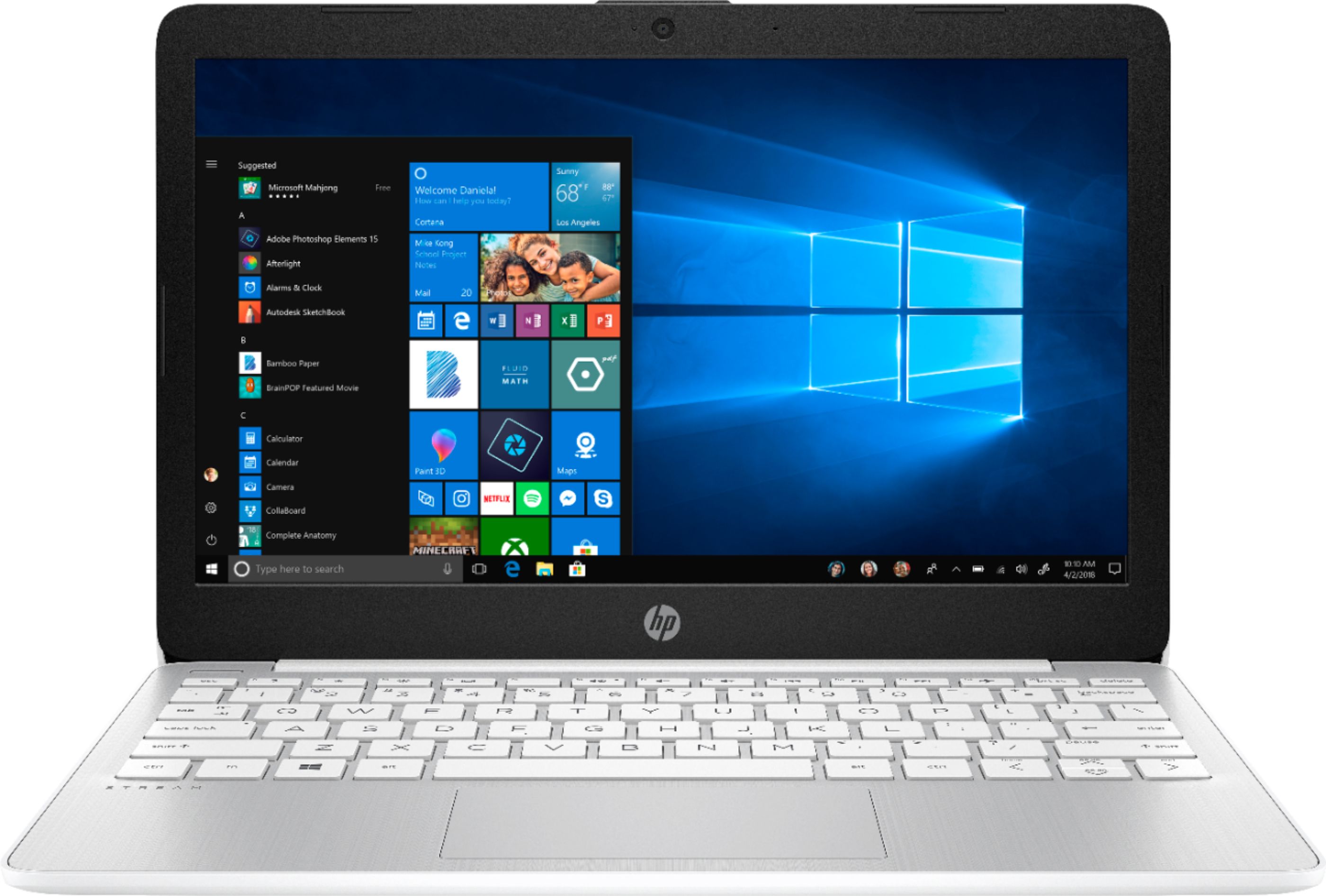
A:AnswerThe laptop runs Windows 10 in what is called S mode. In that mode, it only wants to run certified aps from the Microsoft store. I tried to download the Kindle ap, but got a pop=up box asking if I really wanted to run an uncertified ap. I believe that if you say yes, it takes Windows 10 out of S mode.
According to what I have read, the S mode is for Safety and Security.
So, the short answer is, Yes, but to run them, you will have to exit Safe mode.
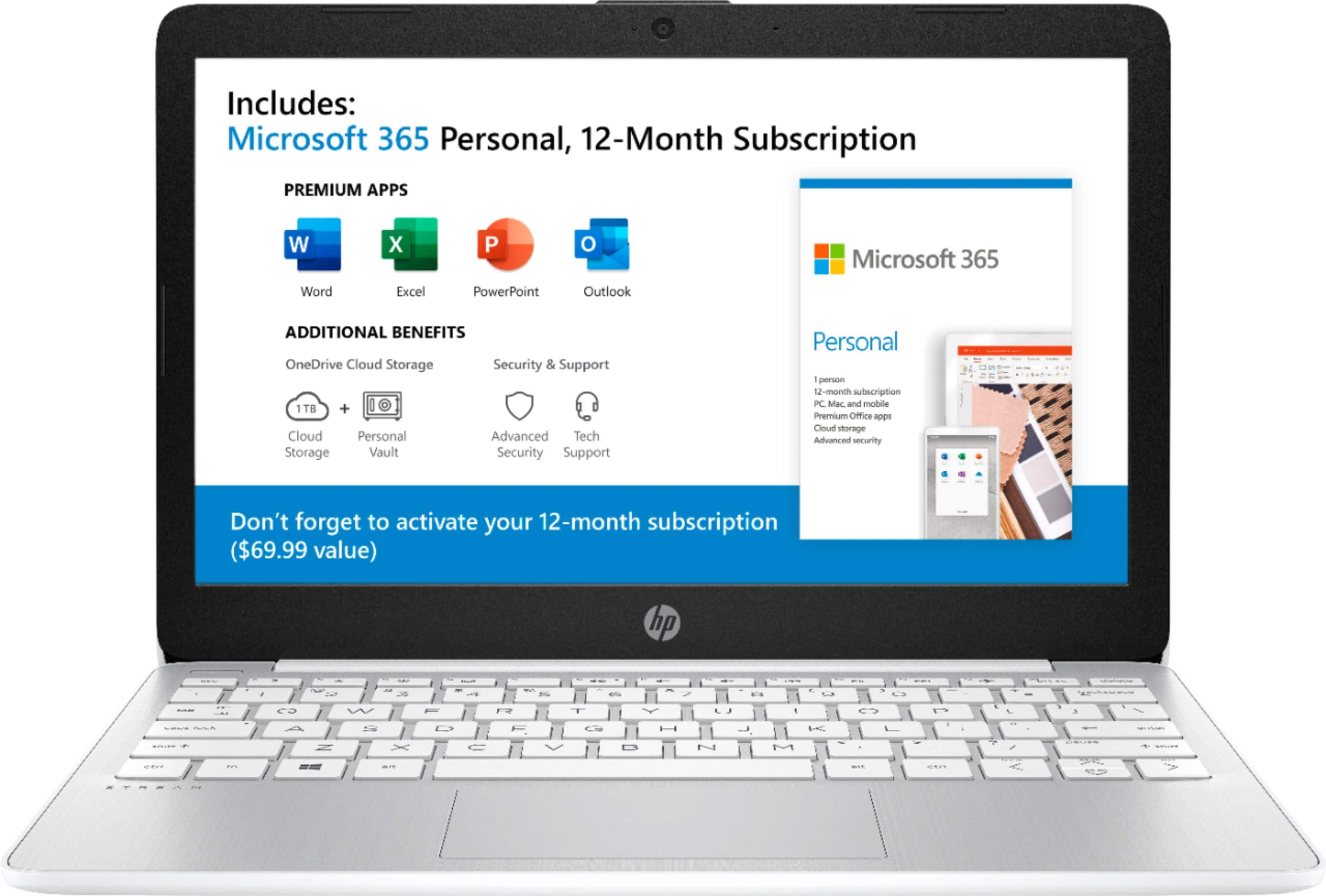
A:AnswerThis HP Stream Laptop computer is pre-installed in Windows 10 in S mode. It is a version of Windows 10 that's streamlined for security and performance, while providing a familiar Windows experience. To increase security, it allows only apps from the Microsoft Store, and requires Microsoft Edge for safe browsing.
To get out of Windows 10 in S mode, Open the Start Menu and type Store to launch the Microsoft Store app. Click the Search icon in the upper-right and search for Switch Out of S Mode. You'll see a banner about S Mode with a Learn more button. Click this, then follow the steps to leave S Mode and get a full version of Windows. Please note that once you switch out of Windows in S mode, you can never go back.
Once you are out of Windows in S mode, you can now install any apps like Google Chrome.