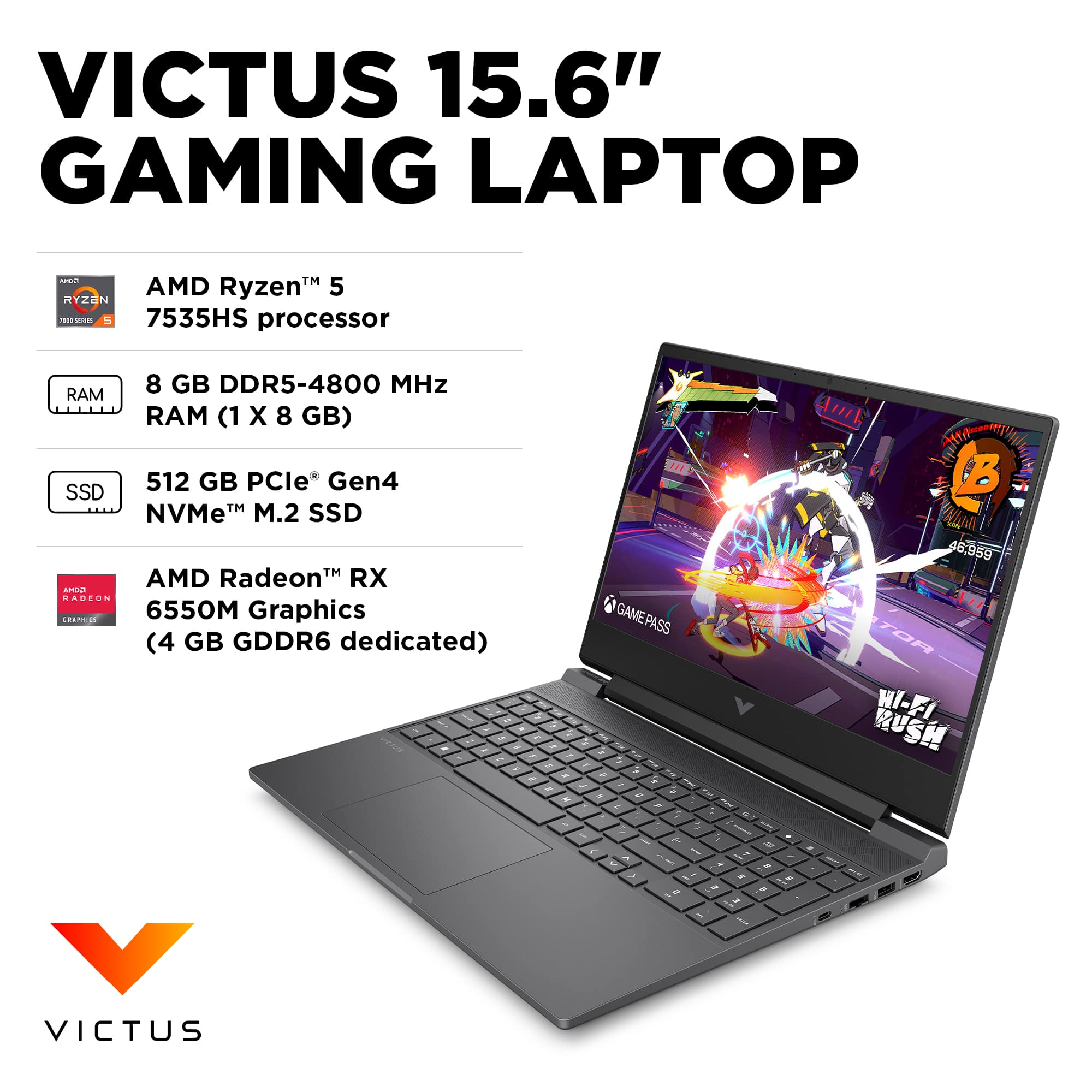
A:AnswerHello and thank you for asking. To access that feature on the HP Victus 15-fb2063dx gaming laptop computers, look in the Omen Gaming Hub, under Graphics Switcher.
A:AnswerAngel, thank you for your purchase of this HP Victus gaming laptop! I am sorry to hear about your experience, especially with the touchpad. Since Best Buy is an authorized HP service provider, you can bring your laptop into any Geek Squad precinct for service and support.
A:AnswerThanks for your question about using SteamVR with this HP Victus 15.6" Full HD Gaming Laptop (model 15-fb2063dx)! As system requirements for software constantly change, we’re unable to answer questions about software compatibility or performance. What’s compatible today may not be in the future, so please check the software manufacturer's website for the most current minimum and recommended requirements.
A:AnswerThank you for the question. Yes, the Victus 15-fb2063dx supports dual-channel RAM. It's recommended to install matching memory modules in both slots to enable dual-channel performance.
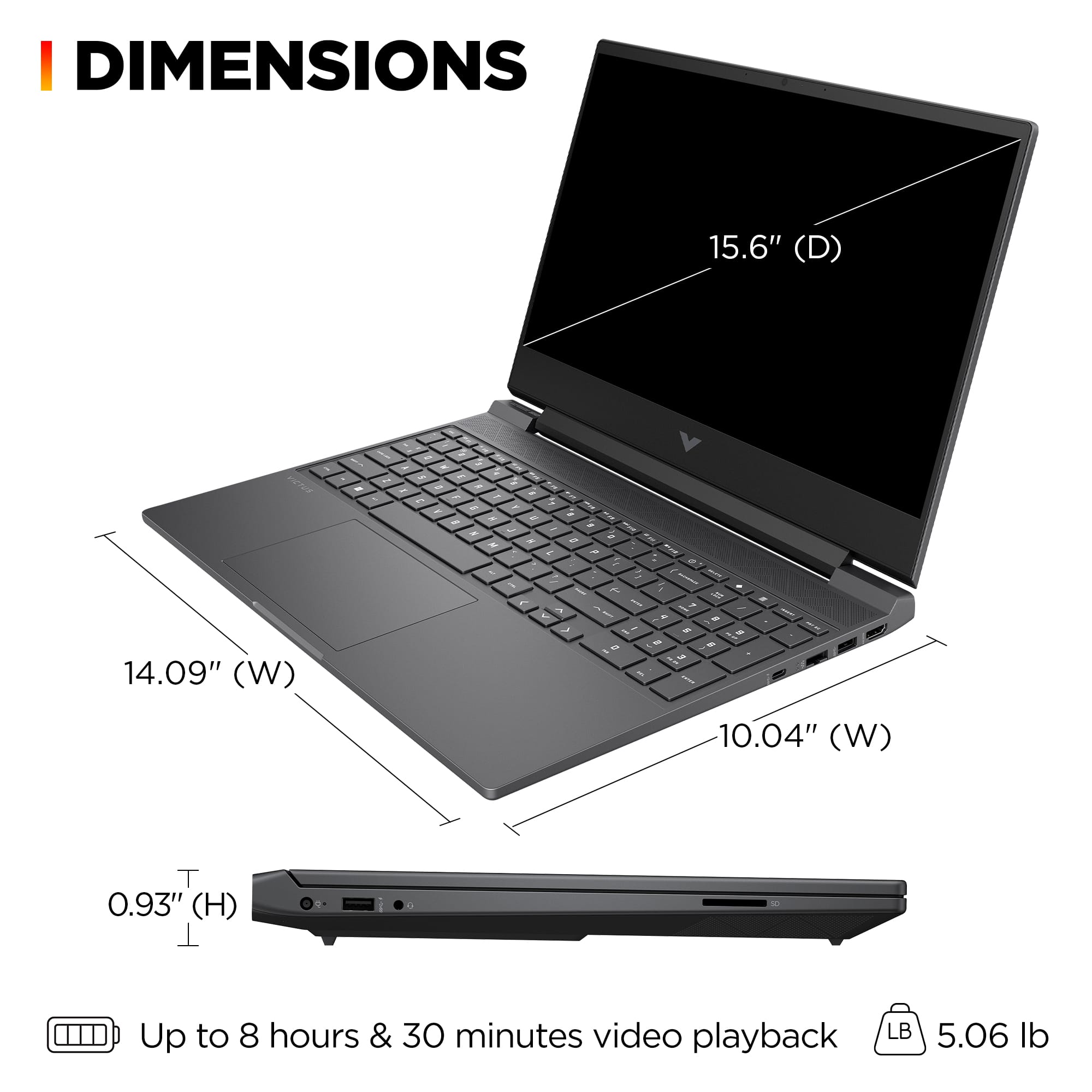
A:AnswerHi Mark! The HP 15-fb2063d supports up to 32GB RAM and has been tested without incident. We recommend that upgrades be performed by a professional technician.
A:AnswerKamal, thank you for your question about this HP Victus laptop! It will be on sale at this price again if there is an agreement between HP and Best Buy for it.
A:AnswerHello, Amanda! As system requirements for game software constantly change, we are unable to answer questions about software compatibility or performance. What is compatible today may not be in the future. Please check the game software manufacturer's website for the most current minimum and recommended requirements. Thank you for your question!
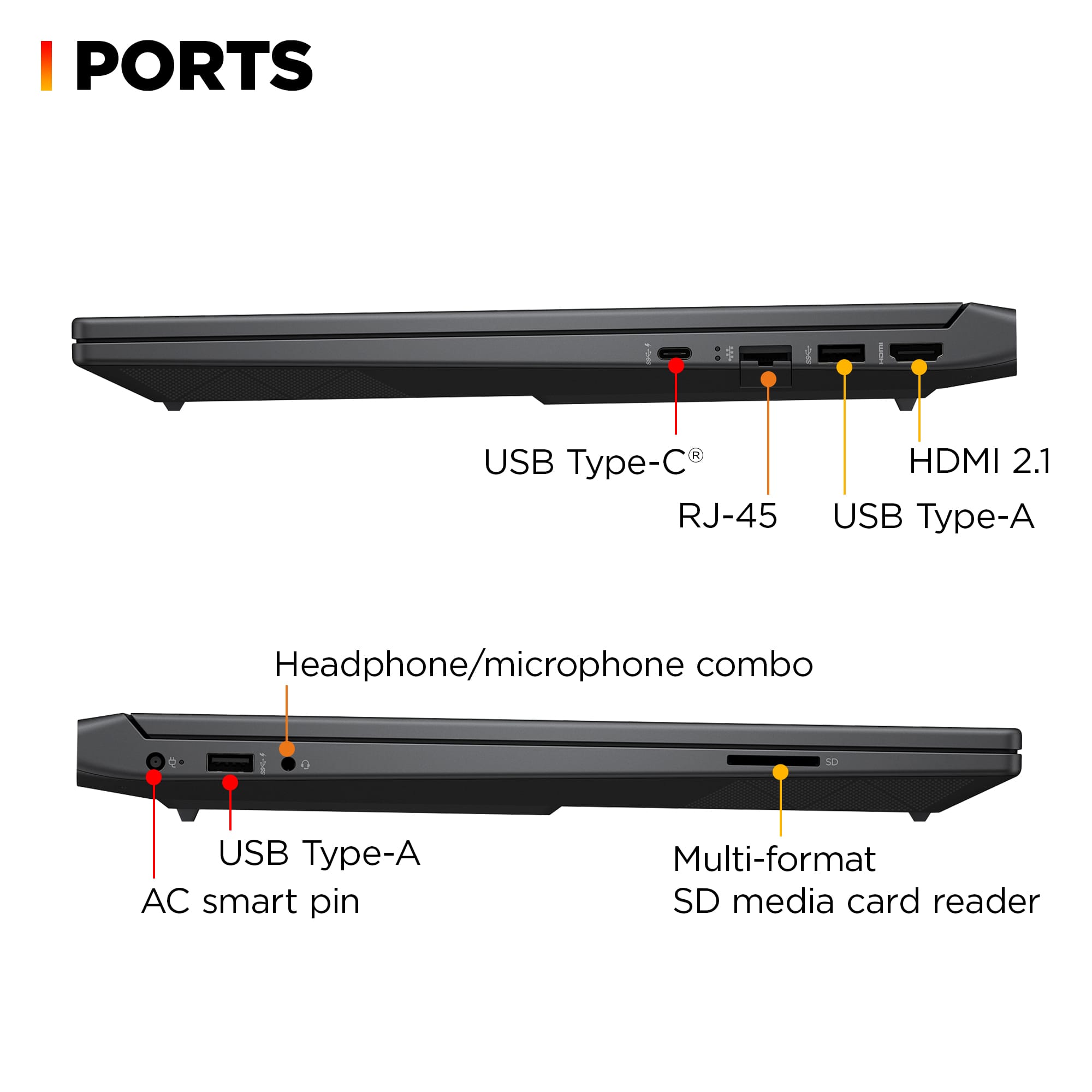
A:AnswerThis isn't a Chromebook. Nor is the Mac a Chromebook. Only Chromebooks are Chromebooks. But it is possible to turn off external connections, if you want extra security.
A:AnswerHi Gidget! You should be able to play online casino games with the Victus 15-fb2063dx. Please review any hardware requirements the online casino may suggest.
A:AnswerMax, thank you for your question about this HP Victus gaming laptop! This laptop meets the minimum system requirements for Blender, but you will be able to do your online classes with it. Blender recommends a system with at least 32GB of memory and a graphics card with at least 8GB of memory for faster rendering. HP offers those in their Omen gaming lines at Best Buy.
A:AnswerThank you for your question on this HP Victus laptop. This will run Valorant at well above 60fps . The other titles will be closer to 60 or below on high settings.
A:AnswerThank you for the question. The Victus 15-fb2063dx will support Steam VR, however, we suggest that you review the requirements for games you intend to play to verify that this system meets the games' specifications.