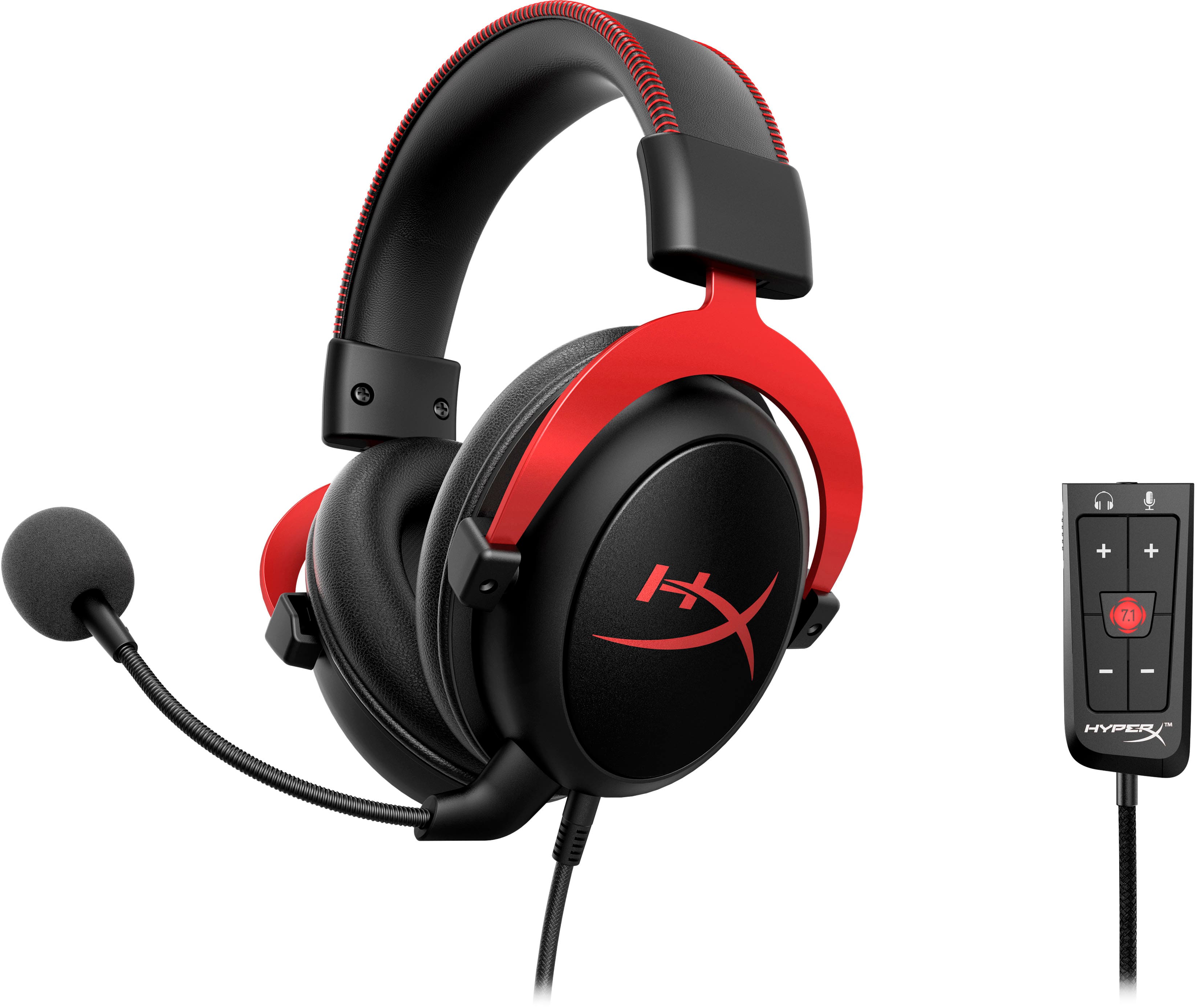
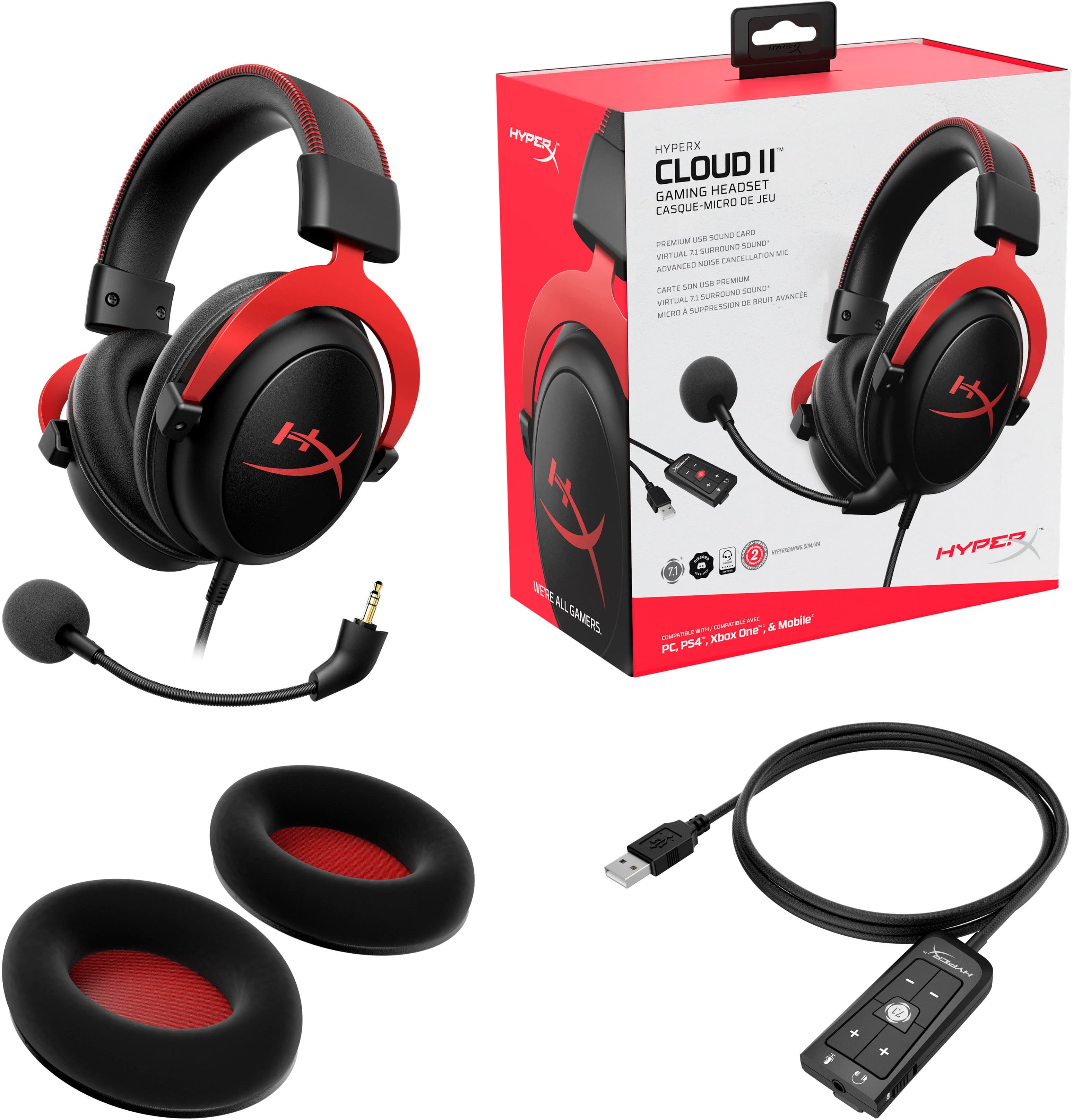
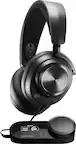
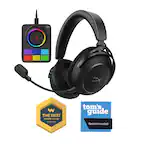
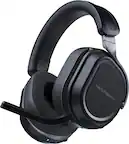
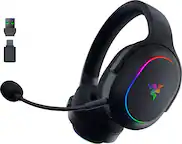
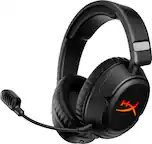
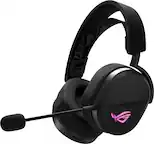
A:AnswerThe USB sound card single doesn’t work natively with the Xbox. You can get virtual surround with Atmos, Windows Sonic or THX. Atmos is my go to recommendation for spacial audio on the Xbox platform.
A:AnswerThey definitely will but your output quality will suffer some generally these little headset microphones aren't as good as a standalone boom mic is
A:AnswerI purchased this for a gift and I believe that it is being used for PS4 and laptop. The only feedback that I have received is that it works beautifully with both.
A:AnswerWe use the headset to do speech-to-text for homework, by plugging it in to our laptop. Works great (if only speech-to-text program worked better).
A:AnswerYou may have to update the headphones, which is very easy. You can look up YouTube videos that will walk you through the whole process. After updating mine, I was able to use freely on PS4 and Xbox one
A:AnswerOn a pc I'm sure you can find away but you would still need the hyperx set around your neck for mic proximity. On a console no it cannot be done other than having two headsets in use. One wired and one wireless, which wiuld probably cause some serious reverb and echo complications.
Why you would want to do that I do not know. The Hyperx is a far superior headset that fully immerses you into a sound experience second to none.