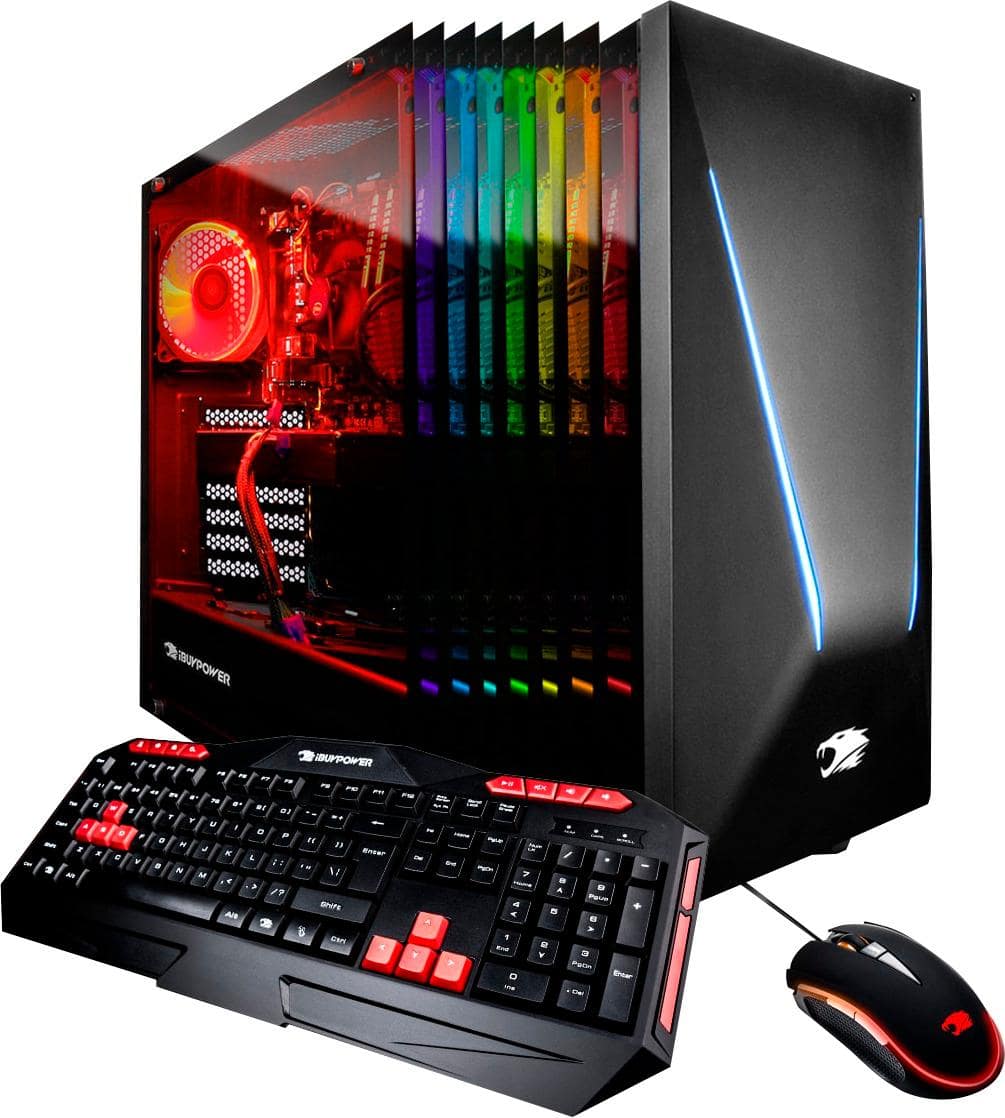
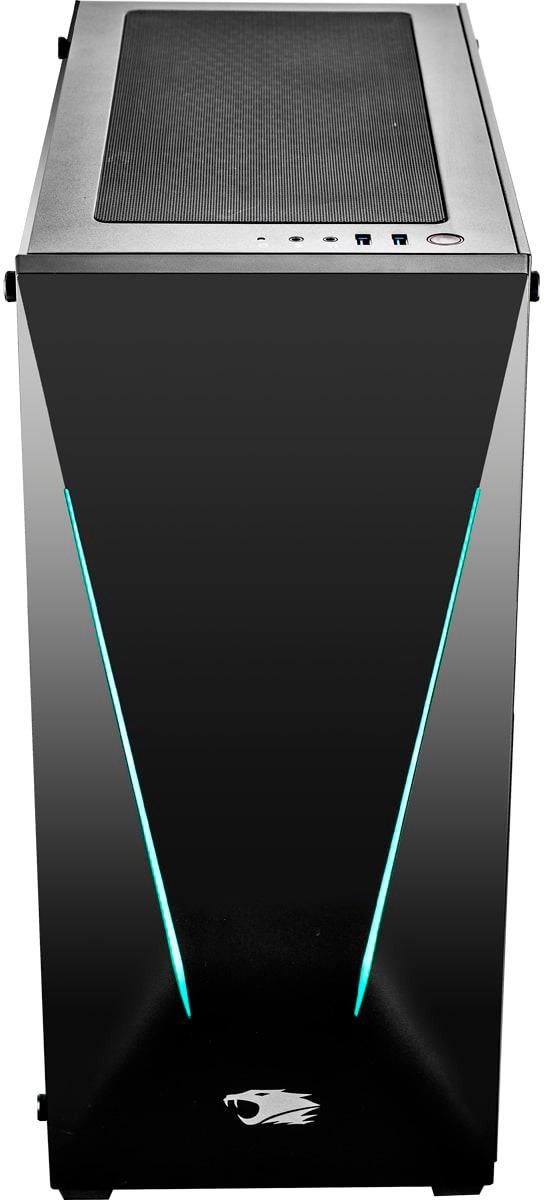
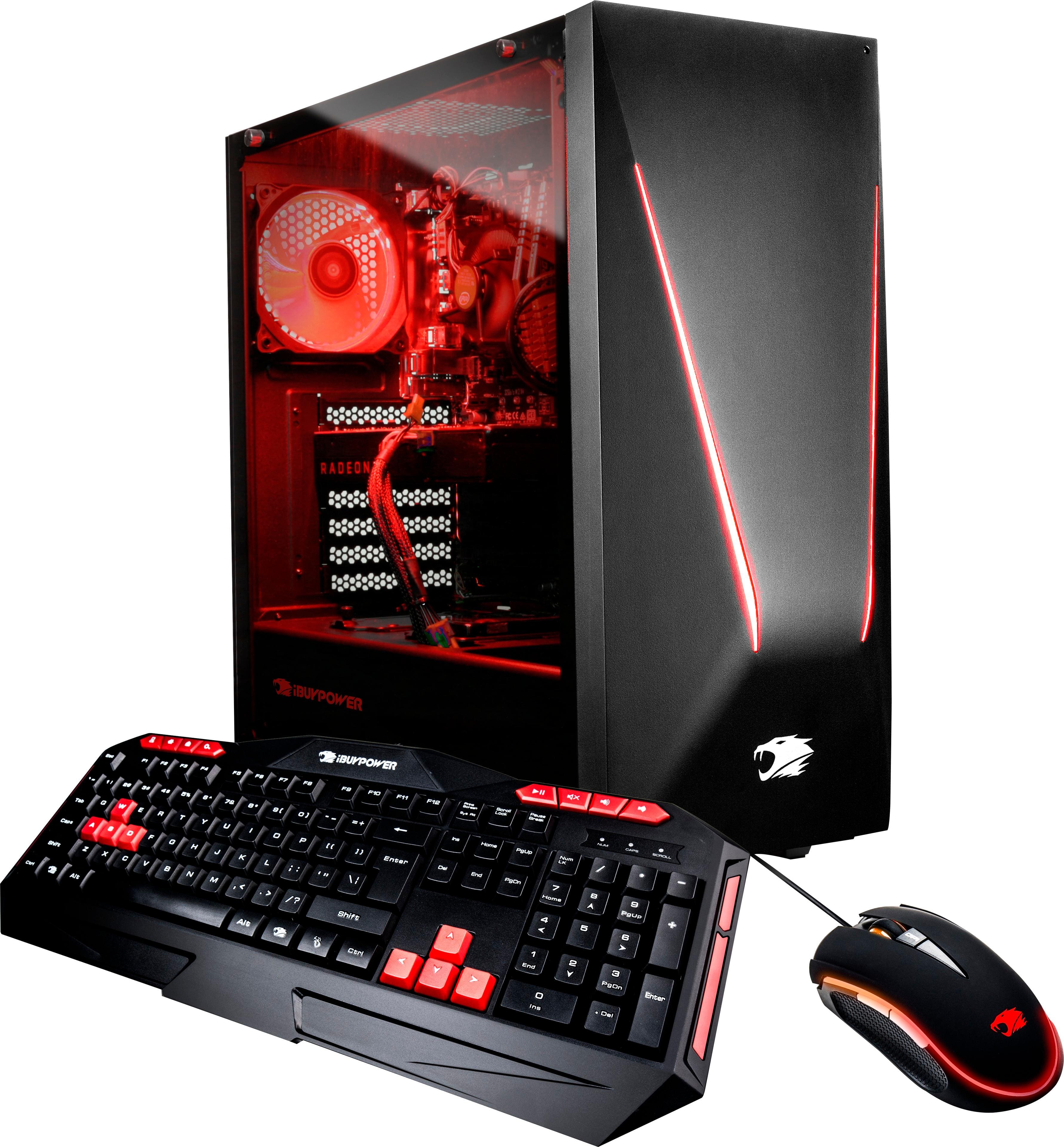
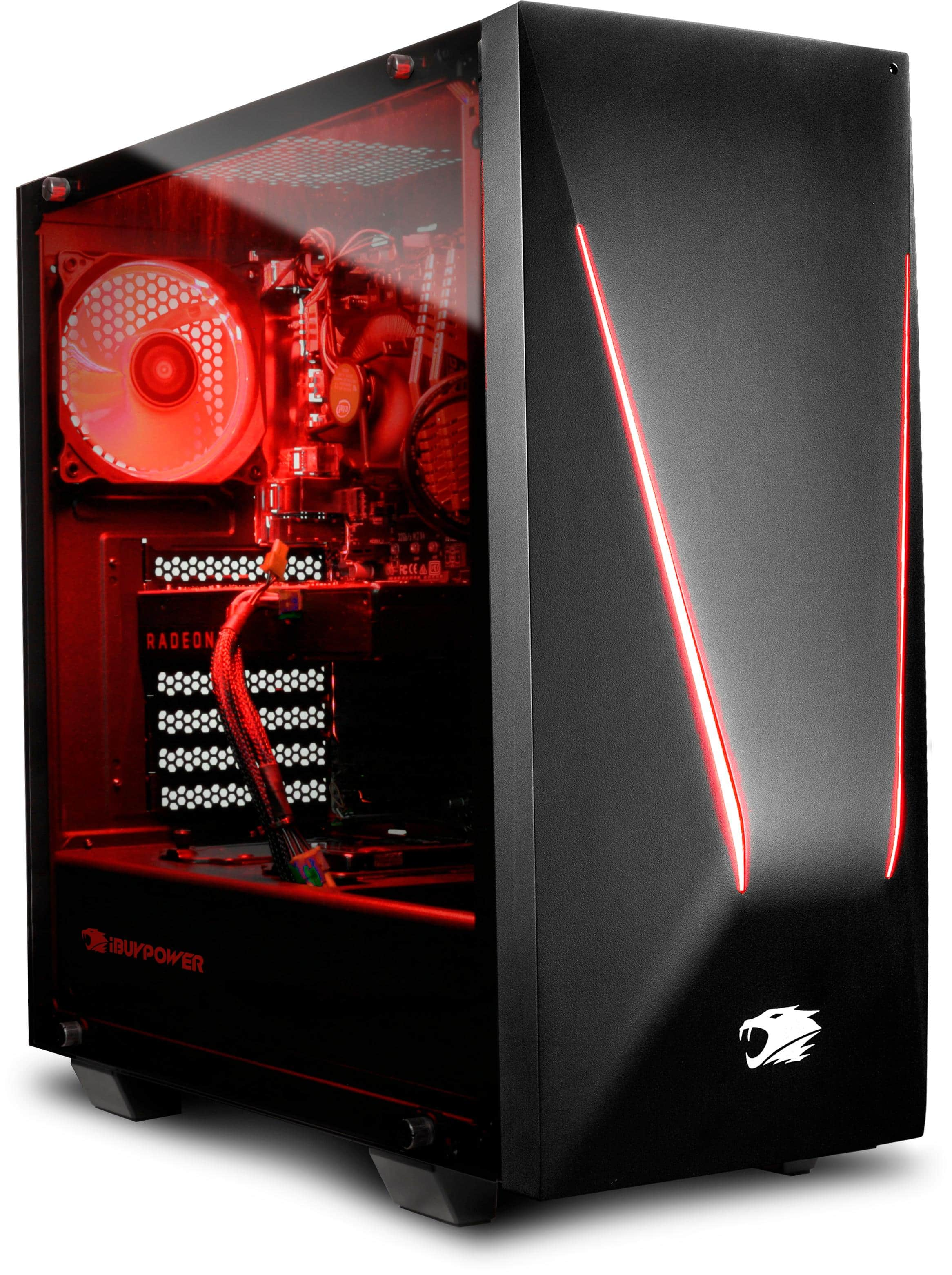
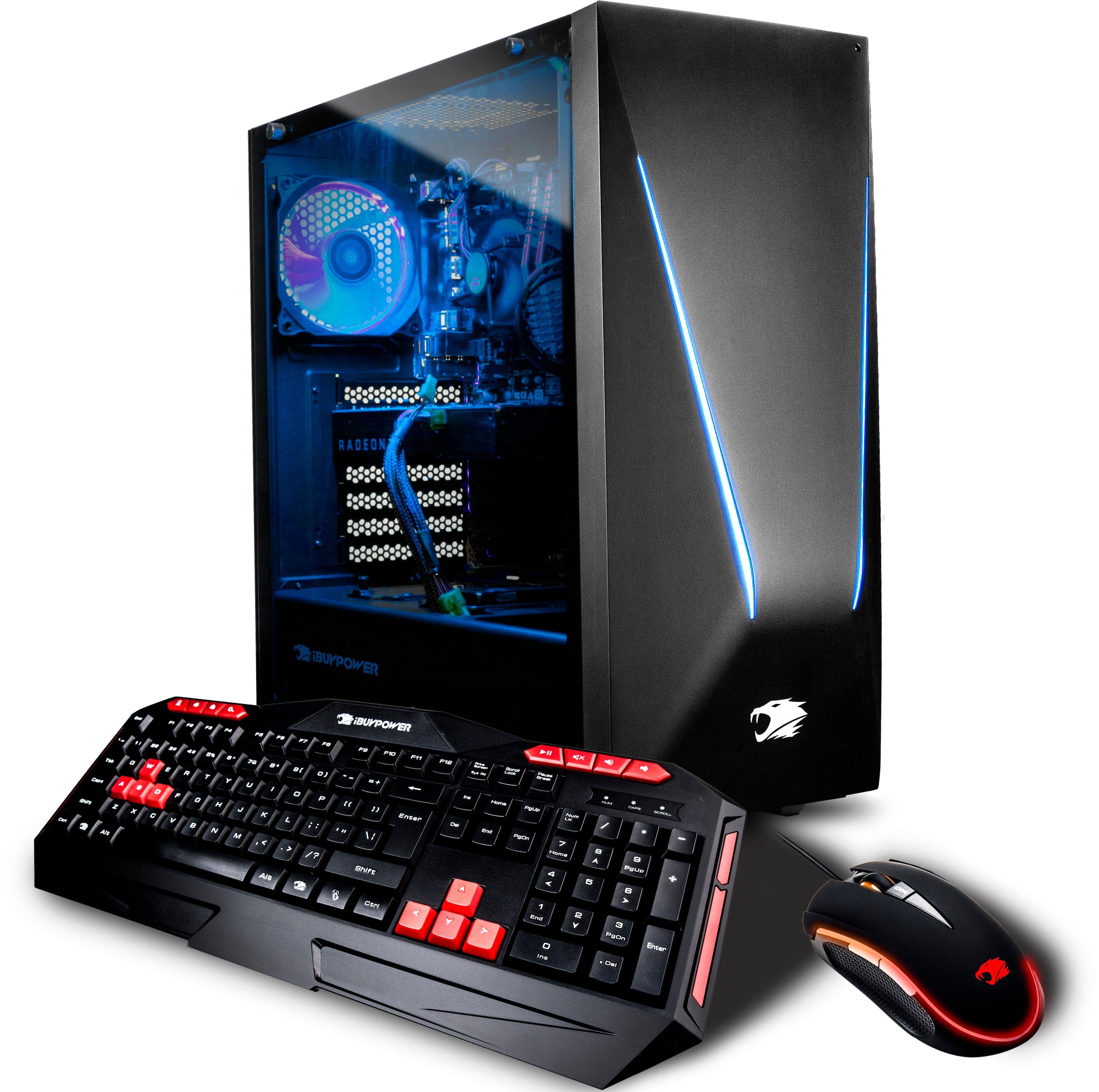
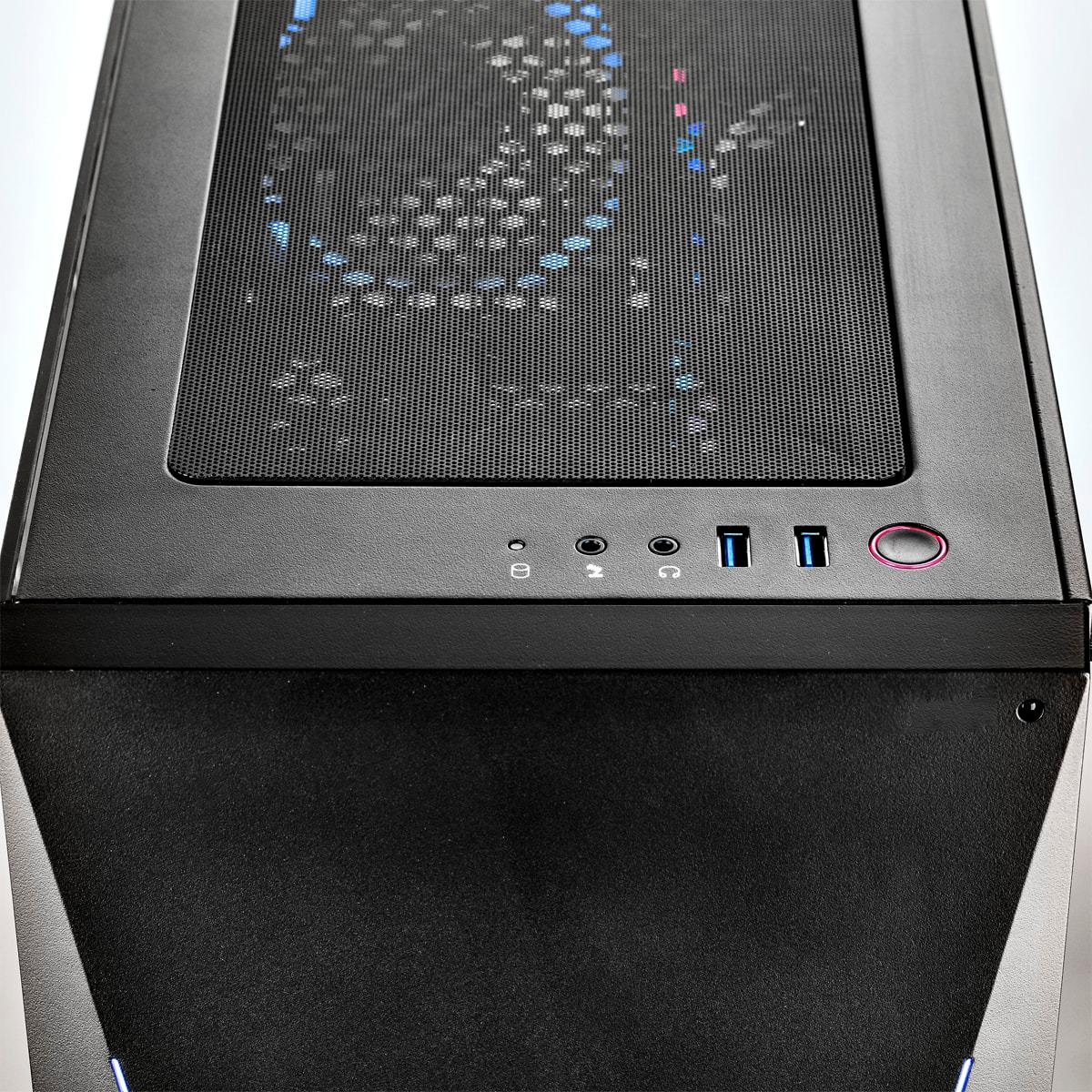
A:AnswerThis computer is a Windows base, so at the home screen there’s a windows logo in the bottom left. Click on the logo and go to the power emblem, click on that and it’ll show three options; “Sleep”, “Shut Down”, or “Restart”. I believe that putting it to sleep is the best option because you’re able to get back into what you were doing prior to it going to sleep and all you have to do is just click/move around the mouse to wake it up. Although if you want to fully turn off the PC, I’d suggest to shut it down and it’ll be completely off. And if you want to turn it back on you’ll have to press the button on the top of the desktop.
A:AnswerI addressed this in my review as well, criticizing it for $100 price increase but downgrading the motherboard and yet everything is the same including the lackluster graphics card, we may never know why they did it, the only improvement on some models was the use of the 8700 instead of a 7700, not a justification since the price difference on those 2 is by like $15. My guess is the computer was selling like crazy so they tried to get more money by increasing price and downgrading components. Basically evil
A:AnswerThe SSD is not an m.2 SSD.
The output for the monitors may vary due to the type of video card that is used when your computer is built but it does typically include an HDMI, DisplayPort and a DVI-D port. Thank you!
A:AnswerHello! We are sorry to hear about your experience and thank you for expressing your concern. Please give us a call at (888)-618-6040 and our technical support will be able to assist you further in resolving this. Our Technical Support hours are Mon - Fri from 8:30 am - 5:00 pm PST. Thank you for your question!
A:AnswerHeyy, I think it will handle it and you’ll have the performance you want. I bought that pc not long ago and it’s performance was better than i expected. If my answer is not satisfying you might wanna check on google or go to an electronic store for detailed answer.
A:AnswerThere are multiple ports on the 1060 not sure how many you can use at once but there is a space to add a sad next to the existing one and a spare power wire
A:AnswerThere should be no issues fitting another cooler onto the motherboard.
There should also be no clearance issues with ram.
Thanks for your question.
A:AnswerHello, Please contact our Technical Support for further assistance with your computer. They can be reached at (888) 618-6040 from Mon - Fri: 8:30 am - 5:00 pm PST. Thank you!
A:AnswerIts definitely worth it as I looked up every component price and it was right on point without a case, my first gaming computer but I will be using it mostly for graphic design and 3d renders for architecture, extremely quiet as well, the keyboard and mouse are on the cheap side, but not a deal breaker as I always replace those to my needs, definitely recommend the purchase
A:AnswerHello, You should be able to upgrade the graphics card up to a GTX 1080Ti, however we do recommend making sure you have enough power as this computer comes with a 500 watt power supply and we do recommend having at least 600 watts. Thank you!
A:AnswerHello, Most computers blow hot air out as the fans are positioned for this. As long as your computer's temperatures are not hot, then this is a normal process. If you have any additional questions, we recommend speaking with our Customer Service at 888-462-3899 from Monday through Friday 9 am - 5 pm PST. Thank you!
A:AnswerI bought mine for 1200, then saw it go down to as low as 1050! then back up and down again to 1150. I think this is a very popular buy! If you could wait until black friday/cyber monday for some real deals, or purchase and upgrade around that time