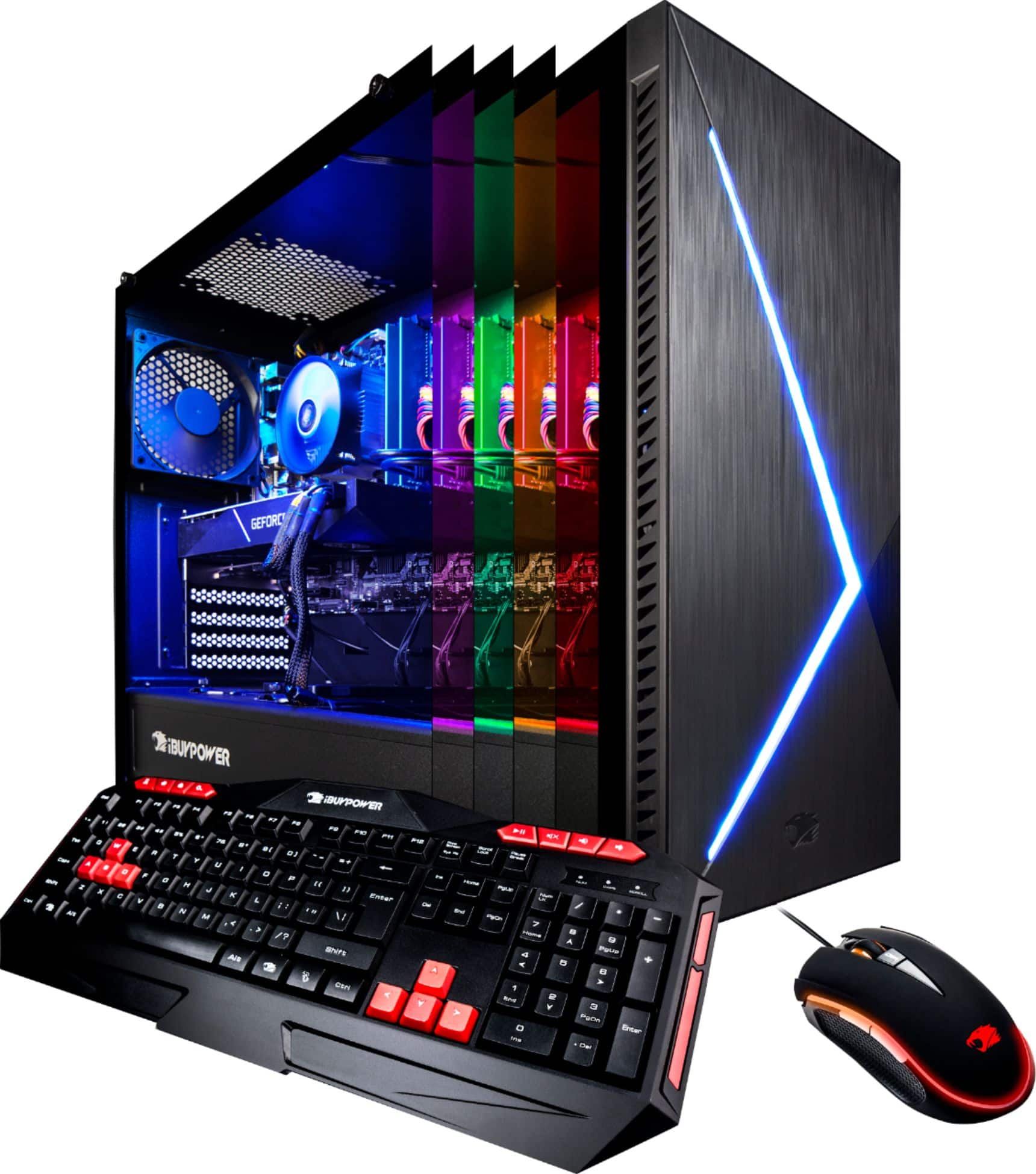
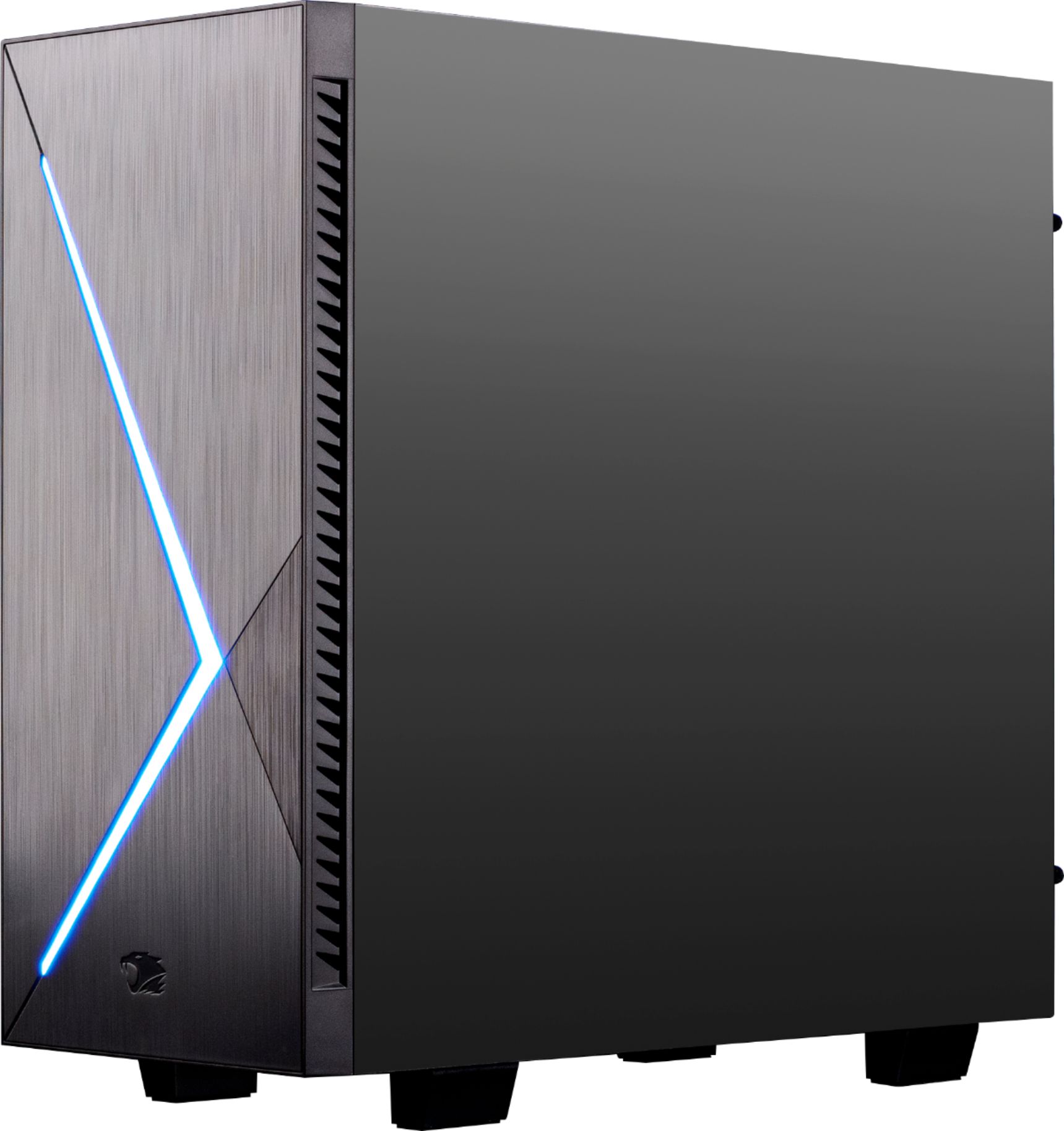
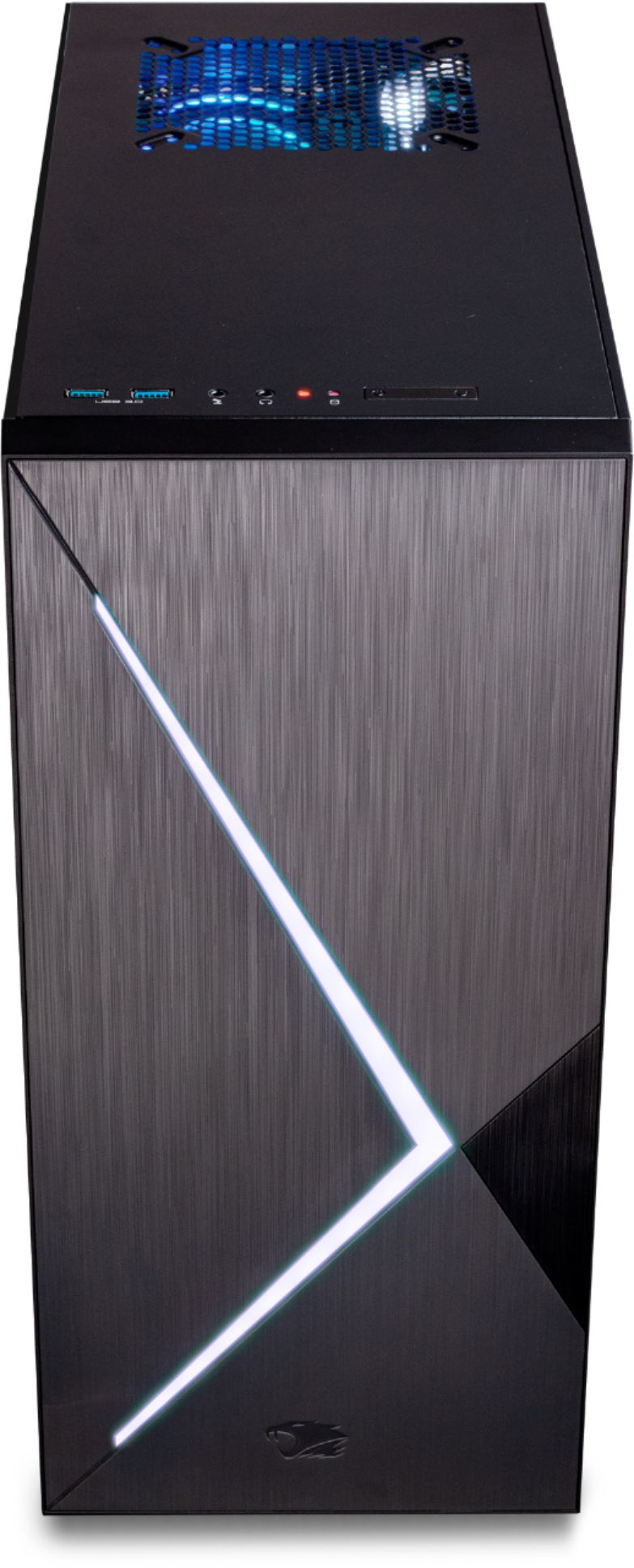
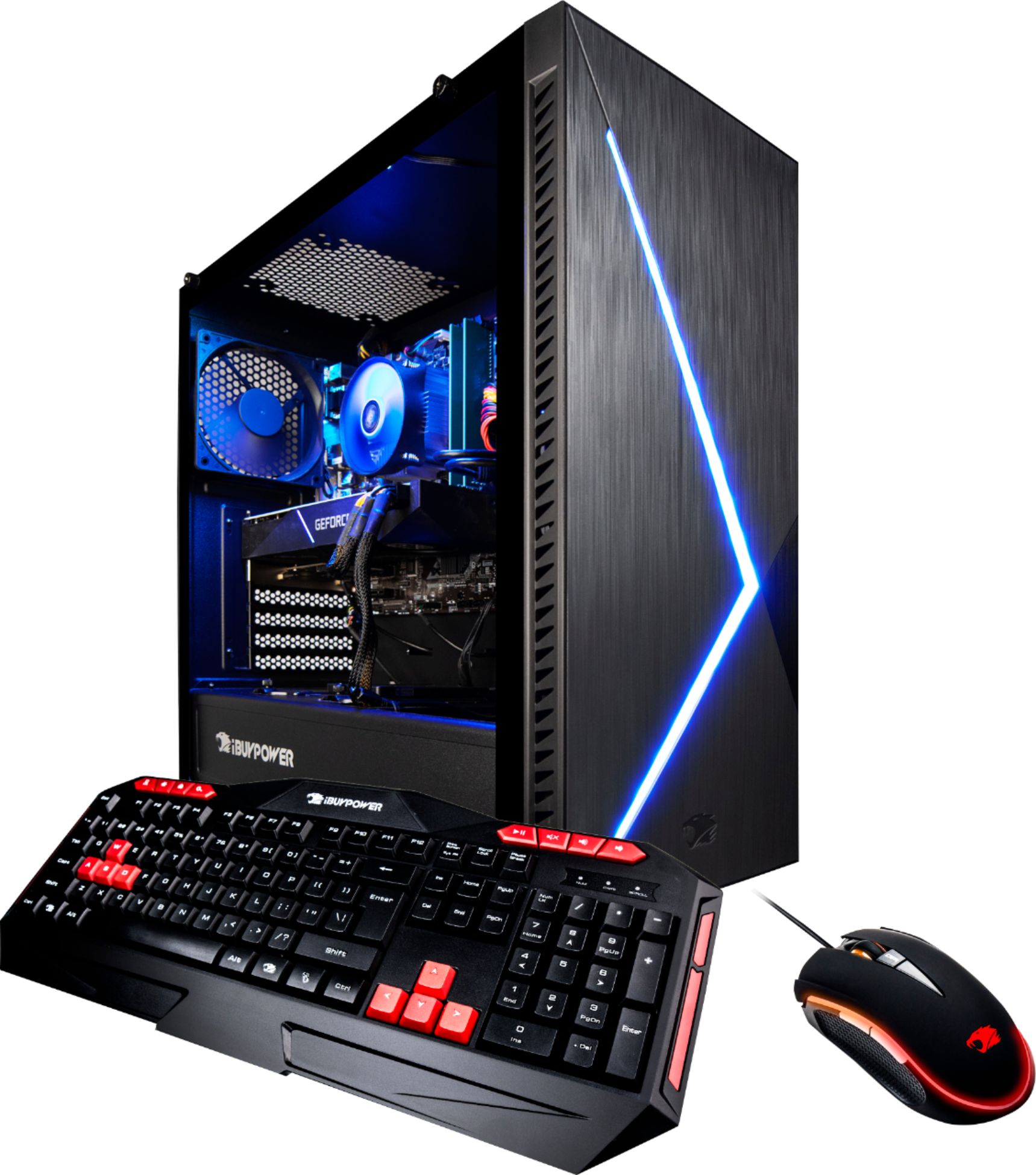
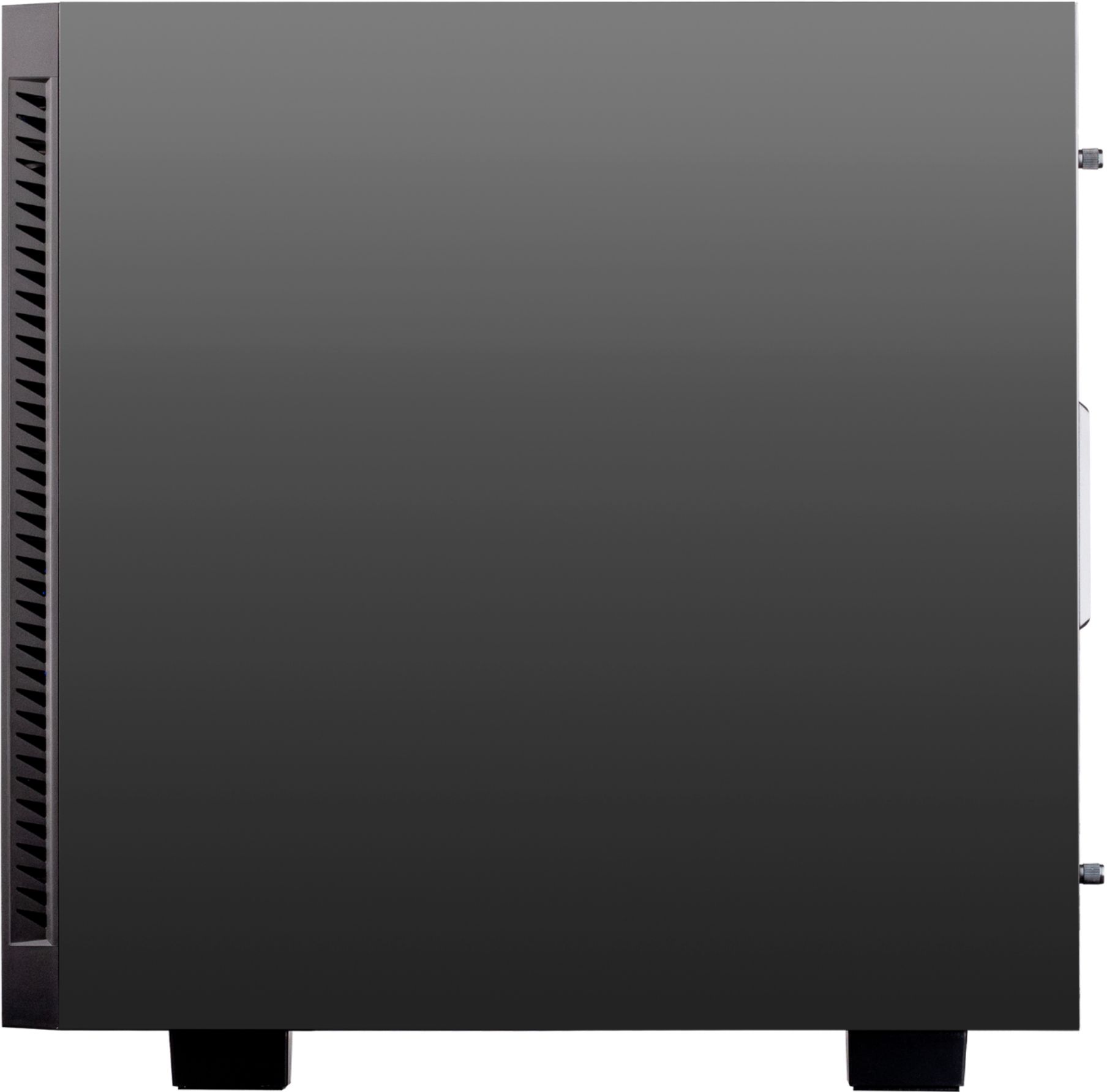
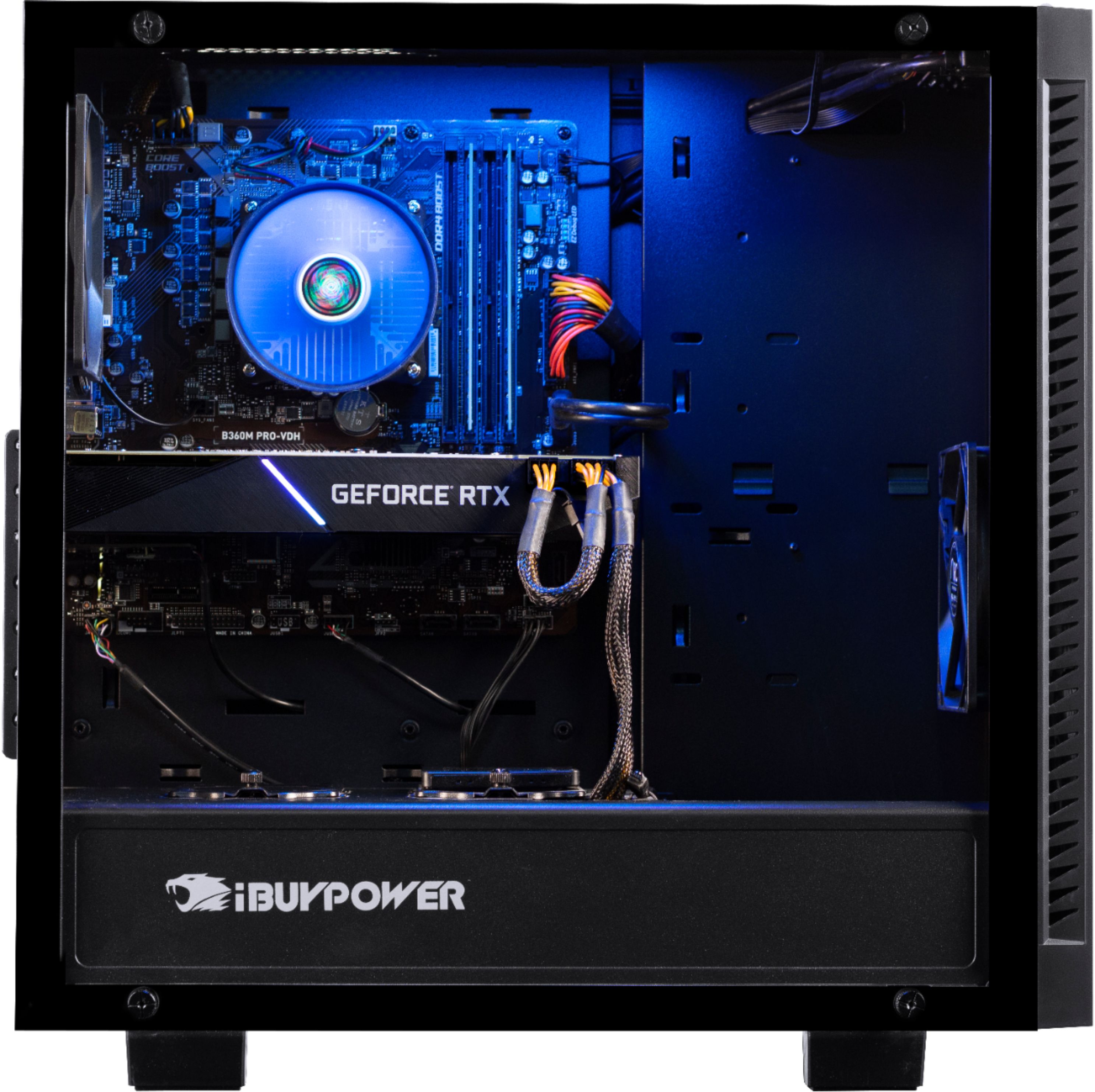
A:AnswerI believe that there are four 3.1 ports and two 2.0 ports. On top of the desktop are two of the 3.1s (as mentioned) and on the back of the desktop there are four more ports. I would say that the two higher up ports (with blue) are the 3.1s and the ones beneath (in black) are 2.0s. The ports on top of the desktop are blue as well so it would only make sense.
A:AnswerI would recommend the Arctic 7 headset, bought it for my son and he loves it. It has excellent sound quality, is very comfortable and works with many devices my son uses it with his PC and with PS4, wireless for PC and wired for PS4.
A:Answer80 Plus (trademarked 80 PLUS) is a voluntary certification program intended to promote efficient energy use in computer power supply units.
It certifies products that have more than 80% energy efficiency at 20%, 50% and 100% of rated load, and a power factor of 0.9 or greater at 100% load.
A:AnswerThere is a slot for PCIE but it might be a tight fit due to the graphics card size. The graphics card has its own onboard sound card so it may be worth it work with that.
A:Answeri found out that one drive would try to upload files at the worst possible times. i deleted one drive and have not had another problem or hiccup.
A:AnswerAdditional SSDs can be added utilizing the SATA and Power cables already in the system.
Drives can be attached to HD bracket on right side of case (needs 3.5" adapter/tray) or on tray beside current SSD.
Watch power and SATA cable lengths as they will decide where to put the added SSDs
A:AnswerI got this PC last a month ago and it came with with MSI motherboard and i7 8700 CPU. Here's a screen shot of the HW monitor currently running Oculus game in the headset for my son and me typing this review. It shows the CPU cores clocking at 4287MHz.
A:AnswerFirst, if your monitor is five years old or older you might need a new one. I would recommend to hook up the on you have first before you go out and buy one, but I believe it should work.