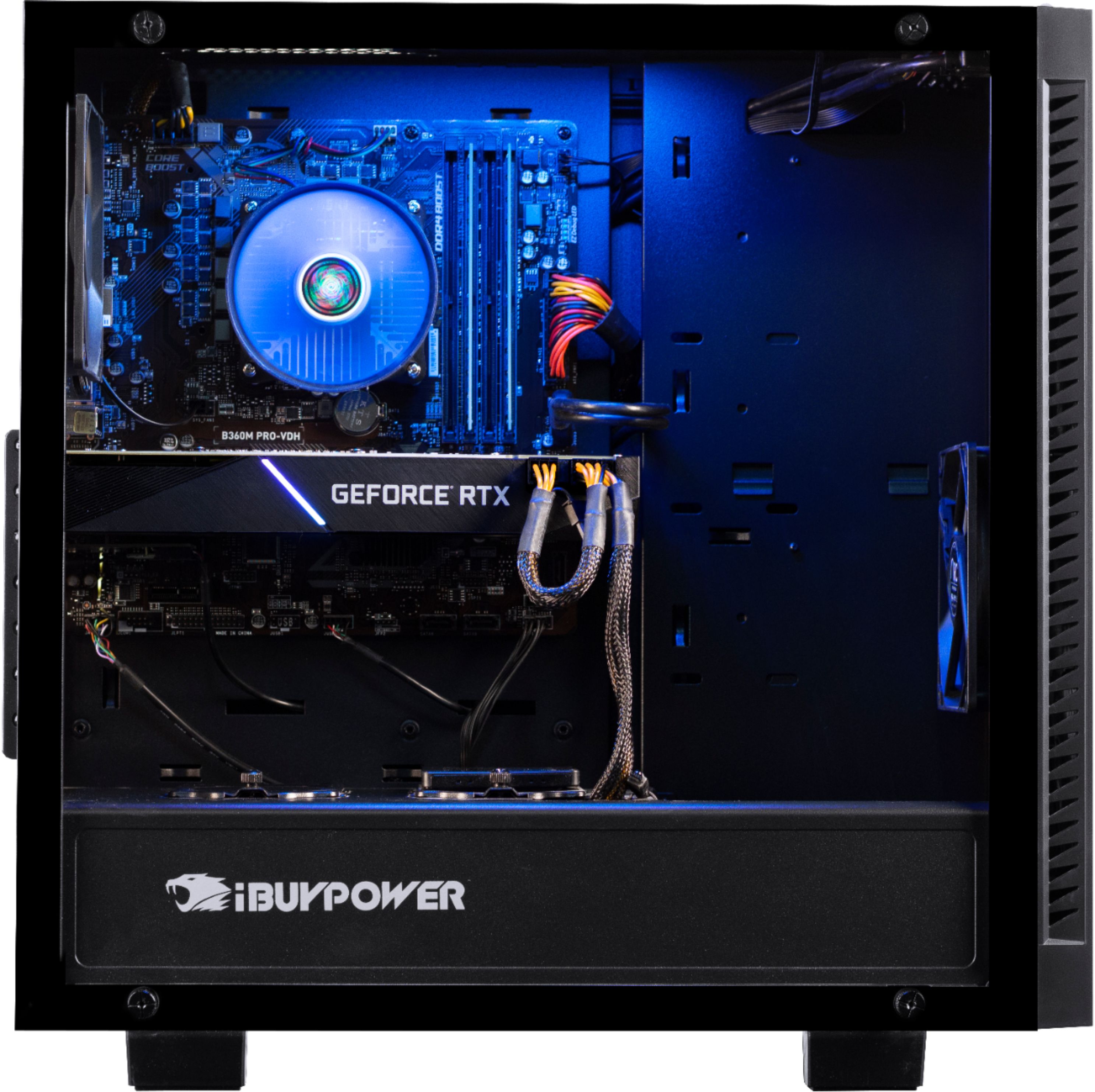
A:AnswerPull the cover and check your wire routing. Happened to me I found out the extra coil of wire for the wireless card was hitting my fan to my GPU,
A:AnswerYes, two on the right side of the case. But be warned, you need your own screws. These builds don't give you any case or motherboard left overs like you'd normally expect. I guess Ibuypower keep the extra cables etc.
A:AnswerI did not get BF5 either, I spoke to support they said they aren't part of the promotion. I asked Ibuypower they said they only supply codes to their core customers.
A:Answeryou cant use the DVI port, that's the onboard graphics which is disabled due to having a RTX 2070, you'll need to use a different cable/converter or buy a new monitor that has HDMI or Displayport connectors.
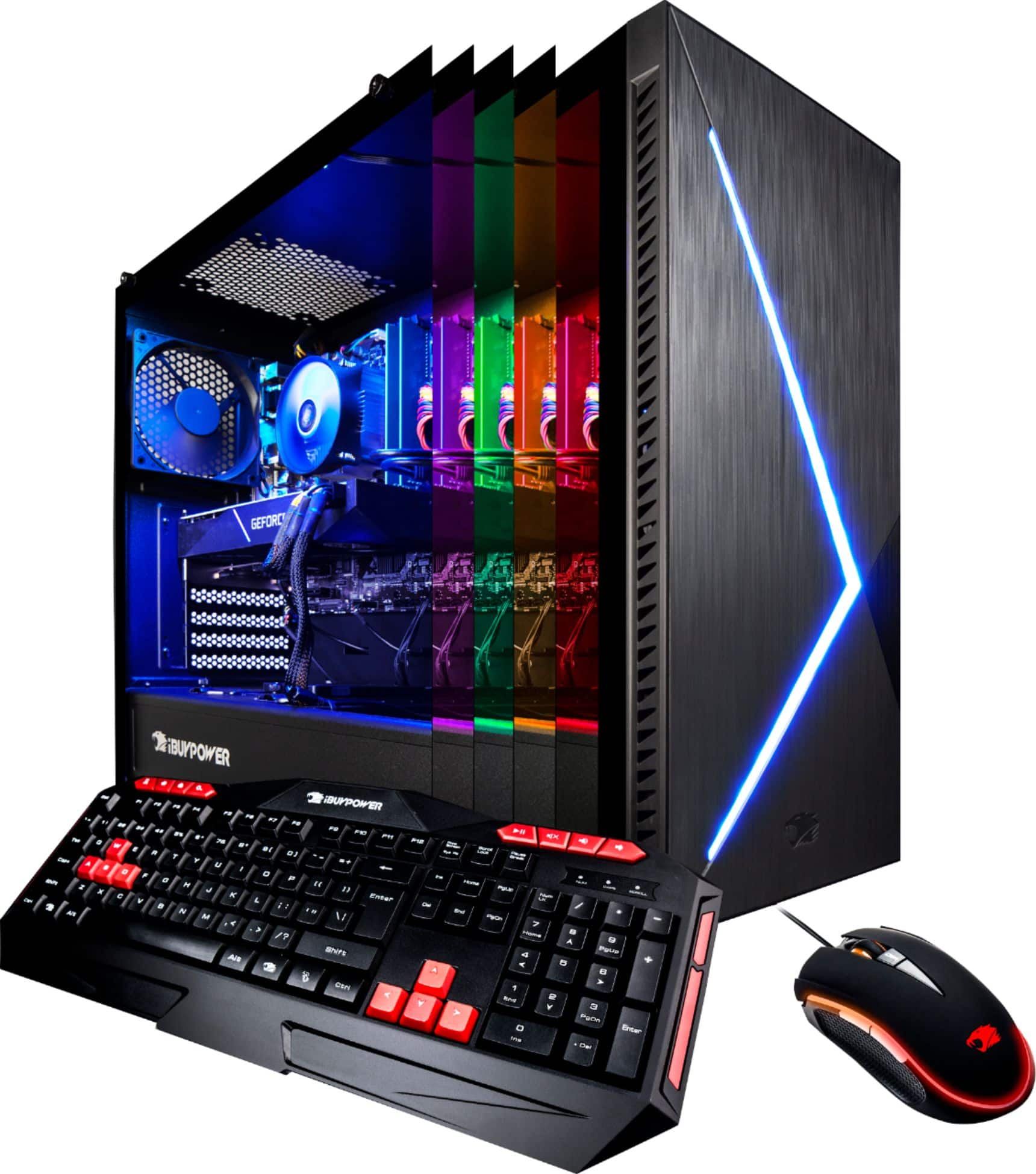
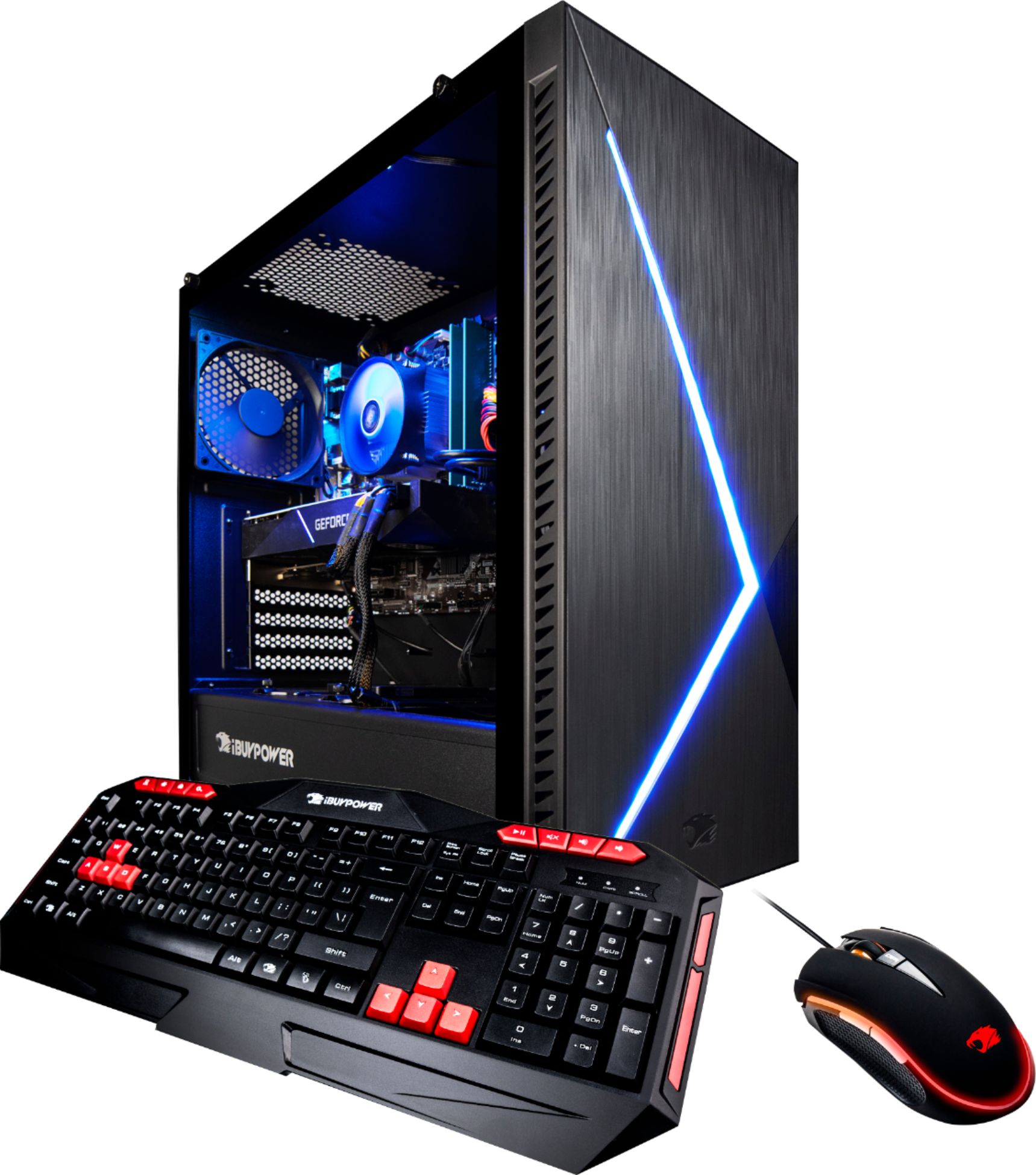
A:AnswerFor a general purpose and gaming machine I would fate it top teir. There are a couple of features that many will love, the lighting is one and the main caveat is the lack of an optical drive.
If your son is a gamer I would recommend a razer mouse and keyboard.
A:AnswerYour question is a little vague but if it is hot near the rear of the PC then it is exhausting the heat. If you can isolate the fan that is making the noise you can better diagnose the issue.
I suspect that you PC is in an enclosed space, in an area with poor air circulation or you are doing graphic or CPU intensive work and this will case the fans to pick up speed - creating noise.