A:AnswerHello,
Your PC fans should be running any time the PC is on. Please give our technical support a call at 888-618-6040 and they will be able to help you!
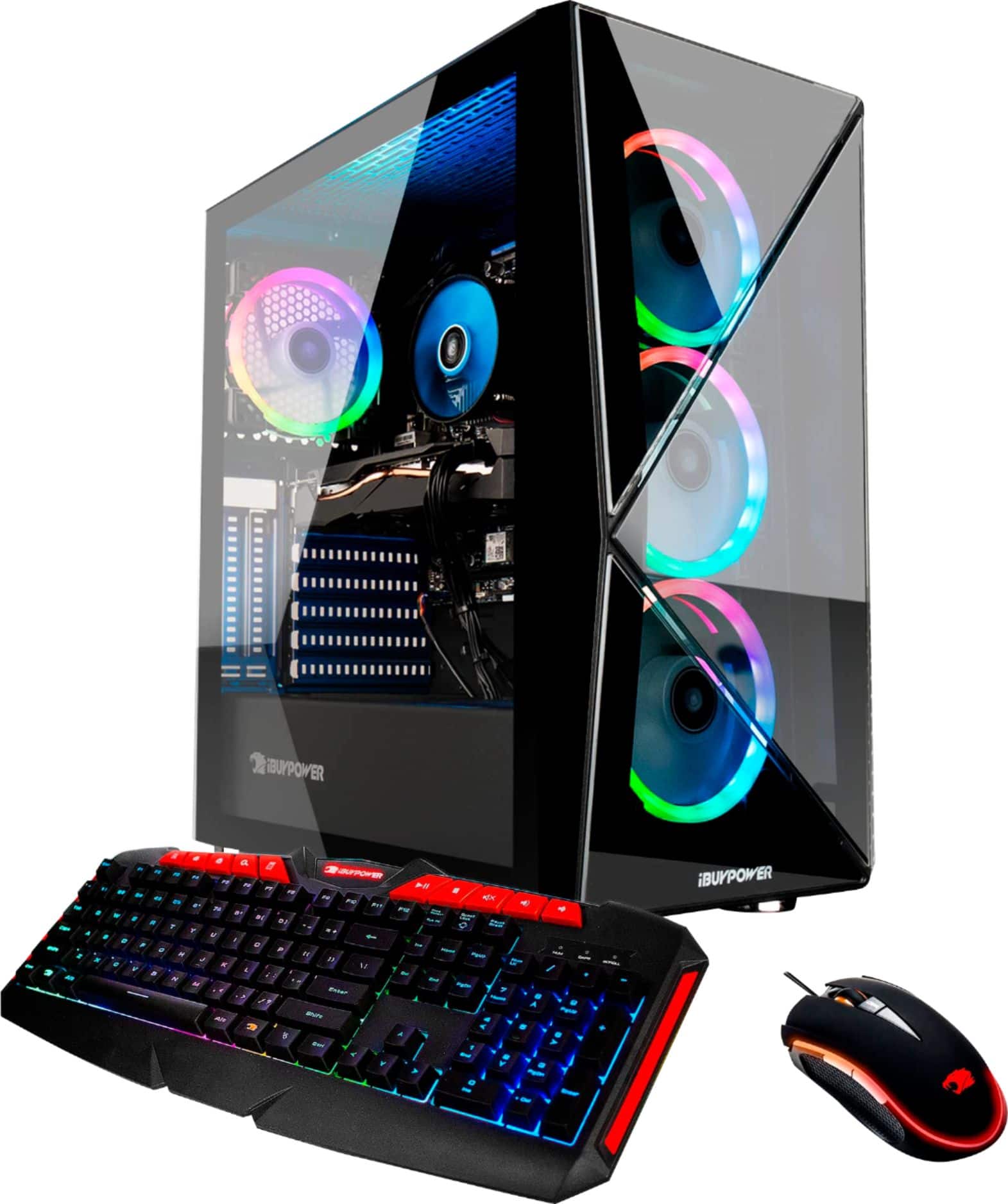
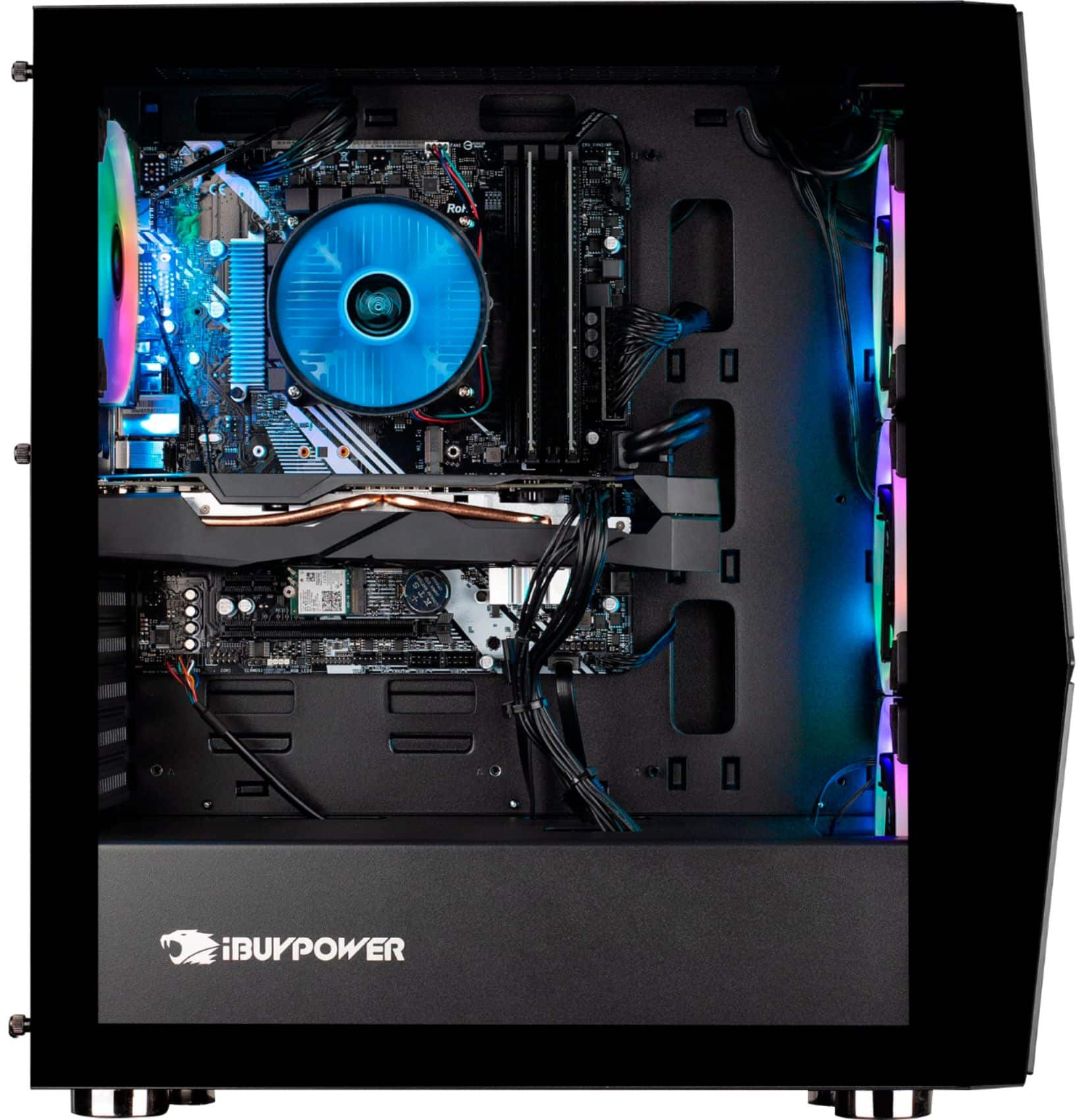
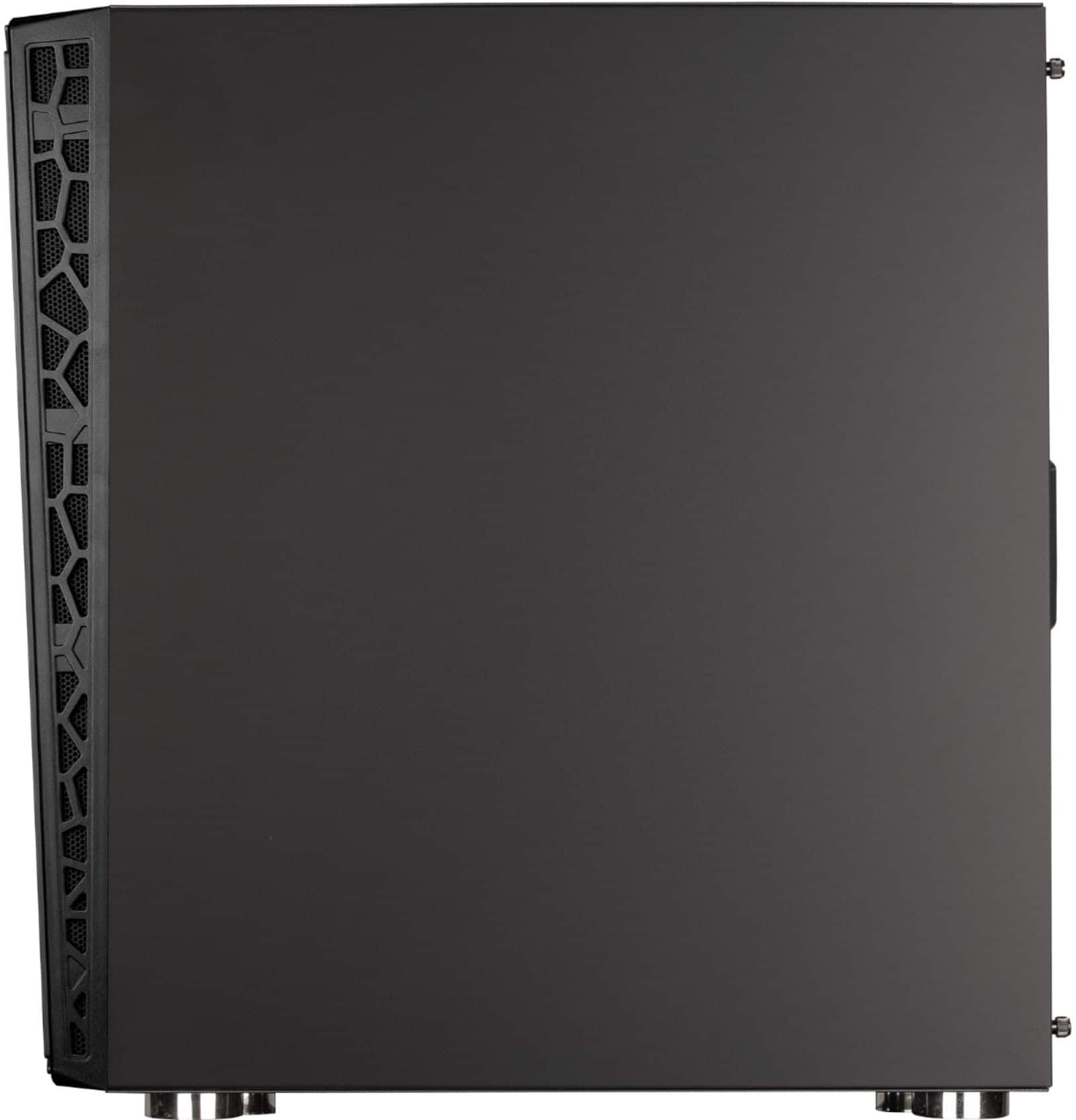
A:AnswerRemove the metal panel on the left and check if all the fans are plugged into the rgb controller. Mine were knocked out loose at some point after it was assembled also.
A:AnswerWell it's honeslty not that simple. Not everyone gets the same motherboard as I'm aware. But, all you would need to do is download a systems inspector utility to tell you all your parts names. And as for space look for an area where it looks like you would be able to install a fan. Have a Great Day!
A:AnswerHello,
Frames are dependent on many factors, such as the exact game you are playing, and your settings in that game. This computer has powerful parts, so it should be able to run all modern games at high frames. Thank you for your question!
A:AnswerHello,
You should be able to pull the panel in a certain direction and you will hear a clasp and it will remove easily. As long as you are not being too forceful you will not damage the case. Thank you for your question!
A:AnswerHello,
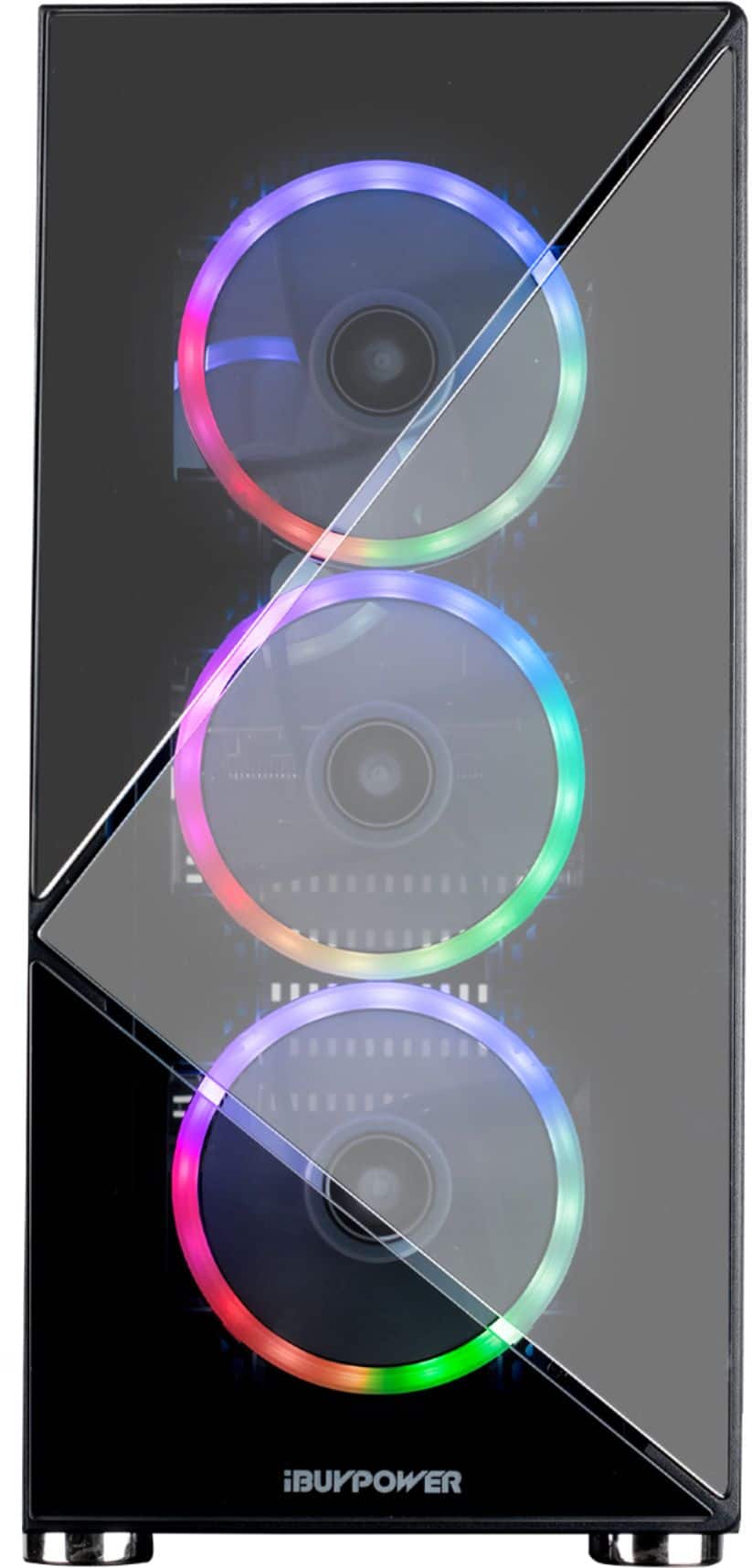
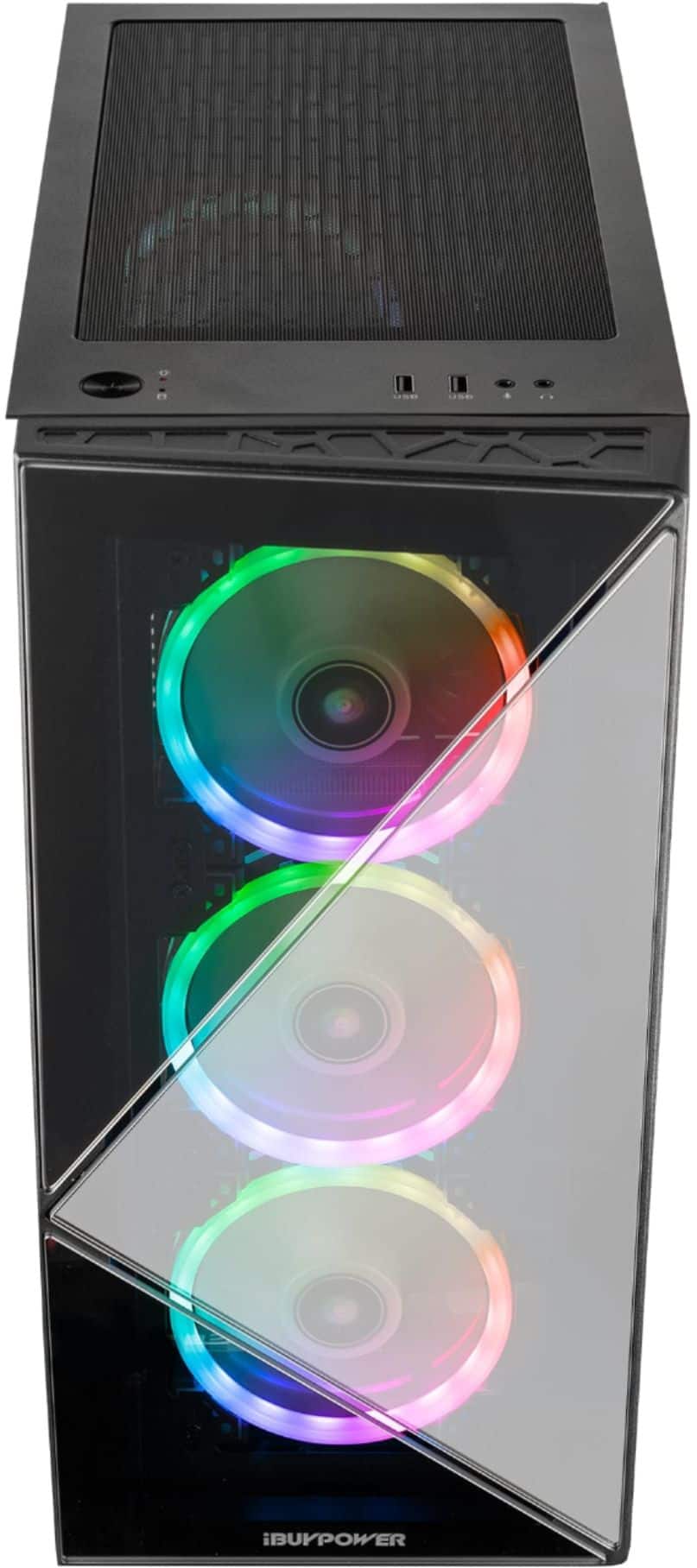
You should be able to remove the front panel of the case by pulling down or up. After the case is unclasped, you should be able to remove the panel. As long as you are not being too forceful with it you will not damage the case.
A:AnswerI’ve never played that game but I’ve played Planet Zoo on the highest graphics level. I think it’s one of the most demanding games I play at the moment and it had zero issues.
A:AnswerI’d guess malfunction. The 4 fans surrounded by rbg led always run. Spin and lights. The three on the graphics card should be the only fans that aren’t always on.
A:AnswerHello,
You are correct, the multiple ports allow you to use more than one monitor at a time on your setup. There are many kinds of adapters you can use, just search for them using the format "x to y adapter". For example, "HDMI to DisplayPort adapter"