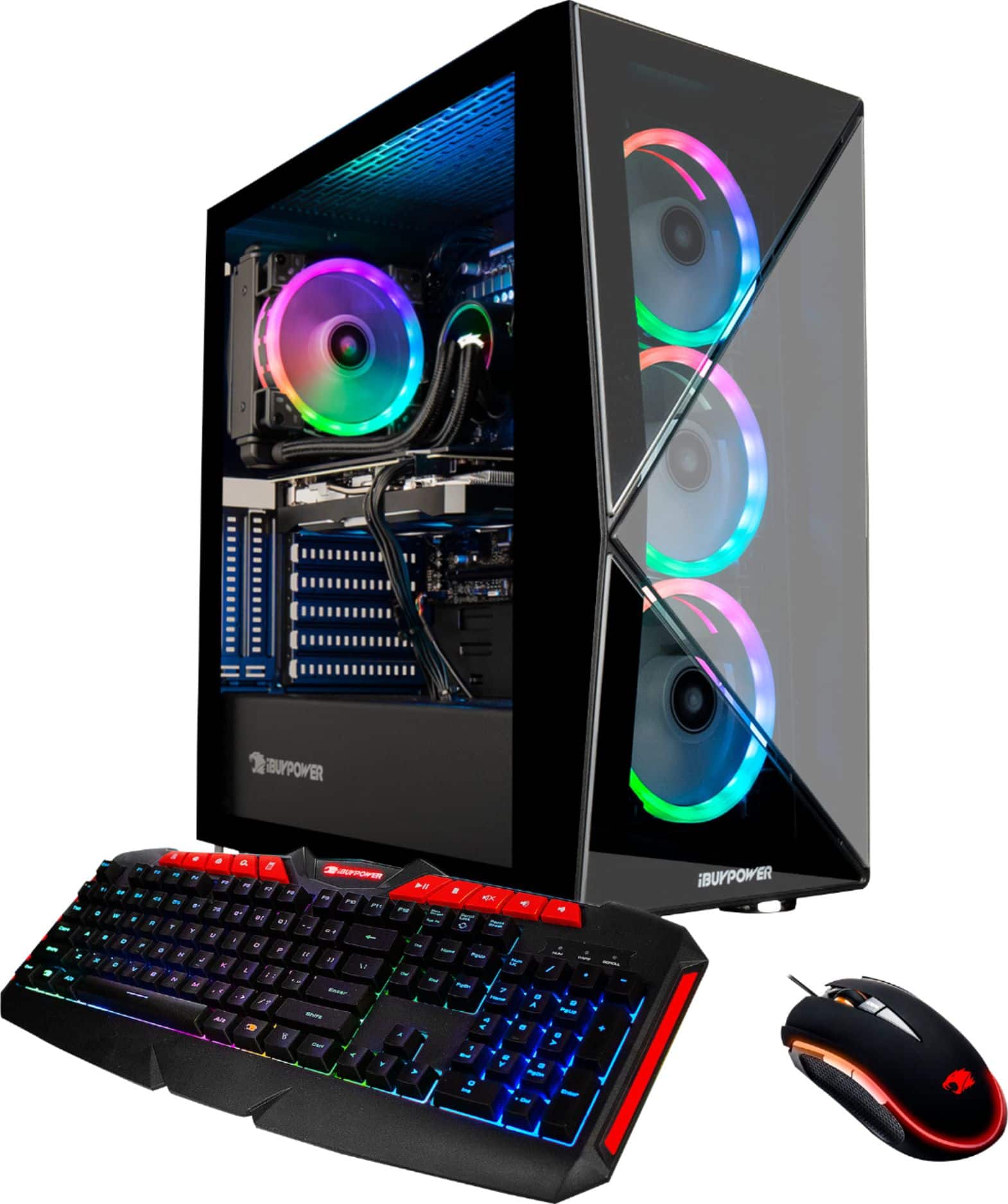
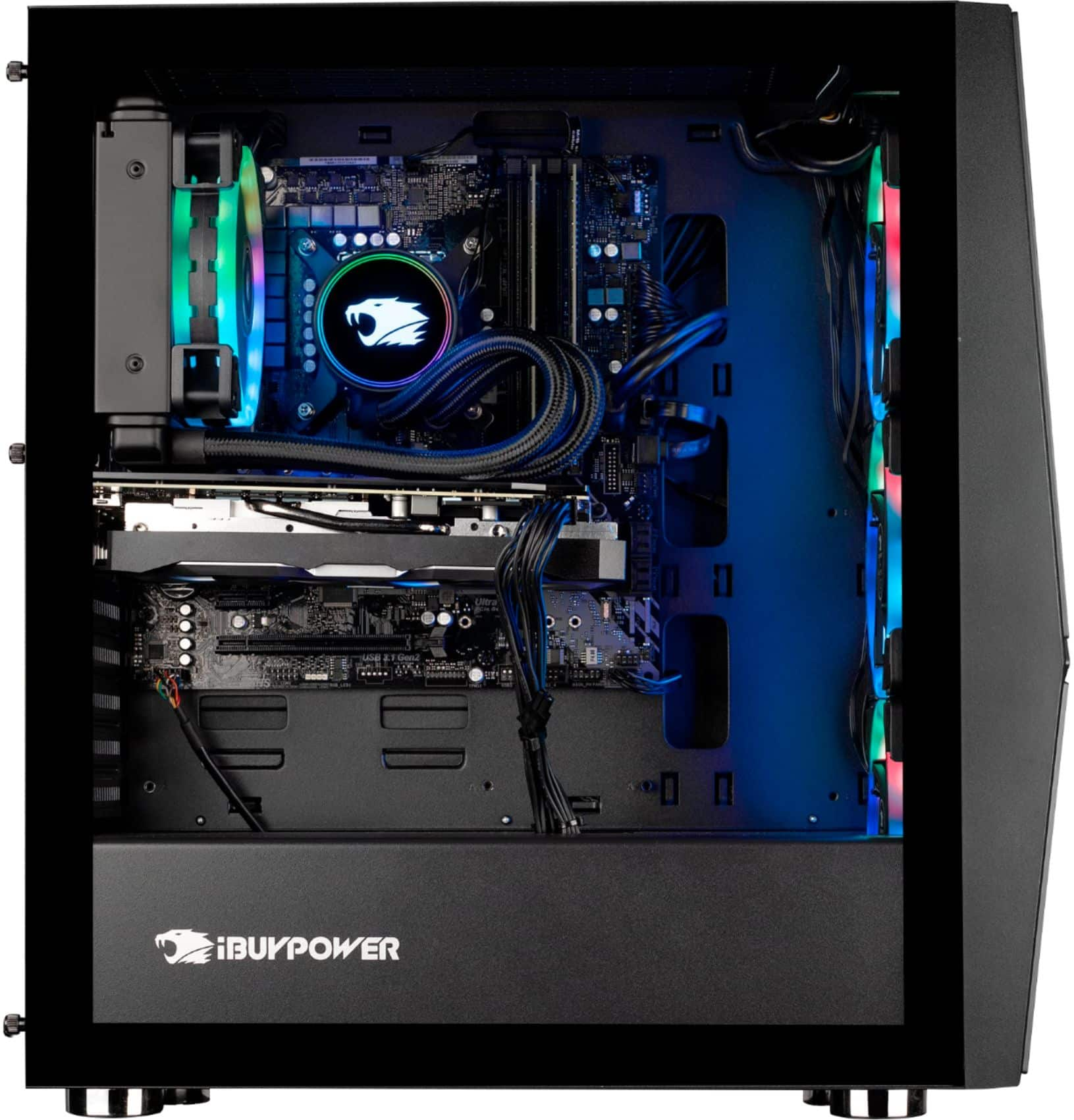
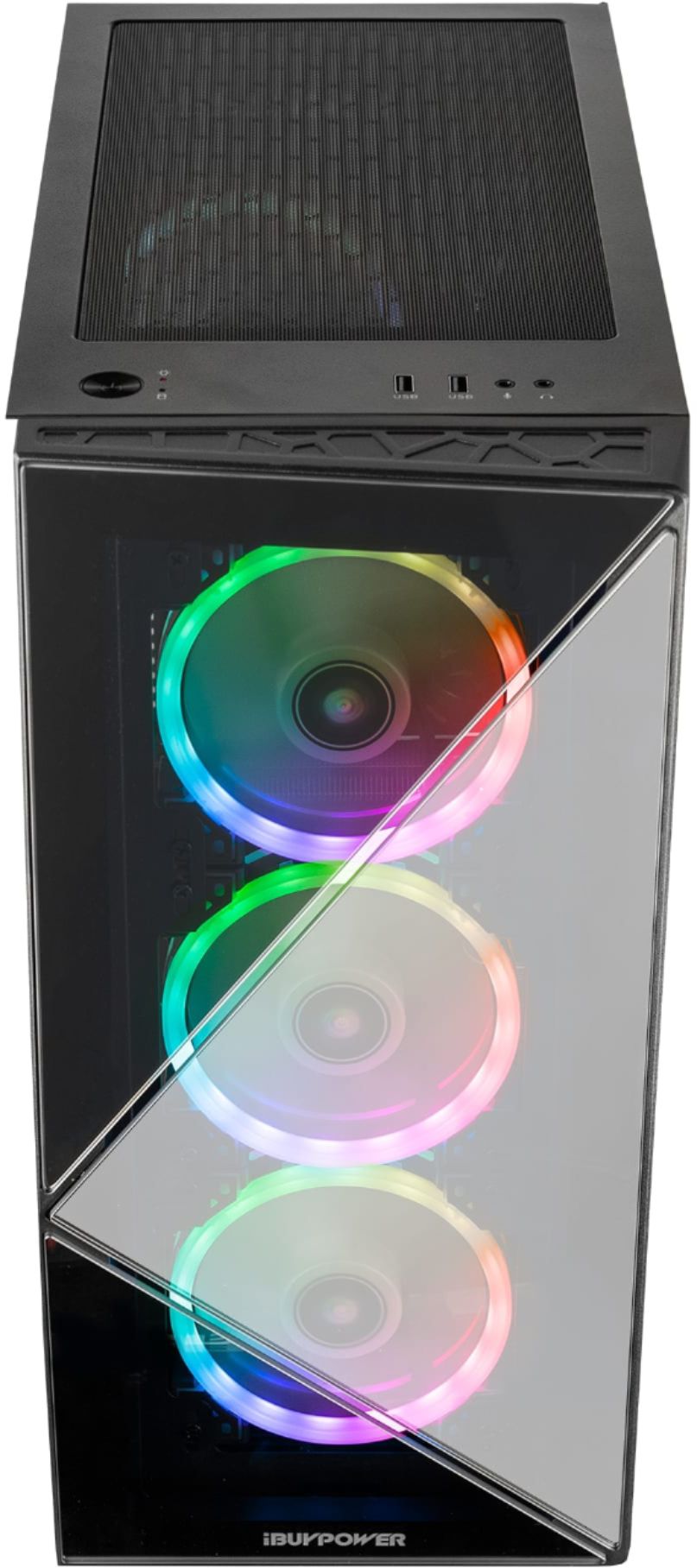
A:AnswerLighting is on a different circuit from the fan controls. The fans are plugged into the headers on the MB but the RGB plugs into a control box in the back. Make sure all of the RGB cables are plugged into this controller (see picture). Some of the cables may have extenders. Make sure those plugs are tight as well. If that is the case and they are still not working ... not sure what to tell you. Could be a bad controller.
A:AnswerI got it! *happy dance*
Turns out there was another plug that was disconnected: on the inside of the case, the cable labeled "M/B signal cable" was not attached to the motherboard and was just laying loose in the case. Plugged that into the Addressable LED pins on the MOBO and good to go! :D
A:AnswerAt low settings the PC will definitely run at a high FPS. Depending on your monitor you will see how it displays for you. Although I am sure for a game like Fortnite, playing at the max settings would yield very similar results. The 2080 SUPER is overkill for Fortnite so you should be good. To get an idea, I can run Rising Storm 2 at max settings and consistently stay in the 100s to high 80s.
A:AnswerHello,
Unfortunately we cannot provide FPS information as that is dependent on your in game settings. This PC is very powerful, so expect to see very high FPS numbers. Thank you for your question!
A:AnswerYou might want to make sure that all of your Windows and hardware updates are up to date. I’m also having to run an Ethernet from the router to my computer to minimize the in-game lag or high ping in Call of Duty and so the limited connectivity could be a side effect of how your network is setup. If the issue continues after all of the updates are installed, I recommend that you contact iBuyPower directly just in case it’s faulty hardware that’s under warranty.
A:AnswerI just got this computer and my rear RGB wasn't working either.
It turns out the RGB was unplugged. You get to it by opening the side panel and plugging it into the RGB board.
A:AnswerThe fans on the GPU that you have only run when the GPU is under load and hits a certain temp. It is made to work this way and shouldn't be a problem. Do a benchmark test on the GPU and that fans should come on at some point. If they do not then there may be an actual issue with the fans on the GPU.