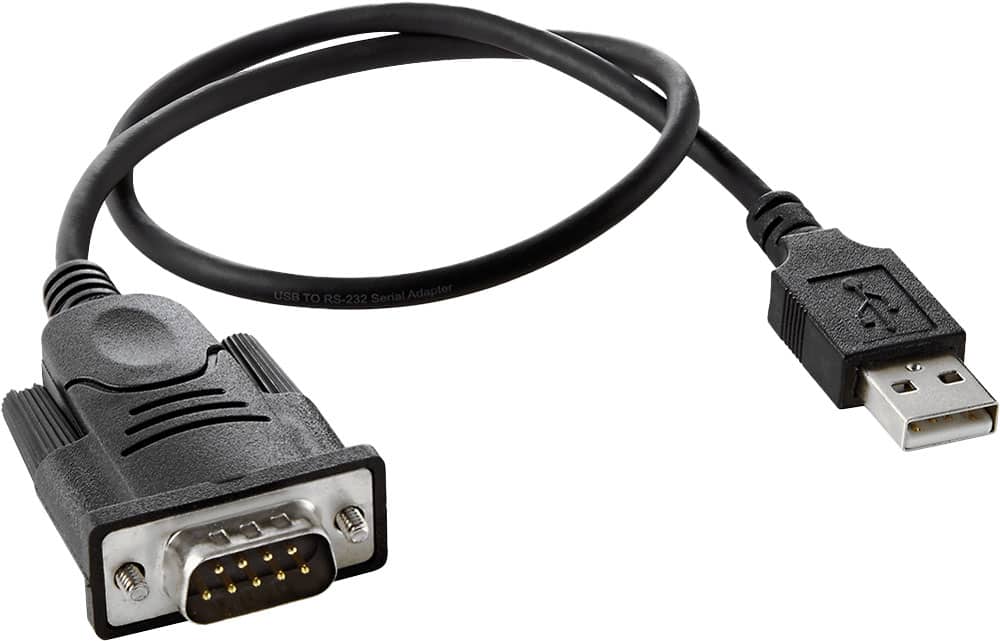
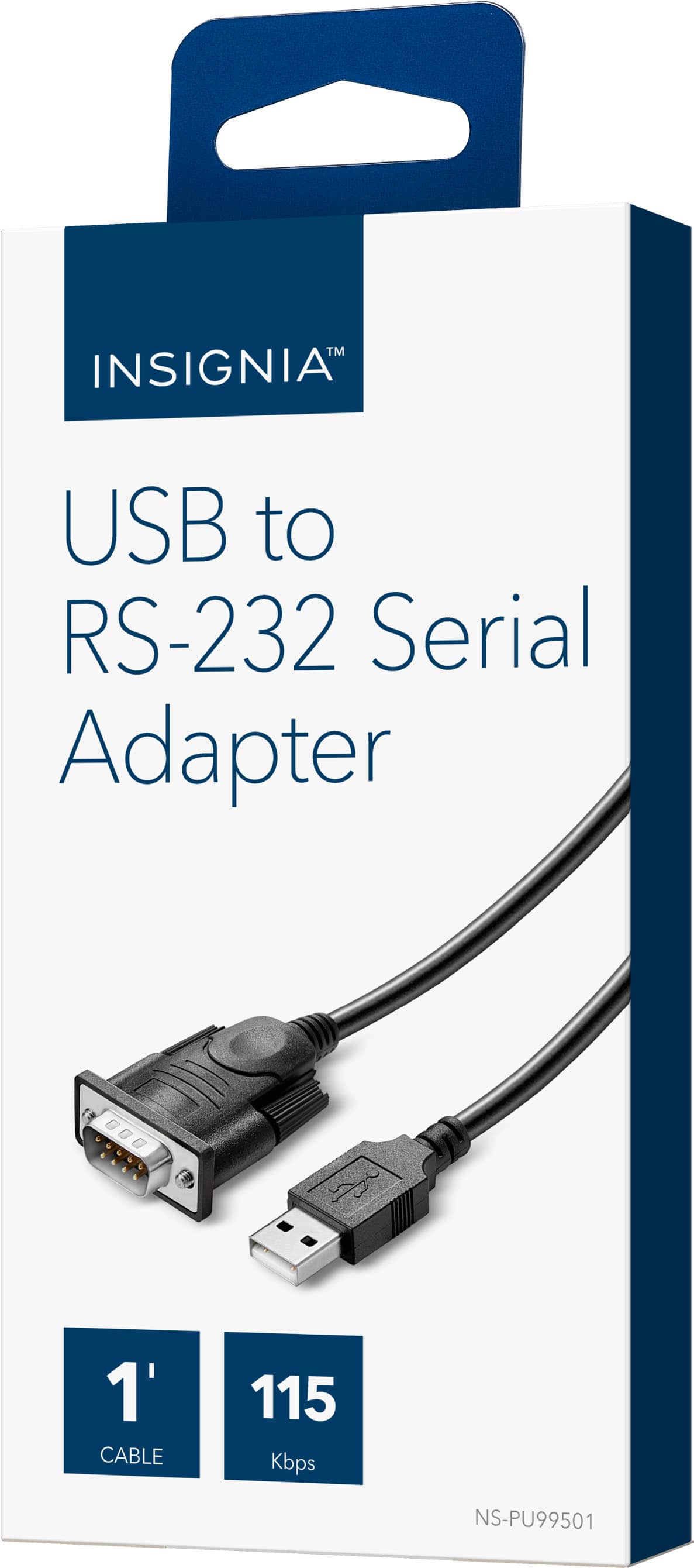
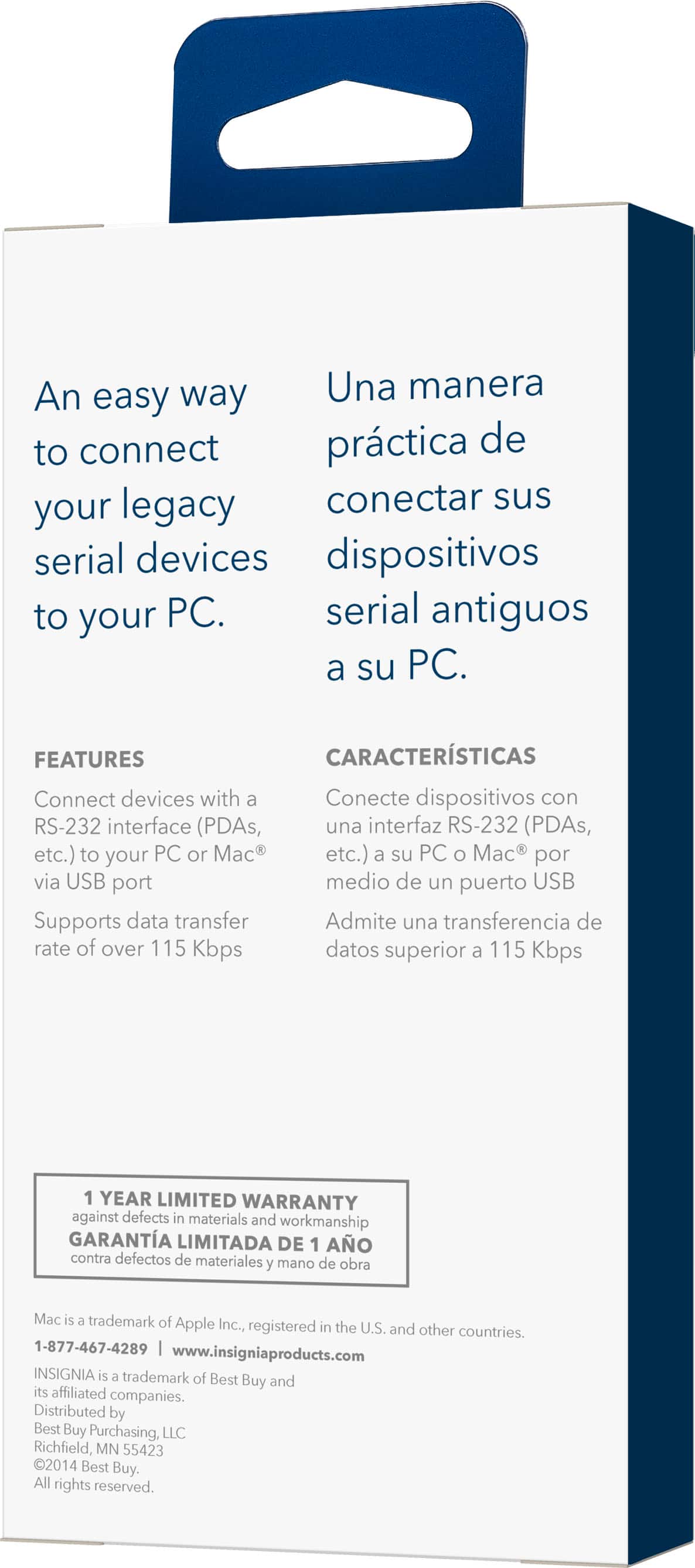
A:AnswerI would think so. It is simply a USB to Serial port Db connector. It allows you to connect to equipment requiring RS232 communication. I used it to upgrade firmware on a camera controller (multiple PTZ camera control) which had a Db25 connector. Plug the Db end of cable into controller and the other to my PC USB port.
A:AnswerNo. This is a serial adapter. You are thinking about a SVGA adapter or similar. And that would depend on your Pi's O/S having the right driver for that USB device. I'd instead look for a HDMI to SVGA adapter since the Pi O/Ses generally already have drivers set up for the HDMI port on the Pi.
A:AnswerI use it for my car.
I dont know if it will work with an obdii my computer has a serial port on the back that I use. (It is a performance computer (VEMS v2))
A:AnswerYou need different sort of cable. This a serial cable. Usually a laptop will have an HDMI or VGA port for an external monitor. This is for serial communications for a laptop or system without serial ports.
A:AnswerNo, you want a VGA to VGA or maybe an HDMI to HDMI cable.
This cable has a USB to older-style RS-232/DB-9 connector. Kinda looks the same size as VGA, but look at the pins, not the same at all.
A:AnswerYes, it should work. But it would require that:
(1) The Zebra Label Printer uses an RS-232 serial interface.
(2) You can properly wire up an interconnect cable between the USB-to-RS232 adapter cable and the printer.
and
(3) The software on the computer can print to a COM port device. (Assuming Windows OS, although Linux should work as well.)
A:AnswerIt will work with a USB 3.0 port as USB 3.0 is backwards compatible with older USB versions. It does not run at USB 3.0 speed but it is not necessary to as this device is normally used for simple console access.