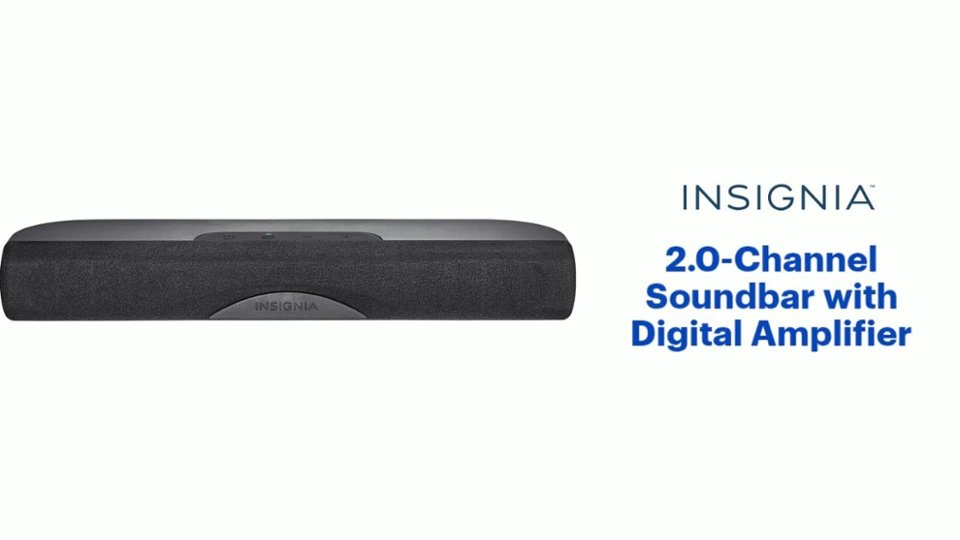
A:AnswerI am not sure about this particular TV, but it most cases you would go into the setup menu under the Audio or Sound settings. You would then choose External speakers. Hope this helps!
A:AnswerHello Mike,
To obtain sound from your game, you will need to connect the soundbar and your Xbox 360 to a TV to enable the correct audio settings.
Itzel I. - Insignia Support.
A:AnswerThe delay you are getting with the optical cable may be due to the complexity of decoding the signal. Since this is not a sync/latency problem, I would just ignore the lost 1/2 second of audio.
A:AnswerHi! If after using the RCA cable plus the adapter to connect the soundbar to the headphone's jack on the TV, you are not getting sound, please contact us on the link below, so that we can help you troubleshoot your unit.
Viridiana E.
Insignia Support.
https://www.insigniaproducts.com/contact-us
A:AnswerI'm sure you've already tried the TV setup setting but that's the only thing that I can think of. I use mine on my Insignia TV and didn't have any issue once I figured out that I had to go to the audio setup for the tv and select the external speakers. The soundbar is not controlled by the TV volume either - need to use the soundbar's remote.