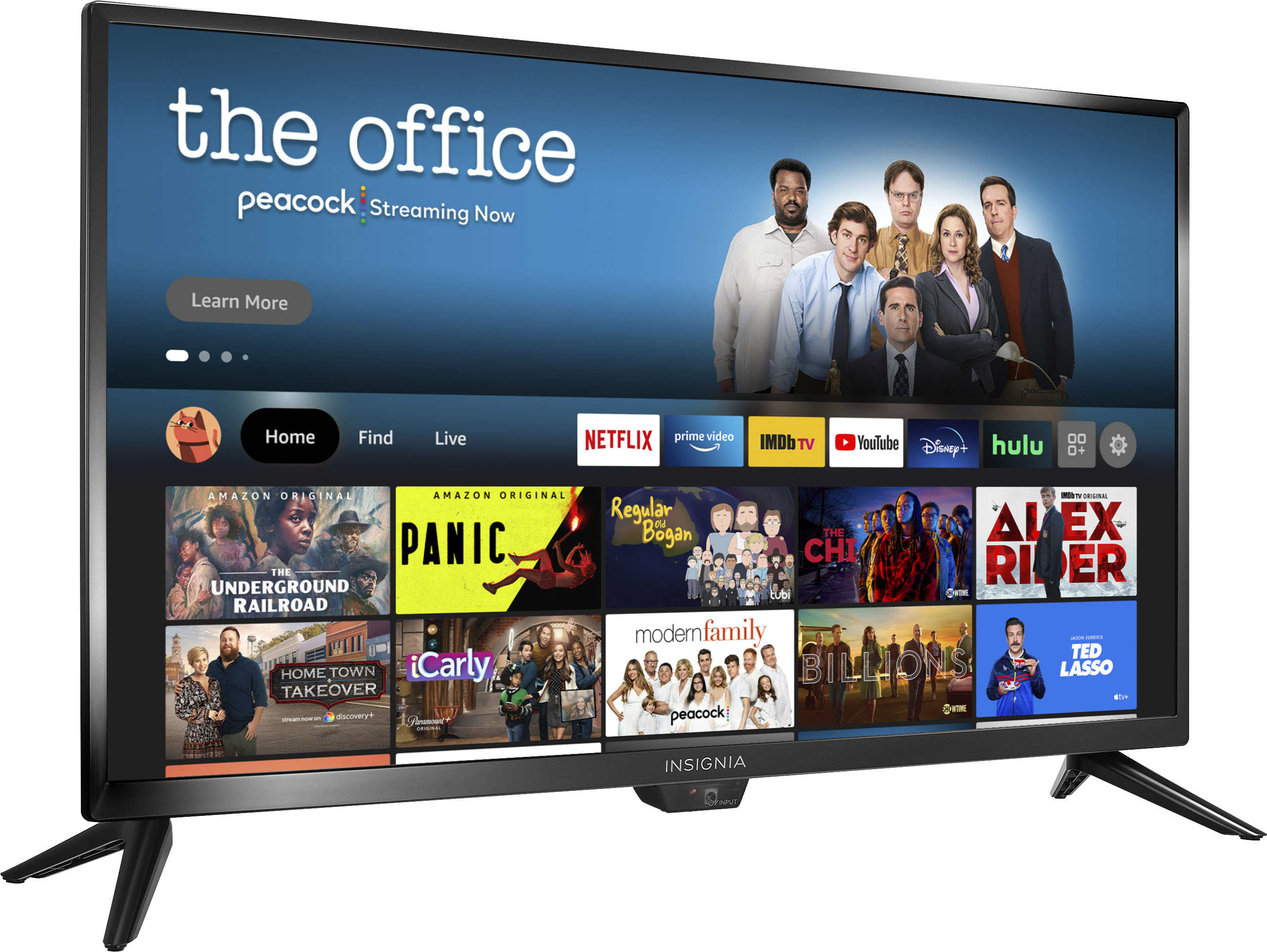
A:AnswerThis is primarily a streaming TV. When I use my cable provider, I use their remote which has all the functions of a regular TV. If you use an antennae you will the have to scroll but you usually don’t have that many channels available so it it is not a problem for me.
A:AnswerMy tv freezes some times. I press the play button twice and the tv continues. This happens in the Xfinity app. Not sure what app you are using when it freezes
A:AnswerHi Debbie Bock,
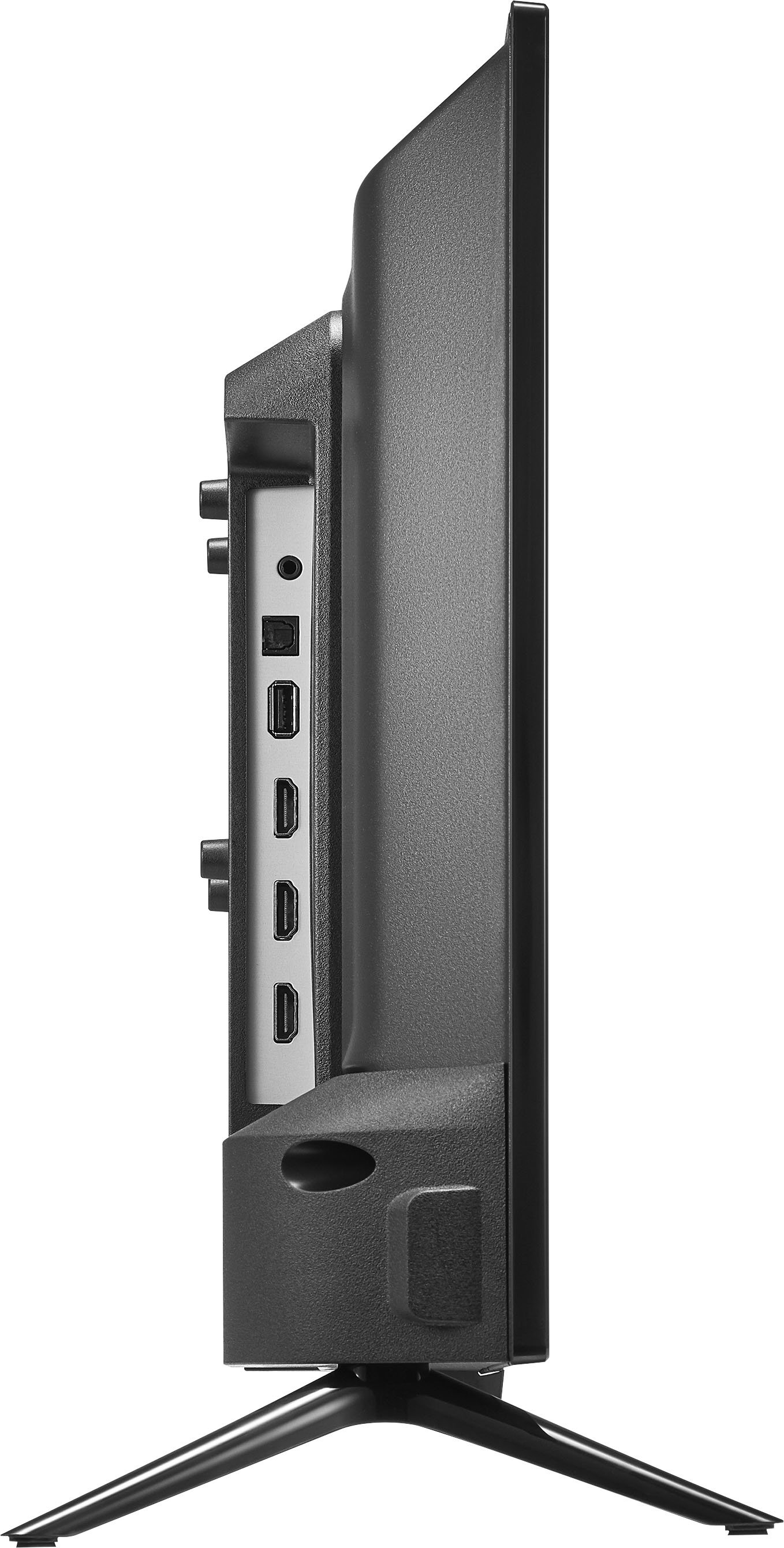
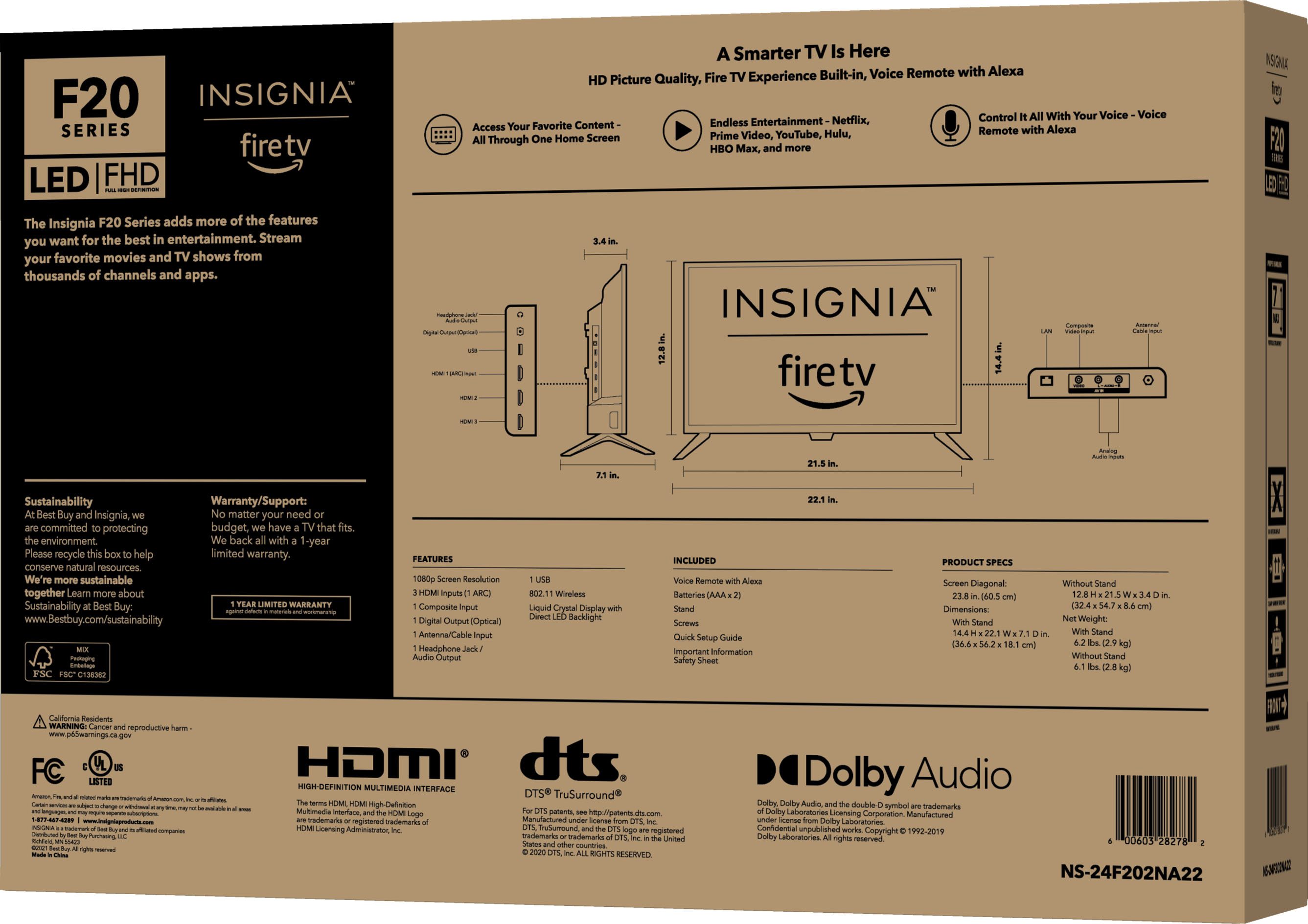
Yes,you may plug a USB flash drive into the USB port on your TV.
CAUTION: Do not remove the USB flash drive or turn off the TV while using the USB flash drive. You may lose data or damage the USB flash.
Insignia Support
Merjorie
www.insigniaproducts.com/support
A:AnswerWow your answer??????? Your answer was not helpful. II stated I can stream on the TCL band and Samsung. I guess I won't buy till I find out if there is a ap I can stream from like Smart hub.
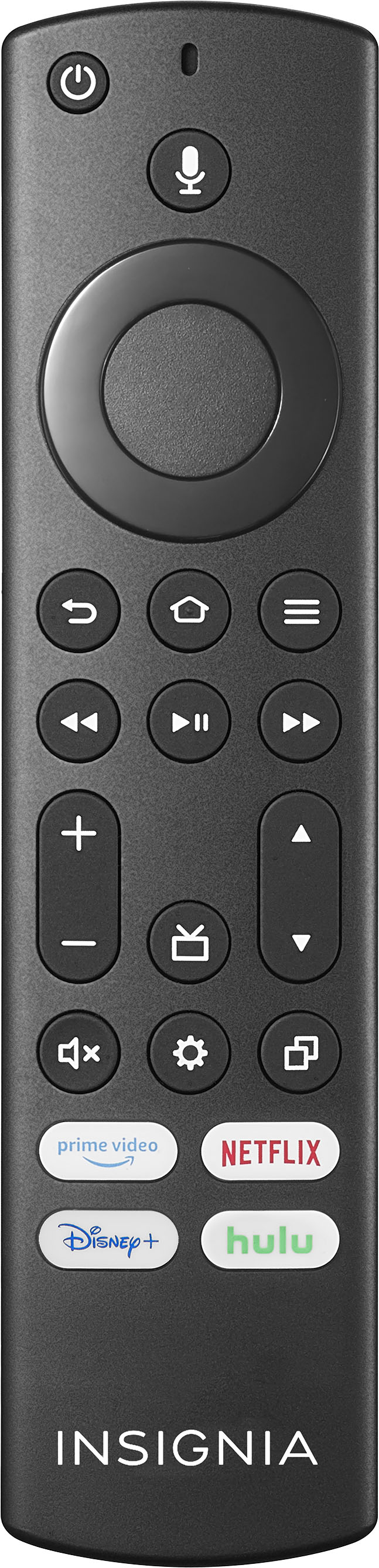
A:AnswerTry to use an Alexa voice command, while you press and hold the Mic button on the remote say: "Tune to channel 10.3" and release the button when you finish.
A:AnswerYes. It has a coax in, with a ATSC TV Tuner. Any old antenna will work, if you already have an aerial.
If you want to check the listing on Best Buy to confirm this for yourself, this is listed under Specificiations, then Features, then under TV Tuner, as well as under Connectivity.
This TV also has three HDMI inputs and a Composite Input for any other future needs you may have, as well as being a Fire TV, meaning that if you have a Fire Recast you can stream that Over-the-air DVR to the TV no problem over a Wi-Fi or Ethernet connection, if you prefer. Hooking up the Internet connectivity to this just makes the voice remote that much more handy either way.
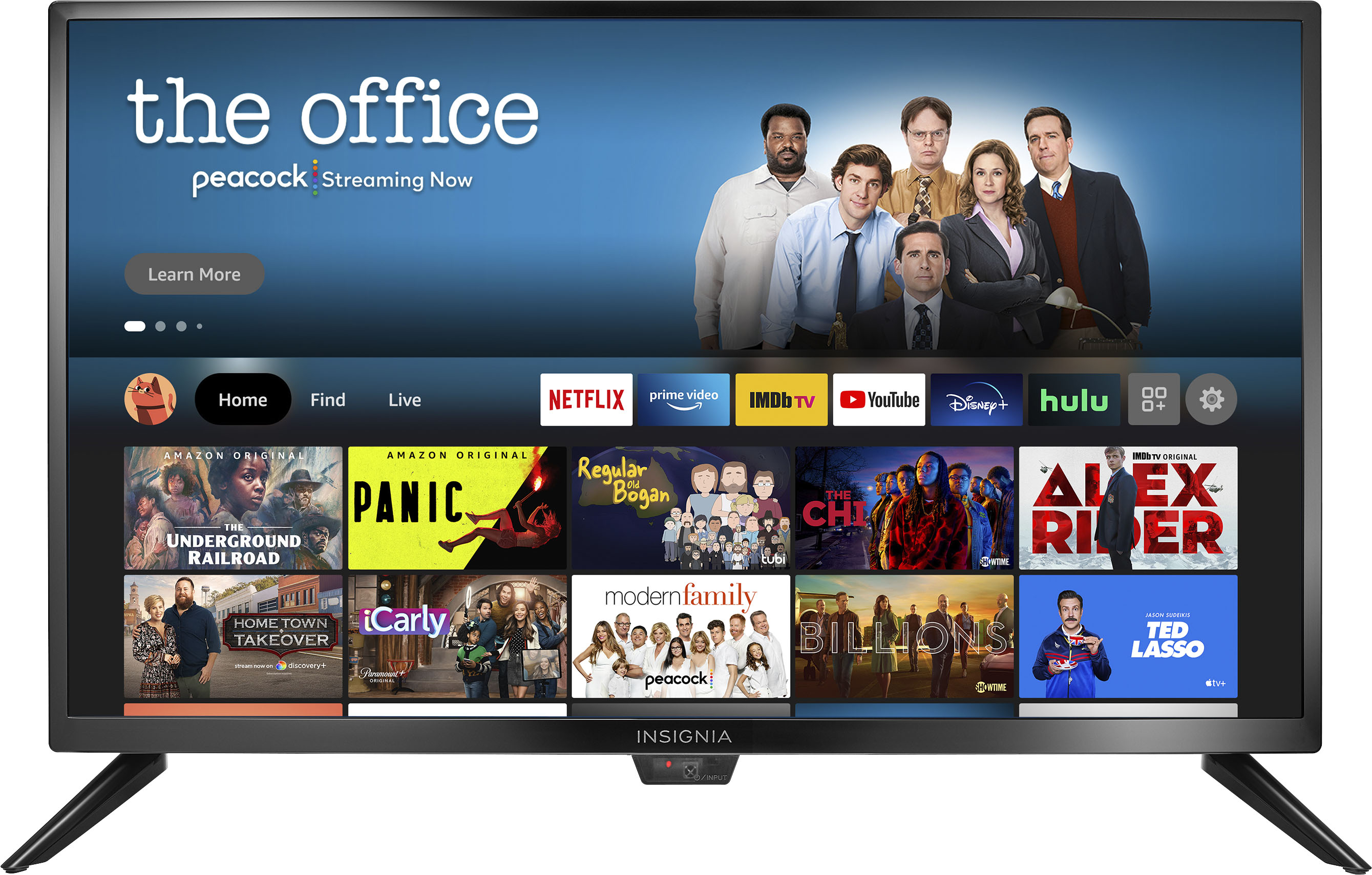
A:AnswerTo search for available apps go to amazon.com > ≡ All > under Digital Content & Devices select Fire TV > under Moves, TV and Games select Fire TV Apps & Channels > on the left side under Device Type select Fire TV Edition TV and search for apps at the top of the page.
For more information about Apple TV app, please visit https://www.apple.com/apple-tv-app/devices/
A:AnswerWith a little testing using a USB memory stick that has an LED on it, I can say that the port is always powered. The reason this is important is because I want to use CEC from a streaming stick to turn the TV on/off and control volume with the stick's remote. The stick has to be always powered for that to work.