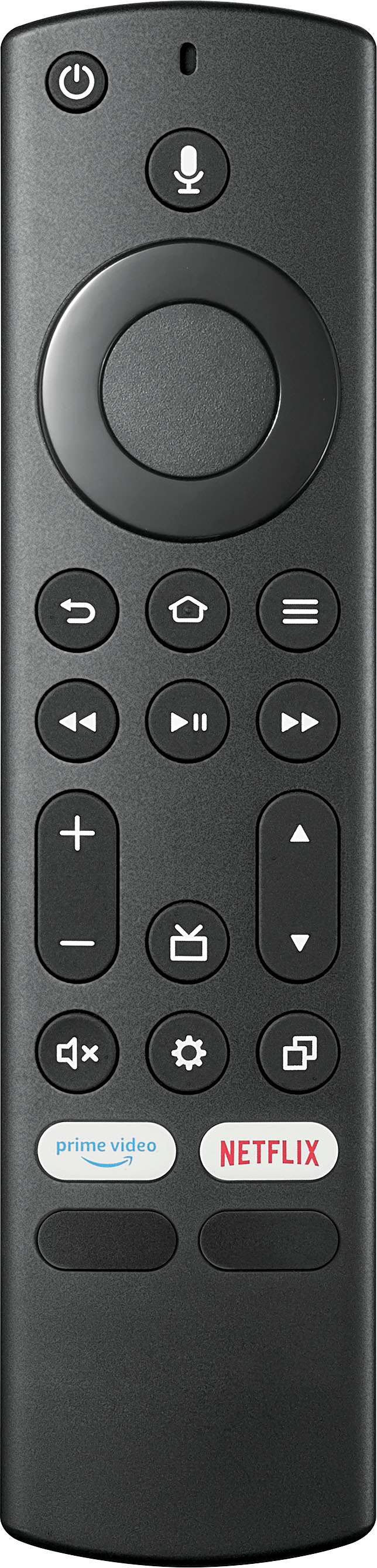
A:AnswerTry removing the batteries from the remote. If that solves the problem then your remote is defective. If not, your TV is defective. Return the item for replacement if it is within the warranty period.
A:AnswerHello nonieB1,
We are very sprry to read you are experiencing issues with one of our products. To get the best video, you should use the best
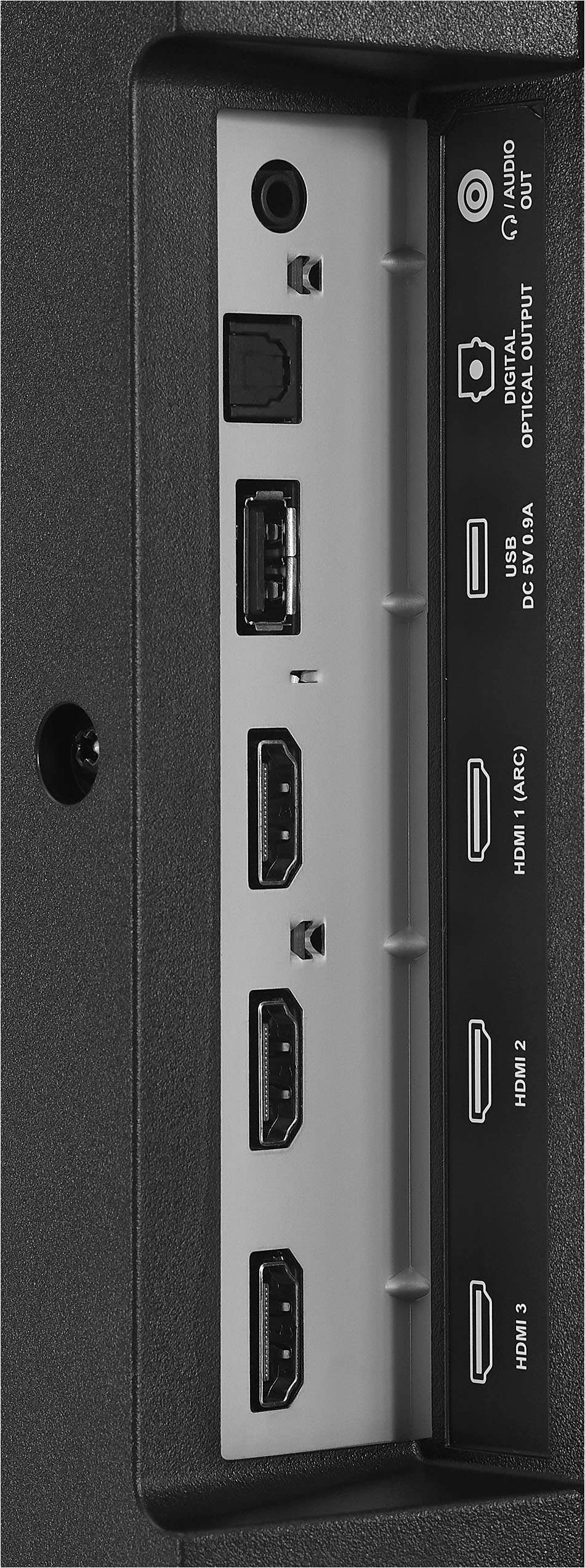
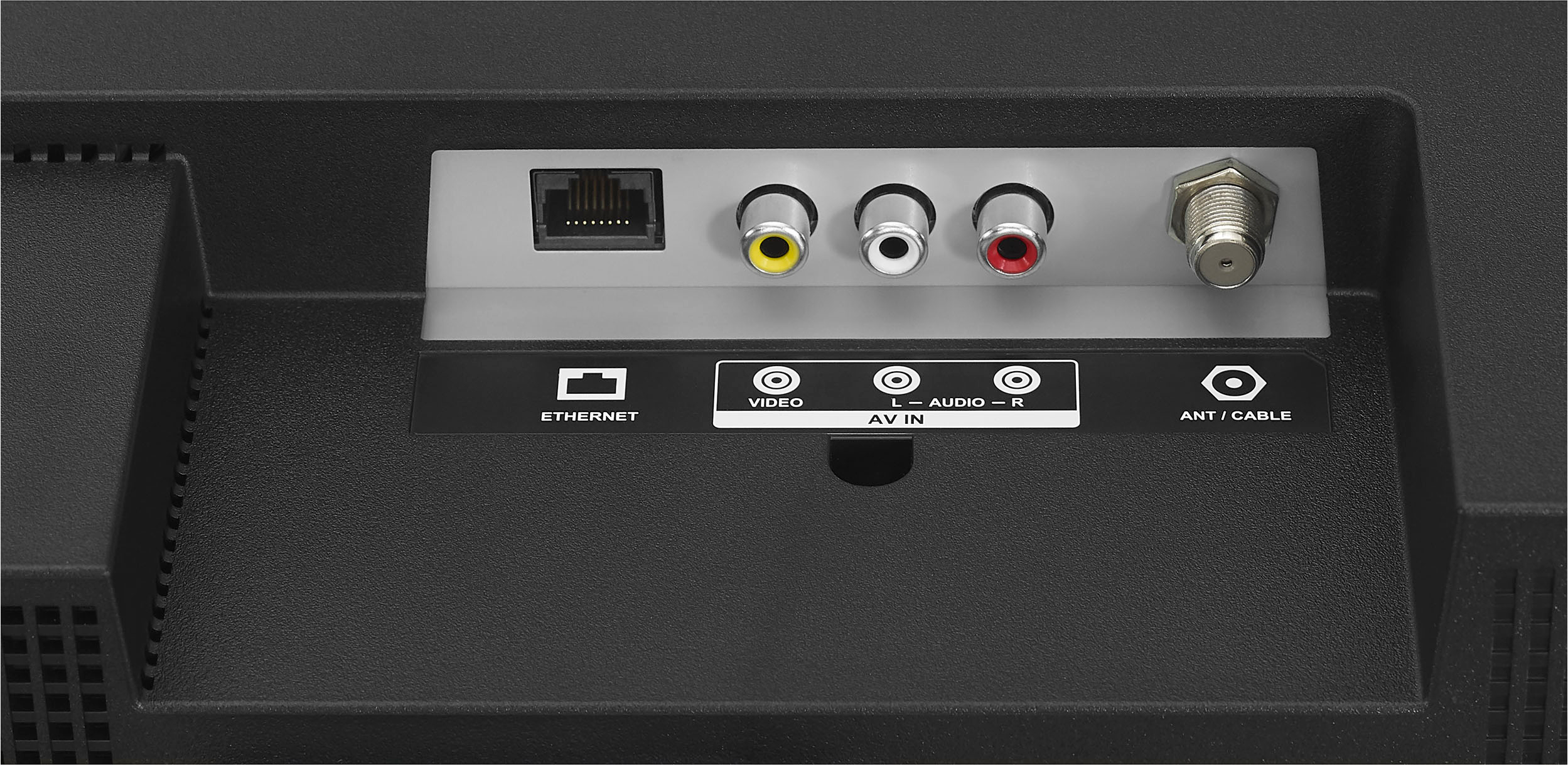
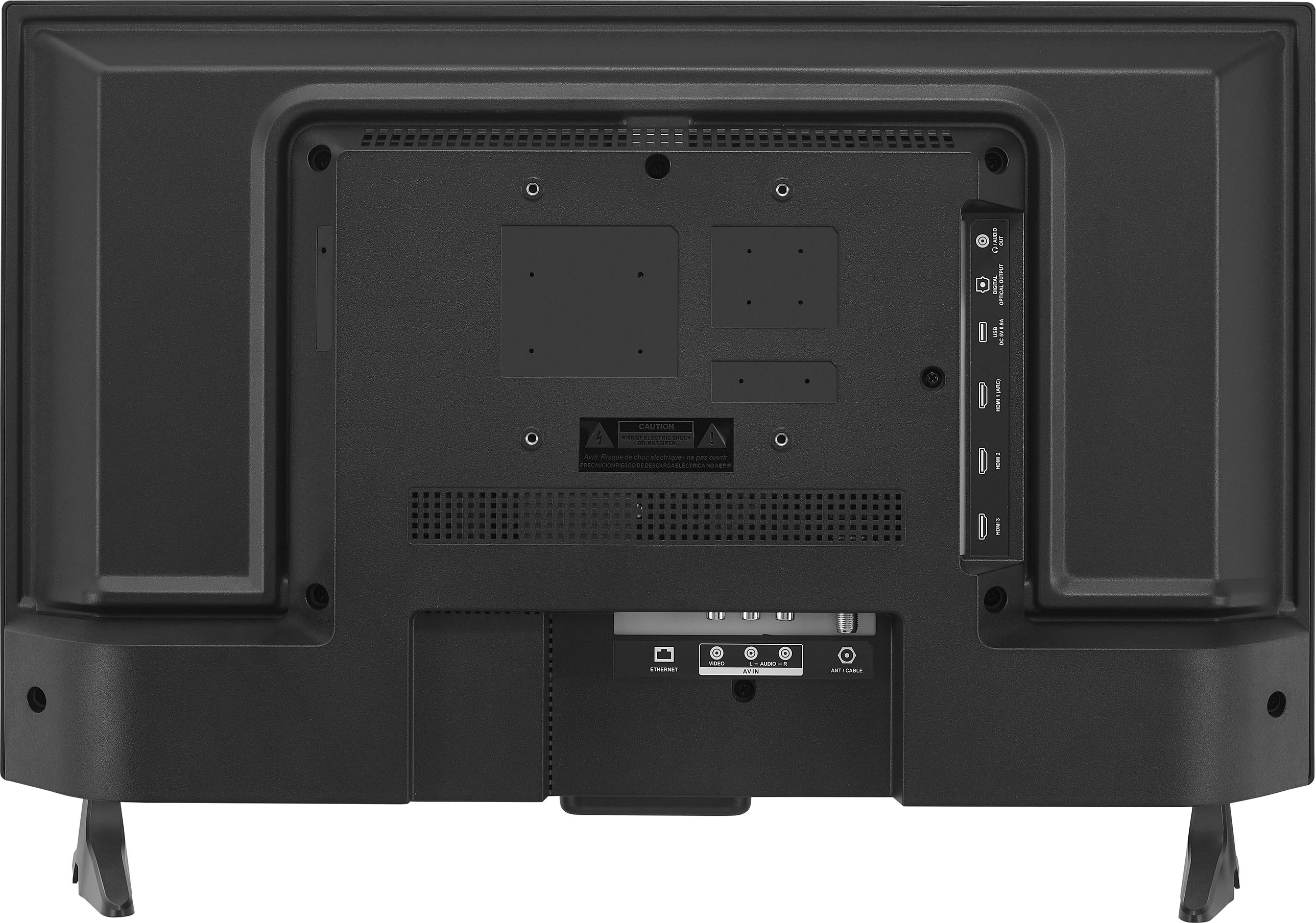
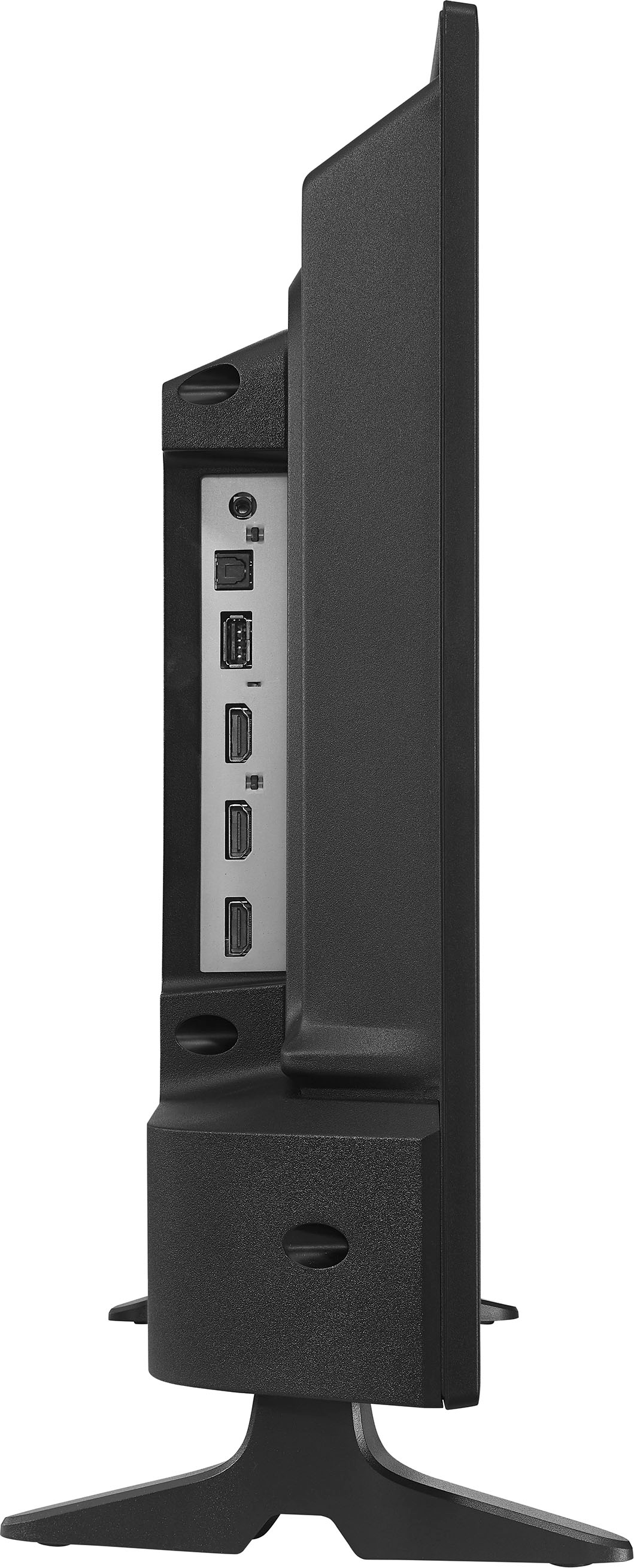
connection type which is the HDMI cable. To proceed, please follow the steps below: Make sure that your TV’s power cord is unplugged and all connected equipment is turned off. Connect a coaxial cable (not provided) to the cable wall jack and to the cable-in jack on the cable or satellite box. Connect an HDMI cable (not provided) to one of the HDMI jacks on your TV and to the HDMI out jack on the cable or satellite box. Plug your TV’s power cord into a power outlet, turn on your TV, then turn on the cable or satellite box. On the HOME screen, navigate to the INPUTS row, then select HDMI1, HDMI2, or HDMI3. For more questions and product support you may contact our customer service at 1-(877)-467-4289 Monday to Saturday 8am - 9pm CST.
Chelsea
Insignia Support
Please give us a visit at: https://www.bestbuy.com/site/brands/best-buy-brands/pcmcat1596746025285.c?id=pcmcat1596746025285
A:AnswerThis TV supports 110V AC only.
Dina || Insignia Support || https://www.bestbuy.com/site/brands/best-buy-brands/pcmcat1596746025285.c?id=pcmcat1596746025285
A:AnswerHi there, Tablo works perfectly with this Smart Fire TV model.
Rudson S.| Insignia Support. https://www.bestbuy.com/site/brands/best-buy-brands/pcmcat1596746025285.c?id=pcmcat1596746025285
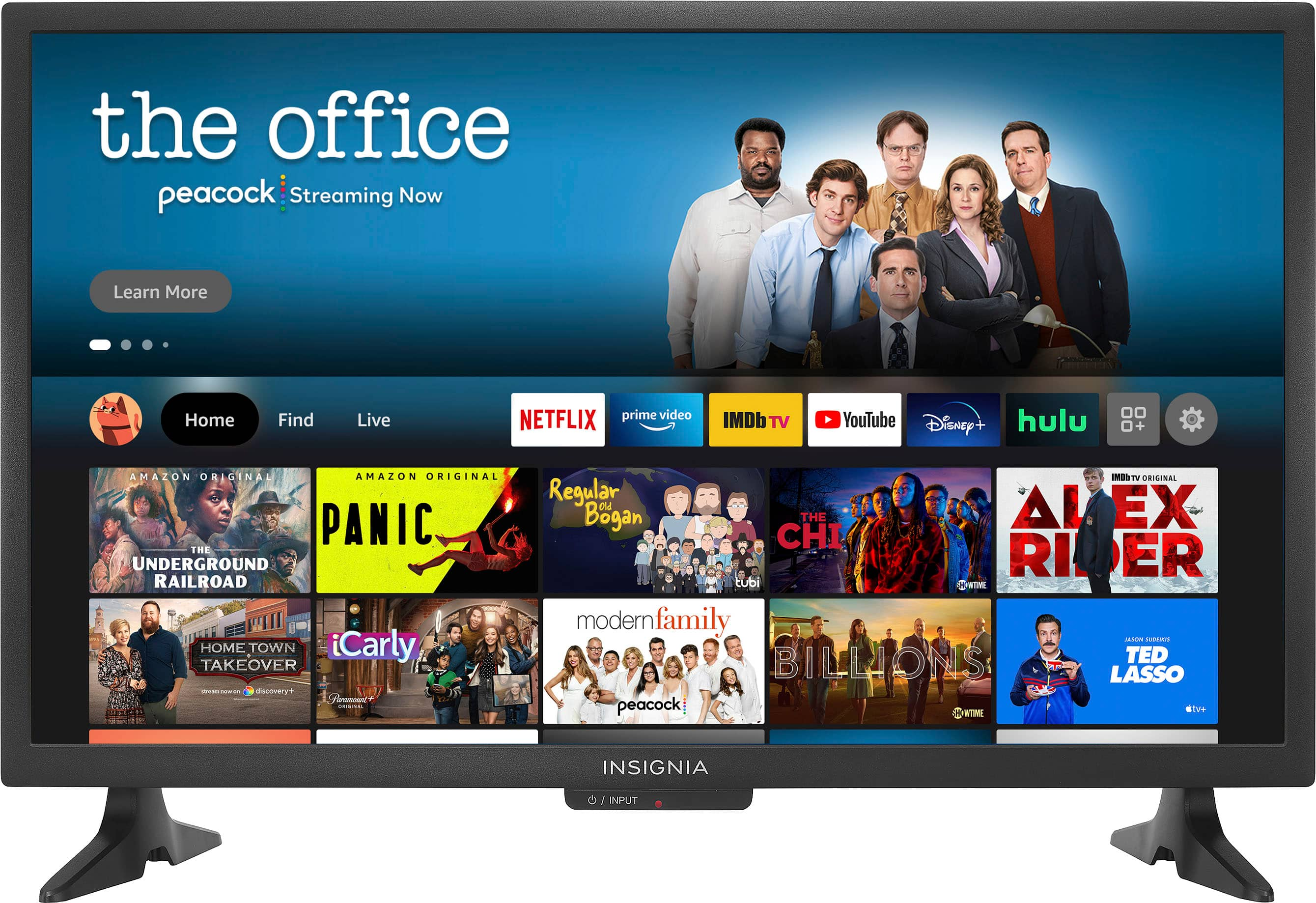
A:AnswerThe apps are there but not automatically activated. If there is one you want, then click on the app to either 1) get free trial 2) create an account or 3) sign into your account. Many apps to choice from.
A:AnswerHello DonaldJ,
You can adjust the volume on this TV using its remote control. For more questions and product support you may contact our customer service at 1-(877)-467-4289 Monday to Saturday 8am - 9pm CST.
Chelsea
Insignia Support
https://www.insigniaproducts.com/
A:AnswerIf you’re a Prime customer, anything you subscribe to should be able to watch on this TV without also purchasing an external FireStick. It IS a FireStick.
A:AnswerYes! I connect the TV to my cell phone and my iPad all the time. I also use it with a mobile hot spot. I have had very few problems streaming content on it at my camp in the Adirondack Mountains!
A:AnswerHi KnickKname,
- Unplug Your TV (and Plug It Into the Wall).
- Turn Off HDMI-CEC.
- Disconnect From Wi-Fi.
- Check Your TV's Power Timer.
- Change the Batteries in Your Remote.
- Update the Firmware.
- Perform a Factory Reset.
If you have any questions or concerns, please use the link below to reach us and also you can contact this phone number 877-467-4289 for further assistance.
Insignia Products
Nikki
https://insigniaproducts.com