A:AnswerJust restart your TV and remember to set the PlayStation 5 to the right display resolution as the TV. It is all in the display menus in the settings of both items.
A:AnswerHi there,
1.Make sure that your TV’s power cord is unplugged and all connected equipment is turned off.
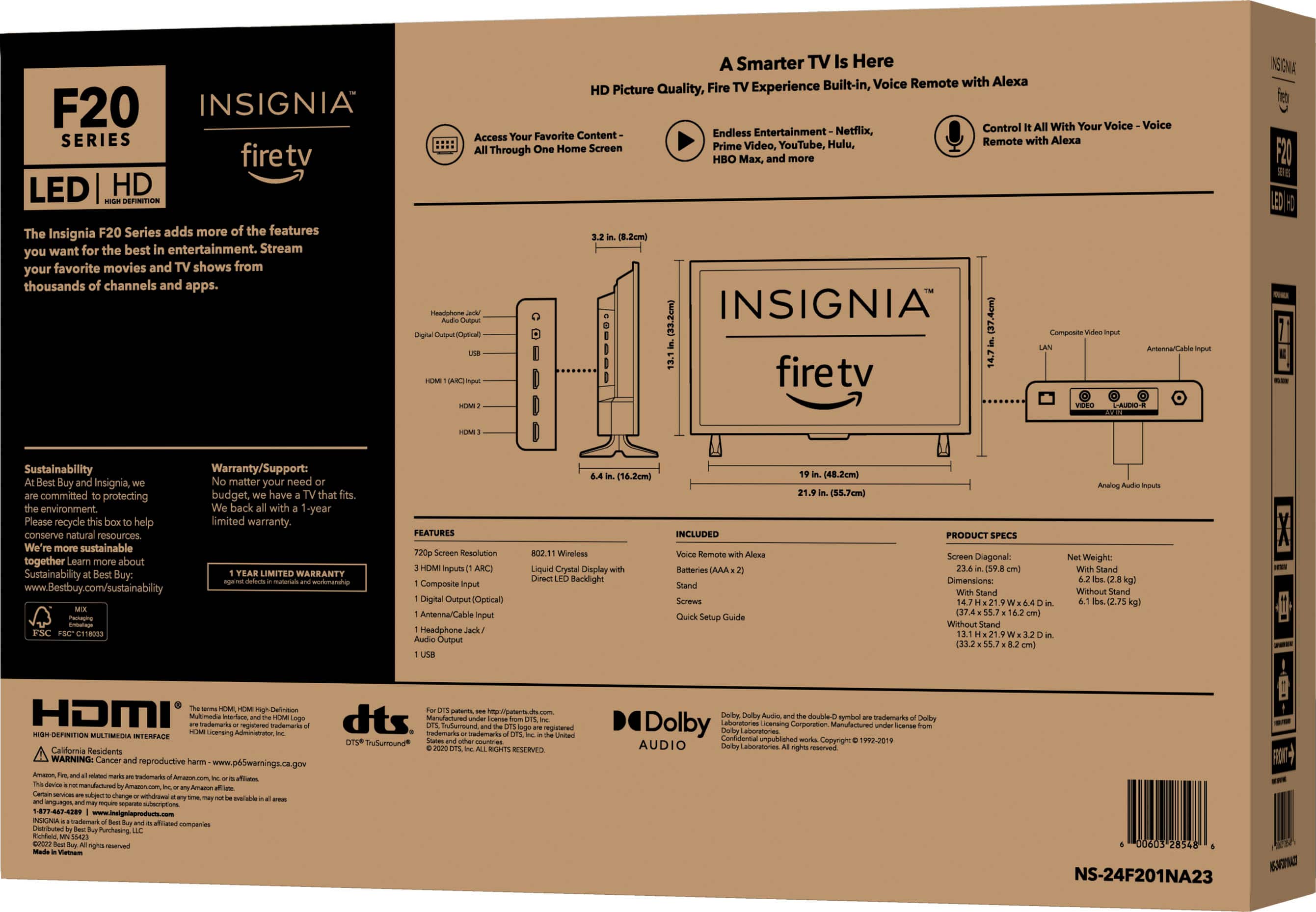
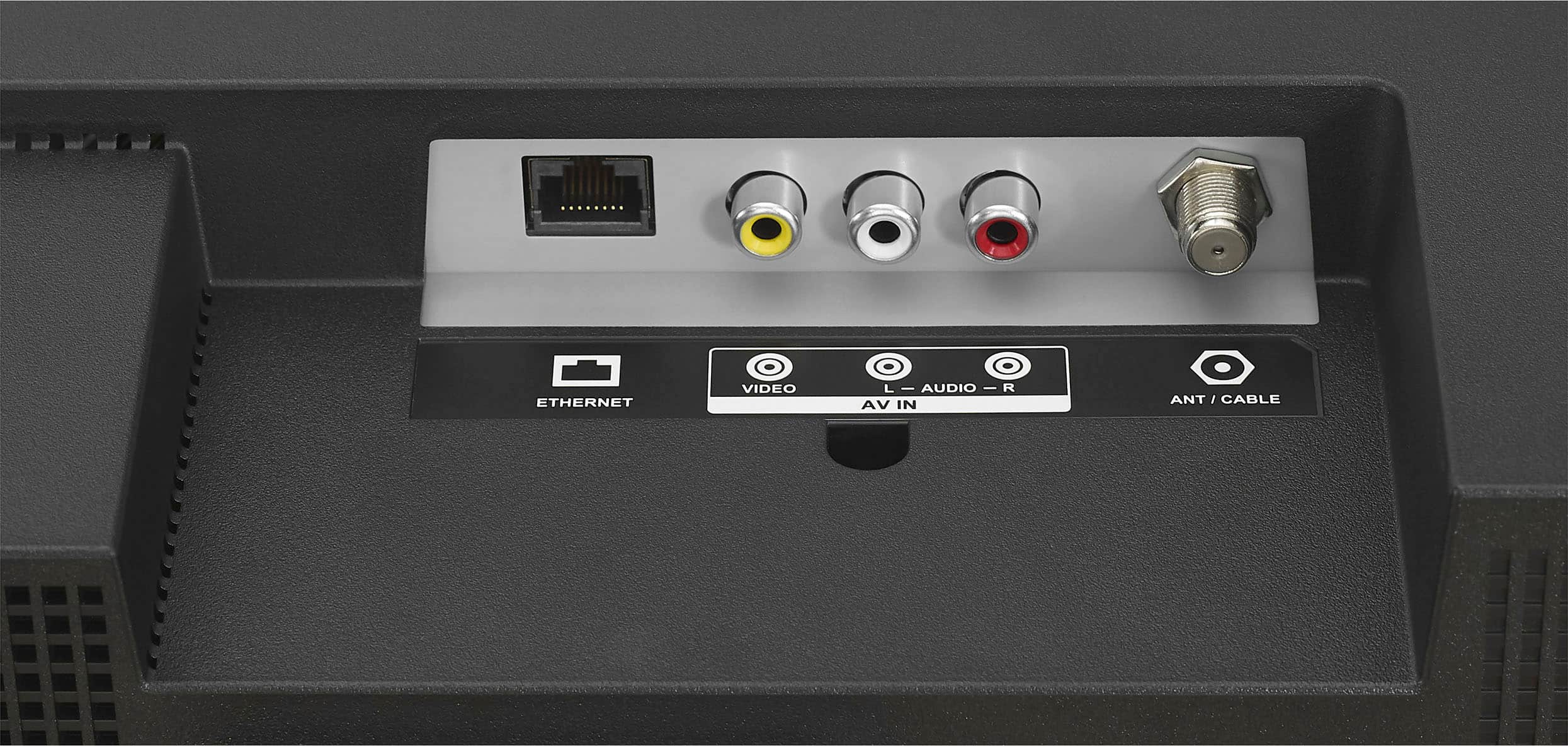
2.Connect a coaxial cable to the antenna/cable jack on your TV and to the antenna or cable TV wall jack.
3.Plug your TV’s power cord into a power outlet, then turn on your TV.
4.On the HOME screen, navigate to the INPUTS row, then select Antenna.
5.If you cannot tune to channels you know exist, scan for channels. Go to Settings > Live TV > Channel Scan.
Insignia Support
Shella
https://www.bestbuy.com/site/brands/best-buy-brands/pcmcat1596746025285.c?id=pcmcat1596746025285
A:AnswerHi Marko,
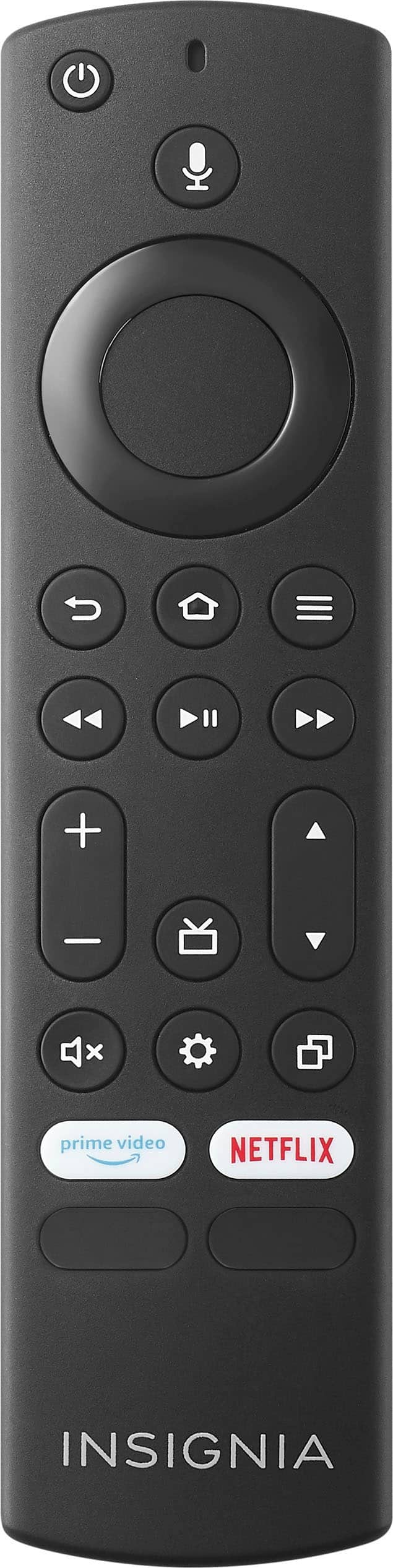
Press and hold Home until the Quick Settings menu opens. Select Display - Picture Size, then change the setting. If Picture Size is grayed out (not available to select), change the setting for Auto Aspect to Off.
Insignia Support
Shella
https://www.bestbuy.com/site/brands/best-buy-brands/pcmcat1596746025285.c?id=pcmcat1596746025285
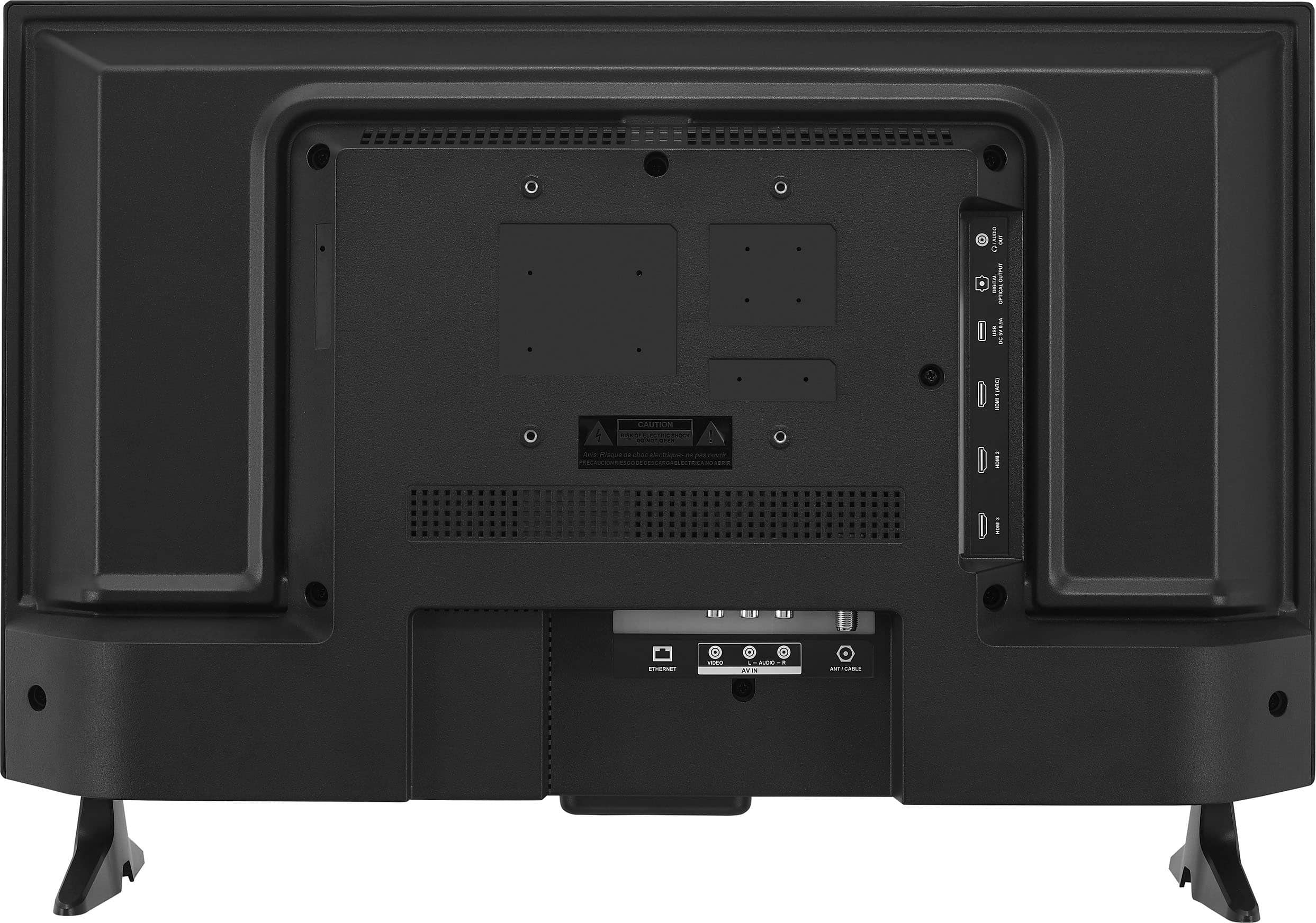
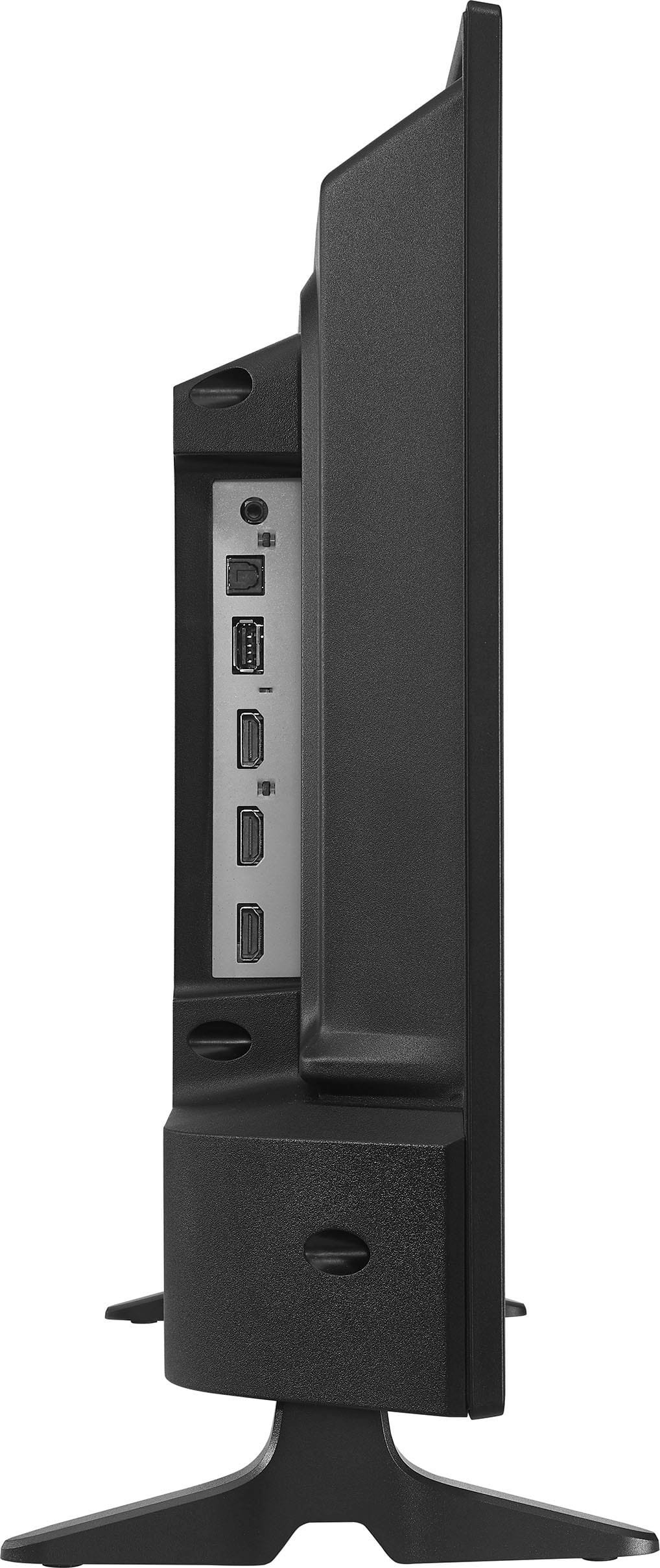
A:AnswerI wish I could help you. I have two cables attached to the TV. One cable is the built in power cord and the other is an HDMI from TV to Security System and that's all. Sorry I'm not that smart.
A:AnswerHi there,
Yes, this TV have an Air play.
Insignia Support
Shella
https://www.bestbuy.com/site/brands/best-buy-brands/pcmcat1596746025285.c?id=pcmcat1596746025285
A:AnswerMaybe placing the tv on a table that’s stable and in a dry area I don’t see a problem using the tv outside with the appropriate extension cord.
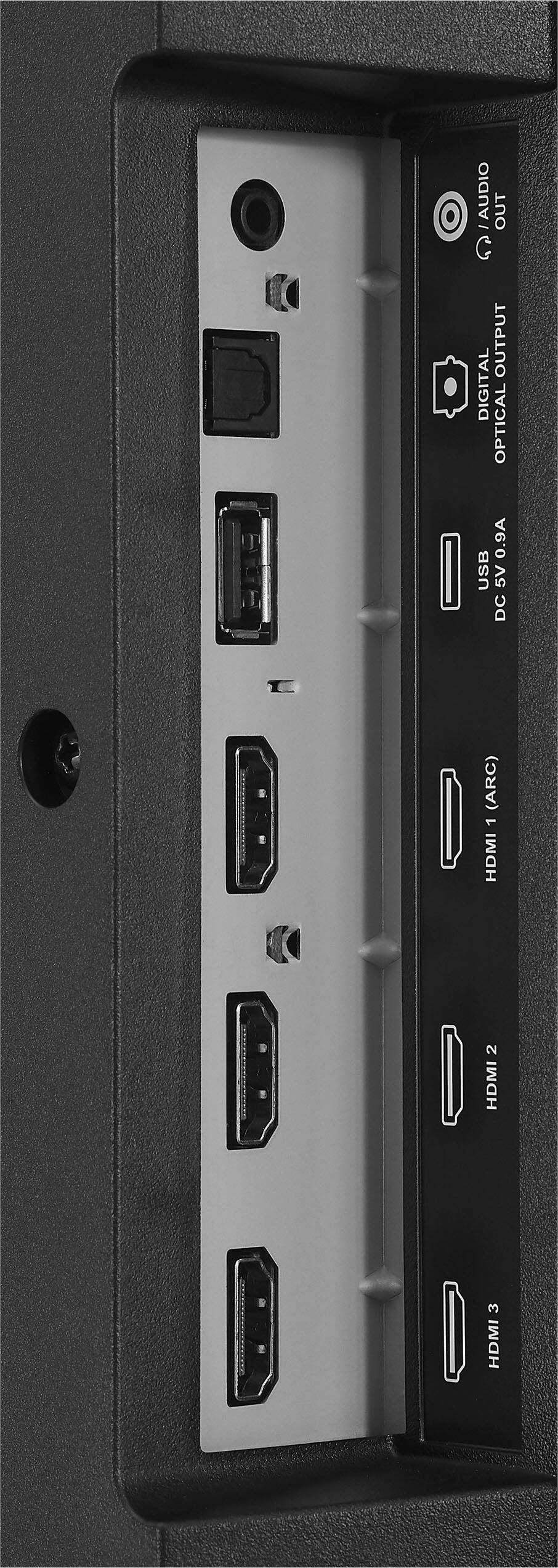
A:AnswerIt does have HDMI slots. If your microsoft laptop has a HDMI output you should be ready to rock. You can also attach a chromecast dongle to this TV . I stream NBA TV from my phone to the TV that way. With a laptop install Chrome browser which has the cromecast built in. whatever you see in this browser will also appear on the TV/monitor screen. Good luck!
A:AnswerAbsolutely. Just plug an HDMI cable into the tv and the other end into HDMI on the computer. If you don't have hdmi you can connect with the red, white, and yellow composite cable into holes on tv and holes on the computer.