A:AnswerHello! Thank you for your question. Yes, you can connect a computer to the Insignia 24" F40 Series 1080p Fire TV using an HDMI cable, which lets the TV function as a Full HD external display for browsing, streaming, work, or casual gaming, and you can also use wireless screen mirroring on compatible PCs. Darshan | Insignia
A:AnswerHello, thanks for your question. Yes, the Insignia 24" F40 Series Fire TV [NS-24F401NA26] can be connected to an amplified external antenna. The antenna’s coaxial cable connects to the TV’s ANT/CABLE input, and the antenna’s USB power cable can be plugged into the TV’s USB port or a separate USB power adapter. Mueez | Insignia
A:AnswerHi, thank you for your question. The Insignia 24" F40 Series Fire TV (Model NS‑24F401NA26) uses the Fire TV operating system, and the DIRECTV app is not available in the Amazon Appstore for Fire TV. Because of that, you cannot load the DIRECTV app directly on this TV. You can still watch DIRECTV by using an external device that supports the app, such as a Roku, Apple TV, Fire TV Stick, or Chromecast, and connecting it through HDMI. Shashank | Insignia Products
A:AnswerHello! Thank you for your question. The Insignia 24" F40 Series Fire TV can download and run the Xfinity Stream Beta app from the Amazon App store, so you’ll be able to stream your live channels, on‑demand shows, and DVR content once you install Xfinity Stream and sign in with your Xfinity account. Darshan | Insignia
A:AnswerI had to return an Amazon purchased 24" Insignia because the voices were out of sync with the picture using an antenna and there is no way to fix it as the model lacks the necessary adjustment. Do not know how the FHD model would work. The non smart Insignias were better and more user friendly IMO.
A:AnswerHi there! Yes, you can set your Insignia™ 24” Class F40 Series Fire TV to automatically power on to HDMI2, but with a small caveat: the TV can only be set to power on to the last used input—not a specific one like HDMI2 every time. To set your TV to power on to the last used input, go to Settings > Display & Sounds > Power Controls > Power On, then select "Last Input".
— Shiela | Insignia Support
A:AnswerHello! Thank you for your question. Yes, you can connect your computer to the Insignia 24" F40 Series Fire TV using one of the available HDMI ports and then switch the TV's input source to that HDMI connection. Once connected, the TV can be used as a monitor for your computer. Darshan | Insignia
A:AnswerHello Allie, thank you for your question. The Insignia 24" Class F40 Series Smart Fire TV (Model: NS-24F401NA26) does not include a LAN/Ethernet port. This model connects to the internet through Wi‑Fi. Mueez | Insignia
A:AnswerHello Ronald,
Thank you for your question. It sounds like the VoiceView screen reader or an accessibility feature may be enabled on your Fire TV. To turn it off, go to Settings > Accessibility > VoiceView and set it to Off.
If you are unable to change the setting or continue to experience issues, please contact us at 1-877-467-4289 or insignia@bestbuy.com for further assistance.
Sidhartha | Insignia
A:AnswerHello! Thank you for your question. The issue with your Insignia 24" Class F40 Series LED Full HD Smart Fire TV may be happening because the sleep timer is turned on; you can change it by going to Settings → Display & Sounds → Sleep Timer → To your preferred time, and if you still face the same issue after adjusting it, our support team can help at 877‑467‑4289 or Insignia@bestbuy.com. Darshan | Insignia
A:AnswerHello Julie! Thank you for your question. The Insignia 24" F40 Series Fire TV can work perfectly with just an antenna, even without internet, Wi‑Fi, or an Amazon account. It has a built‑in over‑the‑air tuner, so once you connect a standard HDTV antenna and run the channel scan, she’ll be able to watch all available local broadcast channels just like a traditional TV, while simply ignoring the smart features she doesn’t need. Darshan | Insignia
A:AnswerHi, Thank you for your question. The Insignia 24" Class F40 Series Full HD Smart Fire TV (Model NS‑24F401NA26) includes a 1‑year warranty for parts and a 1‑year warranty for labor, providing solid coverage for any manufacturing defects during the first year of ownership. Shashank | Insignia Products
A:AnswerHello Dexter! Thank you for your question. Yes, the Insignia 24" F40 Series Smart Fire TV does have built‑in Wi‑Fi, so you can connect it to your home network and stream your favorite apps with ease. Darshan | Insignia
A:AnswerHello Woody! Thank you for your question. Yes, you can use Bluetooth speakers with the Insignia 24" F40 Series Fire TV. Just pair your Bluetooth speaker through the TV’s settings under Bluetooth Devices, and you’ll be good to go. Darshan | Insignia
A:AnswerHi Insignia customer, we’re sorry to hear the picture isn’t displaying correctly on the sides; Please contact our Customer Support at 1‑877‑467‑4289 or via email at insignia@bestbuy.com for assistance with service options. We appreciate your patience and understanding. Faisal | Insignia.
A:AnswerHello,
Thank you for your question. We're sorry to hear the picture is being cut off on the left and right sides of your TV screen.
For assistance with picture size, aspect ratio settings, and troubleshooting, please contact us at 1-877-467-4289 or insignia@bestbuy.com. We'd be happy to help resolve this issue.
Sidhartha | Insignia
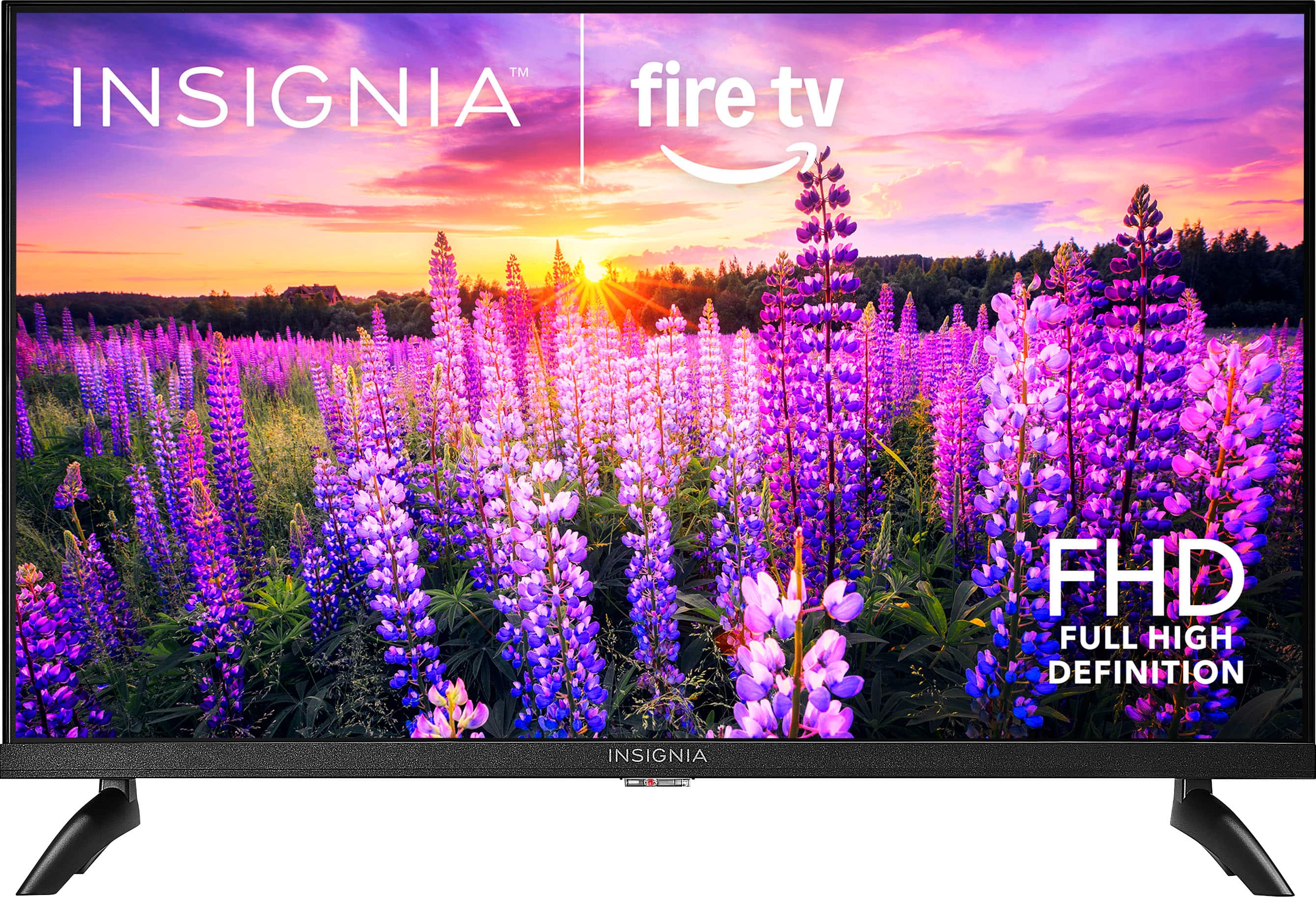
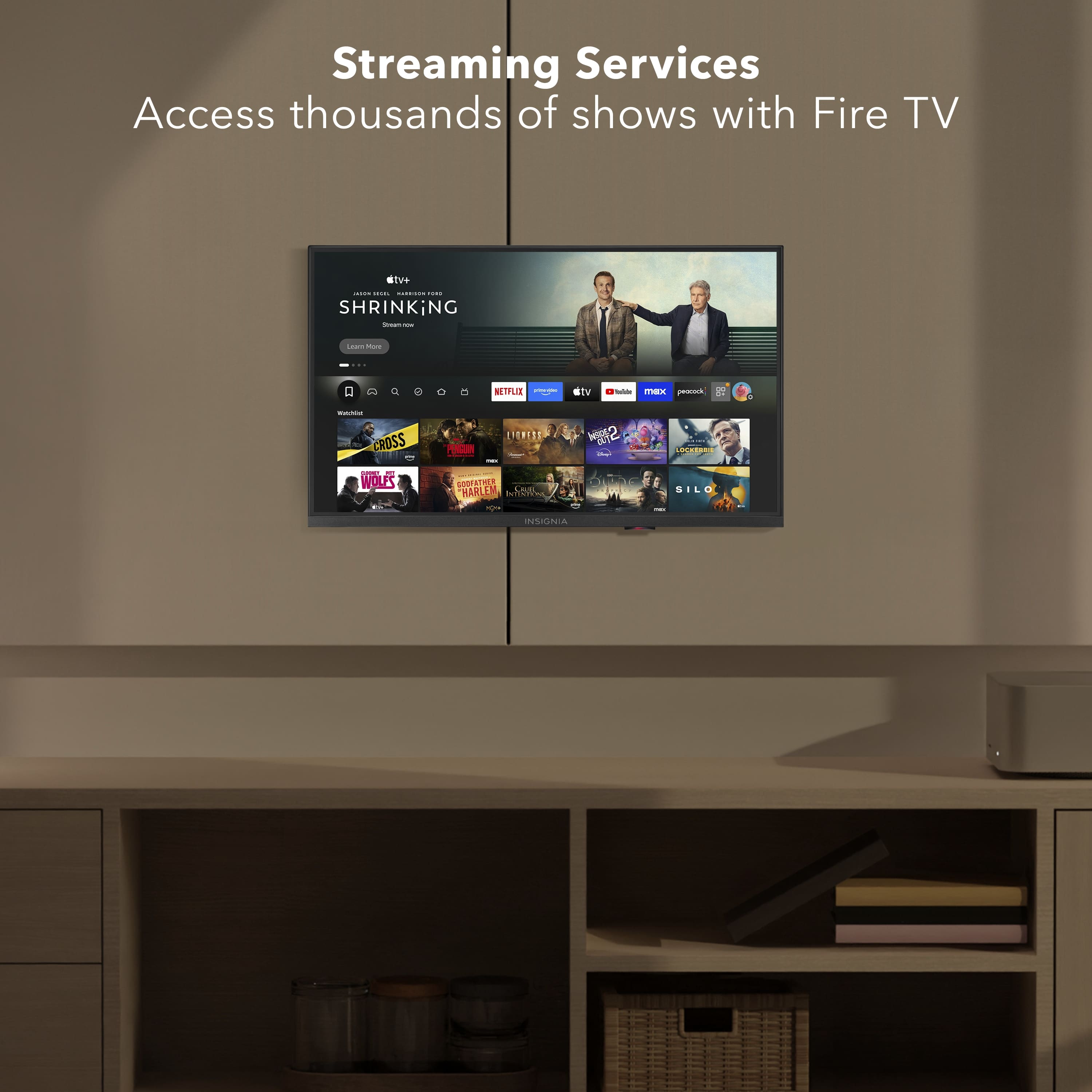
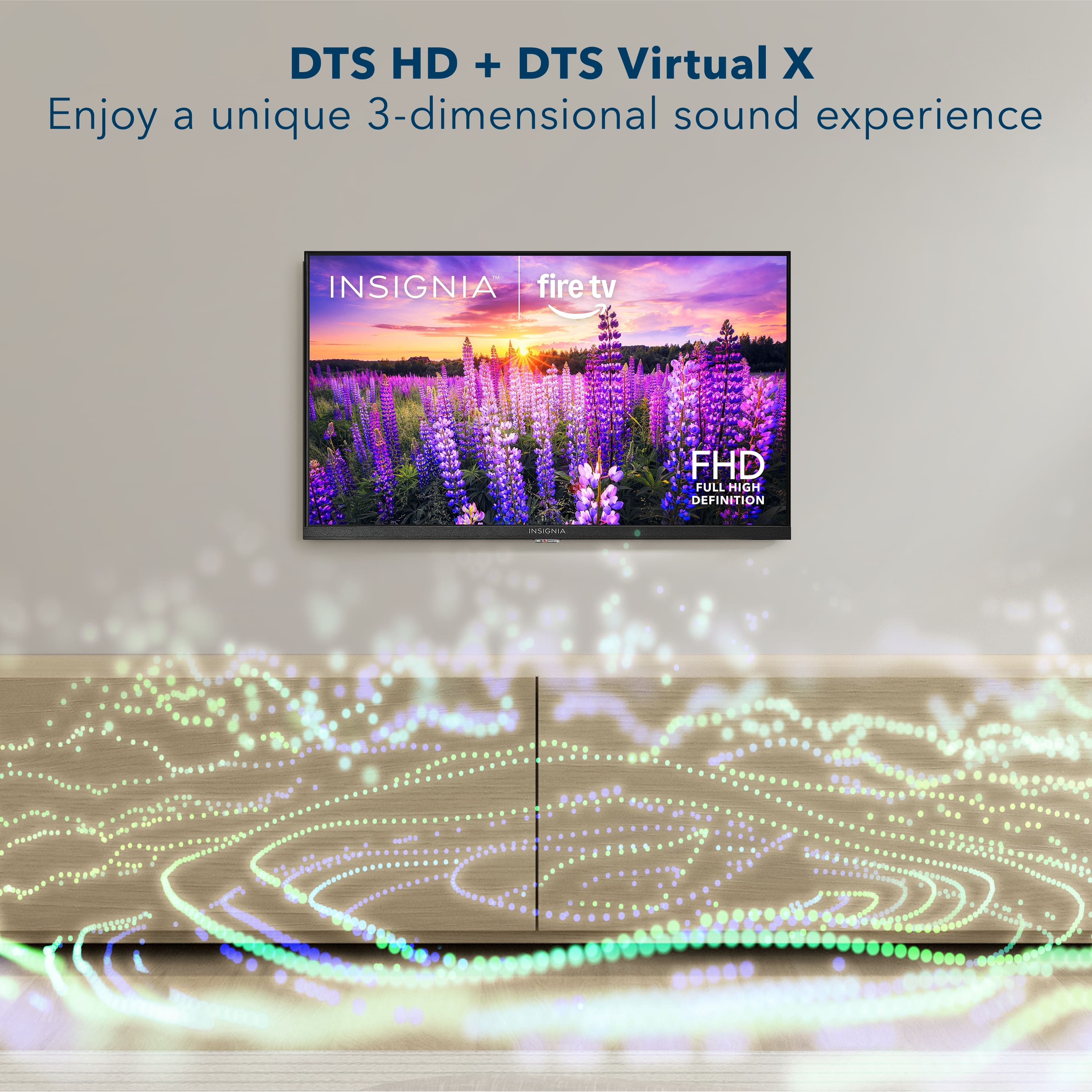
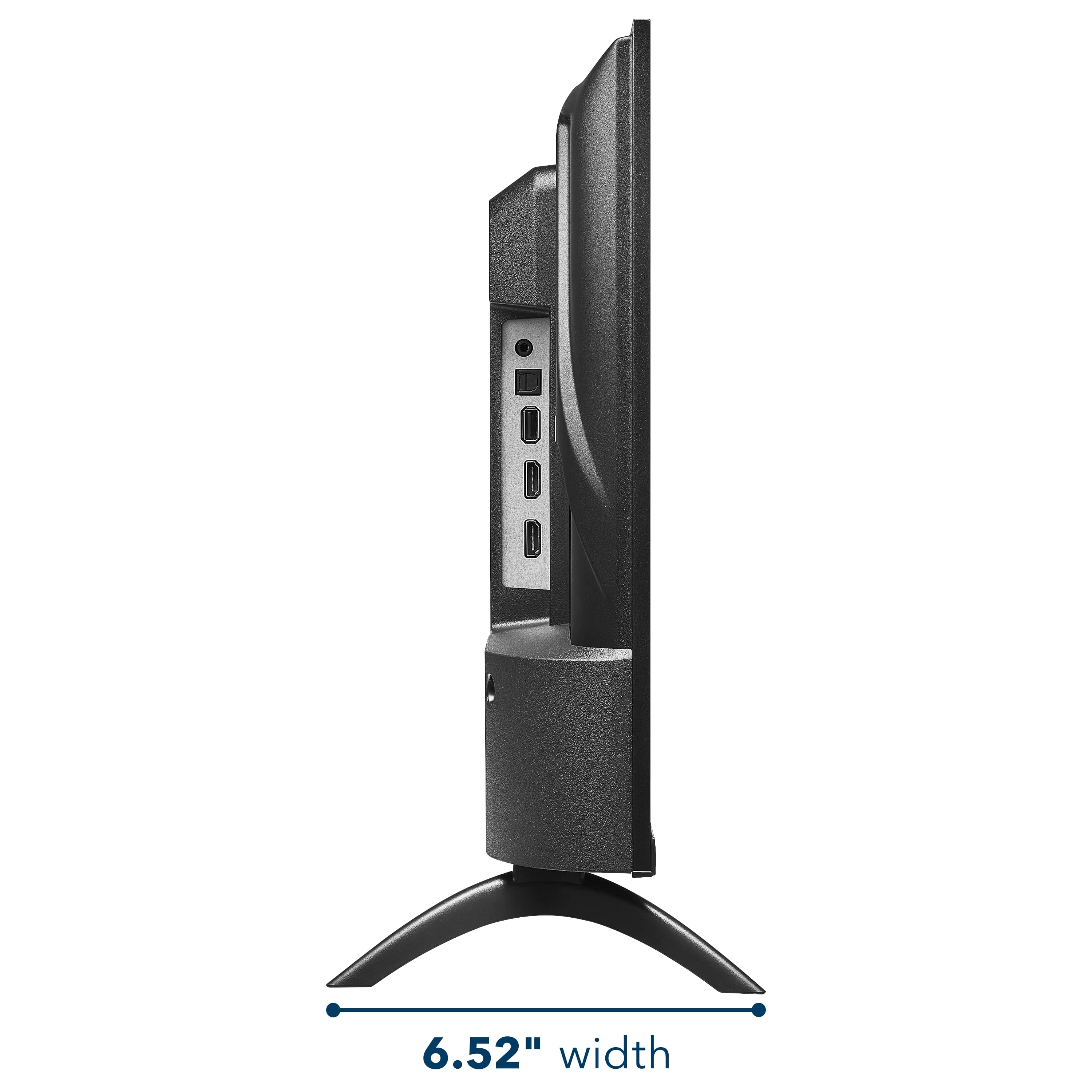
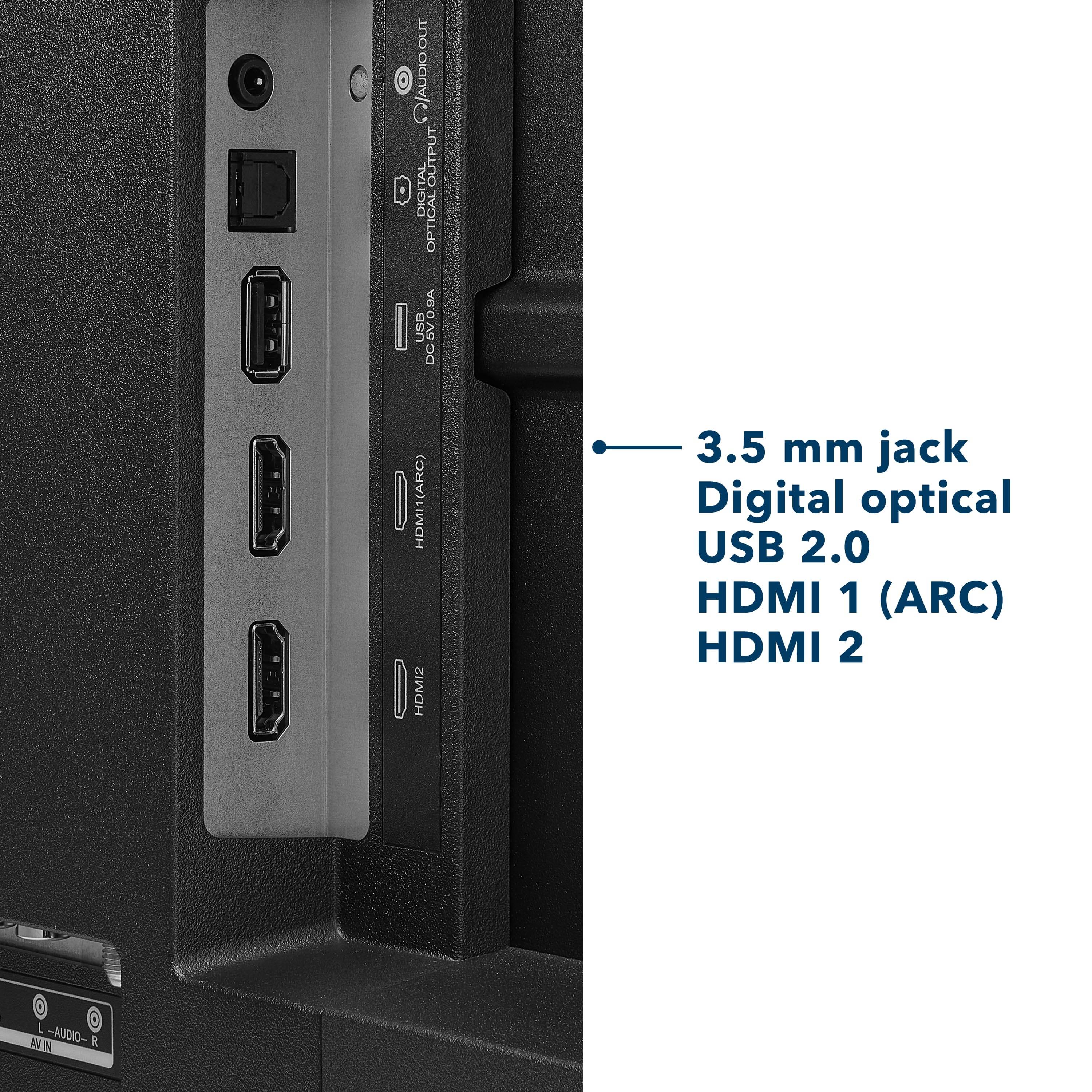
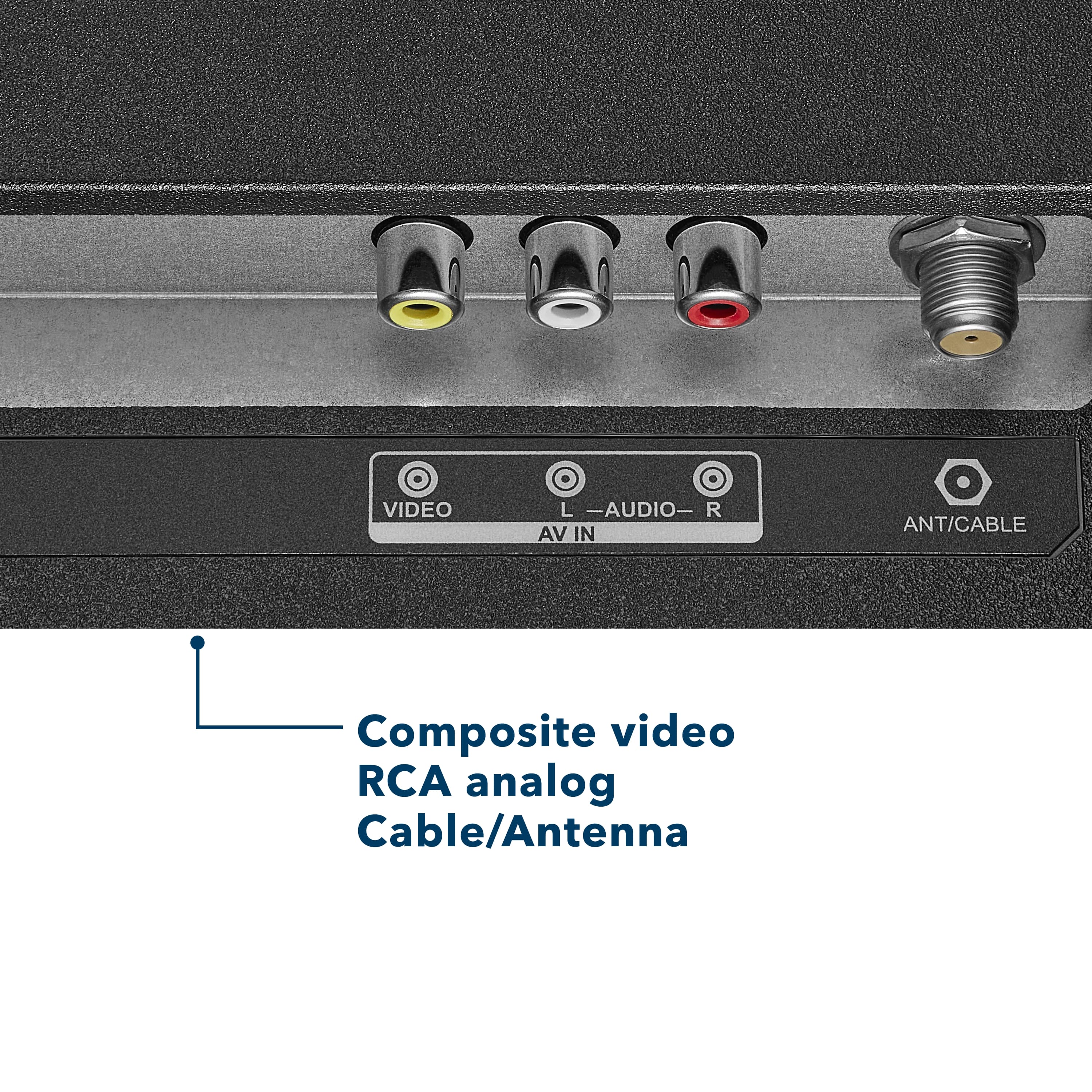
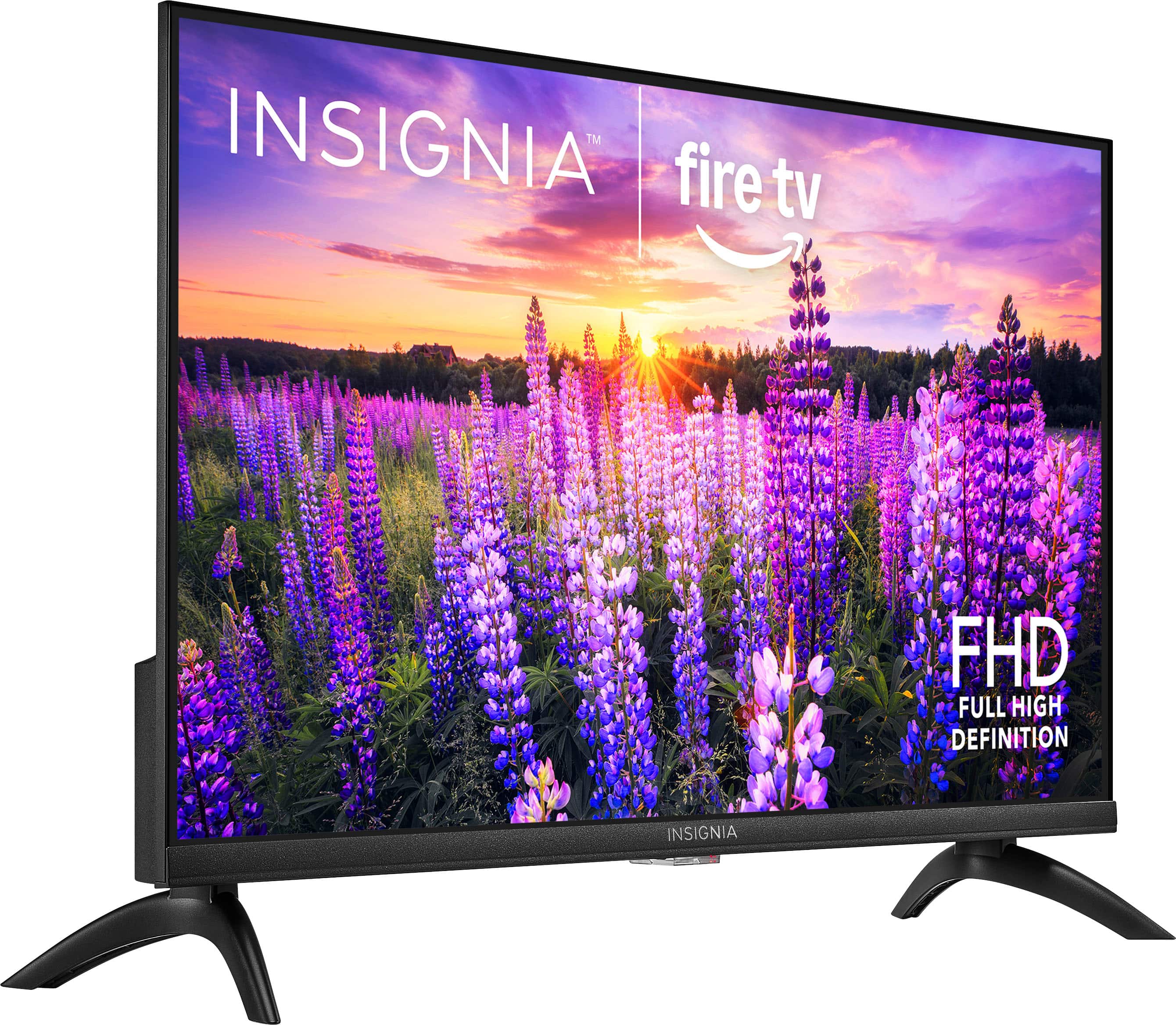
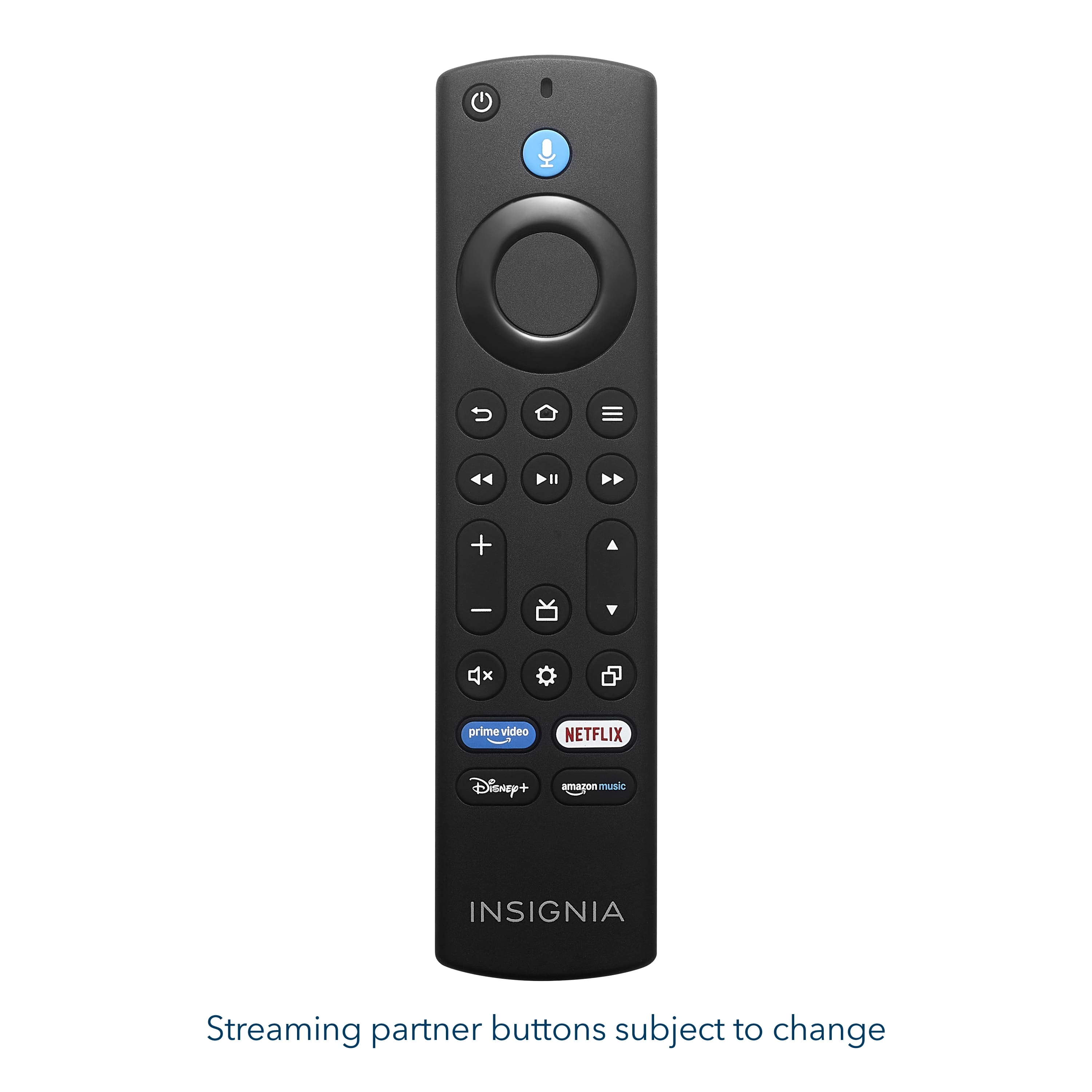
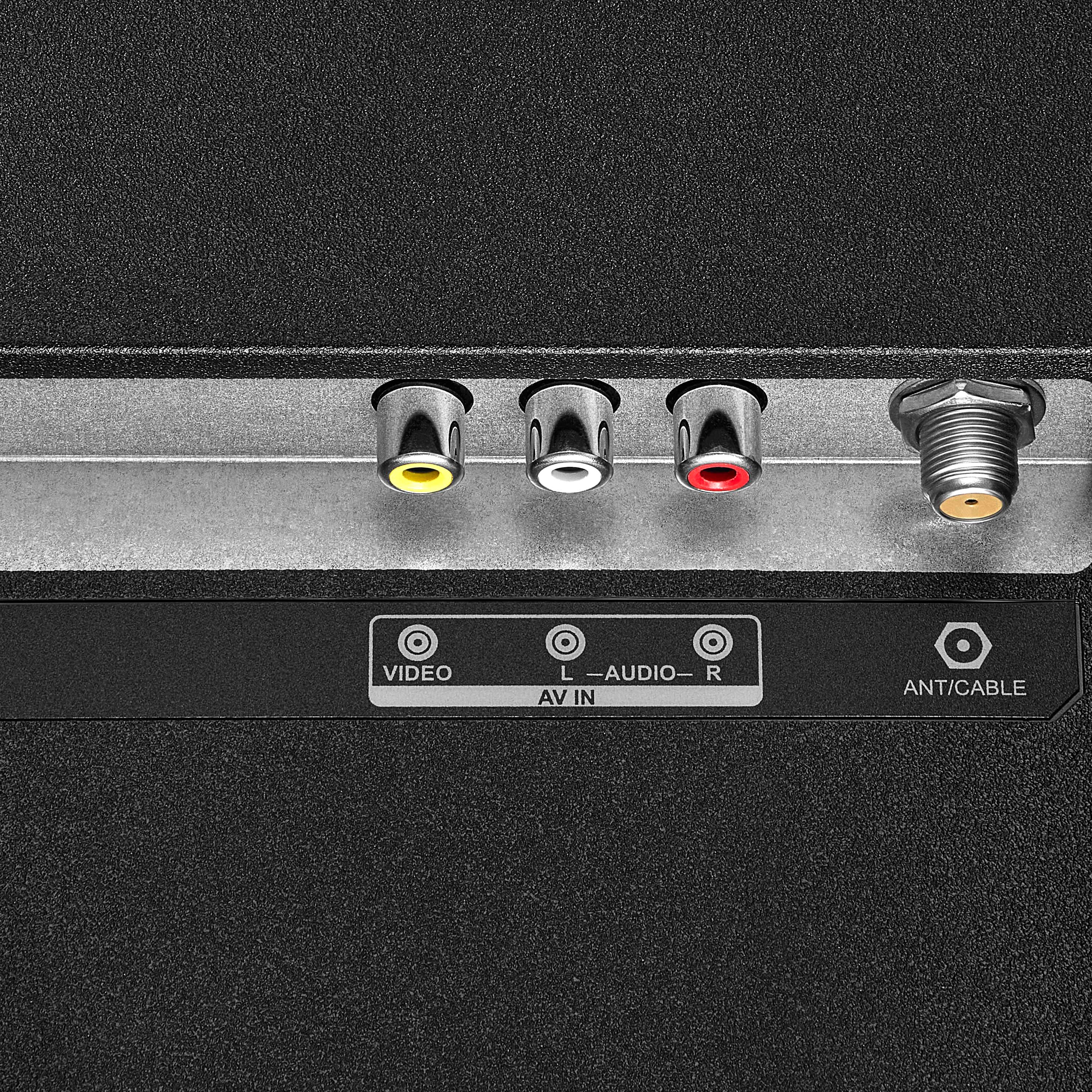
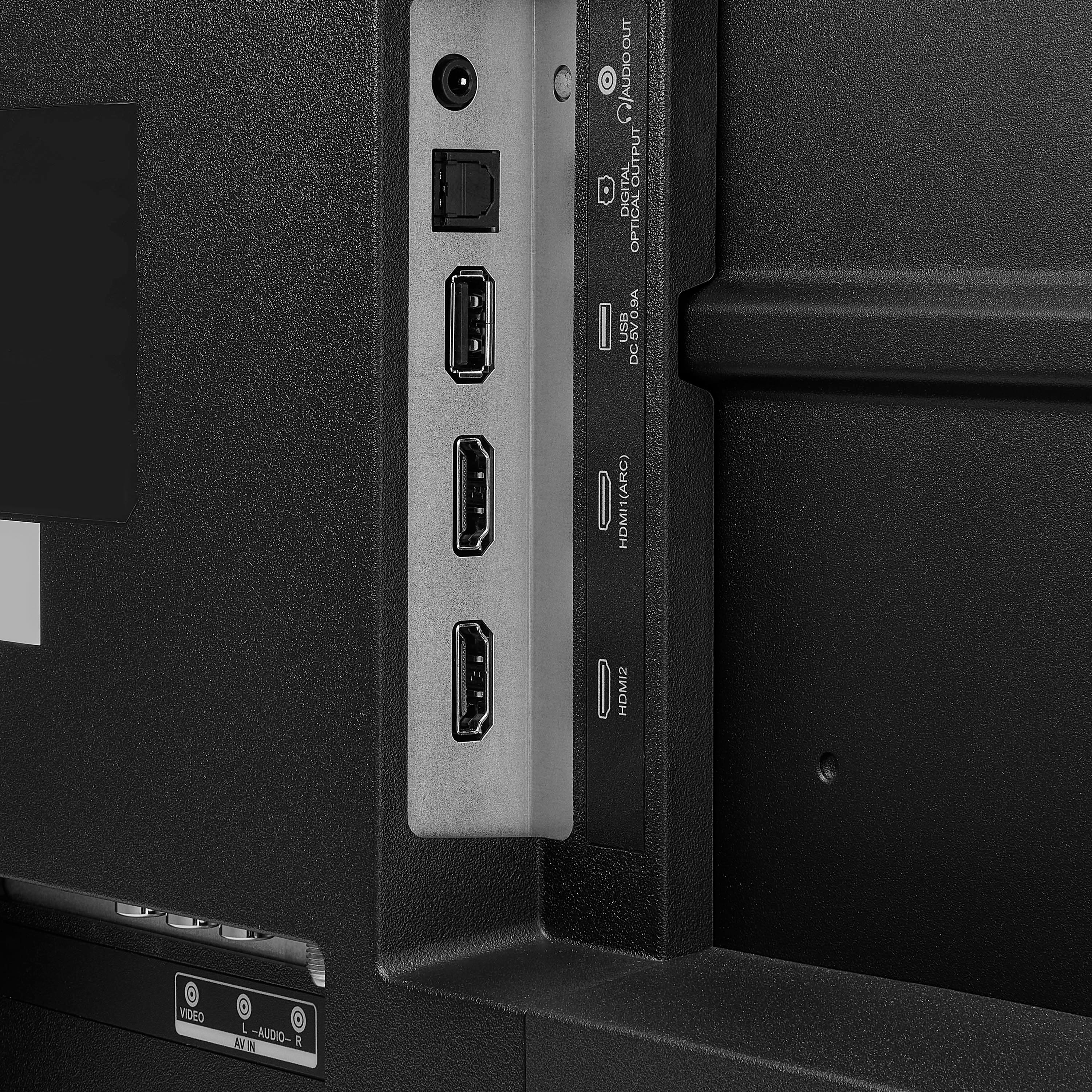
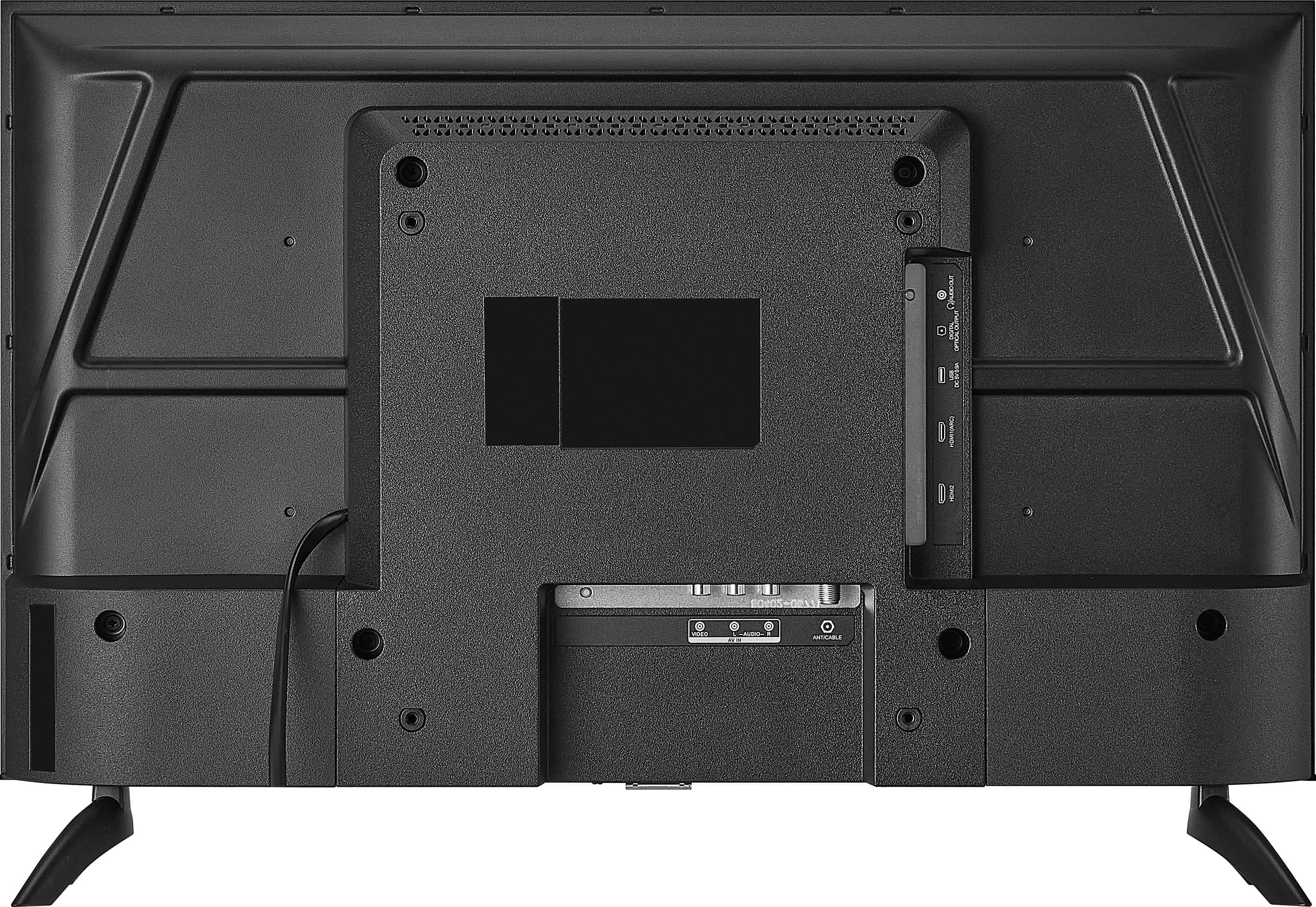
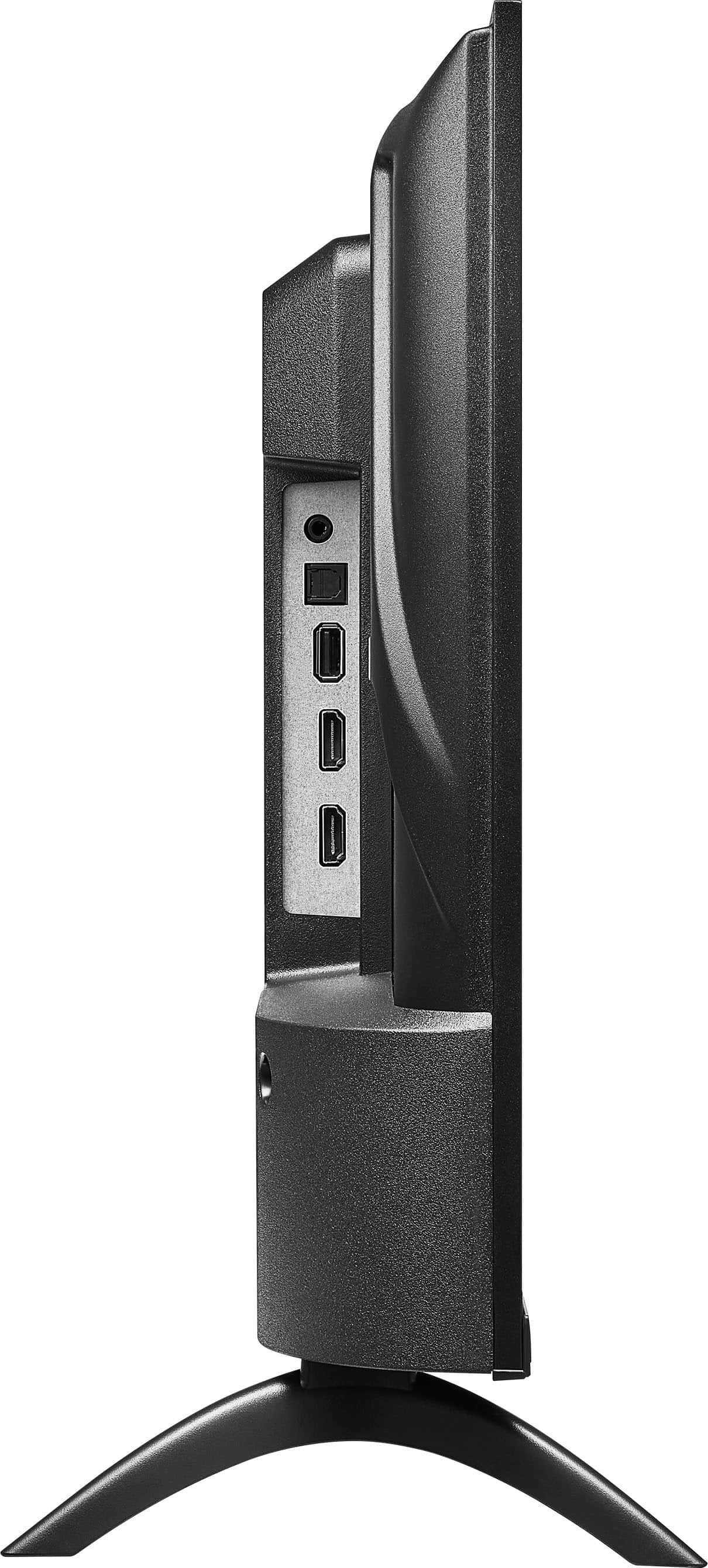
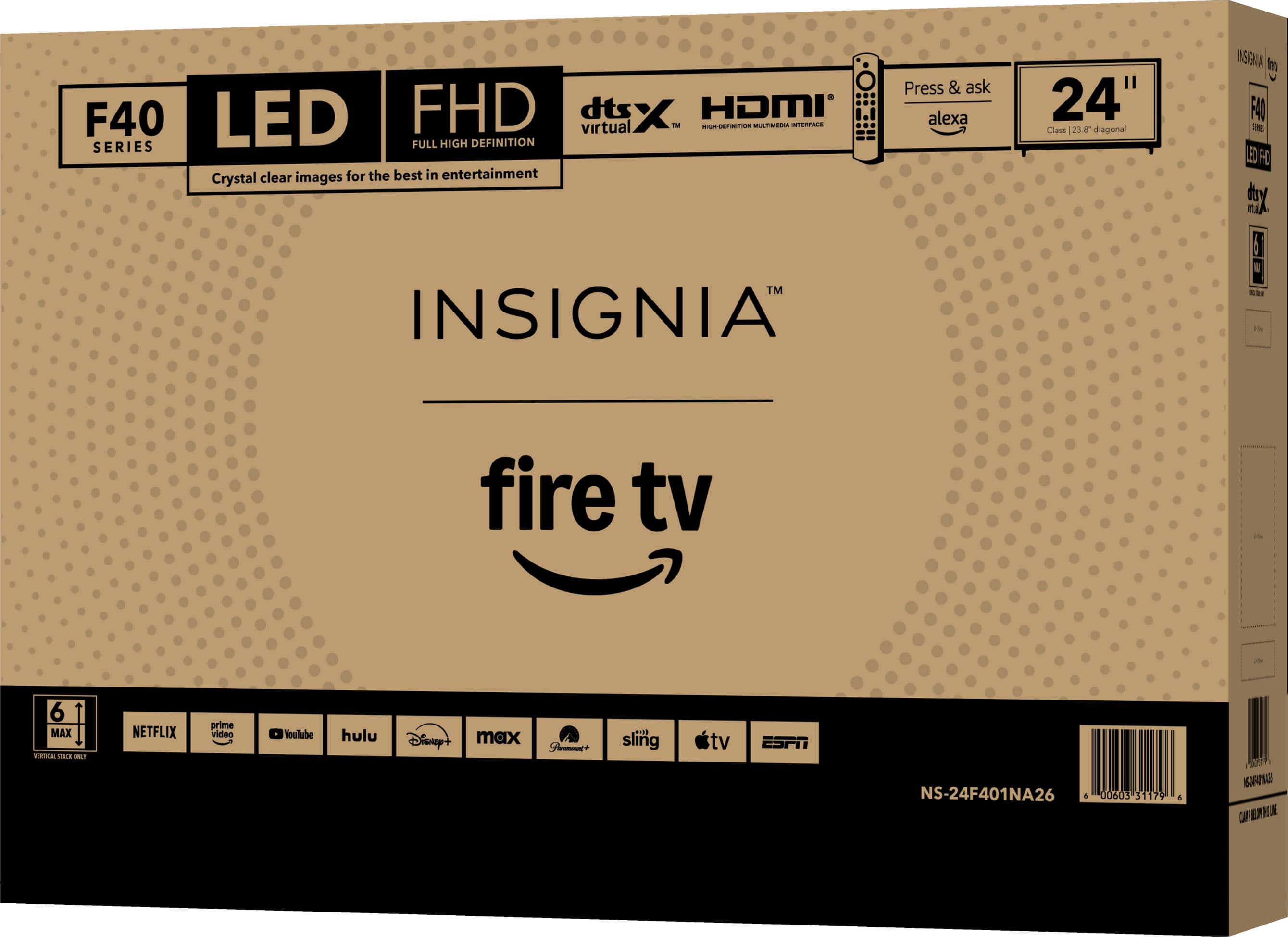
. LIMITED WARRANTY. Features: 1080p screen resolution, Inputs: ARC (Audio Return Channel) Composite digital audio (optical), Antenna/Cable Headphone output, Wireless (802.11 Wi-Fi) INCLUDED: Monitor, Batteries, Stand, Screws, Quick Setup Guide.](https://pisces.bbystatic.com/image2/BestBuy_US/images/products/9a25e35c-971f-49cf-ad41-892d6ec7ec59.jpg)