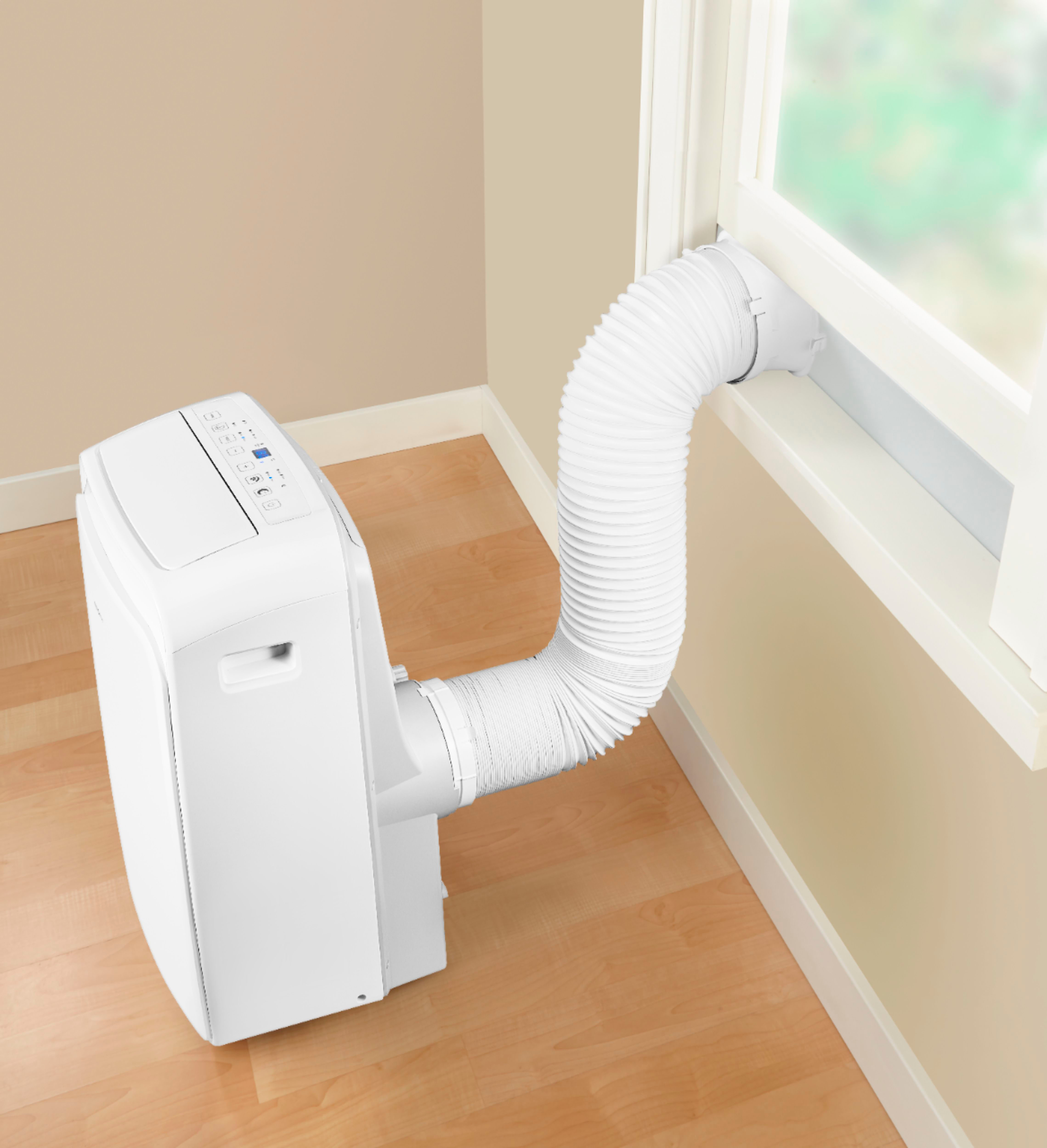
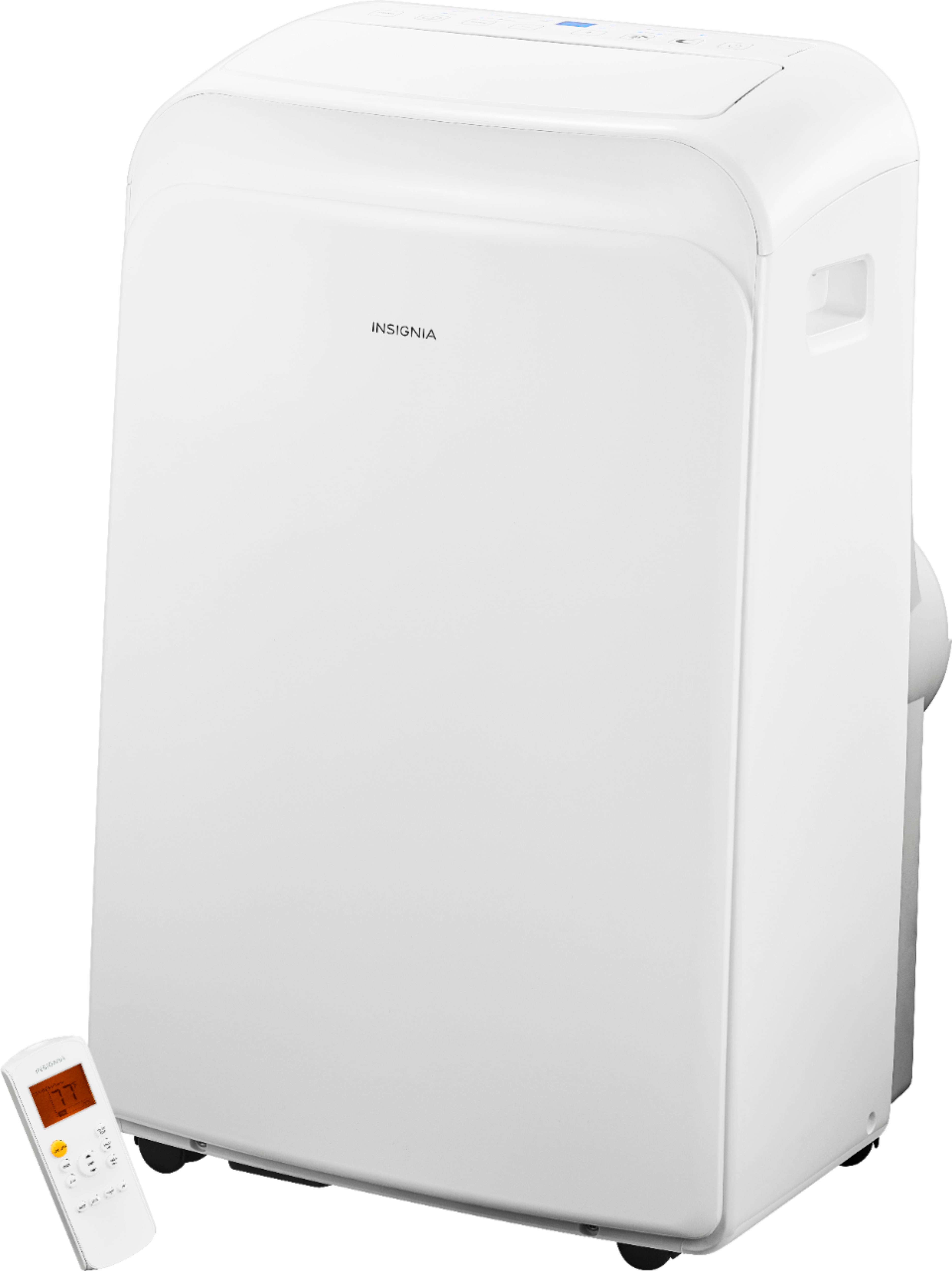
A:AnswerUnfortunately, you're not going to want to put a longer hose on it (pretty sure it says this in the manual somewhere. If not, I read "why" on a AC troubleshooting site when my unit isn't cooling enough); if it can't exhaust properly, even with the given/short hose, the unit won't cool properly.
A:AnswerI assume you mean while driving? I don't think so, and it's rather large. You should look into one of those portable evaporator coolers, they might work better for you and be smaller and lighter.
A:AnswerYes, you must use the exhaust tube as the unit needs some way to get the hot air out of the room
in order to cool it,otherwise you would just be putting the hot air right back into the room.
A:AnswerThe compressor will continue running until the room temperature reaches the setting temperature, just keep it running. If the unit is not cooling, for personalized assistance, please visit https://www.insigniaproducts.com/email-us
A:AnswerIt does have a drain tray at the very bottom of the unit. When it gets full, P1 will appear on
the display, and the A/C will stop, but the motor stays running. Open the lower plug and
drain the unit until the code disappears.
A:AnswerThank you for your inquiry! Yes, portable air conditioners typically come equipped with both cooling and heating capabilities. So, the Insignia™ 300 Sq. Ft. Portable Air Conditioner likely does come with a heating function. Keith | Insignia Support https://www.bestbuy.com/site/insignia-300-sq-ft-portable-air-conditioner-white/6393204.p?skuId=6393204
A:AnswerHello Arnold,
To purchase parts you can reach our part store team Monday through Friday, 8:00 am - 6:00 pm EST
855.975.6831.
Insignia Support
Louise
www.insigniaproducts.com/support
A:AnswerhI QuestionLady,
We're sorry for your experience. Please contact Insignia 1-877-467-4289 for further assistance.
Insignia Support
Lea
https://www.insigniaproducts.com/
A:AnswerHi Baarbie,
Make sure that:
• You install your air conditioner on an even surface to minimize noise and vibration.
• Your air conditioner is installed near a grounded plug.
• You can access the collection tray drain on the back of your air conditioner.
• Your air conditioner is at least 19.7" (50 cm) for the nearest walls.
• The horizontal vent is 19.7 in. (50 cm) away from any obstacles.
• The intake and outlet openings and the remote control sensor are not covered or blocked.
For more details, you may contact Insignia 1-877-467-4289 for further assistance.
Insignia Support
Lea
https://www.insigniaproducts.com/
A:AnswerHello BobA,
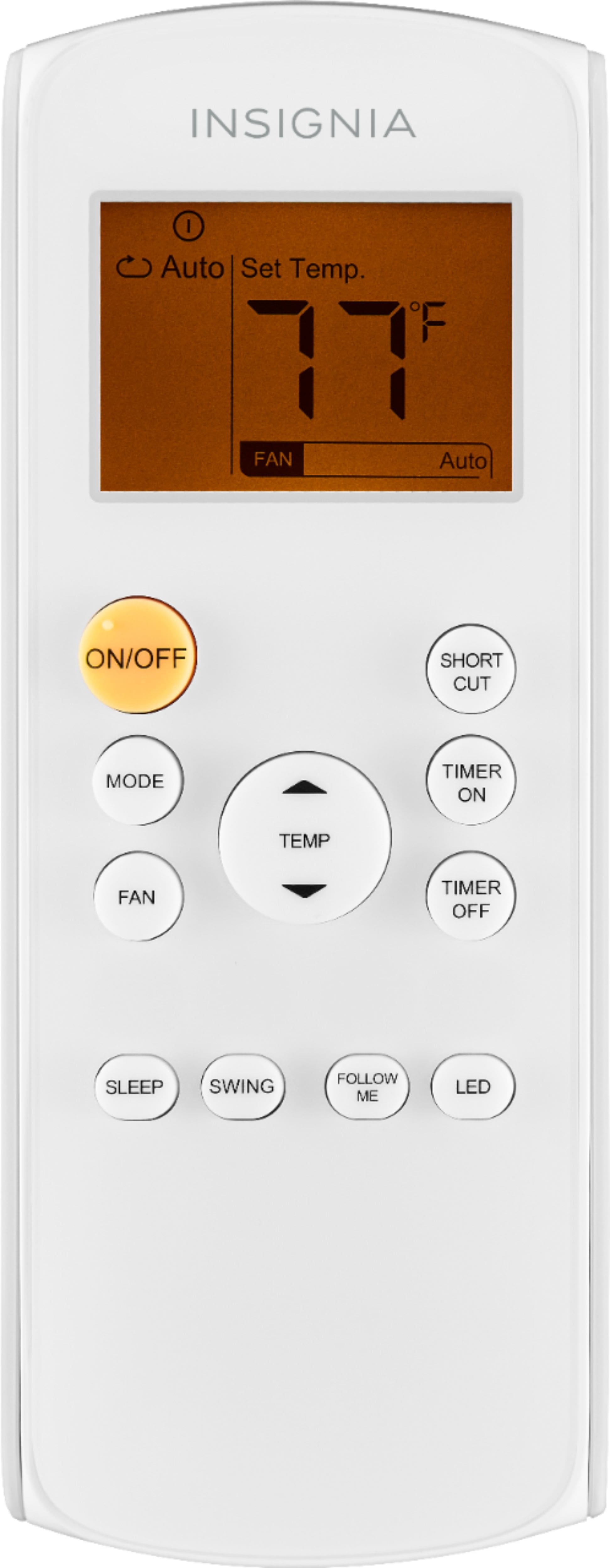
• Press the (fan) button on the control panel or the FAN button on the remote control. Each time you press the button, the fan speed changes. You can select Low, Med, High, or Auto. The corresponding indicator lights on the control panel and remote control display.
In the Cool or Dry operating mode, you can press and hold the (fan) button on the control panel or the FAN button on the remote control to make the fan run continuously. The Cont. indicator lights on the control panel. Press and hold the button again to turn off the this feature.
Insignia Support,
Merjorie
www.insigniaproducts.com/support
A:AnswerHi there,
Yes, you may need to drain it every time it gets full. When the drain tray if full, your air conditioner beeps eight times, P1 appears on the control panel display, and your air conditioner stops. Carefully move your air conditioner to a drain location, then remove the bottom drain plug and let the water drain
away. If you don’t have a drain, use a cookie with sides or a shallow dish.
Gem
Insignia Products
Please visit https://www.insigniaproducts.com/