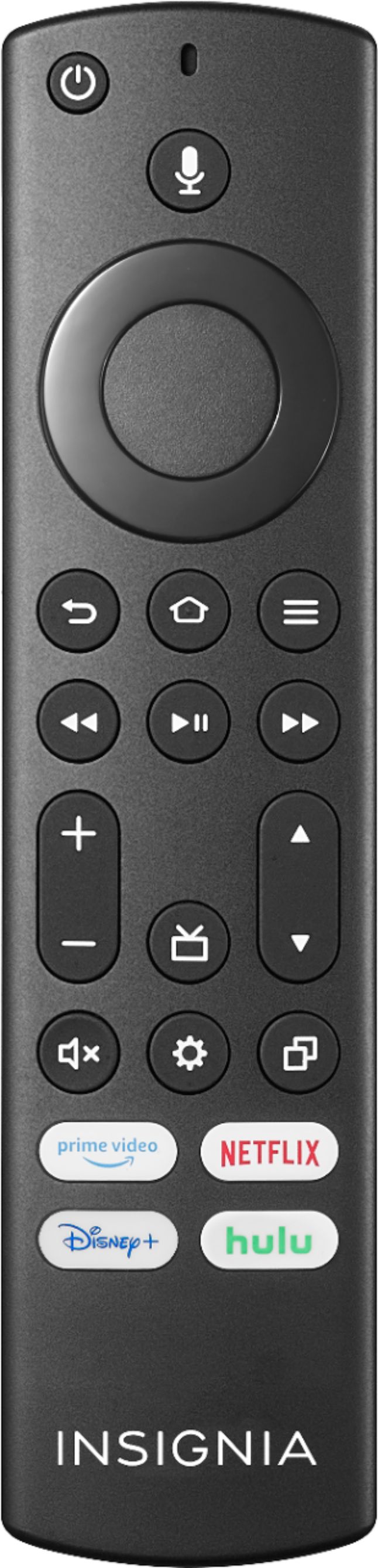
A:AnswerTry the Power On feature, when enabled, your TV turns on displaying the last used input: go Home > Settings > Display & Sounds > Power On and select Last Input.
A:AnswerNo, this TV does not support expandable storage.
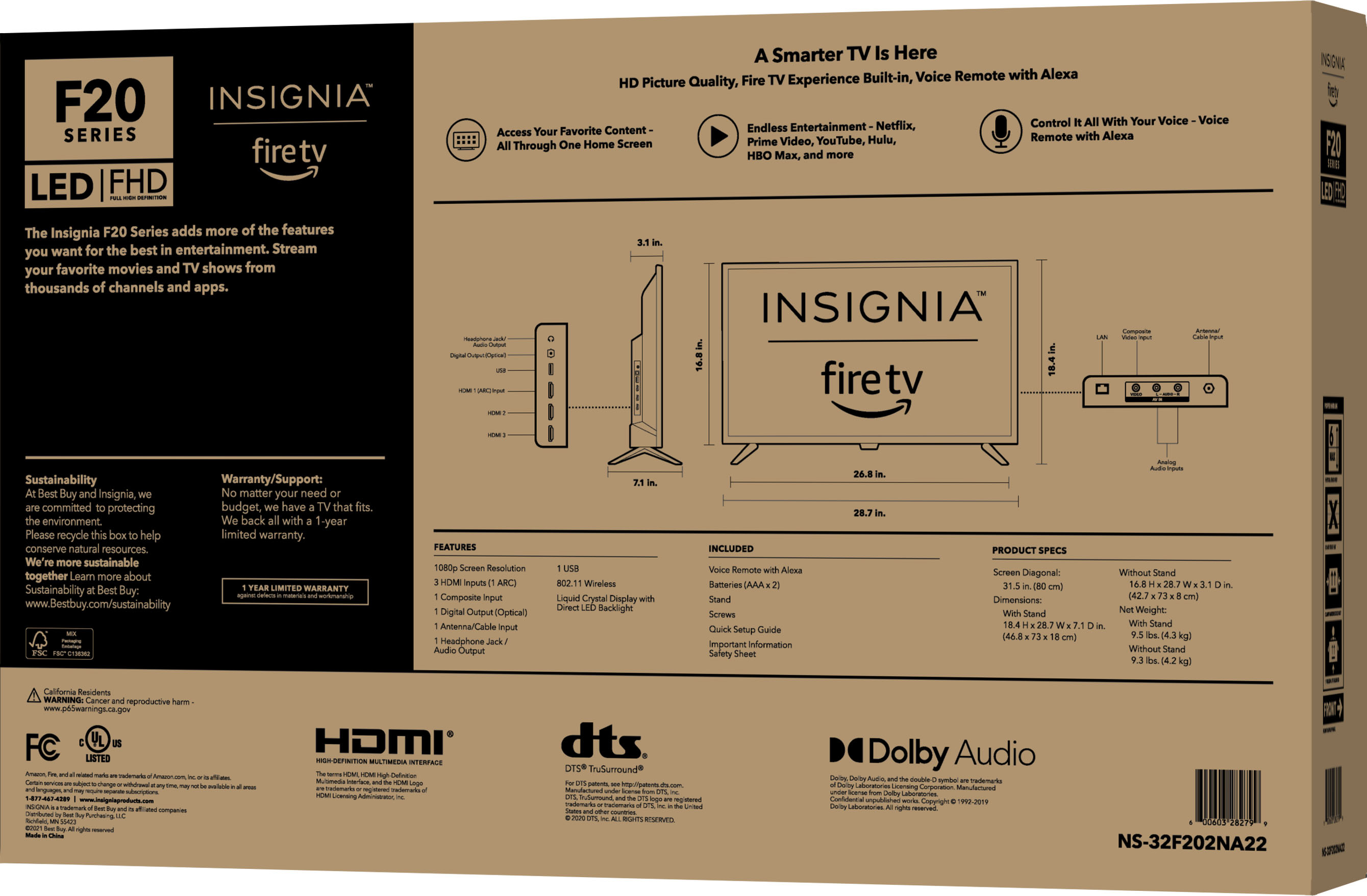
For more information about Device Specifications, please visit
https://developer.amazon.com/docs/fire-tv/device-specifications-fire-tv-edition-smart-tv.html?v=ftveditioninsigniahd
A:AnswerTry the Power On feature, when enabled, your TV turns on displaying the last used input: go Home > Settings > Display & Sounds > Power On and select Last Input.
A:AnswerI use my bluetooth headphones with this TV, but it's worth noting that the bluetooth settings are designed more for permanent setups like a bluetooth speaker. If you have a set of headphones you'll always use with the TV, and not with other devices, it's a piece of cake. Otherwise, pairing/unparing isn't necessarily automatic and takes a few steps (at least with my earbuds).
Go to the FireTV settings menu, navigate to OTHER BLUETOOTH DEVICES, then pair your headphones.
Once paired, you can navigate around the TV and your headphones will work with any of the TV's apps, but in my experience, I have to turn off bluetooth on my iPhone to prevent my headphones from dropping the TV and reconnecting to the iPhone while I'm watching the TV (like if a call comes in). To reconnect to the TV, I have to close the app I'm using, navigate back back to settings and connect (don't have to pair again, but have to connect -- i.e., it doesn't happen automatically if my headphones have been connected to another device).
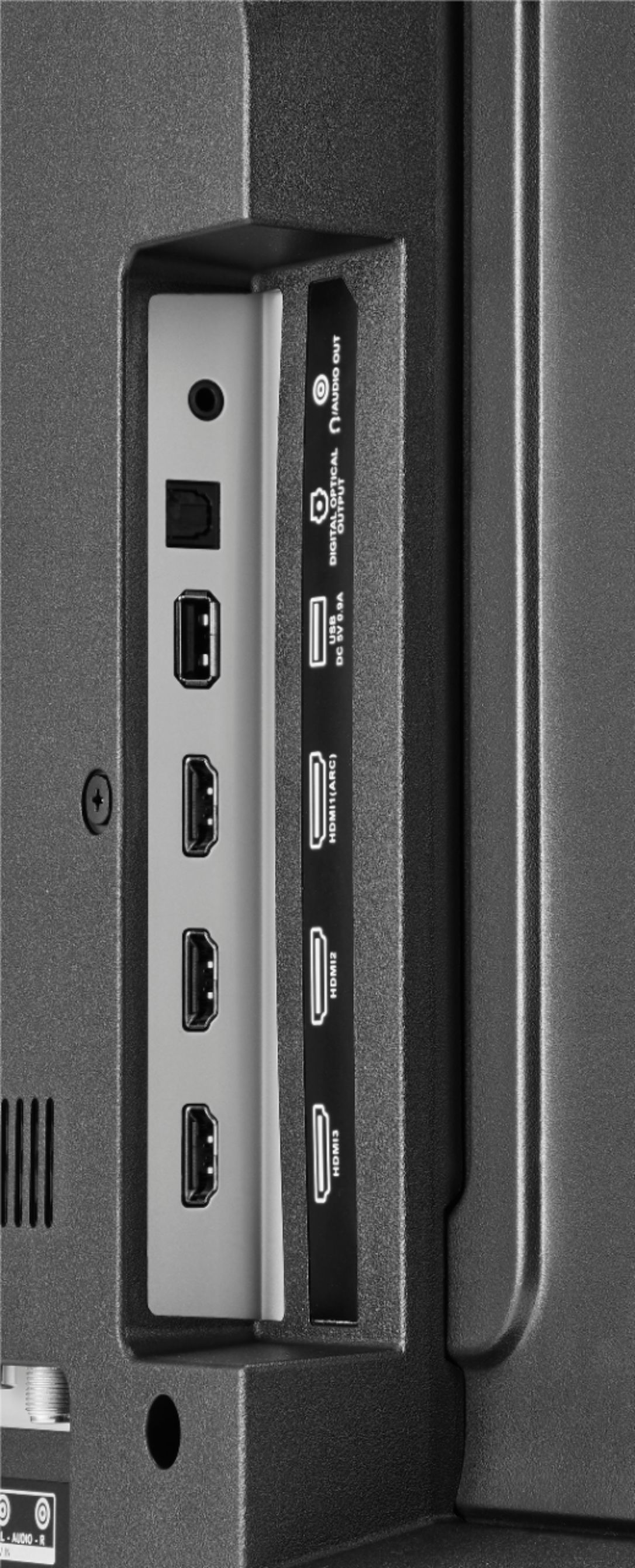
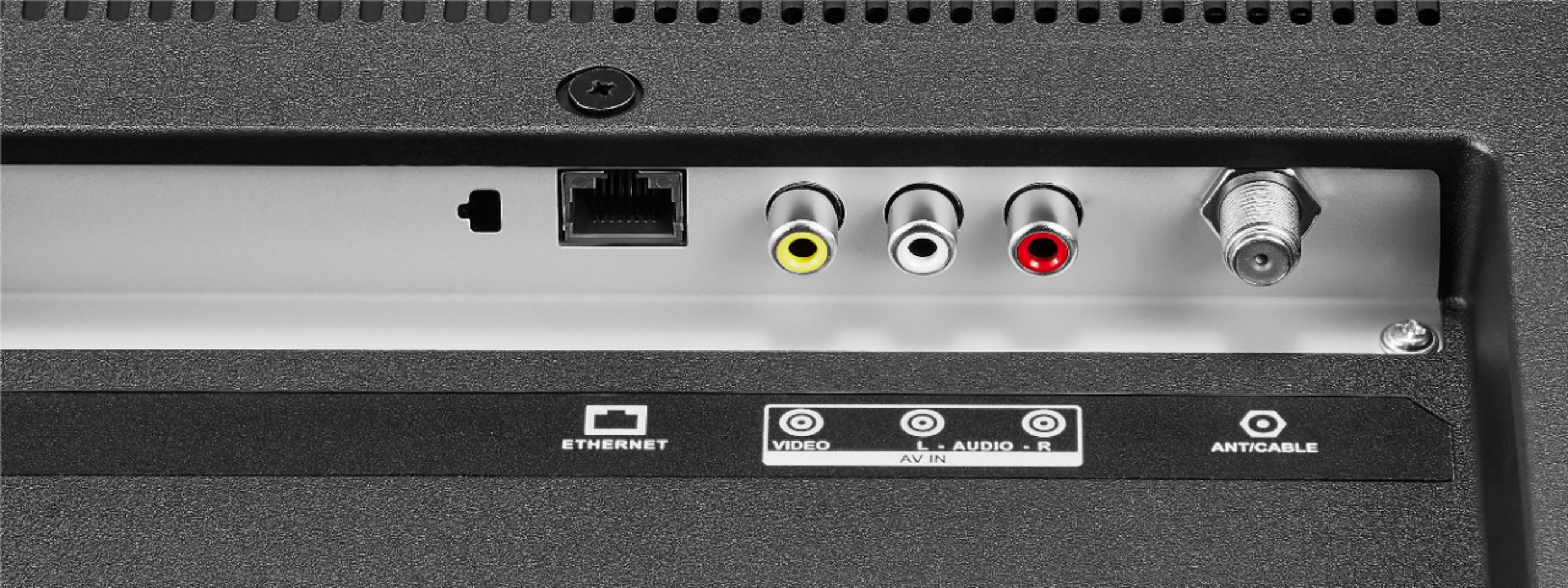
And yes it has ethernet !
A:AnswerThe TV complies with the regulations in United State (include California prop 65), and all TV material are controlled by ISO qualified manufacturers.
A:AnswerHi,
Ethernet is the most widely used standard for local area network (LAN) cabling. Although transmission rates of up to 400 Gbps are currently specified, the current state of the art allows a maximum speed of 40 Gbps. Ethernet cables are divided into categories (Cat) from CAT3 to CAT8. If you have any questions or concerns, please use the link below to reach us and also you can contact this phone number 877-467-4289 for further assistance.
Insignia Products
Nikki
https://insigniaproducts.com