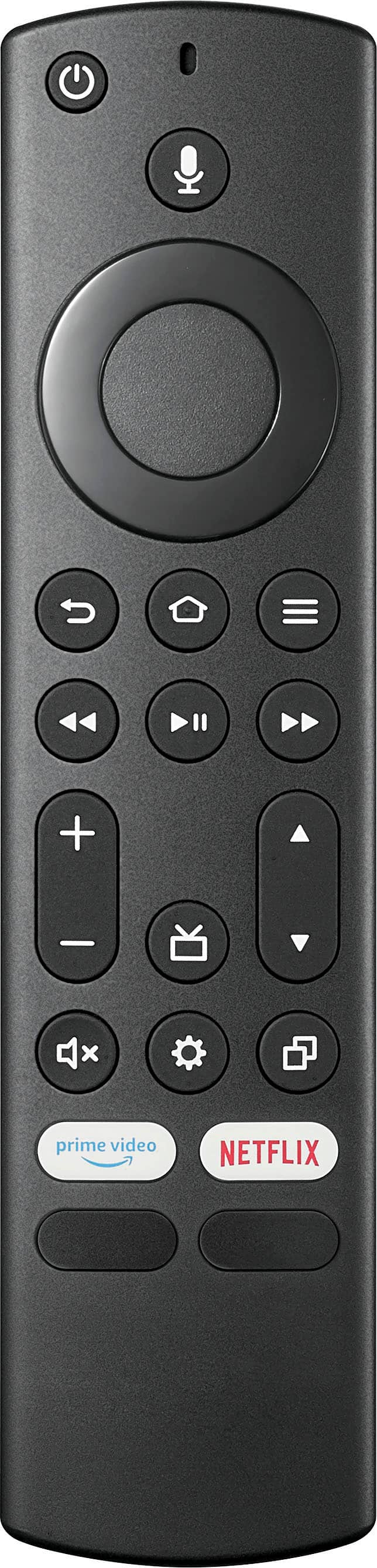
A:AnswerHey there! Thank you for reaching out to us regarding your concern on our Insignia™ - 43" Class F30 Series LED 4K UHD Smart Fire TV. Yes, adjusting the brightness on this TV is pretty simple. Just press and hold Home button until the Quick Settings menu opens. Select Picture, then adjust the Brightness settings. I hope this helps. If you need further assistance, don't hesitate to reach out. Have a wonderful day! - James | Insignia Support | https://www.bestbuy.com/site/brands/best-buy-brands/pcmcat1596746025285.c?id=pcmcat1596746025285
A:AnswerHi JO! Without specific information on the in-use and standby power consumption of the Insignia 43" Class F30 Series LED 4K UHD Smart Fire TV, it is difficult to provide an exact answer. However, as a general estimate, a TV of this size and type typically consumes around 60-100 watts when in use and 1-5 watts in standby mode.
JC | Insignia Support https://www.bestbuy.com/site/insignia-43-class-f30-series-led-4k-uhd-smart-fire-tv/6562495.p?skuId=6562495
A:AnswerHi TJ, this tv has only have sleep timer that you can set by pressing Home until the Quick Settings menu opens, select Sleep Timer, then change the setting to on or off. I hope it helpful. Jeth | Insignia™ Support. https://www.bestbuy.com/site/insignia-4a-class-f30-series-led-4k-uhd-smart-fire-tv/6562495.p?skuId=6562495
A:AnswerHi MATT! Certainly, you can cast directly, or screen mirror your iPhone using the Apple's play feature. Now, you can enjoy watching movies or scrolling through social media in a bigger screen. |Angelica| Insignia Support Team| https://www.bestbuy.com/site/insignia-43-class-f30-series-led-4k-uhd-smart-fire-tv/6562495.p?skuId=6562495
A:AnswerHi there,
I'm sorry to hear about the issues you're experiencing with your Insignia Fire TV. It sounds like a frustrating situation, but I'm here to help.
First, it's unusual for your Fire TV to identify itself as a Roku device. This could be due to a software glitch or a potential security vulnerability. While it's less likely that your TV has a virus, it's important to ensure your device is secure.
Here are some steps you can take to address the issue:
[1] Update Your Software: Make sure your Fire TV is running the latest software version. Go to Settings > My Fire TV > About > Check for Updates.
[2] Factory Reset: If the issue persists, consider performing a factory reset. This will restore your TV to its original settings. Go to Settings > My Fire TV > Reset to Factory Defaults.
[3] Network Security: Ensure your network security settings are robust. Use strong, unique passwords for your Wi-Fi and consider setting up a guest network for added security.
[4] Contact Support: If the problem continues, reach out to our Insignia customer support for further assistance.
Rest assured, your firewall blocking the suspicious connections is a good sign that your network security is working effectively. If you follow these steps and stay vigilant, you should be able to resolve the issue and enjoy your Fire TV without further interruptions.
Thank you for bringing this to our attention. We're committed to ensuring you have a great experience with your Insignia products. -Rolf | Insignia Support https://www.bestbuy.com/site/insignia-43-class-f30-series-led-4k-uhd-smart-fire-tv/6562495.p?skuId=6562495
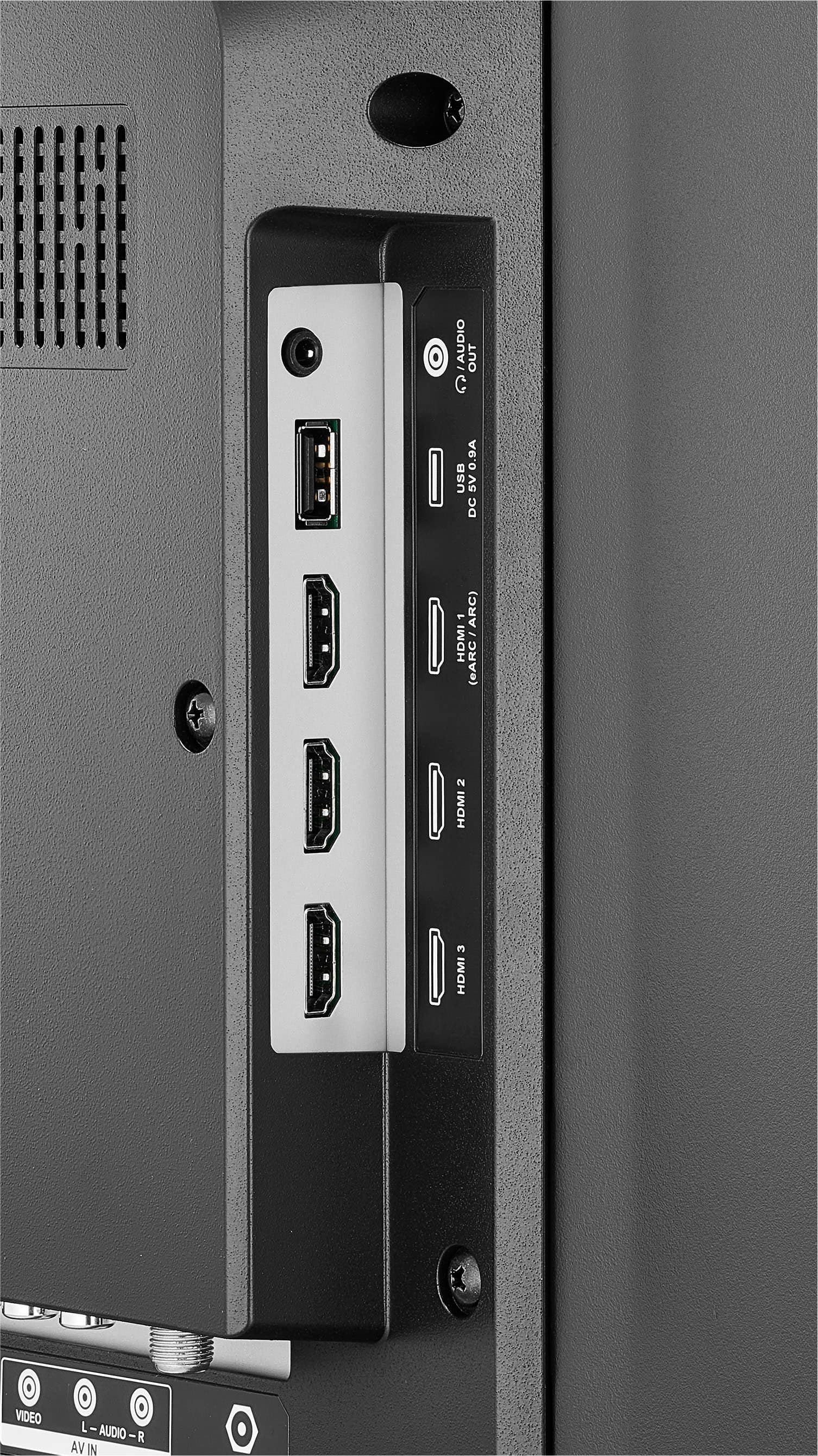
A:AnswerYes, the Insignia™ - 43" Class F30 Series LED 4K UHD Smart Fire TV does offer parental controls that allow you to set time limits and monitor viewing habits. You can access these settings through the Fire TV interface.
To set up parental controls, you typically need to go to Settings > Preferences > Parental Controls, where you can create a PIN and configure restrictions on content and usage time. This can help you limit the amount of time children spend watching TV or restrict access to certain types of content.
For the most accurate and detailed instructions, you can refer to the user manual or support documentation specific to your device model. If you have any questions about how to set these features up, feel free to ask!
A:AnswerThe difference is simply the operating system, e.i., user interface. While there are noticeable differences between brands, the general operation of these systems is quite similar. However, it is worth noting that Amazon Fire TV appears to be gaining a significant advantage in terms of compatibility and integration with other products.
A:AnswerHello CK,
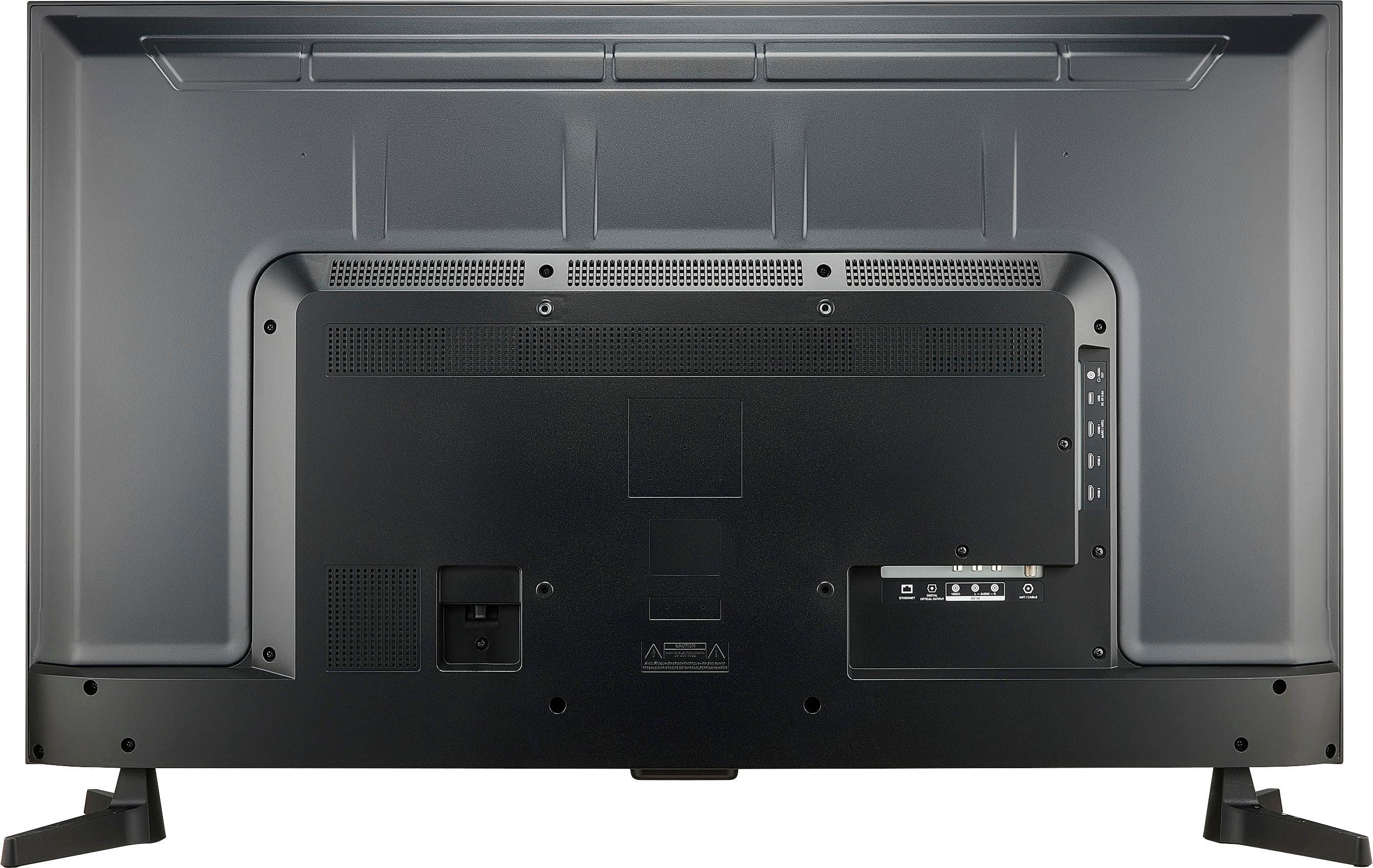
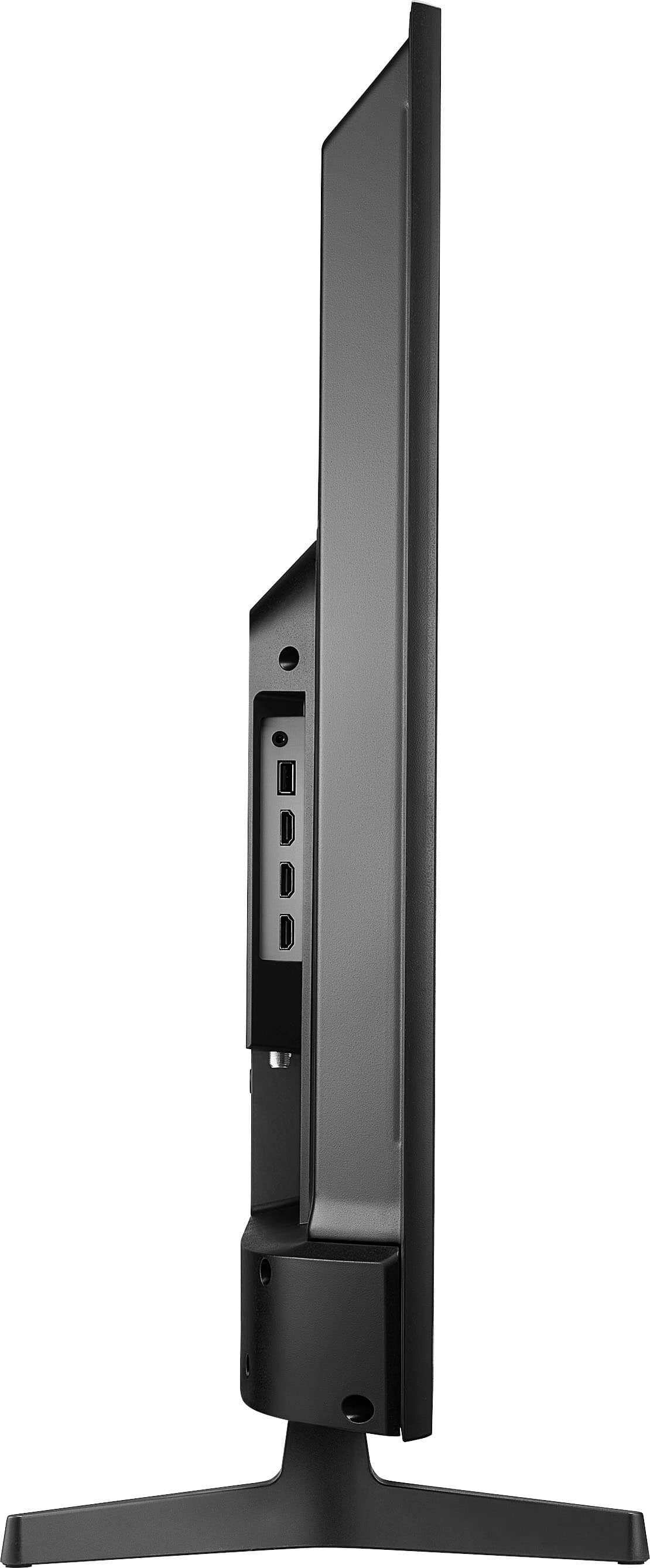
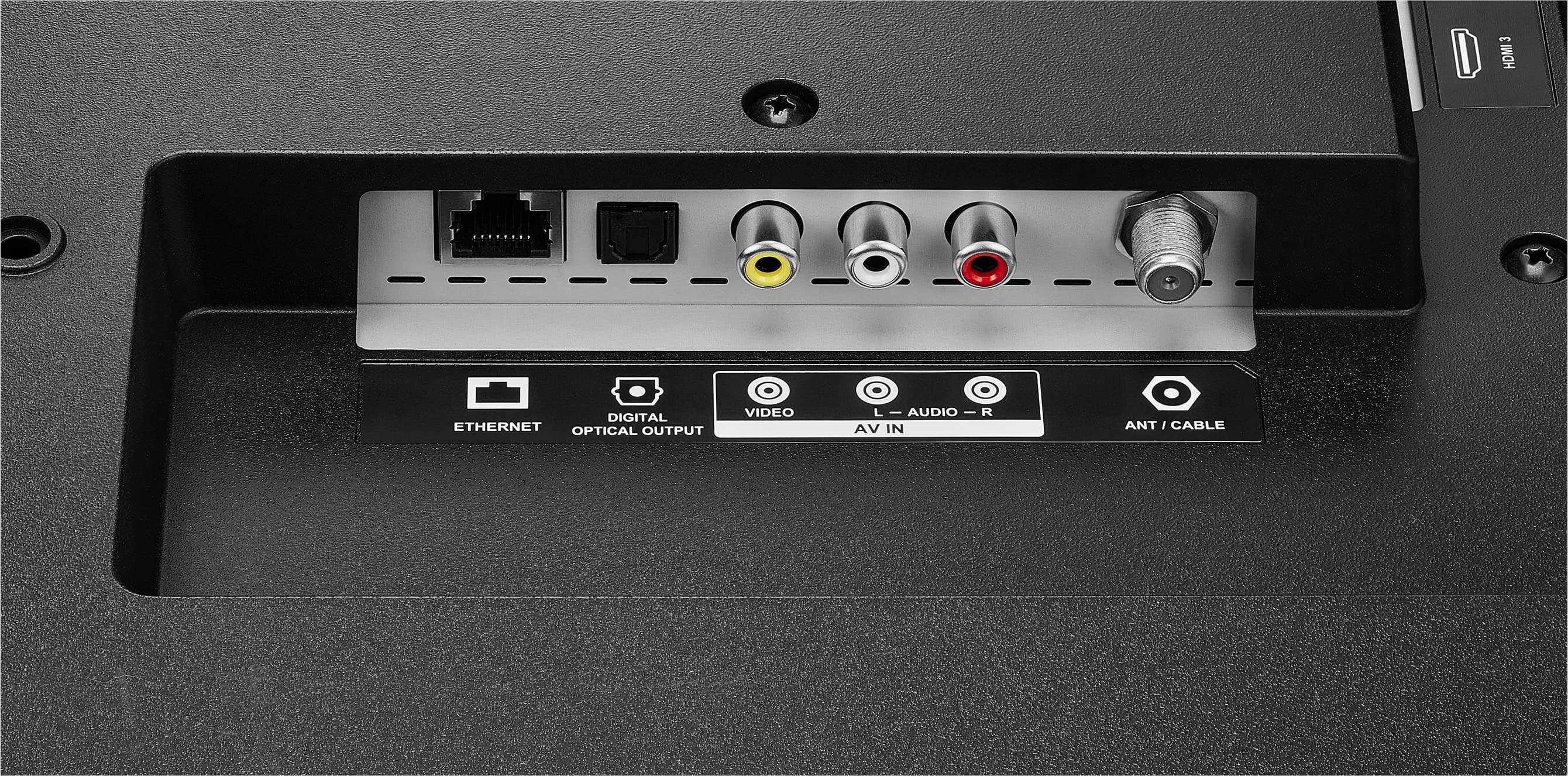
The TV doe not have a non glare screen. Yes, you can connect it to a laptop through HDMI cable.
Insignia Support
Molina
https://www.bestbuy.com/site/brands/best-buy-brands/pcmcat1596746025285.c?id=pcmcat1596746025285
A:AnswerYes, the Insignia™ - 43" Class F30 Series LED 4K UHD Smart Fire TV is Bluetooth capable. It has Bluetooth connectivity that allows you to connect wireless headphones, soundbars, and other compatible devices. This feature enhances your overall viewing experience by providing a convenient and clutter-free audio setup.
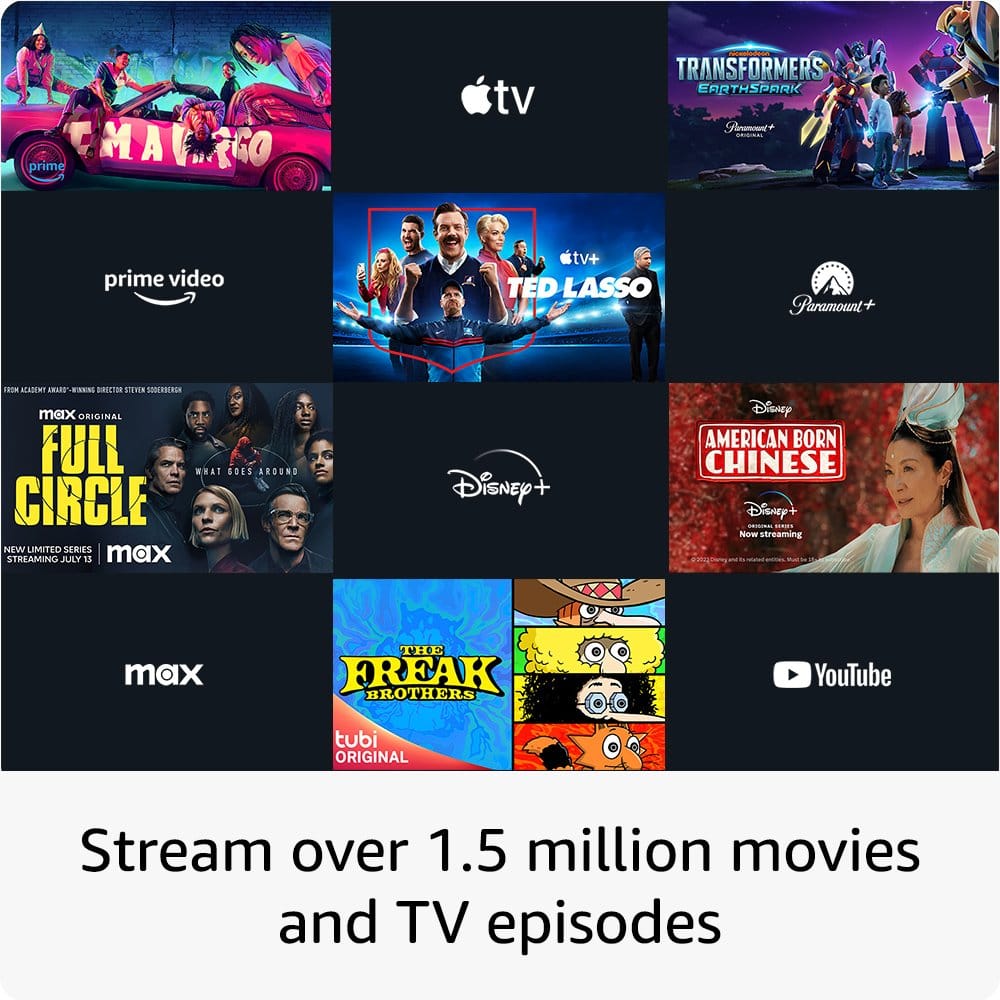
A:AnswerThere is a problem and it’s not you, it’s the TV. I have been in contact with Insignia for two months about this. The TV will not connect to the Apple TV App. It makes zero sense and I am livid that Insignia has been of zero use. The box the TV came in even advertised the Apple TV App, yet it will not work. The only work around is to go through Prime and purchase a separate subscription to Apple TV+ but I refuse to pay for another subscription to something I already pay for.
A:AnswerThank you for your inquiry! The Insignia™ - 43" Class F30 Series LED 4K UHD Smart Fire TV typically does not have internal storage space for storing media files or apps. However, it may have some internal memory for system operations and temporary storage. If you're looking to expand storage for apps or media files, you can use external storage devices like USB flash drives or external hard drives connected to the TV's USB ports. Keith | Insignia Support https://www.bestbuy.com/site/insignia-43-class-f30-series-led-4k-uhd-smart-fire-tv/6562495.p?skuId=6562495
A:AnswerThank you for your inquiry! If your Insignia™ 43" Class F30 Series LED 4K UHD Smart Fire TV has a black screen but still plays sound, it’s likely due to a backlight, display, or software issue. Start by power cycling the TV: unplug it, wait 60 seconds, then press and hold the power button on the TV itself for 30 seconds before plugging it back in. If the screen stays black, try shining a flashlight at an angle—if you can faintly see images, the backlight may be faulty. Also, switch input sources to rule out a signal issue, and try a soft reset by holding the Home button on the remote for 10 seconds. If the screen briefly comes back, check for firmware updates in the settings. If it remains black, you can attempt a blind factory reset by holding the Back and Right buttons on the remote for 10 seconds and following the audio prompts. If none of these steps work, the issue may be hardware-related, and you should contact Insignia or Best Buy support, especially if the TV is still under warranty.
A:AnswerYes, you can download the Spectrum app on your Insignia™ 43" Class F30 Series LED 4K UHD Smart Fire TV. Here’s how:
1. Power on your TV: Make sure your Insignia Fire TV is turned on and connected to the internet.
2. Navigate to the Home Screen: Use your remote to go to the home screen.
3. Open the Appstore: Select the “Apps” tab from the menu.
4. Search for Spectrum TV: Use the search function to find the “Spectrum TV” app.
5. Download the App: Select the Spectrum TV app and click on “Download” or “Get”.
6. Install the App: Wait for the app to download and install on your TV.
7. Launch the App: Open the Spectrum TV app and log in with your Spectrum account credentials.
Once installed, you can start streaming live TV, movies, and on-demand content.
If you have any questions or need further assistance, please don't hesitate to reach out. Thank you for choosing Insignia! - Emman | Insignia Support | https://www.bestbuy.com/site/brands/best-buy-brands/pcmcat1596746025285.c?id=pcmcat1596746025285
A:AnswerThe Insignia™ 43" Class F30 Series LED 4K UHD Smart Fire TV uses a remote without number buttons, but you can still change channels quickly using these methods:
1. Voice Control:
-Press and hold the microphone button on your remote.
-Say the channel number or name, e.g., “Go to channel 5” or “Switch to ESPN.”
2. Channel Guide:
-Press the Home button on your remote.
-Navigate to the Live TV or Channel Guide section.
-Use the directional buttons to scroll through and select the desired channel.
3. Alexa App:
-If you have the Alexa app on your smartphone, you can use it to control your TV.
-Open the app, tap the Devices tab, and select your TV.
-Use the app to change channels by voice or touch.
If you have any questions or need further assistance, please don't hesitate to reach out. Thank you for choosing Insignia! - Emman | Insignia Support | https://www.bestbuy.com/site/brands/best-buy-brands/pcmcat1596746025285.c?id=pcmcat1596746025285