A:AnswerI would check with Best Buy and see if they can direct you to the next best HDMI cable. I want to believe it's not the cable, however when it comes to U4K that is like the next step up from Blue Ray and more advances. So the cable maybe the issue and may not. Please talk to someone at Best Buy for a better explanation. Good Luck.
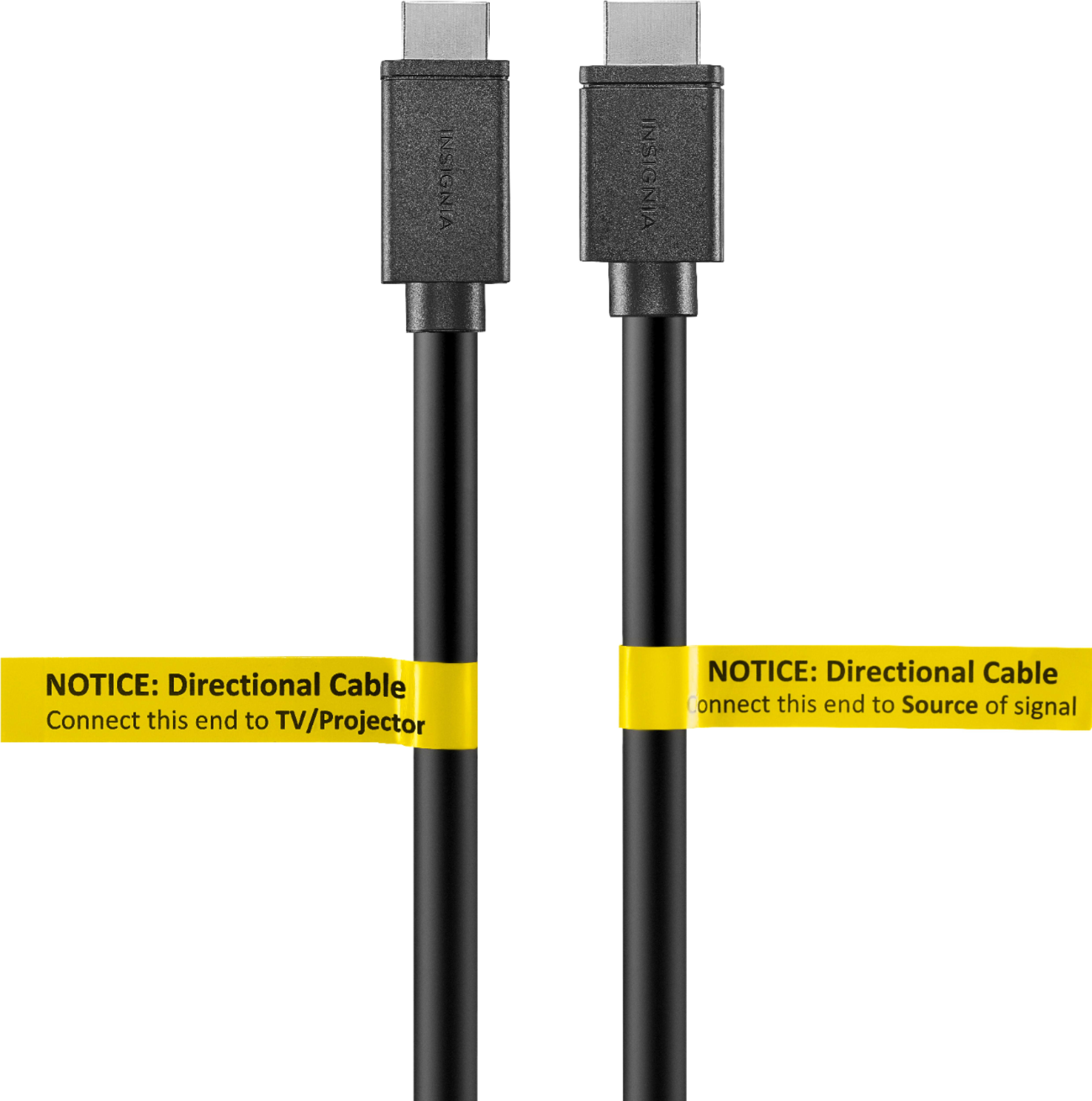
A:AnswerComputer chip is not visible, but likely encased into cable end. Cable must be installed in a single direction with source end and display ends noted on cabling.
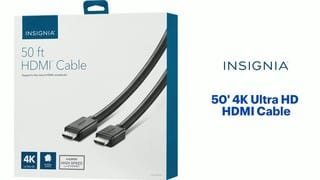
A:AnswerInsignia 4K HDMI 6' cables I have ( had bought four (4) boxed sets of 2 cables in each box)...
If these cables are the ones you are referring too, and are having "issues" with them:
1- the content source name brands connected to your TV/Monitor might be of different -brands- & technologies time frame. These Cables DO perform well for me using different name brands and time/technology because the old content source I am using still are too dumb to be intimidated by latest technology and name brand recognition...
2- Name Brand recognition amongst the content source and Display Technology compatability is a sad reality!
3- it is possible your cables are defectives and you may need to exchange/replace them.
Two way communication and rich 4K content transfer at reasonably price is what I have experienced with 8 of these 4K GDMI 6' cables.
A:AnswerThis depends.
A) a type of adapter (search: lightning USB to HDMI adapter), and you're good to go.
b) If your television is a SMART TV, then you can simply try out a few apps (iOS or Play Store), (search: VIDEO AND TV CAST), and they have multiple supports for several smart tv platforms for casting from your phone to your tv.
Hope that helps!