A:AnswerHi Nick,
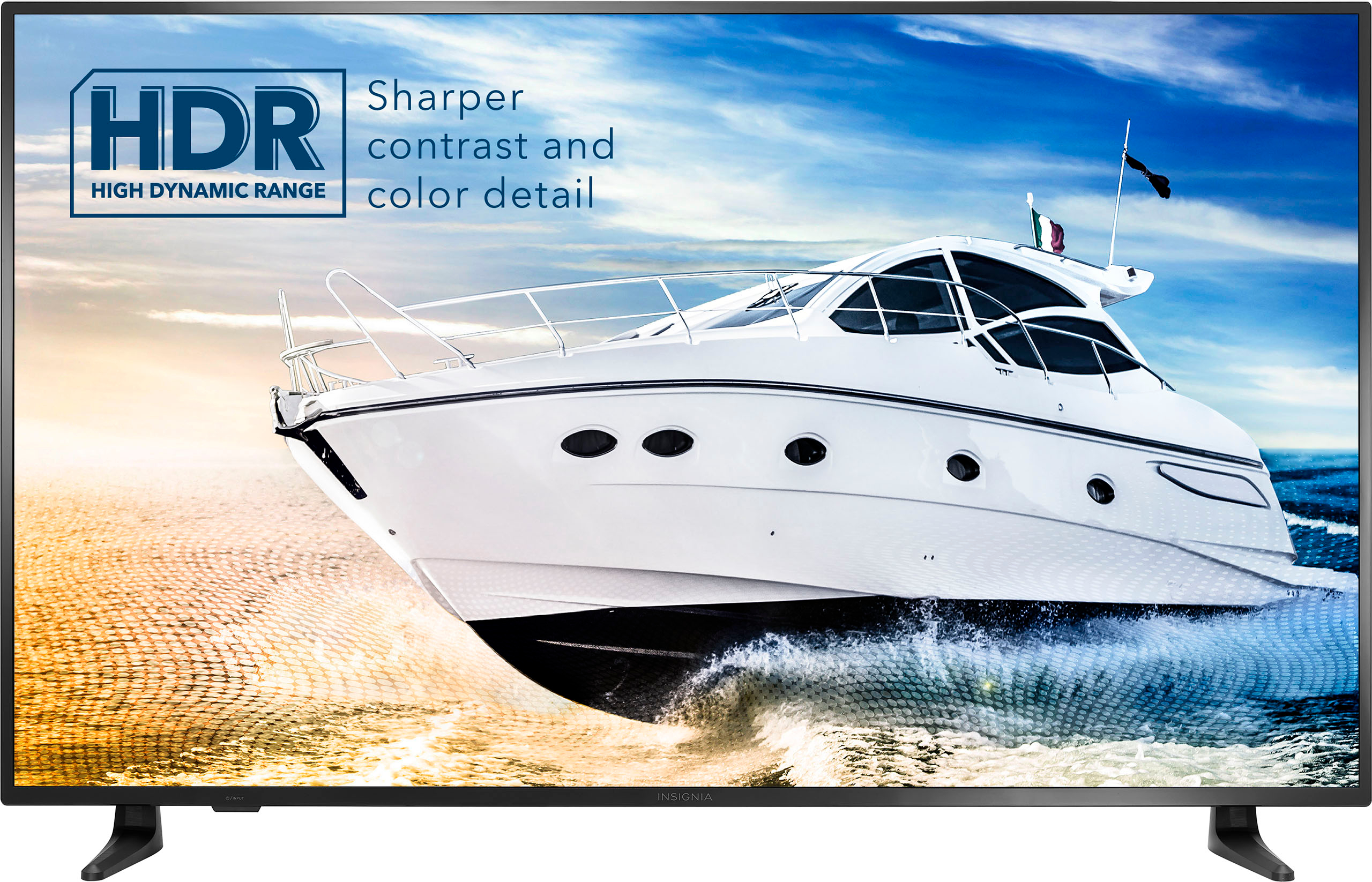
Insignia Smart Fire TV has Picture-in-picture is available. If you have any questions or concerns, please use the link below to reach us and also you can contact this phone number 877-467-4289 for further assistance.
Insignia Products
Nikki
https://www.bestbuy.com/site/insignia-58-class-f30-series-led-4k-uhd-smart-fire-tv/6463115.p?skuId=6463115
A:AnswerHi DirectTV,
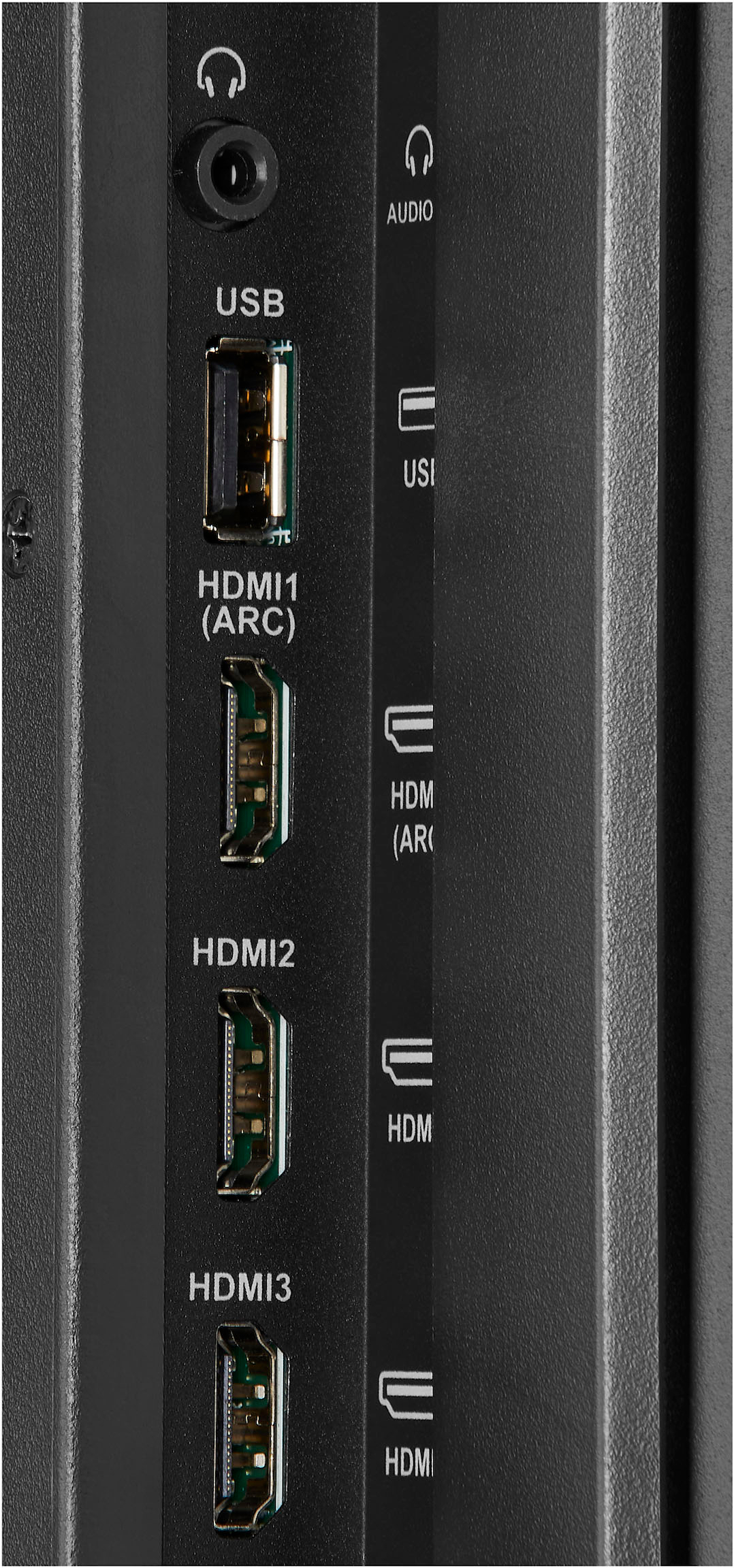
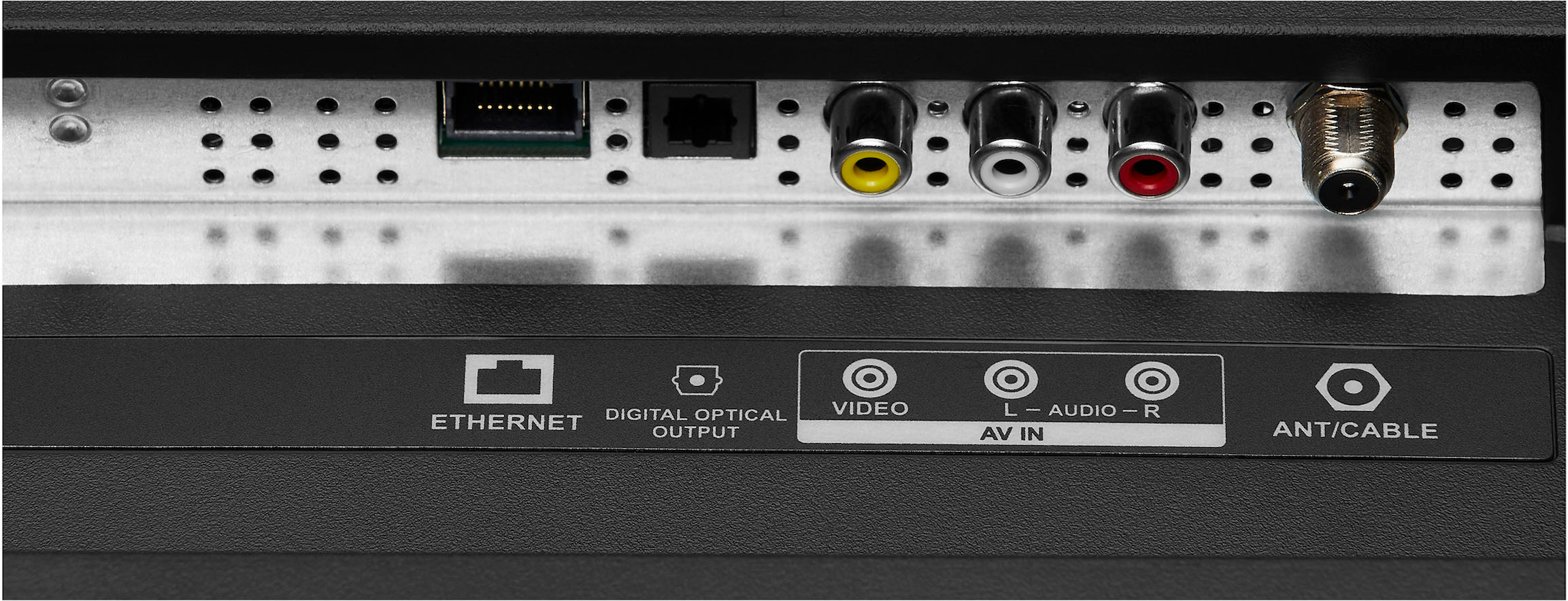
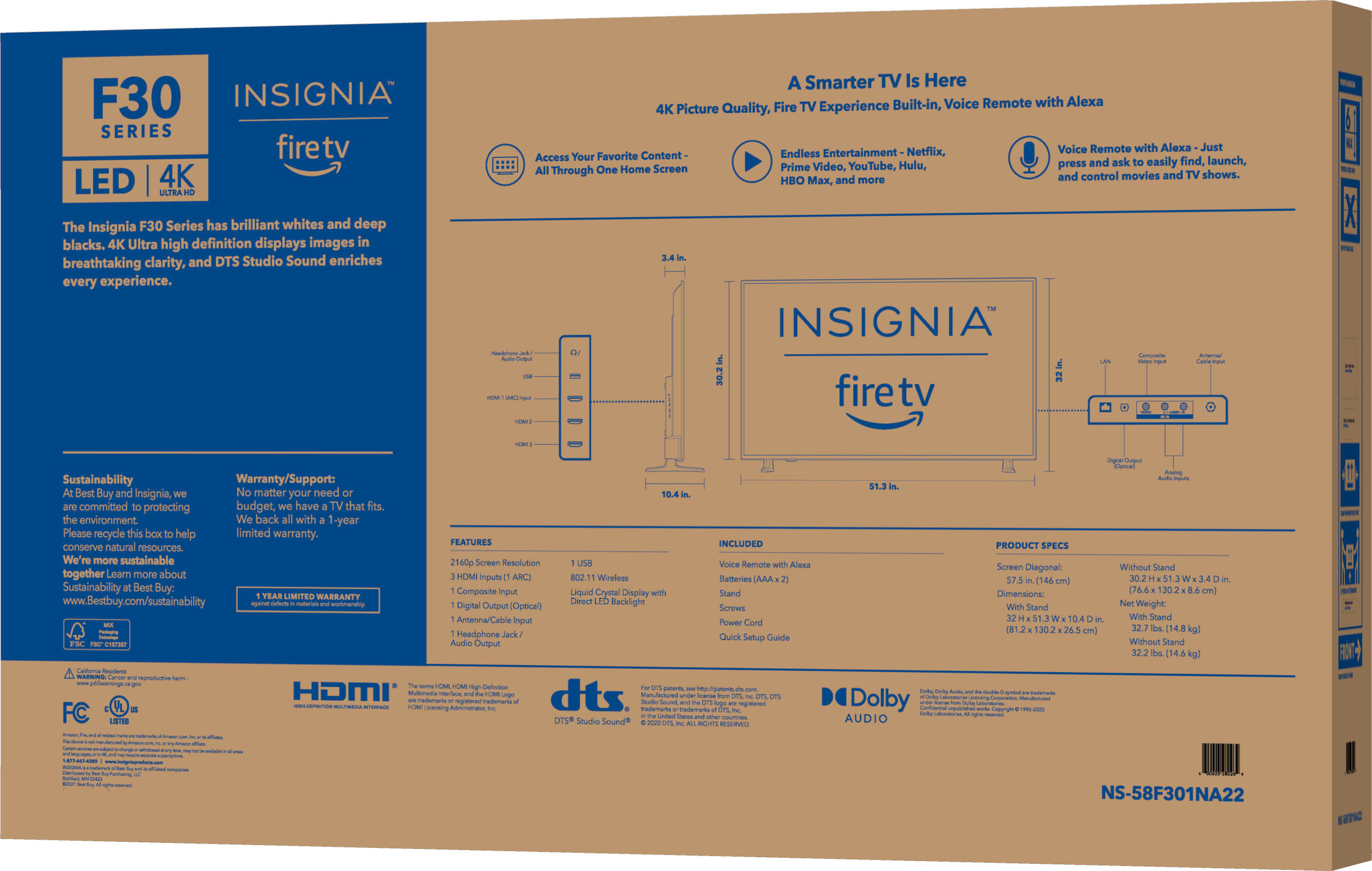
Yes, you can connect Direct TV to this TV.
Ritchie |Insignia Support
https:https://www.bestbuy.com/site/brands/best-buy-brands/pcmcat1596746025285.c?id=pcmcat1596746025285
A:AnswerHi Olori,
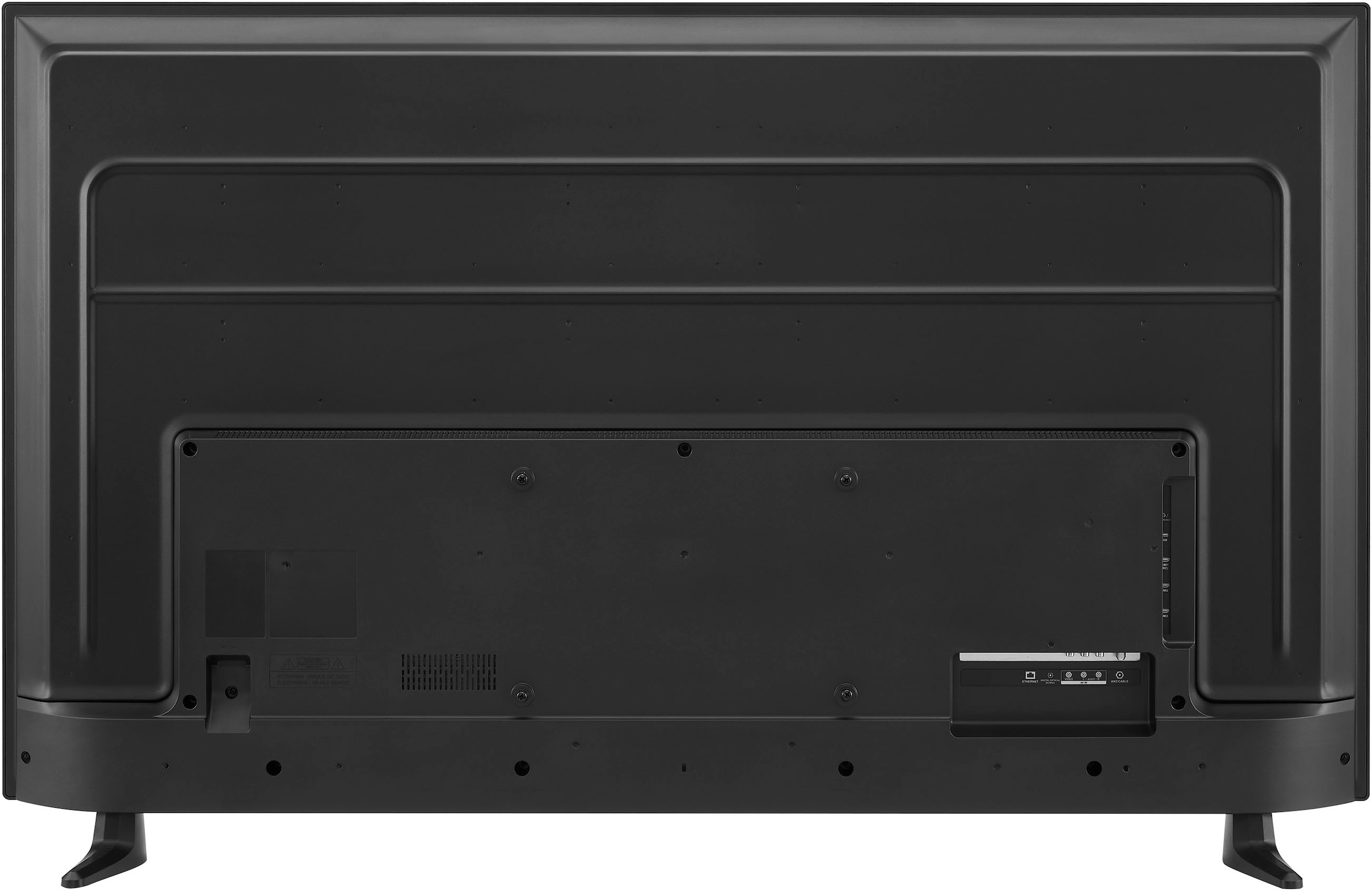
Increase the volume on the TV and/or your connected media device (streaming player, Blu-ray player, cable or satellite box, etc.). Check the audio settings on your TV and connected devices. Turn off and unplug your TV and connected devices. Inspect the TV cables and ports, then check the ones on your devices as well. If you have any questions or concerns, please use the link below to reach us and also you can contact this phone number 877-467-4289 for further assistance.
Insignia Products
Nikki
https://www.bestbuy.com/site/brands/best-buy-brands/pcmcat1596746025285.c?id=pcmcat1596746025285
A:AnswerI’m sorry about your tv woes! I’ve only had my Insignia 58” tv for 20 days, & haven’t had any problems. When I had problems with my Toshiba tv, I called the 800 number found in my set up manual, and they walked me through fixing the problem. Best Buy’s Geek Squad should be able to fix the problem as well. If your tv is still under warranty, you may be able to get a replacement!
A:AnswerThe TV complies with the regulations in United State (include California prop 65), and all TV material are controlled by ISO qualified manufacturers. If you need more information about this product, please visit insigniaproducts.com/contact-us
Mary II Insignia Customer Support