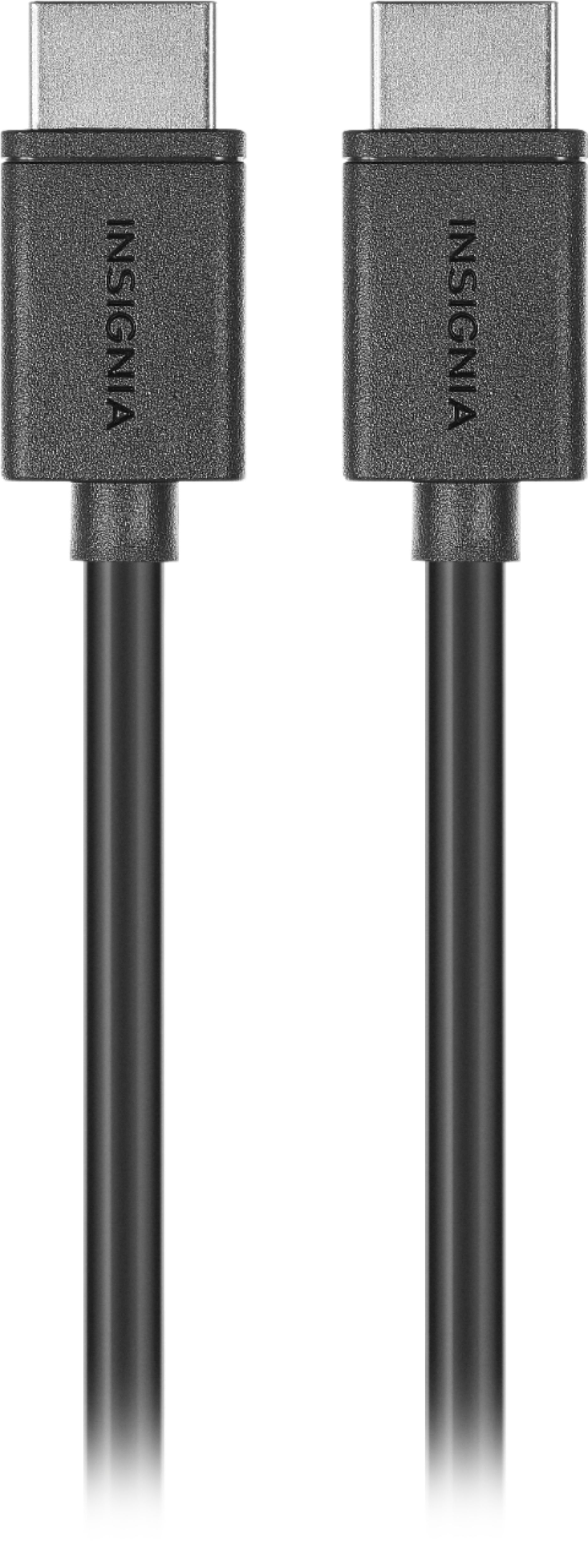
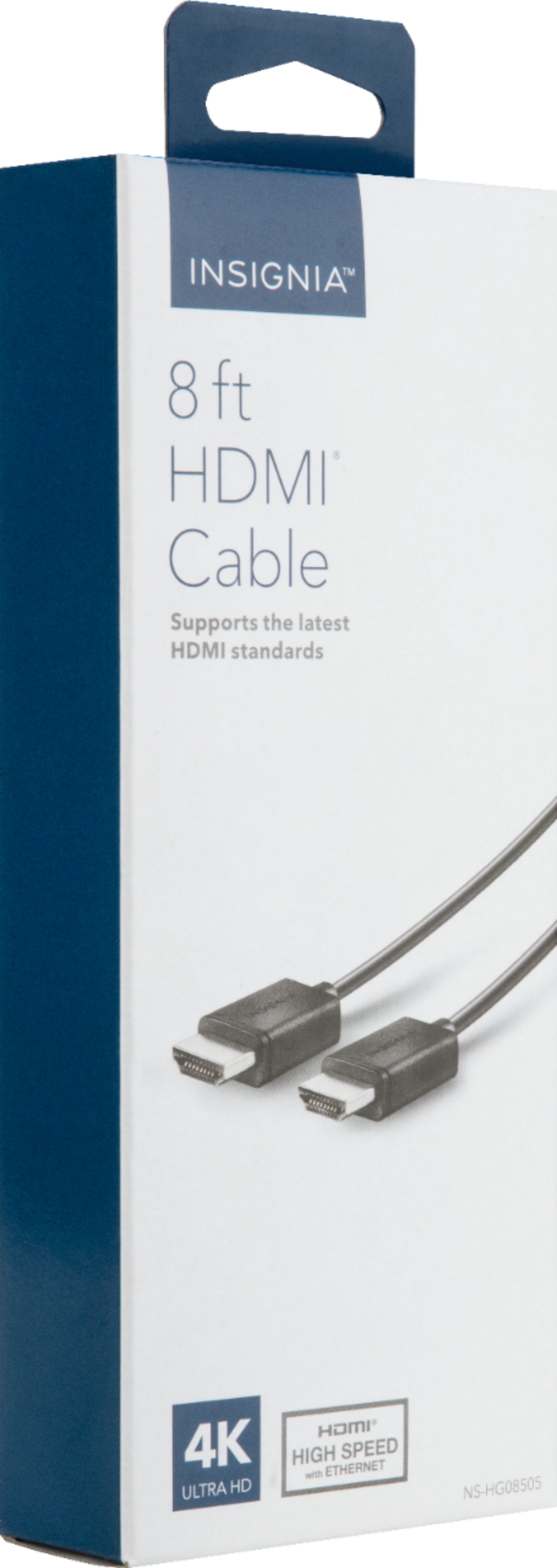
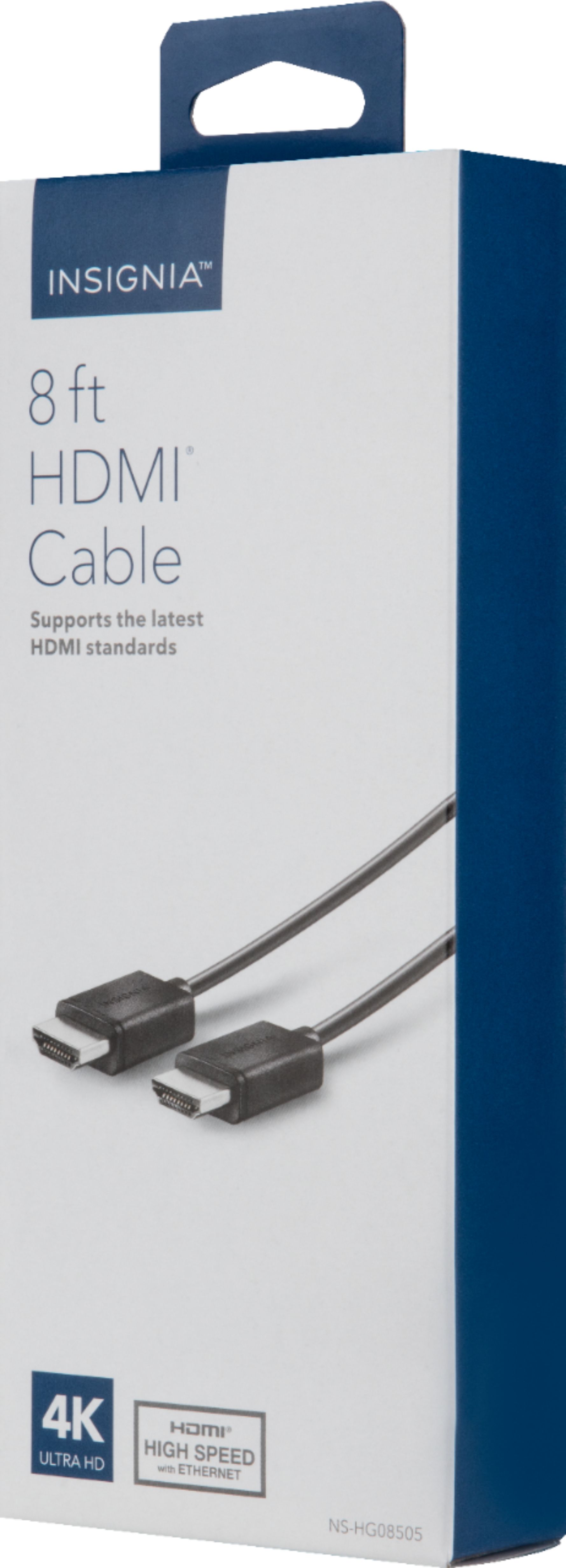
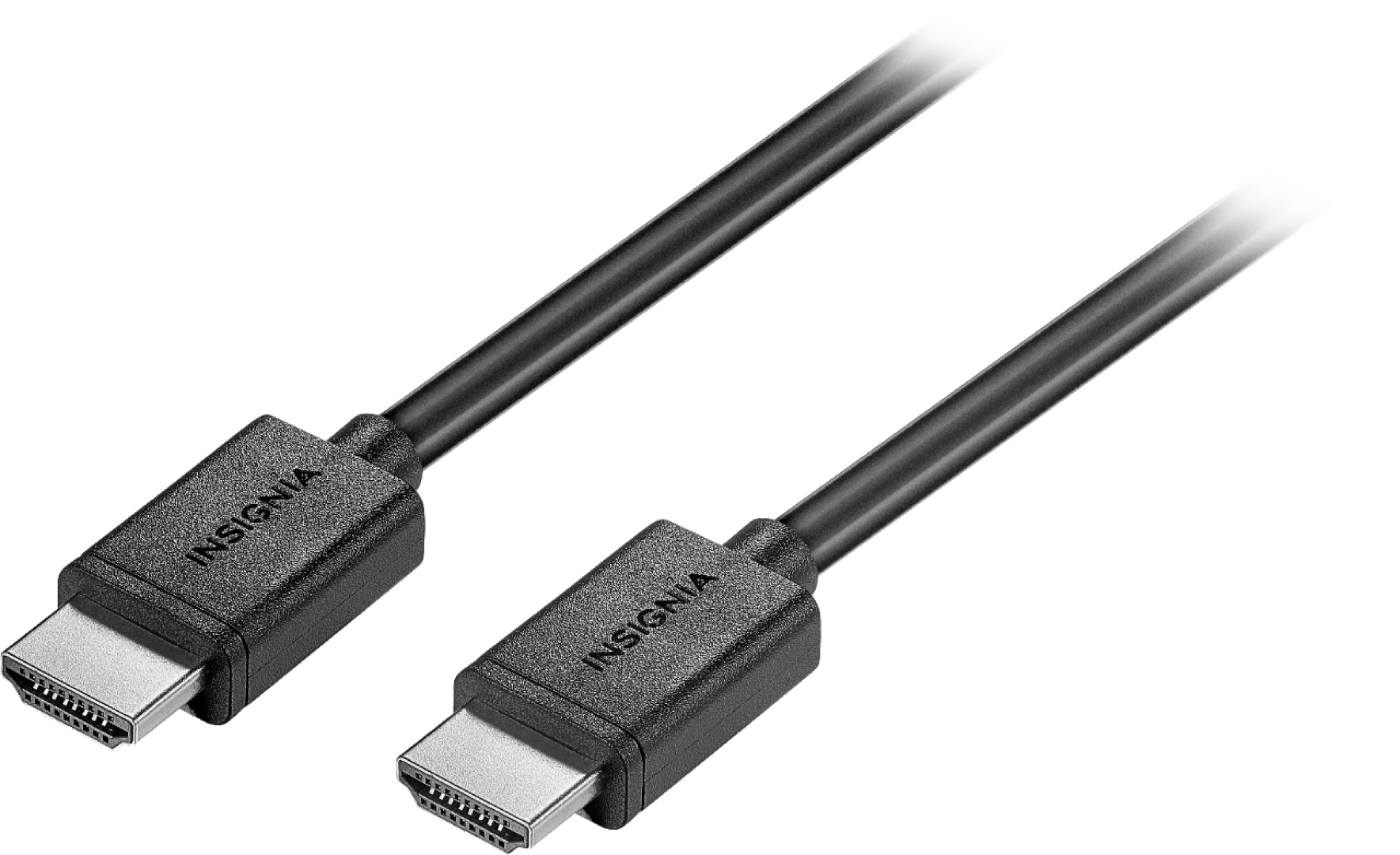
A:AnswerI only needed the cable for the DVD player?TV hookup. The one I just got was to hook my computer to my TV. The Insignia stuff is great and doesn't cost as much as the other stuff.
A:AnswerThe streaming stick is an HDMI plug in. You just need a tv with an HDMI outlet to plug your streaming stick in. The only reason you would need an HDMI cord is if you bought a roku player 1,2,3,4 but you don't need one for the streaming stick.
A:AnswerCables can always go bad. This is do to plugging in and out, or cables bending near connector. The cable is made of multiple small wires inside the sheath. These wires can break inside. Whenever I come across the problem your having I swap the cable to prove or eliminate it as a problem. It is easiest and cheapest fix.
A:AnswerI would return the cable and take to a best buy person there. Tell the issue and they may direct your one what you may doing wrong or help you find the correct cable if the one you have isn't the correct one. Good Luck.
A:AnswerThis cable I'm assuming is for any unit that has HDMI connectivity. For any other tech I would contact the manufacture. When it comes to B/W and regular HDMI cables. I could tell you. I would talk to someone at best buy.
A:AnswerI've personally haven't herd of HDCP HDMI cables before. I would do a Google search for said cable and see if you can find a place that would have it. I would have to assume Best Buy might have it.