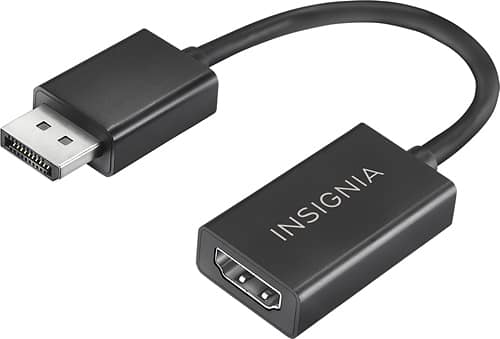
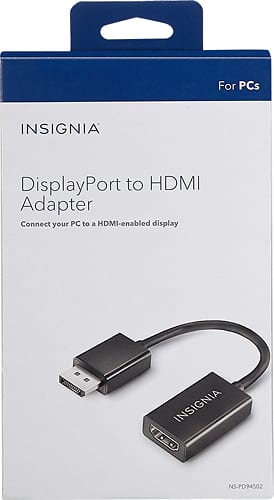
A:AnswerYes this will work. Connect your HDMI cable to your computer and use the adapter on the monitor end to plug into the displayport. I used it for the same problem
A:AnswerNo, I believe the Macbook Air 2017 only has a MINI Displayport. It's a smaller connector than the regular displayport which this is the adapter for. You would need a "Mini DisplayPort to HDMI Adapter".
A:AnswerI believe it only works if the output sources (the computer) has the displayport, and not the monitor.
So you can go from displayport to hdmi, to the HDMI port on the monitor. But I don' think you can go from HDMI to Displayport adapter to the monitor. I'm not positive, but I believe that's how that works. I'd need to know what ports your monitor has.
But you'd probably need an HDMI to diplayport adapter, and a displayport cable to the monitor if your monitor only had DisplayPort, not HDMI. Which would be odd IMO. It may have a VGA port on the other side of the laptop, in which case you could just use a VGA cable straight to the monitor. All monitors had VGA.
A:AnswerI believe this one operates only in the opposite direction. Mine is currently working with the DP port on the computer to the HDMI on my TV. I don't have a setup to try it though.
A:AnswerHi! This adapter allows you to connect your computer's DisplayPort interface to an HDMI type-A input. Since I think Xbox One only has HDMI ports, I believe that you are looking for an HDMII to DisplayPort adapter.
Viridiana E.
Insignia Support.
https://www.insigniaproducts.com/contact-us