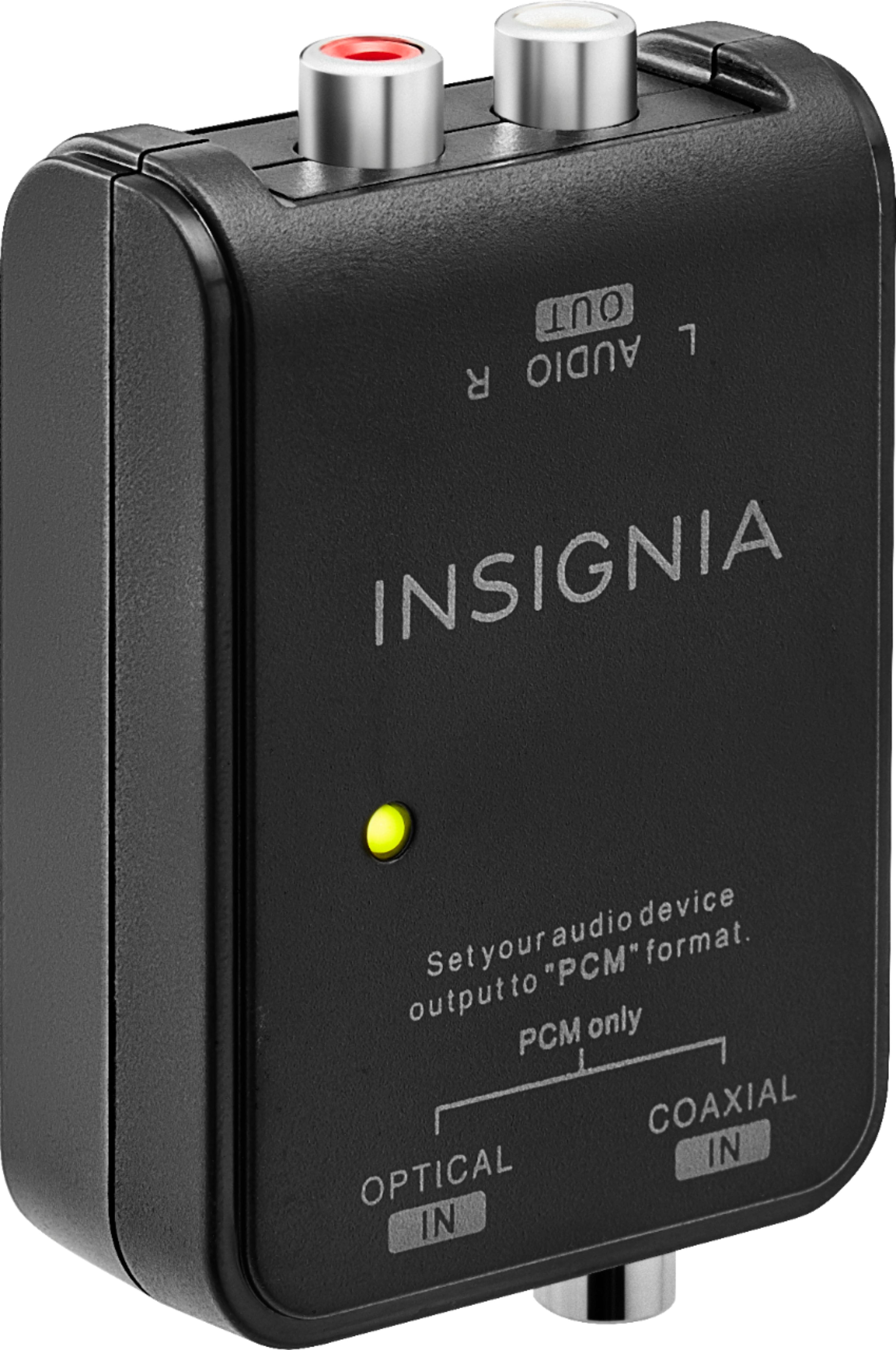
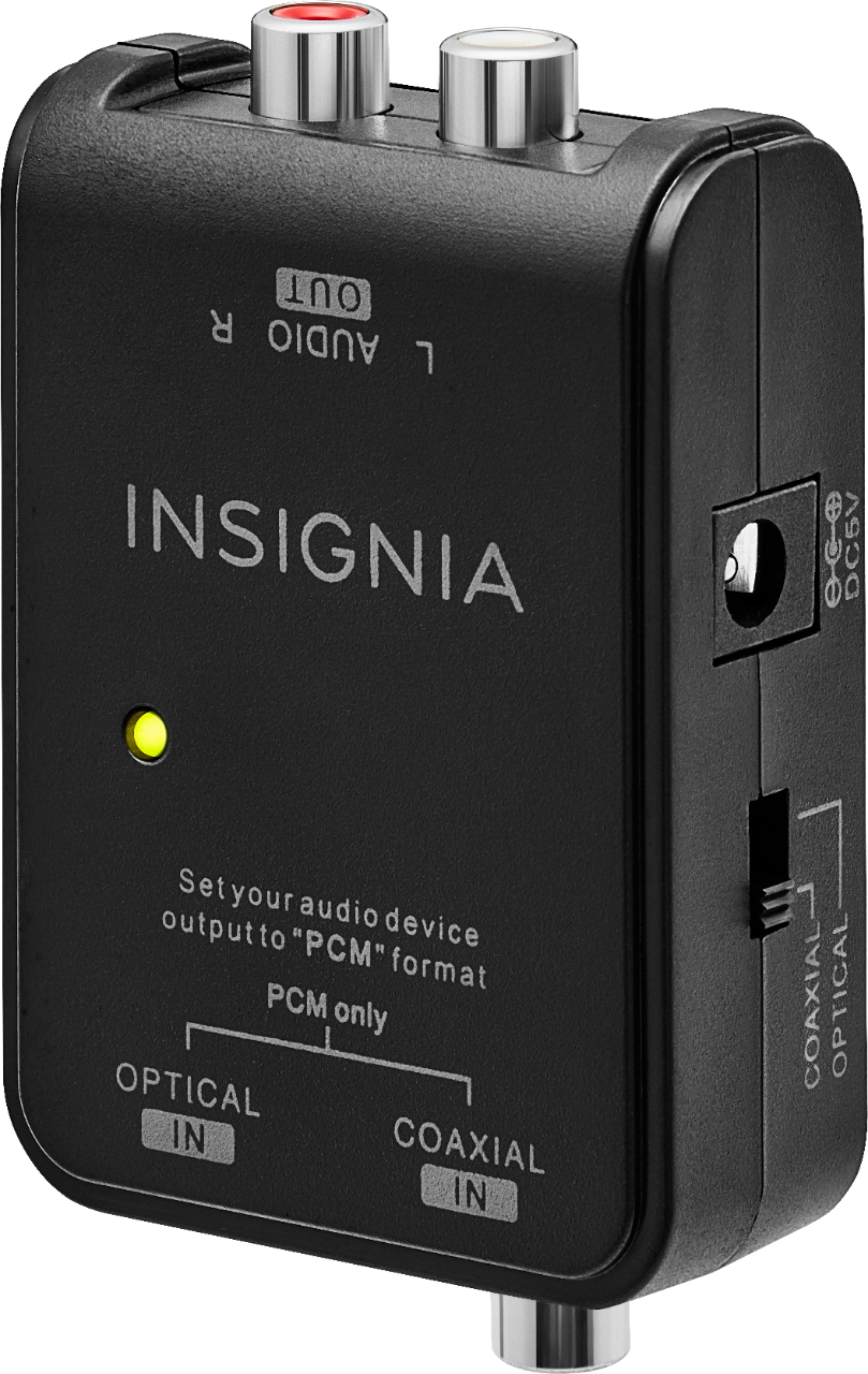
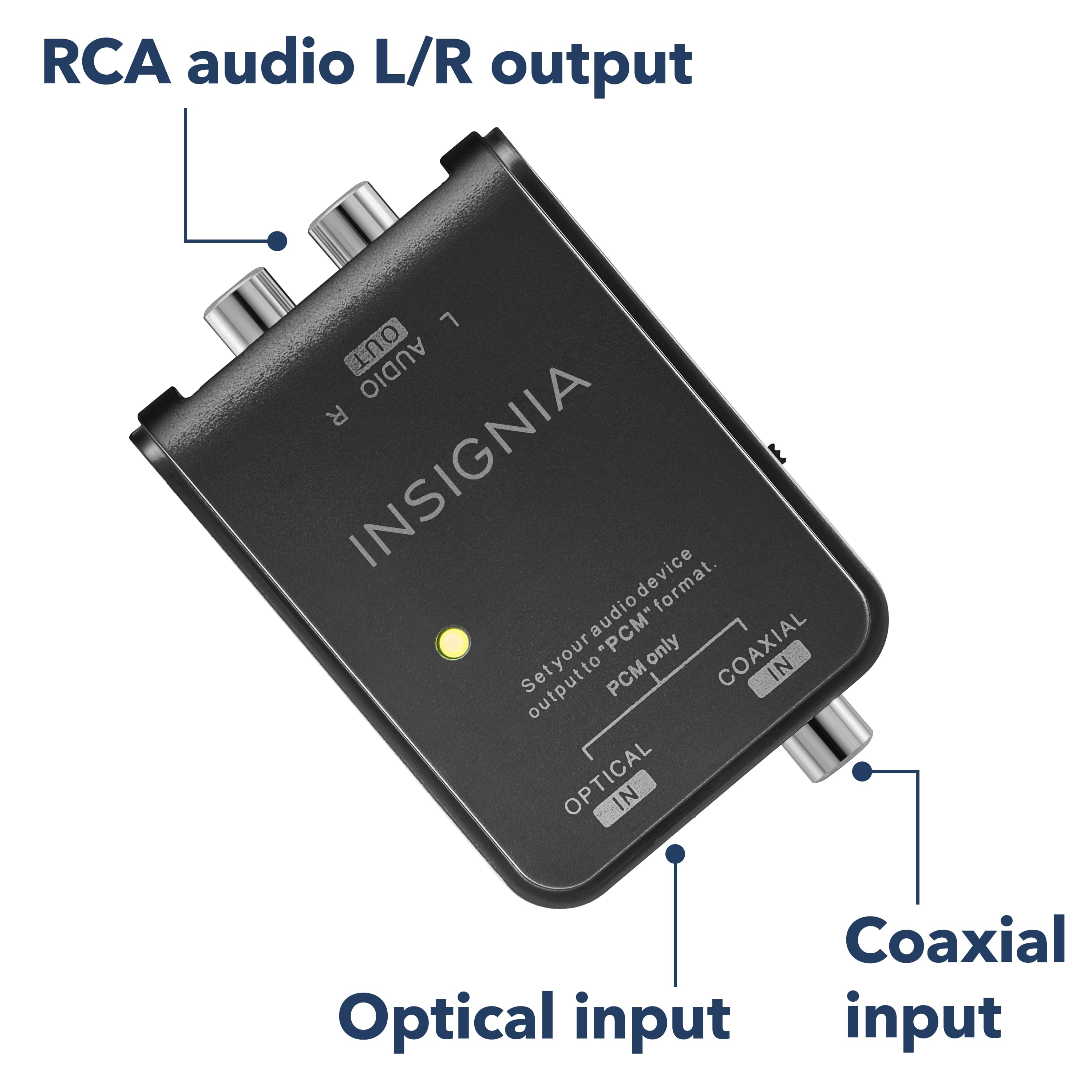
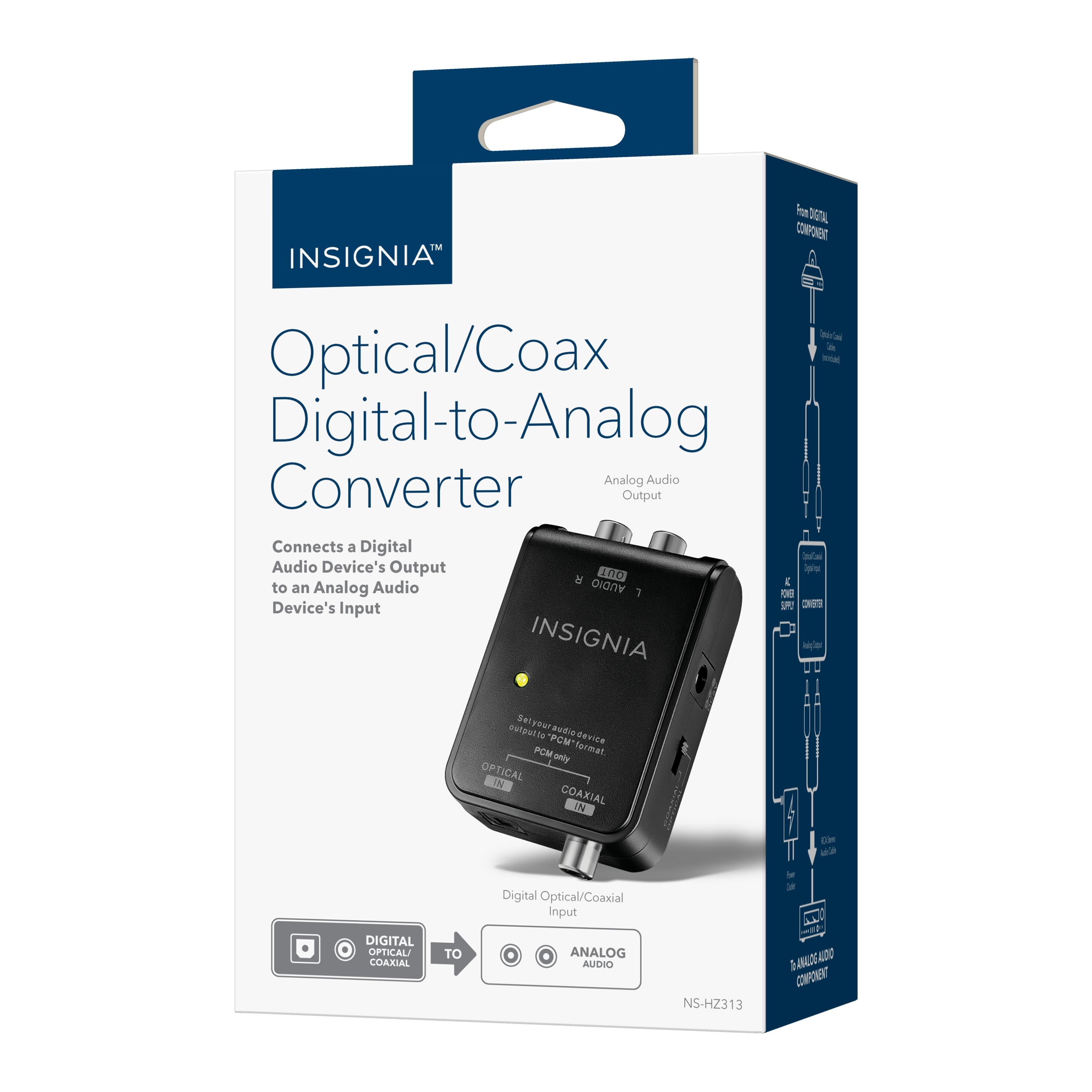
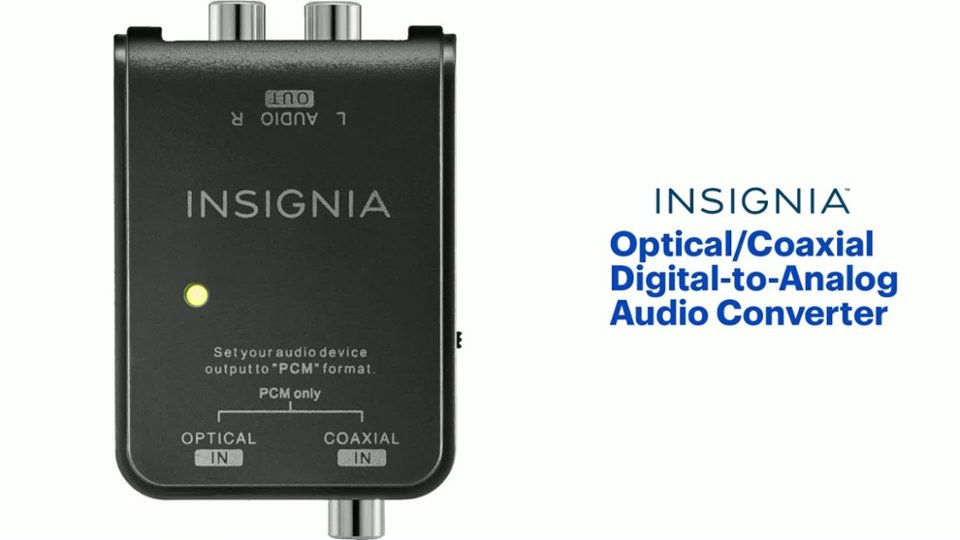
A:AnswerYes, this solves the problem as the Samsung TV does not have an analog audio out. However you need to then go into advanced settings when you change the audio from the speakers. All very easy.
A:AnswerI do not think so. This unit is for audio range signals. You need to check the frequencies used in the digital TV signal input. If you want to convert anything above 20 Khz this unit will not be adequate.
A:AnswerI haven’t tried that yet. Thank you for the idea. I haven’t gotten it to work at all yet. I will work on it ASAP, probably tomorrow.
I apologize for not having an answer for you. As soon as I get some positive solution to the issue I will send it to you.
Puzzled2
A:AnswerNeed more information your sound bar has RCA outs jacks but what are you plug in the optical into?
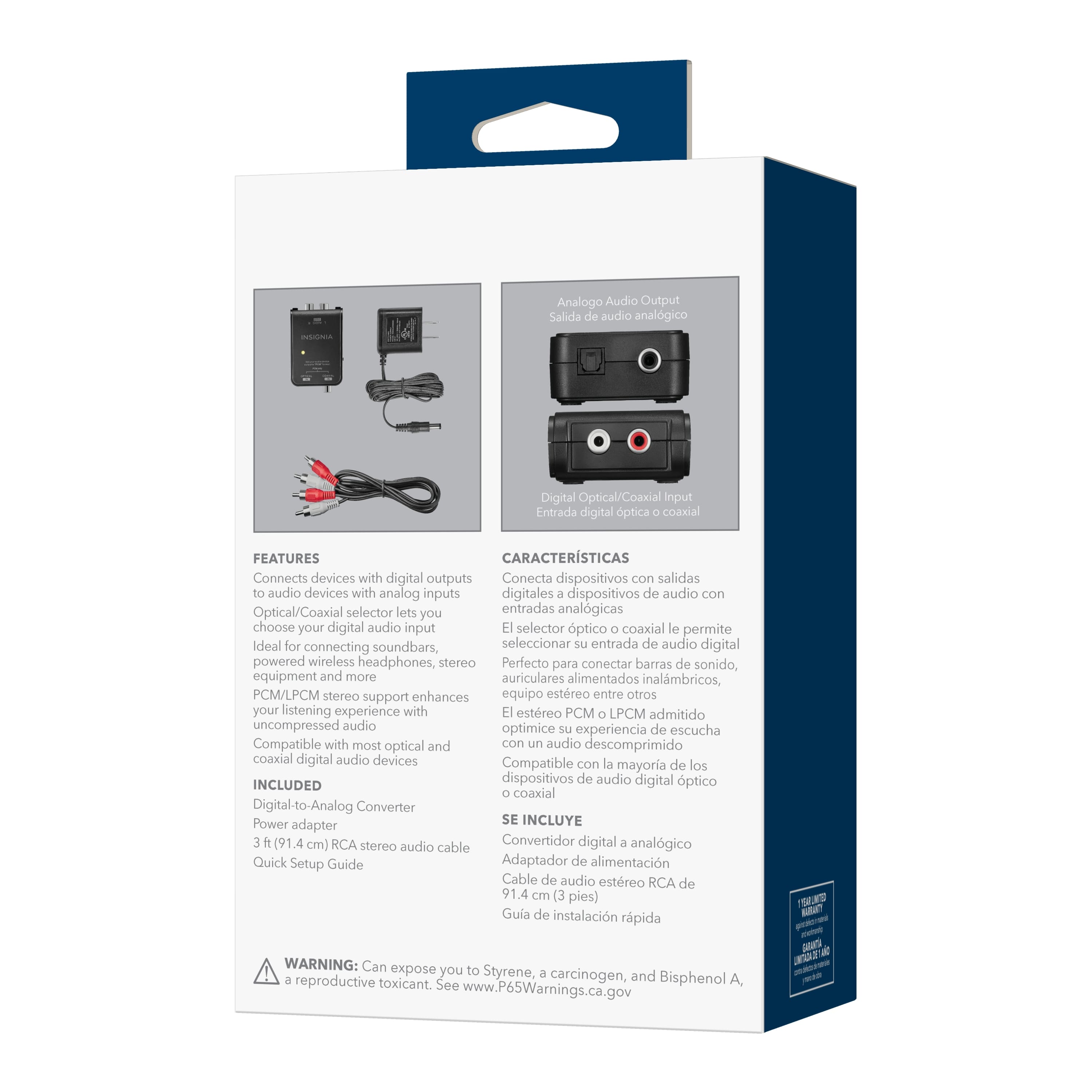
This unit is best designed for an optical output to an RCA input as an old receiver or television so if you do not have it configured that way that is your problem you do not have the correct unit to do what you would like to do with your sound bar.
A:AnswerI ran into a similar situation, the new TVs don't have analog audio output, and I tried the Blue Tooth headphones but you cannot mute the TV speakers, and their range is less than the Sony wireless that I own. You might use the optic converter and a splitter and do the surround with an analog input.
A:AnswerI'm not an expert as I'm still learning and my wife always wants to sedate me when I work on these types of problems. However I recently purchased a set of wireless Bluetooth head phones but my tv didn't have blue tooth capability so I had to take the headphones back. I looked up the specs on your Samsung UN55NU800D tv and it doesn't seem to have Bluetooth capability. I recently purchased a Samsung 50 inch for my wife it didn't have it either. Many of the good deal tv's I'm finding don't have a lot of the latest technology that's why they are cheaper. They seem to limit capabilities so as to make them cheaper thus lies the great deals. My best advice before you panic from my words is go to a place like or similar to best buy and talk to the best person they have on tv's and tell them what you are trying to do. If not find a reputable computer repair shop in your area as they usually know a lot more about electronic devices than just computers as they themselves are just like the rest of us but have the knowledge of working with all these devises and latest technologies. Hope this helps!