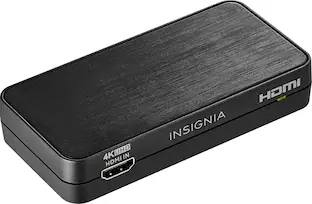
Insignia™ - Optical/Coaxial Digital-to-Analog Audio Converter - Black
Customers are saying
Customers appreciate the Optical/Coaxial Digital-to-Analog Audio Converter for its great sound quality and ease of use. Many find it compatible with their existing setups, especially when HDMI is not an option, and consider it a good value for the price. The only notable drawback mentioned is the absence of a volume control feature.
Features
Compatible with most optical and coaxial digital audio devices
For wide-ranging use.
Optical or coaxial digital input selectable
So you can connect audio devices that have digital audio outputs to devices that have analog audio inputs.
PCM stereo support
To suit your needs.
Specifications
- BrandInsignia™Model NumberNS-HZ313Product NameOptical/Coaxial Digital-to-Analog Audio ConverterColorBlackQuantity1CompatibilityMost optical and coaxial digital audio devices
Reviews
Rating 4.4 out of 5 stars with 3121 reviews
- Sound Quality (613)
- Ease of use (603)
- Compatibility (219)
- Price (94)
- Connectivity (61)
- Volume Control (13)
Customer Images
The vast majority of our reviews come from verified purchases. Reviews from customers may include My Best Buy members, employees, and Tech Insider Network members (as tagged). Select reviewers may receive discounted products, promotional considerations or entries into drawings for honest, helpful reviews.
Compare similar products

Only @ Best BuyEasily link audio devices with digital audio outputs to devices with analog audio inputs using this Insignia NS-HZ313 digital-to-analog converter, which is optical or coaxial input selectable to accommodate a wide range of audio devices.

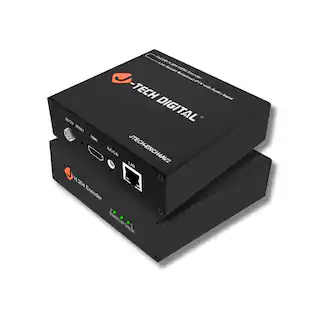
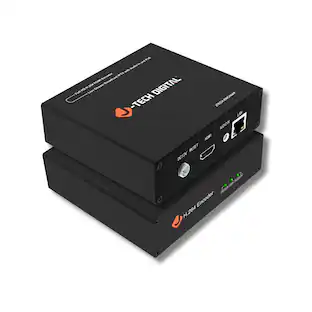
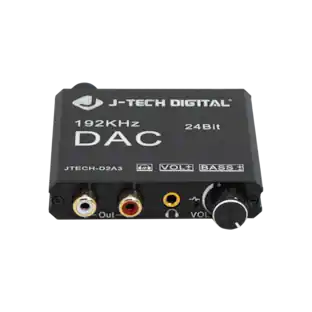
The J-Tech Digital JTECH-D2A3 digital to analog audio converter is the perfect device for integrating legacy AV equipment or headphones to your system. The JTECH-D2A3 supports 192kHz 24bit audio sampling for hi-fidelity audio to your analog audio components. Unlike most digital-to-analog signal converters, the JTECH-D2A3 features a volume amplifier and bass control function for ensuring your converted audio signal is ideal for your application.
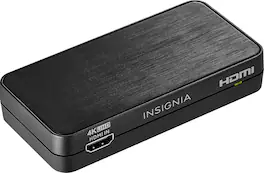
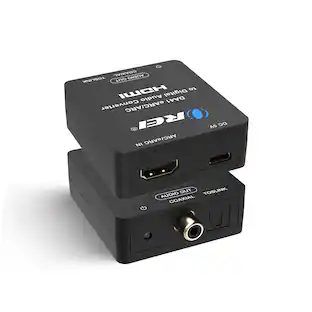
Convert the sound signals from HDMI to analog or optical output with this Insignia HDMI audio extractor. The 3.5mm jack makes connecting headphones or a speaker system as needed simple. This Insignia HDMI audio extractor lets you choose between stereo sound or 5.1 channels with the flip of a switch, providing a variety of audio options for different media.

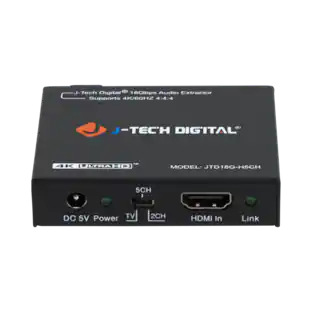
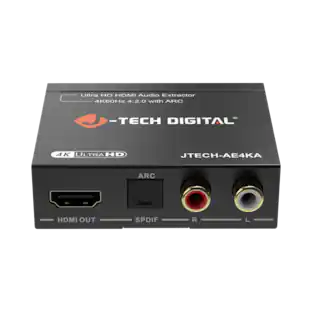
The HDMI 18Gbps Audio Extractor could extract audio signals from any HDMI compliant source to digital optical or analog stereo L/R audio outputs. Further, both input and output HDMI support video resolution up to 4K2K@50/60Hz (YUV444). It supports 10bits HDR (High Dynamic Range) pass through and HDMI high resolution digital audio formats bypass, LPCM 2CH, Dolby TrueHD, Dolby Atmos and DTS-HD Master Audio, audio sampling rate up to 192 kHz. HDCP 2.2 and CEC bypass are supported.
| Pros for Insignia™ - Optical/Coaxial Digital-to-Analog Audio Converter - Black | |||
|---|---|---|---|
| Ease of use, Compatibility, Price, Sound Quality, Connectivity | There were no pros for this product— | Ease of use, Compatibility, Price, Audio Quality, HDR Support | There were no pros for this product— |
| Cons for Insignia™ - Optical/Coaxial Digital-to-Analog Audio Converter - Black | |||
| Volume Control | There were no cons for this product— | Resolution | There were no cons for this product— |
Specs
Customers often buy these together
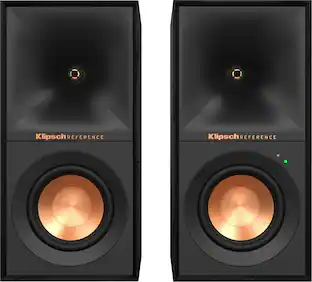
Klipsch R-40PM Reference Series 4" 35W 2-Way Powered Speakers (Pair)
Top Deal$442.99The price was $549.99Bose TV Speaker Compact Bluetooth Soundbar for Clear Dialogue and Enhanced TV Sound
$229.99The price was $279.00

More to consider


Your sound, your style Sponsored
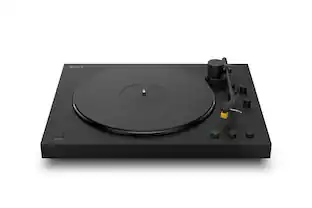
Sony PS-LX5BT Full Auto Playback Premium Turntable with Bluetooth Connectivity
$448.99The price was $499.99
Discover related products
5 CORE 5Core Speaker Wall Mount Adjustable Swivel 15 Inch Space Bookshelf Brackets Pair
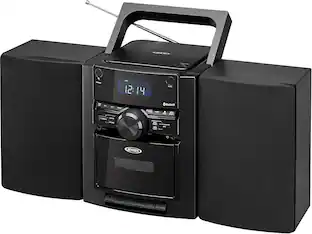
$27.99The price was $29.99Jensen Portable Bluetooth Stereo, CD Player Music System with Cassette and Digital AM/FM
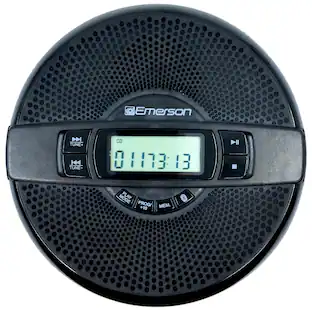
$89.99The price was $109.99Emerson Portable CD Player EPCD-2000 with Speaker, FM Radio, Earbuds, Bluetooth Out
$54.99The price was $64.99