Questions & Answers
- Model:
- NS-RMTSAM21
- |
- SKU:
- 6448217
Q: QuestionWill this remote program to a sound bar, other devices?
Asked by MJ.
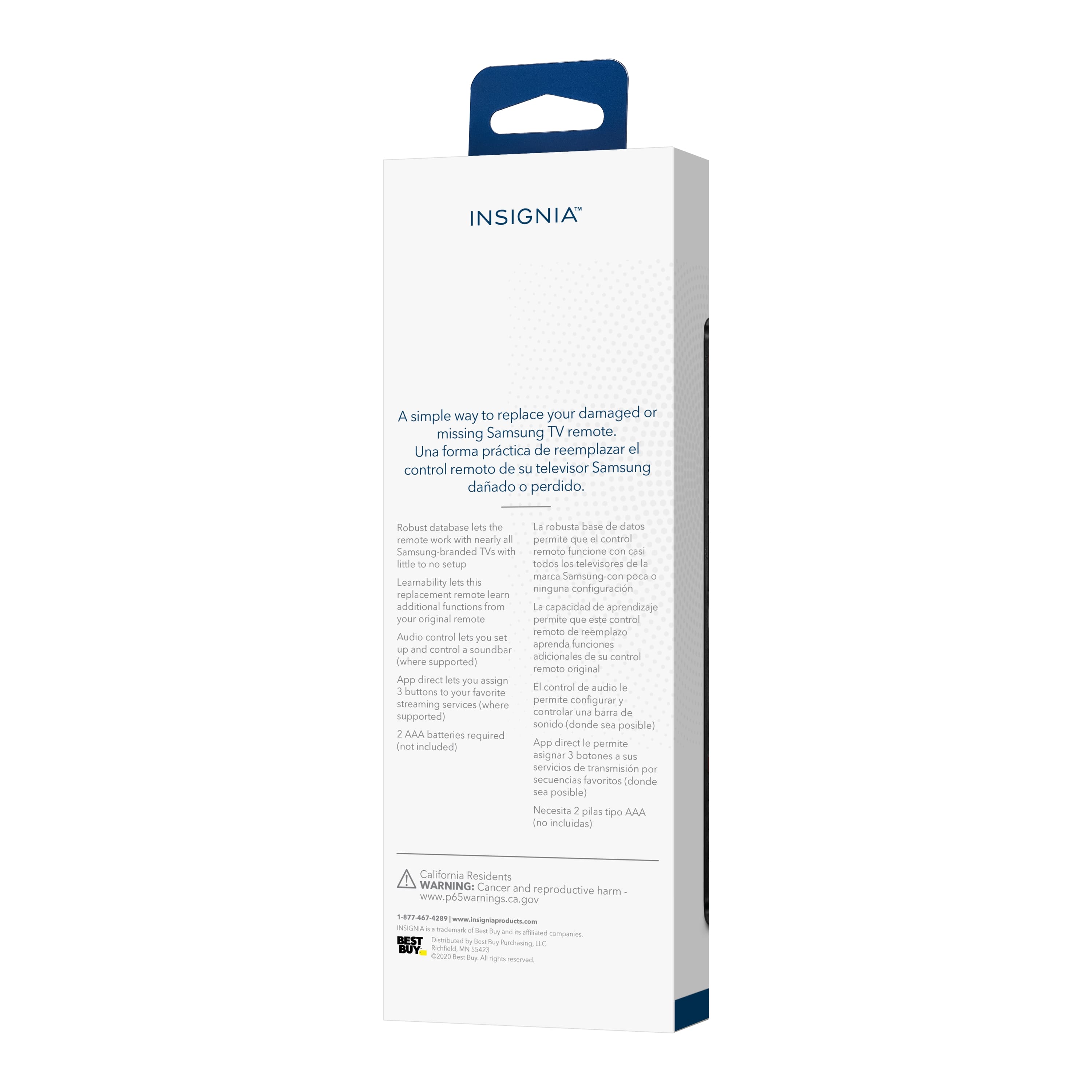
- A:Answer I believe it is set up to control a sound bar as well as the TV
Answered by Spitz
Q: Questiondoes this remote have voice command feature
Asked by Anonymous.
- A:Answer No it does not but it is a good remote
Answered by Ive726
Q: QuestionWill this remote control work for Samsung 85AU800D
Asked by Anonymous.
- A:Answer Believe this will work w practically any Samsung tv. I bought mine for an older Samsung tv whose remote had gone missing. This one was fully functional.
Answered by Replacementremote
Q: QuestionDoes this work for the samsung tv particular model: un32m4500afxza?
Asked by Anonymous.
- A:Answer Not familiar with this particular model but the remote is designed to work with any Samsung television.
Answered by Replacementremote
Q: QuestionWill this remote work on LG tv's
Asked by Sonny.
- A:Answer Hi there! No, purchase a different model for LG TV's. Rudson S.| Insignia Support. https://www.insigniaproducts.com/contact-us
Answered by InsigniaCustomerSupport

Q: QuestionDoes it light up, when in use?
Asked by Anonymous.
- A:Answer No it doesn’t. But remote is worth it.
Answered by Anonymous
Q: QuestionWill the remote control work with a Samsung TV QN43Q60TAFXZA Smart Tv
Asked by Cous.
- A:Answer I do believe so
Answered by DT5656
Q: QuestionWill this remote work with a QN50Q60AAFXZA?
Asked by JP.
- A:Answer I believe it should. It can be programmed. But be aware that it's IR vs RF - i.e., it has to be unobstructed and pointed at the TV.
Answered by CaptainDave
Q: QuestionWill this remote work with Samsung UN46F6400AFXZA TV
Asked by Heidee.
- A:Answer I believe it should. It can be programmed. But be aware that it's IR vs RF - i.e., it has to be unobstructed and pointed at the TV.
Answered by CaptainDave
Q: QuestionWill remote work with SONOS attached to my SAMSUNG
Asked by SOUNDBAR.
- A:Answer This replacement remote works for most Samsung TVs.
Answered by InsigniaCustomerSupport

Q: Questionhow do I pair this remote to my monitor
Asked by rhebert03070.
- A:Answer somewhat detailed answer to your question will help "many" people as once they connect this great Insignia 43" TV model # NS-43D420NA18 to their computer they will not only have a "practical" Internet/research tool, but also one that will potentially provide hours of enjoyment as there are so many "free" viewing options out there. If anyone wants to use this or other Insignia TVs as computer monitors, all they have to do is go into their computer's display settings and select "112" for display "type" and then under scale and layout select "100% (recommended)" and then for resolution select "1366 X 768 (recommended)" and then for multiple displays select "duplicate these settings. To have it so all of the computer's icons fit on the TV screen which are located on the lower task bar and in the left vertical column of the desktop saver screen click onto the TV's menu button and go into the picture column and then scroll down to "advanced settings" and then set the TV's "OVERSCAN" feature to "OFF!" I recommend using an HDMI cable to connect the computer to this television set. Make certain that your computer has an HDMI port and connect the HDMI cable to this TV's HDMI1 ARC port so that you can control the volume of both the TV and the laptop with one press of the volume button on the remote control. I always leave my computer's volume set at 100% MAX when it is connected to my TV; however,. this is up to you Happy Internet viewing!
Answered by BenL79
Q: QuestionCan this remote be programmed to start a specific app such as Netflix or YouTube TV?
Asked by RobS44.
- A:Answer I believe it should. It can be programmed. But be aware that it's IR vs RF - i.e., it has to be unobstructed and pointed at the TV.
Answered by CaptainDave
Q: Questionwill this remote work with a UN32J5500AF TV
Asked by steve.
- A:Answer This replacement remote works for most Samsung TVs.
Answered by InsigniaCustomerSupport

Q: QuestionDoes this remote have a button for a Timer??? Sick of spending 30 minutes navigating with no luck!
Asked by 1234.
- A:Answer No
Answered by Larz
Q: QuestionWill this remote work with Samsung Model UN46F6300AF? (older model)
Asked by Carol.
- A:Answer I believe it should. It can be programmed. But be aware that it's IR vs RF - i.e., it has to be unobstructed and pointed at the TV.
Answered by CaptainDave
Q: QuestionI have a older model Samsung tv LN32D403E4D. I have lost the remote. Will this remote work with it?
Asked by Kj.
- A:Answer I believe it should. It can be programmed. But be aware that it's IR vs RF - i.e., it has to be unobstructed and pointed at the TV.
Answered by CaptainDave
Q: QuestionWill this work with model QN50Q80TAFXZA
Asked by Compatibility.
- A:Answer I believe it should. It can be programmed. But be aware that it's IR vs RF - i.e., it has to be unobstructed and pointed at the TV.
Answered by CaptainDave
Q: QuestionWill this remote work with QN65Q65F?
Asked by Anonymous.
- A:Answer I do not have that particular model but it is s Samsung remote and I am sure it will work. I have a 5 year old and a new one and it works both flawlessly as well as the streaming services.
Answered by willbjeff
Q: QuestionWill this remote work with Samsung QN90A 55" NEO QLED TV?
Asked by TV.
- A:Answer I believe it should. It can be programmed. But be aware that it's IR vs RF - i.e., it has to be unobstructed and pointed at the TV.
Answered by CaptainDave
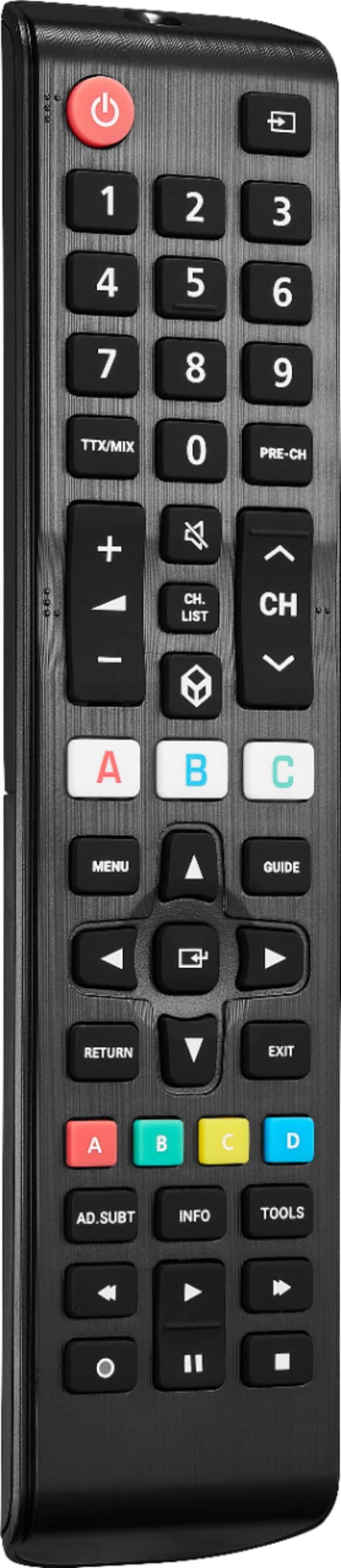
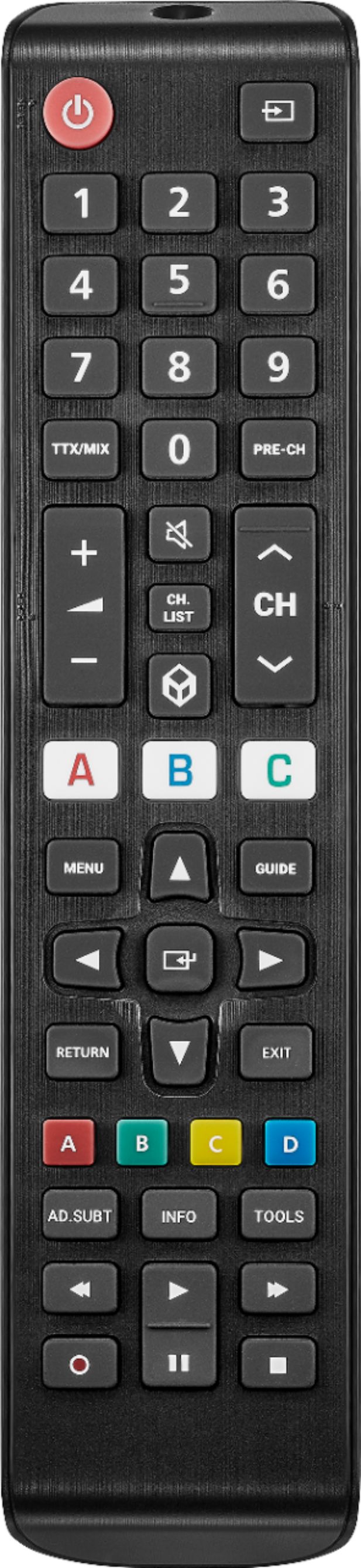
Q: Questionthis remote has a control play back stop pause of streaming im assuming it will record streaming looks like its a a record button left bottom of remote is it and do samsung smart tv's record limited streaming
Asked by Anonymous.
- A:Answer I just tried the remote features you're asking about with YTTV, NetFlix, and YouTube, and it works with all of 'em as you would expect. But be aware that it's IR vs RF - i.e., it has to be unobstructed and pointed at the TV. BTW, some people I've talked to turn their noses up at YouTube TV (YTTV), and I don't know why. It's a virtual DVR - recording all segments of all TV and cable programming you select and control, with few exceptions you can usually go to a Website for. We've completely dumped cable and watch everything via either WiFi or our cellphone network wherever we are.
Answered by CaptainDave
Top Rated
- $29.99Your price for this item is $29.99
- $14.99Your price for this item is $14.99
- $34.99Your price for this item is $34.99
- $29.99Your price for this item is $29.99
- $34.99Your price for this item is $34.99
- $24.99Your price for this item is $24.99
- $29.99Your price for this item is $29.99
- $79.99Your price for this item is $79.99
- Clearance$26.99Your price for this item is $26.99
- $11.99Your price for this item is $11.99$16.99The comparable value for this item is $16.99
- $49.00Your price for this item is $49.00
- Clearance$26.99Your price for this item is $26.99
- $14.49Your price for this item is $14.49$19.49The comparable value for this item is $19.49
- $29.60Your price for this item is $29.60
- $69.00Your price for this item is $69.00