A:AnswerHello there,
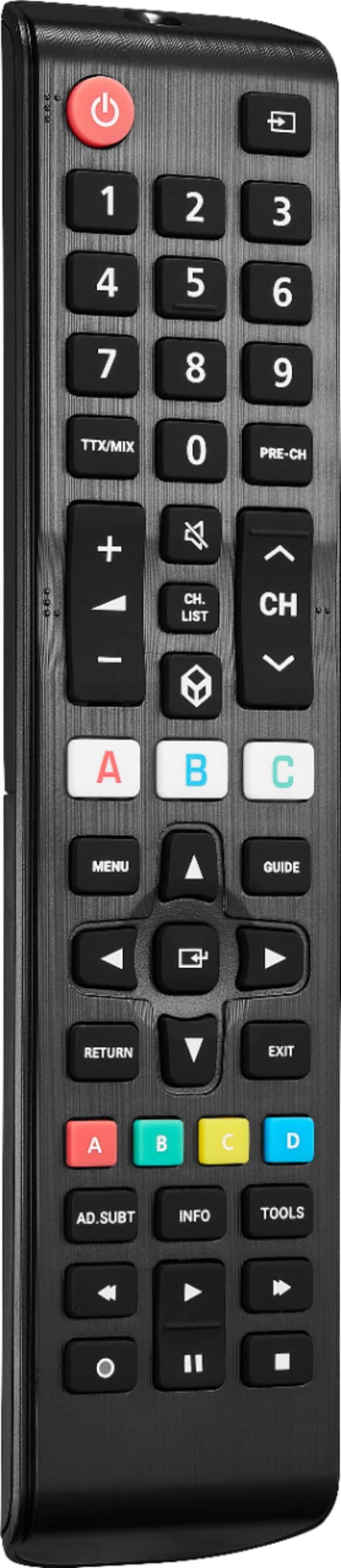
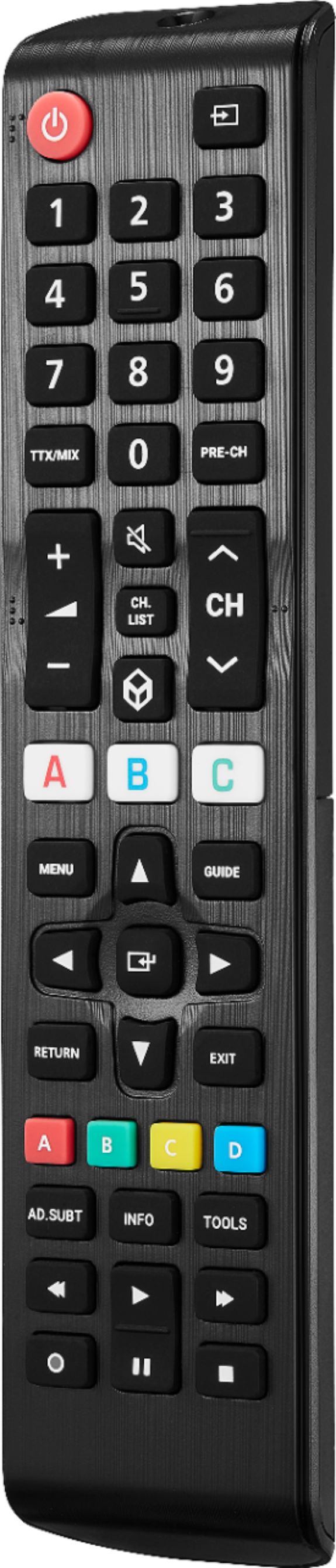
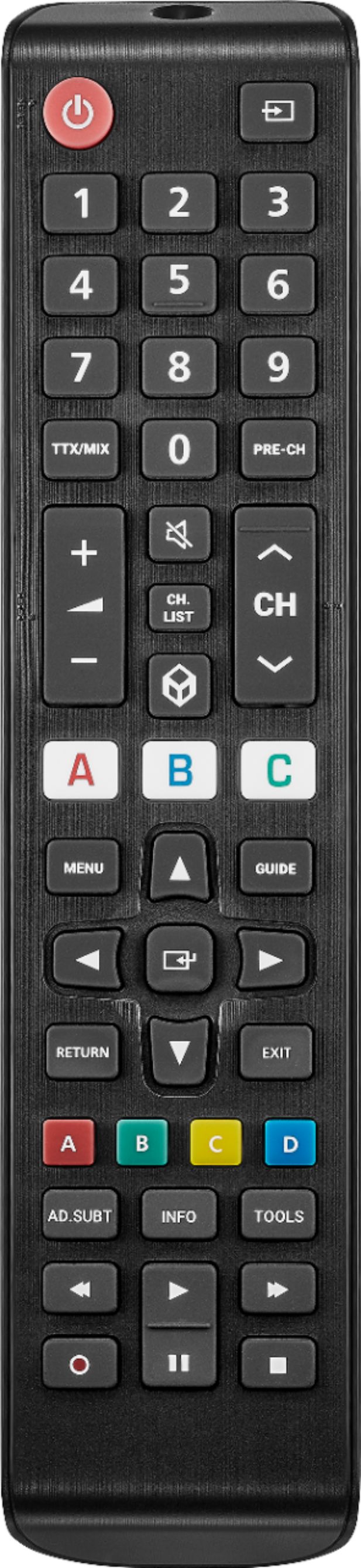
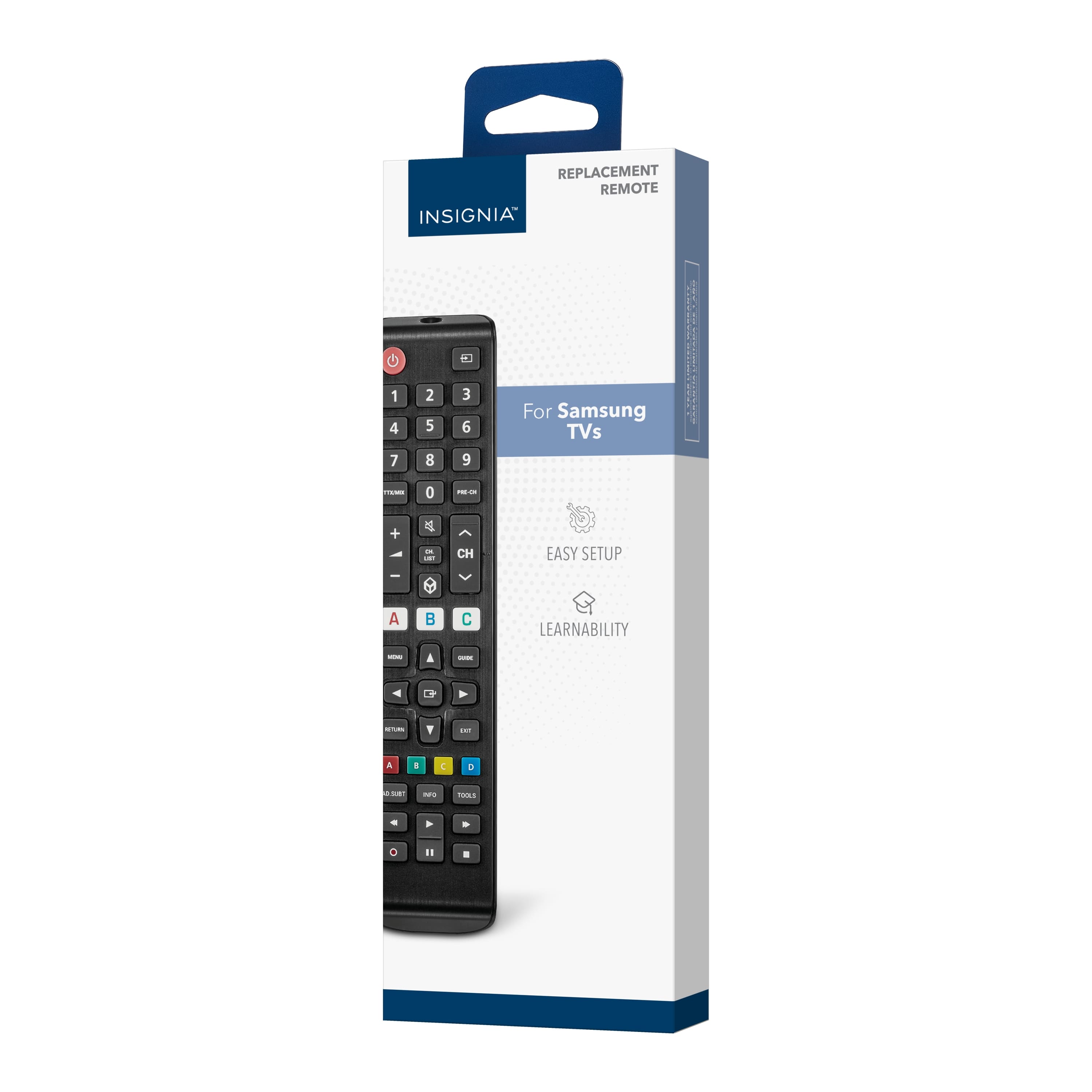
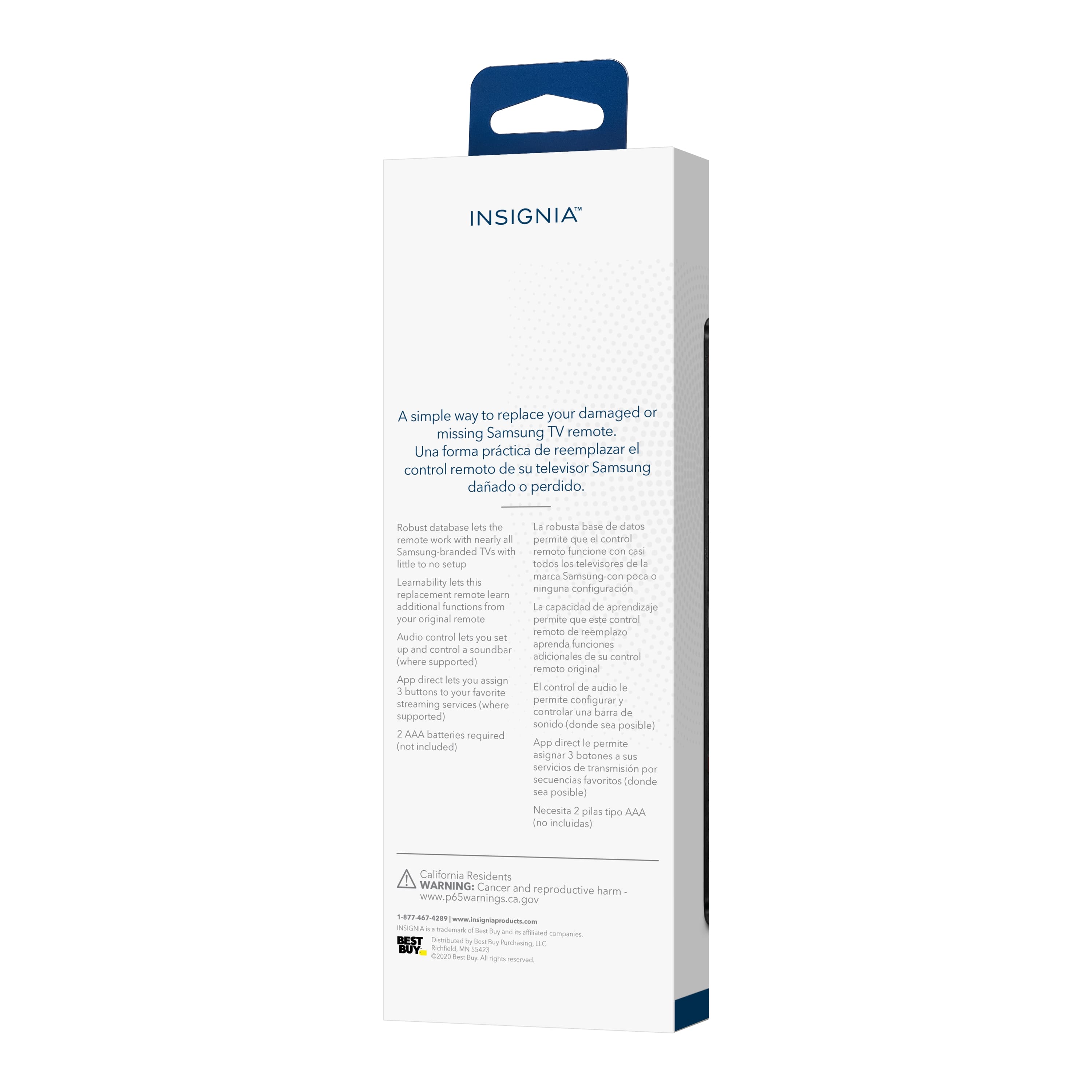
Our remote is compatible with nearly all Samsung TVs and pre-programmed for easy pairing.
Insignia Support
Louise
www.insigniaproducts.com/support
A:AnswerHi Bigpanda,
Yes, this Insignia™ - Replacement Remote for Samsung TVs - Black will work with your spectrum cable box.
Insignia Products
Lisa
https://insigniaproducts.com.
A:AnswerBelieve this will work w practically any Samsung tv. I bought mine for an older Samsung tv whose remote had gone missing. This one was fully functional.
A:Answersomewhat detailed answer to your question will help "many" people as once they connect this great Insignia 43" TV model # NS-43D420NA18 to their computer they will not only have a "practical" Internet/research tool, but also one that will potentially provide hours of enjoyment as there are so many "free" viewing options out there. If anyone wants to use this or other Insignia TVs as computer monitors, all they have to do is go into their computer's display settings and select "112" for display "type" and then under scale and layout select "100% (recommended)" and then for resolution select "1366 X 768 (recommended)" and then for multiple displays select "duplicate these settings. To have it so all of the computer's icons fit on the TV screen which are located on the lower task bar and in the left vertical column of the desktop saver screen click onto the TV's menu button and go into the picture column and then scroll down to "advanced settings" and then set the TV's "OVERSCAN" feature to "OFF!" I recommend using an HDMI cable to connect the computer to this television set. Make certain that your computer has an HDMI port and connect the HDMI cable to this TV's HDMI1 ARC port so that you can control the volume of both the TV and the laptop with one press of the volume button on the remote control. I always leave my computer's volume set at 100% MAX when it is connected to my TV; however,. this is up to you Happy Internet viewing!
A:AnswerI do not have that particular model but it is s Samsung remote and I am sure it will work. I have a 5 year old and a new one and it works both flawlessly as well as the streaming services.