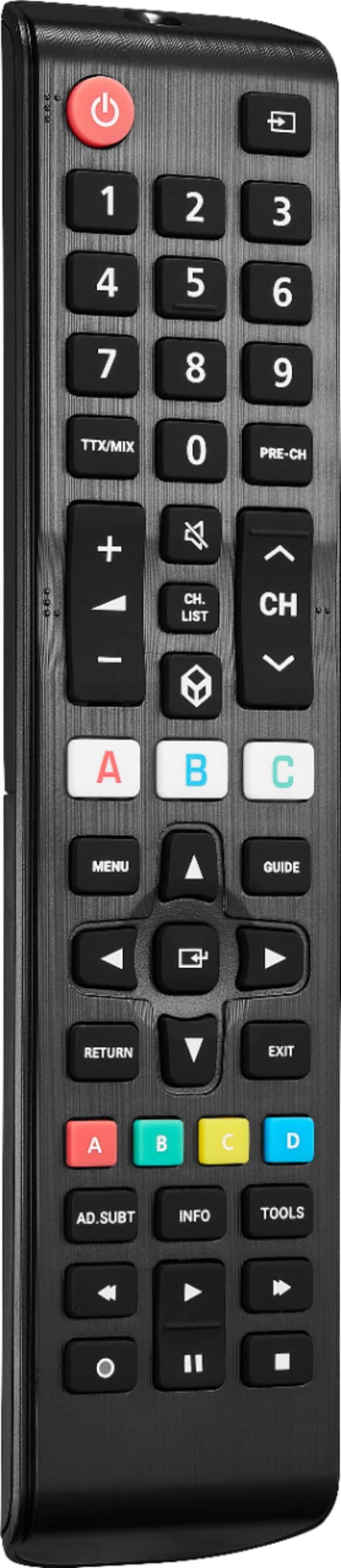
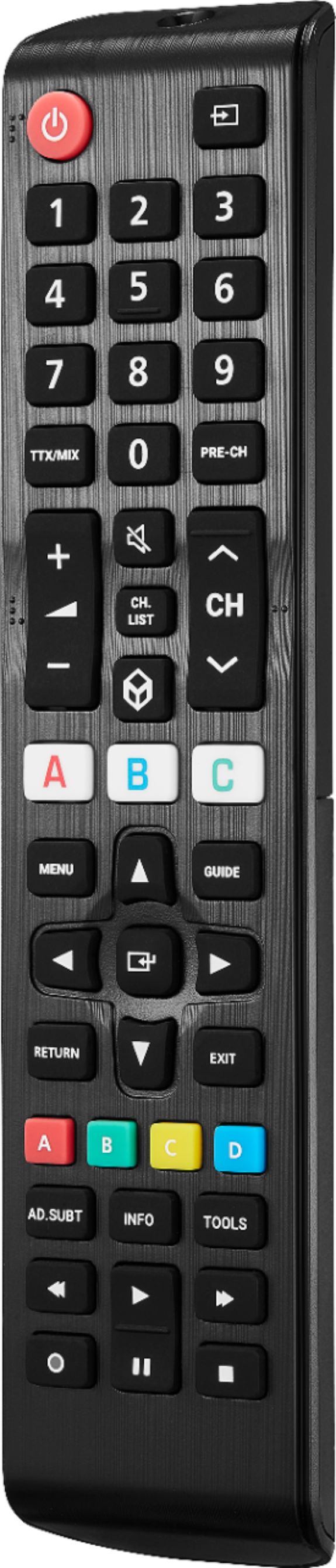
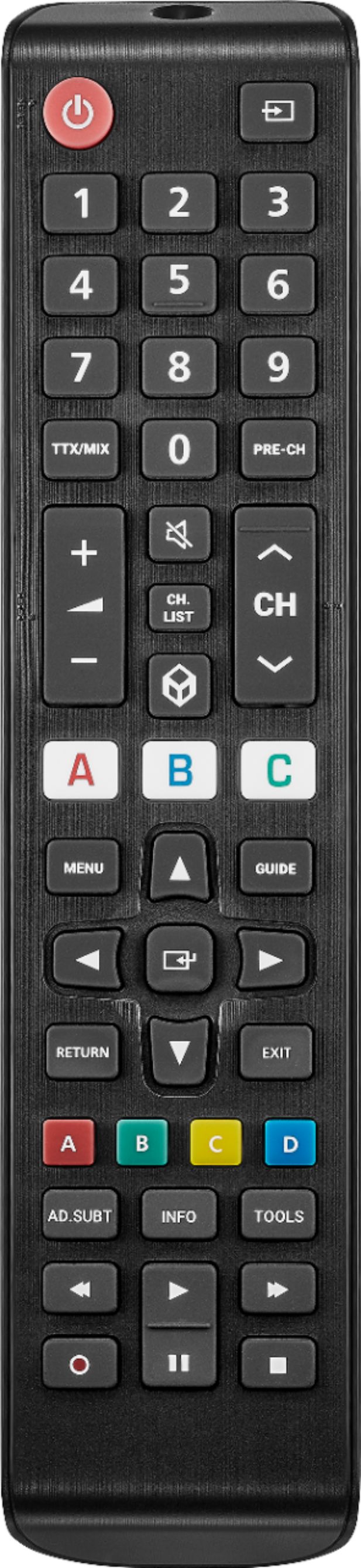
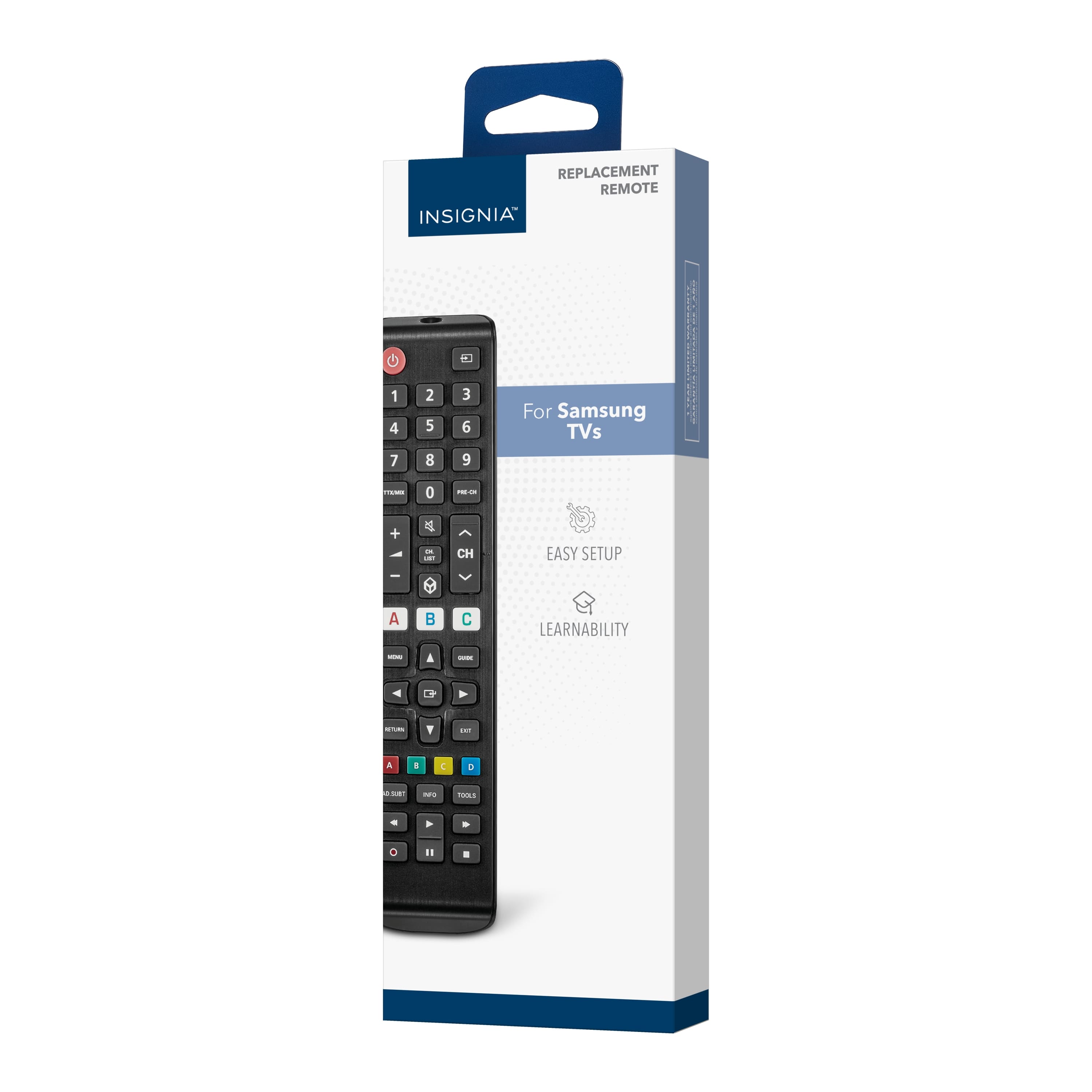
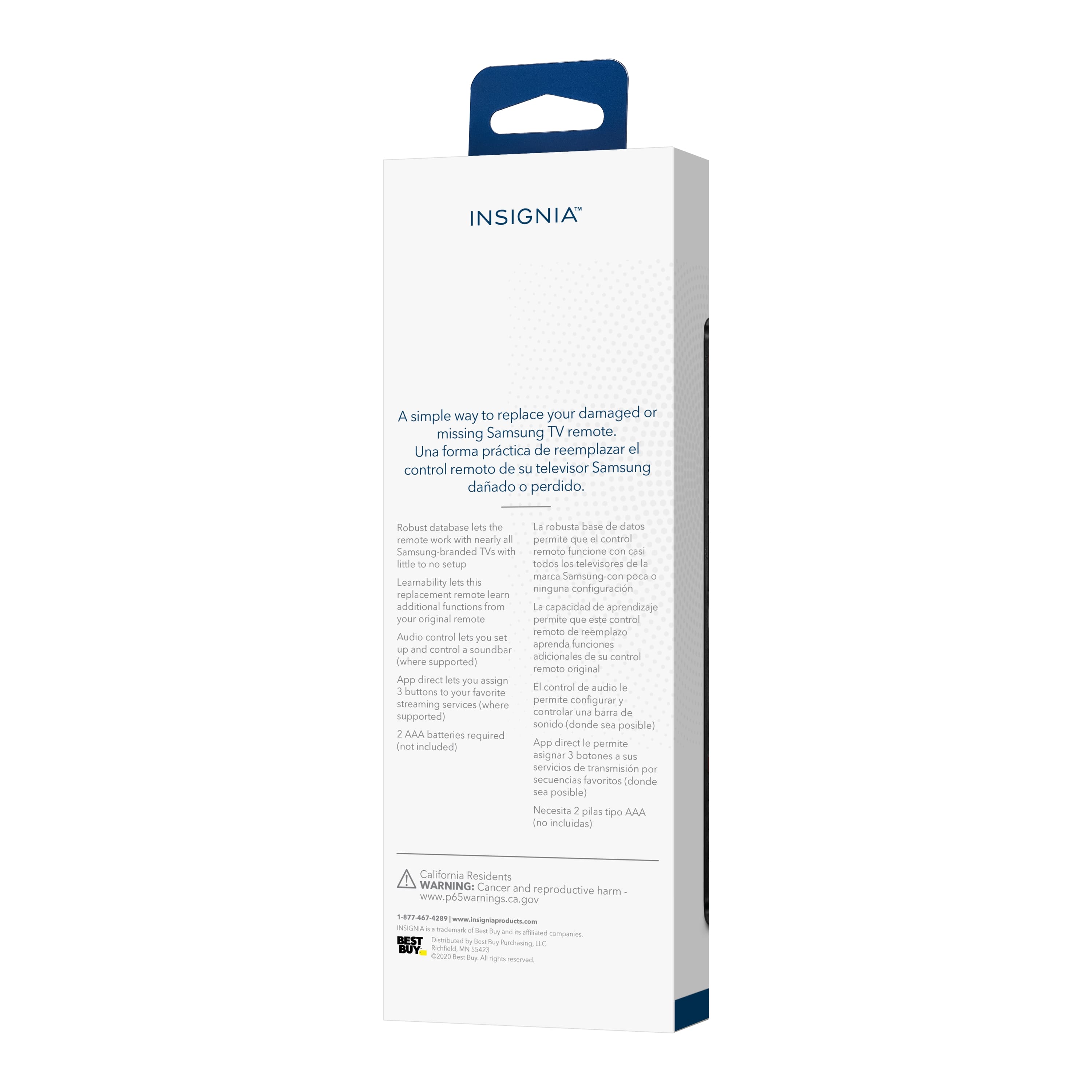
A:AnswerThank you for your inquiry! To pair your Insignia™ Replacement Remote with your Samsung Q60CA55 TV, start by inserting two AAA batteries into the remote, ensuring the correct polarity. Turn on your TV and make sure it's not in standby mode. Next, press and hold the red A and blue D buttons on the remote simultaneously until the power button LED blinks twice. Point the remote towards your TV and press and hold the power button. Release the power button as soon as your TV turns off; the LED should blink twice to confirm the pairing. If some buttons don't work as expected, repeat the steps using the MENU or INFO button instead of the power button to find the correct code for your TV. Keith | Insignia Support
A:AnswerI performed the function as directed by the comment here and it worked. However, I programmed it for my "A" button.
When I first got the remote, B automatically opened Netflix, C automatically opens Prime Video, and now when I push A, I watch the TV go to the home screen, automatically scroll over to Hulu, then hit enter which eventually brings me to Hulu.
What is the point of that? I can do that. I don't know why B and C just auto-open these apps directly, but A goes through the whole selection process manually by itself.
How do I make A open Hhulu directly without having to wait for that?
A:AnswerHi Chuck,
- Remove the batteries from your remote and press every single button twice.
- Place the batteries back in the remote and unplug the TV from the power source.
- Locate the following buttons and press them for about 20 seconds: Back, Menu (=) and the left side on the navigation ring.
- Release these buttons and plug your TV back into the power source.
- Turn the TV on and wait for about 1 min.
After these steps the remote will be rebooted and it will start the pairing process.
If you have any questions or concerns, please use the link below to reach us and also you can contact this phone number 877-467-4289 for further assistance.
Insignia Products
Nikki
https://insigniaproducts.com