A:AnswerThank you for your feedback! We’re glad to hear the TV made a thoughtful housewarming gift for your daughter. We’re sorry to learn about the sound issue and understand how frustrating it can be to raise the volume so high just to hear clearly. Your input is important, and we’ll be sure to share it with our product team as we continue working to improve the audio performance of our TVs.
Keith | Insignia Support
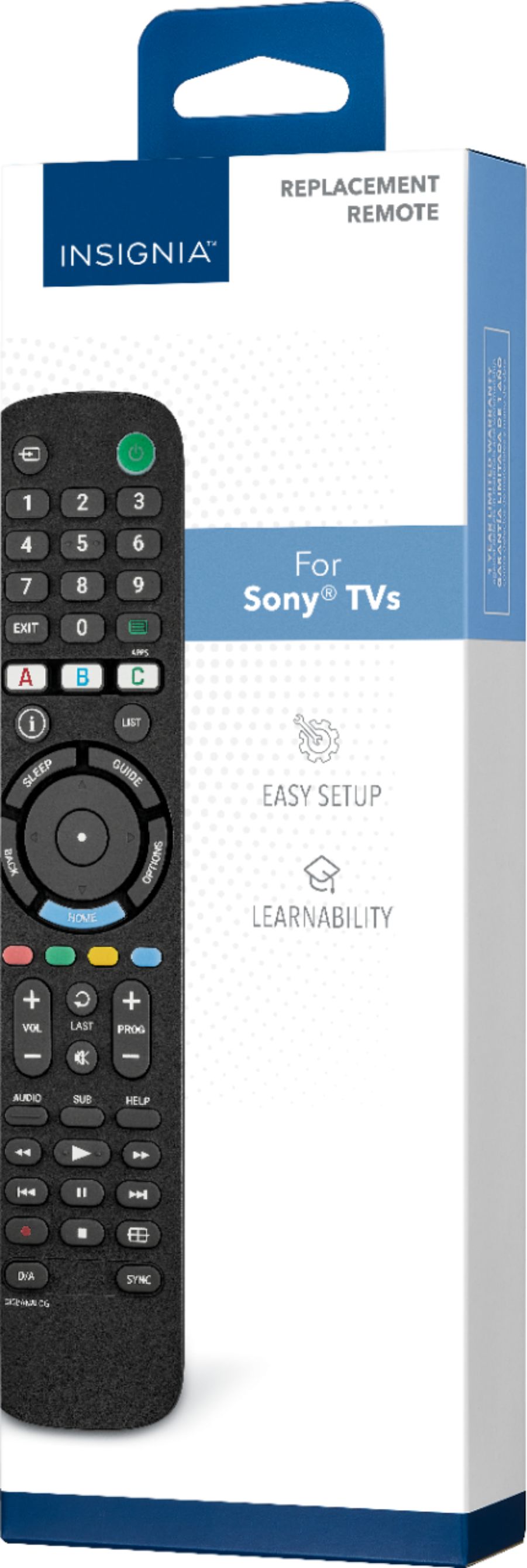
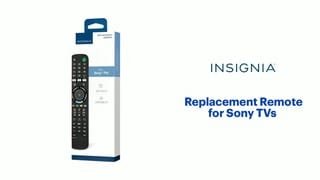
A:AnswerHi there. Yes, the Insignia™ Replacement Remote for Sony TVs (Model: NS-RMTSNY21) is designed to be compatible with most Sony TVs, including older models like your 2010 Sony Bravia. This remote is pre-programmed for Sony TVs, so it should work right out of the box without needing the original remote for setup. That means even if your original Sony remote is non-functional, you can still use this Insignia remote to control your TV. If you have any questions or need further assistance, please don't hesitate to reach out. Ivy | Insignia Support
A:AnswerHi Insignia Customer, thank you for reaching out. Please feel free to contact us at 1-877-467-4289 so that we can further assist you and provide more thorough troubleshooting. We look forward to speaking with you. If you have any further questions, please feel free to ask! - Carl | Insignia Support
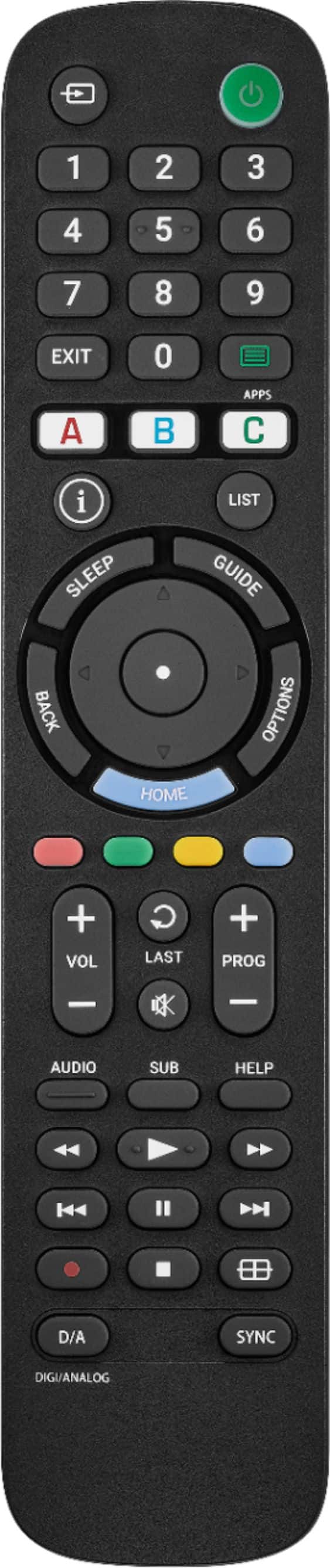
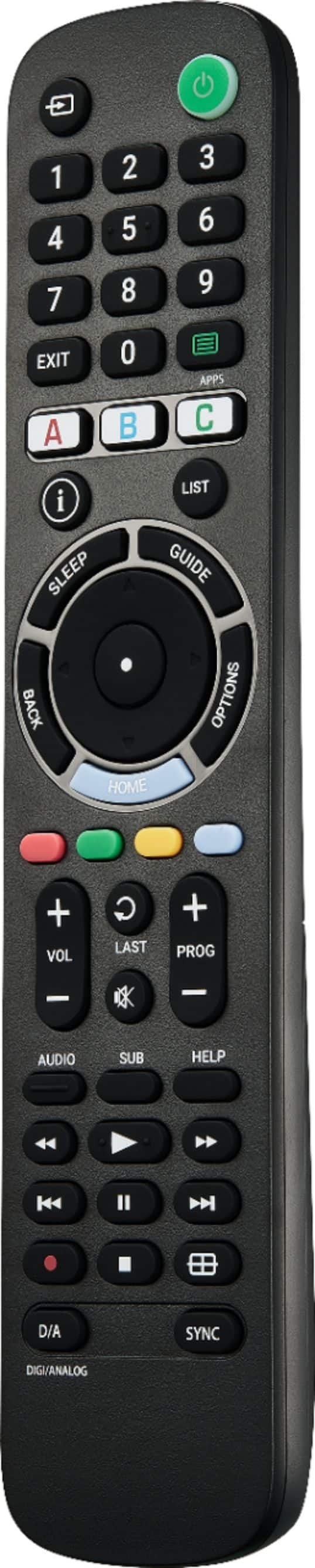
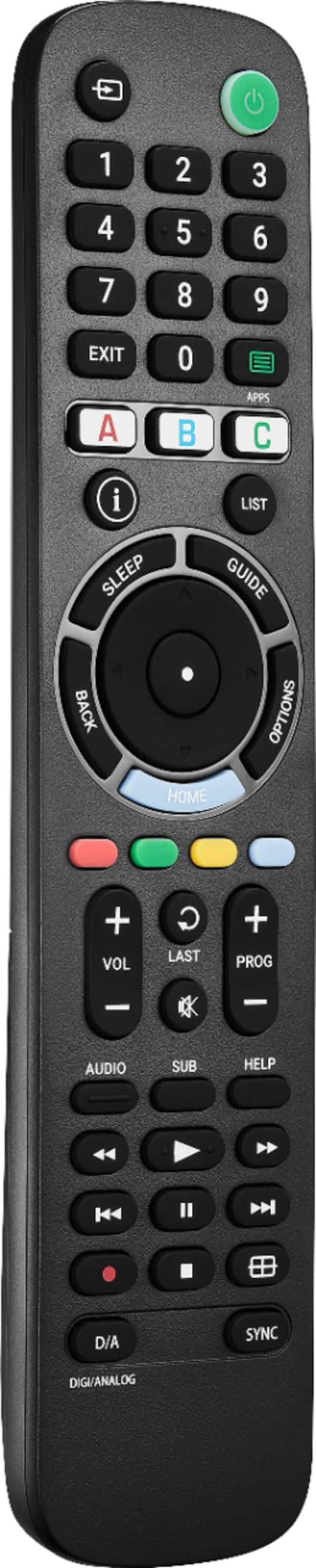
A:AnswerTo use the sleep function on your Insignia RMTSNY21 replacement remote for Sony TVs, you'll typically find a dedicated SLEEP button on the remote. Pressing this button will usually bring up an on-screen menu on your Sony TV where you can select the desired sleep timer duration (e.g., 30 minutes, 60 minutes, etc.). If you have any other questions or need further assistance, feel free to contact our Insignia customer support team (877-467-4289). - Mae | Insignia Support
A:AnswerNo, your TV does not need to be connected to the internet for the Insignia™ Replacement Remote for Sony TVs to pair and function. This remote is pre-programmed to work with most Sony TVs and can be set up by following the instructions provided. Patricia | Insignia Support
A:AnswerThank you for your inquiry! Yes, the Insignia™ Replacement Remote for Sony TVs is compatible with nearly all Sony TVs, including SONY Bravia models. This remote is pre-programmed for easy pairing and can even learn functions from your old remote if you still have it. It also allows you to control your soundbar or audio receiver volume, giving you full control of your audio setup. If you have any other questions or need further assistance, feel free to ask! - Mae | Insignia Support
A:AnswerThank you for your inquiry! Yes, the Insignia™ Replacement Remote for Sony TVs is designed to work with nearly all Sony TV models, and that includes your 2016 Sony XBR-65X750D. This remote comes pre-programmed for easy pairing, so it should work seamlessly with your television right out of the box. If you have any other questions or need further assistance, feel free to ask! - Mae | Insignia Support
A:AnswerThank you for your inquiry! The Insignia™ Replacement Remote for Sony TVs (model NS-RMTSNY21) does not have a dedicated voice command button. It is designed to control most Sony TVs and can be programmed to control soundbars and other audio devices. Keith | Insignia Support https://www.bestbuy.com/site/insignia-replacement-remote-for-sony-tvs-black/6447937.p?skuId=6447937
A:AnswerThank you for your inquiry! The Insignia™ Replacement Remote for Sony TVs (model NS-RMTSNY21) is primarily designed to work with Sony TVs. While it can control the volume of many soundbars and audio receivers, it is not specifically designed to work with the Sony STR-DH590 receiver.
For the best experience with your Sony STR-DH590 receiver, I recommend using the original remote that came with the receiver or a universal remote that explicitly supports audio receivers. Keith | Insignia Support
A:AnswerHello KP! Yes, the NS-RMTSNY21 remote control is compatible with the Sony TV Model: KDL-32BX300. This remote is designed to work with various Sony TV models, including the KDL-32BX300. Jeth | Insignia Support.
A:AnswerThank you for your question! The Insignia™ Replacement Remote for Sony TVs is primarily designed to work with Sony TVs and can also control the volume of many soundbars and audio receivers. However, it is not specifically designed to work with the Sonos Ray soundbar. For the best experience with your Sonos Ray soundbar, I recommend using the Sonos app or the original remote that came with your soundbar. If you have any other questions or need further assistance, feel free to ask! - Mae | Insignia Support | https://www.bestbuy.com/site/brands/best-buy-brands/pcmcat1596746025285.c?id=pcmcat1596746025285
A:AnswerHello,
Thank you for reaching out. Yes, this remote is compatible with your Sony TVs. However, please note that the number buttons on the remote are designed for programming with a set-top box. I hope this information is helpful. If you have any further questions, please feel free to ask. - Carl | Insignia Support
A:AnswerHello! Thank you for reaching out. Yes, this will work with your current audio receiver. However, please note that it cannot be used with both your TV and audio receiver simultaneously. I hope this information is helpful to you.- Carl | Insignia Support
A:AnswerThere is a Quick Set up guide that comes with the remote and includes essential steps for installation and programming. It covers how to set up the remote to control your TV and any additional devices like soundbars. You can also download it through the Best Buy website. If you need further assistance, kindly reach out to Insignia Support. -Ed | Insignia Support | https://www.bestbuy.com/site/brands/best-buy-brands/pcmcat1596746025285.c?id=pcmcat1596746025285
A:AnswerI understand how frustrating that can be! Here’s how you can turn off the demo mode on your Sony TV model KDL40R510C:
1. Using the TV Buttons:
- Press and hold the CH/INPUT button on the TV for more than 10 seconds. You should see a message saying "Demo mode: Off" appear on the screen
2. Using the Replacement Remote:
- If you have the Insignia™ replacement remote, press the Home button.
- Navigate to Settings > Preferences > Retail mode settings.
- Set both Picture reset mode and Demo mode to Off.
If these steps don’t work, you might need to reset the TV to its factory settings. Here’s how:
1. Factory Reset:
- Press the Home button on the remote.
- Go to Settings > System Settings > Customer Support > Factory Settings.
- Follow the on-screen instructions to complete the reset.
I hope this helps! Let me know if you need any further assistance.
A:AnswerWe appreciate your interest in our products!
The Insignia™ Replacement Remote for Sony TVs is designed specifically for Sony TVs and may not be directly compatible with a Fire Stick
-Paul | Insignia Support
A:AnswerHello Omni1! Yes, the Insignia™ Replacement Remote for Sony TVs (NS-RMT3D21) is compatible with a wide range of Sony TV models, including the Sony LED KD-55X750H. This remote is designed to work seamlessly with most Sony TVs, providing you with the essential functions you need. Jeth | Insignia Support. https://www.bestbuy.com/site/insignia-3-device-universal-remote-black/6495829.p?skuId=6495829
A:AnswerHi Chris166! Yes, the Insignia™ Replacement Remote for Sony TVs (NS-RMTSNY21) should work with your Sony Bravia KDL-32L5000 manufactured in January 2009. This remote is designed to be compatible with nearly all Sony TVs, including older models like yours. If you have any other questions or need further assistance, feel free to ask! Jeth | Insignia Support. https://www.bestbuy.com/site/insignia-replacement-remote-for-sony-tvs-black/6447937.p?skuId=6447937