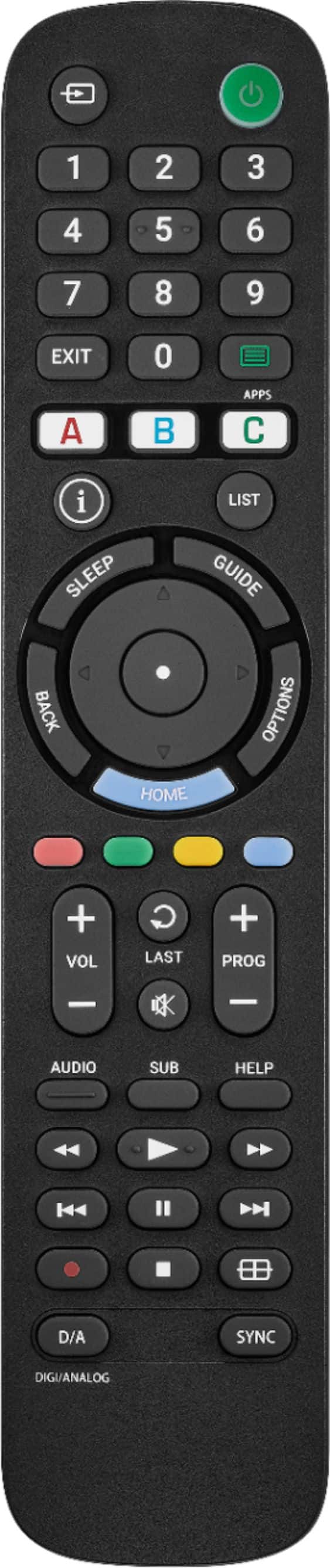
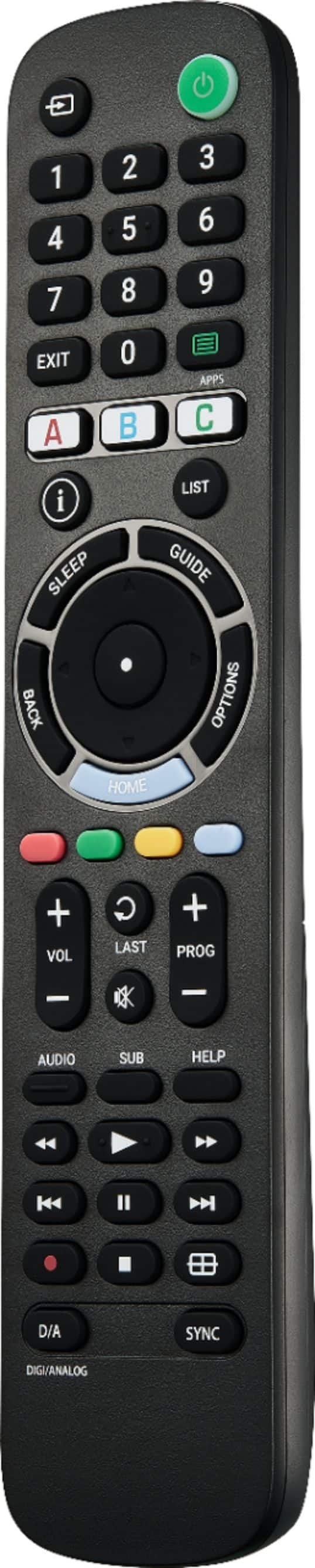
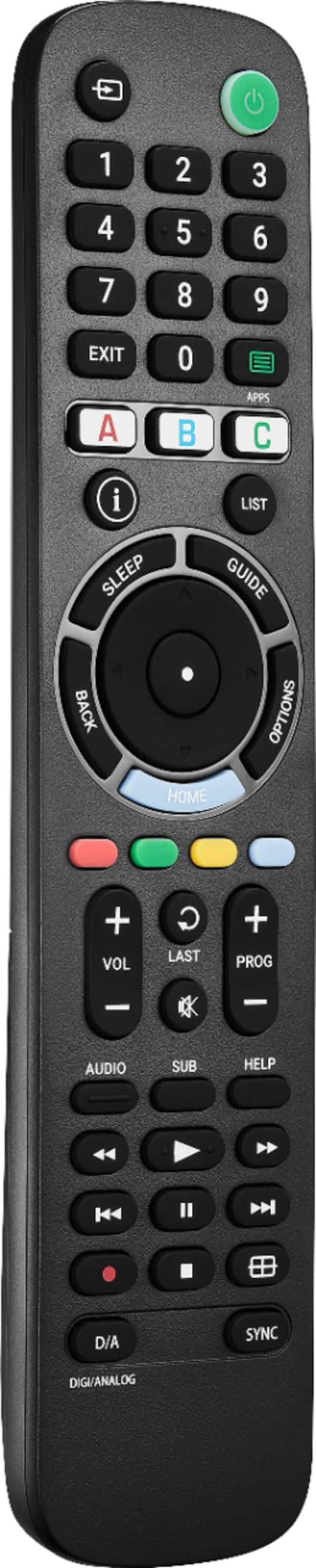
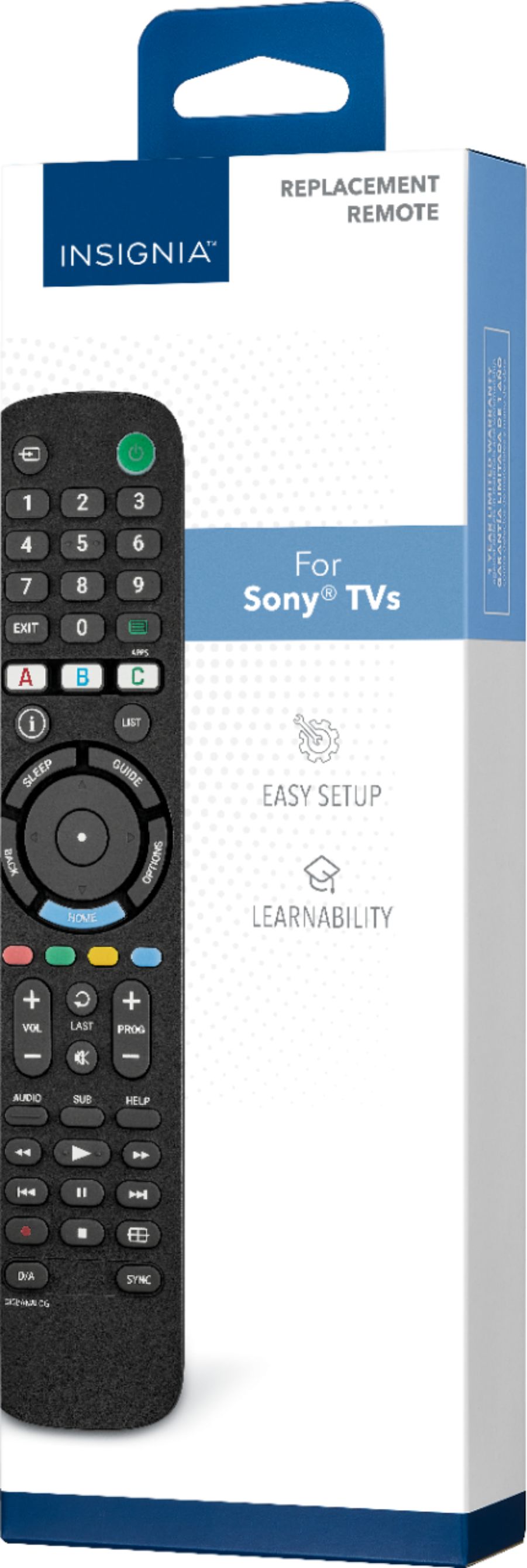
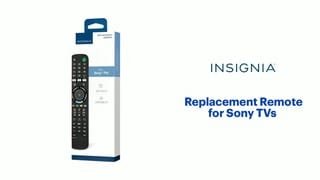
A:AnswerHi Baa! The Insignia™ - Replacement Remote for Sony TVs - Black is pre-programmed to control most Sony TVs1. Therefore, it should work with the 2023 Bravia KD50X77L23.
As for compatibility with Dish Network, most Dish remotes are compatible with Insignia TVs4. However, the surest way to ensure compatibility is by using a certified DISH remote. |Angelica| Insignia Support| https://www.bestbuy.com/site/insignia-replacement-remote-for-sony-tvs-black/6447937.p?skuId=6447937
A:AnswerHi Insignia Customer! Thank you for inquiring about our Insignia™ - Replacement Remote for Sony TVs. This remote should work on your Sony Bravia KD50X77L TV but we cannot assure that this would also work with the Dish network since this is only intended to work on Sony Brand TVs. I hope this helps. Please let us know if you need further assistance. Have a nice day! - James | Insignia Support | https://www.bestbuy.com/site/brands/best-buy-brands/pcmcat1596746025285.c?id=pcmcat1596746025285
A:AnswerHello Push, thank you for bringing your concerns to our attention. The Insignia™ - Replacement Remote for Sony TVs requires two double AA batteries to operate. If you need further assistance, do not hesitate to reach us out. Patricia | Insignia Support https://www.bestbuy.com/site/insignia-replacement-remote-for-sony-tvs-black/6447937.p?skuId=6447937
A:AnswerHello Keeffg54,
We are sorry to read you are experiencing this issue with one of our products. Please follow the steps below:
1. Make sure that your TV is on and not in standby mode.
2. On your new remote, hold down red and blue buttons until the power button LED blinks twice.
3. Point your new remote towards the TV, then press and hold the power button.
4. As soon as your TV turns off, immediately release the power button. The LED blinks twice. Note: You have three seconds to release the power button before your remote sends a different code to your TV.
5. Use the power button to turn on your TV, then test the other buttons.
6. If one or more buttons don’t work as you expect, repeat steps 1 through 5 using the MENU or INFO button instead of the power button. For more questions and product support you may contact our customer service at 1-(877)-467-4289 Monday to Saturday 8am - 9pm CST.
Chelsea
Insignia Support
Please give us a visit at: https://www.bestbuy.com/site/brands/best-buy-brands/pcmcat1596746025285.c?id=pcmcat1596746025285
A:AnswerHi there, Sadly, it will not work with LG TV.
Rudson S.| Insignia Support. https://www.bestbuy.com/site/brands/best-buy-brands/pcmcat1596746025285.c?id=pcmcat1596746025285
A:AnswerHi Tricia, sleep timer will be in the TV settings not in a remote.
Mariepel C.| Insignia Products
https://www.bestbuy.com/site/brands/best-buy-brands/pcmcat1596746025285.c?id=pcmcat1596746025285
A:AnswerIn general, many Devices can be controlled via HDMI over the CEC feature. So is more a question about the TV and not the Insignia Remote. In case TV supports that and you select the right input to the Roku Device, the TV can control basic commands like left, right, up, down and ok and some more. Therefore, CEC need to be enabled on the TV. In short, if the original TV Remote did control, the Insignia should do the same as it only send TV Commands.
A:AnswerHi Hdbare,
No, it does not have a voice control. If you have any questions or concerns, please use the link below to reach us and also you can contact this phone number 877-467-4289 for further assistance.
Insignia Products
Nikki
https://insigniaproducts.com