A:AnswerIf your OS won't recognize the audio driver you're using, it doesn't matter what speakers you attach. I'd get either the RealTek or Nvidia drivers and run through that.
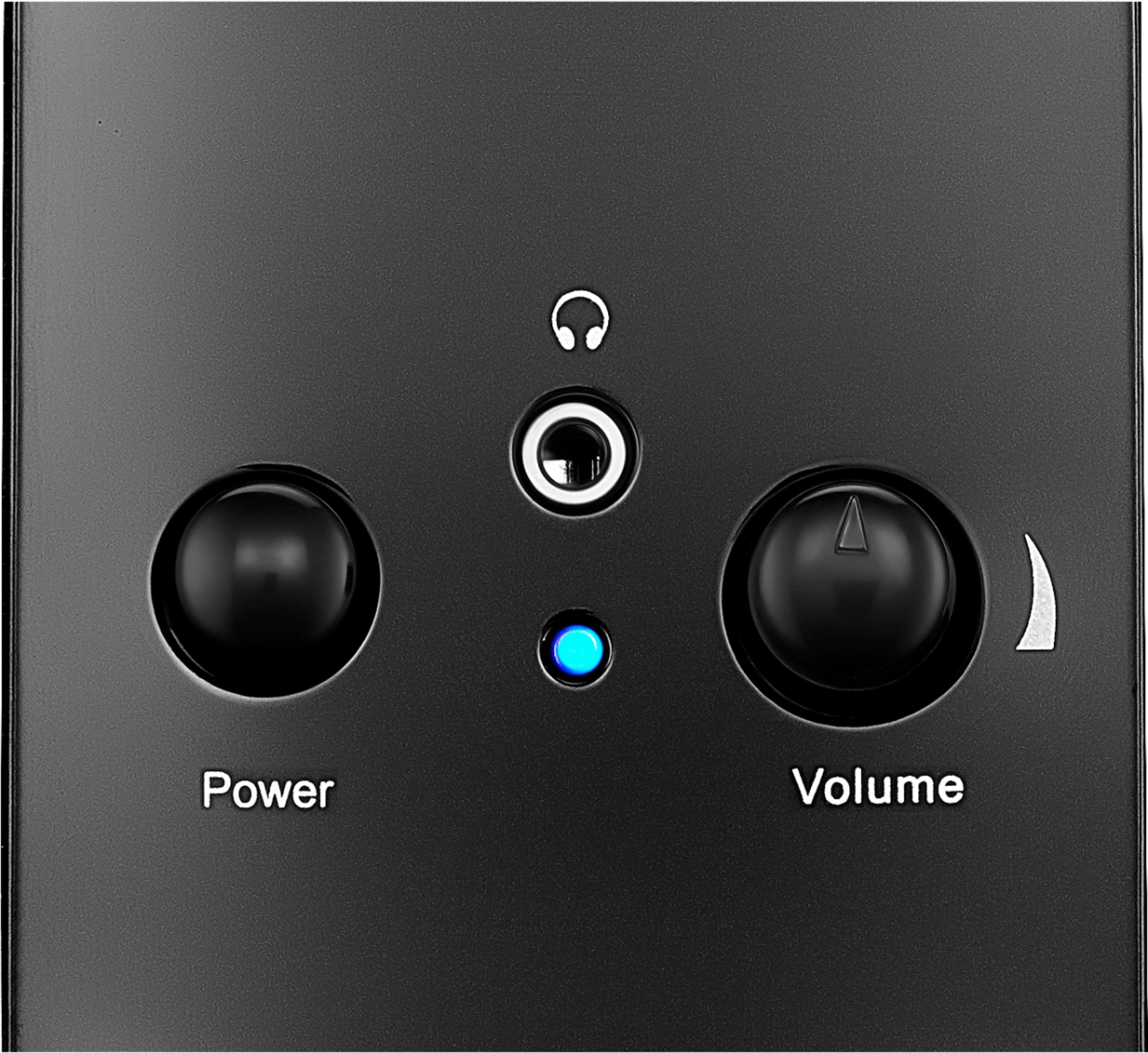
A:AnswerYour PC should have an onboard set of sound jacks or else your video card does. Plug the green jack into the green port. Be sure to tell your Settings to play through the speaker jack. Also check your audio driver. If the nvidia driver won't give you sound, swap it to the realtek driver.
A:AnswerI would not guarantee it. You'd be better off getting speakers that are designed to work with sound systems rather than computers just to be sure.
A:AnswerYou sure could, although I'd highly recommend wearing earbuds or headphones instead. If you try to listen over any speakers, there's a chance that the sound from them will be picked up by your microphone and will make things sound like there's an echo.
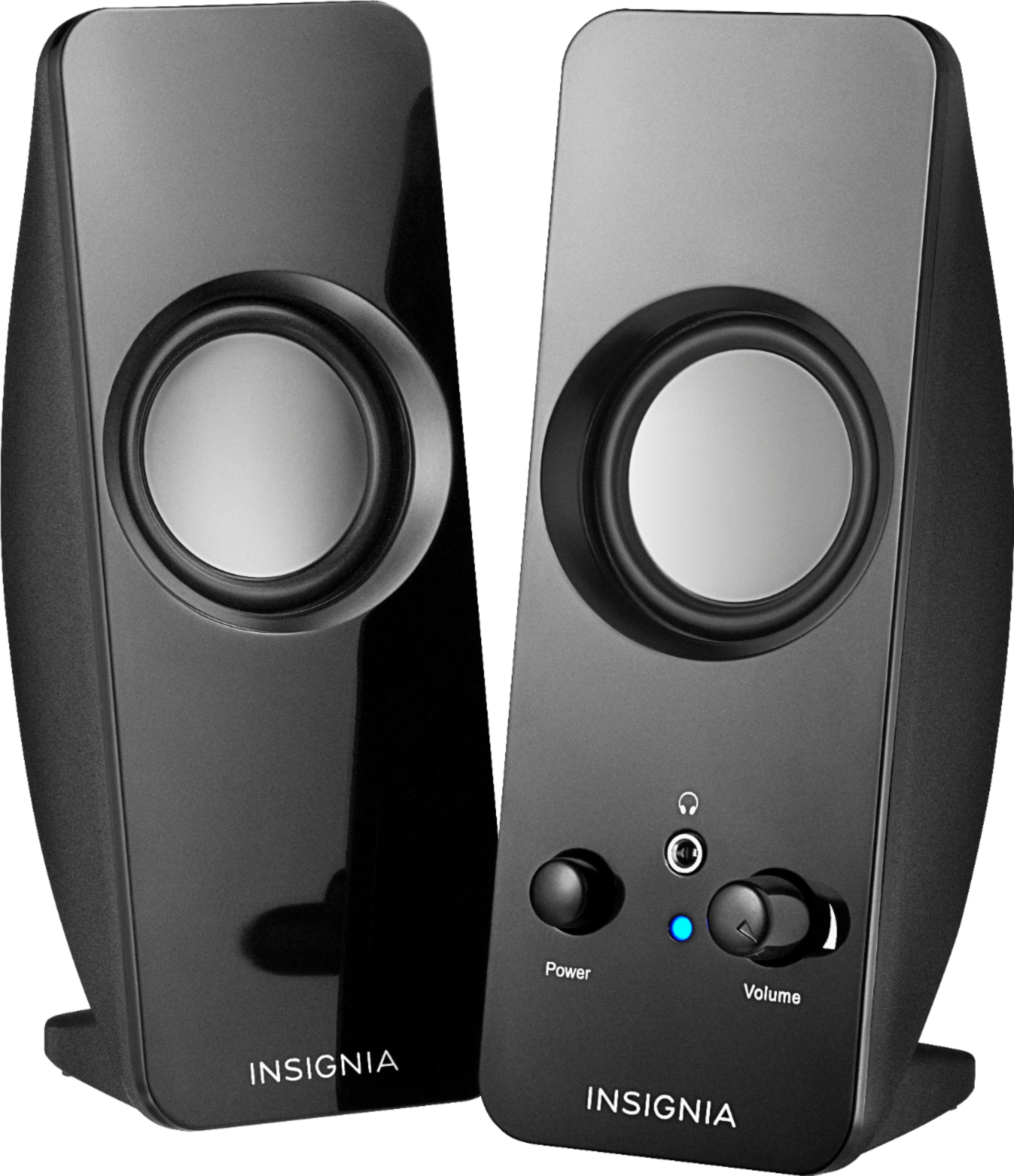
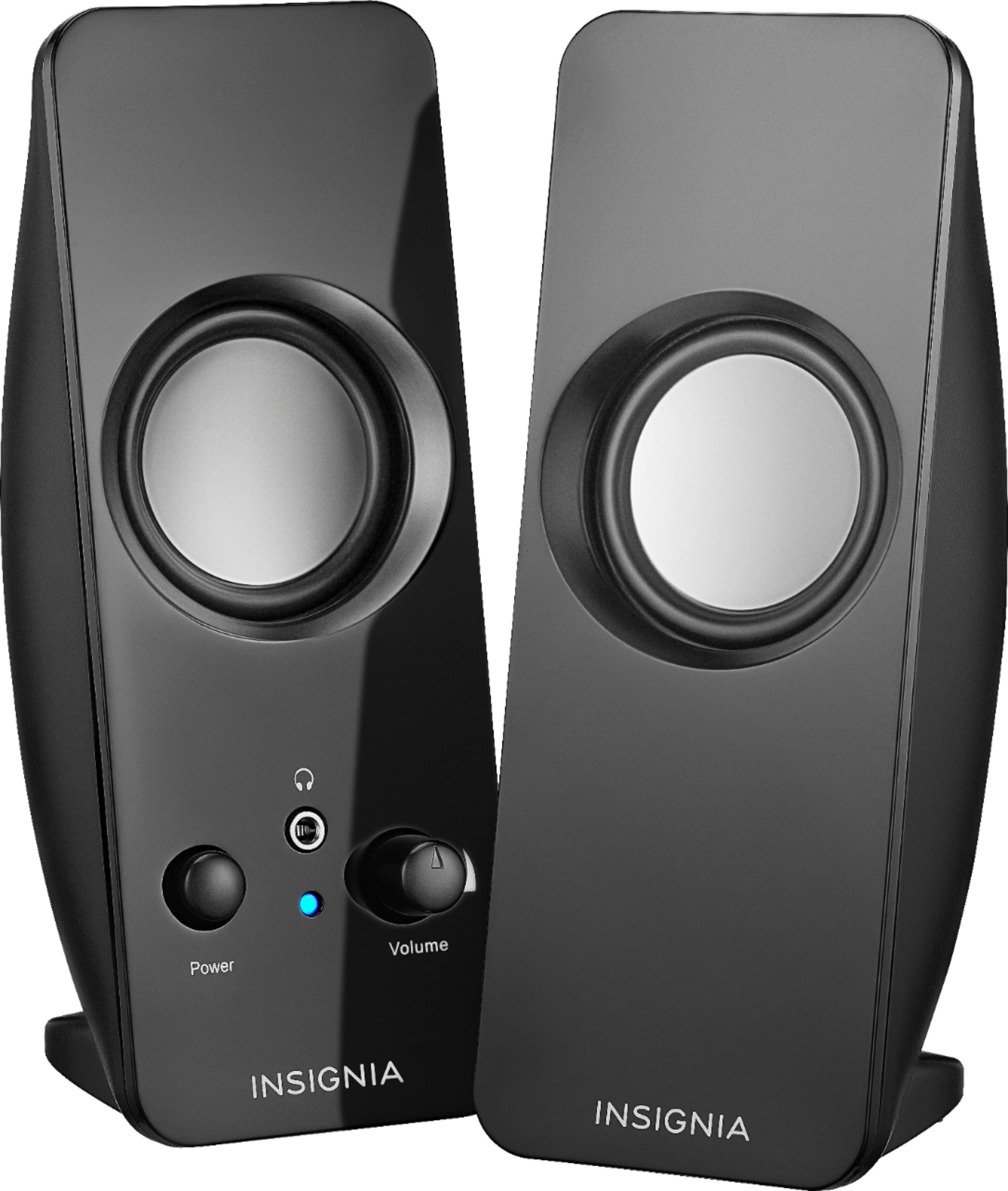
A:AnswerBest Buy's Insignia speakers are a good deal. They aren't audiophile quality, but better than most of the low-to-medium priced speakers I've tried in the past.
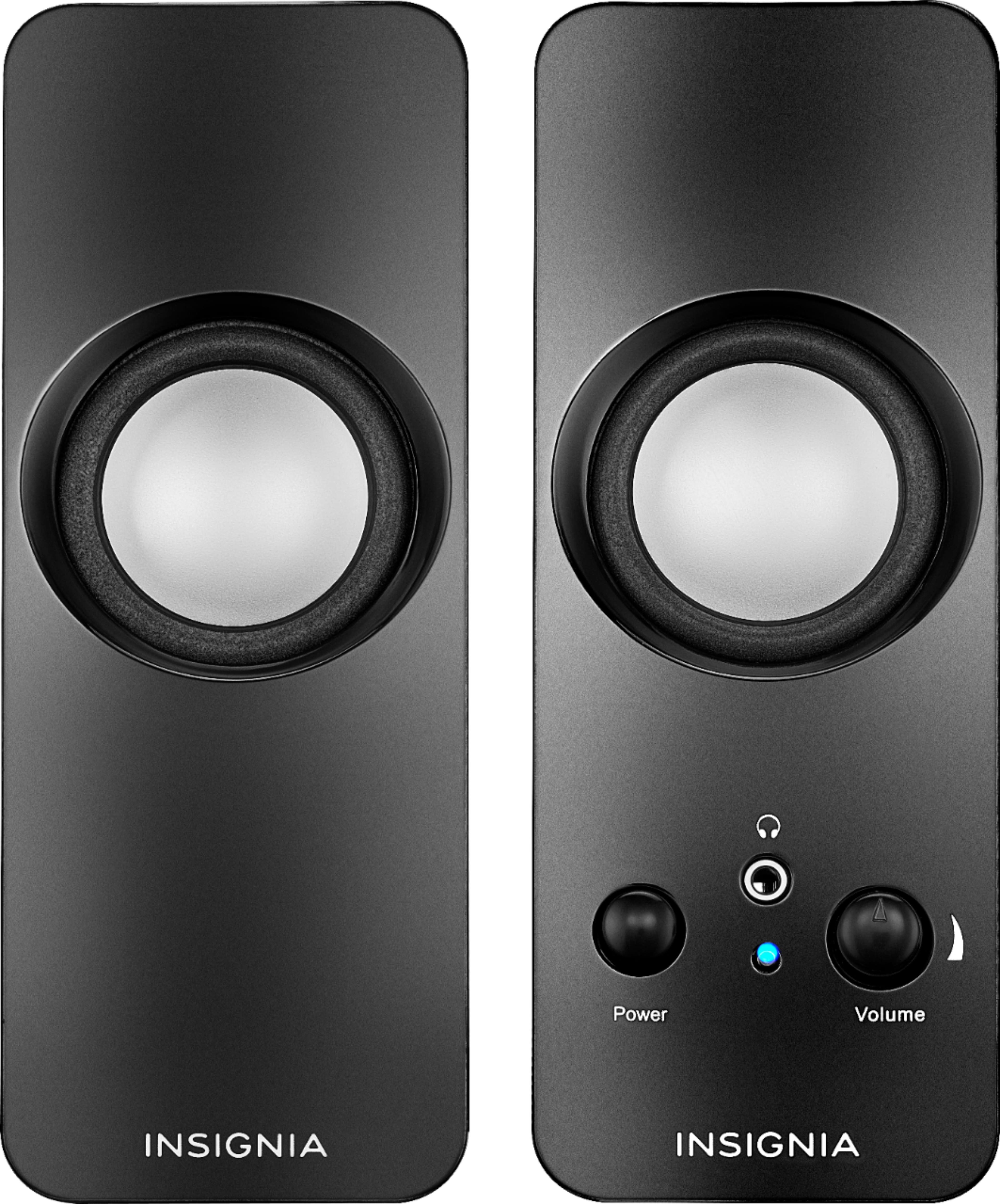
A:AnswerThey are better than most speakers that come built into monitors or all-in-one systems. They aren't high-end audiophile quality, but a step up from the tiny, tinny speakers that usually come with computer systems. The volume boost isn't room-filling, and the bass is limited, but for the price, I was ok with that.
A:AnswerThey need to plug into a headphone/audio port. If you don't have that, then perhaps wireless speakers or a soundbar that connects via Bluetooth would work?
A:AnswerThere are no specs, but it likely is not wide. They are fine for speech. Teeny tiny and if you are looking for thumpy bass, doubt you will get it. High end is likely OK, but I can't really tell from the video tutorials I use them for.
A:AnswerYes, you can use the Insignia speakers with a TV, as long as your TV has a 3.5mm audio jack. These speakers are designed to work with any device that has a 3.5mm output, which includes most TVs. However, keep in mind that these speakers are primarily intended for use with computers and other portable audio devices, so the audio quality might not be as optimal as with speakers specifically designed for TVs. If you have any questions or need further assistance, please don't hesitate to reach out. Thank you for choosing Insignia! - Mae | Insignia Support | https://www.bestbuy.com/site/brands/best-buy-brands/pcmcat1596746025285.c?id=pcmcat1596746025285
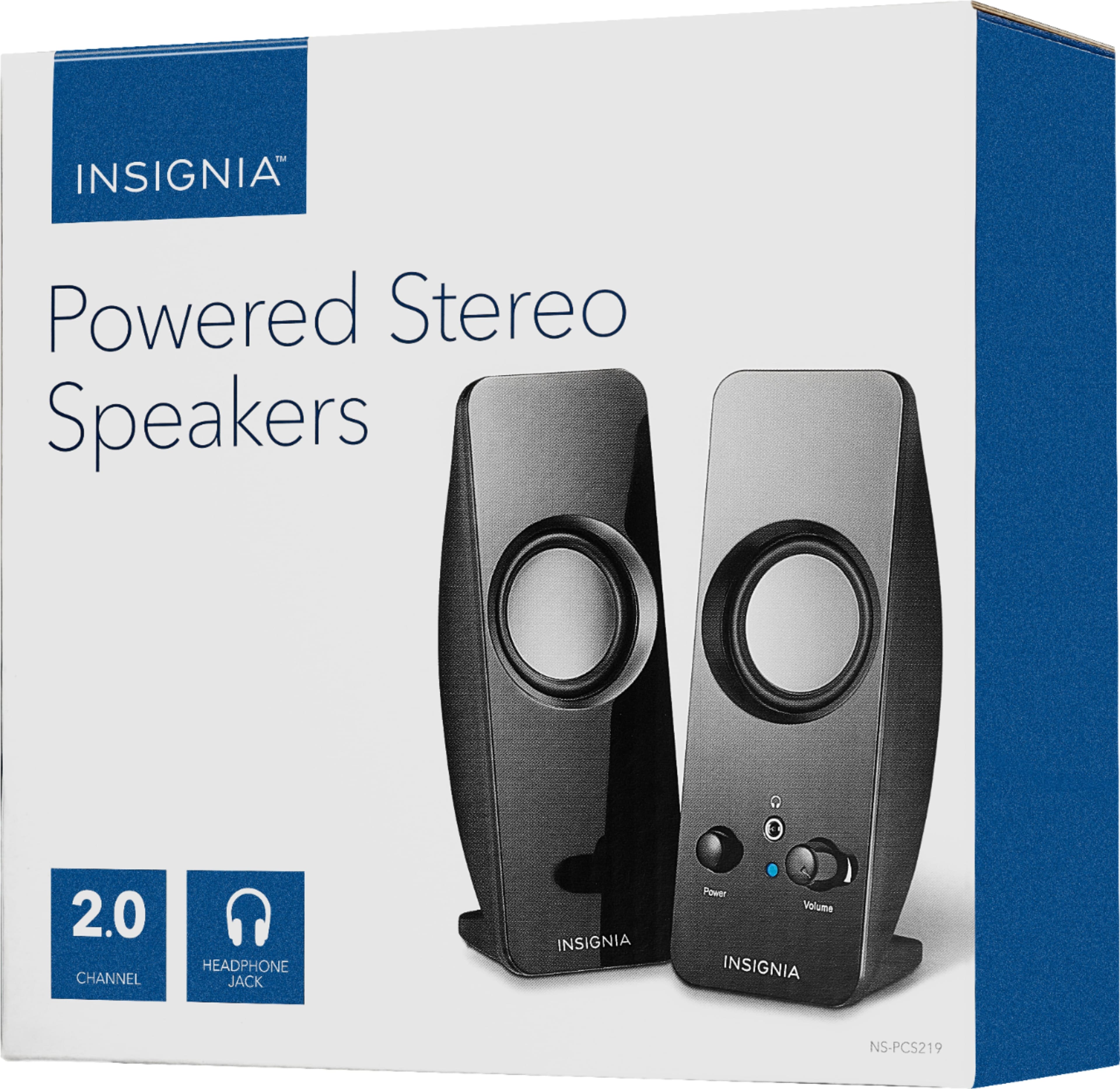
A:AnswerThese are powered speakers, with a wall wart power supply, and they take input from a headphone jack. They don't need and shouldn't get much power, jsut what is in the spec range for such jacks.
A:AnswerHello! We're sorry to inform you that the Insignia speakers are not compatible with Samsung TVs from 2018. The reason for this is that our speakers require an audio device with a 3.5mm output, and Samsung TVs from 2018 do not have this feature. We apologize for any inconvenience this may cause. If you're looking for alternative options, we can suggest other compatible products or help you find a solution that meets your specific needs. Jeth | Insignia Support. https://www.bestbuy.com/site/insignia-speakers-black/6177017.p?skuId=6177017
A:AnswerHi! Most speakers do not require additional drivers to work on Windows 10. The speakers should plug into the audio output jack on your computer and be automatically recognized by the operating system. If you are experiencing issues with your speakers not working, you may need to check the connection, volume settings, and make sure your audio drivers are up to date. Additionally, you may need to adjust the sound settings on your computer to ensure the speakers are selected as the default playback device.
JC | Insignia Support https://www.bestbuy.com/site/insignia-speakers-black/6177017.p?skuId=6177017