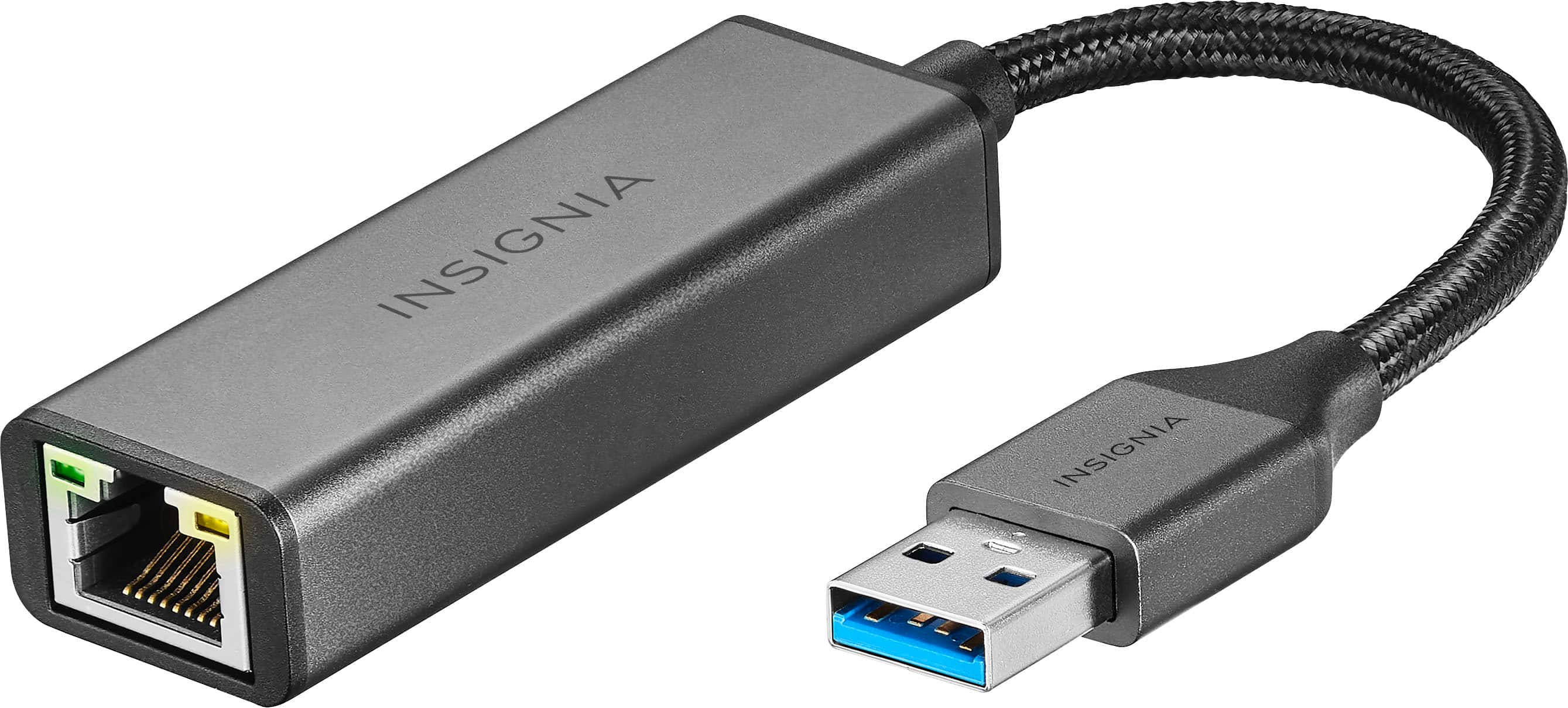
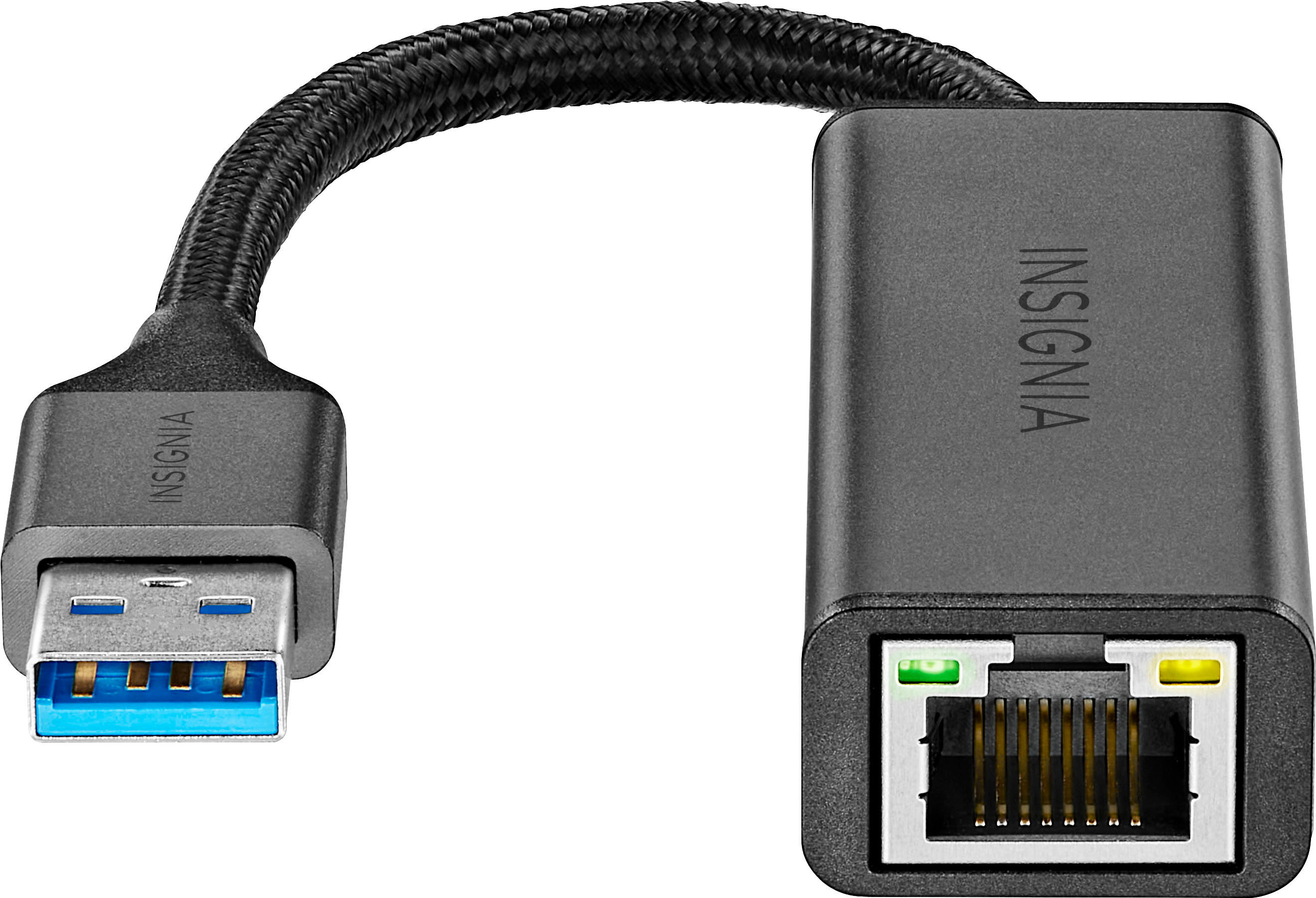
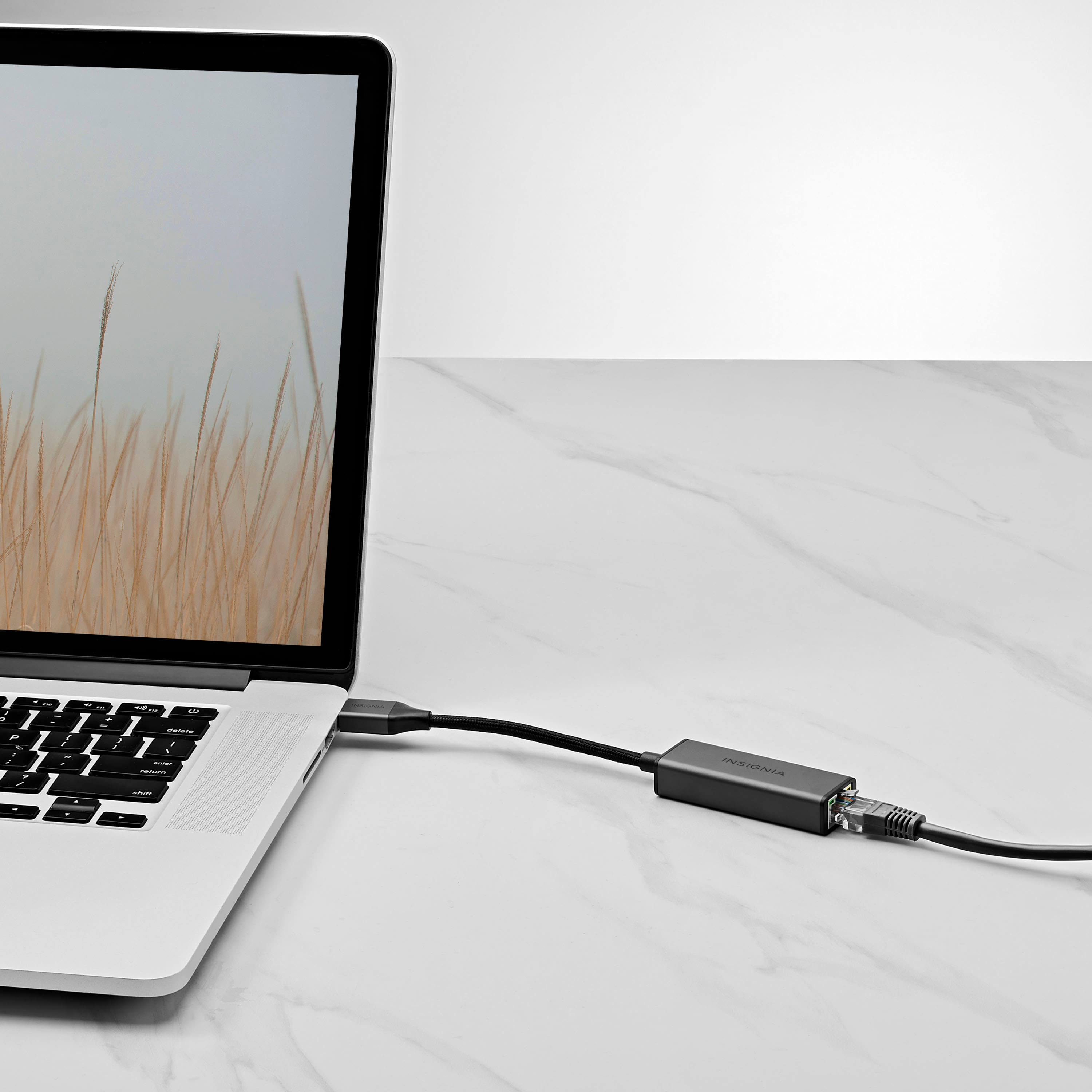
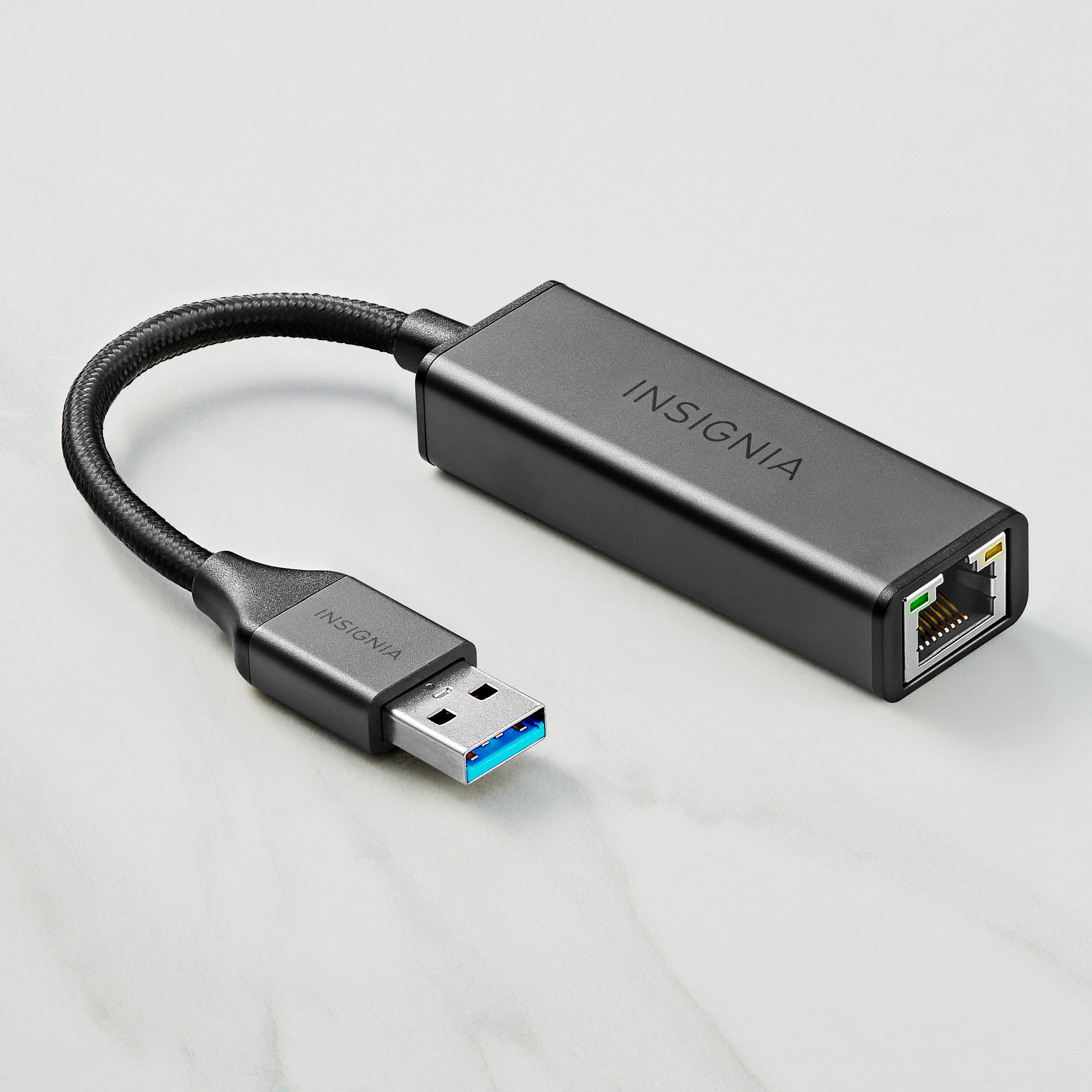
A:AnswerThis will not work with windows 7, you have to download the driver if you can find it on line. And install it. I found it works perfectly (Plug and play) with Linux Mint Cinnamon. 8
attempts so far with win 7, still doesn't work.
A:AnswerGo to Device Manager, delete the device and driver, reboot and once you are back to Windows main screen, plug it back in and allow it to rediscover it.
A:AnswerHi Scanner,
To share a scanner over the network, download USB Network Gate onto your computer. To access a USB scanner, click “Connect” on the remote computer.
Renee,
Insignia Support
A:AnswerHi TuSuave,
When you plug a USB 3.0 Ethernet adapter into a USB 2.0 port, it will still work at reduced speed, as long as your operating system has a driver for it. It will still negotiate a gigabit link speed with your Ethernet switch, and you'll get whatever speeds your system can manage. It will be faster than 100 megabits.
Insignia Products
Lisa
https://insigniaproducts.com
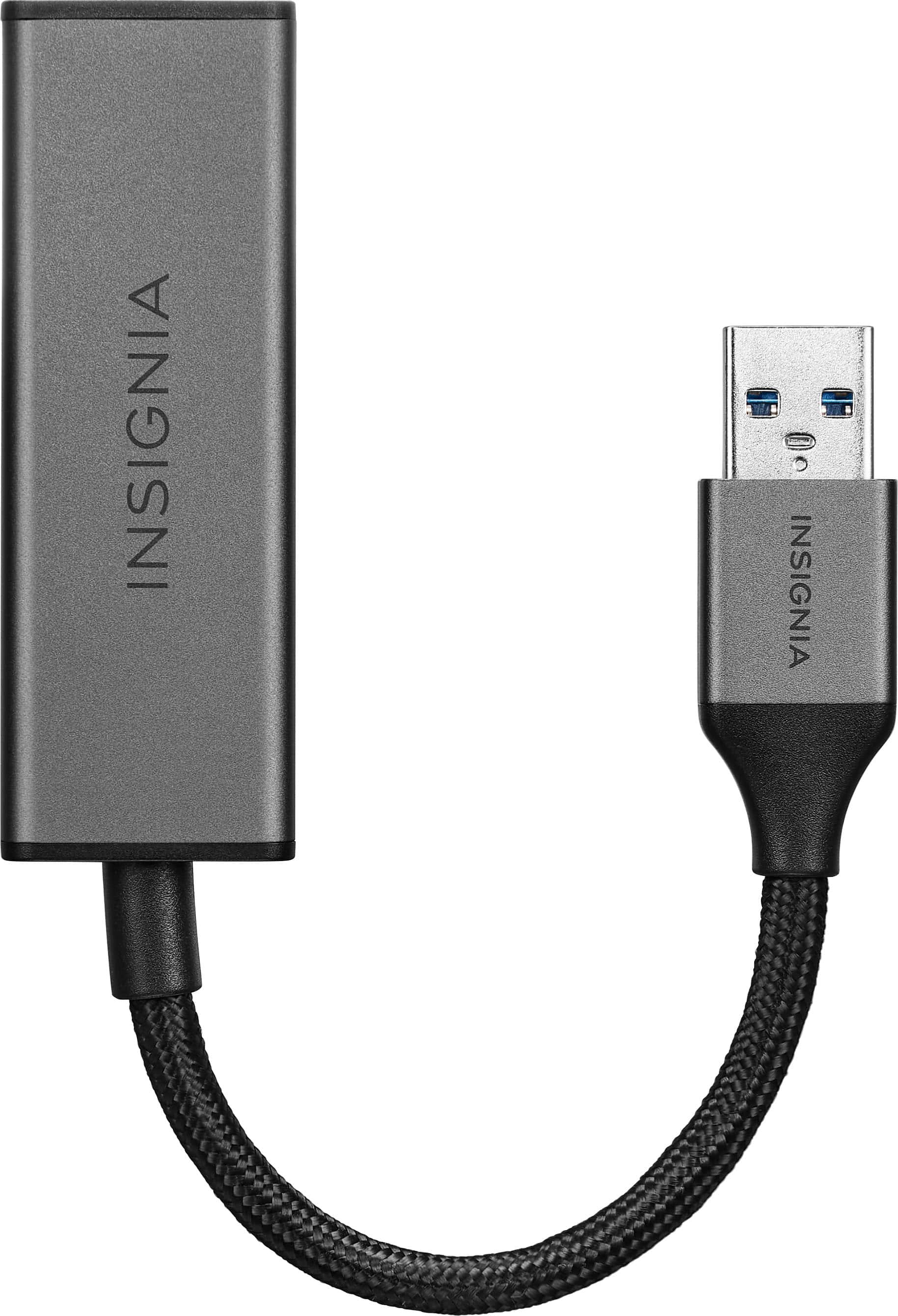
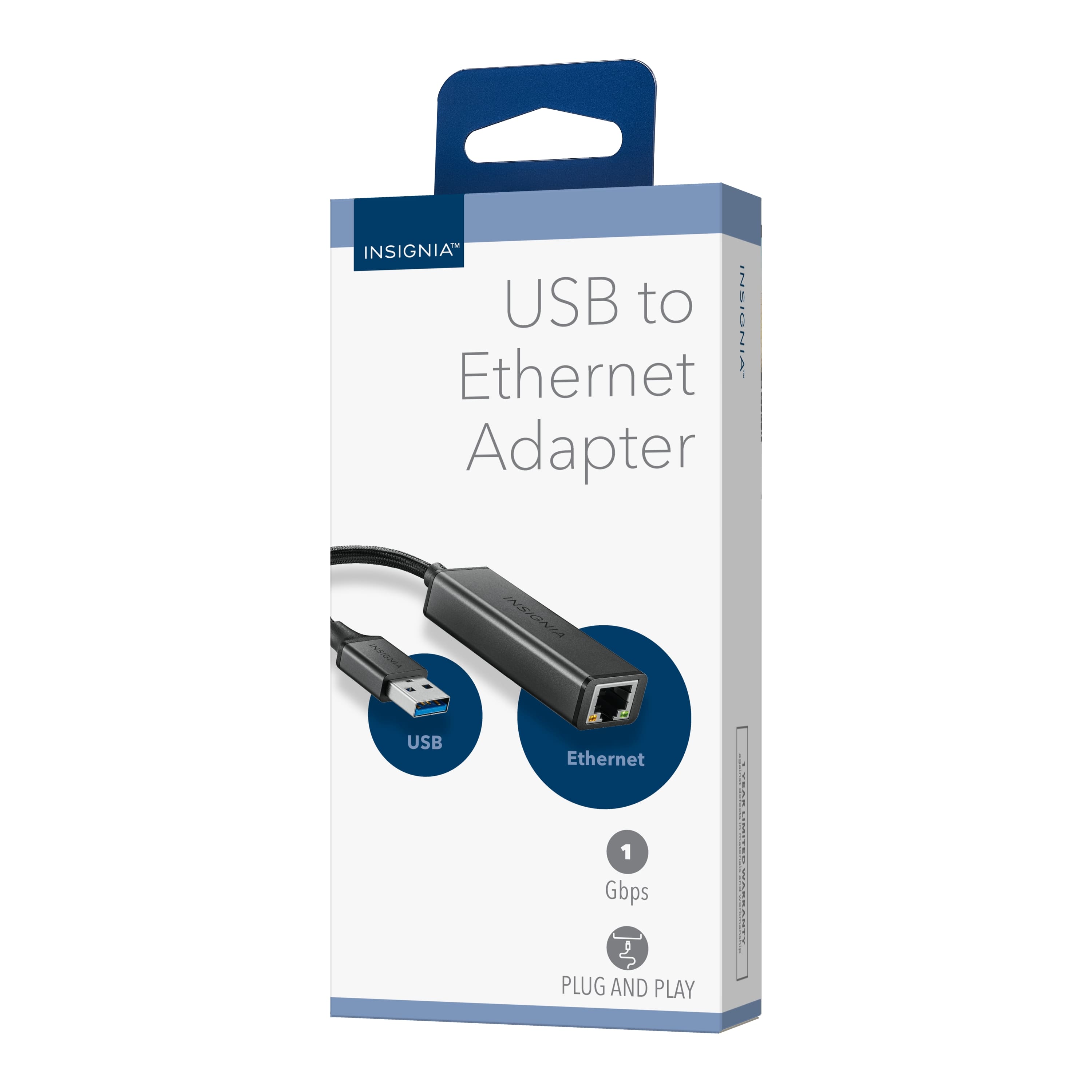
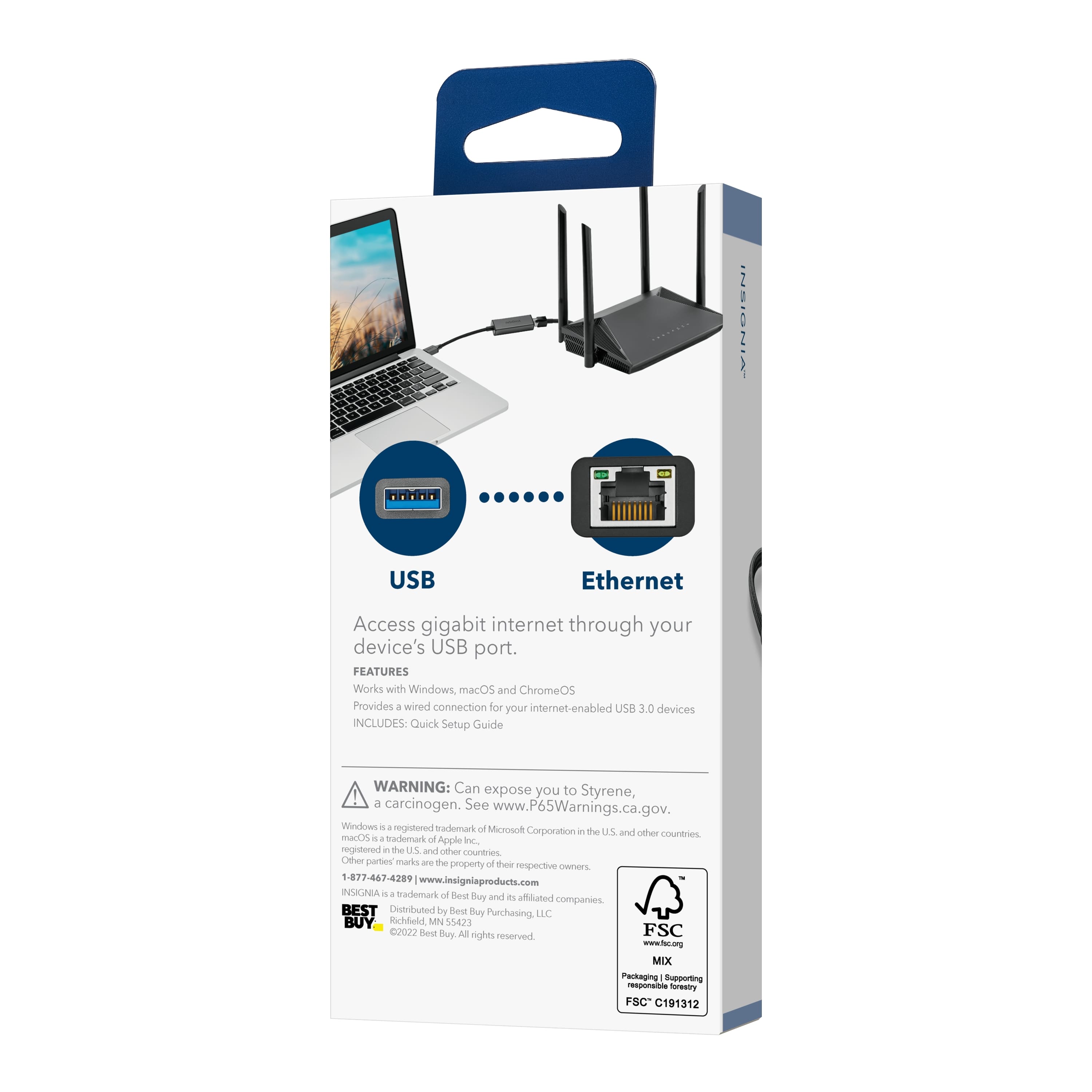
A:AnswerThe Insignia™ USB to Ethernet Adapter is designed to provide a wired internet connection for devices with a USB port, such as laptops and desktops. Unfortunately, it is not suitable for connecting a TV directly to your WiFi box, as most TVs do not have a USB port that supports Ethernet adapters.
For connecting your TV to your WiFi box, you might consider using a direct Ethernet cable if your TV has an Ethernet port, or using a wireless connection if your TV supports WiFi.
If you need further assistance or have any other questions, feel free to ask!
A:AnswerThe Insignia™ USB to Ethernet Adapter may not be compatible with the QSC TouchMix-16. The TouchMix-16 requires USB to Ethernet adapters that use the ASIX AX88772 chip-set. It’s important to check the specifications of the Insignia adapter to see if it uses this chip-set.
If you have any questions or need further assistance, please don't hesitate to reach out. Thank you for choosing Insignia! - Emman | Insignia Support |
https://www.bestbuy.com/site/brands/best-buy-brands/pcmcat1596746025285.c?id=pcmcat1596746025285
A:AnswerUnfortunately, no. Your speed is determined by your Internet Service Provider’s (ISP) throughput and your equipment’s speed threshold. So with gaming systems, it’s all about how many Mbps’ssssssss you’re get from your ISP.
A:Answerno clue but it works with my switch which was a total gamble, and it works on my desktop pc perfectly fine. So its probably great for anything to be honest.