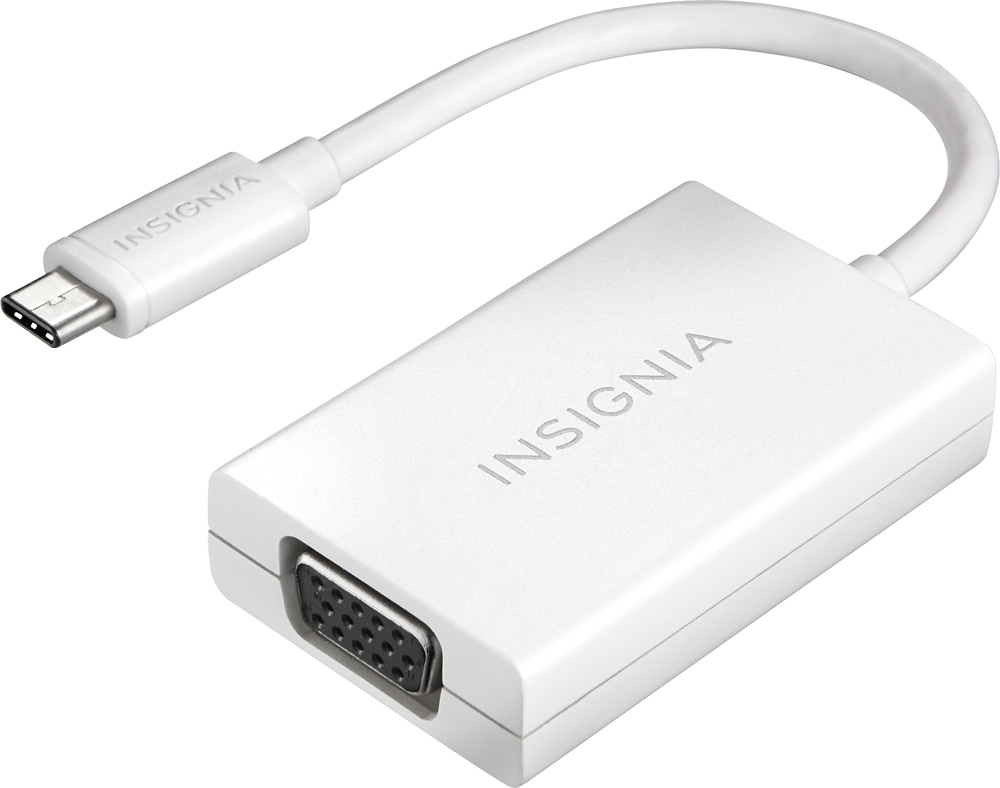
A:AnswerNo, this is usb-c to vga. You need thunderbolt (mini display port) to vga.
https://www.bestbuy.com/site/apple-mini-displayport-to-vga-adapter-white/9208485.p?skuId=9208485
A:AnswerIf your computer has a USBc port and your monitor as a VGA cord, I don't see any reason for it not to work. I am using a Dell laptop and some random old HKC monitor and it works perfectly - just plug and go!
A:AnswerNo reason it shouldn't. As long as the monitor has a VGA and the Lenovo has a USB-C connection. I have used it on my Samsung phone to a monitor, Dell laptop to monitor, and a Mac laptop to a monitor with no issues.
A:AnswerWhen I bought this adapter I specifically bought it to take advantage of a secondary monitor at home attached to my work-issued Macbook Pro. That being said I pulled just about every extra monitor I had at home to see if any would work on my MAC with hdmi cables initially before I reasoned I truly needed to buy this adapter and see if I could get a working second monitor. Once I purchased it, I tested it with a 22 Acer screen, a Visio 32in TV that has a VGA port and a 21 Dell FP Monitor as well as a 19 HP monitor. I think you have a good chance of it working for you. at the time I bought this I needed it now and I think I paid about 25 dollars or so at BestBuy. If you look at amazon you can get these type of adapters as low as 12 dollars or so. That being said check the ratings good/and bad as well as any compatibility notes. I only have the MAC Book Pro at home with the USBc connector, so I can't confirm if it would work on a USBc Windows laptop per se.
Hope this helps